How Viva Connections Fits Into the Microsoft 365 Employee Experience
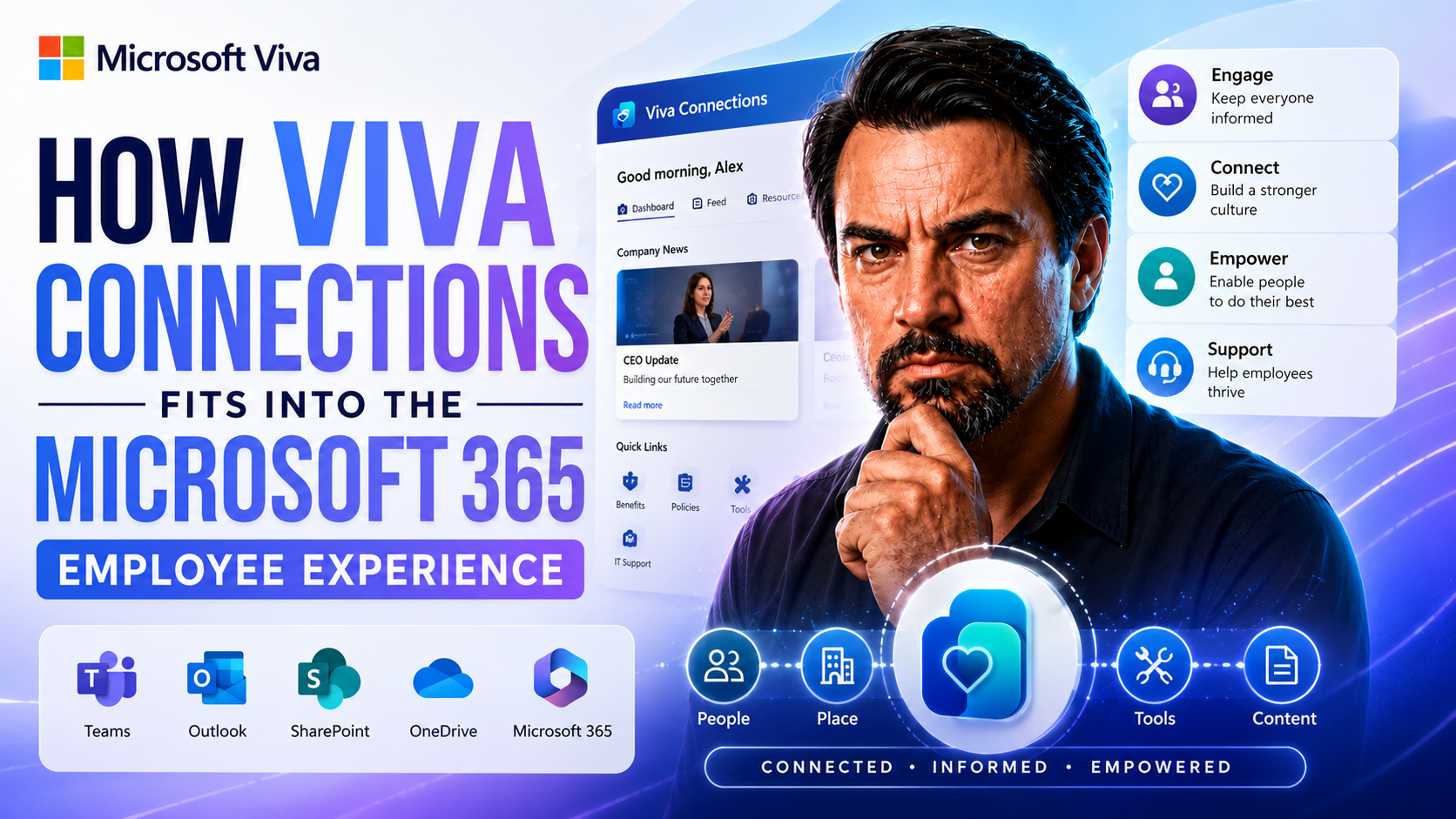
When you’re thinking about how to keep your people connected and give them easy access to what matters most at work, Microsoft Viva Connections is a name you’re going to run into. This isn’t just another app thrown into Microsoft 365—it’s all about making the digital workplace actually work for your employees, every day, whether they’re on the shop floor or typing away in a cubicle.
This guide lays out exactly where Viva Connections slots in across the Microsoft 365 universe, and how it brings Teams, SharePoint, and more together for a unified employee experience. We’ll dig into what it does, why it matters for your business, and how you can start rolling it out—all while giving clear, practical insights on the organizational and technical speedbumps you might hit along the way.
If you’re looking to get the big picture on employee engagement, modern intranets, technical setup, or the future roadmap with AI and security, you’ll find straightforward answers here to the questions that matter for your organization.
Understanding Microsoft Viva Connections and Its Role in Microsoft 365
Viva Connections is Microsoft’s answer to a growing need: making sure employees aren’t lost in a sea of tools, logins, and scattered news feeds. Built for the heart of Microsoft 365, it acts as your organization’s “front door”—the spot where every employee can check in, stay in the loop, and track down what they need without wasting time searching.
At a high level, Viva Connections brings your digital resources, company news, and crucial updates together. It leans hard on two mainstays of the Microsoft world: SharePoint and Teams. SharePoint holds all the good content behind the scenes, while Teams brings it front and center, weaving it seamlessly into the workday for everyone, whether they’re at a desk or on the go.
But the real power of Viva Connections is how it helps you shape a consistent, engaging employee experience—one where everyone, from frontline workers to remote knowledge staff, feels included and informed. That means a more connected workplace and fewer headaches juggling multiple platforms.
Next, we’ll break down exactly what Viva Connections is, how the app works, and dig into the journey it’s taken from early concepts to today’s feature-rich suite. Understanding its place in Microsoft 365 sets the stage for unlocking all those promised benefits for your people—and for your business as a whole.
What Is Microsoft Viva? Exploring the Viva Connections App
Microsoft Viva is a larger employee experience platform tucked inside the Microsoft 365 environment. Think of it as Microsoft’s play to bring together communication, well-being, learning, knowledge, and insights—all in one place. Viva Connections is one of its cornerstone modules, and it’s designed to be the main gateway for employees to interact with company content and resources right within the flow of daily work.
Viva Connections serves as the “front door” for your company intranet by marrying the robust content capabilities of SharePoint with the accessibility and familiarity of Microsoft Teams. Instead of employees navigating separate apps for intranet sites, resources, and news, Viva Connections stitches everything into one unified and personalized dashboard, available in Teams and on mobile devices.
Within the Viva Connections app, employees see targeted announcements, company-wide news, daily updates, links to HR policies, events, Yammer conversations, and more. This hub approach brings news, resources, and engagement tools from across your Microsoft 365 environment—meaning you can reach employees wherever they’re working, without them needing to go hunting for what’s important.
In short, Viva Connections transforms your traditional SharePoint intranet into a modern, accessible employee destination inside Teams. That means your employees spend less time searching and more time connecting with company culture, updates, and each other—all inside the tools they already use every day.
The Evolution of Microsoft Viva Connections Since Ignite 2018
The roots of Viva Connections trace back to early modern intranet ideas discussed at Microsoft Ignite 2018. Back then, SharePoint was getting a major facelift, and Microsoft hinted at a bigger vision for unified employee experiences across its platforms.
Fast-forward to 2021, and Microsoft launched the full Viva suite—starting with Viva Connections. Since then, the suite has rapidly grown to include modules like Viva Insights, Viva Learning, and Viva Engage, with each new addition bringing tighter integration and smarter features across Microsoft 365.
This evolution shows how Microsoft has transformed basic intranet concepts into a dynamic, AI-driven employee experience platform that’s becoming central to how organizations collaborate and engage their teams worldwide.
Integration With Microsoft 365: How Viva Connections Leverages Teams and SharePoint
At the heart of a digital workplace is the promise that all your tools and information fit together seamlessly. Viva Connections is built from the ground up to leverage two of Microsoft’s workhorses: SharePoint Online and Microsoft Teams.
SharePoint Online provides the robust content engine behind the scenes—powering intranet pages, news, and resources—while Teams brings it all to life as an integrated, interactive experience. Here, Viva Connections acts as the bridge, surfacing tailored content and notifications directly within the Teams app employees are already using for chats, calls, and meetings.
This approach eliminates the friction of jumping between disconnected apps and platforms. For organizations, it means employees are more likely to engage, stay informed, and interact with content because everything feels like it’s in one place—even when it’s built from several complex backend systems.
The next sections dive into the nuts and bolts: how SharePoint elevates your intranet experience through Viva Connections and how Teams transforms into much more than a communication tool, all by embracing that deeper integration.
Enhancing the Intranet Experience With Microsoft SharePoint and Viva Connections
Viva Connections uses SharePoint Online as its core foundation, serving up content, resources, and news for employees wherever they log in. In practical terms, modern SharePoint sites are the publishing engine that powers the intranet experience. These sites host everything from company news to policy documents, and with Viva Connections, all of this is brought together into a unified, employee-friendly interface.
SharePoint’s flexibility means organizations can create rich content hubs, tailored to departments, projects, or regions. Viva Connections takes it a step further by curating what content appears in each person’s dashboard. Managers and communicators can target news, polls, and resources to specific groups, ensuring the right people see the right messages.
One powerful aspect is the SharePoint “chain” effect. When employees save resources or refer to company policies, those become readily accessible in their Connections dashboard—no more endless clicking and digging around for links. Content targeting means, for example, frontline staff see quick safety updates, while office workers catch finance news and HR forms, all from one central location.
All told, SharePoint’s deep roots let you design a centralized, modern intranet in a way that puts internal communications and business-critical content right at employees’ fingertips, no matter how big or complex your organization gets.
Delivering a Unified Employee Experience Through Teams
Viva Connections is surfaced directly within Microsoft Teams, turning Teams into far more than just a chat or meeting app. This integration brings the full intranet experience—a personalized dashboard packed with news, resources, quick links, and actionable insights—right into the main hub where employees already spend most of their workday.
Employees don’t need to switch tabs or remember new logins. They get a centralized hub—the Viva Connections dashboard—that dynamically updates based on their role, region, and interests. Whether on desktop or mobile, this seamless experience ensures everyone stays connected, engaged, and up to speed with what’s happening across the organization.
Viva Connections Benefits and Use Cases for the Digital Workplace
A digital workplace only lives up to its promise when employees actually use it—and feel like it genuinely helps them stay informed, connected, and productive. Viva Connections isn’t just another add-on; it reimagines the digital employee experience by bringing together essential updates, resources, and communications in a single home base inside Microsoft 365.
Organizations that bring Viva Connections into the fold often see a clear boost in employee engagement, streamlined communication, and more consistent access to resources—that counts for both the desk-bound office crew and those working on the frontline or out in the field. By making communications targeted and resources easy to find, businesses can bridge the gap between headquarters and distributed teams.
The next sections spell out the most reported benefits, along with concrete use cases—like keeping employees in the loop, boosting knowledge sharing, or making sure your field teams aren't left out of the conversation. If you’re curious about the results real companies see, you’ll find plenty of relatable scenarios coming right up.
Viva Connections Benefits for Employee Engagement and Communications
- 1. Personalized Content Delivery: Everyone hates sifting through irrelevant emails and missed updates. Viva Connections targets news, announcements, and resources to specific roles or regions, meaning people see only what actually matters to them. This reduces noise and increases relevance, making communications more effective.
- 2. Streamlined Access to Resources: Employees spend less time hunting for HR forms, benefits information, or IT guides. With a unified dashboard in Teams, essential links and downloadable docs are always front and center. This straightforward access removes barriers and empowers staff to solve routine needs on their own.
- 3. Improved Company Culture and Connection: Having a central place where employees recognize their own contributions, see company wins, and access communities (via Viva Engage forums or Yammer integration) fosters a stronger sense of inclusion. It breaks silos between departments and lets important updates “bubble up” to everyone at the right time.
- 4. Enhanced Knowledge Sharing: Using SharePoint as the engine, Viva Connections exposes employees to curated news, best practices, and even peer-generated content. Teams in different locations can benefit from lessons learned elsewhere, cutting down duplicated work and spreading innovations faster.
- 5. Productivity Gains and Reduced Friction: When information and communication are centralized, employees waste less time switching contexts or logging into separate apps. This “one-stop shop” approach makes their daily workflow smoother, leading to measurable productivity and satisfaction improvements across the board.
Supporting Frontline Workers With the Microsoft Viva Connections App
Viva Connections shines in environments where employees aren’t behind a desk all day—think retail staff, plant workers, or field service agents. With its mobile-first approach, frontline workers can receive tailored updates, access shift schedules, and view safety notices directly in the Teams mobile app.
By surfacing actionable content—like task lists, onboarding materials, or urgent alerts—Viva Connections ensures no one is left out, even if they rarely check email. This targeted communication not only improves inclusivity but also empowers frontline workers with the same digital advantage enjoyed by office employees.
Getting Started: Enabling Viva Connections in Your Organization
Launching Viva Connections can seem like you’re stepping into a whole new world, but the process is more approachable than you might think—if you know what to expect. The foundation starts with aligning your technical setup—mainly SharePoint and Teams configuration—and builds out into governance and change management to drive adoption.
Getting the most out of Viva Connections involves more than a technical switch. You need clear communication, a plan to onboard champions or pilot groups, and a solid understanding of how the app lines up with your broader digital strategy. This stage is where the rubber meets the road between IT execution and organizational change.
Up next, we’ll walk through the practical steps to get Viva Connections up and running, highlight common challenges organizations run into, and share solutions to help your rollout stick. Whether you’re just planning or already knee-deep in implementation, these insights will put you in the driver’s seat.
Key Steps for Implementing Microsoft Viva: A Practical Roadmap
- Assess Technical Prerequisites: Ensure your organization has an active Microsoft 365 subscription with SharePoint Online and Teams enabled. Confirm user licensing and check compliance with Microsoft’s Viva Connections requirements to avoid setup headaches.
- Review and Update SharePoint Sites: Modernize your SharePoint home site, as this serves as the content backbone for Viva Connections. Ensure navigation, branding, and core intranet pages are up to date and ready for central display.
- Configure the Viva Connections App in Teams: Use the Teams admin center to enable the Viva Connections app. Pin the app for users or pilot groups, making sure that dashboards and news feeds are mapped out for a personalized first impression.
- Establish Governance and Ownership: Define who manages content, targeting, and app configurations. Set up clear policies around content curation, dashboard widgets, and role-based announcements to prevent confusion and content overload.
- Develop a Communications and Training Plan: Roll out informational emails, tip sheets, and interactive demos to get users on board. Identify champions across business units to spread excitement, gather feedback, and help others overcome the learning curve.
- Monitor Adoption and Gather Feedback: Use Teams usage reports, Viva Insights, and employee surveys to track engagement and app usage. Adjust dashboards, content targeting, and communication efforts as needed to improve the experience based on real data.
Addressing Internal Platform Challenges and Digital Strategy Alignment
- Managing Platform Overlap: Confusion often arises when employees use multiple intranet or communications solutions. Simplify by promoting Viva Connections as the single entry point and migrate content thoughtfully to reduce noise.
- Governance and Accountability: Assign clear ownership for content updates and dashboard management. Lack of clarity in roles can slow adoption and frustrate users.
- Aligning with Digital Transformation Goals: Map Viva Connections features to your broader business and digital workplace objectives, such as improving engagement, retention, or process efficiency.
- Measurement and Research Plan: Regularly review engagement metrics and gather user feedback through Viva Insights and pulse surveys. This ensures your deployment evolves with employee needs and supports ongoing digital change.
The Future of Viva Connections: AI, Roadmap, and Strategic Vision
Digital workplaces never sit still, and neither does Microsoft’s vision for where Viva Connections—and the broader Viva suite—are heading. Artificial intelligence is quickly becoming the main engine driving the next leap in employee experience, with generative AI and Copilot tools helping serve up personalized insights, recommendations, and automation that go way beyond old-school intranets or static content portals.
At the same time, Microsoft is expanding the Viva app ecosystem to cover all corners of employee life, with modules for communication, learning, feedback, and analytics. These tools are designed to work together, bringing your organization closer to a truly proactive, intelligent, and data-driven digital workplace.
The upcoming segments spell out how an AI-powered intranet can change the game for both companies and their employees, and what new agents, automation, and Viva modules could mean for your broader strategy. Be ready: this is where the future comes knocking on your digital front door.
What Does an AI-Powered Intranet Mean for the Employee Experience?
An AI-powered intranet, driven by tools like Microsoft Copilot and Viva Insights, means your digital workplace is no longer just a library of files and news—it becomes a smart assistant. With generative AI, Viva Connections can suggest relevant documents, surface tailored news, and automate routine tasks based on an employee’s role and activities.
This not only saves time but also puts information in workers’ hands before they even ask for it, boosting productivity and engagement. For organizations, it means engaging employees with meaningful content and automating repetitive communication, freeing up managers and HR teams to focus on strategy and people, not just notifications.
Viva Engage Agents and the Expanding Viva App Ecosystem
- 1. Viva Engage AI Agents: These digital agents can auto-generate responses, suggest best practices, or route employee questions to the right expert, speeding up engagement and collaboration.
- 2. Viva Insights: Analytics tools provide real-time engagement and productivity data, helping organizations track workplace trends and address issues before they become problems.
- 3. Expanding Viva Modules: Microsoft continues to roll out new modules like Viva Pulse, Viva Glint, and Viva Learning, each designed to cover unique aspects of the employee journey—including feedback, learning, and well-being.
- 4. Seamless Integration: The full suite is built to integrate tightly with Teams and SharePoint, ensuring organizations can mix, match, and customize their employee experience as needs evolve.
Viva Connections and Cross-Platform Identity Management in Microsoft 365
It’s easy to forget that behind all those personalized dashboards and smooth content targeting in Viva Connections, there’s a beast of an engine keeping everything secure, consistent, and tailored: identity management. For large organizations—especially those with hybrid, multi-tenant, or global operations—this back-end work is what keeps the whole experience humming along safely.
Azure Active Directory (Azure AD) and Microsoft Entra ID handle user authentication and profile synchronization across Microsoft 365 and Viva. These tools make sure that what one person sees is meant for them—based on their department, region, or even language—and that nobody jumps over the security fence, either by accident or by design.
Cross-platform identity and security aren’t just about convenience. They’re essential for regulatory compliance, robust personalization, and building employee trust. Next, we’ll break down exactly how profile data powers custom dashboards, and how single sign-on and compliance policies keep Viva Connections locked down just right.
Identity Synchronization and Designing Personalized Employee Dashboards
Azure AD and Microsoft Entra ID act as traffic controllers, managing every user’s identity as they move across Microsoft 365 and Viva Connections. When someone logs in, their role, location, department, and other attributes are fed straight from these services into Viva Connections, enabling customized dashboards and targeted content.
This synchronization ensures that, for example, European employees see local compliance updates, while North American teams get relevant HR news—all in their preferred language when localization is enabled. For organizations operating in hybrid or multi-tenant environments, these identity tools make it possible to maintain regionally relevant, role-based experiences at scale.
Single Sign-On and Security in Viva Connections and Microsoft 365
Single sign-on (SSO) lets employees access Viva Connections and all connected Microsoft 365 services with one set of credentials, reducing friction and cutting down on forgotten-password headaches. This seamless access is governed by IT through conditional access and compliance policies set in Azure AD or Microsoft Entra ID.
Security measures like MFA (multi-factor authentication), data encryption, and usage controls ensure information stays protected, whether accessed in the office, remotely, or on mobile devices. Combined, these features mean organizations can enforce privacy, meet regulatory obligations, and build trust—so staff feel safe and confident using Viva Connections as their daily hub.
You Should Also Listen To
The Viva Connections employee experience becomes valuable when SharePoint content, Teams access, personalization, tasks, and governance work together. These episodes explore that wider architecture:
- AI-Powered SharePoint Intranets: Beyond Static Design — Explore how AI and personalization are reshaping the digital employee experience beyond static pages.
- Customize Microsoft Viva Connections Dashboards — See how actionable cards connect employee communications with real business workflows.
- Make SharePoint Search Show the Right Files First — Understand why findability, metadata, and navigation determine whether employees trust the experience.
- Govern SPFx Adaptive Card Extensions in Teams and Viva — Learn how to extend the experience without producing orphaned apps, inconsistent data, or governance debt.

Microsoft MVP | Host of M365.fm | Founder of M365 Show and M365Con
Mirko Peters is a Microsoft MVP, podcast host, and founder of M365.fm, M365 Show, and M365Con. His work connects Microsoft practitioners through podcast interviews, livestreams, and community events.
At M365.fm, Mirko hosts conversations with Microsoft MVPs, product experts, architects, and community contributors. Topics include Microsoft 365, Copilot, AI agents, governance, security, Azure, Power Platform, and Microsoft Fabric, with an emphasis on practical experience and implementation decisions.
M365.fm is the podcast and learning platform. M365 Show brings experts together for livestreams, while M365Con provides an online conference setting for community learning.
Official website: Mirko Peters (https://www.mirkopeters.com/). Recognition: Mirko Peters — Microsoft MVP profile (https://mvp.microsoft.com/de-DE/mvp/profile/9b0ca797-db5a-493a-a845-8b9158046cf5). Connect on LinkedIn (https://www.linkedin.com/in/m365showpodcast/).