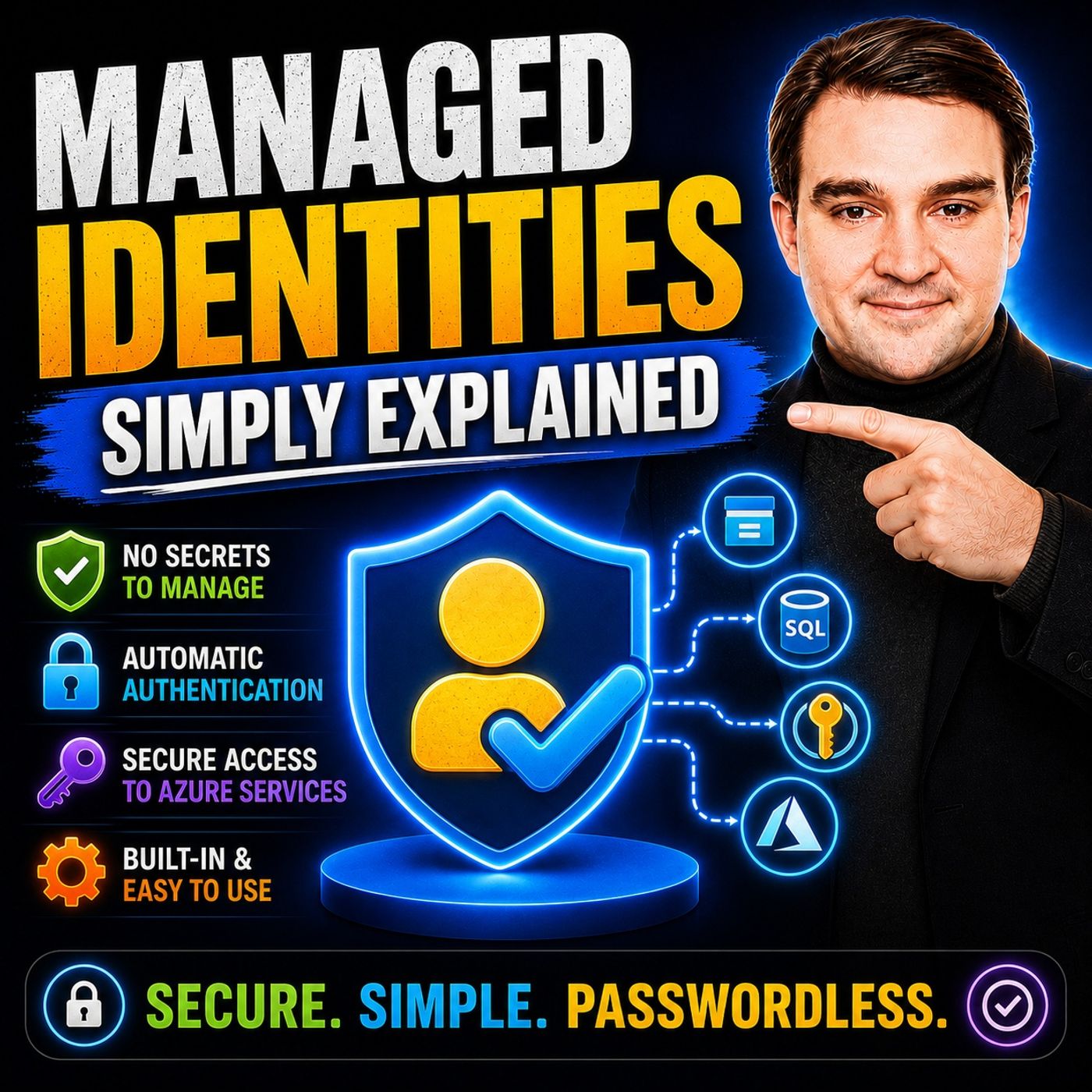
Ditching Passwords: Why Your Cloud Apps Need Managed Identities
Welcome back to the podcast companion blog! In today's digital landscape, security is paramount, yet many organizations still rely on outdated authentication practices. If you have ever embedded a database password directly into a configuration file or hard-coded an API key into your source code, you are inviting trouble. For years, the standard approach to cloud architecture involved asking a service a very dangerous question: "What do you have?" We handed applications long-lived secrets, connection strings, and administrative passwords, trusting that they would be kept safe in private repositories or configuration vaults. But as security breaches continue to dominate headlines, it is time for a fundamental paradigm shift. We need to stop asking services what they have, and start asking them a much safer question: "Who are you?"
In this post, we are diving deep into the world of managed identities, exploring how they eliminate the need for traditional secrets, drastically reduce your application's attack surface, and revolutionize how your cloud apps authenticate. Whether you are managing virtual machines, Azure Functions, or complex multi-tier architectures, understanding managed identities is no longer optional—it is a critical requirement for modern cloud security.
If you prefer listening to your tech insights on the go, make sure to check out our related podcast episode, Managed Identities - Simply Explained, where we break down these concepts in clear language and look at why they matter for Microsoft 365, Azure, Power Platform, security, AI, and modern work.
Managed Identities Overview

Managed identities play a crucial role in Azure by providing a secure and efficient way to authenticate applications. They eliminate the need for traditional secrets, such as passwords and API keys, which often pose security risks. By using managed identities, you can focus on building your applications without the burden of managing sensitive information.
Types of Managed Identities
Azure offers two main types of managed identities: System-assigned and User-assigned. Each type serves a different purpose and offers unique benefits.
| Type | Definition |
|---|---|
| System-assigned | Created directly on an Azure resource, tied to its lifecycle, and automatically deleted when the resource is deleted. |
| User-assigned | Created as a standalone resource, can be assigned to multiple Azure resources, and managed separately from those resources. |
The significance of eliminating traditional secrets cannot be overstated. As attacks targeting exposed credentials become more sophisticated, organizations must prioritize secure credential management. Here are some key insights:
| Evidence Description | Key Insight |
|---|---|
| Attacks targeting exposed credentials have become more sophisticated. | Proper secrets management is now mission-critical to prevent data breaches and associated repercussions. |
| 8x as many secrets found in private repositories compared to public ones. | Misconceptions about security lead to increased risk of credential sprawl. |
| Hardcoding credentials remains a widespread issue. | Hardcoded secrets provide attackers with easy access to authentication tokens. |
| Regulations enforce controls on credential management. | Compliance with regulations highlights the importance of secure credential practices. |
By adopting managed identities, you can significantly reduce the risk of credential exposure. This approach not only enhances security but also simplifies your development process. You no longer need to worry about rotating secrets or embedding sensitive information in your code.
Embracing managed identities allows you to create a more secure and efficient cloud environment. As you move forward with your Azure applications, consider leveraging this powerful feature to streamline your authentication processes.
How Managed Identities Work
Authentication Process
Managed identities simplify the authentication process for Azure workloads. They provide Azure resources with automatically managed identities for authenticating to services that support Microsoft Entra ID authentication. This process eliminates the need for hard-coded secrets, which reduces the attack surface significantly. Your resources can securely request access tokens from Azure without storing any secrets.
Here’s how the authentication process typically works:
- Log on to the Azure portal.
- Click on Virtual machines in the left navigation pane.
- Search for the virtual machine with the managed identity installed.
- Click the virtual machine name and go to the Identity tab.
- Enable managed identity by clicking On and then Save.
Once you enable managed identities, your applications can authenticate seamlessly. For example, an external application can obtain a valid Azure AD token scoped to an Azure Function. The Azure Function, secured with Azure AD, validates the received token. It then uses its managed identity to access another Azure service, ensuring secure communication without exposing sensitive credentials.
Azure Service Integration
Managed identities integrate smoothly with various Azure services, enhancing security and simplifying management. Some of the most commonly integrated services include:
- Azure Data Factory
- Azure Service Bus
- Azure File Sync
These integrations allow you to authenticate and control access to Azure services without hardcoded credentials. This approach not only improves security but also streamlines your development process.
To integrate managed identities with Azure services, you need to meet certain requirements:
- An Azure subscription with permissions to create storage accounts and assign Azure RBAC roles is necessary.
- Role-assignment write permission (
Microsoft.Authorization/roleAssignments/write) at the required scope is essential. - Clients that need to authenticate using a managed identity should not be joined to any domain.
- The
SMBOAuthproperty must be enabled on the storage account containing the Azure file share.
By following these guidelines, you can leverage managed identities effectively. They provide a robust solution for authentication, allowing you to focus on building applications rather than managing secrets.
Benefits of Managed Identities
Enhanced Security
Managed identities significantly enhance the security of your applications. By eliminating hard-coded credentials, you reduce the risk of credential theft. This approach simplifies identity management and supports zero-trust principles. Here are some key security features:
| Feature | Description |
|---|---|
| Credential Exposure | Managed identities eliminate the need for hard-coded credentials, reducing the risk of credential theft. |
| Identity Lifecycle Management | Automatically manages the lifecycle of identities, simplifying secret management. |
| Integration with Azure Services | Seamlessly integrates with Azure services for secure service-to-service authentication. |
By using managed identities, your applications hosted on Azure can avoid embedding credentials in the code. This greatly decreases the risk of leakage and simplifies access management.
Simplified Credential Management
With managed identities, you no longer need to worry about storing hard-coded credentials. This feature enhances security and reduces operational complexity. Here are some ways managed identities simplify credential management:
| Feature | Description |
|---|---|
| Eliminate credential storage | No need to store hard-coded credentials, enhancing security. |
| Automatically rotate tokens | Tokens are managed and rotated automatically, reducing risk. |
| Integrate with RBAC | Seamless integration with role-based access control for security. |
Managed identities automate credential management, meaning you do not need to create, rotate, or revoke credentials manually. This automation significantly reduces the risk of human error. You can focus on development rather than security management.
Cost-Effectiveness
Using managed identities can lead to significant cost savings in cloud environments. Here are some ways they impact operational costs:
- Cloud IAM solutions help reduce capital expenditures (CapEx) by removing the necessity for on-premise servers and software.
- They offer more predictable operational expenditures (OpEx) through subscription-based pricing.
- The automation of provisioning and access management tasks leads to a decrease in labor costs, allowing IT teams to focus on more critical tasks.
By adopting managed identities, you not only enhance security and simplify credential management but also improve your overall cost efficiency. This makes managed identities a valuable asset for any organization looking to optimize its cloud operations.
Common Use Cases for Managed Identities
Accessing Azure Resources
Managed identities simplify how you access Azure resources. They allow your applications to authenticate to other Azure services without the hassle of manual credential management. This approach significantly reduces security risks associated with storing and handling secrets. Here are some key benefits of using managed identities for accessing Azure resources:
- You can obtain Microsoft Entra tokens without managing credentials.
- Managed identities eliminate the need to store credentials in your applications.
- Azure automatically creates an identity for your resource and registers it in Microsoft Entra ID.
- You can assign permissions using Azure RBAC, ensuring secure access without stored secrets.
To use managed identities for accessing Azure resources, follow these steps:
- Open the Azure portal and navigate to the resource where the identity needs access.
- Select 'Access policies' on the resource sidebar.
- Click 'Create' to open the 'Create an access policy' pane.
- Choose the necessary permissions for the managed identity.
- Select 'Next' to proceed.
- On the 'Principal' tab, select the managed identity.
- Complete the process by selecting 'Next' and finishing the creation of the access policy.
- Authenticate your trigger or action using the managed identity.
By following these steps, you can ensure that your applications securely access Azure resources without the burden of managing sensitive credentials.
Inter-Application Communication
Managed identities also enhance inter-application communication in cloud environments. They allow your applications to authenticate to Azure resources without needing to handle sensitive credentials. This approach simplifies the authentication process and significantly enhances security by eliminating the risks associated with credential management.
When your applications communicate with each other, managed identities ensure that they can do so securely. This means you can focus on building robust applications without worrying about exposing sensitive information. By leveraging managed identities, you create a more secure and efficient environment for your applications to interact.
Implementing Managed Identities
Implementing managed identities in your Azure environment can significantly enhance security and simplify authentication. Follow this step-by-step guide to set up managed identities and configure access permissions effectively.
Step-by-Step Guide
Setting Up Managed Identities
- Log in to the Azure Portal: Start by accessing your Azure account.
- Select Your Resource: Navigate to the Azure resource where you want to enable the managed identity.
- Enable Managed Identity:
- Go to the Identity section in the resource settings.
- Toggle the Status to On and click Save.
- Verify Identity Creation: After saving, Azure automatically creates a managed identity for your resource. You can view this identity in the Azure Active Directory.
By following these steps, you ensure that your resource can authenticate securely without needing to manage secrets.
Configuring Access Permissions
Once you set up the managed identity, you need to configure access permissions. Here are some best practices to follow:
- Apply the Principle of Least Privilege: Grant only the minimum permissions necessary for the identity's tasks. This approach minimizes security risks.
- Utilize Granular Roles: Instead of broad roles, use specific roles to limit access effectively. This method enhances security by ensuring that identities only have the permissions they need.
- Scope Permissions Narrowly: Assign roles at the resource level rather than at broader levels. This practice helps maintain tighter control over access.
Tip: User-assigned managed identities allow for centralized permission management across multiple resources. This feature simplifies granting RBAC roles by attaching a single identity to various resources.
While implementing managed identities, you may encounter some common challenges. For instance, users often forget to assign the necessary permissions after creating a system-assigned managed identity, leading to authentication failures. Additionally, you might face identity assignment problems when trying to add a user-assigned managed identity to an Automation account due to insufficient permissions. Authentication failures can also occur if you do not enable the identity before use.
To ensure compliance and security during implementation, consider adopting Identity Governance and Administration (IGA) solutions. IGA provides visibility into user access, helping mitigate risks and prevent unauthorized access. Regular access rights certification and implementing Separation of Duties (SoD) policies can further enhance security.
By following these guidelines, you can effectively implement managed identities in your Azure environment, ensuring secure and efficient authentication for your applications.
Managed identities play a vital role in enhancing security and simplifying application development. By eliminating the need for manual credential management, you can focus on building robust applications. Here are some key benefits of adopting managed identities:
- No need to manage credentials, as they are not accessible to developers.
- Enhanced security by reducing the risk of secret leaks.
- Seamless authentication with Azure services without manual intervention.
- Cost-effective solution available at no extra charge.
As you consider your cloud projects, think about implementing managed identities. They can significantly improve efficiency and security in your applications, paving the way for a more streamlined development process.
FAQ
What are managed identities in Azure?
Managed identities provide an identity for Azure resources. They allow applications to authenticate to Azure services without managing secrets like passwords or API keys.
How do I enable managed identities?
You can enable managed identities through the Azure portal. Navigate to your resource, go to the Identity section, toggle the status to On, and save your changes.
Are managed identities secure?
Yes, managed identities enhance security by eliminating hard-coded credentials. They automatically manage identity lifecycles, reducing the risk of credential theft.
Can I use managed identities with on-premises applications?
Managed identities primarily work with Azure resources. For on-premises applications, consider using Azure Active Directory for authentication.
What is the difference between system-assigned and user-assigned identities?
System-assigned identities are tied to a single Azure resource and deleted with it. User-assigned identities are standalone and can be shared across multiple resources.
Do managed identities incur additional costs?
No, managed identities are free to use within Azure. You only pay for the Azure resources that utilize them.
How do I assign permissions to a managed identity?
You can assign permissions using Azure Role-Based Access Control (RBAC). Navigate to the resource, select Access policies, and grant the necessary roles to the managed identity.
Can I use managed identities for Azure Functions?
Yes, Azure Functions can use managed identities to authenticate securely with other Azure services without needing to manage secrets.
🎧 Listen to this episode
Want a practical explanation of Managed Identities? This episode breaks down the topic in clear language and shows why it matters for Microsoft 365, Azure, Power Platform, security, AI, and modern work.
Listen to this episode if you want to:
- Understand the key concepts behind Managed Identities
- See how it fits into the wider Microsoft technology ecosystem
- Learn where it can create practical value for your organization
You may also enjoy these related M365 FM episodes:
- Azure Managed Disks - Simply Explained
- Power Platform Managed Environments Need Pro-Dev Practices
- Use Managed Identity with PowerShell for Microsoft Graph
- Migrate Azure File Sync to Managed Identity
- Replace Service Accounts with Entra Workload Identities
Discover more practical Microsoft conversations on M365 FM.

Microsoft MVP | Host of M365.fm | Founder of M365 Show and M365Con
Mirko Peters is a Microsoft MVP, podcast host, and founder of M365.fm, M365 Show, and M365Con. His work connects Microsoft practitioners through podcast interviews, livestreams, and community events.
At M365.fm, Mirko hosts conversations with Microsoft MVPs, product experts, architects, and community contributors. Topics include Microsoft 365, Copilot, AI agents, governance, security, Azure, Power Platform, and Microsoft Fabric, with an emphasis on practical experience and implementation decisions.
M365.fm is the podcast and learning platform. M365 Show brings experts together for livestreams, while M365Con provides an online conference setting for community learning.
Official website: Mirko Peters (https://www.mirkopeters.com/). Recognition: Mirko Peters — Microsoft MVP profile (https://mvp.microsoft.com/de-DE/mvp/profile/9b0ca797-db5a-493a-a845-8b9158046cf5). Connect on LinkedIn (https://www.linkedin.com/in/m365showpodcast/).