Predefined vs Dimension-Based vs Constraint-Based Product Variants in Dynamics 365 PIM
Choosing the right product variant configuration model in Dynamics 365 Supply Chain Management is a critical architectural decision. Organizations must decide whether to use predefined variants, dimension-based configurations, or constraint-based models based on whether product combinations are fixed, governed by shared bills of materials, or restricted by complex technical rules.
Key Takeaways
- Predefined variants work best for catalogs with a known, finite set of product combinations like apparel sizes and colors.
- Dimension-based configuration utilizes a single shared Bill of Materials (BOM) to dynamically route component lines based on configured choices like voltage.
- Constraint-based configuration relies on advanced product models and rule validation to prevent impossible engineering or custom manufacturing combinations.
- Configuration architecture must align directly with the real-world buying, selling, and production process before implementation begins.
- Dynamics 365 does not allow you to easily convert a product from one configuration model to another after initial setup.
The Architectural Dilemma of Product Variants
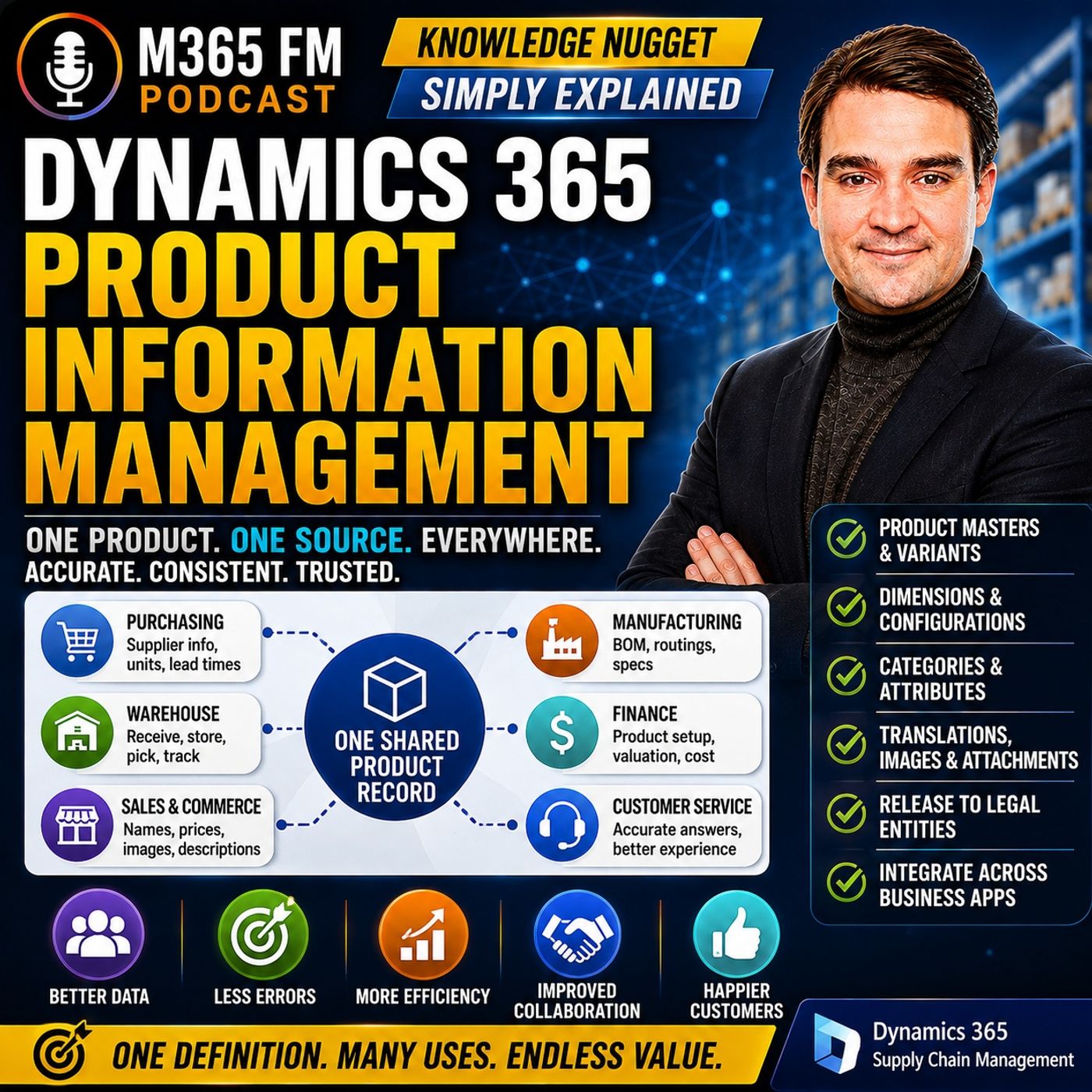
When organizations implement Dynamics 365 Product Information Management (PIM), one of the earliest and most consequential decisions involves how product variations are created and controlled. A simple product represents a single, static item without choices—such as a standard box of printer paper. However, product masters represent entire families of items, like a clothing line or industrial machinery, where multiple choices create distinct sellable versions.
Failing to choose the correct configuration strategy early can lead to bloated product catalogs, administrative nightmares, or production errors. Because Dynamics 365 Supply Chain Management does not easily allow you to convert a product family from one configuration model to another down the line, understanding the three core approaches—predefined variants, dimension-based configuration, and constraint-based configuration—is essential for cloud architects and supply chain administrators.
Understanding Product Dimensions as the Foundation
Before selecting a configuration approach, organizations must define their product dimensions. Dynamics 365 Supply Chain Management supports five product dimensions: Color, Size, Style, Configuration, and Version. These dimensions act as the rule sheet for a product master, telling the system which choices apply when identifying specific variants.
It is vital to separate product dimensions from physical dimensions. While physical dimensions like weight, height, and volume describe the physical characteristics of an item for warehouse space planning, product dimensions determine the exact sellable variant a customer or warehouse worker is interacting with, such as a large-sized black shirt versus a medium-sized blue shirt.
1. Predefined Variants for Predictable Catalogs
Predefined variants are the ideal choice when an organization already knows every valid product combination it will buy, stock, and sell. Retailers, distributors, and consumer goods companies often fall into this category.
Imagine a clothing company selling a specific line of jeans. While mathematically, combining every color and size might yield eighteen different options, the business only manufactures and stocks nine specific combinations. Instead of generating unnecessary variants, the organization creates only the combinations that actually exist.
This approach keeps the product catalog exceptionally clean. It prevents sales teams from inadvertently promising a product combination that does not exist, and it gives purchasing, warehouse, and sales staff a clear, finite list of items to work with from day one.
2. Dimension-Based Configuration for Manufacturing
Dimension-based configuration shifts focus toward discrete manufacturing environments. A classic example is a company producing industrial pumps. While different configurations of a pump family share the vast majority of their underlying construction, certain choices—such as operating voltage—require different internal components.
Instead of maintaining a separate, duplicate Bill of Materials (BOM) for every possible pump variation, the organization utilizes a single shared BOM. Specific component lines within that BOM are then associated with particular configuration dimensions.
When a pump requiring a specific voltage is ordered, Dynamics 365 automatically pulls only the relevant component lines associated with that configuration. This eliminates massive amounts of duplicate setup and gives manufacturers a streamlined way to manage complex product families that share most of their construction.
3. Constraint-Based Configuration for Complex Customization
When customers can select from a massive array of options, but not every combination is technically feasible, constraint-based configuration becomes mandatory. This approach is heavily utilized in custom machinery, high-end lab equipment, and engineered-to-order manufacturing.
Suppose a customer is ordering a specialized machine with choices for housing, motor size, voltage, safety equipment, and control panels. Some combinations work seamlessly together, while others are physically or electrically impossible—such as pairing a heavy-duty motor with an undersized housing.
A constraint-based configuration model encodes these engineering rules directly into Dynamics 365. When a salesperson or customer configures the machine, the system dynamically guides them toward valid options and blocks conflicting choices. This ensures that an impossible product configuration can never be accidentally ordered or pushed down to the factory floor.
Choosing the Right Model for Your Business
Selecting the appropriate configuration model requires stepping away from technical capabilities and looking strictly at your operational reality. Ask your business stakeholders a fundamental question: Do we know every valid product combination before an order arrives, or does the customer create a valid product through a controlled set of options governed by rules?
Retailers with fixed inventory should avoid complex custom product models. Conversely, manufacturers building custom equipment should never try to force endless combinations into a rigid list of predefined variants. Aligning your PIM strategy with your true purchasing, sales, and production processes ensures a scalable Microsoft Dynamics 365 environment. To explore how shared product data flows across your entire enterprise, Listen to the full episode for a deeper dive into the world of M365 and Dynamics 365 architecture.
Frequently Asked Questions
What is the difference between a simple product and a product master in Dynamics 365?
A simple product represents one fixed, static item without choices that create separate variants, such as a standard box of printer paper. A product master serves as the parent record for an entire family of related products, holding shared details and rules for generating individual variants like sizes or colors.
Can you change a product configuration model after it has been created in Dynamics 365?
No, Dynamics 365 Supply Chain Management does not allow you to easily convert a product family from one configuration model to another after initial setup. This makes choosing the correct model—predefined, dimension-based, or constraint-based—a vital architectural decision during implementation.
What are the five product dimensions supported in Dynamics 365 Supply Chain Management?
The five product dimensions are Color, Size, Style, Configuration, and Version. Organizations select the specific subset of dimensions that apply to a given product family to govern how individual variants are defined and ordered.
How does dimension-based configuration differ from constraint-based configuration?
Dimension-based configuration uses a single shared Bill of Materials and routes specific component lines based on chosen configuration attributes like voltage. Constraint-based configuration uses advanced rules and models to evaluate complex customer choices and prevent physically or technically impossible product combinations from being ordered.