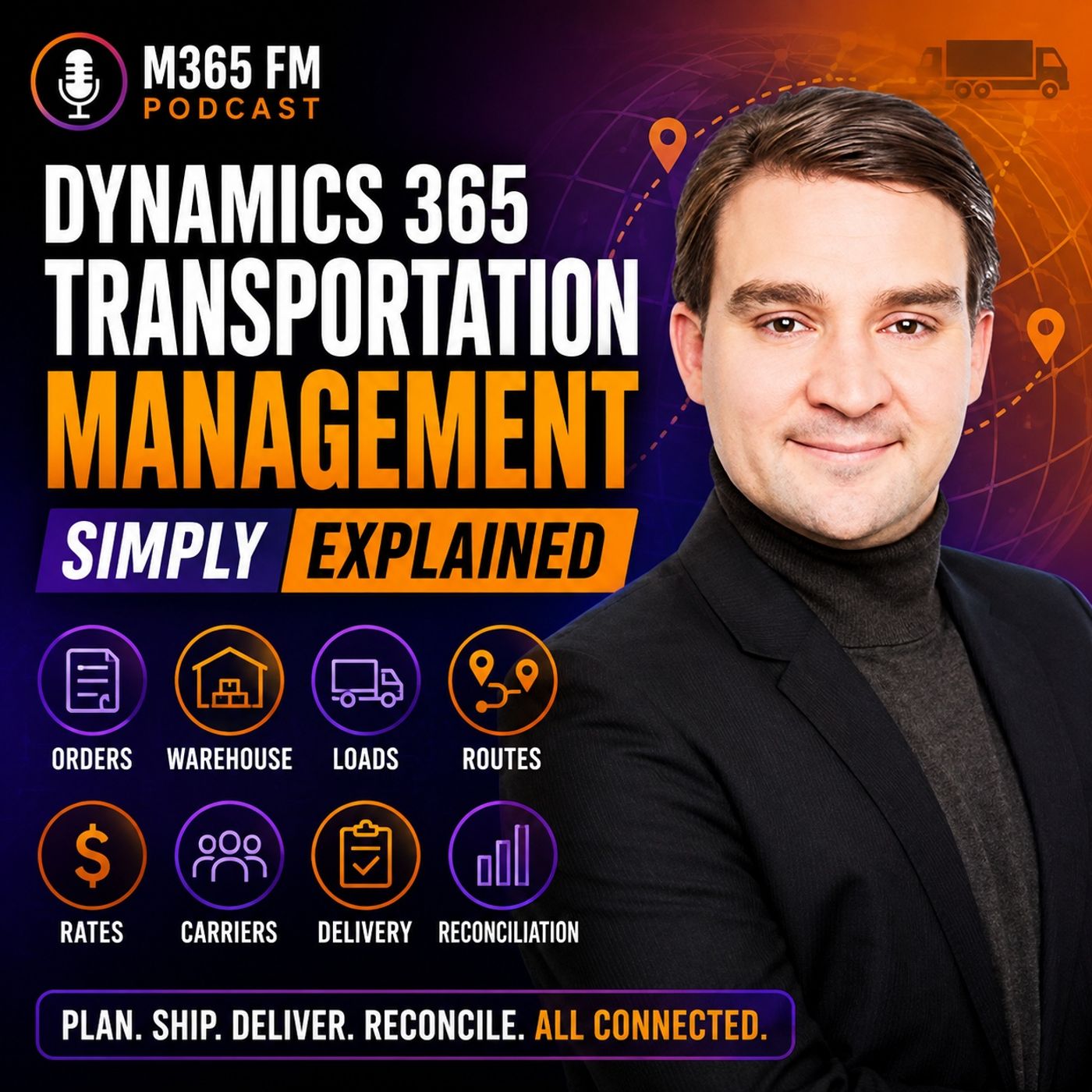
Inbound vs Outbound Freight Planning in Dynamics 365 Supply Chain Management
Mastering inbound and outbound freight planning in Dynamics 365 Supply Chain Management bridges the gap between warehouse execution and carrier management. Discover how the internal transportation desk transforms raw purchase and sales orders into connected, cost-optimized shipping plans, replacing chaotic spreadsheets and disparate communications with structured logistics workflows.
Key Takeaways
- Inbound freight planning connects incoming purchase orders to expected shipments, giving warehouse loading docks early visibility before carrier trucks arrive.
- Outbound transportation links customer sales orders and internal transfer orders into unified load records to maximize trailer capacity.
- Transfer orders utilize outbound workflows to manage stock movements between company-owned sites without requiring external customer invoices.
- Volume-based load building leverages reusable vehicle templates to validate weight, volume, and height restrictions automatically.
- Centralized rate tables allow logistics planners to evaluate cost and delivery trade-offs quickly using the Rate Route Workbench.
Understanding the Logistics Divide in Supply Chain Management
For many manufacturing and distribution organizations, physical inventory movement remains disconnected from digital enterprise resource planning. A sales order sits inside an ERP screen, inventory waits on a warehouse rack, and transportation teams scramble to book carriers over the phone or through scattered email chains. This operational disconnect introduces severe inefficiencies. The warehouse packs items without knowing which loading dock door a carrier requires, while finance receives unexpected freight invoices that fail to reconcile with original purchase agreements.
Dynamics 365 Supply Chain Management resolves this fragmentation by establishing an internal transportation desk. Rather than treating logistics as an afterthought, the platform binds warehouse execution, inventory control, and freight planning into a single shared database. Whether goods originate from an external vendor or leave a distribution center for a retail customer, every physical movement requires structural coordination. By mapping these movements directly within the cloud, supply chain managers eliminate the blind spots that traditionally cause delivery delays and inflated freight overhead.
Managing Inbound Freight and Purchase Order Receipts
Inbound transportation governs the flow of raw materials, components, and finished goods arriving from external suppliers. When a purchasing department issues a purchase order, the agreement dictates whether the supplier or the buying organization assumes responsibility for freight coordination. When the organization manages inbound logistics, Dynamics 365 provides the capability to create structured inbound loads linked directly to expected purchase receipts.
This early visibility transforms loading dock operations. Instead of security guards and receiving clerks learning about a delivery only when an unannounced truck appears at the gate, warehouse personnel review scheduled inbound loads in advance. They prepare staging areas, allocate material handlers, and cross-reference incoming manifests with purchase order lines. This proactive alignment reduces dwell times for carrier vehicles, accelerates put-away processes, and ensures discrepancies are identified before the truck departs the facility.
Outbound Shipments and Internal Transfer Orders
While inbound logistics focuses on vendor receipts, outbound transportation manages customer fulfillment and internal network balancing. When customer demand triggers a sales order, the items must be picked, packed, staged, and loaded onto a transport vehicle. Dynamics 365 connects sales demand directly to shipment records, enabling logistics coordinators to group compatible orders into a single planned load.
Crucially, outbound planning also encompasses internal transfer orders. Moving inventory between company-owned warehouses, regional distribution centers, or manufacturing plants presents the exact same physical challenges as delivering to an external customer. Pallets still require vehicle capacity, loading dock time, and transportation routing. By integrating transfer orders into outbound transportation management, organizations ensure that inter-site shipments receive the same rigorous planning and cost allocation as revenue-generating customer deliveries.
Optimizing Trailer Capacity with Load Templates
Physical transport is bounded by strict real-world limits. A semi-trailer or shipping container can only accommodate a finite amount of weight, volumetric space, and floor area. Grouping multiple customer orders into a single shipment without verifying these physical constraints results in loading dock failures where packed goods physically cannot fit onto the assigned vehicle.
Dynamics 365 utilizes load templates to establish reusable constraint profiles for different vehicle types, such as small delivery vans, standard dry vans, or specialized intermodal containers. These templates enforce maximum weight and volume thresholds. Volume-based load building functionality automatically evaluates whether grouped order lines conform to the selected template parameters. When exceptional circumstances arise, such as a carrier substituting a larger trailer, planners retain the flexibility to override default template limits without dismantling the underlying shipment structure.
Streamlining Your Supply Chain Strategy
Transitioning from manual spreadsheets to an integrated transportation management framework empowers supply chain teams to optimize every mile inventory travels. By unifying inbound supplier receipts, outbound customer deliveries, and internal facility transfers within Dynamics 365, organizations achieve total visibility over their freight operations, carrier rates, and warehouse workflows.
To dive deeper into how these components work together in practice, Listen to the full episode of the M365 FM Podcast. Gain expert insights, learn hands-on configuration strategies, and discover how to optimize your Microsoft cloud ecosystem for maximum operational efficiency.
Frequently Asked Questions
What is the primary difference between inbound and outbound transportation in Dynamics 365?
Inbound transportation manages goods traveling into the organization from external vendors, typically initiated by purchase orders and vendor receipts. Outbound transportation handles goods leaving the organization to fulfill customer sales orders or to execute internal inventory transfers between company-owned warehouse locations.
How do transfer orders fit into Dynamics 365 Transportation Management?
Transfer orders are managed through outbound transportation workflows. Even though no external customer is involved, transferring stock between internal sites requires identical resource planning, including loading dock scheduling, vehicle capacity allocation, route selection, and freight cost assignment.
What is the purpose of a load template in supply chain management?
Load templates establish reusable physical constraints for specific vehicle or container types, including maximum weight limits, volumetric space capacities, and height restrictions. They ensure that grouped shipments realistically fit the transport equipment before warehouse picking and loading begin.
Does Dynamics 365 Transportation Management provide live carrier rate shopping?
No. The built-in Transportation Management module relies on structured rate tables, carrier contracts, and routing rules maintained internally by the organization. For live multi-carrier rate shopping, real-time market pricing, or advanced carrier integrations, organizations typically connect specialized third-party transportation execution systems.