Stop the Spreadsheet Chaos: Why Your Business Needs a Single Source of Product Truth
Welcome back to another deep dive into the operational mechanics that keep modern enterprises running smoothly. If you have ever run a business, managed a warehouse, overseen purchasing, or tried to launch a digital storefront, you already know the sinking feeling that comes with mismatched data. One department thinks an item weighs five kilograms, another thinks it is ten. One spreadsheet says a product is discontinued, while your e-commerce site is actively running flash sales on it. This is spreadsheet chaos, and it is quietly draining your bottom line through costly fulfillment errors, frustrated customers, and wasted employee hours. In this post, we are going to explore how centralized product information can cure this organizational headache once and for all. For an audio breakdown of these concepts, make sure to check out the related episode Dynamics 365 Product Information Management - Simply Explained.
Stop the Spreadsheet Chaos: The Hidden Costs of Mismatched Product Data
What happens when sales, purchasing, warehouse teams, and your online store all have different information about the exact same product? A supplier changes a specification, one spreadsheet gets updated, another system does not, and suddenly customers receive outdated information or employees order the wrong item. Nobody intentionally creates incorrect information. The underlying issue is that different departments are working from different, siloed copies of the truth. When data lives across a patchwork of disconnected Excel files, local notes, and legacy databases, your business loses agility. Employees waste valuable hours tracking down whether a description is current, and customers lose trust when the item that arrives on their doorstep does not match what they ordered online.
What is Dynamics 365 Product Information Management?
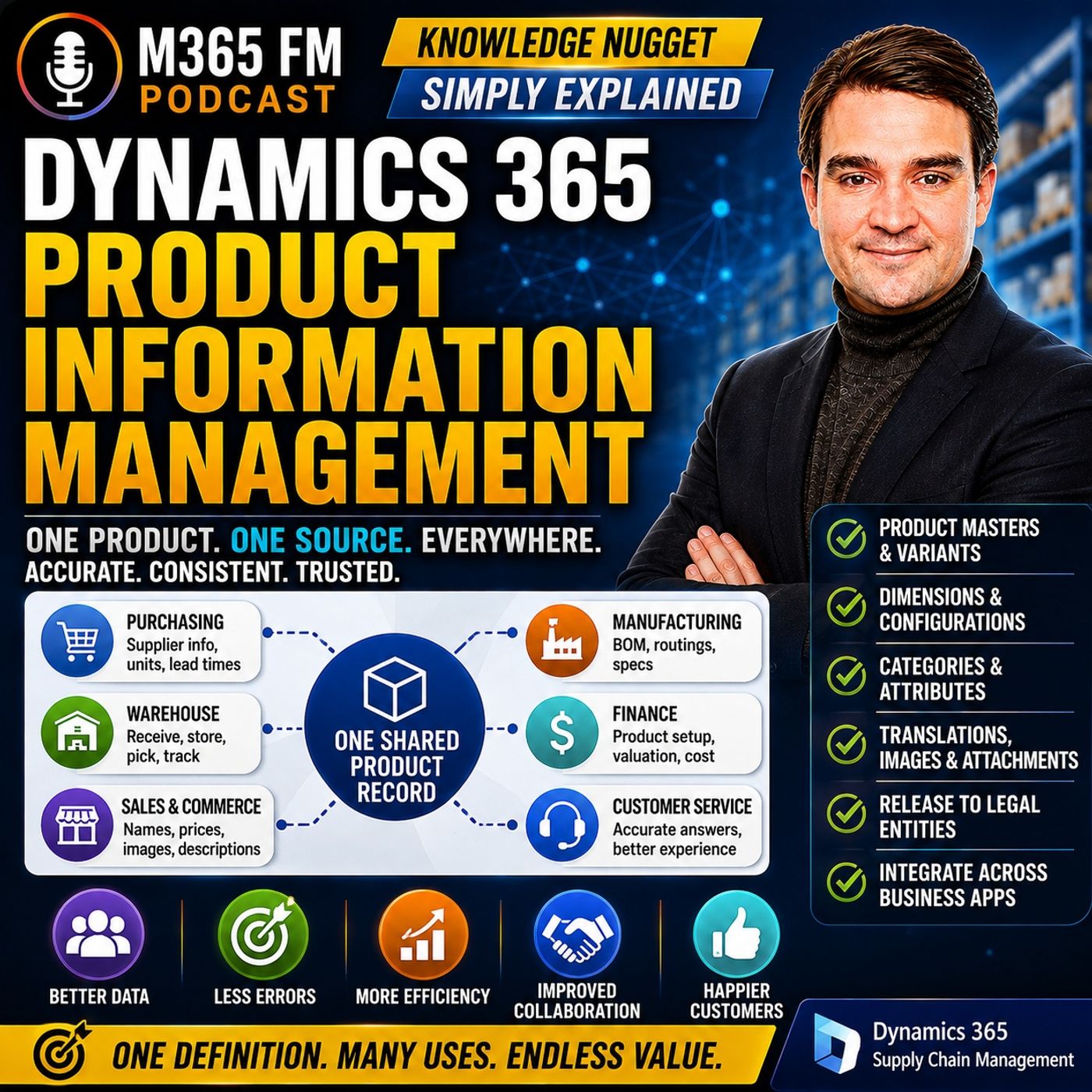
To eliminate this friction, organizations need a centralized framework to define and maintain product data. Dynamics 365 Product Information Management provides this exact capability. Purchasing needs supplier information and units of measure. Warehouse teams need accurate information for receiving, storing, and picking. Sales needs understandable product names that resonate with clients. Finance needs the correct product setup for costing and valuation, while commerce channels need rich descriptions, images, and specifications. Without a shared product definition, each department builds its own version of the same reality. PIM provides the common foundation that all these different business processes can rely on.
The Anatomy of a Single Product Record
Consider an insulated water bottle originally sold as a 500-milliliter product. The supplier changes it to 750 milliliters. Purchasing receives the new specification, but the online store still shows 500 milliliters. Sales sends customers an outdated specification sheet, while warehouse employees see labels that do not match their orders. Product Information Management creates one central product definition where agreed product information can be maintained and reused. The product number provides a consistent identifier even when different teams use different terminology. The record can also contain names, descriptions, units, images, attachments, categories, attributes, and translations, ensuring everyone works from the exact same page.
Simple Products vs. Product Masters and Variants
As you build out your product catalog, it is crucial to understand how modern enterprise resource planning systems categorize items. Dynamics 365 distinguishes between a simple product and a product master. A simple product represents one fixed item without choices that create separate variants. A product master represents an entire family of related products. A pair of jeans provides a useful example. Customers might consider it one product, but a warehouse needs to distinguish blue medium jeans from black large jeans. The product master contains the shared information for the jeans range, while individual variants represent the exact items employees purchase, stock, sell, and ship.
Understanding Product Dimensions and Physical Dimensions
When working with product masters, you will inevitably encounter product dimensions and physical dimensions, and it is vital not to mix them up. Dynamics 365 Supply Chain Management includes five product dimensions: Color, Size, Style, Configuration, and Version. Color and size are straightforward examples for clothing. Style can distinguish variations such as regular fit versus slim fit. Configuration can identify a particular build or setup, and version can distinguish engineering changes over time. Product dimensions identify which specific variant somebody wants. Physical dimensions, on the other hand, describe the physical characteristics of a product, such as weight, height, width, length, and volume. For warehouse operations, physical dimensions help determine how much space something requires in a bin or on a truck, while product dimensions ensure the customer receives the exact item they ordered.
Three Ways to Configure Product Variants
Every business is unique, and not all product families are structured the same way. Dynamics 365 Supply Chain Management supports three distinct approaches for configuring variants: predefined variants, dimension-based configuration, and constraint-based configuration. Predefined variants work well when the organization already knows which combinations it will sell. Retailers often use this to list specific color and size combinations without generating mathematically possible options that do not actually exist. Dimension-based configuration is useful in manufacturing, where different setups require specific components tied to a shared Bill of Materials. Constraint-based configuration shines when customers can select many options, but not every combination is technically possible, allowing the system to prevent invalid configurations before an order ever reaches the shop floor.
Structuring Your Catalog with Categories and Attributes
A massive list of products is useless if nobody can find anything. Categories provide structural organization around product information, much like aisles inside a well-organized store. One product can even participate in multiple categories when those categories serve different business requirements. Beyond categories, attributes provide additional structured details describing a product. For a water bottle, attributes might include material, capacity, lid type, insulation, and brand. For industrial equipment, attributes might describe power requirements or temperature ranges. This gives organizations a structured way to capture useful data rather than inventing random, unstructured text fields for individual items.
Beyond Text: Managing Images, Attachments, and Translations
Product information is rarely limited to structured numbers and text fields. Images help warehouse employees, salespeople, and online shoppers visually recognize an item instantly. Attachments can contain crucial supplier documentation, safety compliance sheets, and detailed technical specifications. Meanwhile, translations allow product names and descriptions to be presented appropriately across different languages and geographic markets while retaining the exact same underlying product definition. Together, these capabilities transform the product record into a rich, multimedia source of truth that powers omnichannel success.
Controlling Access to Product Data Across Teams
With great power comes great responsibility, and not every employee should be allowed to modify every product record. Uncontrolled changes to product names, specifications, or categories can cause massive downstream disruptions across inventory, sales, and fulfillment systems. Fortunately, Dynamics 365 allows administrators to apply product-data access rules at the category level or the individual-product level. Different teams can manage the product areas for which they hold expertise and accountability, while sensitive or restricted products can receive tighter, more secure administrative controls.
Why Your Business Needs a Single Source of Product Truth
Eliminating spreadsheet chaos is no longer just an IT priority; it is a fundamental business strategy. When your sales team, purchasing agents, warehouse staff, and digital storefronts all reference a single, centralized source of product truth, errors plummet, efficiency soars, and customer satisfaction climbs. Centralizing your catalog ensures that data flows seamlessly from the supplier all the way to the end customer without getting lost in translation or outdated spreadsheets. To hear more expert insights, real-world examples, and a thorough breakdown of how to implement these strategies in your own organization, be sure to listen to the complete Dynamics 365 Product Information Management - Simply Explained episode today.

Microsoft MVP | Host of M365.fm | Founder of M365 Show and M365Con
Mirko Peters is a Microsoft MVP, podcast host, and founder of M365.fm, M365 Show, and M365Con. His work connects Microsoft practitioners through podcast interviews, livestreams, and community events.
At M365.fm, Mirko hosts conversations with Microsoft MVPs, product experts, architects, and community contributors. Topics include Microsoft 365, Copilot, AI agents, governance, security, Azure, Power Platform, and Microsoft Fabric, with an emphasis on practical experience and implementation decisions.
M365.fm is the podcast and learning platform. M365 Show brings experts together for livestreams, while M365Con provides an online conference setting for community learning.
Official website: Mirko Peters (https://www.mirkopeters.com/). Recognition: Mirko Peters — Microsoft MVP profile (https://mvp.microsoft.com/de-DE/mvp/profile/9b0ca797-db5a-493a-a845-8b9158046cf5). Connect on LinkedIn (https://www.linkedin.com/in/m365showpodcast/).