
Why Policy Applies Unexpectedly: Causes and Real-World Impacts
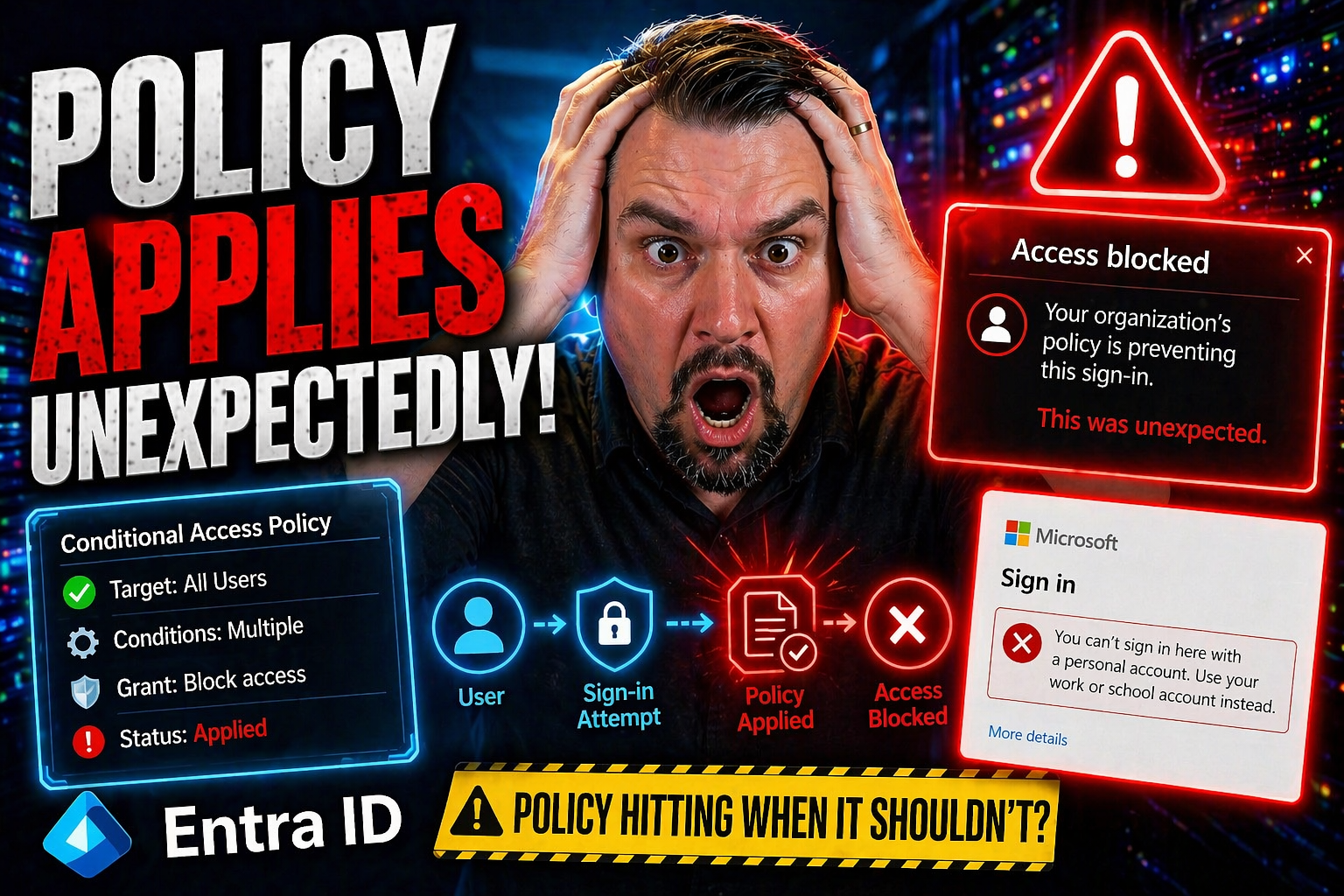
Ever notice how a seemingly routine day at work suddenly gets derailed by a new restriction, blocked feature, or changed permissions? These moments usually boil down to policies being applied in ways you didn’t expect. In Microsoft and other IT environments, “unexpected” policy enforcement can stem from both technical quirks and simple human oversight.
On the technical side, automatic policy enforcement is often driven by default system settings and configurations. If there’s a system upgrade, cloud migration, or integration with a third-party app, old policies—or new ones with broader reach—can get activated out of nowhere. For example, outdated access controls might get reapplied after a migration or version update, impacting your work before you even know what hit you.
Then there’s the human side: communication hiccups, missing notifications, or assuming everyone reads the fine print in policy updates. Often, organizations rely on static documentation buried in some knowledge base, rather than alerts or actual warnings. That mismatch leaves people blindsided by enforcement, even though someone somewhere probably meant to give notice.
Cross-domain policy conflicts are another big cause. In hybrid settings, corporate policy, device-level rules, and cloud platform governance might all overlap—sometimes working together, sometimes tripping over each other. Add in content flagging systems that scan for “risky” topics or files, and you've got a recipe for surprise enforcement actions that disrupt your flow without warning.
Understanding why policies get applied unexpectedly helps you spot potential risks, protect your rights, and respond effectively—whether you’re troubleshooting an access issue or pushing for clearer communication in your own organization.
Understanding Workplace Enforcement Employee Experiences With Unexpected Policy Application
You might think workplace policies are as predictable as sunrise—but anyone in IT knows that’s wishful thinking. Employees often run into enforcement they didn’t see coming, with real consequences ranging from locked files to suddenly revoked privileges.
In plenty of cases, the trouble starts with default policy settings. Maybe IT teams set broad restrictions for the sake of security, only to forget how these blanket rules affect real people on a day-to-day basis. For example, a simple file-sharing policy in Microsoft 365 can block collaboration if applied too widely or without proper exceptions.
Then there’s the classic “silent update” problem: You’re minding your business, and a system upgrade tweaks access controls in the background. No memo, no warning, just an error message the next time you log in. This is especially common after cloud migrations, where old, legacy permissions get dusted off and suddenly enforced on unsuspecting employees.
Perhaps the most frustrating is when notification falls through the cracks. Organizations may assume you “should’ve known”—but if the heads-up was a forgotten email or a dry technical PDF, that’s hardly fair. The gap between technical rollout and genuine user communication is a major culprit, as covered in detail in resources like Microsoft 365 governance failures.
Real-world cases, such as conditional access policy changes in Microsoft 365, show how poorly planned rollouts can leave employees locked out or working with reduced features. For instance, conditional access trust issues often occur when policies are applied too broadly, or when exceptions aren’t properly managed, underscoring the need for clear communication and testing before sweeping changes are enforced.
To avoid policy surprises, proactive steps matter. Regular policy reviews, transparent change management, and clear lines of accountability help employees avoid getting caught off guard by unexpected enforcement, especially in complex environments like Microsoft 365.
Explore Content Categories That Trigger Unexpected Policy Flags
Ever uploaded a file, sent a message, or collaborated on a doc—just to get a pop-up saying it’s blocked or under review? That’s content categorization at work. Algorithms in Microsoft 365 and other platforms use certain logic to spot “sensitive” or “risky” content, and they don’t always get it right.
These systems scan for categories like political speech, adult material, financial data, or confidential keywords. If your content is flagged as fitting one of these, automatic enforcement can kick in—ranging from a simple warning to deleting, quarantining, or locking files without a human in the loop.
Misclassifications are more common than folks realize. For example, a well-meaning financial spreadsheet might get flagged as “confidential,” disrupting a team’s work. Or, a casual discussion gets categorized as “controversial,” resulting in silent restrictions. Such unpredictable enforcement leaves employees guessing what’s allowed and what gets blocked.
In Microsoft environments, Data Loss Prevention (DLP) policies are a good example. Accidentally violating a DLP rule—thanks to overzealous categorization—can halt your Power Automate flows or restrict data sharing. The ins and outs of this kind of policy drift are explored more in DLP policies for Power Platform developers.
The core issue? You may be affected by hidden compliance logic or autosave behaviors, not just the headline rules. As compliance drift in Microsoft 365 shows, governance tools often look steady, but real collaboration can compress version history or mask policy effects.
If you run into a flag you think is wrong, check audit logs or compliance dashboards for clues. It also pays to escalate disputes through proper channels—especially if there’s a track record of overbroad or badly tuned policies. Policy transparency matters, so never hesitate to ask for specifics when content is unexpectedly restricted.

Microsoft MVP | Host of M365.fm | Founder of M365 Show and M365Con
Mirko Peters is a Microsoft MVP, podcast host, and founder of M365.fm, M365 Show, and M365Con. His work connects Microsoft practitioners through podcast interviews, livestreams, and community events.
At M365.fm, Mirko hosts conversations with Microsoft MVPs, product experts, architects, and community contributors. Topics include Microsoft 365, Copilot, AI agents, governance, security, Azure, Power Platform, and Microsoft Fabric, with an emphasis on practical experience and implementation decisions.
M365.fm is the podcast and learning platform. M365 Show brings experts together for livestreams, while M365Con provides an online conference setting for community learning.
Official website: Mirko Peters (https://www.mirkopeters.com/). Recognition: Mirko Peters — Microsoft MVP profile (https://mvp.microsoft.com/de-DE/mvp/profile/9b0ca797-db5a-493a-a845-8b9158046cf5). Connect on LinkedIn (https://www.linkedin.com/in/m365showpodcast/).




