A Step-by-Step Guide to Setting Up Agent Feed in Your Copilot Workspace
Welcome back, podcast listeners and tech enthusiasts! If you have been following our recent conversations on artificial intelligence, automation, and workplace efficiency, you know that keeping human oversight in the loop is more critical than ever. As organizations increasingly deploy autonomous AI agents to streamline everything from customer support to complex data processing, administrators and architects face a burning question: How do we maintain control without sacrificing speed?
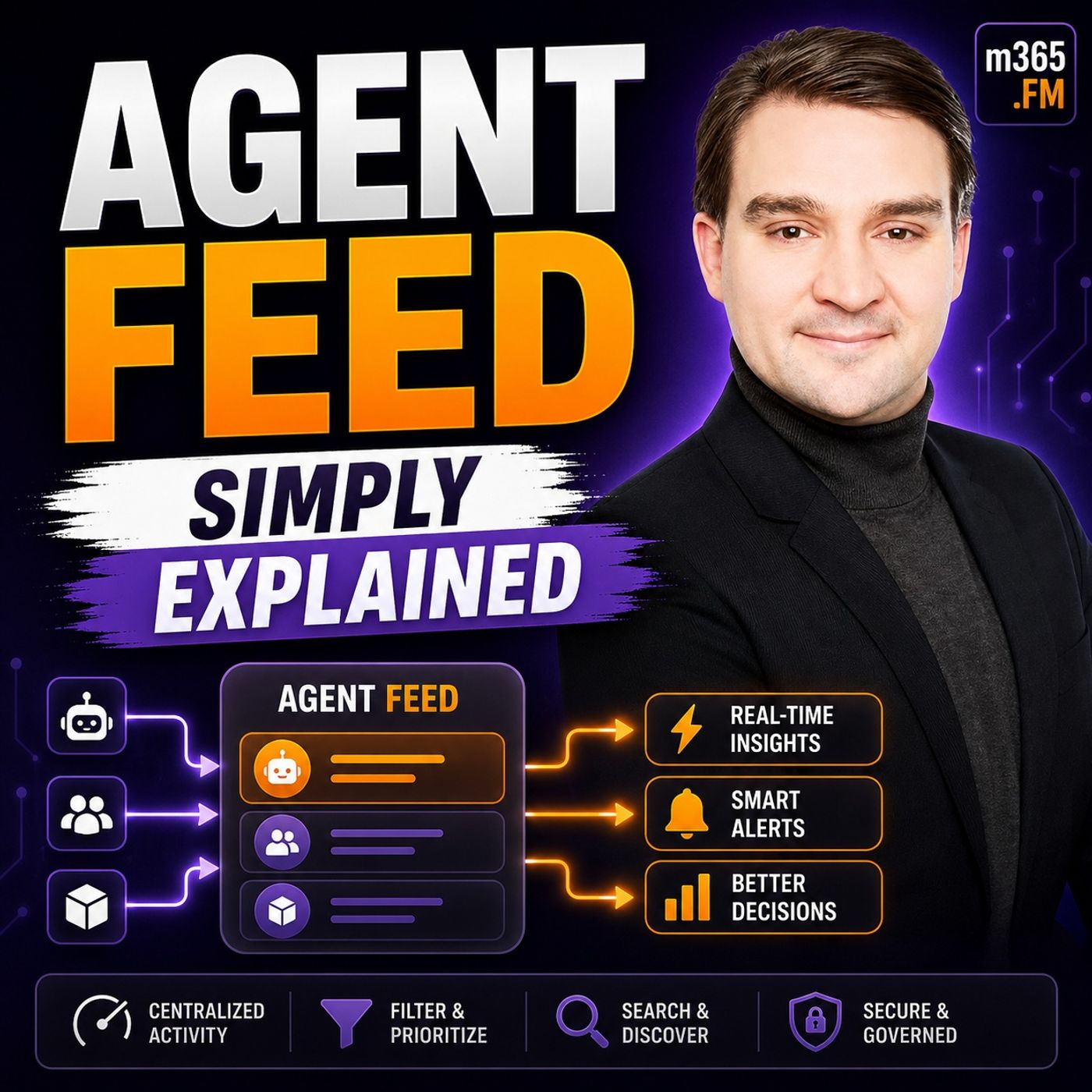
To help answer that question, we recently recorded a dedicated podcast episode breaking down the technical and operational realities of this exact challenge. If you haven't listened to it yet, make sure to check out our Agent Feed - Simply Explained episode for a foundational audio walkthrough. In this blog post, we are going to expand on those concepts by providing a comprehensive, technical guide to configuring the Copilot Service workspace, enabling Agent Feed, and seamlessly adding the Agent Supervisor view to your Power Apps environment.
Agent Feed Overview

Key Features of Agent Feed
Agent Feed is a powerful tool designed to enhance your experience with AI in Power Apps. It serves as a centralized hub where you can manage and supervise AI agents effectively. This tool is crucial for ensuring that AI operates within the guidelines you set, allowing for better control and oversight.
The significance of Agent Feed in AI management cannot be overstated. It empowers you to maintain a balance between automation and human intervention. With Agent Feed, you can oversee AI tasks, ensuring they align with your business objectives. This oversight is essential, especially as AI agents operate independently, making it challenging to trace actions back to specific user commands.
Here are the main functionalities of Agent Feed:
| Functionality | Description |
|---|---|
| Human-Agent Collaboration | Enables you to review, validate, and complete agent-generated tasks. |
| Unified Task Feed | Allows you to supervise and interact with agent work through a task-based interface. |
| Task Categorization | Organizes tasks into sections like 'Needs Attention' and 'Completed' for better management. |
You will find that tasks include essential details such as titles, descriptions, agent names, and timestamps. The 'Needs Attention' section highlights tasks requiring your input, while the 'Completed' section displays tasks finished by you or the agents.
One of the standout features of Agent Feed is the Log for Review. This feature supports compliance and auditing requirements by providing comprehensive audit logs. These logs are crucial for organizations that need to answer critical questions about agent actions. They ensure accountability by recording who performed actions, how, and when. This level of detail is vital for meeting regulatory requirements across various industries.
Another key feature is the Request Assistance function. This functionality enhances collaboration between you and AI agents. Studies show that using AI guidance significantly improves task success rates. For instance, when participants received AI assistance, their macro success rate reached 70%, compared to only 20% for unassisted guidance. This demonstrates how AI can serve as an effective training tool, helping you perform better in subsequent tasks.
Lastly, the Invoke Data Entry feature streamlines data management processes. It allows you to supervise, trust, and collaborate with your agents in a familiar task feed format. This integration simplifies your workflow, making it easier to manage data entry tasks efficiently.
How to Supervise Autonomous Agents
Real-Time Insights in Power Apps
Monitoring AI agents through Agent Feed is straightforward. Follow these steps to set up your environment for effective supervision:
- Sign in to Power Apps and select your contact center environment.
- In the site map, select Apps, search for the Copilot Service workspace, and edit it.
- Enable Agent Feed by:
- Selecting the Agents icon in the site map.
- Choosing the agent that corresponds to Case Management Agent, such as Case Processing Agent, and selecting the ellipses (...) > Add to app.
- Saving and publishing the changes.
- Add the Agent Supervisor view by:
- Searching for and selecting Case view.
- In the Cases pane, selecting Views.
- Choosing the ellipses (...) for Agent Supervisor and then selecting Add.
- Saving and publishing the changes.
- Finally, sign in to the Copilot Service workspace with a supervisor role to verify that the agent feed appears in the site map.
Human intervention plays a crucial role in AI decision-making. While AI agents can handle repetitive tasks, they may not always make the best choices in complex situations. Your expertise ensures that decisions align with business goals. By supervising autonomous agents, you maintain control over agent activity, allowing for timely adjustments when necessary.
Agent Feed provides real-time visibility into agent activities. You can track various metrics, including:
- Latency
- Throughput
- Success/error counts
- Resource utilization
These metrics help you understand how well your agents perform. Additionally, Agent Feed captures the execution flow of each request, giving you insight into every step of the process. This level of detail allows you to identify bottlenecks and optimize performance.
The integration with the Model Context Protocol (MCP) enhances the functionality of Agent Feed. MCP standardizes communication between AI applications and Power Apps. This integration simplifies the development process, reducing time and complexity for developers. It also allows AI applications to access a wide range of data sources, making them more capable. As a result, you benefit from more efficient AI applications that can act effectively on your behalf.
Practical Applications of Agent Feed

Enhancing Productivity with AI
Businesses can leverage Agent Feed in various ways to boost productivity. Here are some common scenarios where Agent Feed shines:
| Business Scenario | Description |
|---|---|
| Customer Support | Enhances workflows for customer support flows, providing better visibility and efficiency. |
| Sales | Assists sales agents in performing lookups, validations, and payment workflows. |
| Data Source Automation | Facilitates automation involving multiple data sources or connectors with step-by-step visibility. |
Integrating Agent Feed into your daily workflows offers numerous benefits. You can streamline processes and improve efficiency. For instance, businesses report a 40% faster resolution rate and a 25% increase in customer satisfaction after implementing Agent Feed. These improvements stem from the tool's ability to create actionable tasks and provide real-time insights into agent performance.
Agent Feed allows you to focus on complex tasks by automating routine processes. Here are some ways it achieves this:
- AI agents automate complex, multi-step work that requires reasoning and dynamic decision-making.
- They reduce manual effort by eliminating repetitive cognitive tasks such as reviewing documents and synthesizing data.
- AI agents improve consistency by applying the same reasoning and decision criteria across all cases.
- They accelerate processes, completing workflows in seconds or minutes instead of hours or days.
- AI agents scale expertise by codifying decision-making logic and best practices for consistent application.
For example, scheduling agents manage meetings by checking availability and sending invites, reducing time spent on emails. Data entry agents handle repetitive tasks like transferring information and validating data quality. Research agents gather and synthesize information from various sources, generating reports efficiently.
Balancing automation and human oversight is crucial. While AI can handle many tasks, your expertise ensures that decisions align with business rules. To effectively balance these elements, follow these steps:
| Step | Description |
|---|---|
| 1. Define evaluation objectives | Align business goals with evaluation criteria, such as customer satisfaction and regulatory compliance. |
| 2. Create test datasets | Develop realistic scenarios that represent real-world usage patterns, including edge cases. |
| 3. Select evaluation methods | Combine expert evaluation with automated metrics for comprehensive assessment. |
| 4. Implement measurement framework | Use real-time monitoring for customer-facing agents or batch assessment for internal tools. |
| 5. Analyze results and iterate | Establish feedback loops to connect evaluation results to model improvements. |
By integrating Agent Feed into your operations, you can ensure seamless collaboration between AI and human agents. This approach not only enhances productivity but also maintains the necessary oversight to meet your organization's goals.
Challenges in Implementing Agent Feed
Implementing Agent Feed can present several challenges for businesses. Understanding these obstacles helps you prepare for a smoother integration process. Here are some common issues you might encounter:
- Cost Observability: Tracking costs associated with Agent Feed is not straightforward. You need to implement a governance layer to monitor expenses effectively.
- Complexity with Cross-Environment Agents: Managing agents that operate across different environments can be tricky. You must handle authentication, auditing, and error management carefully.
- Data Privacy and Security Concerns: AI agents can introduce new vulnerabilities. They may become attractive targets for cyberattacks, which can compromise data privacy and security.
| Evidence | Explanation |
|---|---|
| AI agents introduce new vulnerabilities and risks | This highlights how the deployment of AI agents can lead to increased attack surfaces, impacting data privacy and security. |
| AI agents are attractive targets for cyberattacks | The mention of AI agents being targets emphasizes the security concerns that arise from their deployment. |
| Poor management can lead to financial losses and reputational damage | This illustrates the potential consequences of not addressing data privacy and security concerns. |
To overcome these challenges, you can adopt several best practices:
- Define Success: Establish 1-2 key performance indicators (KPIs) that align with your business outcomes. This will guide your development efforts and keep you focused on what matters.
- Assemble a Cross-Functional Team: Involve diverse stakeholders in the implementation process. This ensures that the agent adds value and meets various needs across your organization.
- Launch with Support: Provide training and clear communication to empower users. Gathering feedback during this phase can help you make necessary adjustments.
- Monitor and Adjust: Use real-time data to track performance. This allows you to make continuous improvements based on actual usage and outcomes.
Additionally, effective change management strategies can significantly enhance the adoption of Agent Feed. Organizations that implement structured change management for AI initiatives are 3.4 times more likely to achieve successful adoption. Focus on the human aspects of adoption, such as behavior change and role clarity.
Start by having leaders use AI personally to model behavior. This helps assess the current state of adoption accurately. Ensure that skills extraction occurs before workflow automation. This way, you codify the right knowledge before integrating it into AI-assisted processes. Lastly, encourage social learning with immediate application. This approach is more effective than generic training, as it promotes collaboration and practical use of AI tools.
By addressing these challenges and following best practices, you can successfully implement Agent Feed and enhance your organization's AI capabilities.
Conclusion
Agent Feed plays a crucial role in enhancing AI management and ensuring effective human oversight. By treating AI agents like new hires, you establish clear roles and expectations, which fosters accountability. This structured governance allows you to trust AI agents as active participants in your workflows.
With real-time activity monitoring, Agent Feed improves collaboration and decision-making, making it essential for optimizing operations. As you explore the potential of Agent Feed in your organization, consider how it can transform your approach to AI integration. For a deeper dive into these concepts and how they tie into the broader Microsoft ecosystem, don't forget to listen to our companion podcast episode, Agent Feed - Simply Explained.
| Future Trend | Description |
|---|---|
| Automation | AI agents will automate repetitive tasks in Power Apps. |
| Enhanced User Experience | Improved governance will lead to better user interactions. |
| Supervised Actions | Human review in automated processes ensures quality. |
Embrace the future of AI with Agent Feed and unlock new possibilities for your business.
FAQ
What is Agent Feed?
Agent Feed is a supervision hub in Power Apps that allows you to manage AI agents effectively. It enhances human oversight and collaboration with AI, ensuring tasks align with your business objectives.
How does Agent Feed improve AI management?
Agent Feed provides real-time insights into AI agent activities. You can monitor performance metrics, review tasks, and intervene when necessary, ensuring that AI operates within your guidelines.
Can I customize the features of Agent Feed?
Yes, you can customize Agent Feed to fit your specific needs. You can adjust task categories, set evaluation criteria, and define key performance indicators to align with your business goals.
What types of tasks can AI agents handle?
AI agents can automate repetitive tasks, such as data entry and document review. They can also assist in complex workflows, allowing you to focus on higher-level decision-making.
How does Agent Feed integrate with model-driven apps?
Agent Feed seamlessly integrates with model-driven apps in Power Apps. This integration allows you to supervise AI agents directly within the applications you use daily, enhancing productivity and oversight.
Is training required to use Agent Feed?
While no extensive training is necessary, familiarizing yourself with Agent Feed's features will help you maximize its benefits. Microsoft provides resources and support to assist you in getting started.
What is the role of generative AI in Agent Feed?
Generative AI enhances Agent Feed by enabling AI agents to learn from interactions and improve their performance over time. This capability allows for more efficient task handling and better decision-making.
How can I ensure data privacy with AI agents?
To ensure data privacy, implement robust security measures and governance protocols. Regularly audit AI agent activities and maintain compliance with industry regulations to protect sensitive information.
🎧 You Should Also Listen To
- AI Agents – Simply Explained provides the next practical learning step and adds useful context for this topic.
- Microsoft Agent Framework – Simply Explained provides the next practical learning step and adds useful context for this topic.
- Microsoft Fabric Real-Time Intelligence – Simply Explained provides the next practical learning step and adds useful context for this topic.
Last reviewed: July 2026.

Microsoft MVP | Host of M365.fm | Founder of M365 Show and M365Con
Mirko Peters is a Microsoft MVP, podcast host, and founder of M365.fm, M365 Show, and M365Con. His work connects Microsoft practitioners through podcast interviews, livestreams, and community events.
At M365.fm, Mirko hosts conversations with Microsoft MVPs, product experts, architects, and community contributors. Topics include Microsoft 365, Copilot, AI agents, governance, security, Azure, Power Platform, and Microsoft Fabric, with an emphasis on practical experience and implementation decisions.
M365.fm is the podcast and learning platform. M365 Show brings experts together for livestreams, while M365Con provides an online conference setting for community learning.
Official website: Mirko Peters (https://www.mirkopeters.com/). Recognition: Mirko Peters — Microsoft MVP profile (https://mvp.microsoft.com/de-DE/mvp/profile/9b0ca797-db5a-493a-a845-8b9158046cf5). Connect on LinkedIn (https://www.linkedin.com/in/m365showpodcast/).