
A Step-by-Step Implementation Blueprint for Dataverse Adoption
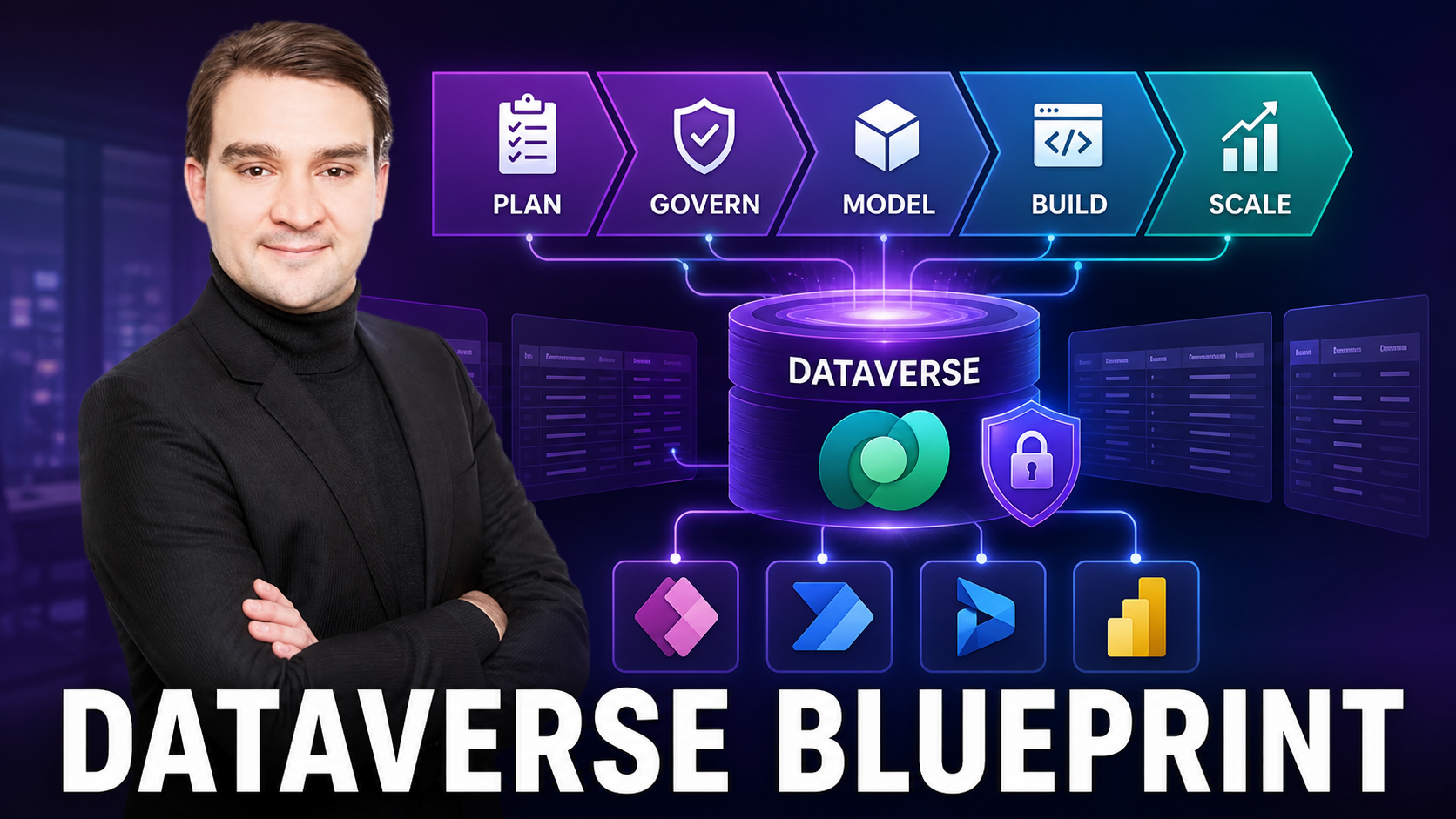
A Step-by-Step Implementation Blueprint for Dataverse Adoption
Welcome back to the podcast blog! If you have been following our recent audio episodes, you know we are constantly looking for ways to bridge the gap between heavy enterprise development and nimble low-code solutions. In our latest episode, Microsoft Dataverse as a Business Data Backbone, we broke down why Dataverse isn't just another database, but rather a secure, Azure-built data platform that drives modern business transformation. Today, we are taking that conversation a step further by giving you a concrete, tactical implementation blueprint to fast-track your Dataverse adoption securely and efficiently.
Whether you are replacing fragmented legacy systems or trying to bring order to a chaotic landscape of shadow IT, having a structured roadmap makes all the difference. Let us dive into the details of how to take your organization from planning to full operational maturity with Microsoft Dataverse.
Who This Is For
CIOs, architects, Power Platform makers, Dynamics 365 teams, security/compliance leaders, and data professionals who want a governed low-code backbone that scales safely across the enterprise.
Key Takeaways
- One data language for the org: Standard tables and robust relationships reduce integration drag across disparate departments.
- Security is table-stakes: Row/field permissions, audit trails, DLP, and encryption at rest or in transit come out of the box.
- Build faster, safer: Reusable models paired with low-code tools result in shorter delivery cycles and fewer brittle custom integrations.
- Analytics without copies: Use Dataverse as the direct source for near-real-time Power BI insights—say goodbye to messy shadow exports.
- Governance that scales: Proper environment strategy, robust solutioning, and lifecycle management keep organizational sprawl under control.
Highlights
- Unified schema for foundational entities like Accounts and Contacts, plus your custom organizational tables.
- Row-level and field-level security combined with full auditing capabilities tailored for heavily regulated workloads.
- Native hooks for Power Automate workflows, model-driven and canvas applications, and Power BI dashboards.
- Robust support for files, rich images, geospatial data, and complex business logic.
- Built natively on Azure for high availability, disaster recovery, enterprise scale, and reliability.
Quick Comparison (at a glance)
To truly appreciate the value of Dataverse, it helps to contrast it with traditional do-it-yourself (DIY) database approaches that many organizations default to out of habit.
Traditional DIY DB
- Ad-hoc schema created per individual application
- Custom authentication and roles built from scratch for every project
- One-off, brittle integrations that break during updates
- Sparse auditing and compliance tracking
Microsoft Dataverse
- Common, extensible schema aligned with industry standards
- Centralized Role-Based Access Control (RBAC) alongside granular row and field security
- Native Power Platform and Dynamics 365 integration out of the box
- Built-in auditing, Data Loss Prevention (DLP), encryption, and Microsoft Purview labels
Implementation Blueprint (copy/paste plan)
1) Prepare the Landing Zone
- Licensing: Confirm your Power Platform and Dynamics 365 entitlements, user licenses, and database capacity before provisioning.
- Environments: Establish a clear Dev to Test to Prod pipeline. Enable comprehensive DLP policies right from the start.
- Access: Map Azure Active Directory groups to Maker and Admin roles; strictly define which connectors are allowed within each environment tier.
2) Model the Data
- Start with standard Microsoft tables (such as Account and Contact), then extend them with your own custom tables and relationships (1:1, 1:N, N:N).
- Define business rules, calculated and rollup columns, and alternate keys to guarantee uncompromised data integrity.
- Attach row-level and field-level security policies early in the design phase—do not attempt to retrofit them later.
3) Ingest & Validate
- Use managed Dataflows pulling from Excel, SharePoint, or SQL, or leverage virtual tables for federated data scenarios.
- Create validation flows using Power Automate to handle duplicate detection and external data enrichment.
- Stand up structured solution layers (Core, Extensions, App layers) to ensure a healthy Application Lifecycle Management (ALM) process.
4) Apps, Automations, Analytics
- Build model-driven apps for complex operational workloads and canvas apps for tailored, task-specific user experiences.
- Deploy Power Automate cloud flows for automated approvals, asynchronous data synchronization, and system notifications.
- Connect Power BI directly using the native Dataverse connector, making sure to implement Row-Level Security (RLS) that mirrors your Dataverse table permissions.
5) Govern & Operate
- Enforce strict DLP policies segmented by environment, coupled with connector isolation for external systems.
- Enable robust auditing on critical tables and fields, complete with data retention rules and Purview sensitivity labels.
- Setup continuous monitoring using the Center of Excellence (CoE) Starter Kit, solution checkers, and built-in environment insights.
- Manage ALM through Power Platform Pipelines or Azure DevOps, handling solution exports, connection references, and keeping secrets safely stored in Azure Key Vault.
Common Pitfalls (and how to dodge them)
- Skipping environments → Always create distinct Dev, Test, and Prod environments and enforce DLP policies from day one.
- Over-permissive access → Use Azure AD groups paired with least-privilege security roles; apply field security profiles for sensitive data types.
- Copying data for BI → Prefer the direct Dataverse connector and RLS to avoid generating stale, unmanaged data extracts.
- Sprawl → Standardize naming conventions, enforce solution layering, and implement the CoE Starter Kit early.
- Hard-coding secrets → Always use environment variables, Azure Key Vault references, and standard connection references.
Industry Use Cases (quick hits)
- Healthcare: HIPAA-aligned patient intake workflows, remote monitoring alert mechanisms, and clinical trial tracking systems.
- Financial Services: KYC (Know Your Customer) onboarding portals, fraud signal generation via anomaly rules, and audit-ready reporting.
- Manufacturing: IoT telemetry tracking paired with automated maintenance schedules and secure supplier collaboration portals.
- Public Sector: Digital licensing and case management systems, citizen engagement portals, and fully traceable multi-tier approvals.
Security & Compliance Checklist
- ☐ Enable comprehensive auditing across sensitive tables and fields while defining clear retention policies.
- ☐ Apply strict row and field security alongside least-privilege security roles.
- ☐ Enforce environment-specific DLP policies that separate business connectors from blocked or non-business connectors.
- ☐ Turn on native encryption at rest and in transit while integrating Microsoft Purview sensitivity labels.
- ☐ Log all admin operations and schedule regular reviews of user access rights and audit reports.
- ☐ Align Power BI dataset RLS configurations directly with Dataverse security roles.
Metrics That Matter
- Time-to-first-app: Measuring the speed from initial idea conception to a usable Minimum Viable Product (MVP).
- Integration lead time: Tracking how quickly new systems can be connected without resorting to custom-built middleware.
- Defects from data issues: Monitoring the downward trend of data errors enabled by upfront validation and modeling.
- Audit findings: Counting the volume and severity of security or compliance findings per quarter.
- Adoption metrics: Tracking active makers, deployed applications, and running flows across each designated environment.
Future Trends to Watch
- Copilot-assisted modeling & queries: Using natural language prompts to rapidly generate database schemas, business rules, and cloud flows.
- Adaptive security: Implementing behavior-based user access controls and automated anomalous activity detection.
- Cross-platform federation: Leveraging expanded virtual table capabilities and enterprise data mesh architectures.
- Post-quantum crypto readiness: Preparing for the progressive hardening of enterprise data at rest and in transit against future cryptographic threats.
Implementing Dataverse successfully is a journey of alignment, thoughtful design, and disciplined governance. By following this blueprint, you will avoid the common traps of low-code sprawl and build a resilient data backbone that empowers your entire organization. If you haven't already, be sure to head over and listen to the companion podcast episode, Microsoft Dataverse as a Business Data Backbone, where we dive deeper into these concepts with expert insights. Thanks for reading, and stay tuned for our next episode!

Microsoft MVP | Host of M365.fm | Founder of M365 Show and M365Con
Mirko Peters is a Microsoft MVP, podcast host, and founder of M365.fm, M365 Show, and M365Con. His work connects Microsoft practitioners through podcast interviews, livestreams, and community events.
At M365.fm, Mirko hosts conversations with Microsoft MVPs, product experts, architects, and community contributors. Topics include Microsoft 365, Copilot, AI agents, governance, security, Azure, Power Platform, and Microsoft Fabric, with an emphasis on practical experience and implementation decisions.
M365.fm is the podcast and learning platform. M365 Show brings experts together for livestreams, while M365Con provides an online conference setting for community learning.
Official website: Mirko Peters (https://www.mirkopeters.com/). Recognition: Mirko Peters — Microsoft MVP profile (https://mvp.microsoft.com/de-DE/mvp/profile/9b0ca797-db5a-493a-a845-8b9158046cf5). Connect on LinkedIn (https://www.linkedin.com/in/m365showpodcast/).





