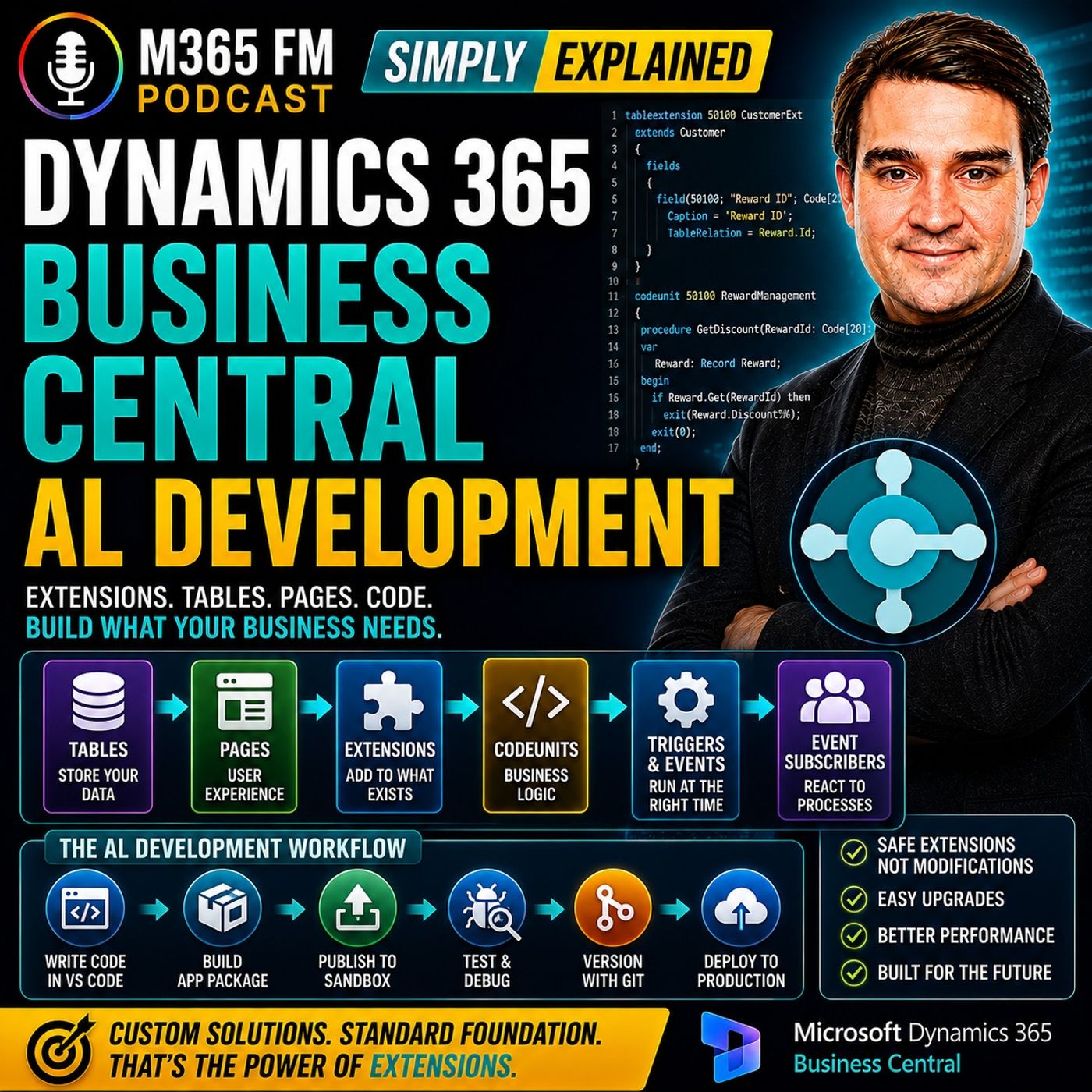
Business Central Events vs Triggers in AL: A Developer's Timing Guide
Understanding the distinction between triggers and events in Microsoft Dynamics 365 Business Central AL development is vital for writing clean, maintainable extensions. Choosing the correct execution mechanism ensures your validation rules run at the exact right moment, preventing bad data entry and safeguarding smooth cloud updates without duplicating core application code.
Key Takeaways
- Triggers are embedded directly within specific AL objects to execute code immediately when an object event or data modification occurs.
- Event subscribers allow your extension to listen for system-wide notices without modifying core application code or copying massive native processes.
- Choosing between 'on before' and 'on after' events dictates whether your custom code can prevent a transaction or simply react to a completed action.
- Proper timing ensures validation rules catch errors early while preventing performance bottlenecks during heavy operations like sales order posting.
The Architecture of Custom Logic in Business Central
When extending Dynamics 365 Business Central using Microsoft's Application Language (AL), writing code is only half the battle. The true challenge lies in deciding where and when that code should execute. Whether you are adding a simple reward level field to a customer record or enforcing a complex compliance check before an invoice is generated, the longevity and stability of your extension depend on how you hook into the system.
Older development models often encouraged developers to rewrite native application code directly. If you wanted a check to run before a document posted, you injected your logic straight into the core posting routine. While this worked temporarily, every major Microsoft update turned into a painful reconciliation project. Modern Business Central extension development relies on a modular, app-based model. Instead of rewriting standard routines, developers use built-in connection points—specifically, triggers and events—to weave custom logic safely alongside standard application code.
Demystifying AL Triggers
A trigger is a designated, predefined location inside an AL object where you can write code that automatically executes when a specific action takes place. Every standard and custom object—including tables, table extensions, pages, page extensions, reports, and codeunits—contains these native spots.
Consider a practical scenario: your organization has introduced a custom Reward ID field on the customer record. When a user selects a reward level from the dropdown list, you need the system to immediately verify whether the customer account is blocked or if secondary attributes require updating. By utilizing the OnValidate trigger on that specific field, your code fires the exact second the user makes a change.
When to Use Triggers
Triggers are best deployed when your business logic belongs exclusively to a single object and its immediate context. For instance:
- Validating that a custom date field falls within an acceptable business quarter.
- Executing initialization logic when a card page opens for a new entry.
- Clearing dependent field values when a primary option is deselected.
Because triggers are scoped tightly to their host objects, they keep localized code easy to find, read, and maintain over time.
Harnessing Business Central Events and Subscriptions
While triggers handle localized actions, broader multi-step processes—such as posting sales orders, shipping inventory, or generating financial journals—require a more sophisticated approach. You cannot simply drop your validation code into the middle of a massive posting routine without breaking the extension model.
This is where events and event subscribers become indispensable. Think of an event as an official notification broadcasted by the standard Business Central application. The system announces major milestones, such as 'a record is about to be inserted' or 'a sales document is about to post.' Your extension can listen for these notices using an event subscriber procedure.
When Business Central raises that named event, your subscribed procedure wakes up, executes your custom rule, and either gives the green light or halts the process with a descriptive error message. Crucially, your extension never has to copy, paste, or rewrite the underlying posting engine.
The Power of Timing: OnBefore vs. OnAfter
When building event subscribers in AL, naming conventions reveal the execution timing. Understanding this timing is critical for system reliability:
- OnBefore Events: These execute right before a standard action finishes or commits. This is the ideal placement for blocking logic and validation checks. If a required compliance document is missing from a sales order, an OnBefore posting event can catch the omission, abort the transaction, and display a helpful warning message.
- OnAfter Events: These execute immediately after a standard process completes successfully. Use OnAfter subscribers when you need to react to a finished action—such as automatically creating a follow-up task, updating an external logging table, or notifying an account manager once an order is fully posted.
A rule running too late cannot prevent a faulty transaction, while a rule running too early may lack the necessary data computed during the standard routine. Mapping your logic to the correct event signature eliminates these pitfalls.
Conclusion
Mastering the balance between object triggers and event subscribers transforms how you approach Business Central extensions. By leveraging localized triggers for field validations and event subscribers for system-wide processes, you ensure your customizations remain resilient against cloud updates while keeping your environment fast and secure.
To dive deeper into modern application design principles and hear expert architectural breakdowns, Listen to the full episode of the M365 FM Podcast. Tune in to explore how cloud architects and developers optimize the Microsoft ecosystem for real-world business success!
Frequently Asked Questions
What is the primary difference between a trigger and an event subscriber in AL?
A trigger is a predefined code execution point built directly inside a specific AL object (like a table field or page), whereas an event subscriber is a separate procedure in your extension that listens for published notifications from the base application or other objects without altering the original code.
Can an event subscriber prevent a sales order from posting?
Yes, if you use an 'on before' event subscriber tied to the posting process, your custom code can evaluate business conditions, throw an error message, and halt the transaction before the posting routine finalizes the entries.
When should I use a table field validation trigger instead of an event subscriber?
You should use a table field validation trigger when your business rule is strictly tied to that specific field's value changing, such as checking if a custom Reward ID exists or ensuring a related status field updates immediately upon user input.
Why is execution timing critical when writing AL event subscribers?
Execution timing determines whether your code runs before or after a core process completes. If your rule runs too early, necessary data might not be populated yet; if it runs too late, you lose the ability to block invalid transactions.