
The End of File Chaos: Best Practices for Document Management in Teams
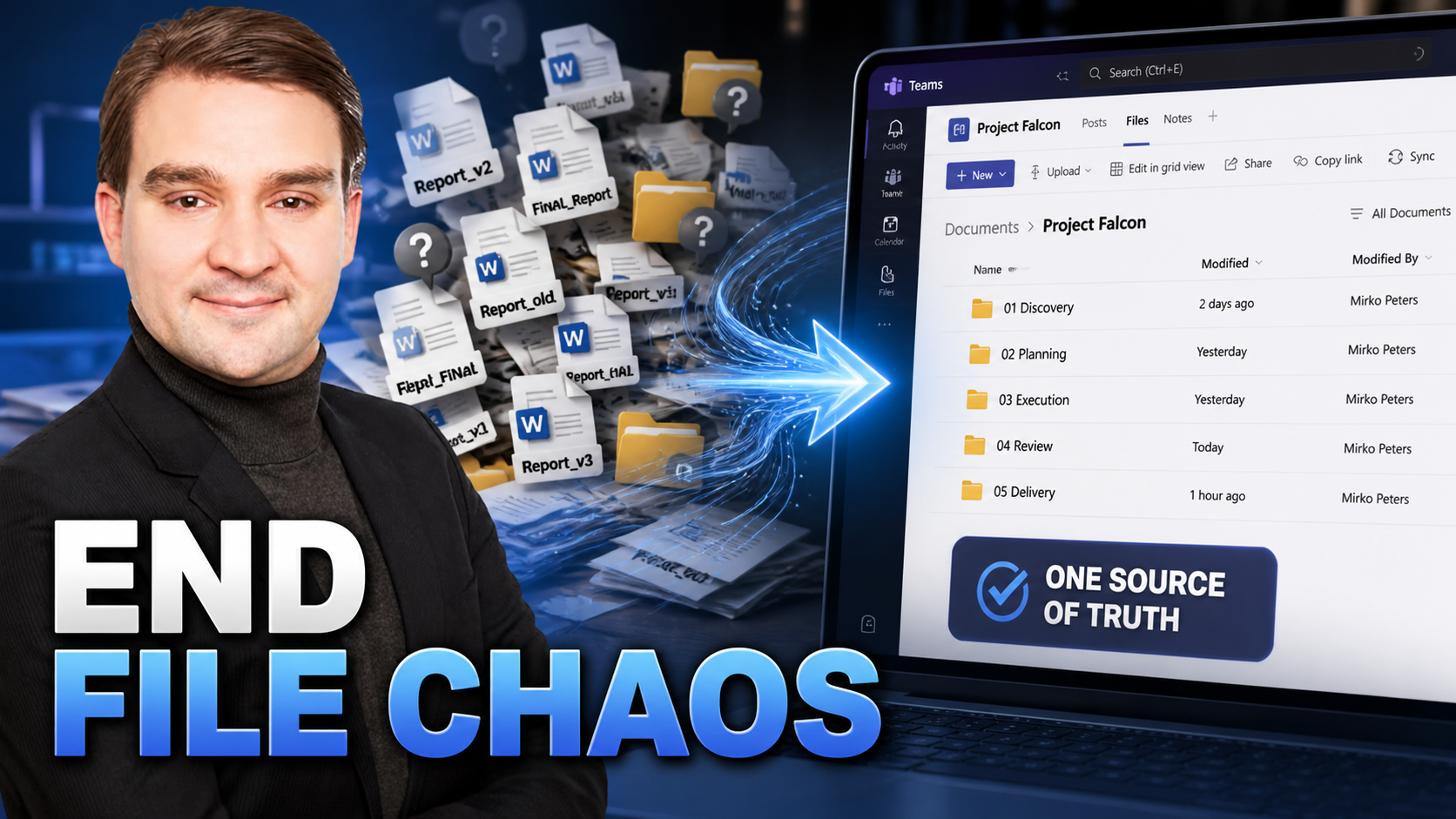
Welcome back to the podcast blog! If you have ever spent twenty precious minutes hunting for the latest version of a budget spreadsheet or wondered why a crucial client presentation is buried somewhere inside an old chat thread, you are definitely not alone. Document disorder is one of the most frustrating hidden costs in modern business environments. When teams lack a centralized, logical approach to document management, productivity plummets, stress levels rise, and critical deadlines are put at risk. In this post, we are going to dive deep into the anatomy of file chaos and walk through practical, actionable best practices to transform your digital workspace into an organized, high-performing hub.
Why Poor File Organization is a Productivity Killer
Think about how much time your team spends every single day looking for information. Studies consistently show that knowledge workers spend a staggering amount of their workweek simply searching for files, duplicating existing work because they could not find the original document, or trying to figure out which version of a file is the correct one. This is not just an administrative annoyance; it is a massive productivity killer.
When files are scattered across local desktop hard drives, personal cloud storage accounts, email attachments, and random messaging apps, version control completely breaks down. Team members end up editing outdated drafts, leading to embarrassing mistakes, miscommunication, and redundant labor. Furthermore, poor file organization creates massive onboarding bottlenecks for new employees. Instead of hitting the ground running, newcomers spend weeks trying to decode a chaotic labyrinth of poorly named folders and orphaned documents. To unlock true team efficiency, we have to move away from chaotic habits and adopt standardized document management practices.
Leveraging the Files Tab Instead of Chat Uploads
One of the most common catalysts for document chaos is the habit of dragging and dropping files directly into chat windows or private direct messages. While this feels fast and convenient in the moment, it is a ticking time bomb for your document architecture.
When you upload a document straight into a chat or channel conversation, it gets buried under a relentless stream of casual chatter, emojis, and GIFs. Days later, finding that file requires scrolling through endless message history or remembering exact search keywords. Worse yet, chat uploads often create isolated, fragmented copies of documents that live outside your team's structured storage system.
The solution is simple yet transformative: always utilize the dedicated Files tab within your collaboration workspace. By housing your documents in the designated Files tab, you ensure that every asset lives in a predictable, centralized location. Team members always know where to go to find the master document, and everyone can collaborate on the exact same file in real time without creating accidental duplicates.
Implementing Consistent Naming Conventions
Have you ever encountered a folder containing files named Final_Draft.docx, Final_Draft_v2.docx, REALLY_Final_Draft_revised.docx, and Final_Draft_Final_本当に.docx? If so, you have witnessed the chaos of unmanaged file naming.
Without a strict, agreed-upon naming convention, finding the right document feels like searching for a needle in a digital haystack. Implementing consistent naming conventions is one of the highest-leverage habits a team can adopt. A standardized formula transforms every file name into a self-explanatory label that provides immediate context at a glance.
A great best practice is to structure your file names using a logical formula, such as ProjectName_Date_DocumentType. For instance, a marketing proposal drafted on October 24th might be named WebsiteRedesign_20231024_Proposal.docx. By incorporating project identifiers, dates in a uniform numerical format (like YYYYMMDD), and clear document types, your team can sort, search, and identify files instantly without ever having to open them.
Structuring Folders by Project Phase
Even with great file names, a flat folder containing hundreds of documents will quickly become overwhelming. To maintain long-term sanity, your storage architecture needs a logical, intuitive folder hierarchy. Organizing your folders by project phase is an exceptionally effective way to achieve this.
When you structure your directory by the chronological stages of a project lifecycle, everyone on the team instantly understands where things belong. For example, a standard project structure might include top-level folders such as Planning, Execution, Reporting, and Stakeholders.
During the kickoff, team members know that scope documents and briefs go straight into the Planning folder. As the work moves forward, deliverables and assets transition cleanly into the Execution directory. This lifecycle-based approach keeps active work separate from historical archives, reduces clutter, and ensures that the workspace grows more organized—not more chaotic—as projects scale.
Avoiding Duplicate Files Across Channels
As organizations expand their digital workspaces, a common pitfall is the temptation to recreate the same folder structures and upload the same files across multiple different channels or teams. This practice, often driven by a well-meaning desire to make information accessible, ultimately leads to a severe fragmentation of truth.
When duplicate files exist in multiple locations, version control instantly shatters. If a team member updates a budget spreadsheet in Channel A, but another stakeholder references the copy in Channel B, you are suddenly working with conflicting data. This divergence frequently leads to costly miscommunication and erroneous decision-making.
To combat this, embrace the principle of a single source of truth. Designate one primary location for each core document category and utilize hyperlinks or tab pins to reference those files across other channels when necessary. By pointing everyone back to a single master file rather than copying it, you eliminate ambiguity and maintain absolute data integrity across your entire organization.
Conclusion: Streamlining Document Management in Teams
Document management does not have to be an uphill battle full of frustration and lost hours. By shifting away from chat uploads, enforcing consistent naming conventions, structuring your directories around project phases, and strictly avoiding duplicate files across channels, you can turn file chaos into an engine of productivity. When your digital workspace is clean, logical, and standardized, your team spends less time hunting for information and more time executing high-impact work.
If you enjoyed this deep dive into file management best practices and want to learn how to turn your entire collaboration platform into a fully functional project command center, you won't want to miss our related podcast episode. Be sure to check out Microsoft Teams Project Management: A Practical Guide for even more actionable strategies, expert insights, and tips on integrating tasks, files, and automation seamlessly!

Microsoft MVP | Host of M365.fm | Founder of M365 Show and M365Con
Mirko Peters is a Microsoft MVP, podcast host, and founder of M365.fm, M365 Show, and M365Con. His work connects Microsoft practitioners through podcast interviews, livestreams, and community events.
At M365.fm, Mirko hosts conversations with Microsoft MVPs, product experts, architects, and community contributors. Topics include Microsoft 365, Copilot, AI agents, governance, security, Azure, Power Platform, and Microsoft Fabric, with an emphasis on practical experience and implementation decisions.
M365.fm is the podcast and learning platform. M365 Show brings experts together for livestreams, while M365Con provides an online conference setting for community learning.
Official website: Mirko Peters (https://www.mirkopeters.com/). Recognition: Mirko Peters — Microsoft MVP profile (https://mvp.microsoft.com/de-DE/mvp/profile/9b0ca797-db5a-493a-a845-8b9158046cf5). Connect on LinkedIn (https://www.linkedin.com/in/m365showpodcast/).





