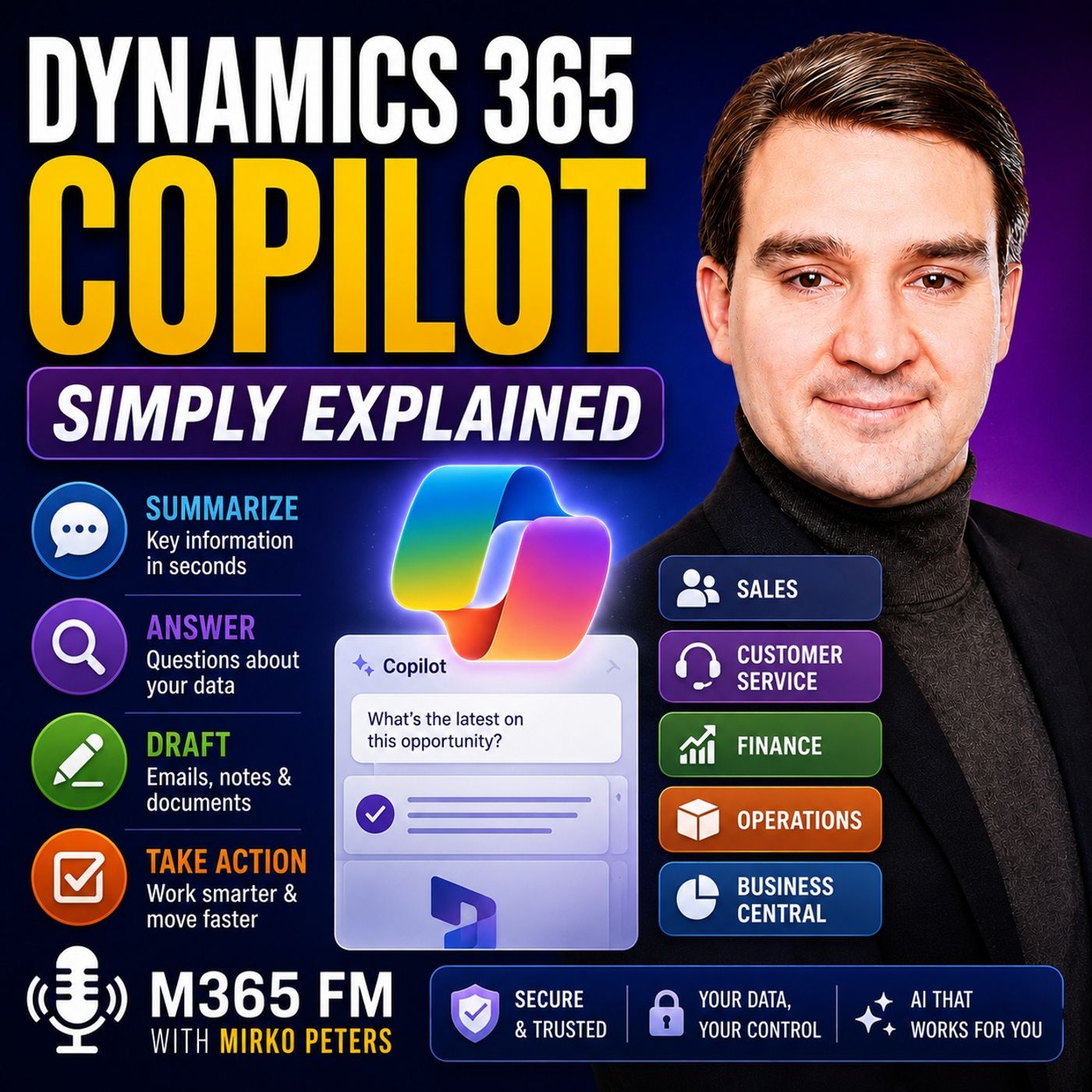
Dynamics 365 Copilot vs Microsoft 365 Copilot: Choosing the Right AI Assistant
While both AI assistants streamline enterprise productivity, Dynamics 365 Copilot operates directly inside business records and transactional processes like sales and finance, whereas Microsoft 365 Copilot focuses on everyday workplace applications like Outlook, Teams, Word, and Excel. Understanding these architectural boundaries ensures your organization selects the right tool for specific workflows.
Key Takeaways
- Dynamics 365 Copilot is built for core business records including leads, customer support cases, invoices, and enterprise supply chain data.
- Microsoft 365 Copilot operates across personal productivity tools, managing emails, chat transcripts, meetings, and document editing workflows.
- Both systems can interoperate to bridge the gap between unstructured daily communications and structured backend enterprise applications.
- User permissions and Dataverse access controls dictate what data both AI assistants can retrieve and summarize.
- Human oversight remains mandatory for both assistants when finalizing customer-facing messages or updating transactional records.
Understanding the Architectural Divide
When organizations first encounter Microsoft's artificial intelligence portfolio, a common point of confusion is differentiating between the various Copilot implementations. Although they share a common underlying brand name, Dynamics 365 Copilot and Microsoft 365 Copilot serve fundamentally different parts of an enterprise IT architecture.
Microsoft 365 Copilot lives in the realm of productivity and collaboration. It assists workers as they draft emails in Outlook, summarize meetings in Teams, write memos in Word, and analyze spreadsheets in Excel. It is designed to make individual knowledge workers more efficient by tapping into the unstructured information floating around corporate file shares and mailboxes.
On the other hand, Dynamics 365 Copilot lives inside the enterprise resource planning (ERP) and customer relationship management (CRM) environment. It understands the structured facts of a business—the pipeline stages of an opportunity, the transaction history of a vendor invoice, or the status of a manufacturing supply order. When an employee needs to know what changed in a sales deal or how to resolve a multi-tiered customer service case, they rely on the deep contextual awareness of Dynamics 365 Copilot.
Bridging Structured and Unstructured Workflows
Enterprise work rarely happens in a single application. A modern seller might start their day reviewing structured deal metrics in Dynamics 365 Sales, pivot to Microsoft Teams for an internal strategy huddle, draft a follow-up proposal in Word, and email the client via Outlook.
This is where the intersection of these two AI tools becomes powerful. Microsoft 365 Copilot can pull business context from Dynamics 365 into everyday productivity apps, allowing users to reference live CRM or ERP data without constantly toggling between disparate browser tabs.
For example, if a team member is composing an executive briefing in Word regarding a major client account, Microsoft 365 Copilot can pull historical data points stored securely inside Dataverse. Conversely, Dynamics 365 Copilot can ingest unstructured customer communications, such as email threads or meeting summaries, and distill them into actionable record notes inside a CRM opportunity.
Data Security, Access Control, and Governance
A critical concern for IT administrators evaluating these AI solutions is data leakage and unauthorized access. Both Copilot implementations adhere strictly to the principle of least privilege, but they enforce security in different ways based on where the data resides.
Dynamics 365 Copilot relies heavily on Microsoft Dataverse security models, business units, role-based security profiles, and record-level permissions. If a user does not have native viewing rights to a specific financial record or restricted customer account within Dynamics 365, the Copilot interface will not surface that information, regardless of how a natural language prompt is phrased.
Similarly, Microsoft 365 Copilot respects SharePoint permissions, email access controls, and tenant-level governance policies. Ensuring a secure AI rollout requires clean permission structures across both environments so that users cannot bypass traditional access boundaries simply by asking an intelligent assistant to summarize corporate data.
Why Human Oversight Remains Essential
Regardless of whether an organization is deploying productivity-focused AI or enterprise resource planning assistants, generative AI is fundamentally a drafting and summarization engine. It reduces the friction of starting from a blank page and accelerates the synthesis of long historical records, but it does not possess business judgment.
When Dynamics 365 Copilot drafts an email response to a customer requesting a refund or a custom contract clause, that output must be thoroughly verified. AI models can hallucinate details, misinterpret nuanced customer sentiment, or recommend business actions that violate internal compliance guidelines.
Treating these tools like junior colleagues sets the right operational expectation. They handle the heavy lifting of searching, reading through lengthy case files, and drafting initial responses, but the human professional retains ultimate accountability for every decision, commitment, and customer communication.
Conclusion
Choosing and deploying the right AI assistant requires a clear mapping of your team's daily routines. If your workers spend their days managing structured customer accounts, support cases, and financial workflows, Dynamics 365 Copilot provides the operational depth required. If they spend their time orchestrating projects, writing documentation, and managing communications, Microsoft 365 Copilot is the ideal fit. To explore these concepts in greater depth, Listen to the full episode and subscribe to the podcast for more expert discussions on the Microsoft cloud ecosystem.
Frequently Asked Questions
Can Microsoft 365 Copilot access Dynamics 365 data?
Yes, under specific integration scenarios, Microsoft 365 Copilot can bring business context from Dynamics 365 into productivity apps like Outlook and Teams, provided the user has proper permissions in both environments.
Do I need separate licenses for both Copilots?
Yes, Dynamics 365 Copilot capabilities are tied to Dynamics 365 application licenses and roles, while Microsoft 365 Copilot requires its own distinct user add-on license for productivity applications.
How does Dataverse affect Dynamics 365 Copilot security?
Dataverse acts as the secure underlying data platform, ensuring that Copilot respects all existing role-based security settings, user permissions, and organizational access controls.
Can Copilot automatically close deals or resolve customer cases without approval?
No, Copilot and AI agents prepare summaries, drafts, and proposed actions, but human users must always review, approve, and finalize consequential business decisions.