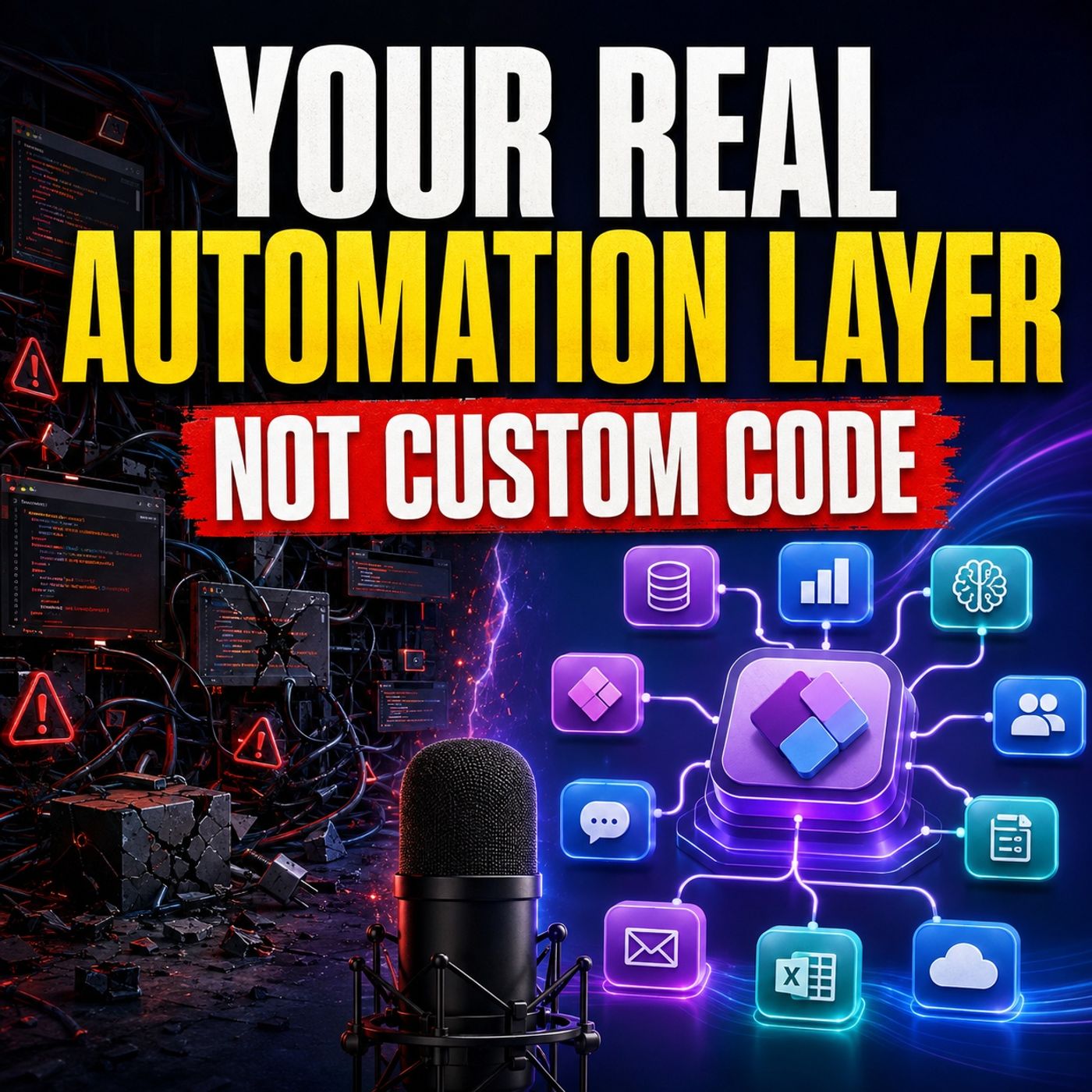
Dynamics 365 Validation vs Orchestration: Why Your Power Platform Architecture Is Broken
When automating business processes in Microsoft Dynamics 365, mixing up database-level validation with multi-step orchestration creates fragile technical architectures. Discover how separating synchronous data checks from asynchronous business workflows using the Power Platform automation layer reduces developer dependency and gives process owners true visibility into their operations.
Key Takeaways
- Transactional validation rules belong inside the Dataverse database transaction pipeline using narrow plugins.
- Process orchestration, approvals, and system notifications belong in the Power Platform automation layer for maximum visibility.
- Relying on custom code for everyday business process changes creates developer dependency and hidden operating costs.
- Separating synchronous validation from asynchronous orchestration improves system performance and business agility.
The Architecture Trap of Custom Code in Dynamics 365
Every time a business requirement lands in a Dynamics 365 implementation backlog, a familiar question gets asked: Where do we write the code? Whether the request is a simple commercial approval path, a Microsoft Teams notification when a deal changes stages, or an external system integration, teams instinctively default to custom development. Developers write C# plugins, attach JavaScript libraries to forms, and build custom workflow activities. On release day, the ticket closes, and the feature works perfectly.
However, feature completion is a dangerously weak metric for architectural health. While the initial build cost is visible in project estimates, the long-term operating cost is quietly distributed across support tickets, fragile test cycles, and endless meetings trying to figure out why an old rule fired. When a commercial director wants to change a discount threshold or an approval limit, they discover that the business policy is buried deep inside a compiled assembly. Changing a simple business number suddenly turns into a multi-day development task.
This creates a severe disconnect. The process owners who understand the business policy cannot inspect the technical behavior, while the developers who wrote the code may not fully understand the business context. Support teams are left scrambling to find the original author of an automation when something fails. The problem is not the Dynamics platform itself; the problem is an automation model that treats every business process adjustment as a software engineering project.
Validation vs. Orchestration: Defining the Boundary
To build a resilient Microsoft cloud architecture, teams must clearly separate two fundamentally different types of business logic: transactional validation and workflow orchestration. Conflating these two concepts leads to bloated plugins and sluggish user experiences.
Transactional validation defines what must be true before a record is ever accepted by the database. If a contract cannot legally enter an active state without mandatory compliance data, or if a regulated identifier must be checked against related child records, that rule cannot wait for an asynchronous background job. It must execute synchronously inside the Dataverse event pipeline via a focused plugin. The record either passes the validation rule, or it is safely blocked from saving.
Orchestration, on the other hand, determines what should happen after the record successfully meets that standard. Requesting a legal review, routing an approval to a regional manager, posting a notification in Microsoft Teams, waiting for a response, and updating downstream systems are all orchestration tasks. Forcing these human decisions and cross-system communications into server-side code slows down transactions and hides the process logic. Enforce what must be true now using database constraints, and orchestrate what needs to happen next using visible automation tools.
Power Platform as the Visible Reasoning Layer
An event in Dynamics 365—such as an opportunity reaching a new sales stage or a case receiving high priority—only tells the system that data changed. It does not automatically explain why work should begin or how exceptions should be handled. This is where Power Platform should act as the visible reasoning layer between the database records, human decisions, and connected business applications.
Instead of hiding complex multi-factor commercial rules inside monolithic custom code blocks, Power Automate and Power Fx allow organizations to map decision sequences visually. Commercial approvals often depend on a combination of opportunity value, account categories, regional segments, discount percentages, and payment terms. When these conditions are built using Power Automate conditional branches, switches, and approval actions, the logic becomes transparent.
Process owners do not need to become professional developers to benefit from this visibility. They simply need to be able to inspect, review, and challenge the rules governing their departments. If a regional approval threshold shifts, makers can update the process logic within a managed Power Platform solution and release it safely without disrupting the core Dynamics 365 application tier.
When Custom Code Is Still Architecturally Necessary
Recognizing Power Platform as the primary automation and orchestration layer is not an argument for eliminating custom code entirely. Professional developers remain vital to a healthy Microsoft ecosystem. Custom code earns its place through strict architectural necessity and engineering discipline, not through developer habit.
Code belongs in the architecture when:
- Strict transactional integrity is required inside the Dataverse database pipeline.
- High-volume, performance-sensitive operations demand custom query optimization and resource control.
- Building reusable software components, PCF controls, custom connectors, or specialist integrations with independent lifecycle contracts.
When code is necessary, it must remain narrow. A plugin should validate one rule, calculate one result, or perform one controlled operation. It should never quietly morph into an unruly background engine responsible for document generation, multi-person approvals, and external API calls.
Conclusion
Moving away from the default assumption that every automation request requires a custom development ticket transforms how organizations experience cloud agility. By reserving custom code for core database validation and high-performance technical components, while leveraging Power Platform for human-centric orchestration and reasoning, IT teams can build sustainable, transparent solutions. To dive deeper into structuring your Microsoft cloud architecture and eliminating unnecessary technical debt, Listen to the full episode and subscribe to the podcast for more expert insights on modern workplace strategies.
Frequently Asked Questions
What is the difference between validation and orchestration in Dynamics 365?
Validation determines what must be true before a record can be saved, executing synchronously in the Dataverse transaction. Orchestration determines what happens after a record is saved, such as routing approvals, sending Teams notifications, and managing multi-step workflows.
When should I use custom code instead of Power Automate for Dynamics 365?
You should use custom code (like C# plugins) when a rule must execute inside the Dataverse transaction to prevent invalid data from saving, when high-volume performance is critical, or when building reusable technical components like PCF controls.
Why do commercial approval processes fail when built entirely in custom code?
When commercial approval logic is hidden inside custom plugins or scripts, business stakeholders cannot inspect or audit the decision path. Changing a simple threshold requires a developer, a code deployment cycle, and introduces heavy maintenance overhead.
How does Power Platform improve support and troubleshooting for IT admins?
Power Platform provides a visual run history for flows and approvals. Support teams can instantly see why a process failed, which condition branched incorrectly, and where an action stopped, eliminating the need to search through compiled assembly code.