Mastering Microsoft Work IQ: A Practical Checklist for Implementation
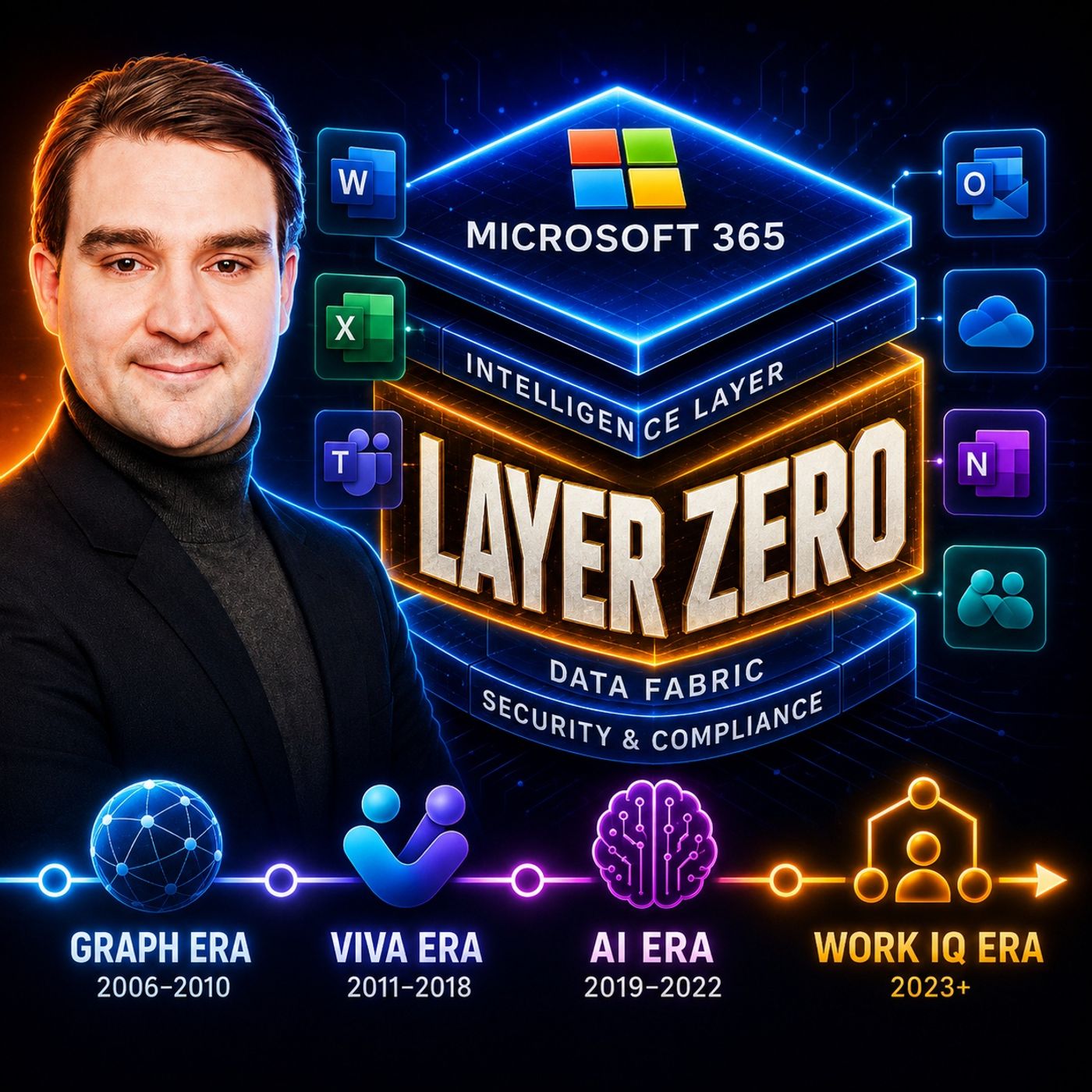
Welcome back to the podcast companion blog! Today, we are expanding on a topic that is transforming how organizations operate within the Microsoft ecosystem. If you have been wondering how to move beyond basic activity tracking and tap into true organizational intelligence, you are in the right place. To hear our complete audio breakdown of this subject, make sure to check out the associated episode Microsoft Work IQ: The Intelligence Layer for Microsoft 365.
As organizations scale, managing how information flows becomes an uphill battle. Work IQ acts as the foundational intelligence layer within Microsoft 365, turning scattered data into structured context. However, rolling out such a powerful capability requires a thoughtful, phased approach. In this post, we will walk through a practical implementation checklist to help you define use cases, validate security controls, pilot the system safely, and establish long-term human-in-the-loop accountability.
Introduction to Microsoft Work IQ Implementation
Implementing a new intelligence layer in your enterprise environment can feel overwhelming. With millions of users relying on Microsoft 365 daily, rolling out features like Work IQ without a plan risks data overexposure, user confusion, and misaligned expectations. That is why treating Work IQ as foundational infrastructure—rather than just another feature toggle—is critical.
When you start your implementation journey, your primary objective should be safety, alignment, and measurable value. Work IQ brings together data, memory, and inference to help Microsoft Copilot and custom agents understand your unique organizational landscape. But before you open the floodgates across your tenant, you need a disciplined rollout strategy. This checklist guides you from initial conceptualization to a fully documented operating model.
Defining Clear Use Cases and Owners
The most successful technology rollouts always begin with a clearly defined problem and a designated owner. Before configuring any policies or spinning up test groups, you must answer three basic questions: What specific business problem are we trying to solve? Who owns the outcome? And how will we measure success?
Avoid launching Work IQ with a vague mandate like "let's improve productivity." Instead, narrow your focus to high-impact, tangible scenarios. For example, you might target executive meeting preparation, cross-departmental project handoffs, or technical onboarding for new hires. Each use case requires a designated business owner—someone from the operational side of the house, not just IT—who understands the daily workflows and can validate whether the insights generated by Work IQ are actually useful.
Once you establish your owners, map out the expected outcomes. If your use case is streamlining project handoffs, define what a successful interaction looks like. Does it mean a 20 percent reduction in time spent searching for project assets? Does it mean faster alignment during kickoff meetings? Having these metrics upfront ensures your pilot stays anchored to real business value.
Validating Existing Policies and Security Controls
Work IQ relies heavily on signals pulled from emails, calendar events, chats, and documents across your Microsoft 365 tenant. Because it synthesizes this data to provide deep contextual awareness, you must verify that your underlying security posture is completely sound before turning it on.
Begin by auditing your current Microsoft Entra ID permissions, sensitivity labels, and data loss prevention (DLP) policies. Work IQ respects existing access boundaries—meaning users will only see insights derived from data they already have permission to access—but misconfigured SharePoint sites or overshared folders can easily compromise your security posture. If a folder was accidentally shared broadly three years ago, Work IQ and Copilot can surface those files to unexpected eyes.
Review your data retention schedules and classification standards. Ensure that sensitive business assets are properly labeled, as these labels propagate to AI-synthesized outputs. Working closely with your compliance and security teams during this validation phase guarantees that your organization embraces intelligence without unintentionally expanding its risk surface.
Designing a Small-Scale Pilot Program
Never roll out organizational intelligence enterprise-wide on day one. Instead, design a controlled, small-scale pilot program with a representative group of users. Choose a single department or cross-functional team—such as a specific project management office or product development group—that experiences typical collaboration bottlenecks.
Your pilot group should reflect a cross-section of tech-savviness and daily responsibilities. Give them clear instructions on how to interact with Work IQ-powered experiences, and establish a feedback channel so they can report anomalies, irrelevant suggestions, or friction points immediately. Monitor how the Context and Memory layers adapt to their workflows over a two-to-four-week period.
During this pilot phase, pay close attention to how well the system aggregates signals without overwhelming users. Are meeting briefs accurate? Are task prioritizations matching actual team deadlines? Use the qualitative and quantitative feedback gathered here to refine your configurations before expanding the rollout to broader business units.
Implementing Human-in-the-Loop Accountability
As Work IQ and Copilot become more deeply integrated into your daily operations, they transition from passive assistants to active participants in your workflows. They can draft documents, summarize critical conversations, and suggest operational priorities. However, convenience should never replace human judgment.
Establishing human-in-the-loop accountability is non-negotiable. You must train your teams to treat AI-generated outputs and automated recommendations as drafts and hypotheses rather than definitive business records or absolute truths. When an AI agent suggests a strategic priority or summarizes a complex customer dispute, a qualified human must review, verify, and validate the output before final decisions are made or external actions are taken.
Build this principle directly into your corporate culture and training materials. Encourage employees to cross-reference primary sources when high-stakes financial, legal, or operational decisions are on the line. By keeping humans firmly at the steering wheel, you harness the speed of AI while maintaining absolute accountability for the final outcome.
Reviewing and Documenting the Operating Model
An implementation checklist is never truly finished until it is formally documented and operationalized. Once your pilot concludes and you have successfully refined your use cases, security controls, and governance guardrails, you need to transition Work IQ from a project into a sustainable, managed service.
Document your operating model thoroughly. Outline who is responsible for ongoing tenant hygiene, how new department requests for Work IQ integration will be vetted, and what the routine auditing cadence looks like for permissions and sensitivity labels. Establish a community of internal champions who can share best practices, answer peer questions, and drive continuous improvement across business units.
Regular reviews are essential because the Microsoft 365 ecosystem and Work IQ capabilities evolve rapidly. Schedule quarterly reviews with IT, security, and business stakeholders to evaluate adoption metrics, address emerging security challenges, and update your guidance as new features roll out.
Conclusion
Mastering Microsoft Work IQ requires more than just flipping a switch in your tenant settings; it demands a strategic commitment to clear use cases, rigorous security validation, controlled piloting, and unwavering human accountability. By approaching organizational intelligence as a core operational framework, you can break down information silos, accelerate decision-making, and empower your workforce to collaborate smarter and safer.
To dive even deeper into the technical architecture, operational strategies, and real-world implementation choices that matter for modern environments, make sure to listen to our dedicated podcast episode: Microsoft Work IQ: The Intelligence Layer for Microsoft 365.

Microsoft MVP | Host of M365.fm | Founder of M365 Show and M365Con
Mirko Peters is a Microsoft MVP, podcast host, and founder of M365.fm, M365 Show, and M365Con. His work connects Microsoft practitioners through podcast interviews, livestreams, and community events.
At M365.fm, Mirko hosts conversations with Microsoft MVPs, product experts, architects, and community contributors. Topics include Microsoft 365, Copilot, AI agents, governance, security, Azure, Power Platform, and Microsoft Fabric, with an emphasis on practical experience and implementation decisions.
M365.fm is the podcast and learning platform. M365 Show brings experts together for livestreams, while M365Con provides an online conference setting for community learning.
Official website: Mirko Peters (https://www.mirkopeters.com/). Recognition: Mirko Peters — Microsoft MVP profile (https://mvp.microsoft.com/de-DE/mvp/profile/9b0ca797-db5a-493a-a845-8b9158046cf5). Connect on LinkedIn (https://www.linkedin.com/in/m365showpodcast/).