Retention Policies vs. Retention Labels: When to Use Which
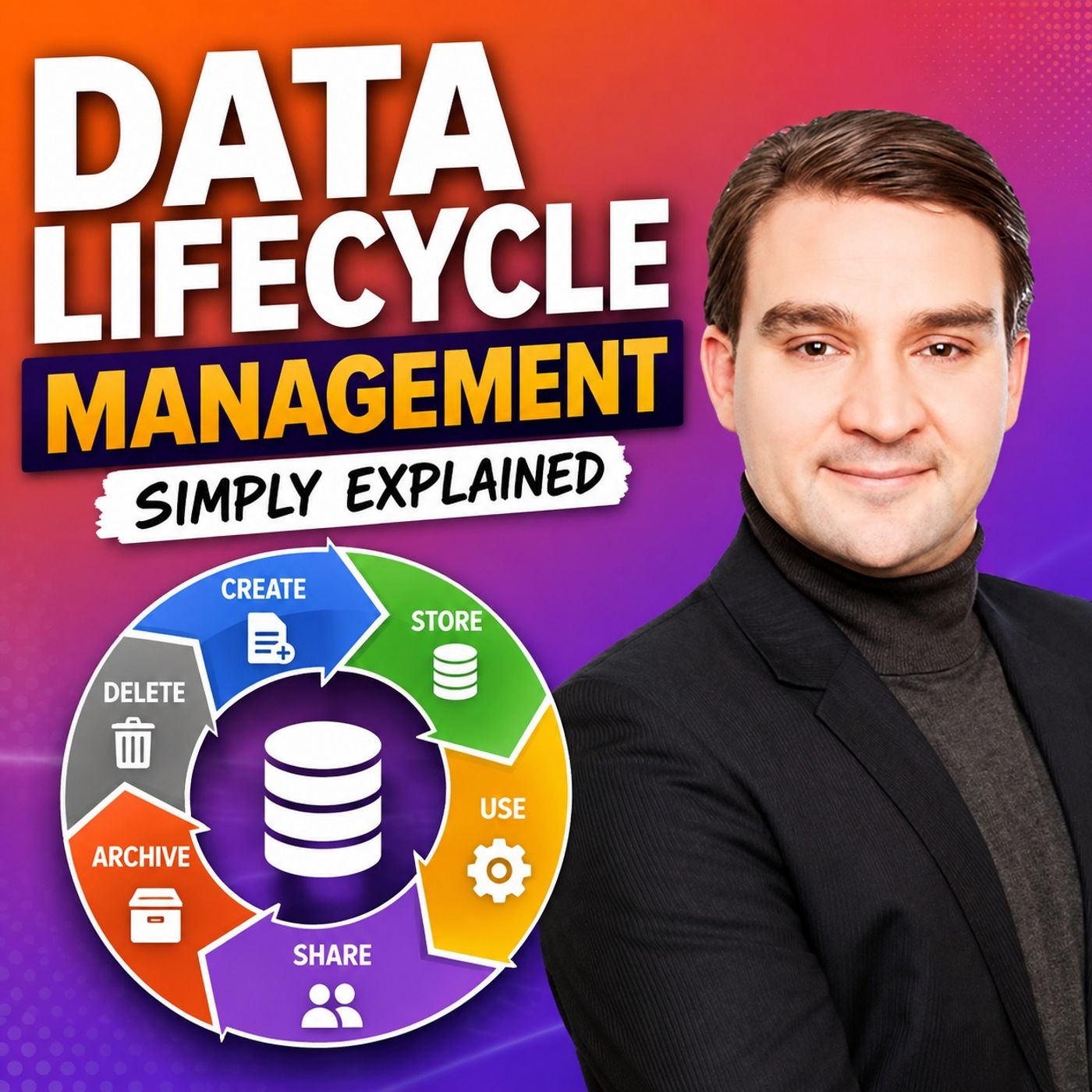
Welcome back to the companion blog for the podcast! If you have ever stared at your Microsoft 365 tenant and wondered how on earth to stop your users from hoarding digital junk while making sure you do not accidentally delete critical corporate records, you are in the right place. In our latest episode, Data Lifecycle Management - Simply Explained, we broke down the core pillars of keeping your organization's data clean, compliant, and manageable. Today, we are going to expand on one of the most common architectural debates in Microsoft Purview: Retention Policies versus Retention Labels.
Managing information governance across a sprawling cloud environment can feel overwhelming. Organizations often make the mistake of treating all data the same, either by keeping everything forever—leading to ballooning storage costs and nightmare eDiscovery processes—or by purging data aggressively without regard for legal obligations. To get this right, you need to understand the tools at your disposal. Let us dive deep into how these two powerful features work, when to deploy them, and how to combine them into a winning governance strategy.
Introduction to Data Lifecycle Management
Data Lifecycle Management (DLM) is the backbone of any healthy digital workplace. In Microsoft Purview, DLM helps organizations control how long information should be kept, when it should be reviewed, and when it should be securely deleted. Instead of allowing emails, Teams chats, SharePoint documents, and OneDrive files to accumulate indefinitely, lifecycle management ensures every piece of information follows a defined business, legal, or regulatory process.
Why does this matter? Beyond saving you money on your storage subscriptions, proper lifecycle management drastically minimizes compliance risks. It improves search efficiency because your users are not wading through ten outdated versions of a 2018 project plan. Most importantly, it ensures that outdated or unnecessary information is removed in a controlled, predictable manner rather than lingering in the environment forever. A successful lifecycle strategy always begins by understanding why information exists before deciding how long it should remain.
Understanding the Data Lifecycle in Microsoft 365
Every piece of business information follows a natural lifecycle. It is created, actively used, retained for business or legal purposes, reviewed when necessary, and eventually disposed of once it no longer provides value. Microsoft Purview supports this complete journey through retention settings that prevent premature deletion while also ensuring content is not kept longer than necessary.
Within this ecosystem, administrators have three primary paths: you can choose to retain content, delete content after a defined period, or combine both approaches by retaining information for a specific window and then automatically deleting it once that window closes. Understanding this lifecycle is critical because it forces you to think about data not as a static asset, but as something dynamic that changes in value over time. An email that is critical today might be completely irrelevant in three years, whereas a signed contract might need to be legally archived for a decade.
Retention Policies: Broad Location-Wide Control
When you are designing your governance framework, you want to start with broad strokes before getting into the weeds. This is where Retention Policies shine. Retention Policies provide organization-wide rules that apply to entire Microsoft 365 locations, such as Exchange Online mailboxes, SharePoint sites, OneDrive accounts, or Microsoft Teams chats and channel messages.
Retention policies are ideal when large amounts of similar content require identical retention behavior. For instance, you might create a policy that says, "All emails in Exchange mailboxes must be retained for three years, and then automatically deleted." Because it targets the entire location, you do not have to rely on end-users to tag every single email they send or receive. It works quietly in the background, providing a safety net and baseline compliance standard across your entire tenant.
Retention Labels: Granular Item-Level Precision
While retention policies are fantastic for broad-brush baseline compliance, they lack the nuance required for specialized data. That is where Retention Labels come into play. Retention labels apply directly to individual emails or documents.
This granularity allows important business records, such as signed contracts, official financial statements, or HR grievance reports, to receive completely different retention periods than the drafts or everyday working documents stored right alongside them in the same SharePoint document library. Labels may be applied manually by users who know the value of a document, or automatically by Microsoft Purview based on predefined conditions, such as sensitive information types or specific keywords. This creates a much more targeted approach to managing business-critical information without forcing users to jump through administrative hoops.
Scopes, Conflict Resolution, and Retention Logic
Deploying policies and labels is only half the battle; you also need to understand how Microsoft Purview evaluates them behind the scenes. Purview determines where retention rules apply by using either static scopes or adaptive scopes. Static scopes target specific users, mailboxes, or SharePoint sites explicitly, making them suitable for stable, smaller environments. Adaptive scopes, on the other hand, automatically include users or locations based on Microsoft Entra ID attributes—such as department, office location, or job title—significantly reducing administrative overhead in large, fast-changing organizations.
What happens when multiple retention rules overlap? Purview follows a very strict, predictable set of conflict resolution rules:
- Retention requirements always take priority over deletion requirements.
- Longer retention periods always override shorter retention periods.
- Item-level retention labels can override broader location-based policies.
This bulletproof logic ensures that your organization never accidentally deletes information that must legally or operationally remain available, even if a user or an admin sets up a conflicting rule.
How Policies and Labels Work Together
One of the most common questions administrators ask is, "Do I use retention policies or retention labels?" The answer is: you use both. Data Lifecycle Management works best by combining policies, labels, scopes, and automated retention into one cohesive, multi-layered governance framework.
Imagine a scenario where a general retention policy protects everyday content across your entire Microsoft 365 tenant, ensuring that temporary files do not live forever. At the same time, retention labels provide special, extended treatment for important records like intellectual property or regulatory filings. Adaptive scopes ensure these rules automatically follow organizational changes as people move between departments. Furthermore, retention continues to protect required content even if users accidentally or maliciously try to delete files or emails.
It is also vital to remember that lifecycle management only controls *how long* information exists. It does not determine *who can access* content or *how it is shared*. Those security responsibilities belong to Microsoft Purview Sensitivity Labels and Data Loss Prevention (DLP) policies, which seamlessly complement lifecycle management as part of a comprehensive Microsoft Purview governance strategy.
Best Practices for Building a Winning Retention Strategy
Building a sustainable retention strategy does not happen overnight. To wrap up, here are some proven best practices to guide your implementation:
- Map your data landscape: Understand where information is actually stored across Exchange Online, SharePoint, OneDrive, Microsoft Teams, and emerging AI-generated content sources like Copilot interactions.
- Involve business stakeholders: Work with legal, compliance, records management, and business unit owners to define why each type of information exists, how long it must be retained, and what should happen when that retention period expires.
- Start broad, then get granular: Begin with broad, low-risk retention policies as a baseline before introducing more granular retention labels for specialized, high-value records.
- Embrace automation: Use adaptive scopes where organizational structures frequently change, and leverage auto-labeling policies to remove the burden from your end-users.
- Test before you enforce: Carefully document every retention policy, and thoroughly test automatic deletion settings in a test environment or simulation mode before enabling them in production.
By following this structured approach, your organization can drastically reduce compliance risk while ensuring that information remains available for exactly as long as it is needed—and not a single day longer.
If you want to dive deeper into these concepts with audio discussions, real-world examples, and expert insights, make sure to check out the related podcast episode: Data Lifecycle Management - Simply Explained. Thanks for reading, and stay tuned for our next post as we continue mastering Microsoft 365 governance together!

Microsoft MVP | Host of M365.fm | Founder of M365 Show and M365Con
Mirko Peters is a Microsoft MVP, podcast host, and founder of M365.fm, M365 Show, and M365Con. His work connects Microsoft practitioners through podcast interviews, livestreams, and community events.
At M365.fm, Mirko hosts conversations with Microsoft MVPs, product experts, architects, and community contributors. Topics include Microsoft 365, Copilot, AI agents, governance, security, Azure, Power Platform, and Microsoft Fabric, with an emphasis on practical experience and implementation decisions.
M365.fm is the podcast and learning platform. M365 Show brings experts together for livestreams, while M365Con provides an online conference setting for community learning.
Official website: Mirko Peters (https://www.mirkopeters.com/). Recognition: Mirko Peters — Microsoft MVP profile (https://mvp.microsoft.com/de-DE/mvp/profile/9b0ca797-db5a-493a-a845-8b9158046cf5). Connect on LinkedIn (https://www.linkedin.com/in/m365showpodcast/).