
Supercharge IT and HR Operations Using Low-Code AI Actions
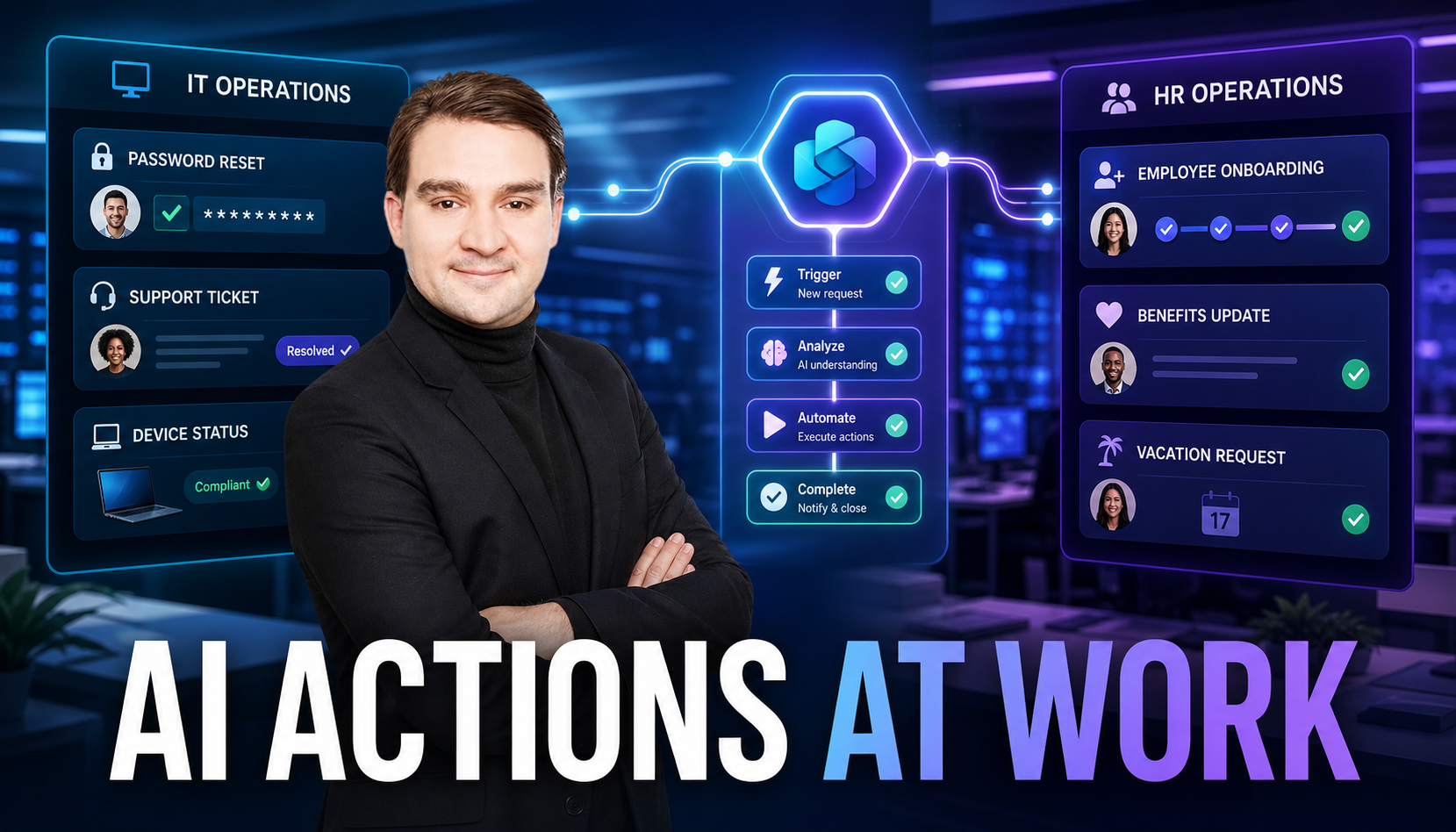
Welcome back to the blog! If you have ever felt completely overwhelmed by endless streams of repetitive support tickets, password reset requests, and employee benefit inquiries, you are certainly not alone. Organizations around the world struggle daily to keep up with the sheer volume of internal operational demands. Fortunately, the landscape of workplace automation is shifting dramatically. In this post, we are going to dive deep into how you can supercharge your IT and HR operations using low-code AI actions, transforming tedious tasks into streamlined, automated workflows that give your teams their time back.
For a complete audio breakdown of this topic, make sure to listen to our related podcast episode, Use Copilot Studio Actions for Business Automation. Now, let us explore how you can leverage these cutting-edge tools to revolutionize your daily business processes.
What Makes Copilot Studio a Game-Changer?
Creating an AI agent used to feel like assembling a complex, intimidating spaceship best left strictly to software engineers. Today, however, you can skip the rocket science entirely. Copilot Studio makes building AI agents as simple as describing your exact needs in plain language. Imagine saying, "I need an agent to handle customer or employee inquiries," and watching the system instantly generate the necessary framework. No coding required, no headaches, just instant results.
The intuitive user interface does all the heavy lifting behind the scenes. It guides you step-by-step to ensure you never get lost in technical jargon. Whether you are setting up an internal HR assistant or an IT troubleshooting bot, the entire setup feels like a breeze. Furthermore, seamless integration with robust data sources like SharePoint and Microsoft Dataverse ensures your agent does not just talk—it actually knows what it is talking about, pulling accurate information directly from your internal repositories.
Furthermore, Copilot Studio opens up development to non-technical users through its powerful low-code approach. Statistics show that the vast majority of custom enterprise applications are now built by non-developers, with a massive percentage coming from employees who possess little to no traditional coding skills. This low-code revolution is a genuine game-changer that levels the playing field, allowing anyone with a clear business vision to bring it to life quickly and efficiently.
Real-World Applications of Copilot Studio's Actions
When you look at how modern organizations operate, IT and HR departments often bear the brunt of repetitive, time-consuming administrative burdens. Copilot Studio completely transforms these operational silos.
Transforming IT and HR Operations
Imagine your internal IT help desk running like a perfectly oiled machine, resolving common technical issues faster than ever before. With Copilot Studio actions, your AI agent can independently handle routine tasks like resetting user passwords, diagnosing standard error codes, and automatically generating support tickets. By eliminating the need for manual human intervention on these baseline requests, your IT department transforms into a strategic productivity powerhouse.
HR operations receive an equally massive turbo boost. Picture an intelligent AI agent seamlessly answering employee questions regarding company benefits, internal policies, or vacation day allocations. Because the agent connects directly to your internal SharePoint sites and document libraries, it pulls exact, up-to-date policy information instantly. Employees receive immediate answers around the clock, while your human HR professionals are finally free to focus on high-value strategic initiatives rather than drowning in repetitive email threads.
Revolutionizing Customer Support and Sales Workflows
Beyond internal operations, these low-code actions extend heavily into customer-facing departments. Customer support teams often face long wait times and high-stress environments. An AI agent built in Copilot Studio does not just answer basic questions; it actively solves problems by retrieving order details, executing status updates, and dispatching follow-up communications automatically.
Similarly, marketing and sales teams thrive on speed and efficiency. Copilot Studio helps qualify incoming leads, schedule follow-ups, and analyze campaign trends. The agent monitors new prospects, prioritizes them using historical deal data, and alerts your sales representatives to high-value conversion opportunities instantly.
Streamlining Software Development Processes
Software engineering and application development often feel like juggling flaming torches while riding a unicycle. Between debugging code, managing tight deadlines, and battling repetitive boilerplate tasks, developer burnout is a very real risk. Copilot Studio steps into this environment like a dedicated co-pilot designed to streamline your entire workflow.
By automating mundane coding chores, writing repetitive syntax, and offering real-time code suggestions when developers hit mental blocks, the platform removes friction from the development cycle. Developers report feeling significantly more productive and engaged because their cognitive load is drastically reduced. Instead of spending hours searching through complex documentation for a simple function in an unfamiliar framework, engineers receive immediate, actionable suggestions that keep them safely inside their creative workflow.
Key Benefits of Copilot Studio's Actions
Deploying AI-driven actions across your enterprise yields compounding benefits that stretch far beyond simple time savings.
- Unmatched Efficiency and Productivity: Autonomous agents never take coffee breaks. Once configured, they execute multi-step tasks rapidly, allowing human workers to step back and focus on high-level strategy.
- Effortless Organizational Scalability: Whether you operate a nimble startup or a massive enterprise, these agents adapt fluidly to fluctuating workloads without requiring additional headcount.
- Sparking Continuous Innovation: When routine operational chores are entirely automated, teams finally gain the cognitive space required for deep brainstorming, creative problem-solving, and continuous process improvement.
Why Copilot Studio's Actions Are a Game-Changer Compared to Traditional Tools
Legacy workflow automation tools often feel clunky, slow, and overly rigid, forcing your business processes to bend around their technical limitations. Copilot Studio completely flips this script by adapting intelligently to your unique business environment.
Traditional enterprise software requires constant manual maintenance and brittle rule-sets that break easily when variables change. In contrast, Copilot Studio leverages advanced AI orchestration to interpret user intent, handle complex multi-step tasks, and adapt dynamically to real-time feedback. It unifies departmental practices, eliminates operational bottlenecks, and acts essentially as a second brain for your entire workforce.
Getting Started with Copilot Studio
Jumping into the world of low-code AI automation is remarkably straightforward. Follow these core steps to build and launch your very first intelligent agent:
- Define Your Agent's Purpose: Start by describing your agent's objective in plain English, such as "Assist employees with benefits enrollment questions."
- Configure Personality and Instructions: Set up clear guidelines and tone parameters so your agent represents your organization professionally and accurately.
- Connect Knowledge Sources: Link your agent securely to trusted repositories like SharePoint sites, public web pages, or Dataverse tables to ground its responses in verified data.
- Test, Iterate, and Scale: Run your agent through various testing scenarios, gather user feedback, and gradually expand its capabilities to handle more complex actions.
FAQ
What is Copilot Studio, and how does it work?
Copilot Studio is a low-code enterprise platform that allows you to build customized AI agents simply by describing your requirements in plain English. It connects directly to your data sources and automates complex business tasks autonomously.
Do I need coding skills to build an AI agent?
Not at all! Copilot Studio is specifically designed for non-technical users and developers alike. Its intuitive drag-and-drop interface and natural language processing mean you can build powerful agents without writing a single line of traditional code.
What types of tools and systems can I integrate with Copilot Studio?
Copilot Studio integrates seamlessly with the broader Microsoft ecosystem, including Microsoft 365, SharePoint, Microsoft Teams, and Dataverse, as well as numerous external web services and APIs.
How do knowledge sources improve AI agent performance?
Knowledge sources provide a secure, verified factual base for your AI agent. By connecting directly to company documents and SharePoint sites, the agent ensures its answers are context-aware, accurate, and completely relevant to your organization.
To explore this exciting topic further and hear expert insights on leveraging these tools effectively, be sure to listen to the companion episode, Use Copilot Studio Actions for Business Automation. Get full access to M365 Show - Microsoft 365 Digital Workplace Daily at m365.show/subscribe.

Microsoft MVP | Host of M365.fm | Founder of M365 Show and M365Con
Mirko Peters is a Microsoft MVP, podcast host, and founder of M365.fm, M365 Show, and M365Con. His work connects Microsoft practitioners through podcast interviews, livestreams, and community events.
At M365.fm, Mirko hosts conversations with Microsoft MVPs, product experts, architects, and community contributors. Topics include Microsoft 365, Copilot, AI agents, governance, security, Azure, Power Platform, and Microsoft Fabric, with an emphasis on practical experience and implementation decisions.
M365.fm is the podcast and learning platform. M365 Show brings experts together for livestreams, while M365Con provides an online conference setting for community learning.
Official website: Mirko Peters (https://www.mirkopeters.com/). Recognition: Mirko Peters — Microsoft MVP profile (https://mvp.microsoft.com/de-DE/mvp/profile/9b0ca797-db5a-493a-a845-8b9158046cf5). Connect on LinkedIn (https://www.linkedin.com/in/m365showpodcast/).





