
Top Pitfalls in Dataverse Migration and How to Avoid Them
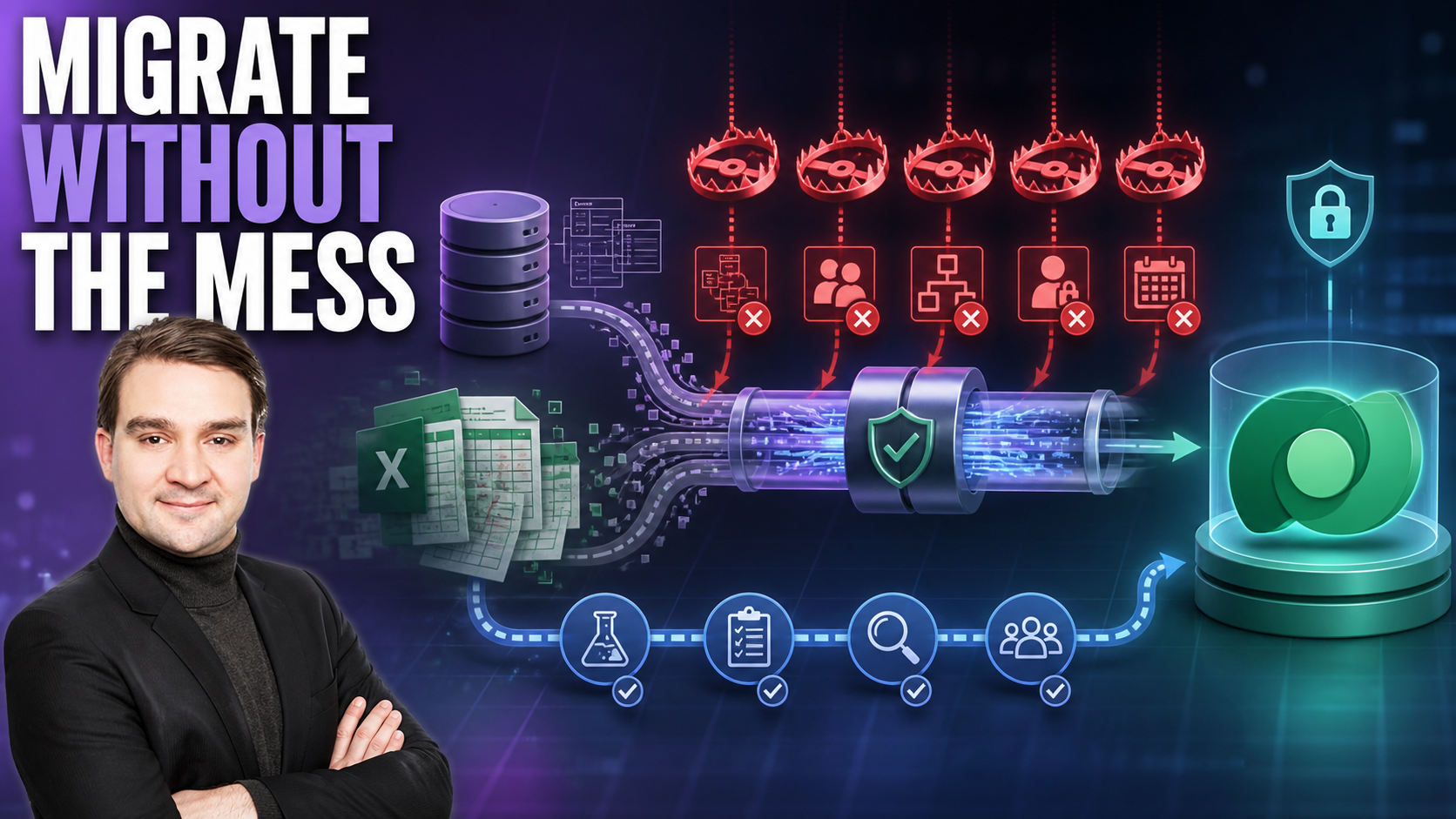
Welcome back, podcast listeners and data enthusiasts! In this comprehensive blog post, we are expanding on the vital concepts covered in our latest podcast episode. If you have been struggling with sprawling legacy systems, disconnected spreadsheets, and mounting technical debt, you are in the right place. Today, we are diving deep into the world of Microsoft Dataverse. Specifically, we will examine the top pitfalls organizations encounter during a Dataverse migration, why these mistakes happen, and—most importantly—how you can avoid them to ensure a smooth, secure transition.
Whether you are moving reference data, configuration packages, or thousands of relational records, planning is everything. To get a foundational understanding of why this matters so much, make sure to listen to our related episode, Migrate Dataverse Data Between Environments Safely. Now, let us explore the core drivers, challenges, benefits, and step-by-step processes that will make your migration project a resounding success.
Why Dataverse Migration Matters
Business and Technical Drivers
You need a rock-solid foundation for your Power Platform solutions. Dataverse migration gives you that foundation by bringing your organizational data into a single, highly secure environment. When you move your data to Microsoft Dataverse, you unlock several transformational benefits:
- Unified administration lets you control everything from one centralized location.
- Integrated platform capabilities combine ERP, CRM, and Power Apps for a seamless user experience.
- Reduced data silos mean your business applications can share and synchronize data without barriers.
- Enhanced governance helps you set, monitor, and enforce strict security policies.
- Improved data management ensures your core business information stays consistent, accurate, and reliable.
Technical drivers also play a massive role in your decision to migrate. Legacy storage systems often suffer from licensing constraints, poor querying options, performance bottlenecks, and complicated data modeling frameworks. When you migrate to Dataverse, you resolve these underlying roadblocks, paving the way for scalable enterprise growth.
Risks of Avoiding Migration
If you delay or altogether avoid a structured Dataverse migration, you expose your business to severe operational risks. Common problems organizations face include:
- Flow connection breakage after tenant transfers or environment changes, causing automated workflows to halt abruptly.
- Analytics blackouts occurring when dataset GUIDs change unexpectedly, breaking mission-critical Power BI reports and executive dashboards.
- Licensing misalignment resulting in the accidental loss of premium features, rendering custom apps and automated flows completely non-functional.
Tip: Ignoring migration can lead to unexpected downtime, data corruption, and lost employee productivity. You can easily avoid these headaches by planning your move to Dataverse early.
Success and Failure Scenarios
Real-world examples highlight just how powerful a well-executed migration can be. For instance, one organization recently migrated approximately 10,000 records across multiple related tables, alongside thousands of notes containing rich text and binary file attachments. By utilizing the proper configuration migration tools, the entire export and import process took only 45 minutes, achieving 100% data integrity with all attachments completely preserved.
Conversely, rushing through a migration or skipping the validation phase often results in broken relationships, orphaned records, and failed reports. Taking a planned, methodical approach ensures your business continuity remains intact throughout the transition.
Challenges Without Dataverse Migration
Data Silos and Integration Issues
When your data lives in separate, disconnected systems, your business suffers. Data silos create fragmented environments where teams rely on inconsistent reports and conflicting key performance indicators. Real-time insights become nearly impossible to extract, and collaboration breaks down because departments cannot access a single source of truth. You end up spending valuable hours reconciling numbers and fixing manual errors instead of driving strategic business value.
Security and Compliance Concerns
Modern organizations must protect sensitive corporate data and meet rigorous compliance standards such as GDPR, HIPAA, and ISO frameworks. Legacy systems often operate outside modern security controls, leaving your enterprise exposed.
- Legacy storage systems bypass modern identity management, governance architectures, and audit controls.
- Without robust role-based access control, enforcing Zero Trust principles becomes an uphill battle.
- Dataverse solves these issues by introducing enterprise-grade security features, field-level permissions, and advanced data loss prevention policies.
Performance Limitations
Your users expect high-performing, lightning-fast Power Apps. Unfortunately, legacy data sources often introduce severe performance bottlenecks, causing unacceptable delays when loading large datasets or executing complex queries. Consolidating your data into Dataverse streamlines management, optimizes indexing, and delivers the snappy responsiveness your users demand.
Dataverse Migration Benefits
Unified Data Management
Centralizing your information repository eliminates the chaos of scattered spreadsheets and fragmented databases. Bringing data from diverse sources into a single platform fosters seamless teamwork and provides a complete, 360-degree view of your business operations. This unified approach empowers both citizen developers and professional IT teams to build robust, scalable applications.
Enhanced Security and Governance
Dataverse equips you with granular access controls, environment boundaries, and column-level security. You can restrict sensitive fields so that only authorized personnel can view or edit them. Furthermore, enterprise-wide data loss prevention (DLP) policies prevent unauthorized data exfiltration, ensuring your digital estate remains secure.
Future-Proofing Investments
Microsoft continuously updates Dataverse to support cutting-edge capabilities, merging ERP, CRM, and operational applications into a unified data backbone. By migrating today, you ensure your organization can effortlessly leverage artificial intelligence, machine learning, and advanced automation as your business needs evolve.
Dataverse Migration Process
Planning and Assessment
Every successful migration starts with thorough planning and assessment. You must outline clear goals, map your existing data landscape, catalog all dependencies, and establish measurable key performance indicators (KPIs). Auditing your source systems helps you catch custom plugins, hidden business logic, and schema mismatches before they disrupt your project timeline.
Migration Execution
Once your planning phase is complete, you move into execution. Leveraging tools like the Configuration Migration Tool, Power Platform Dataflows, and automated ETL pipelines allows you to transform and load data accurately. Always conduct rigorous testing and user acceptance testing (UAT) in a sandbox environment before touching your production tenant.
Post-Migration Optimization
After your data successfully lands in Dataverse, perform post-migration optimizations. Review storage consumption, clean up unnecessary log files, update your governance documentation, and provide comprehensive training to your administrators and business users.
Common Dataverse Migration Pitfalls
Underestimating Complexity
One of the most frequent mistakes organizations make is assuming a Dataverse migration is a simple "lift-and-shift" exercise. In reality, mapping complex data structures, untangling legacy code, and cleaning up historical records require specialized expertise and significant time investment. Failing to account for this complexity frequently leads to delayed schedules and budget overruns.
Data Quality Issues
Garbage in means garbage out. If you migrate duplicate, incomplete, or corrupted records from your legacy databases into Dataverse, you simply transfer your old problems into a shiny new home. Always perform comprehensive data profiling, cleansing, and deduplication prior to execution.
User Involvement Gaps
If you leave your end-users out of the migration journey until day one of go-live, expect heavy pushback and low adoption rates. Involve business stakeholders early, run pilot programs, appoint change champions, and ensure your team feels fully supported throughout the transition.
Security Oversights
Treating a low-code environment like a personal playground is a recipe for disaster. Building sensitive applications in the default environment, granting excessive global administrative rights, hardcoding credentials directly into app formulas, and neglecting DLP policies will inevitably lead to security breaches. Always implement strict role-based access control and dedicated migration environments.
Alternatives to Dataverse Migration
Legacy Data Sources
Some organizations attempt to keep their data in legacy repositories like SharePoint lists, SQL Server, or local file shares. While this avoids an upfront migration effort, it introduces severe scalability limitations, delegation constraints, and maintenance headaches as your organization grows.
Third-Party Connectors
Using third-party connectors or custom integration scripts offers another path, but it introduces ongoing maintenance overhead. Managing third-party API rate limits, custom middleware, and authentication tokens can quickly become more cumbersome than performing a proper, structured migration into Dataverse.
Hybrid Approaches
A hybrid approach involves keeping archived or read-heavy data in legacy systems while migrating core operational data to Dataverse. Utilizing virtual tables allows you to project external data into Dataverse without incurring massive storage costs, striking a balance between flexibility and performance.
Building the Business Case
Securing executive buy-in requires a compelling business case built on clear Return on Investment (ROI) and Total Cost of Ownership (TCO) metrics. Emphasize how migrating to Dataverse slashes maintenance overhead, enhances security posture, reduces integration friction, and accelerates application development velocity. Outline a clear migration roadmap with achievable milestones, and celebrate quick wins along the way to build organizational momentum.
Dataverse Migration Checklist
Use this comprehensive checklist to guide your team through every phase of your Dataverse migration project:
Planning and Assessment
- Define migration scope: entities, fields, relationships, environments, and timelines.
- Identify stakeholders, project owners, and required sign-offs.
- Inventory current customizations: tables, forms, views, business rules, workflows, and plugins.
- Assess data volume, growth patterns, and large table constraints.
- Review compliance, data residency, retention, and regulatory requirements.
Design and Mapping
- Map source schema to target Dataverse schema; identify data type mismatches.
- Define handling for reference and lookup data, option sets, and picklists.
- Establish a primary key strategy and determine GUID preservation requirements.
- Plan data-type conversions, precision, and scale adjustments.
- Plan migration execution order to preserve parent-child and many-to-many relationships.
Environment and Security
- Provision and validate target Dataverse environments (development, test, production).
- Review and map security roles, business units, teams, and field-level security.
- Ensure service accounts and migration tools possess adequate permissions.
- Validate authentication protocols, licensing assignments, and environment capacity limits.
Testing and Validation
- Perform test migrations in development environments to validate mappings and logic.
- Execute user acceptance testing (UAT) with representative business scenarios.
- Conduct performance and load testing for bulk operations.
- Compare record counts, aggregates, and checksums between source and target systems.
Post-Migration
- Monitor system health, API limits, performance metrics, and error logs.
- Resolve data quality anomalies and user-reported issues swiftly.
- Provide ongoing training and updated documentation to end-users and administrators.
- Conduct a post-migration review to capture lessons learned for future initiatives.
Frequently Asked Questions
What is Dataverse migration?
Dataverse migration is the process of moving your data, metadata, and configurations from legacy systems or external databases into Microsoft Dataverse. This centralization improves data integrity, security, and enables advanced Power Platform capabilities.
Why should you migrate to Dataverse?
Migrating to Dataverse provides a unified data repository, enterprise-grade security, role-based access control, and seamless integration with Power Apps, Power Automate, and Power BI.
Which tools help with Dataverse migration?
Common tools include the Microsoft Configuration Migration Tool, Power Platform Dataflows, Excel Online, Azure Data Factory, and third-party ETL utilities like KingswaySoft.
How long does a typical migration take?
Project duration varies based on data volume, schema complexity, and transformation requirements. Small projects may wrap up in days, while enterprise migrations require weeks or months of planning and testing.
What are common mistakes during migration?
Frequent pitfalls include underestimating project complexity, failing to cleanse data beforehand, neglecting security roles, and skipping thorough user testing.
How do you ensure data integrity after migration?
You ensure integrity by comparing record counts, validating relational foreign keys, running checksums, and conducting rigorous user acceptance testing before production cutover.
Dataverse migration is a critical milestone for any organization looking to scale its Power Platform solutions securely and efficiently. By avoiding common pitfalls, adhering to best practices, and following a structured migration checklist, you can eliminate data silos and build a future-ready enterprise architecture. To dive deeper into these strategies, be sure to listen to our related podcast episode, Migrate Dataverse Data Between Environments Safely. Take action today to protect your data and drive long-term business growth! 🚀

Microsoft MVP | Host of M365.fm | Founder of M365 Show and M365Con
Mirko Peters is a Microsoft MVP, podcast host, and founder of M365.fm, M365 Show, and M365Con. His work connects Microsoft practitioners through podcast interviews, livestreams, and community events.
At M365.fm, Mirko hosts conversations with Microsoft MVPs, product experts, architects, and community contributors. Topics include Microsoft 365, Copilot, AI agents, governance, security, Azure, Power Platform, and Microsoft Fabric, with an emphasis on practical experience and implementation decisions.
M365.fm is the podcast and learning platform. M365 Show brings experts together for livestreams, while M365Con provides an online conference setting for community learning.
Official website: Mirko Peters (https://www.mirkopeters.com/). Recognition: Mirko Peters — Microsoft MVP profile (https://mvp.microsoft.com/de-DE/mvp/profile/9b0ca797-db5a-493a-a845-8b9158046cf5). Connect on LinkedIn (https://www.linkedin.com/in/m365showpodcast/).





