
Why Picking the Wrong Microsoft Entra External Identity Will Cost You
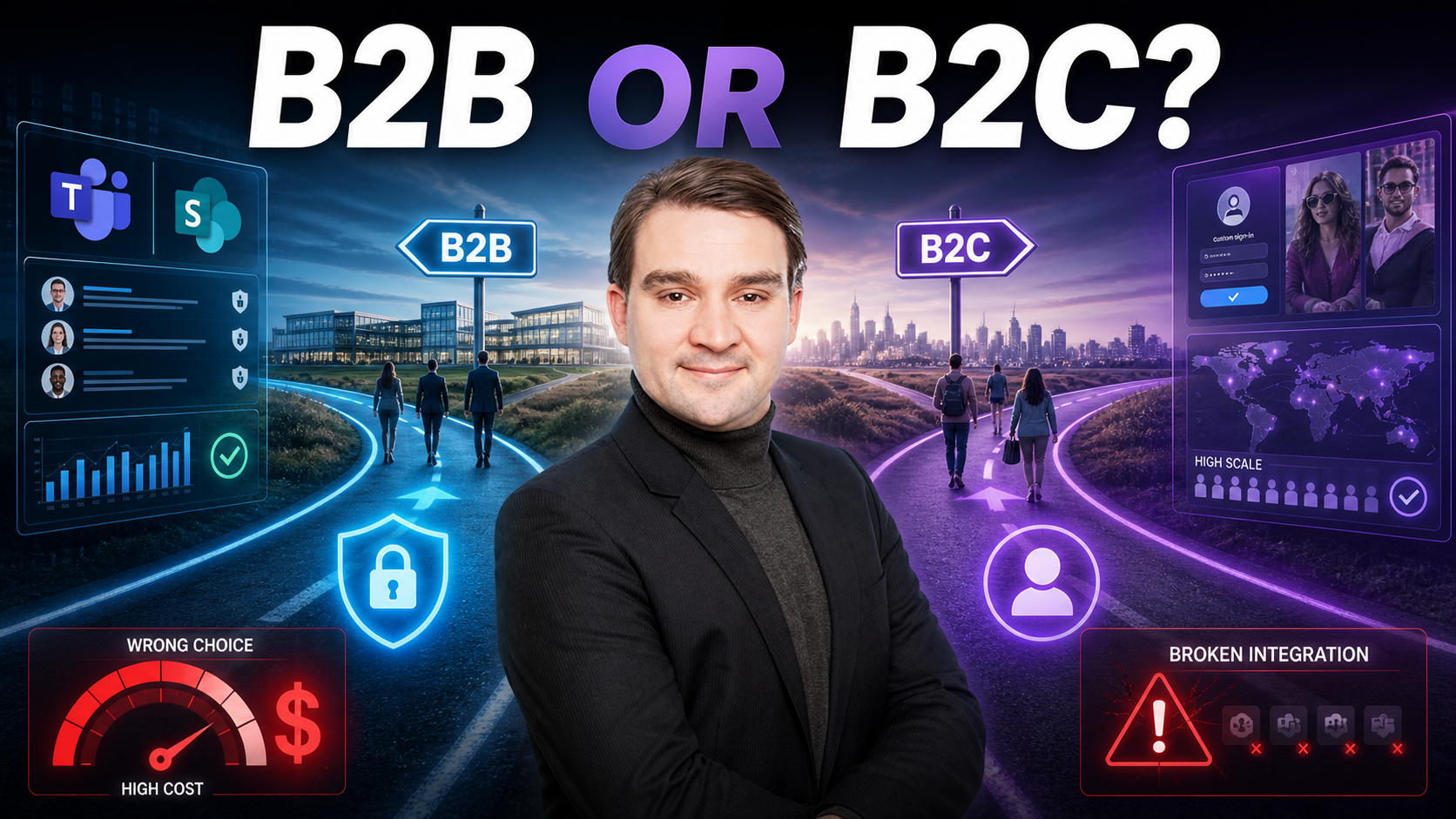
Welcome back to the blog! If you have ever stared at the Azure portal, wiped the cold sweat from your brow, and wondered whether you should choose Microsoft Entra B2B or B2C for your external users, you are not alone. There is a deeply expensive myth floating around the identity management world: the idea that because both platforms let outsiders sign in, they are interchangeable shortcuts. Spoiler alert—they are not. Treating them as quick fixes leads to busted collaboration, missing audit trails, and mounting costs that will make your finance department wince. In this post, we are breaking down the real-world impact of choosing the wrong platform on day one. To dive even deeper into this architectural dilemma, make sure you listen to the companion episode Microsoft Entra B2B vs B2C: Which Should You Choose?
Who This Is For
- Microsoft 365/Entra ID admins and architects
- Security, compliance, and IAM teams
- Product owners building portals for partners or customers
- Consultants/MSPs advising on external access
Key Takeaways
- Different jobs: B2B = guests in your tenant (Teams/SharePoint ready). B2C = customer IAM with custom journeys.
- Integration vs. customization: B2B plugs into M365 security/audit. B2C wins at branding, scale, and consumer UX.
- Licensing shifts: B2B guest/MAU vs. B2C auth/feature consumption—your costs swing with usage patterns.
- Pick by relationship, not by UI: “Collaborators” → B2B. “Customers/public” → B2C. Hybrid is OK—just keep them separate.
- Decide once, avoid rework: The wrong choice creates shadow directories, broken Teams access, and audit blind spots.
Highlights
- The most expensive myth: “They both let outsiders sign in—just pick one.”
- Real-world failures: partner portals on B2C that can’t join Teams; consumer apps on B2B that can’t scale or brand.
- Security posture differences: Conditional Access, auditing, identity governance (natural in B2B; bespoke in B2C).
- The hidden bill: where MAU, MFA prompts, and custom policies change total cost.
- How to explain it to non-technical stakeholders (front desk vs. public lobby analogy).
Quick Decision Framework (Copy/Paste)
-
User Type
- Needs Teams/SharePoint/Planner with your staff? → B2B
- Public customer app with branded sign-up/reset/social login? → B2C
-
Controls Needed
- Conditional Access, unified audit, lifecycle in your tenant? → B2B
- Tailored sign-up flows, custom branding, progressive profiling? → B2C
-
Scale & Cost
- Few–thousands of partner identities; activity ≈ internal cadence → B2B (guest/MAU)
- Thousands–millions of consumer logins; spiky auth volume → B2C (per-auth/features)
-
Future Proofing
- Will these users ever join Teams or share files? If yes → B2B
- Will they never touch M365 workloads? If yes → B2C
Architecture Checklist
-
B2B
- Enable guest access governance (access reviews, expiration).
- Apply Conditional Access by partner risk level.
- Use groups/dynamic groups for RBAC; log to unified audit/SIEM.
-
B2C
- Design user flows/custom policies (sign-up, MFA, password reset).
- Configure identity providers (email, social, enterprise).
- Plan telemetry, exports, and privacy/self-service (DSAR) processes.
Common Pitfalls (and Fixes)
-
Built partner portal on B2C → no Teams/SharePoint access
Fix: Migrate partners to B2B for collaboration; keep B2C for public users only. -
Customer app on B2B → poor branding/scale; odd licensing
Fix: Move to B2C with custom journeys; decouple from M365 workloads. -
Licensing surprises
Fix: Model MAU vs. auth volume with real traffic; revisit MFA/Identity Protection add-ons. -
Shadow identity stores
Fix: Consolidate directories; document lifecycle (join/leave), reviews, and revocation.
FAQs
Can B2C users be added to Teams?
Not natively. Use B2B for collaboration in Microsoft 365.
Can I run both?
Yes. Many do: B2B for partners, B2C for customers. Keep governance, logs, and lifecycle separate.
Is B2B guest access “free”?
There are allowances, but features (e.g., Identity Protection) and MAU patterns can add cost—model it.
We already launched on the wrong one—now what?
Run a phased migration: map identities, rebuild the right flows, dual-run temporarily, and cut over by cohort.
Stakeholder Script (Plain English)
- B2B = guest badges: Partners work in our house with our rules, logs, and doors.
- B2C = public lobby: Customers sign up smoothly at scale—but never roam our hallways.
- Mixing them blurs security, inflates support, and hurts audits.
Conclusion
Choosing the right external identity platform from the very beginning is vital to keeping your architecture clean, your security tight, and your budget intact. Whether you are dealing with external vendors who need deep integration into your Microsoft 365 ecosystem or millions of consumers looking for a frictionless, beautifully branded sign-up page, treating B2B and B2C as interchangeable is a gamble you cannot afford to take. Remember to consult your stakeholders using plain-English analogies, lean on our architecture checklists, and plan your scaling models early. To get even more practical insights, deep-dive examples, and expert advice on steering clear of these common pitfalls, head over and listen to the podcast episode Microsoft Entra B2B vs B2C: Which Should You Choose? today!

Microsoft MVP | Host of M365.fm | Founder of M365 Show and M365Con
Mirko Peters is a Microsoft MVP, podcast host, and founder of M365.fm, M365 Show, and M365Con. His work connects Microsoft practitioners through podcast interviews, livestreams, and community events.
At M365.fm, Mirko hosts conversations with Microsoft MVPs, product experts, architects, and community contributors. Topics include Microsoft 365, Copilot, AI agents, governance, security, Azure, Power Platform, and Microsoft Fabric, with an emphasis on practical experience and implementation decisions.
M365.fm is the podcast and learning platform. M365 Show brings experts together for livestreams, while M365Con provides an online conference setting for community learning.
Official website: Mirko Peters (https://www.mirkopeters.com/). Recognition: Mirko Peters — Microsoft MVP profile (https://mvp.microsoft.com/de-DE/mvp/profile/9b0ca797-db5a-493a-a845-8b9158046cf5). Connect on LinkedIn (https://www.linkedin.com/in/m365showpodcast/).





