

Understand Microsoft 365, Azure, Copilot, Power Platform, and Dynamics 365 with Simply Explained podcast episodes: clear concepts and practical examples.
July 14, 2026
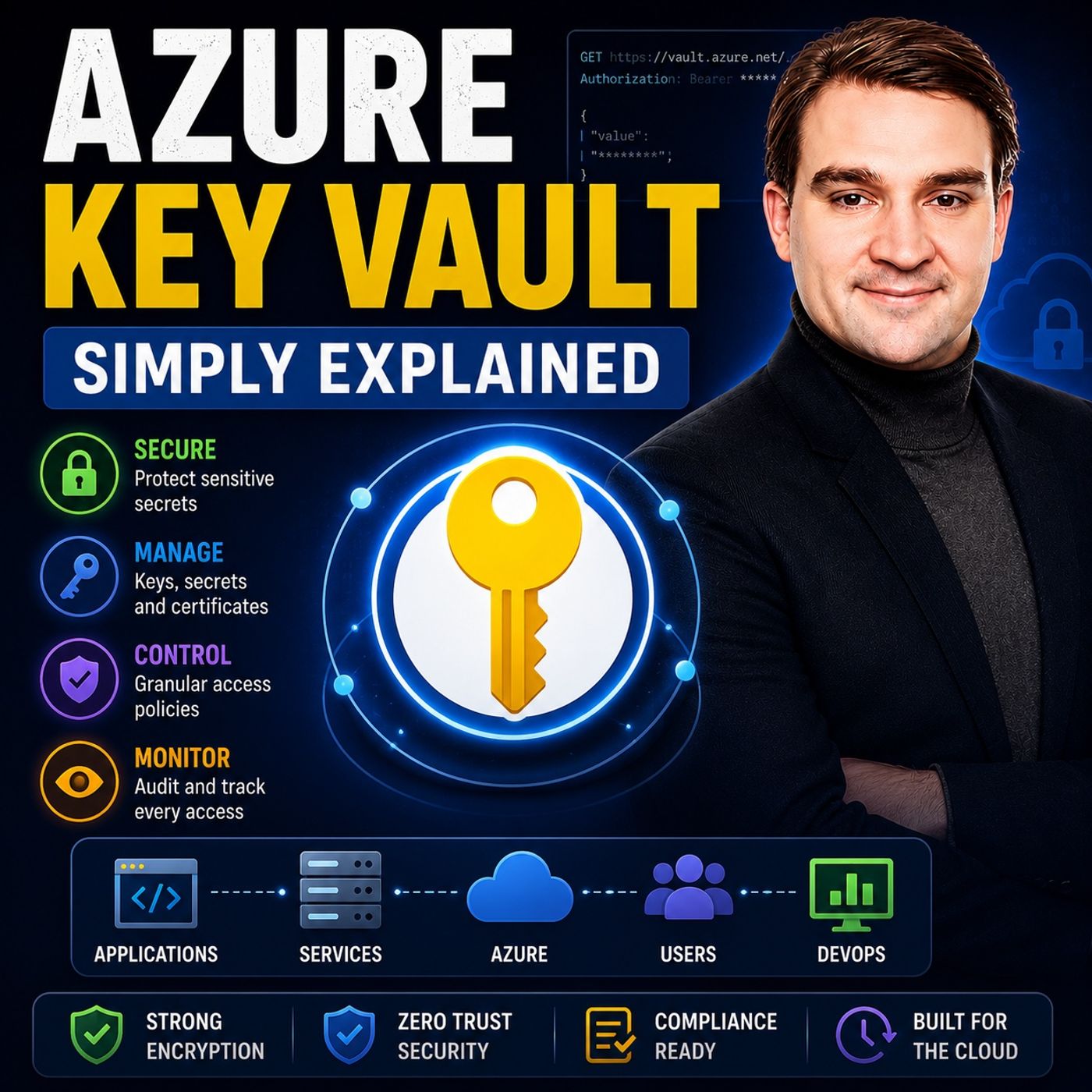
Azure Key Vault - Simply Explained
Azure Key Vault is Microsoft's secure cloud service for storing and managing sensitive information such as passwords, API keys, certificates, encryption keys, and connection strings. Instead of embedding secrets directly into your applications or configuration files, you store them in a protected vault where access is tightly controlled through Microsoft Entra ID and Azure RBAC. Think of Azure Key Vault as a highly secure digital safe for your applications. Rather than leaving important keys on your desk, everything is locked away in one central location, and only authorized users or services receive access. This dramatically reduces the risk of accidental exposure or security breaches. In this episode, you'll learn why storing secrets in source code, configuration files, or scripts is considered a major security risk. Azure Key Vault centralizes secret management, simplifies rotation of credentials, and helps organizations meet security and compliance requirements. It also supp…
Guest: Mirko Peters
July 14, 2026
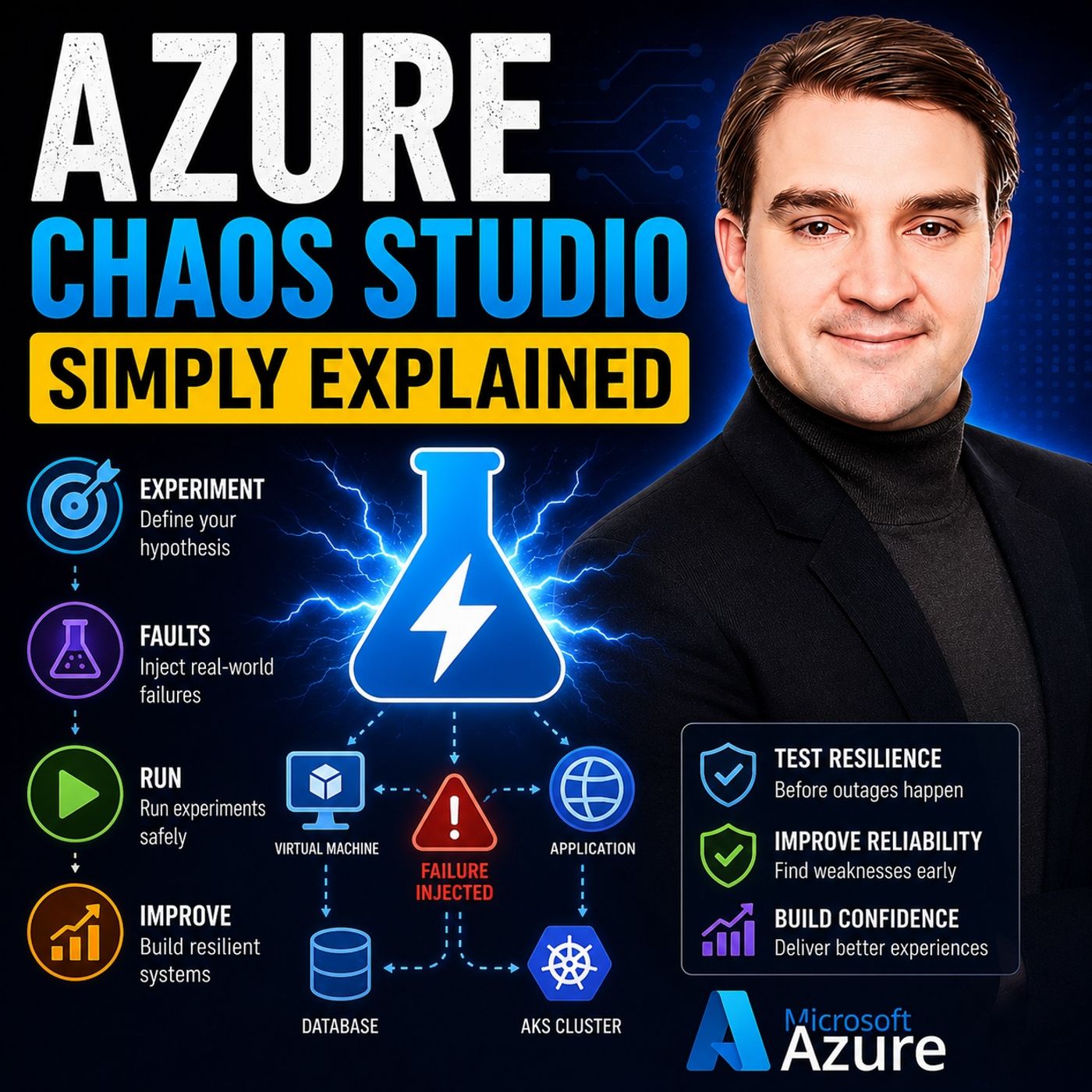
Azure Chaos Studio - Simply Explained
Azure Chaos Studio is Microsoft's chaos engineering service that helps organizations build more resilient cloud applications by safely simulating failures before they happen in the real world. Instead of waiting for an outage to expose weaknesses, you intentionally create controlled disruptions to test how your systems respond and recover. Think of it like a fire drill for your Azure environment. You practice failures in a safe, controlled way so your applications, monitoring, and recovery processes are ready when an actual incident occurs. Azure Chaos Studio can simulate virtual machine failures, network latency, CPU stress, service outages, and many other real-world scenarios. In this episode, you'll learn why modern cloud systems need more than high availability and backups—they need proven resilience. Chaos engineering helps validate your architecture, uncover hidden dependencies, and identify weaknesses that traditional testing often misses. You'll also discover how chao…
Guest: Mirko Peters

July 13, 2026
How to Secure an AI Landing Zone in Microsoft Azure
Artificial Intelligence is only as secure as the foundation it is built on. In this episode of the M365 FM Podcast, Mirko Peters explains why an organization's AI Landing Zone is often its biggest hidden risk. While many companies focus on deploying Microsoft Copilot, Azure AI, and custom AI agents as quickly as possible, they frequently overlook the governance, identity, networking, security, and operational controls that make enterprise AI safe and scalable. The result is an AI environment that introduces unnecessary risk instead of accelerating innovation. The episode explores what an AI Landing Zone really is and why it should be treated as the architectural foundation for every AI workload. You'll learn how identity management, role-based access control, data governance, network isolation, monitoring, compliance, and policy enforcement work together to protect AI services from misconfiguration and unauthorized access. The discussion also explains why simply deploying AI servic…
Guest: Mirko Peters
July 13, 2026
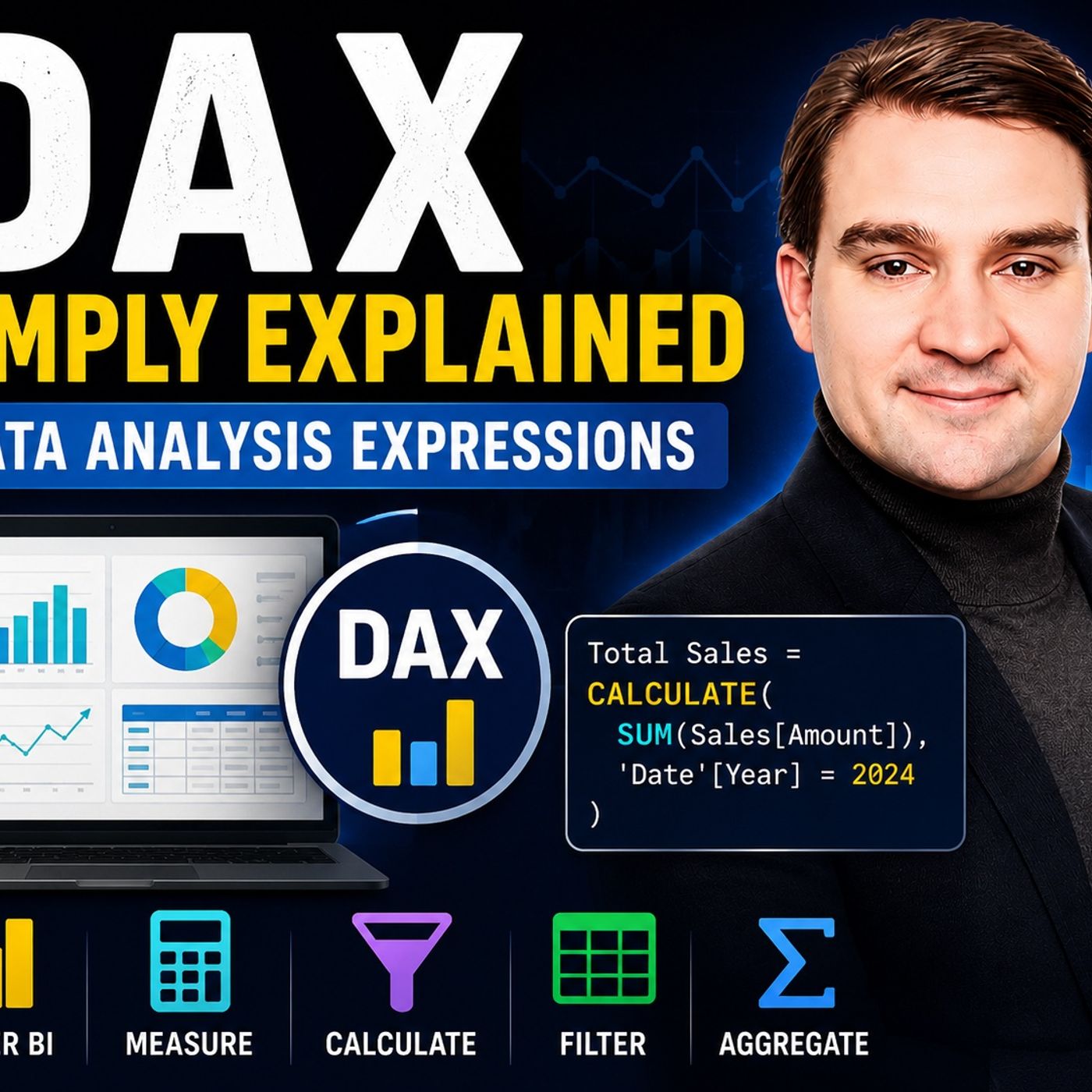
Data Analysis Expressions (DAX) - Simply Explained
Data Analysis Expressions, better known as DAX, is the calculation language that powers Microsoft Power BI, Excel Power Pivot, and SQL Server Analysis Services. In this episode of the M365 FM Podcast, Mirko Peters explains DAX in plain English and shows why it is much more than simply using Excel formulas inside Power BI. The episode explores how DAX works across complete tables and data models rather than individual spreadsheet cells. You’ll learn the important difference between calculated columns and measures: calculated columns are created during data refresh and remain static, while measures recalculate dynamically whenever users apply filters, select slicers, or interact with a report. Another central topic is filter context, which determines which data is included in every calculation. The episode explains how one DAX measure can automatically display the correct result across different regions, products, dates, and report visuals. It also introduces essential concepts an…
Guest: Mirko Peters
July 13, 2026
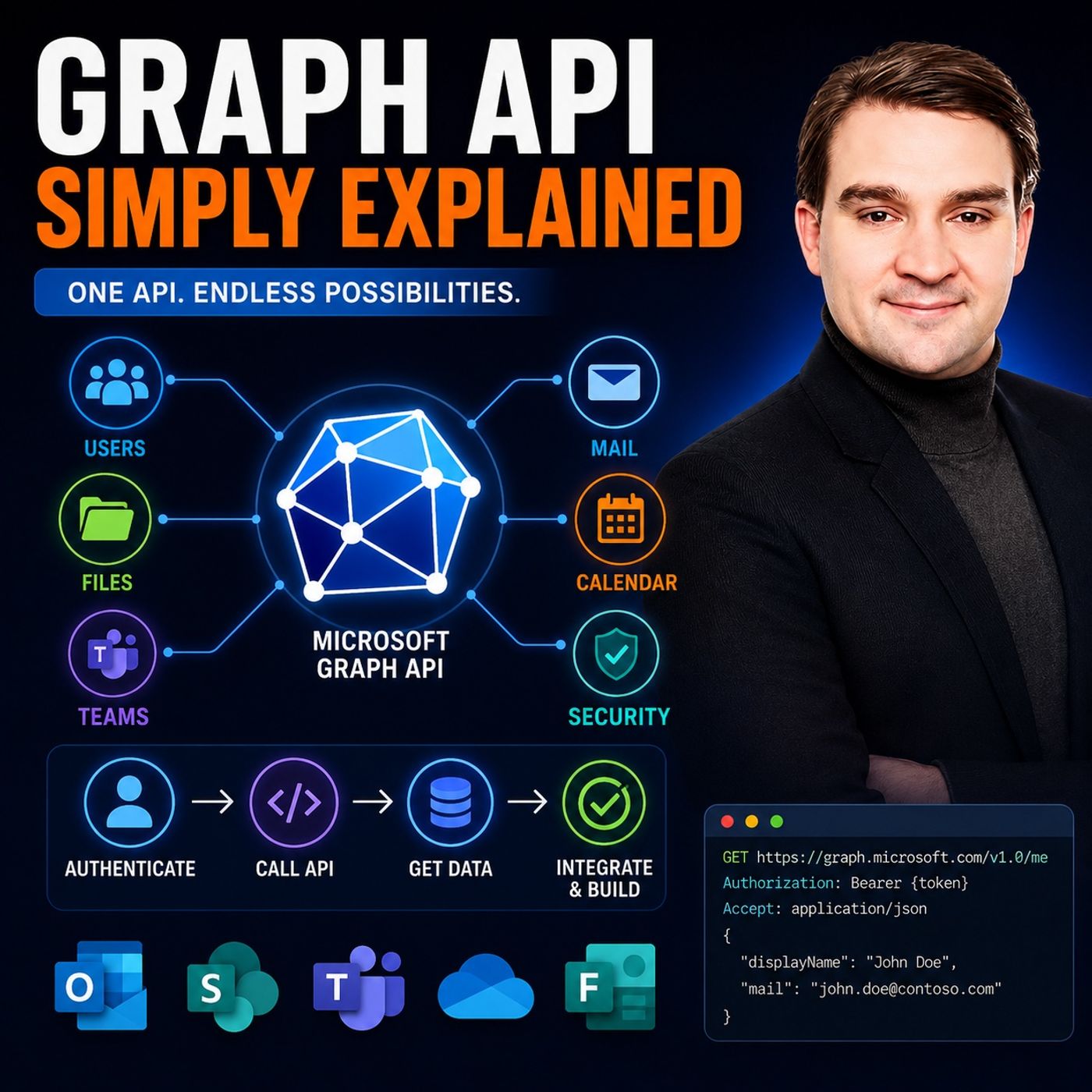
Graph API - Simply Explained
Microsoft Graph is the single API that connects nearly every Microsoft 365 service, making it the foundation for automation, integrations, and modern AI experiences. In this episode of the M365 FM Podcast, Mirko Peters explains Microsoft Graph in simple terms, showing how one unified API provides secure access to users, groups, Teams, SharePoint, OneDrive, Outlook, Entra ID, calendars, files, and much more. Instead of learning separate APIs for every Microsoft product, developers and IT professionals can use Microsoft Graph as one consistent gateway into the entire Microsoft cloud. The episode breaks down key concepts including REST APIs, authentication with Microsoft Entra ID, OAuth permissions, delegated versus application permissions, and how Microsoft Graph enables organizations to automate repetitive tasks, integrate business applications, and build intelligent workflows. You'll also learn why Microsoft Graph powers Microsoft Copilot, enterprise search, and many AI-driven expe…
Guest: Mirko Peters
July 13, 2026
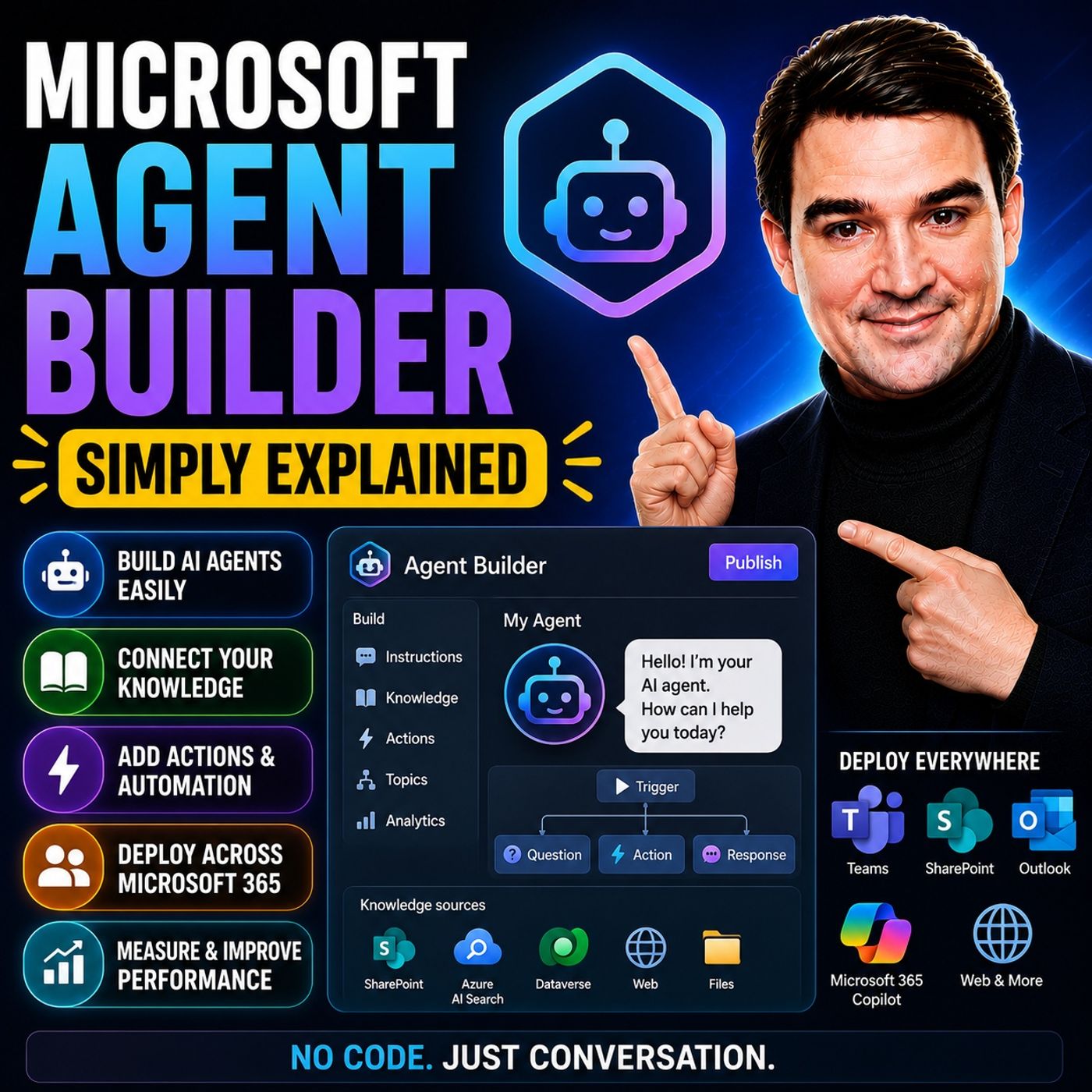
Microsoft Agent Builder — Simply Explained
Microsoft Agent Builder makes it possible to create custom AI agents without writing code, allowing business users to extend Microsoft 365 Copilot with organization-specific knowledge and instructions. In this episode of the M365 FM Podcast, Mirko Peters explains what Microsoft Agent Builder is, how it fits into the Microsoft AI ecosystem, and when it's the right choice compared to more advanced tools like Copilot Studio. The episode demonstrates that creating useful AI agents can be as simple as defining a purpose, connecting trusted knowledge sources, and describing how the agent should behave. You'll learn how Agent Builder enables employees to build assistants for tasks such as answering internal questions, summarizing documents, guiding business processes, and providing department-specific expertise. The episode explains how these agents use company knowledge from Microsoft 365 while respecting existing permissions, ensuring users only receive information they are already auth…
Guest: Mirko Peters
July 13, 2026
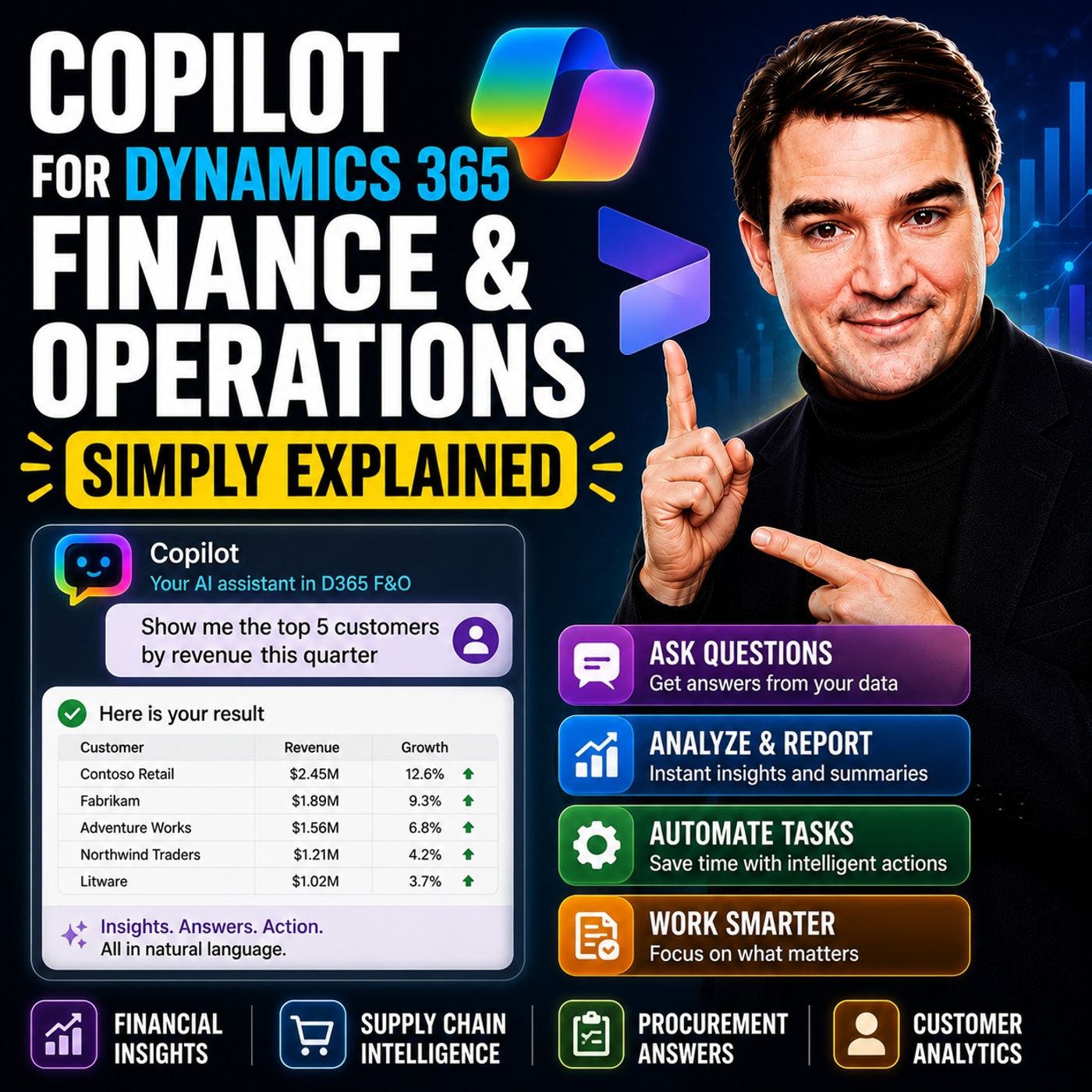
Copilot for Dynamics 365 Finance and Operations - Simply Explained
Microsoft Copilot is bringing AI directly into enterprise resource planning, making complex financial and operational processes easier to manage. In this episode of the M365 FM Podcast, Mirko Peters explains how Copilot enhances Microsoft Dynamics 365 Finance & Operations by helping finance, procurement, and operations teams work faster through natural language interactions, intelligent automation, and AI-powered insights. Instead of navigating complex ERP menus, users can simply ask questions, generate reports, and automate repetitive tasks using everyday language. The episode explores practical use cases including financial reporting, invoice processing, forecasting, procurement assistance, workflow guidance, and data analysis. You'll learn how Copilot reduces manual effort, surfaces relevant business information instantly, and helps employees make faster, better-informed decisions. The discussion also highlights how AI integrates with existing business processes rather than repl…
Guest: Mirko Peters
July 13, 2026
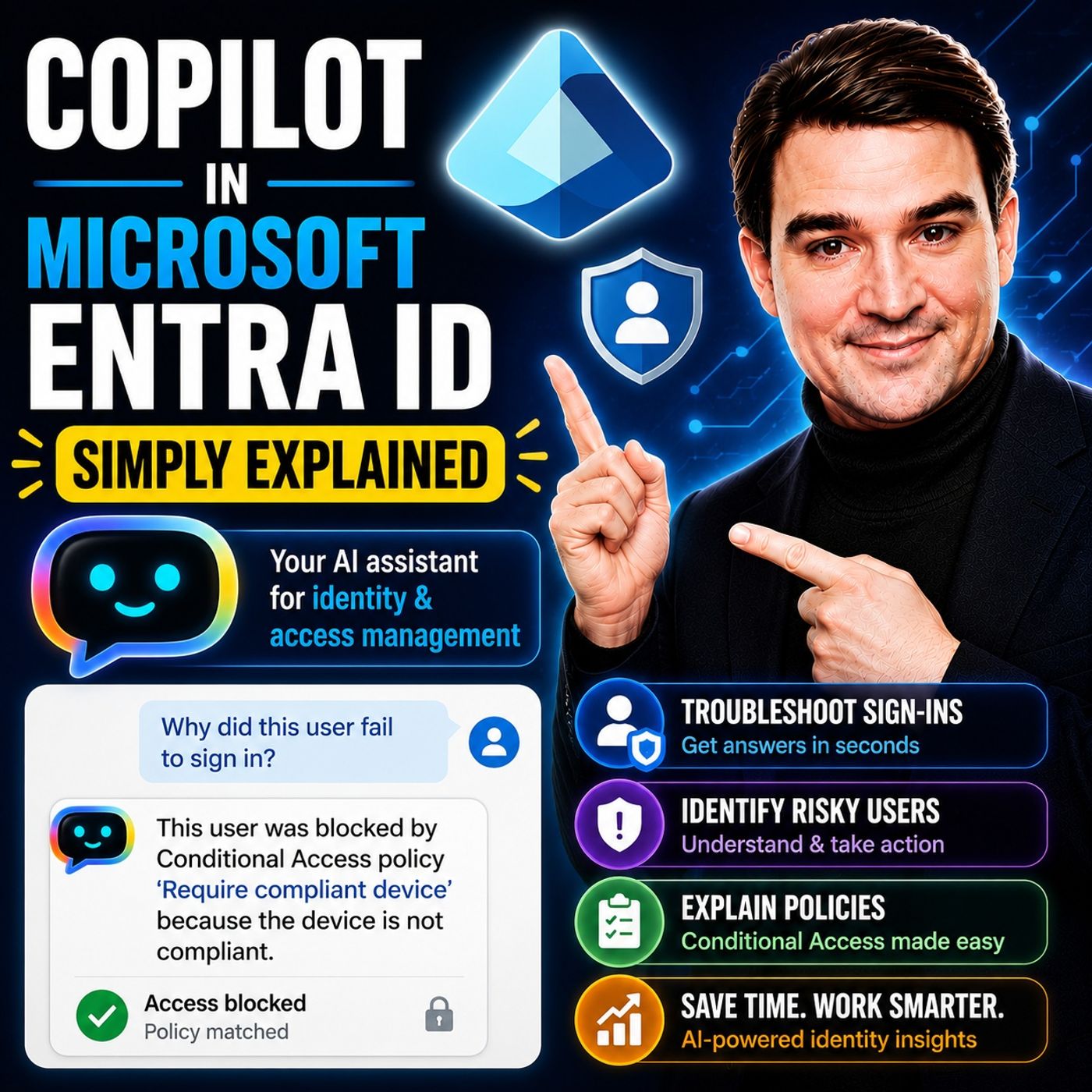
Copilot in Microsoft Entra ID - Simply Explained
Microsoft Copilot in Microsoft Entra ID brings AI directly into identity and access management, helping administrators work faster while improving security. Instead of manually navigating through users, groups, roles, permissions, Conditional Access policies, or sign-in logs, admins can simply ask questions in natural language and receive clear, contextual answers. In this episode, you'll learn how Copilot assists with everyday Entra ID administration, from investigating risky sign-ins and troubleshooting access issues to explaining complex configurations and recommending best practices. Rather than replacing administrators, Copilot acts as an intelligent assistant that accelerates routine tasks, reduces manual effort, and helps teams make informed security decisions. The episode also explains why Microsoft Entra ID plays such a critical role in modern AI deployments. Since Microsoft 365 Copilot relies on existing identities and permissions, strong identity governance becomes th…
Guest: Mirko Peters
July 13, 2026
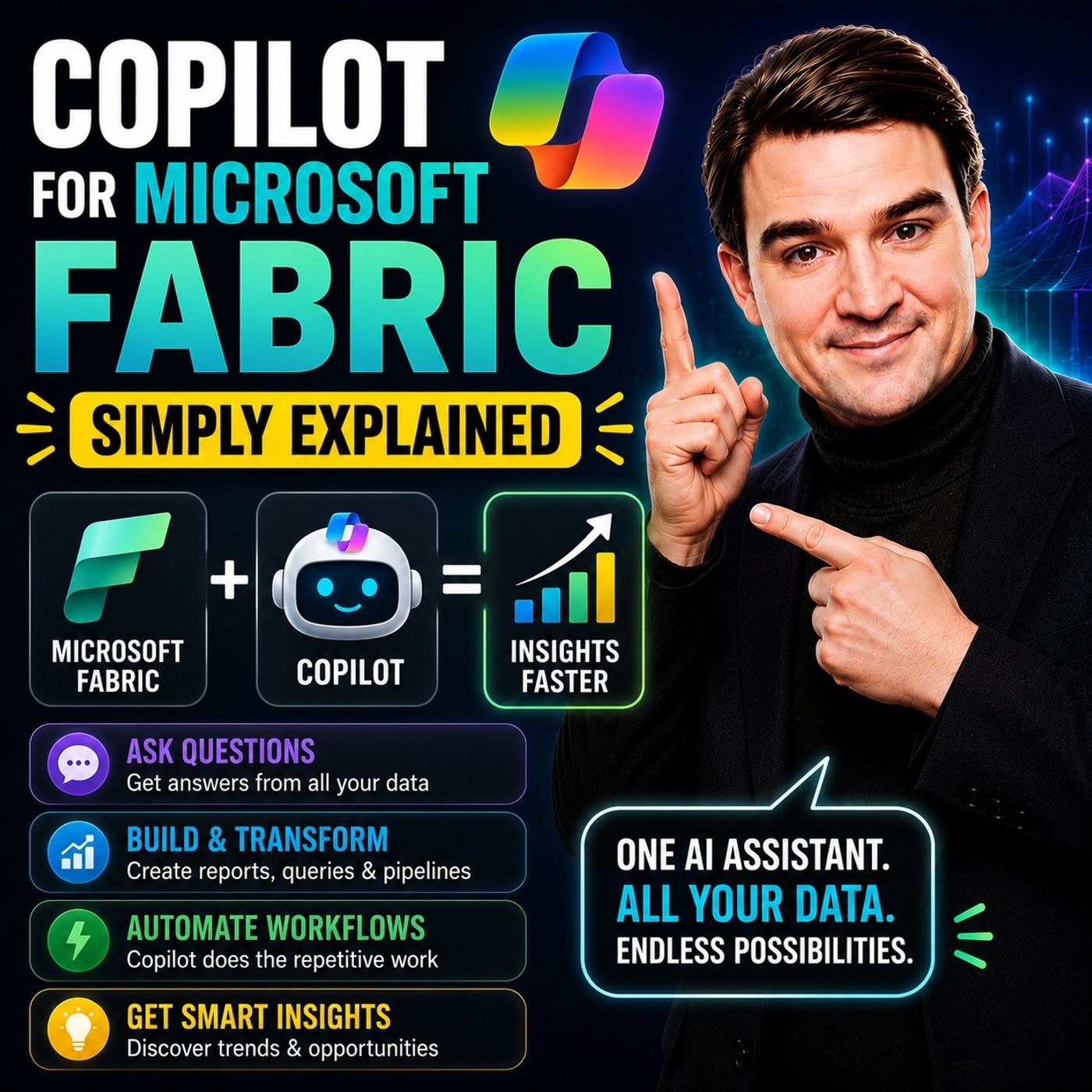
Copilot for Microsoft Fabric - Simply Explained
Microsoft Fabric is Microsoft’s unified analytics platform, bringing together data engineering, data integration, data science, data warehousing, and business intelligence into a single cloud service. But where does Copilot fit into the picture? In this episode of Microsoft Knowledge Nuggets, we break down Copilot for Microsoft Fabric in simple, practical terms. You’ll learn how AI helps data professionals and business users generate reports, build data pipelines, write SQL and DAX, create Power BI visuals, and uncover insights using natural language instead of complex code. We also explain how Copilot works across different Fabric workloads, making advanced analytics faster and more accessible for everyone. Using real-world examples, we show how organizations can reduce manual work, accelerate reporting, and empower teams to ask questions about their data without needing deep technical expertise. We also discuss the importance of clean data models, governance, and human validat…
Guest: Mirko Peters
July 12, 2026
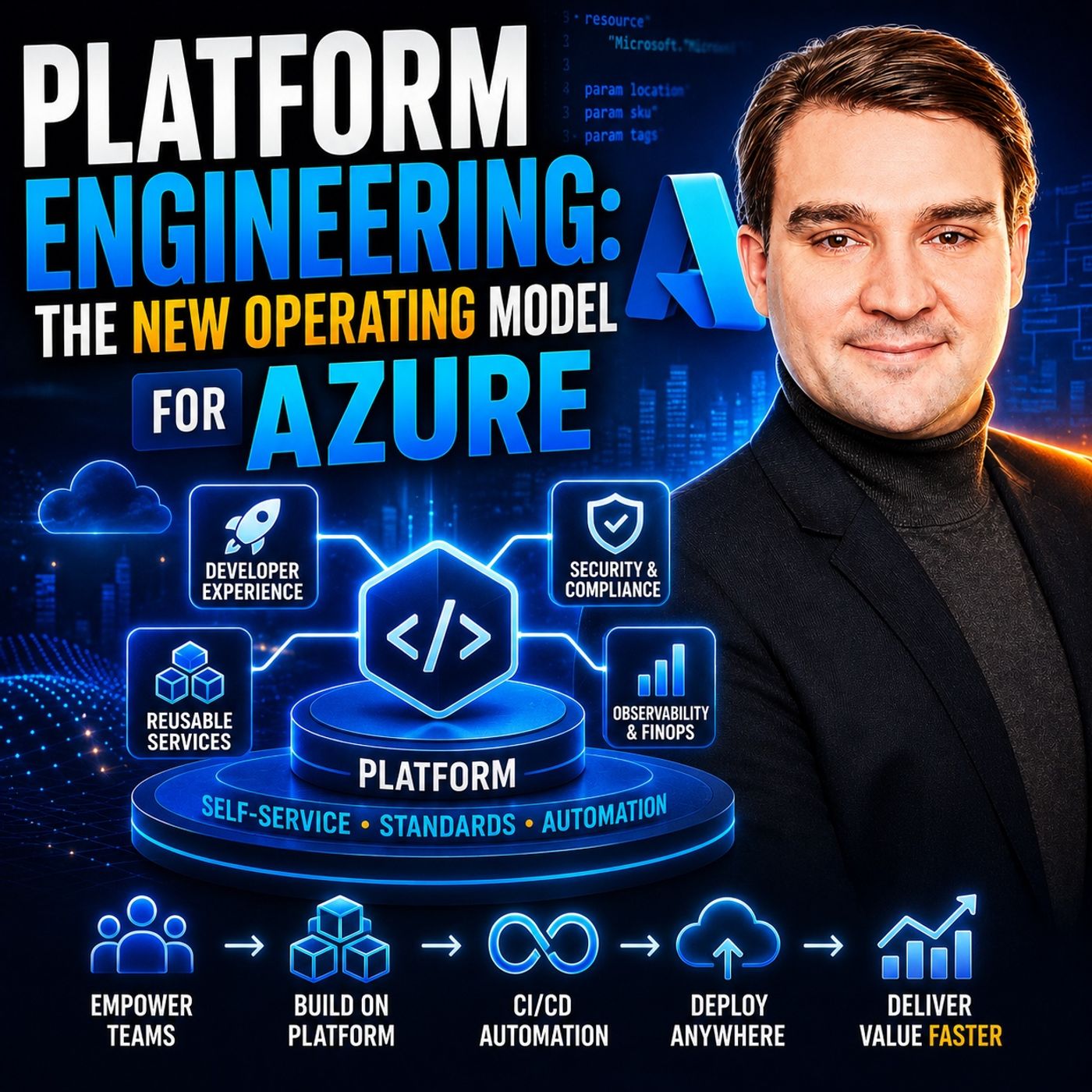
Platform Engineering: The New Operating Model for Azure
Platform Engineering is changing how organizations build and operate Azure environments. Rather than treating cloud infrastructure as a collection of individual projects, Platform Engineering creates a shared internal platform that gives development teams secure, self-service access to standardized infrastructure, deployment pipelines, monitoring, and governance. The result is faster delivery, greater consistency, and reduced operational complexity. In this episode, you'll learn why traditional cloud operating models often struggle as organizations grow and how Azure platform teams can enable developers without sacrificing security or compliance. The discussion covers concepts such as Infrastructure as Code, reusable templates, platform APIs, self-service provisioning, developer experience, and the importance of treating the platform itself as a product that continuously evolves to meet customer needs. The episode also explains how Platform Engineering differs from traditional D…
Guest: Mirko Peters
July 12, 2026
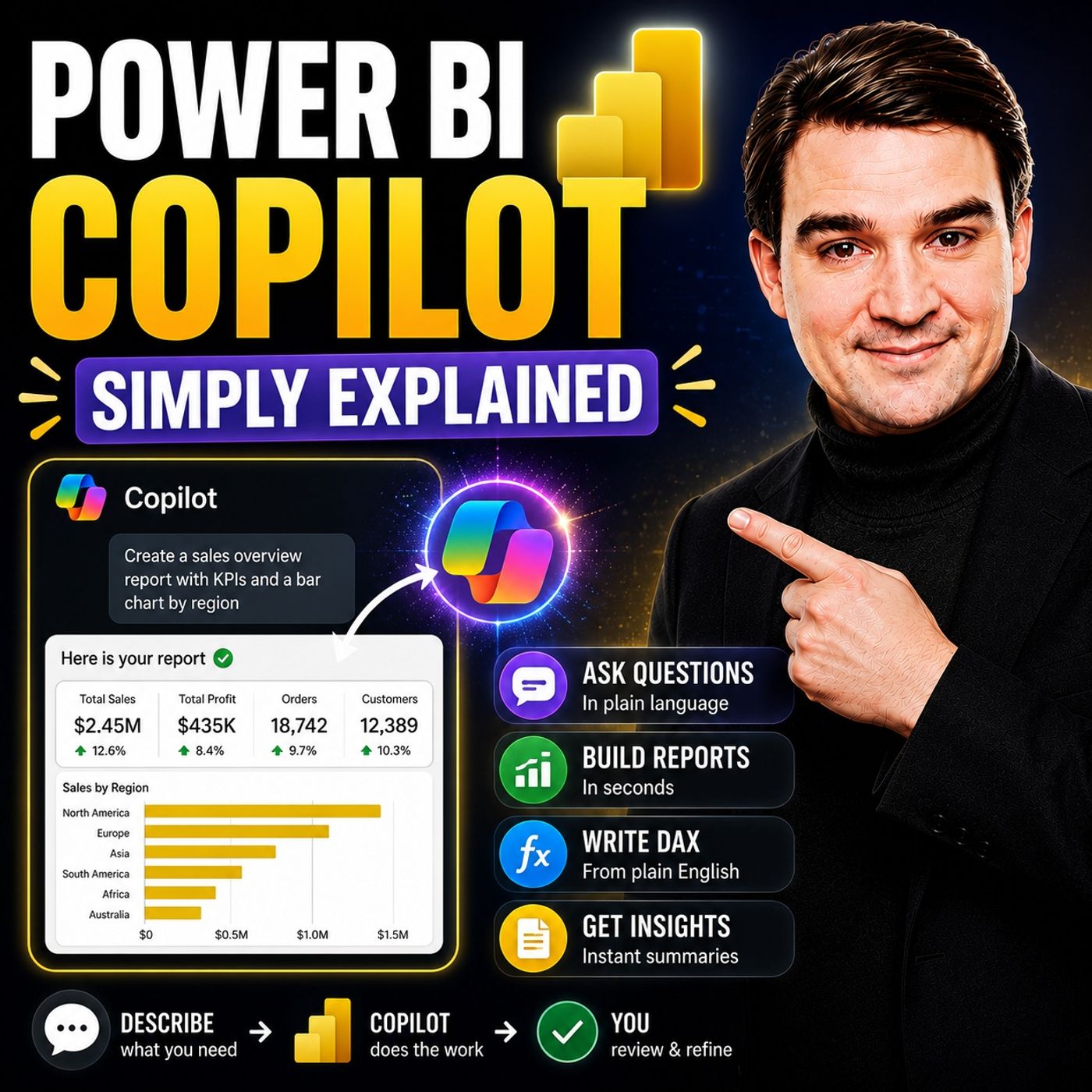
Power BI Copilot - Simply Explained
Power BI Copilot brings generative AI directly into Microsoft's business intelligence platform, making it easier for users to analyze data, build reports, and uncover insights using natural language. Instead of manually creating complex visualizations or writing DAX queries from scratch, users can ask questions in plain English and let Copilot generate charts, summaries, measures, and report suggestions. This episode explains how Power BI Copilot works, where it delivers the most value, and why successful AI-powered analytics depend on far more than simply enabling a feature. You'll learn how clean data, well-designed semantic models, governance, and Microsoft Fabric create the foundation that allows Copilot to deliver accurate and trustworthy business insights. The discussion also explores the current limitations of Power BI Copilot, including its reliance on high-quality data, the need for human validation, and scenarios where traditional BI expertise remains essential. Whethe…
Guest: Mirko Peters
July 12, 2026
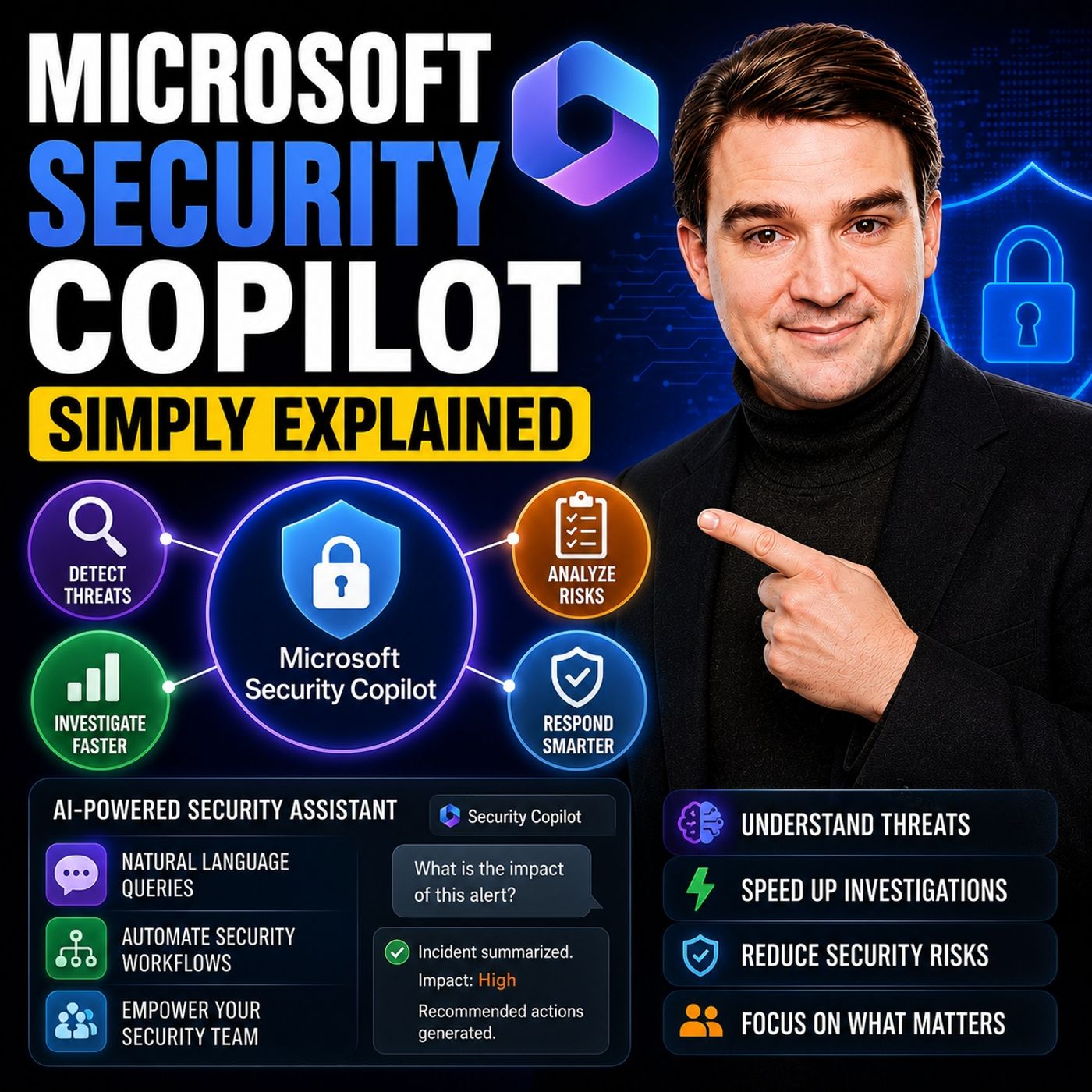
Microsoft Security Copilot - Simply Explained
Microsoft Security Copilot is Microsoft's AI-powered cybersecurity assistant designed to help security teams detect, investigate, and respond to threats faster. Instead of replacing security analysts, it automates repetitive work such as analyzing alerts, correlating events, summarizing incidents, and generating remediation recommendations, allowing experts to focus on higher-value decisions. This episode explains how Security Copilot integrates with Microsoft Defender, Microsoft Sentinel, Entra ID, and other Microsoft security services to provide contextual insights across an organization's environment. Through practical examples, you'll learn how AI accelerates incident response, reduces alert fatigue, and helps teams uncover attacks that might otherwise be overlooked. The episode also discusses where Security Copilot delivers the greatest value, its current limitations, and why it should be viewed as a force multiplier rather than a replacement for experienced security profes…
Guest: Mirko Peters
July 12, 2026
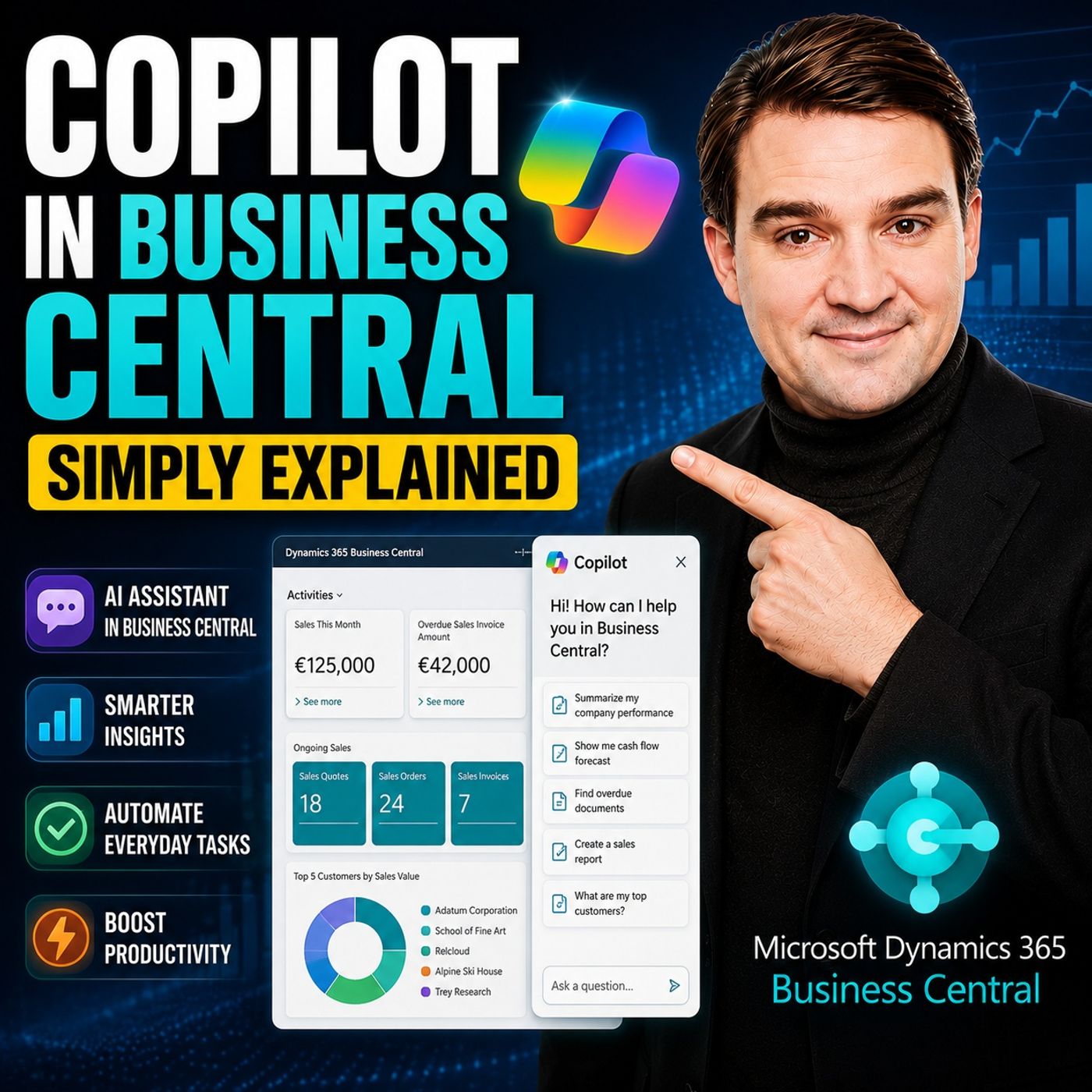
Copilot in Business Central - Simply Explained
Copilot in Dynamics 365 Business Central brings generative AI directly into the ERP system that many organizations use to manage finance, sales, purchasing, inventory, and operations. Instead of navigating complex menus or manually entering large amounts of information, users can ask Copilot for help using natural language and complete everyday business tasks more efficiently. In this episode, you'll learn what Copilot in Business Central is, who it's designed for, and how it improves daily work for finance teams, operations managers, sales staff, and business users. Rather than replacing the ERP system, Copilot acts as an intelligent assistant that helps users complete tasks faster while staying inside familiar Business Central workflows. Using practical, real-world examples, the episode explores how Copilot can generate product descriptions, summarize records, assist with data analysis, suggest information during data entry, answer questions about business data, and help users…
Guest: Mirko Peters
July 12, 2026
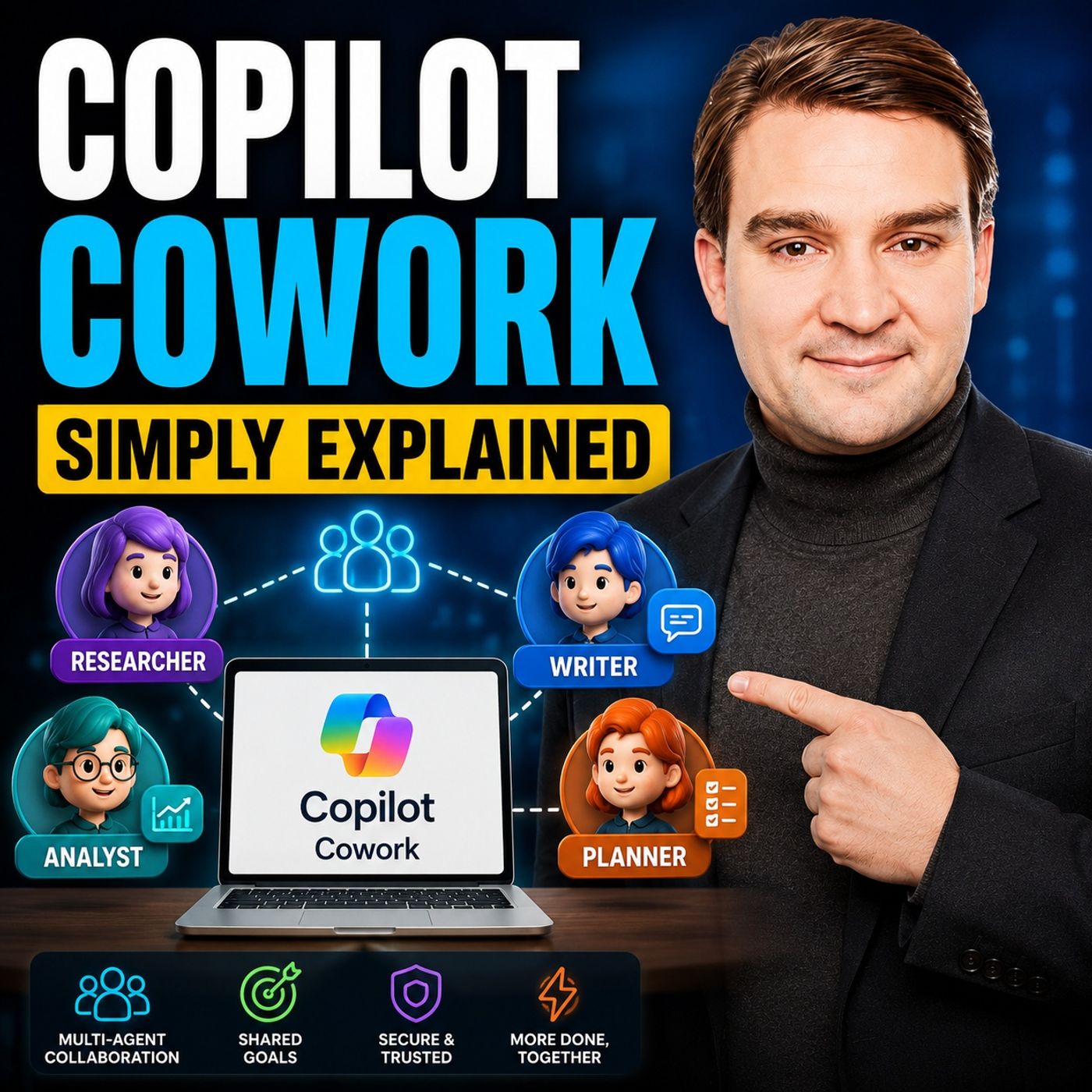
Copilot Cowork - Simply Explained
Copilot Cowork represents the next evolution of Microsoft 365 Copilot. Instead of simply answering questions or generating content, it can take ownership of multi-step tasks and carry them out on your behalf across your Microsoft 365 environment. You describe the outcome you want, and Cowork creates a plan, performs the work, and keeps you informed along the way. In this episode, you'll learn what Copilot Cowork is, how it differs from traditional Copilot chat, and why Microsoft describes it as an AI coworker rather than just another chatbot. While standard Copilot responds to prompts, Cowork is designed to execute longer-running tasks that may involve multiple applications, files, emails, meetings, and business processes. Using simple, real-world examples, the episode demonstrates how Cowork can prepare meeting briefings, research customers, draft presentations, organize project documentation, schedule meetings, summarize conversations, coordinate follow-up actions, and create …
Guest: Mirko Peters
July 12, 2026
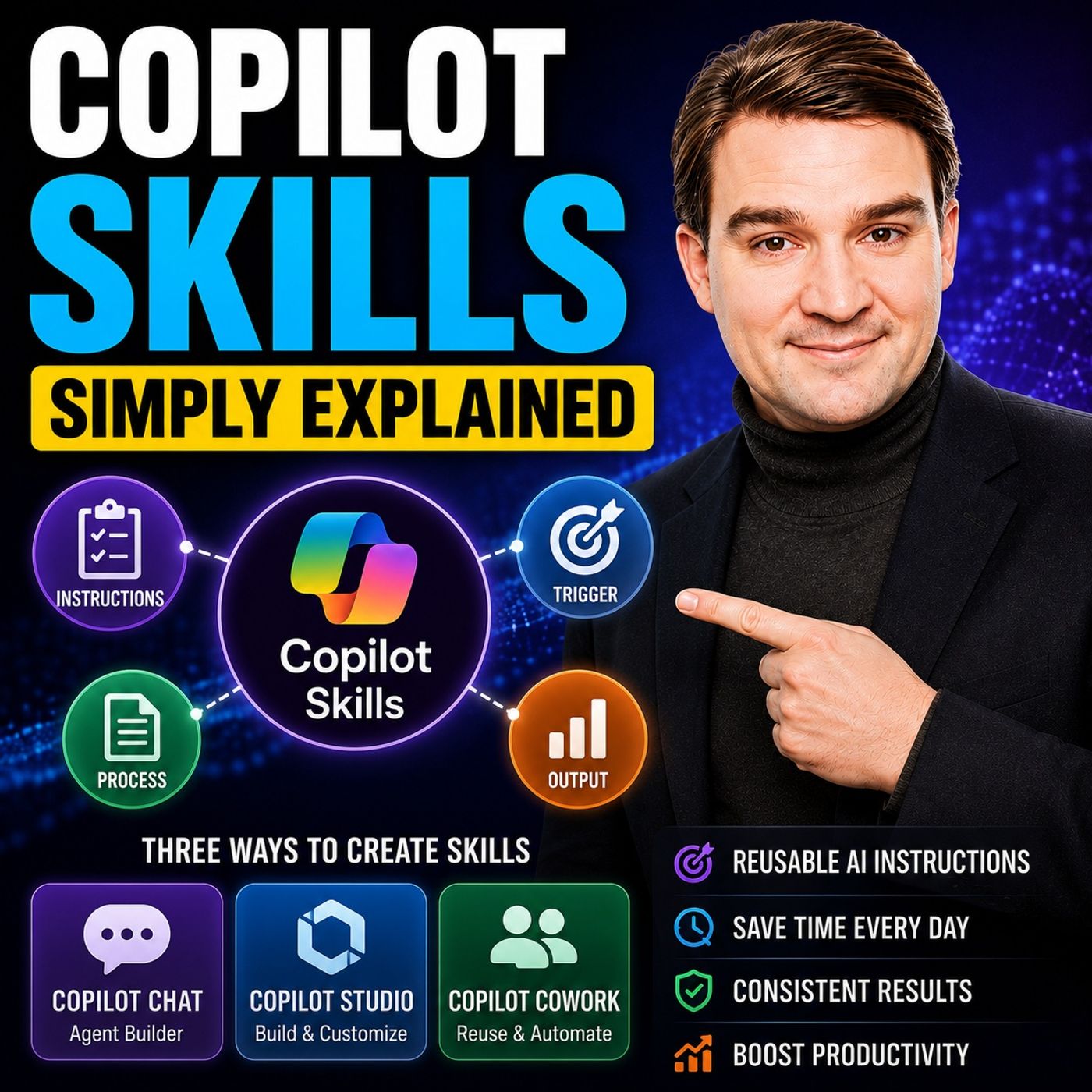
Copilot Skills - Simply Explained
Copilot Skills are one of the newest ways to make Microsoft Copilot more capable by giving it reusable expertise instead of relying on long, repetitive prompts. Rather than explaining the same instructions every time, a skill acts like a predefined capability that teaches Copilot how to perform a specific business task consistently. This episode explains Copilot Skills in simple terms, showing how they differ from prompts, plugins, and AI agents. While prompts solve one-off requests, skills package knowledge, instructions, and business logic into reusable building blocks that anyone in an organization can use. They help standardize tasks, reduce prompt engineering, and ensure more predictable results. Through practical examples, you'll learn how organizations can create skills for common scenarios such as writing project updates, generating executive summaries, preparing customer proposals, documenting meetings, answering HR questions, or following company-specific processes. In…
Guest: Mirko Peters

July 12, 2026
Microsoft Scout - Simply Explained
Microsoft Scout is Microsoft's vision for the next generation of AI assistants—moving beyond chatbots to autonomous agents that can actively complete work on your behalf. In this episode, we explain what Microsoft Scout is, why it represents a major shift in Microsoft's AI strategy, and how it differs from Microsoft 365 Copilot. Rather than simply answering prompts, Microsoft Scout can work across your files, Microsoft 365 data, browser, and even your local computer to execute multi-step tasks. From organizing documents and managing emails to running workflows and interacting with business applications, Scout is designed to become an intelligent digital teammate that understands context, remembers preferences, and safely performs actions with your approval. We explore the concept of Microsoft's new "Autopilot" agents, how Scout combines cloud intelligence with desktop capabilities, and why security, permissions, and governance are central to its design. The discussion also cover…
Guest: Mirko Peters
July 11, 2026
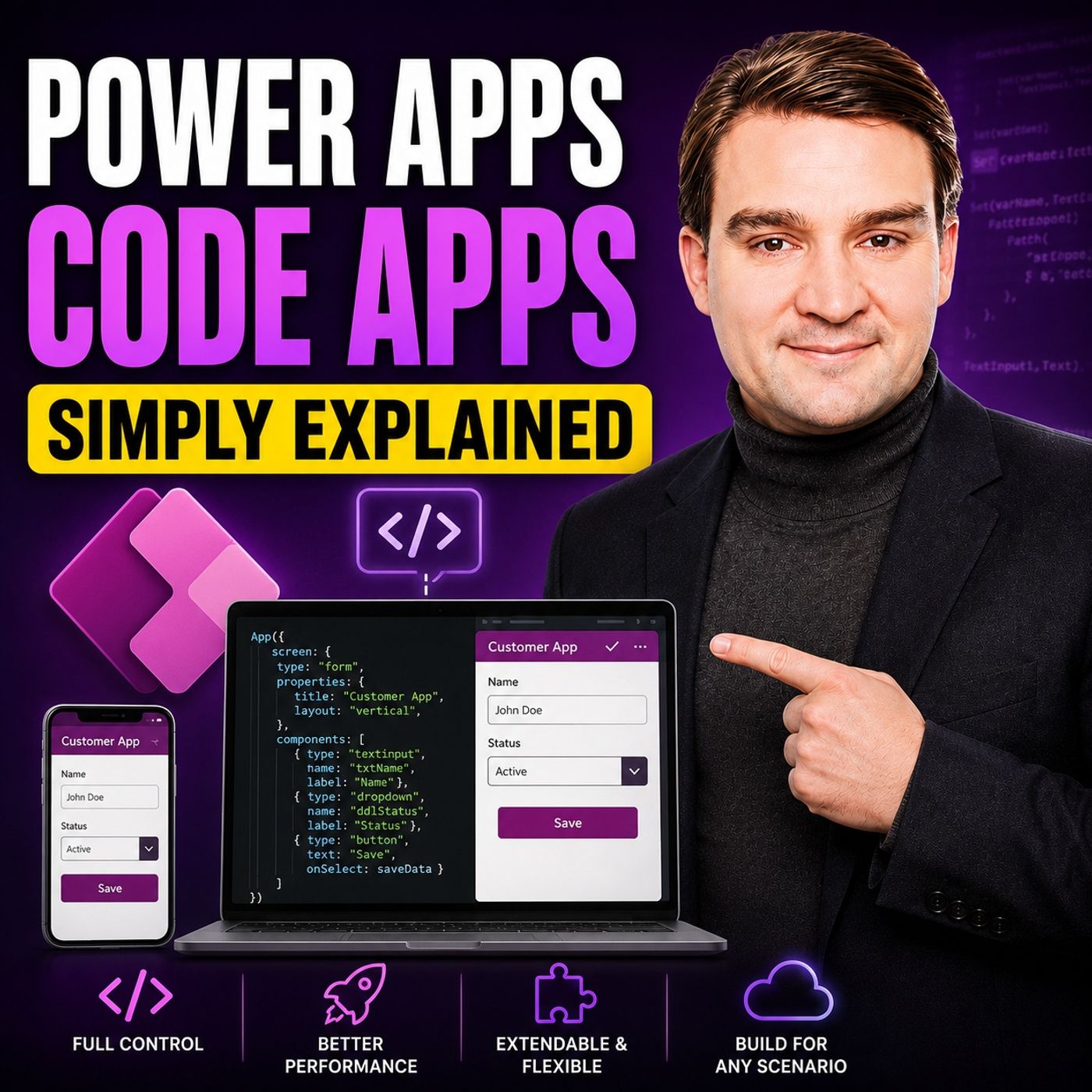
Power Apps Code Apps - Simply Explained
Power Apps Code Apps represent the next evolution of Microsoft Power Platform, combining the flexibility of professional software development with the governance and enterprise capabilities of Power Apps. In this episode, we break down what Code Apps are, why Microsoft introduced them, and how they differ from traditional Canvas Apps and Model-Driven Apps. You'll learn how developers can build modern React-based web applications using familiar tools like Visual Studio Code while still benefiting from Power Platform features such as Dataverse, Microsoft Entra authentication, connectors, security policies, and managed deployments. Rather than replacing low-code development, Code Apps extend the platform to support more advanced scenarios where full control over the user experience and application architecture is required. We also explain when Code Apps are the right choice, where Canvas Apps continue to shine, and how organizations can combine citizen developers and professional d…
July 9, 2026
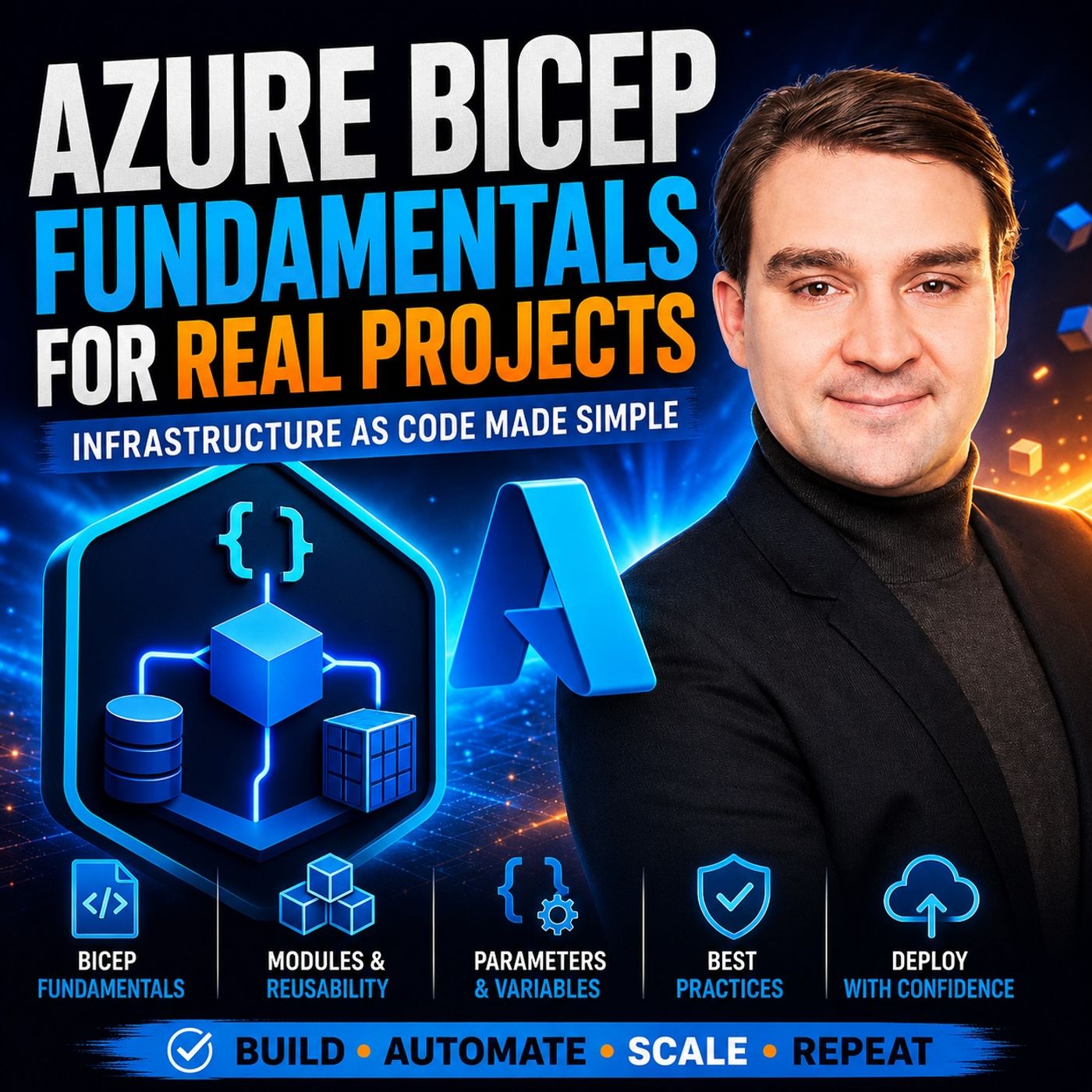
Azure Bicep Fundamentals for Production Projects
Azure Bicep is Microsoft’s modern Infrastructure as Code (IaC) language for deploying Azure resources using a clean, declarative syntax. This episode explains why Bicep has become the preferred choice over traditional ARM templates and how it helps teams build repeatable, reliable, and maintainable cloud environments. You'll learn the core building blocks of every Bicep project, including resources, parameters, variables, outputs, modules, conditions, and loops. The discussion also covers symbolic names, automatic dependency management, and how reusable modules simplify even large-scale Azure deployments. Beyond the syntax, the episode focuses on practical implementation. It explains how to organize Bicep projects for real-world environments, separate configuration from infrastructure, and build templates that work consistently across development, test, and production. You'll also hear why version control, code reviews, parameter files, and modular design are essential for succe…
Guest: Mirko Peters
April 18, 2026
Build Your First Power App: Beginner Step-by-Step Guide
Build your first Power App step-by-step—from initial idea to a fully working solution. This episode of the M365.fm podcast explains how to turn a simple business need into a functional app using Microsoft Power Apps, even with little or no coding experience. It walks through the core process: defining the problem, connecting to data sources like SharePoint or Excel, designing screens, and building key features such as forms and navigation. You’ll learn practical best practices for beginners, including why starting small is critical, how to structure your app logically, and how to avoid common mistakes when building your first solution. The episode focuses on real-world use cases and shows how low-code tools enable fast development and iteration. Perfect for IT pros, business users, and makers who want to quickly move from idea to a working Power Apps solution and start building impactful apps in the Microsoft 365 ecosystem.
Guest: Mirko Peters
April 16, 2026
How to Choose the Right Microsoft Power Platform Tool
This episode explains that most Power Platform solutions fail not because of the technology, but because teams start with the wrong mindset—jumping straight to “let’s build an app” instead of first understanding the actual business problem and system behind it. It emphasizes that the Power Platform is not a single tool but a set of distinct layers—Power Apps for interaction, Power Automate for execution, Power BI for visibility, Power Pages for external access, and Copilot as an assistant—and that treating them as interchangeable leads to solutions that look good in demos but break in real operations. The core message is a shift from solution-first thinking to system thinking: real problems are usually rooted in disconnected processes, unclear ownership, and missing structure, and only by separating these layers and understanding their roles can organizations build scalable, effective solutions instead of fragile apps.
Guest: Mirko Peters