

AI is changing everything — let’s explore it together.
This category focuses on Microsoft Copilot, Azure OpenAI, prompt engineering, automation workflows, productivity improvements, and practical AI use cases.
You’ll get clear explanations, friendly guidance, and daily inspiration for bringing AI into your work and projects.
This category focuses on Microsoft Copilot, Azure OpenAI, prompt engineering, automation workflows, productivity improvements, and practical AI use cases.
You’ll get clear explanations, friendly guidance, and daily inspiration for bringing AI into your work and projects.
April 23, 2026
Copilot Prompts for Internal Communication: The Modern Toolkit for Microsoft 365 Teams
Internal communication isn’t what it used to be—emails, memos, and Teams messages now have to cut through more noise than ever. Enter Microsoft 365 Copilot: an AI-driven assistant built right into your familiar productivity tools. Copilot helps you …
April 23, 2026
Mastering Copilot Prompts for Professional Emails in Microsoft 365
Microsoft 365 Copilot is changing the game for professional email communication—especially if you spend your days in Outlook. At its core, Copilot is an AI-powered assistant built into Microsoft 365 apps. With smart prompting, you can draft clear em…
April 23, 2026
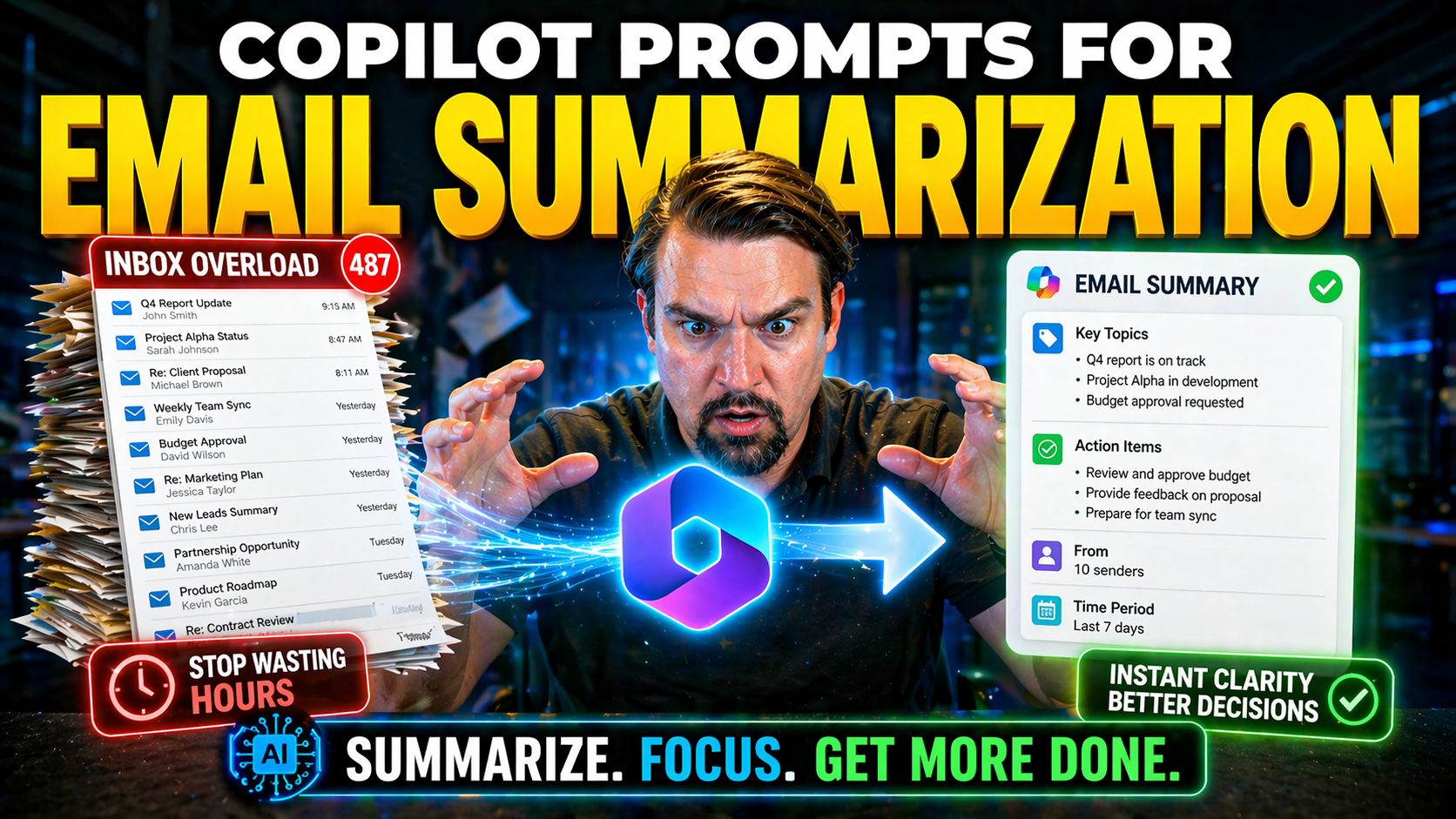
Mastering Copilot Prompts for Email Summarization
Email has a way of piling up faster than traffic on the BQE during rush hour, but that’s where Microsoft Copilot comes in. Copilot prompts transform your everyday inbox experience in Microsoft 365, making sense out of endless email threads and givin…
April 23, 2026
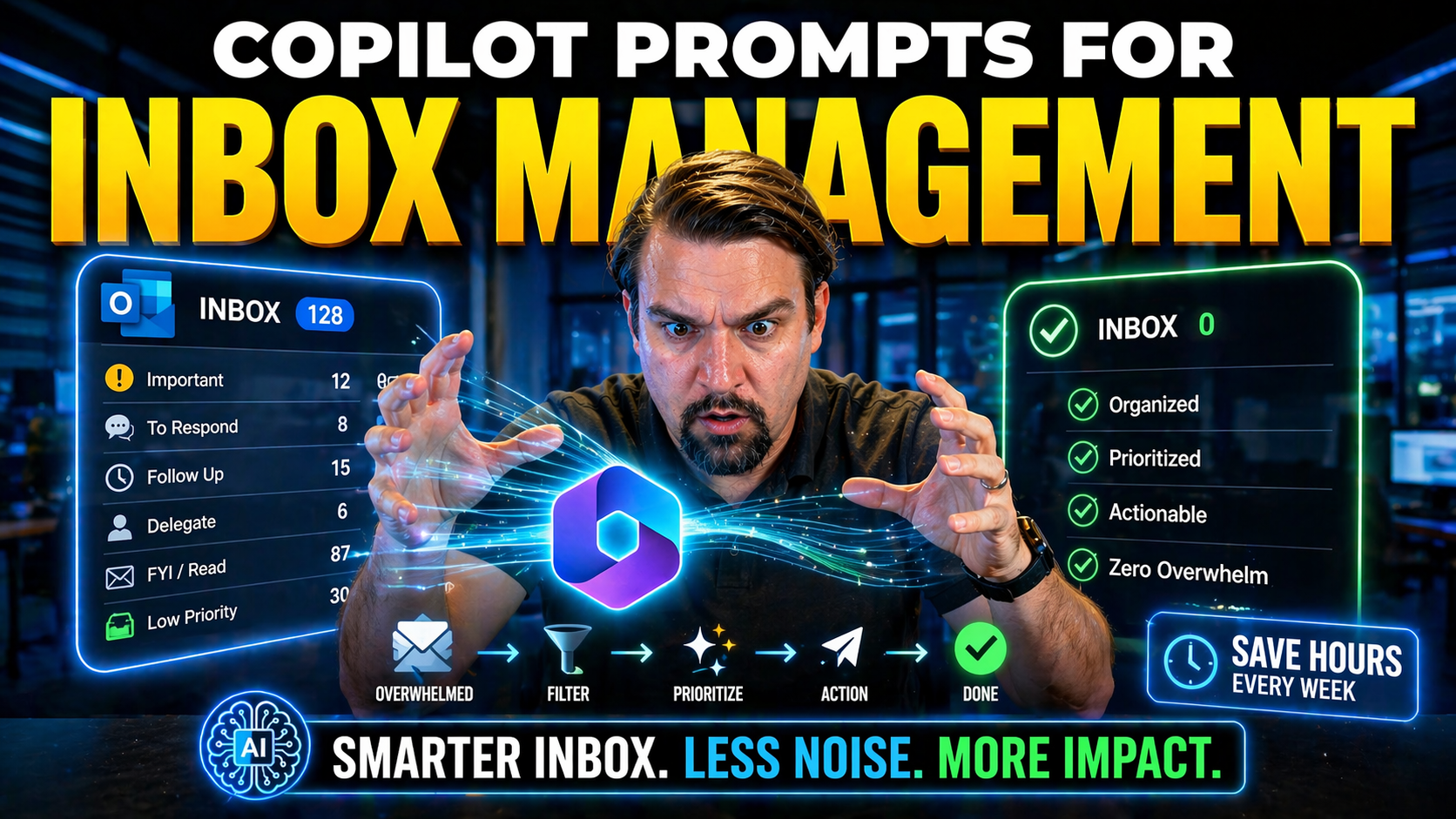
Mastering Copilot Prompts for Inbox Management: The Ultimate Guide
Microsoft Copilot isn’t just another tool—it’s changing the way people manage email and communications in the Microsoft 365 universe. With AI-powered prompts at your fingertips, you can trim down inbox chaos, smash through unread piles, and handle d…
April 23, 2026
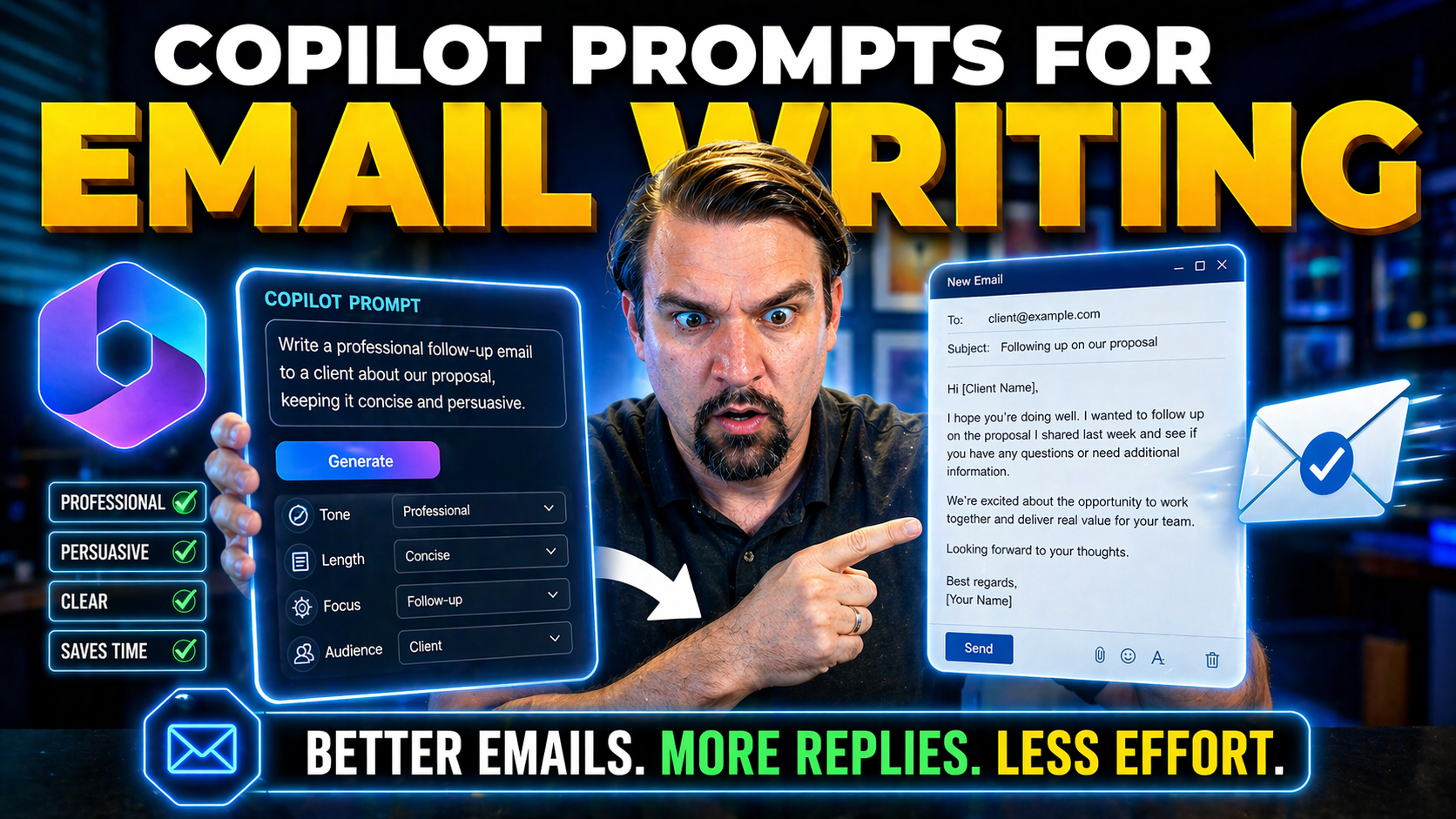
Mastering Copilot Prompts for Email Writing Efficiency
If you’ve ever felt buried by your inbox, Microsoft 365 Copilot is here to toss you a lifeline. Copilot prompts let you draft, reply, and organize Outlook emails faster—with a lot less stress and a lot more clarity. Using smart, conversational instr…
April 23, 2026
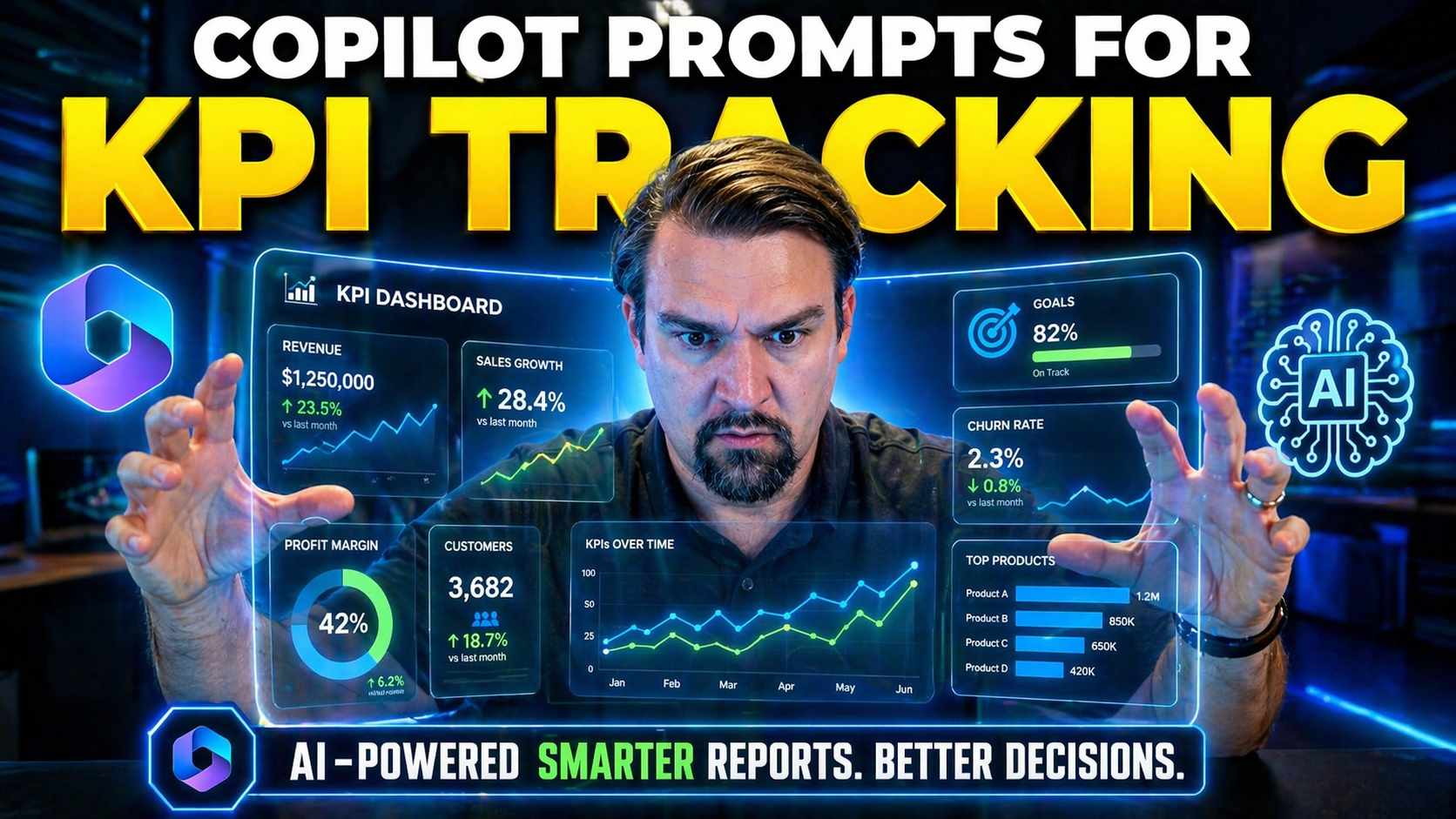
Copilot Prompts for KPI Tracking: The Complete Microsoft 365 Guide
This guide dives into practical Microsoft Copilot prompts and workflows designed to streamline your KPI tracking across the Microsoft 365 stack—including Teams, Excel, and Power Platform. You’ll discover how Copilot can automate and enhance your KPI…
April 22, 2026
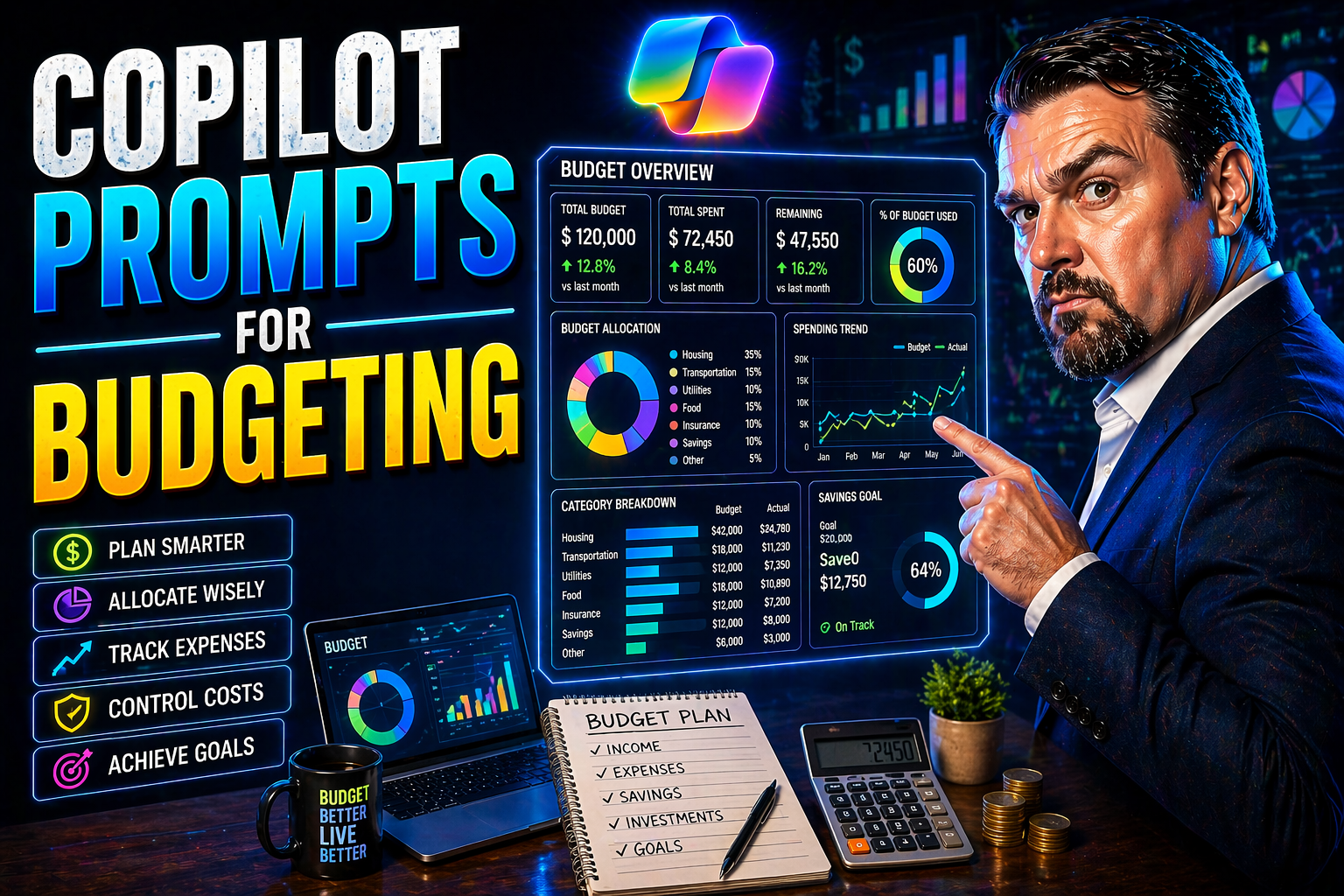
Copilot Prompts for Budgeting: The Modern Finance Leader’s Guide
Today’s finance teams are working in a world where speed and precision matter most. Microsoft Copilot is changing the rules of budgeting: from grinding out monthly spreadsheets to real-time recommendations and instant automation, the game is differe…

April 22, 2026
Copilot Prompts for Forecasting: The Ultimate Guide for Finance Teams
This guide takes you straight into the modern world of financial forecasting—with Microsoft Copilot riding shotgun. If you work in finance, you know that getting ahead means using every tool you can, especially when it comes to making those tough de…
April 22, 2026
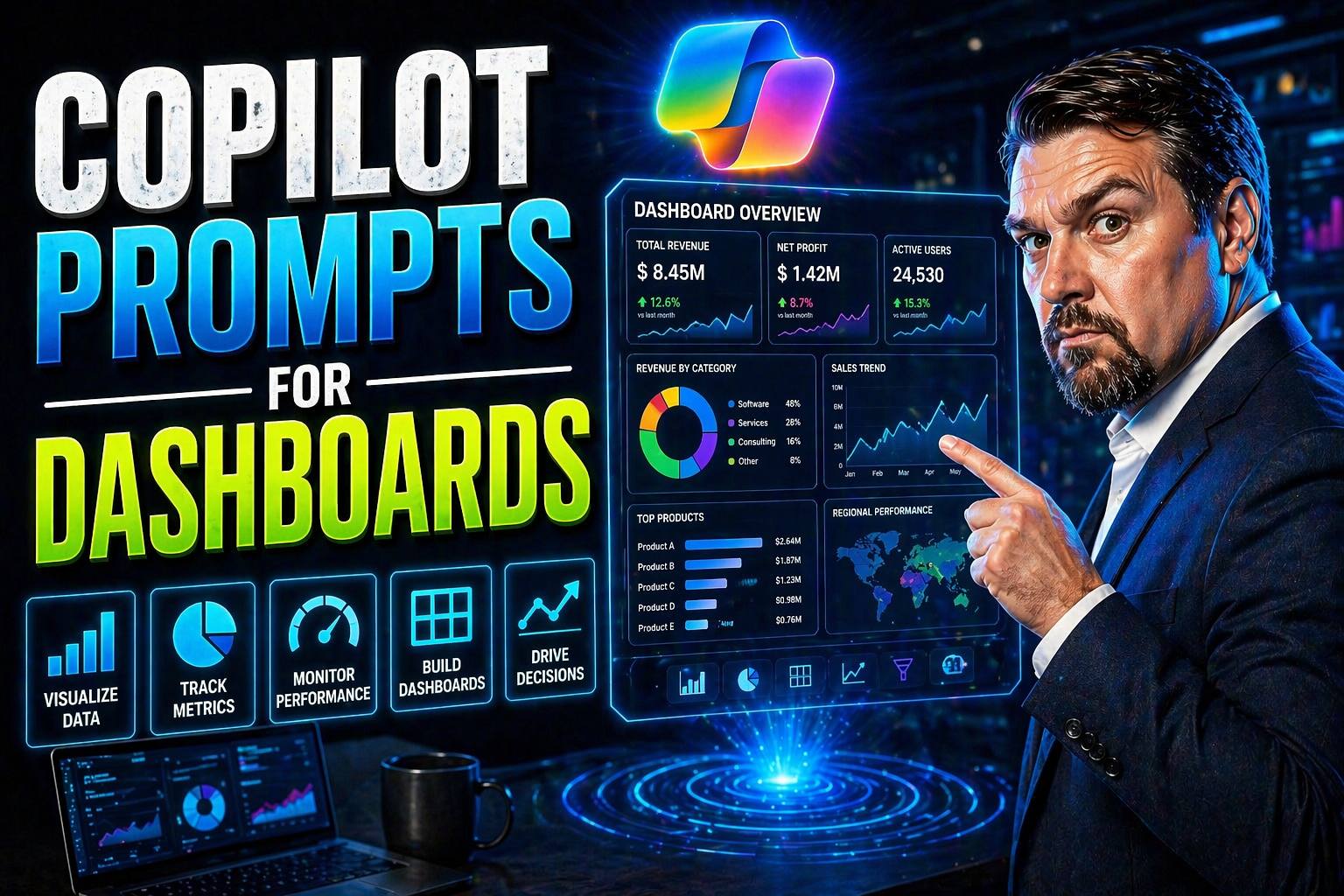
Copilot Prompts for Dashboards: A Complete Guide for Microsoft Users
If you’re looking to level up your dashboard game in Microsoft 365 or Azure, you’re in the right spot. This guide lays out exactly how to use Copilot prompts to make dashboards faster, smarter, and honestly—way less of a headache. We’ll cover everyt…
April 22, 2026
Mastering Copilot Prompts for Reporting in Microsoft 365 Apps
Microsoft Copilot is changing how reports get done in the business world. With just the right prompt, you can whip up clear updates, crunch numbers, or wrap up a meeting faster than it takes to brew your coffee. Copilot works across Word, Excel, Pow…
April 22, 2026
Copilot Prompts for Financial Analysis: Maximizing AI in Microsoft 365
Microsoft Copilot is flipping the script for financial analysis teams. It brings generative AI right into familiar Microsoft 365 tools – think Excel, PowerPoint, and Teams – allowing you to build smarter financial workflows and boost productivity. T…
April 22, 2026
Copilot Prompts for Beginners: A Complete Guide to Getting Started
If you’re just stepping into the world of Microsoft Copilot and prompts, you might feel like you’re about to learn a new language. Don’t worry—learning to communicate with Copilot is simpler than you think, and a few basics go a long way. Well-writt…
April 22, 2026
Ultimate Copilot Prompts List for Microsoft 365 Productivity
If you’re looking to make Microsoft 365 actually work for you (instead of the other way around), a well-designed Copilot prompts list is essential. Think of it like a toolkit: each prompt is a tool that turns Copilot into your digital right-hand, re…
April 22, 2026
Copilot Prompts for Business: The Ultimate Guide to Microsoft 365 Productivity
This comprehensive guide reveals how to master Microsoft Copilot prompts to streamline business productivity across the Microsoft 365 suite. By diving into advanced prompt engineering, application-specific strategies, and industry-tailored framework…
April 21, 2026
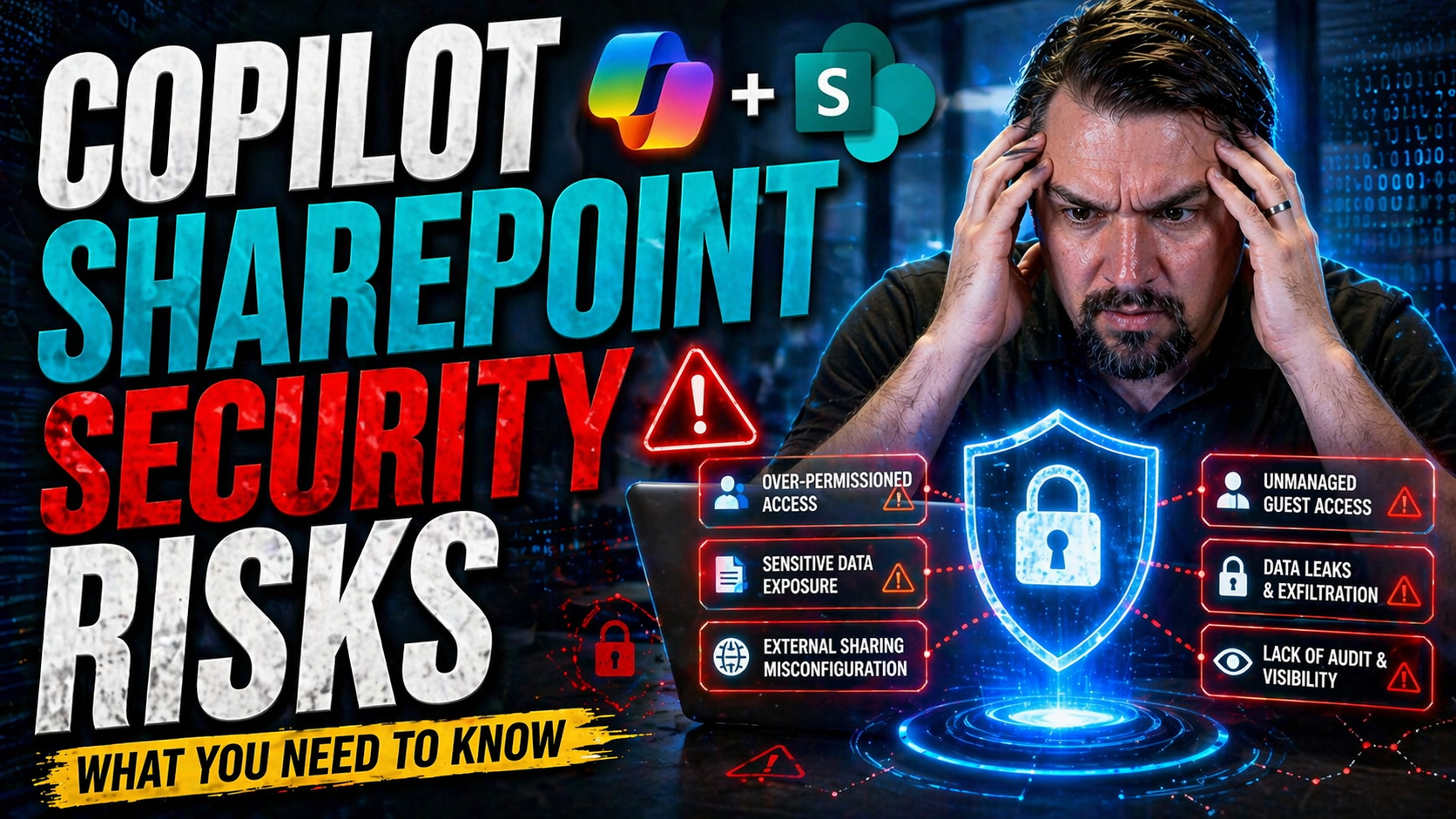
Copilot SharePoint Security Risks: What Every Admin Needs to Know
When Microsoft Copilot teams up with SharePoint, it brings a new world of productivity—but also fresh security headaches for IT admins and security pros. As Copilot pulls documents, lists, and organizational knowledge from SharePoint, it operates at…
April 21, 2026
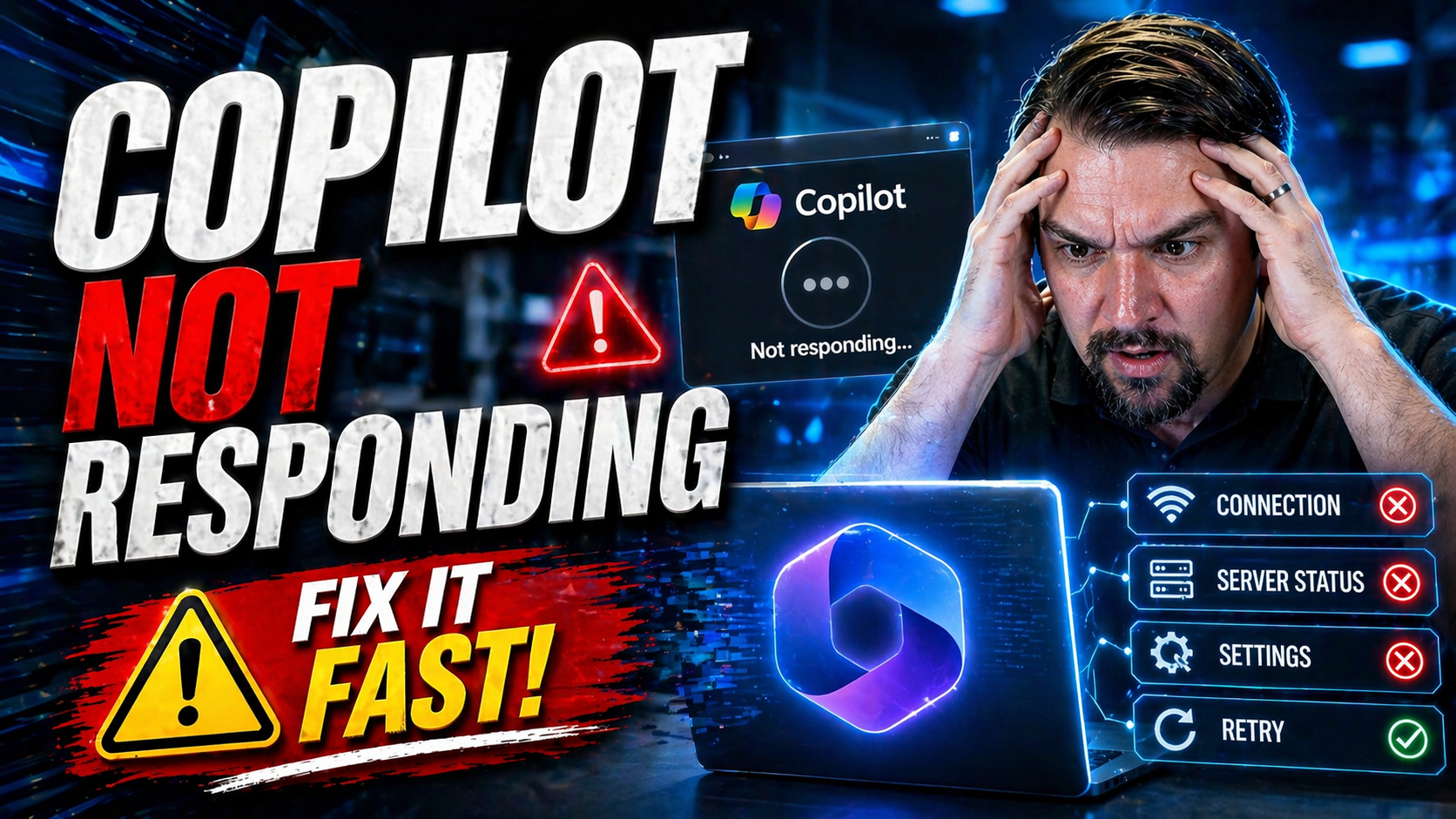
Copilot Not Responding: Troubleshooting Guide for Microsoft Users
If Microsoft Copilot is not responding, first check your connection, account and licence, service health, and whether the feature is available in the current app and tenant. Then retry with a simple prompt, capture any error message, and ask IT to r…
April 21, 2026
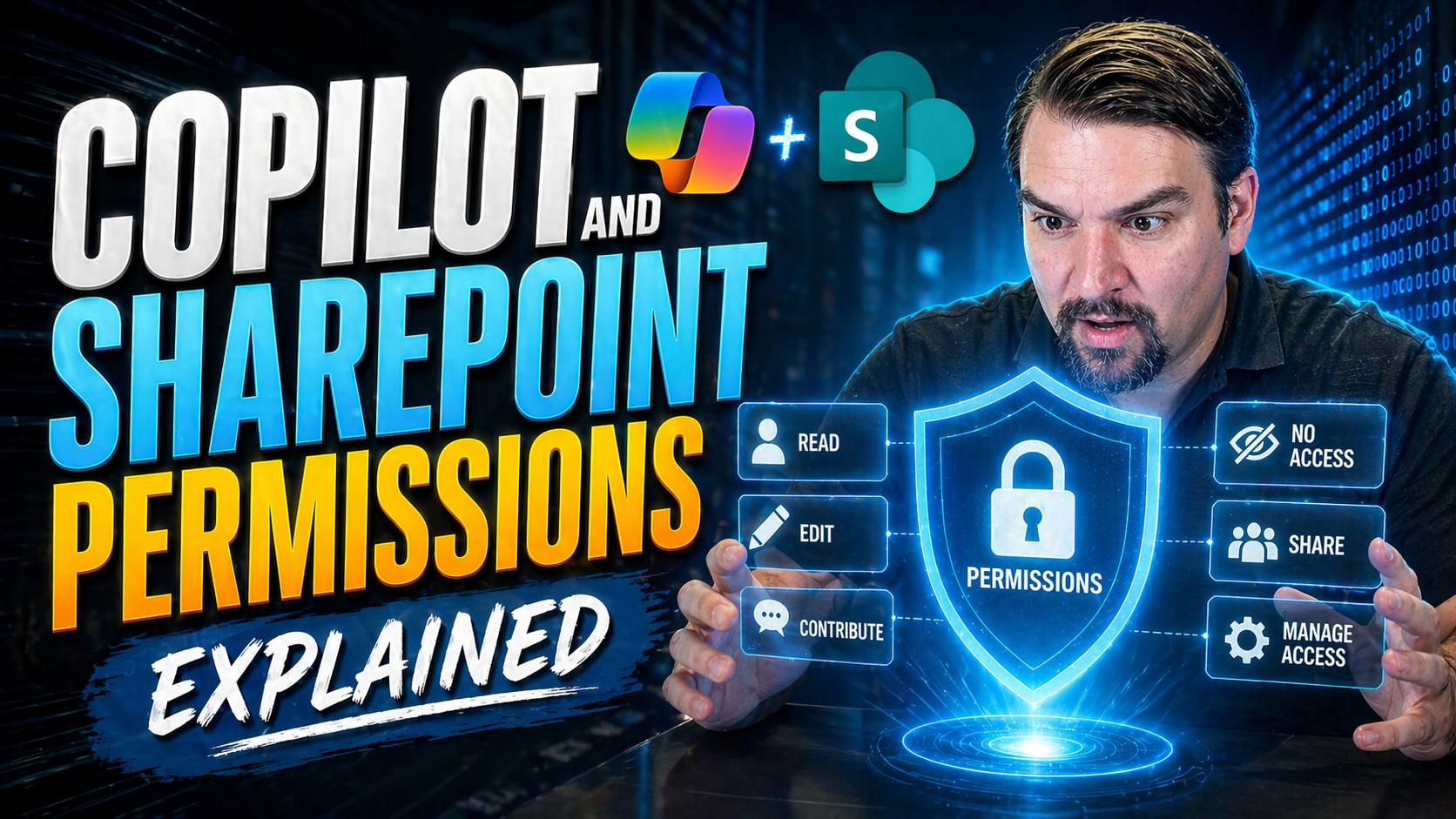
Copilot and SharePoint Permissions Explained
Copilot and SharePoint permissions should be designed around the business outcome, approved data access, and human accountability. Start with the smallest useful scenario, validate permissions and policy boundaries, test with representative users, a…
April 21, 2026
Copilot Prompts for Productivity: The Complete Guide
Welcome to your go-to guide for maximizing productivity with Microsoft Copilot prompts inside Microsoft 365. With AI now running alongside your favorite tools, you can seriously up your efficiency game. This guide dives into real-life ways Copilot m…
April 21, 2026
Best Copilot Prompts for Documentation
If you’re aiming to make documentation less of a headache and more of a breeze, Copilot prompts are your new secret weapon. This guide is your one-stop shop for mastering those prompts—helping you get the most out of Microsoft Copilot across Word, S…
April 21, 2026
Copilot Prompts for Developers: Unleashing the Power of AI Assistance
Copilot prompts are quickly becoming a core part of how modern developers get work done, especially if you're in the Microsoft ecosystem. By telling Copilot exactly what you need—whether it’s writing code, troubleshooting, or explaining concepts—you…
April 21, 2026
Copilot Prompts for SharePoint Content Creation
Copilot prompts in SharePoint change the way you create, organize, and update content across your sites and pages. These AI-powered prompts let you use simple language—just like talking to a person—to instruct Copilot to draft, revise, and enhance e…
April 21, 2026
Best Copilot Prompts for PowerPoint Creation
If you’re ready to step up your PowerPoint game, this guide is your one-stop shop for unlocking the full potential of Microsoft Copilot with just the right prompts. Here, users will find real-world examples, prompt strategies, and proven best practi…

April 21, 2026
How to Enable Microsoft 365 Copilot
Quick Answer: To enable Microsoft 365 Copilot, confirm the required licensing and tenant readiness, assign licences to the intended users, verify identity and content permissions, and introduce it through a controlled pilot. Validate the experience …
April 20, 2026
Copilot Cowork Explained: How Microsoft Redefines Collaboration With AI
Copilot Cowork is Microsoft’s latest leap in workplace AI, built to shake up the way teams get things done in the Microsoft 365 world. Instead of just being another chatbot, it acts more like a teammate—one that’s powered by advanced AI and knows it…