

AI is changing everything — let’s explore it together.
This category focuses on Microsoft Copilot, Azure OpenAI, prompt engineering, automation workflows, productivity improvements, and practical AI use cases.
You’ll get clear explanations, friendly guidance, and daily inspiration for bringing AI into your work and projects.
This category focuses on Microsoft Copilot, Azure OpenAI, prompt engineering, automation workflows, productivity improvements, and practical AI use cases.
You’ll get clear explanations, friendly guidance, and daily inspiration for bringing AI into your work and projects.
May 19, 2026
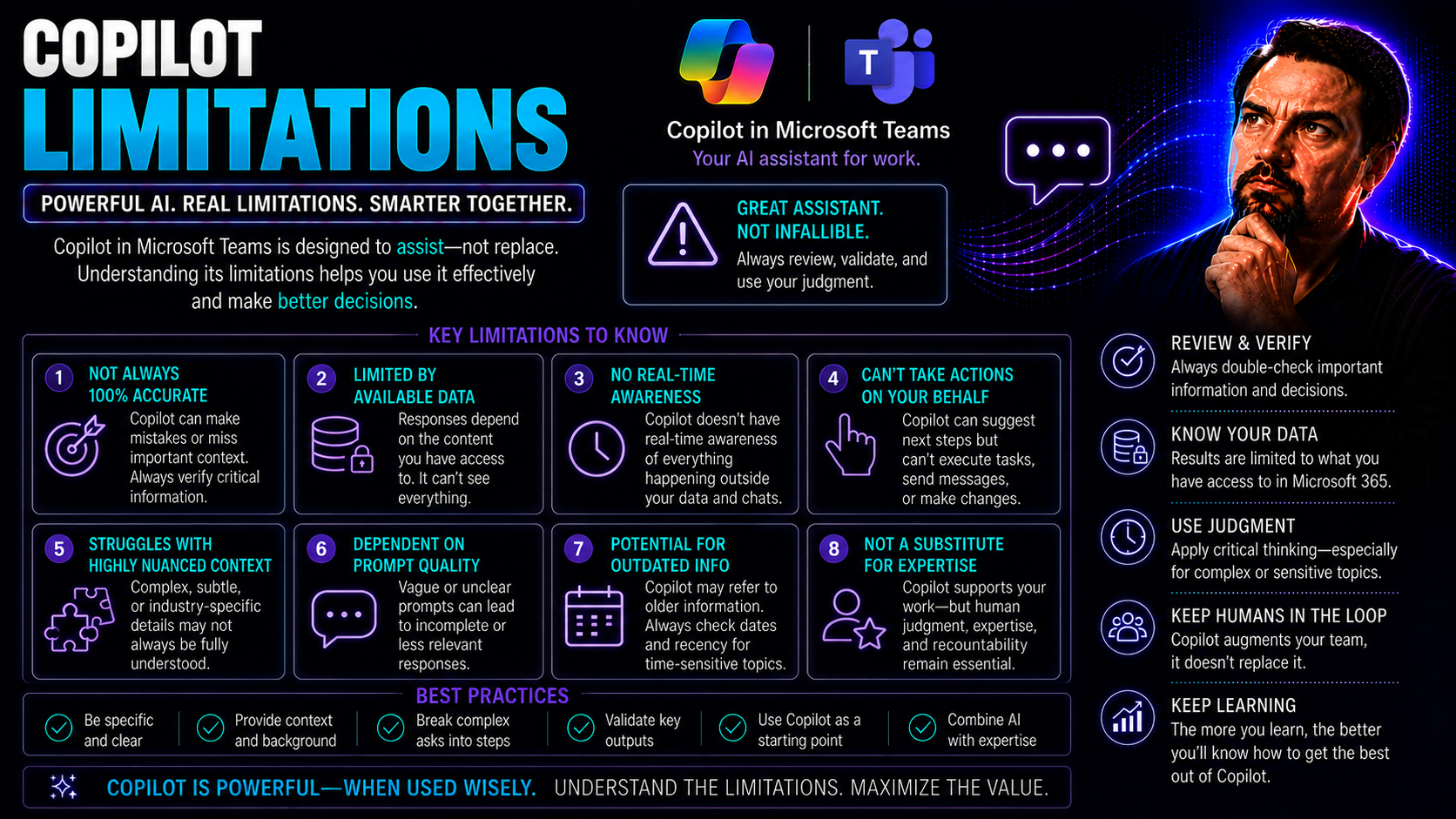
Microsoft Copilot Limitations: Enterprise Risks and Gaps
When it comes to adopting Copilot across Microsoft 365, Teams, and GitHub, most organizations expect a smooth ride and a productivity transformation. But here’s the reality check: Copilot, as impressive as it looks in the sales deck, still has a bun…
May 19, 2026
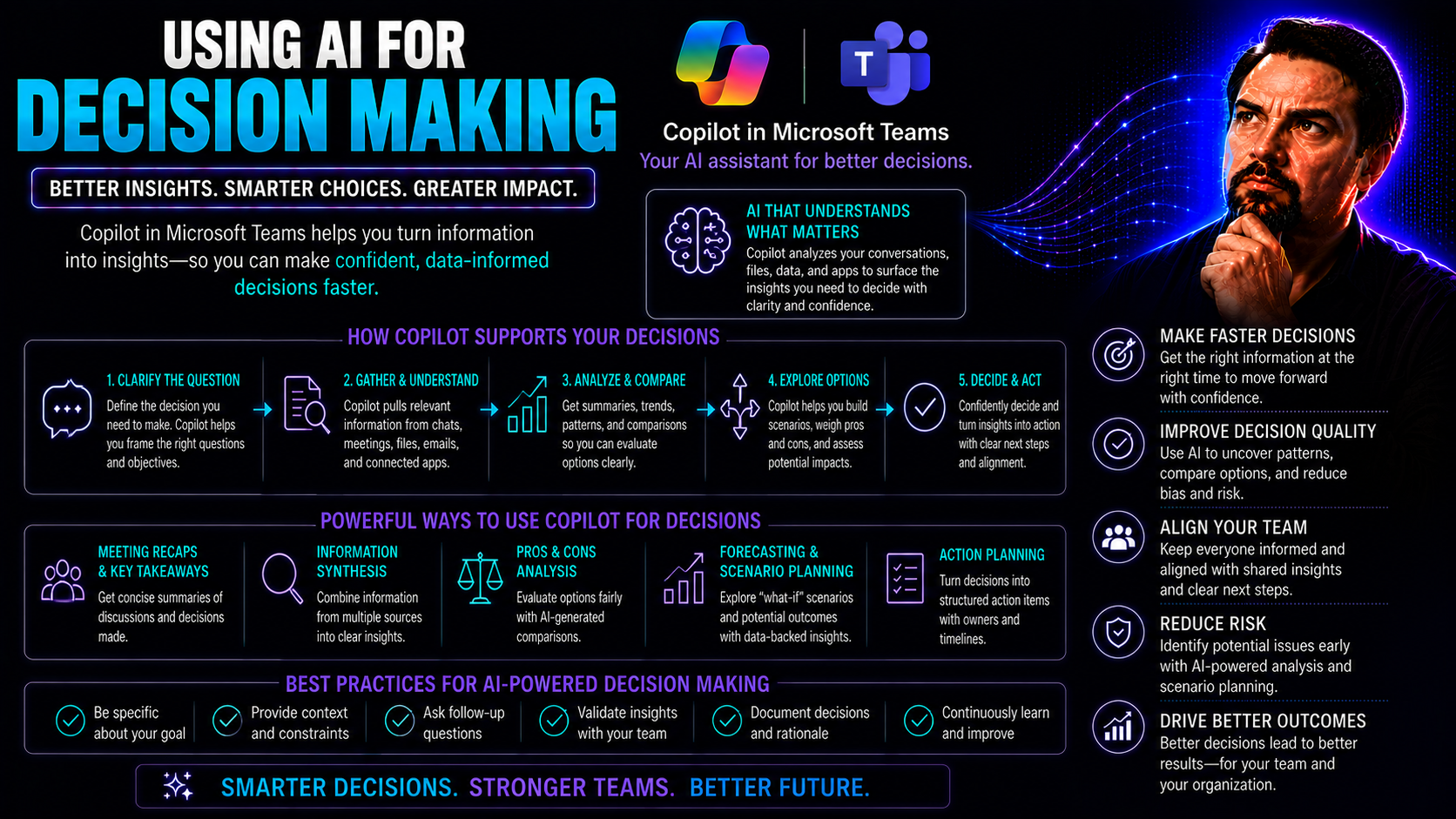
AI for Decision-Making: Best Practices, Risks and Governance
Artificial intelligence is changing the way organizations make decisions—from daily operations right up to strategic planning. Instead of relying solely on gut instinct, teams now combine human expertise with machine intelligence to drive smarter, f…
May 19, 2026
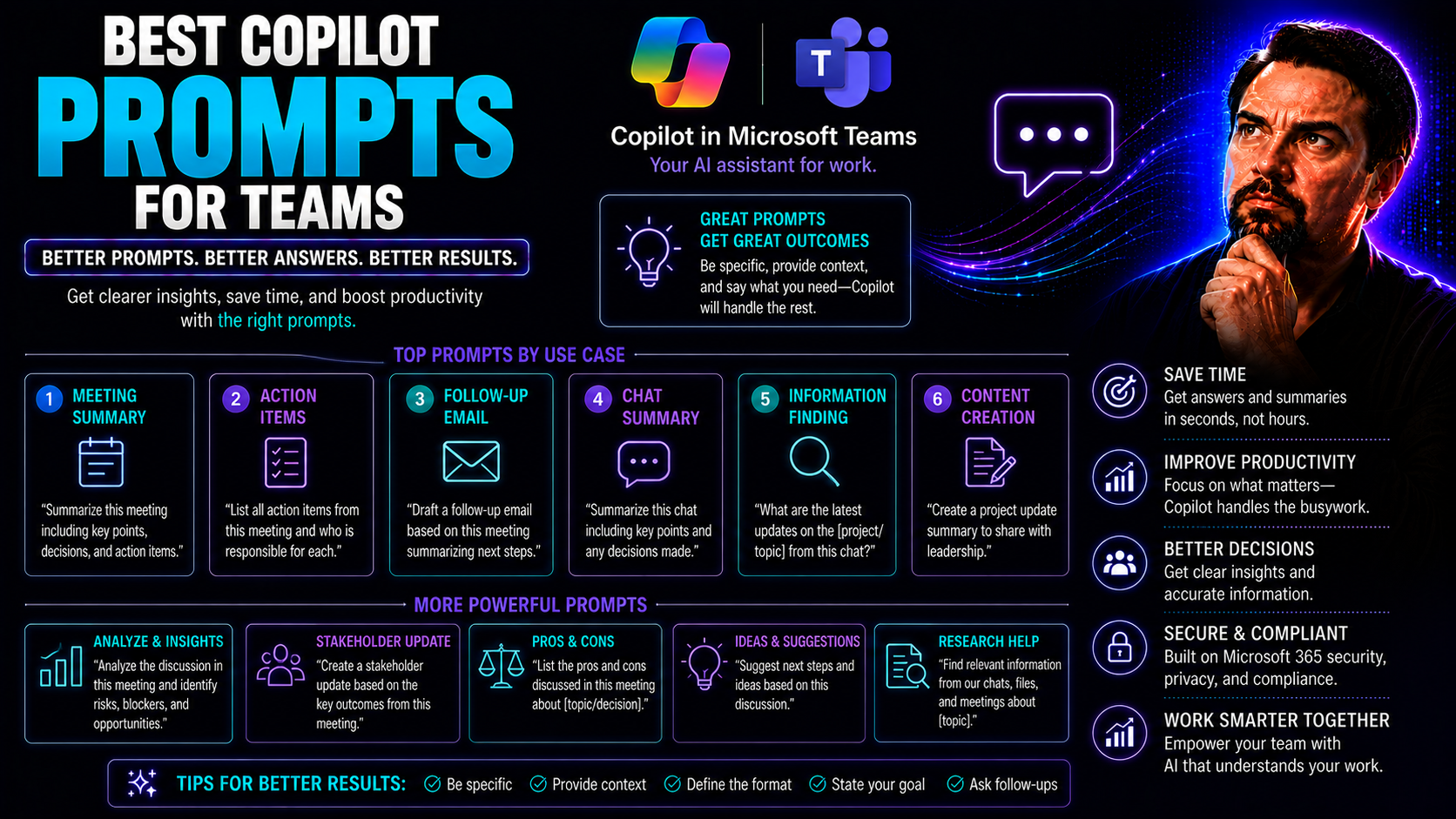
Best Copilot Prompts for Teams: Practical Prompt Guide
When you’re trying to get more done as a team, Microsoft Copilot can be a game-changer—if you know what to ask it. In simple terms, Copilot is your AI teammate that helps automate tasks, summarize meetings, and organize projects inside Microsoft 365…
May 19, 2026
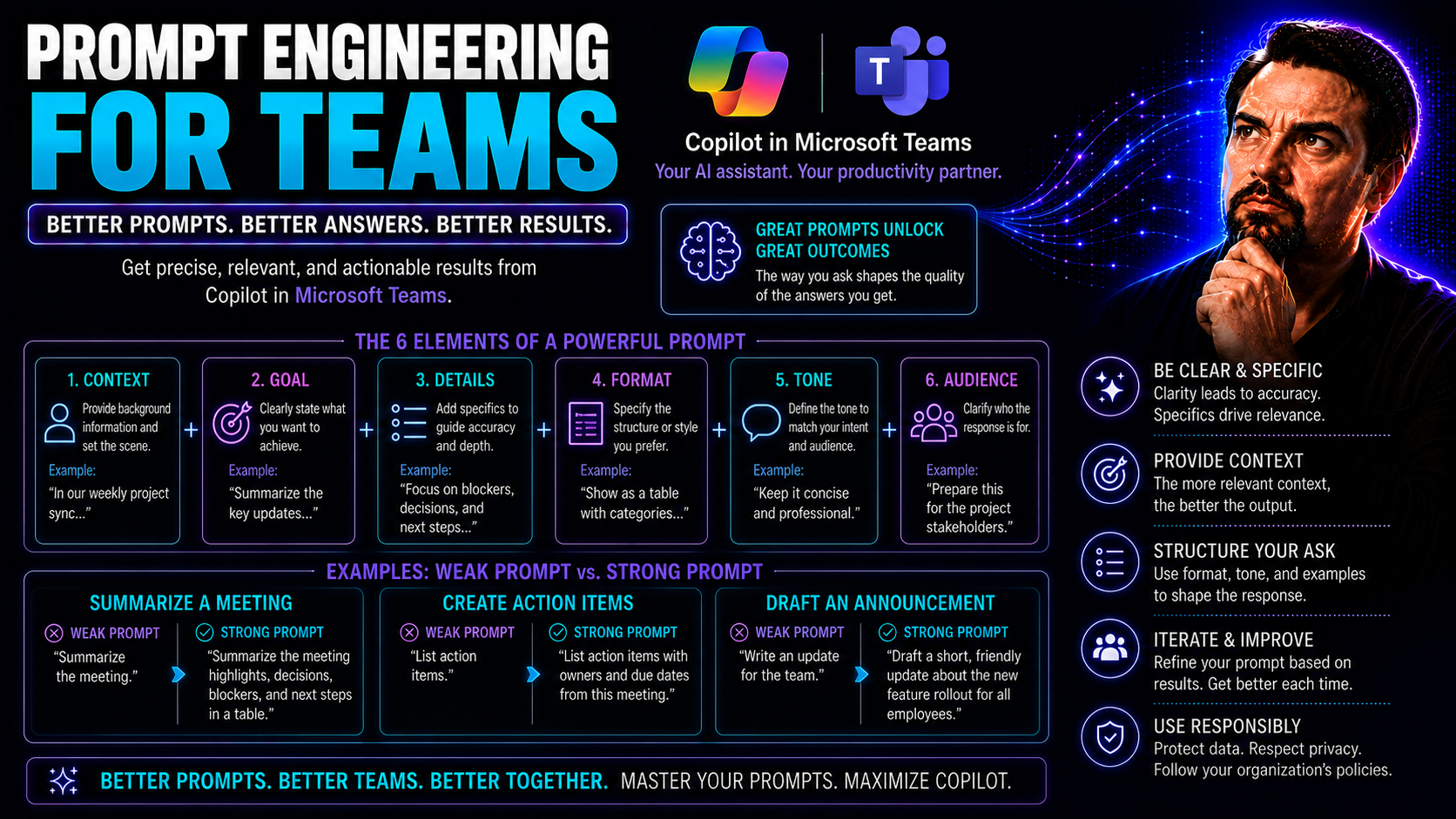
Prompt Engineering for Microsoft Teams: Complete Guide
If your team is dabbling in artificial intelligence and using Microsoft Teams, you’ll want to get your hands on this guide. Here, we break down prompt engineering—the strategy behind crafting instructions for AI that actually deliver the results you…
May 19, 2026
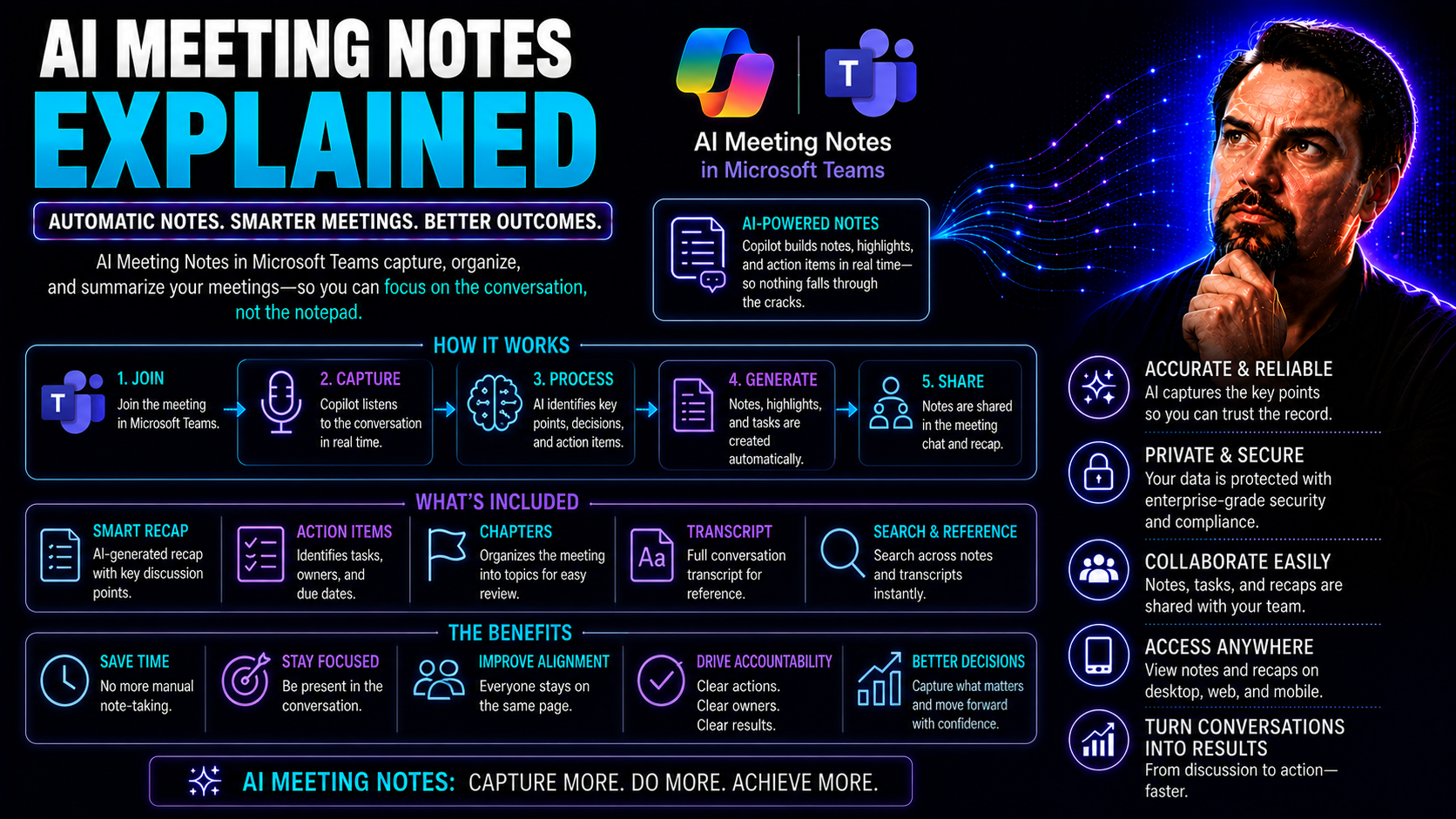
AI Meeting Notes in Microsoft Teams: Complete Guide
AI meeting notes in Teams can improve productivity when the use case, approved data access, and human accountability are defined first. Start with a small scenario, validate current Microsoft 365 capabilities and policies, test with representative u…
May 19, 2026
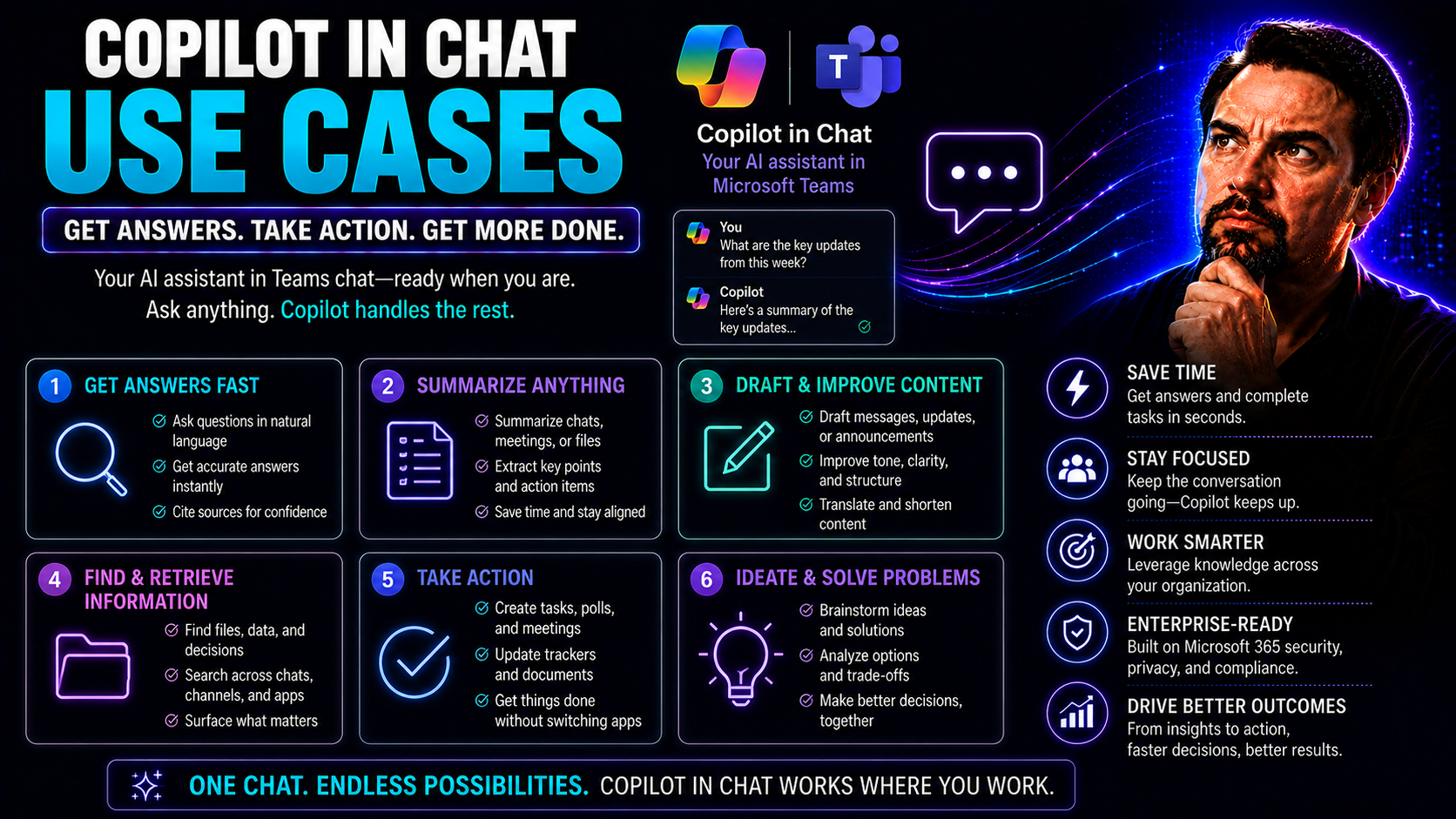
Copilot in Teams Chat: Use Cases and Productivity Guide
You want to get more done in your workday—faster, easier, and with fewer headaches. Copilot in chat is your new sidekick across Microsoft 365, especially in Microsoft Teams, helping you meet those goals head-on. This guide digs into real-world ways …
May 19, 2026
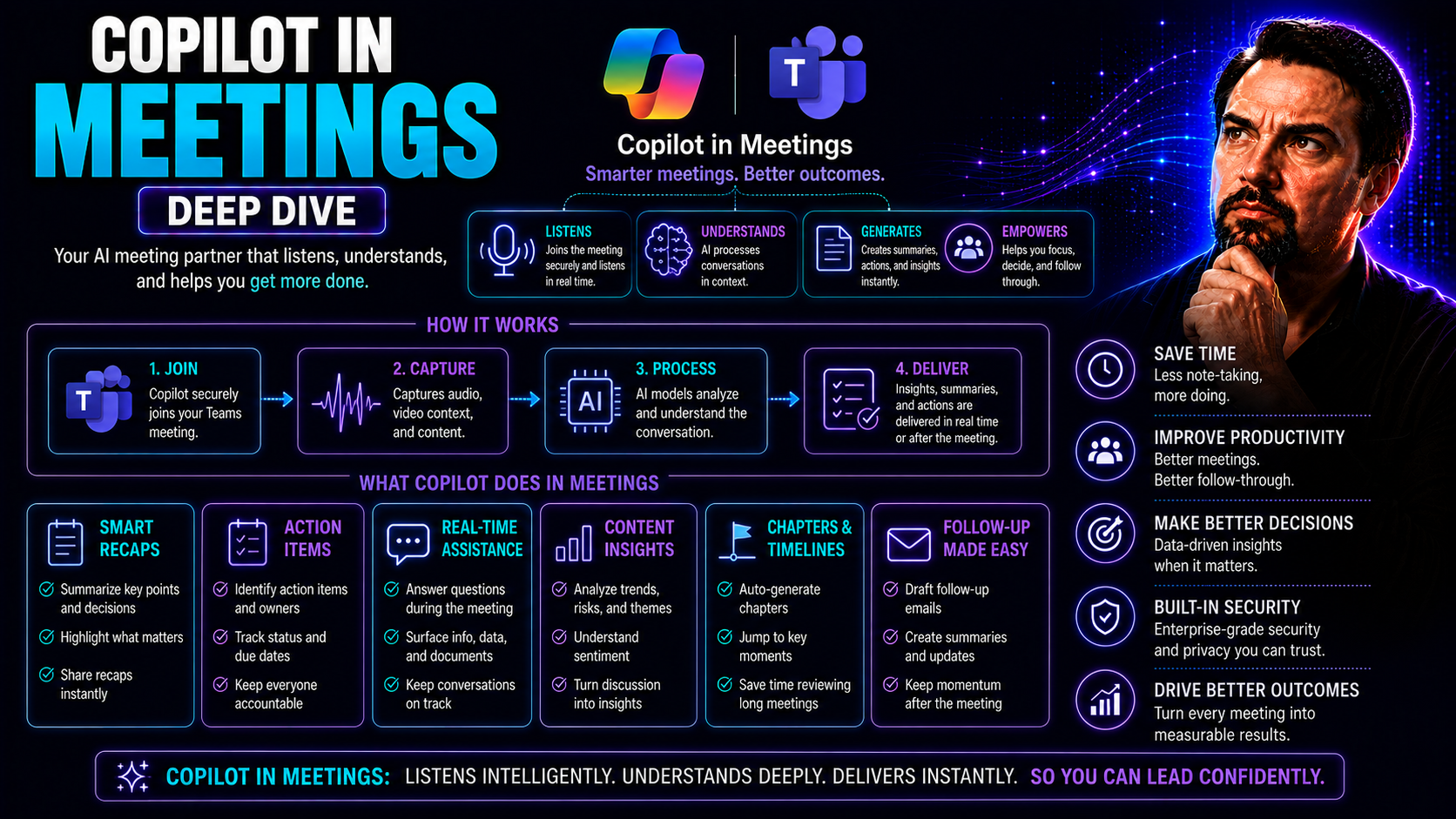
Copilot in Teams Meetings: Features, Use Cases and Governance
Microsoft Copilot is changing the way you get things done in Teams meetings. You’re getting an AI-powered assistant that isn’t just another tech buzzword—it’s here to work for you, taking meeting productivity and collaboration to a whole new level. …
May 19, 2026
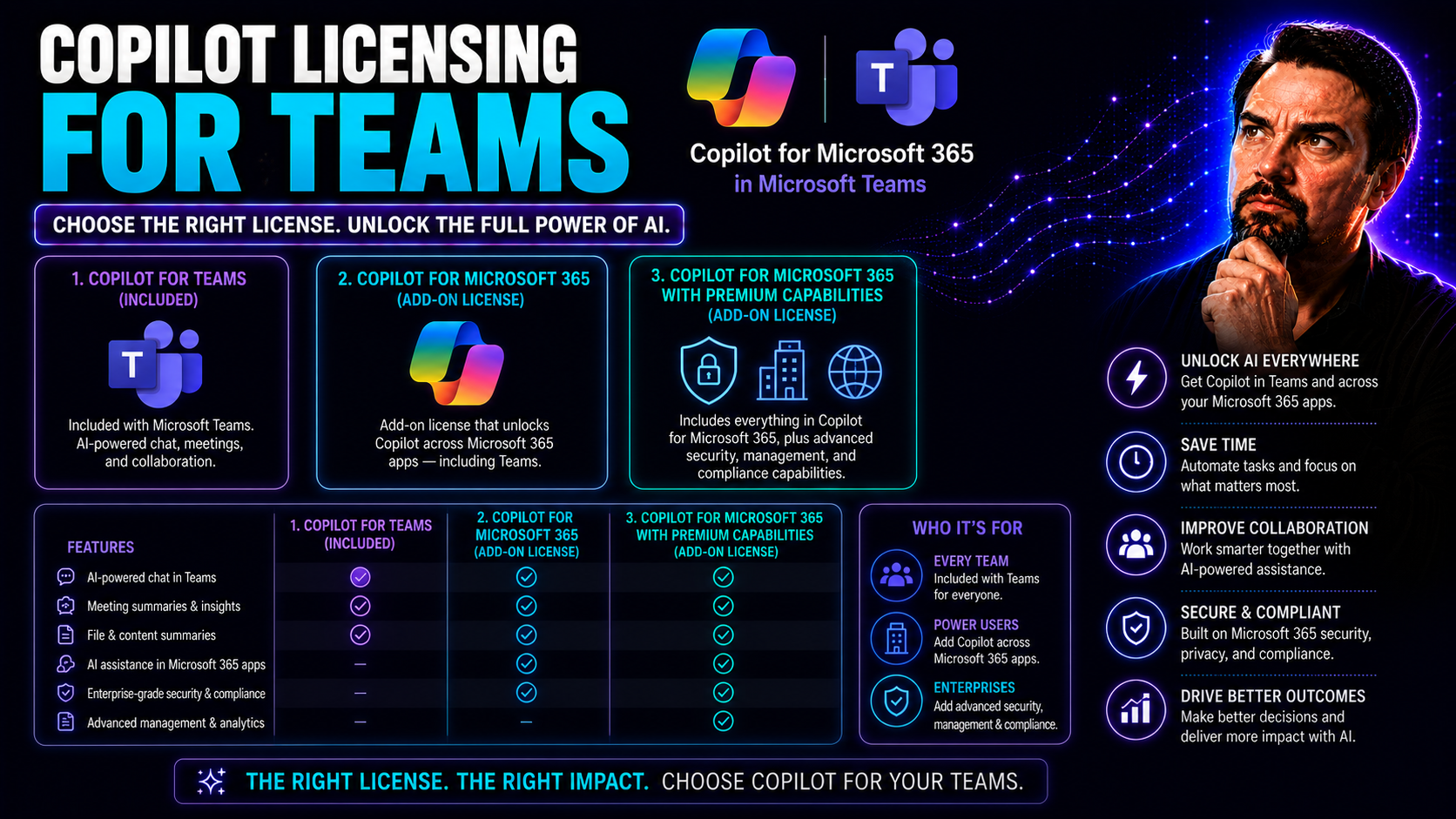
Microsoft Copilot Licensing for Teams: Plans, Costs and Requirements
Ready to get a grip on Copilot licensing for your teams? This guide is for you. Here, you’ll find everything US-based organizations need to know about bringing AI-powered productivity to Microsoft Teams—without the headache. From understanding which…
May 19, 2026
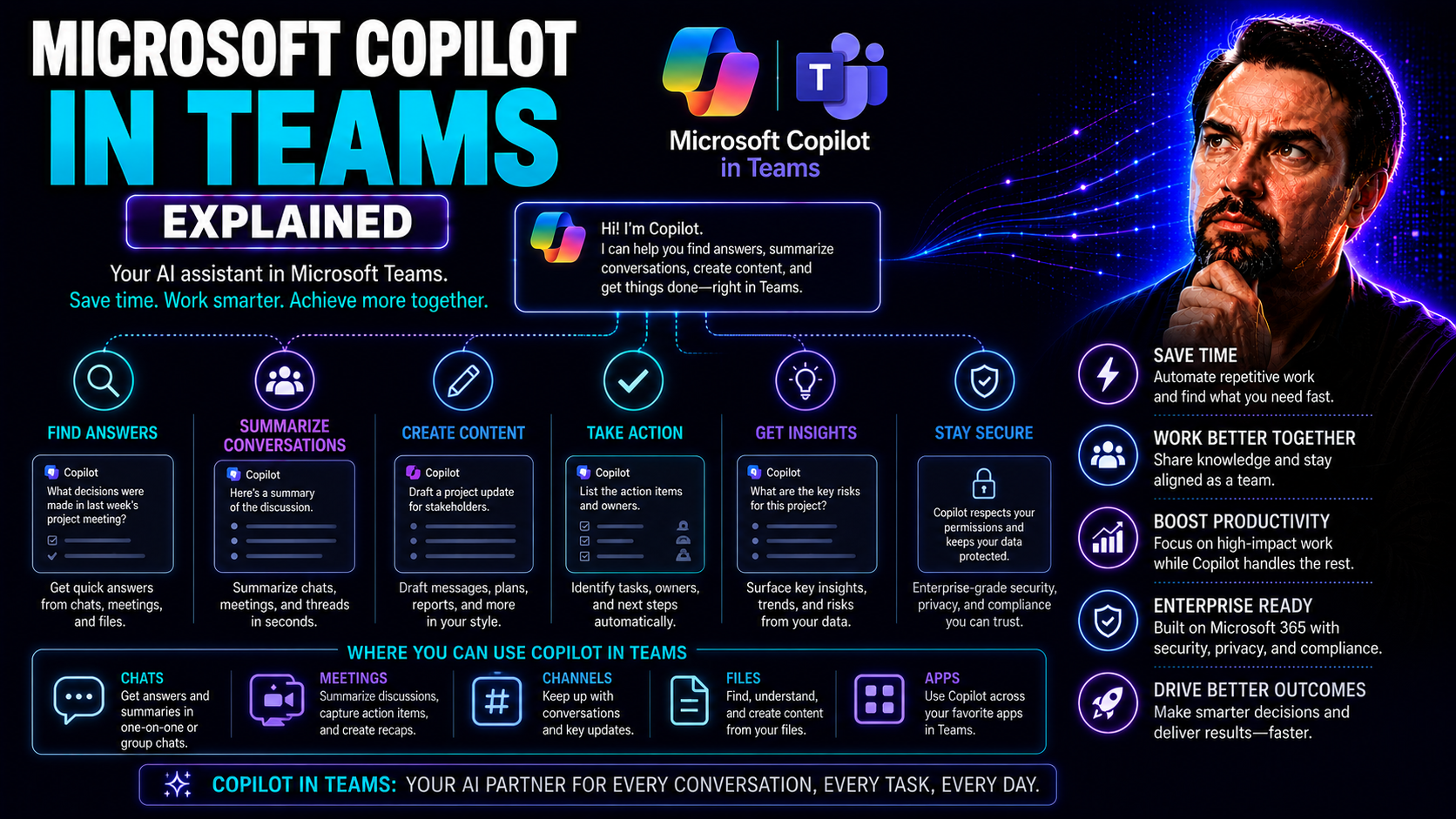
Microsoft Copilot in Teams: Features, Use Cases and Security
Microsoft Copilot in Teams is shaking things up for how you get work done. If you’re used to digging through chat threads or sitting through endless meetings, Copilot brings lightning-fast AI smarts right where you need them. This isn’t about robots…
May 19, 2026
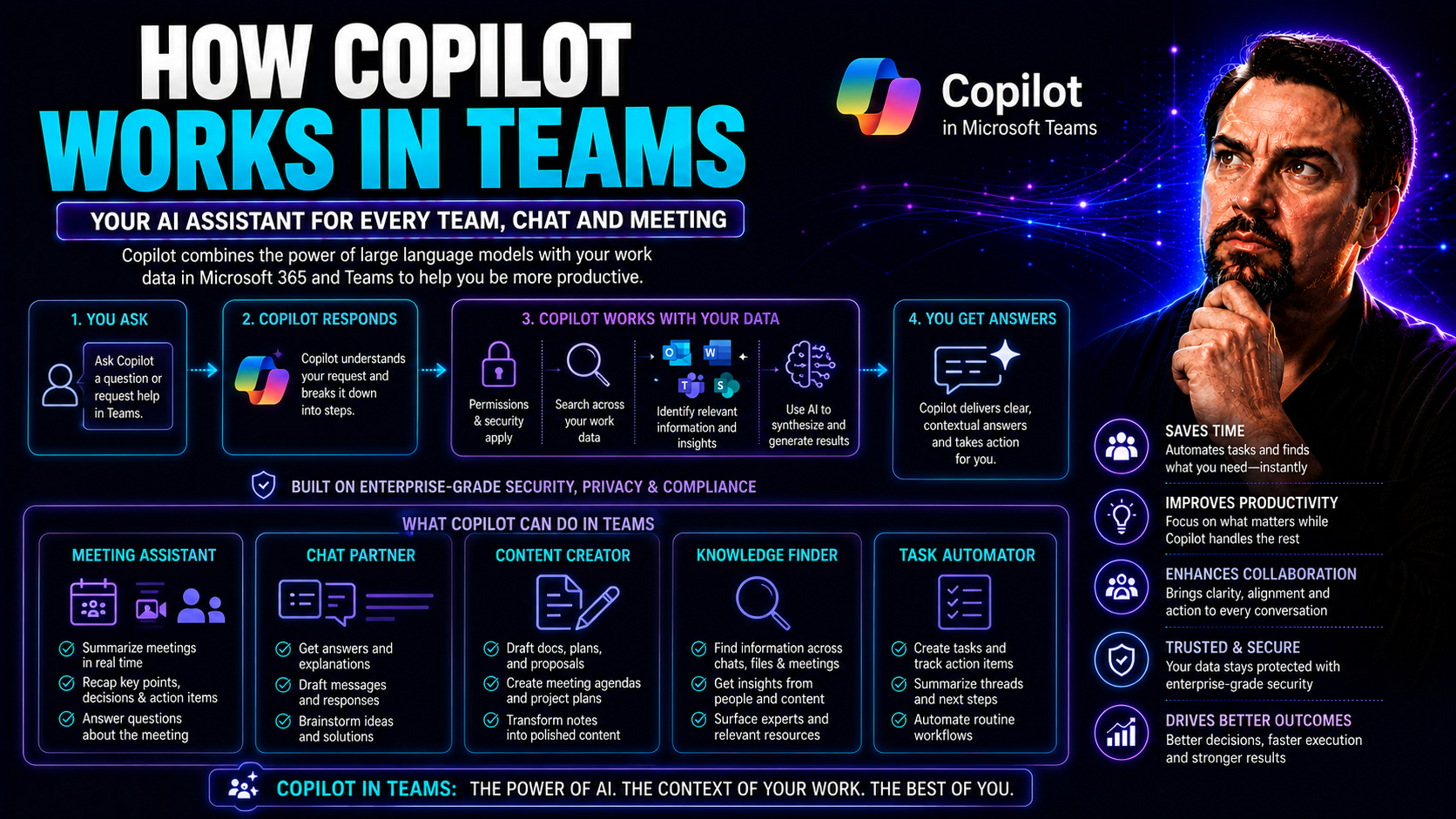
How Copilot Works in Teams for Better Collaboration
Microsoft Copilot changes the way your team works together in Microsoft Teams, bringing you right into the heart of AI-powered productivity. With Copilot, you’re not stuck digging through notes or emails—this assistant is designed to make meetings, …
May 19, 2026
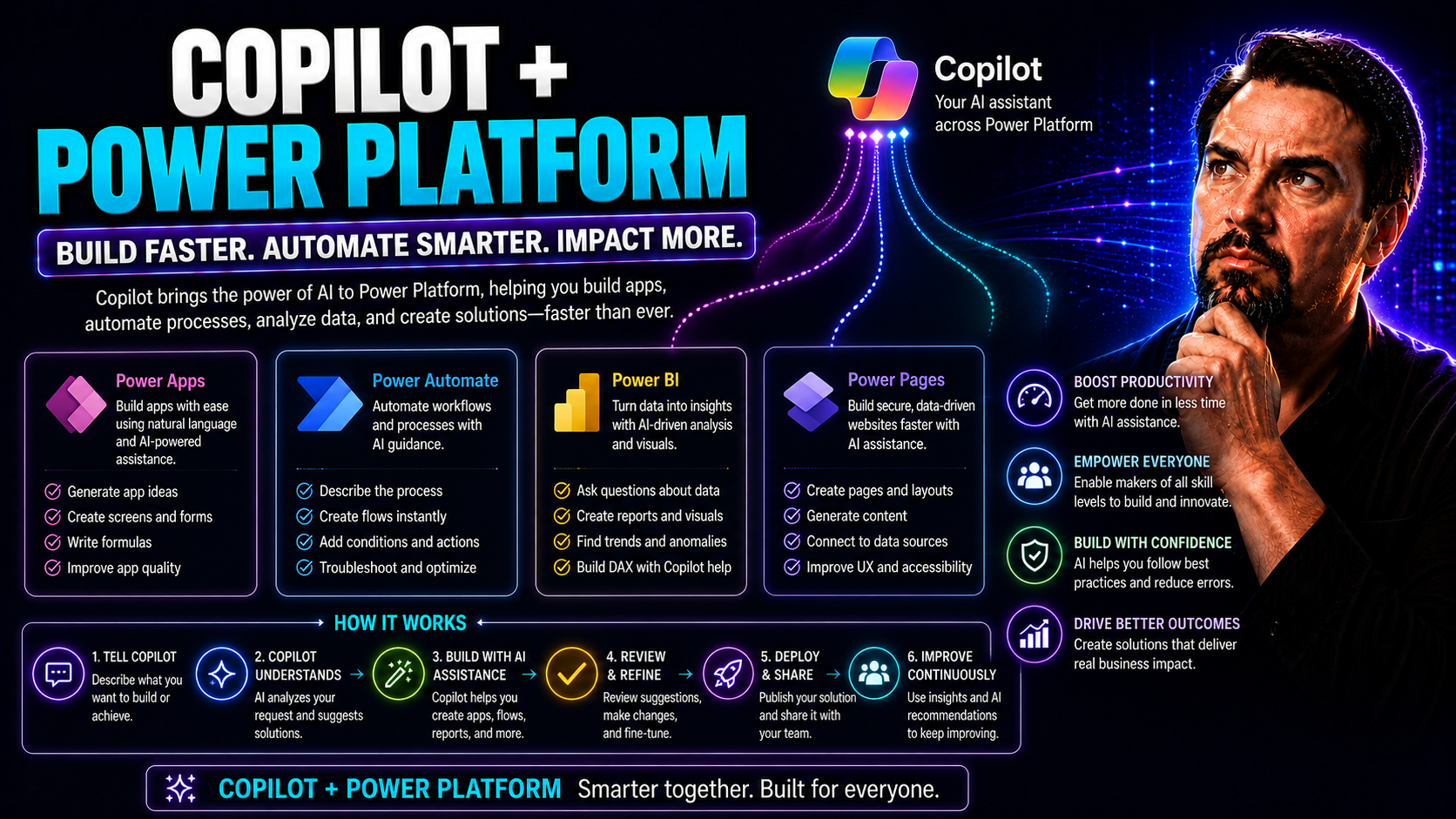
Copilot and Power Platform: Transforming Microsoft 365 and Teams with AI
Microsoft Copilot is shaking up the way organizations work in Microsoft 365 and Teams—if you haven’t heard, you might want to catch up fast. By sliding seamlessly into the Power Platform, Copilot brings AI muscle to your low-code tools, automations,…
May 13, 2026
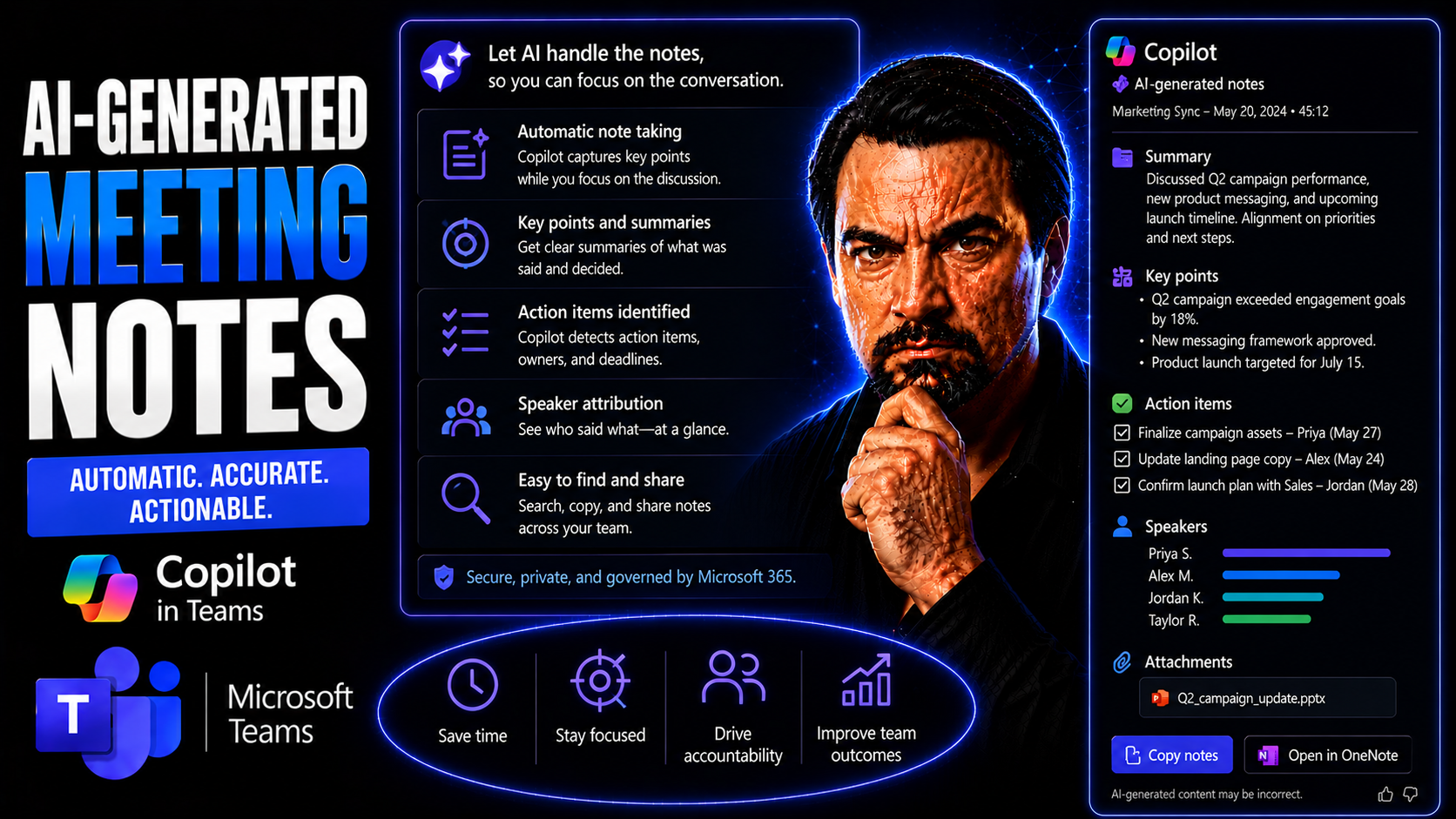
AI-Generated Meeting Notes: The Ultimate Guide for Microsoft Teams
AI-Generated Meeting Notes: The Ultimate Guide for Microsoft TeamsQuick answer: Learn how AI-generated meeting notes work in Microsoft Teams, including Copilot, transcription, privacy, action items, and human review.AI-generated meeting notes in Tea…
May 13, 2026
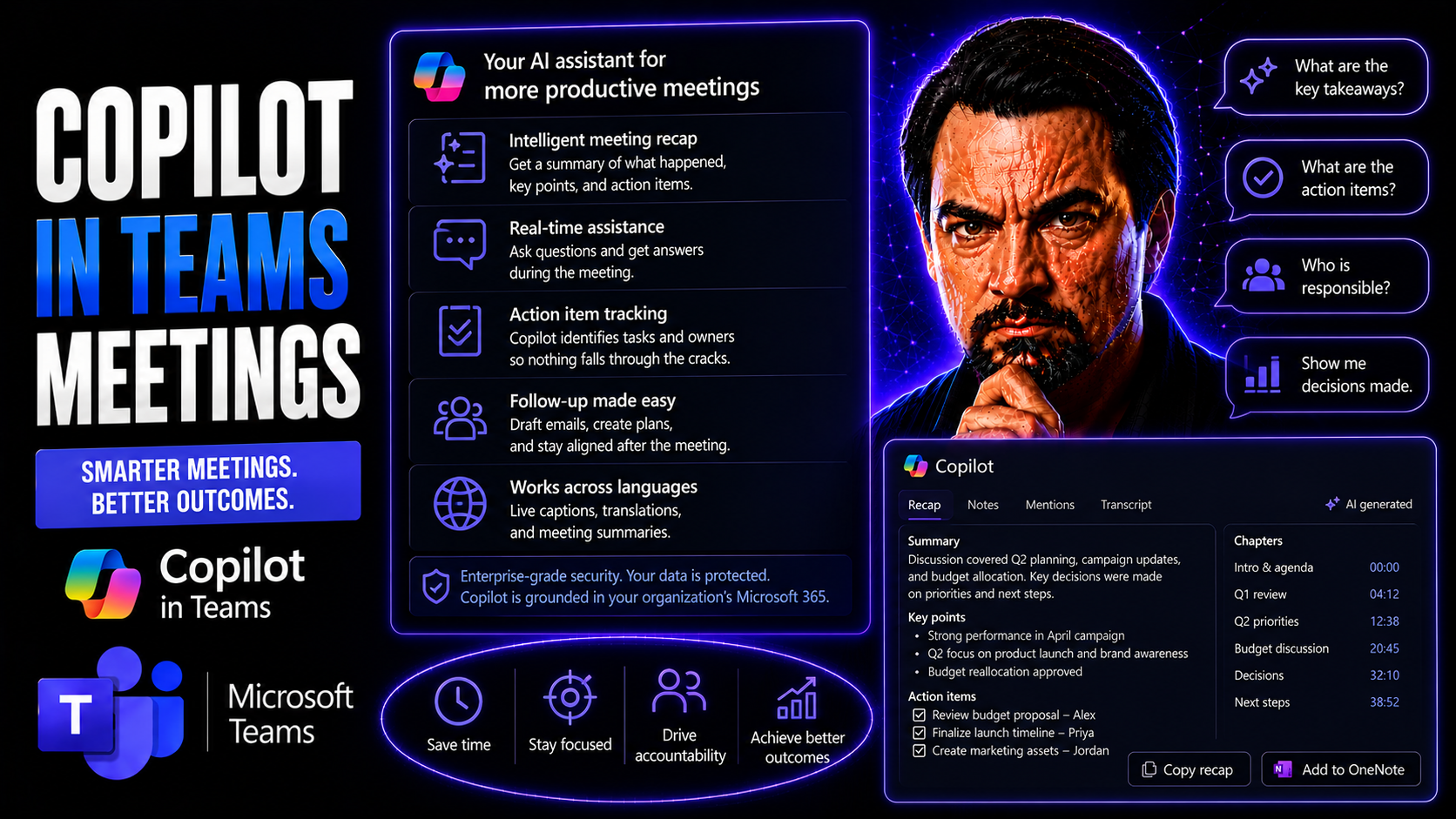
Copilot In Teams Meetings Guide
Microsoft Copilot is quickly turning into the secret sauce for making Microsoft Teams meetings smoother, smarter, and more productive. This AI assistant works directly within the Teams experience—capturing notes, summarizing discussions, and even he…
May 7, 2026
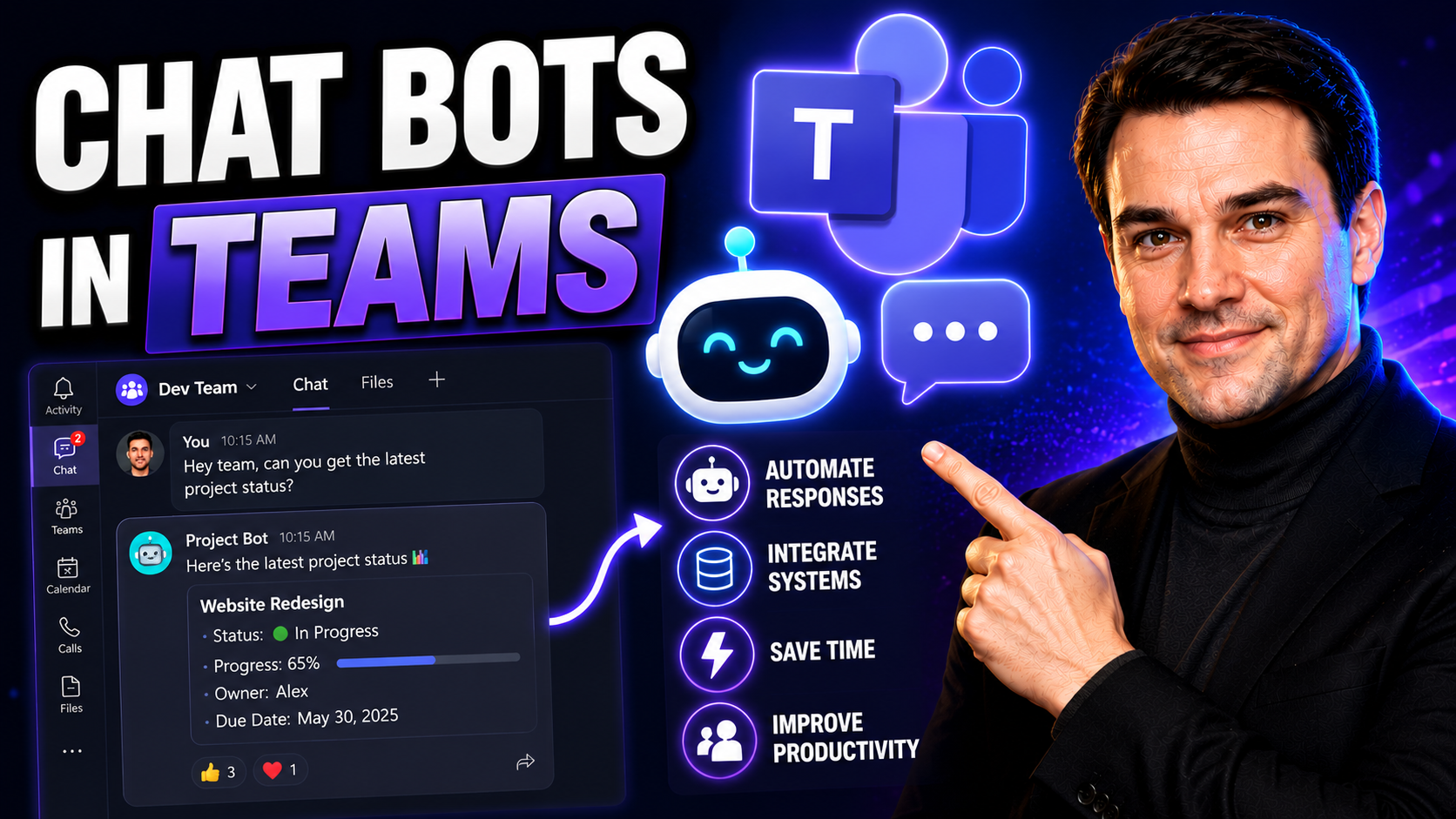
Chat Bots in Teams: Enhancing Productivity and Collaboration
If you need to cut down on wasted clicks, scattered conversations, or manual follow-ups, chat bots in Microsoft Teams can change the game. These bots are digital co-workers—always available, never tired, ready to answer questions, automate repetitiv…
May 7, 2026
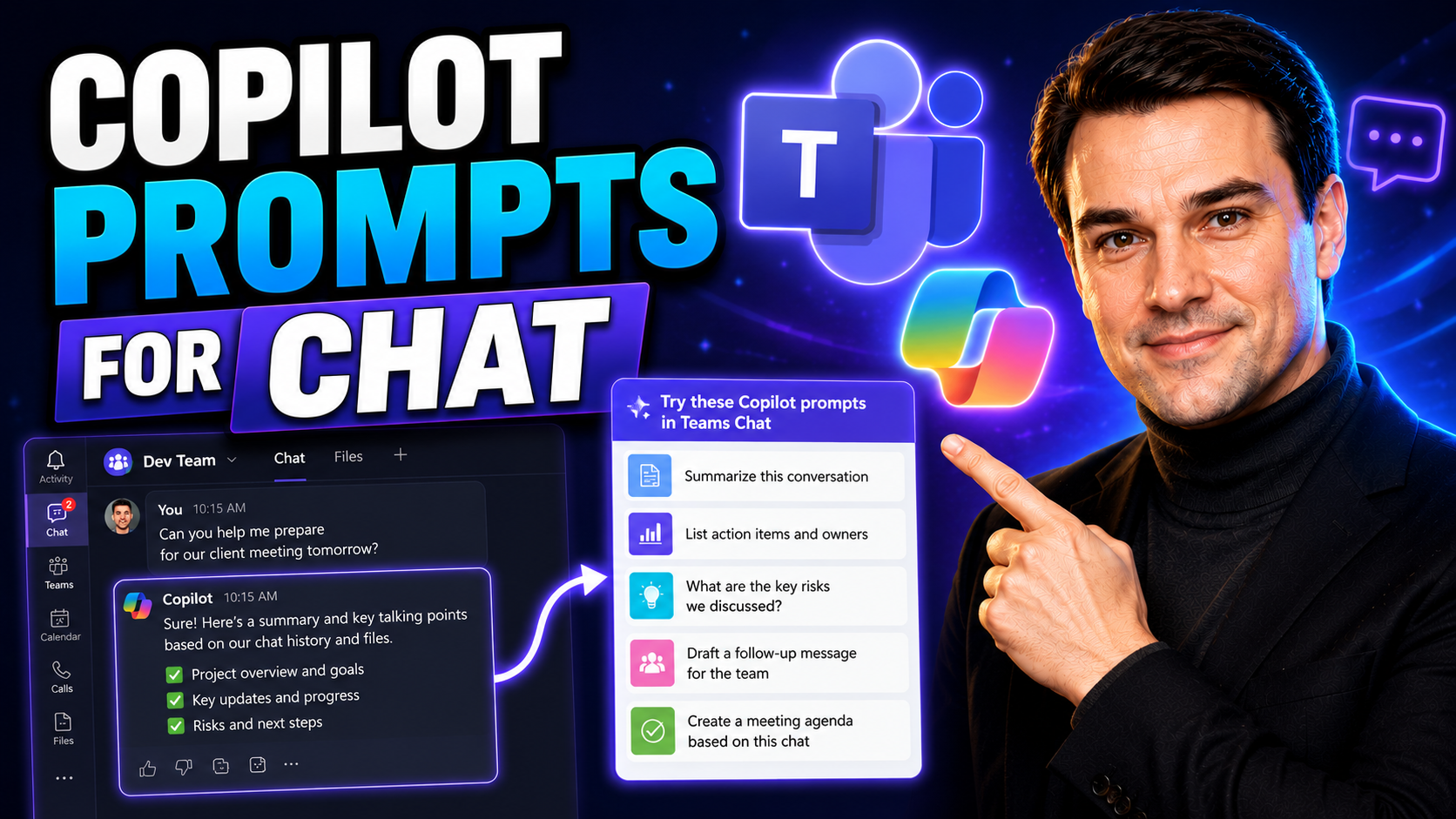
Master Copilot Prompts for Chat in Microsoft 365 and Teams
If you’ve ever wished your work tools could read your mind or help you juggle ten things at once, Microsoft 365 Copilot chat is as close as it gets. Copilot brings AI-powered prompts directly into Microsoft Teams and your favorite Microsoft 365 apps…
April 30, 2026
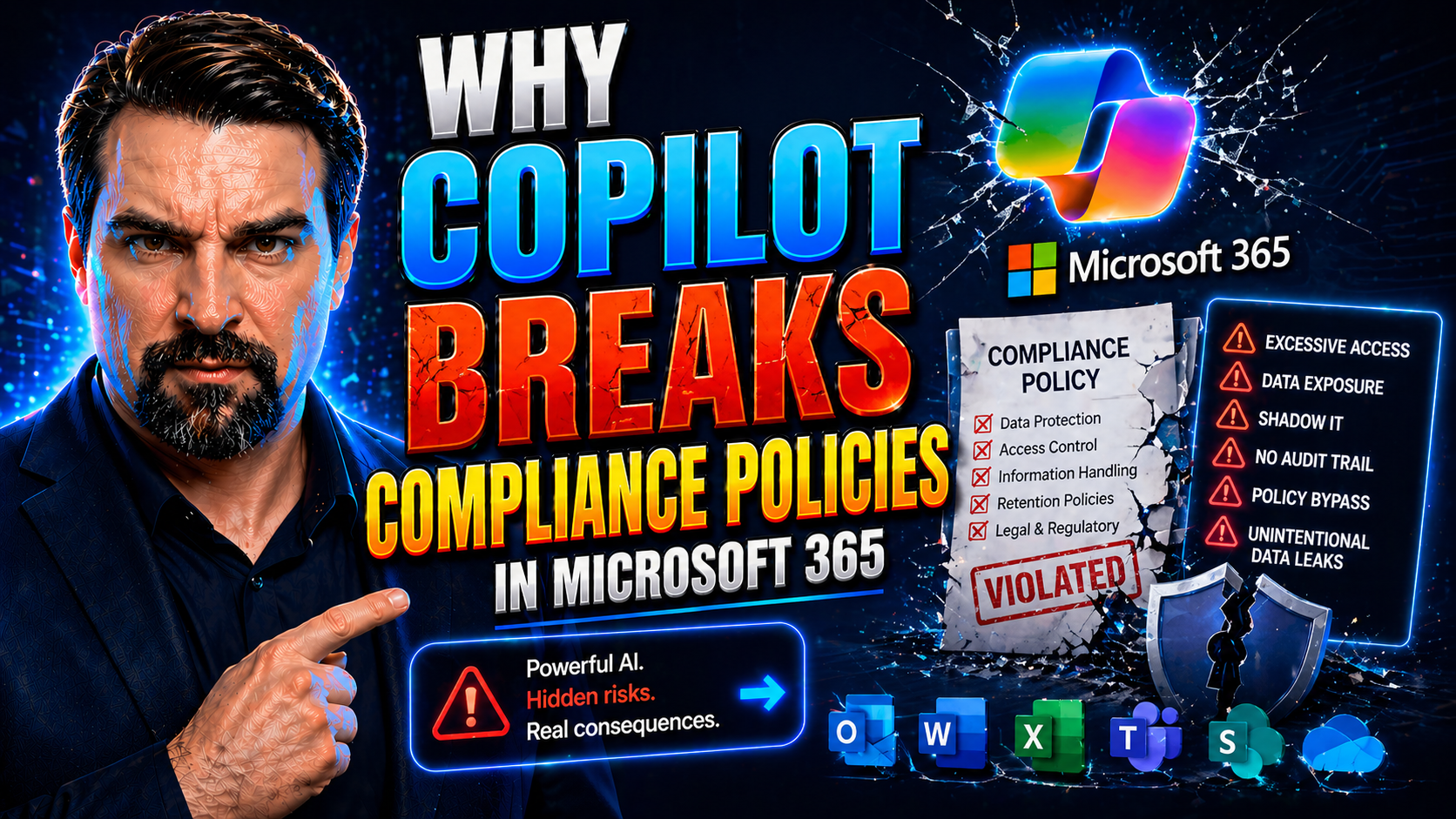
Why Copilot Breaks Compliance Policies in Microsoft 365
Microsoft 365 Copilot is meant to be an AI-powered productivity boost, but it’s also become a compliance headache—especially for organizations that can’t afford slip-ups with sensitive data. Recent real-world incidents have proven Copilot can bypass…
April 30, 2026
Copilot Prompts for PowerPoint: The Ultimate Guide
This comprehensive guide explores how to unlock the full potential of Microsoft Copilot in PowerPoint with strategic prompt engineering. You’ll find proven frameworks and practical prompt templates for real business scenarios—no vague advice or gene…
April 30, 2026
Copilot Prompts for Editing: A Complete Guide for Microsoft 365 Users
Quick Answer: Effective Copilot prompts for editing state the audience, purpose, desired tone, source text, and limits on what may change. Ask Copilot to preserve facts, mark uncertainties, and return a specific format such as tracked suggestions, a…
April 30, 2026
Master Copilot Prompts for Summarization: The Essential Guide
If you’re looking to take control of your information overload, Microsoft Copilot is about to become your best sidekick. This guide is your one-stop shop for mastering Copilot prompts that help you cut through the clutter—whether you’re wrangling em…
April 30, 2026
Mastering Copilot Prompts for Rewriting Text in Microsoft 365
Welcome to your expert guide for making the most of Microsoft Copilot prompts for rewriting and polishing text. Whether you’re tidying up a business report in Word, clarifying notes in Teams, or crafting that perfect reply in Outlook, you’ll find ac…
April 30, 2026
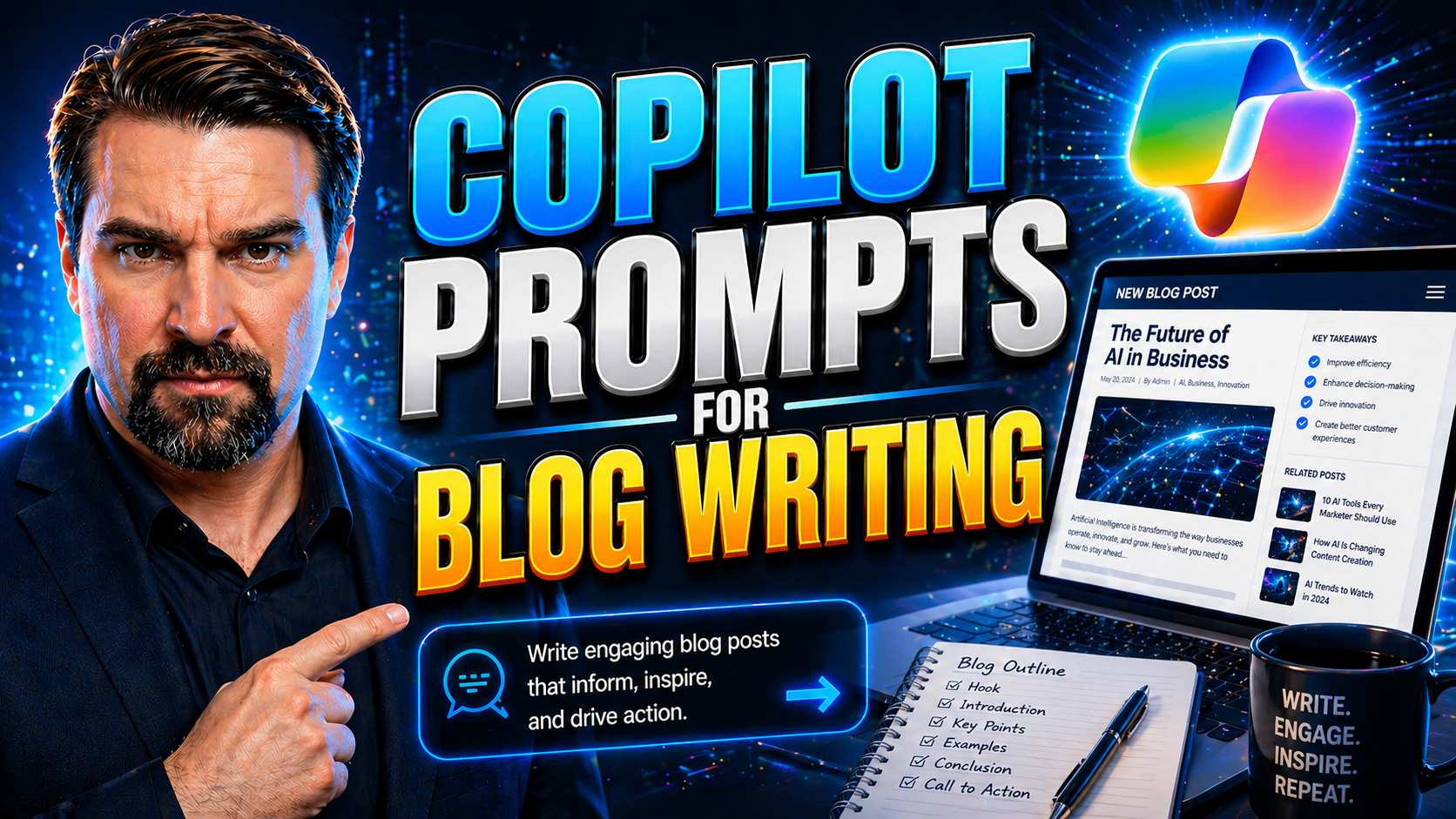
Mastering Copilot Prompts for Blog Writing
This article is designed to help you become a pro at using Microsoft 365 Copilot prompts in your blog writing workflow. Here, you'll get clear insights into the basics of Copilot, prompt engineering techniques, and frameworks that boost your content…
April 30, 2026
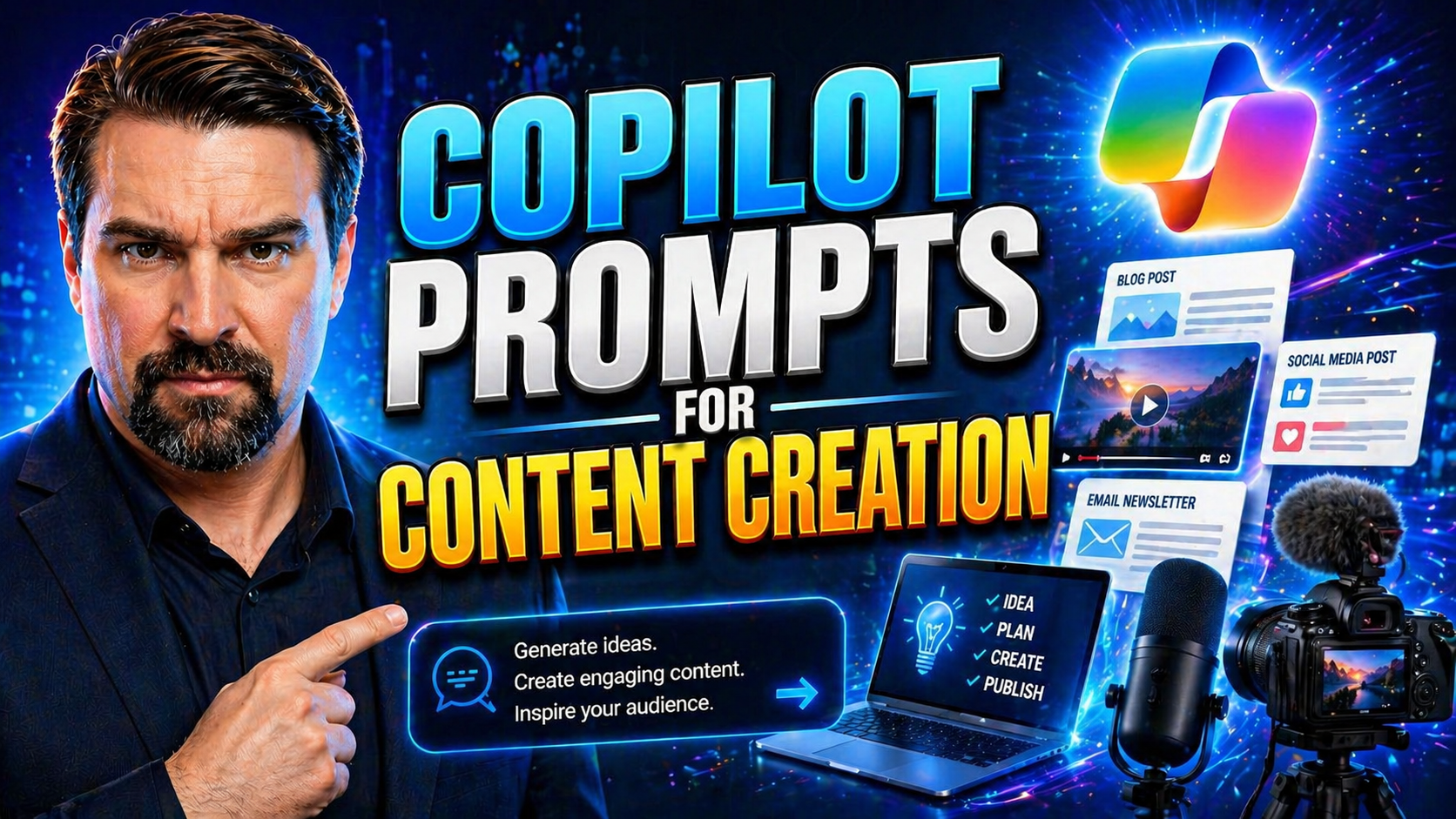
Microsoft Copilot Prompts For Content Creation Guide
If you're working with Microsoft 365 and want to get more out of your content workflow, this guide has you covered. Here, you'll find the foundational strategies, practical examples, and advanced tips for leveraging Copilot prompts inside your favor…
April 30, 2026
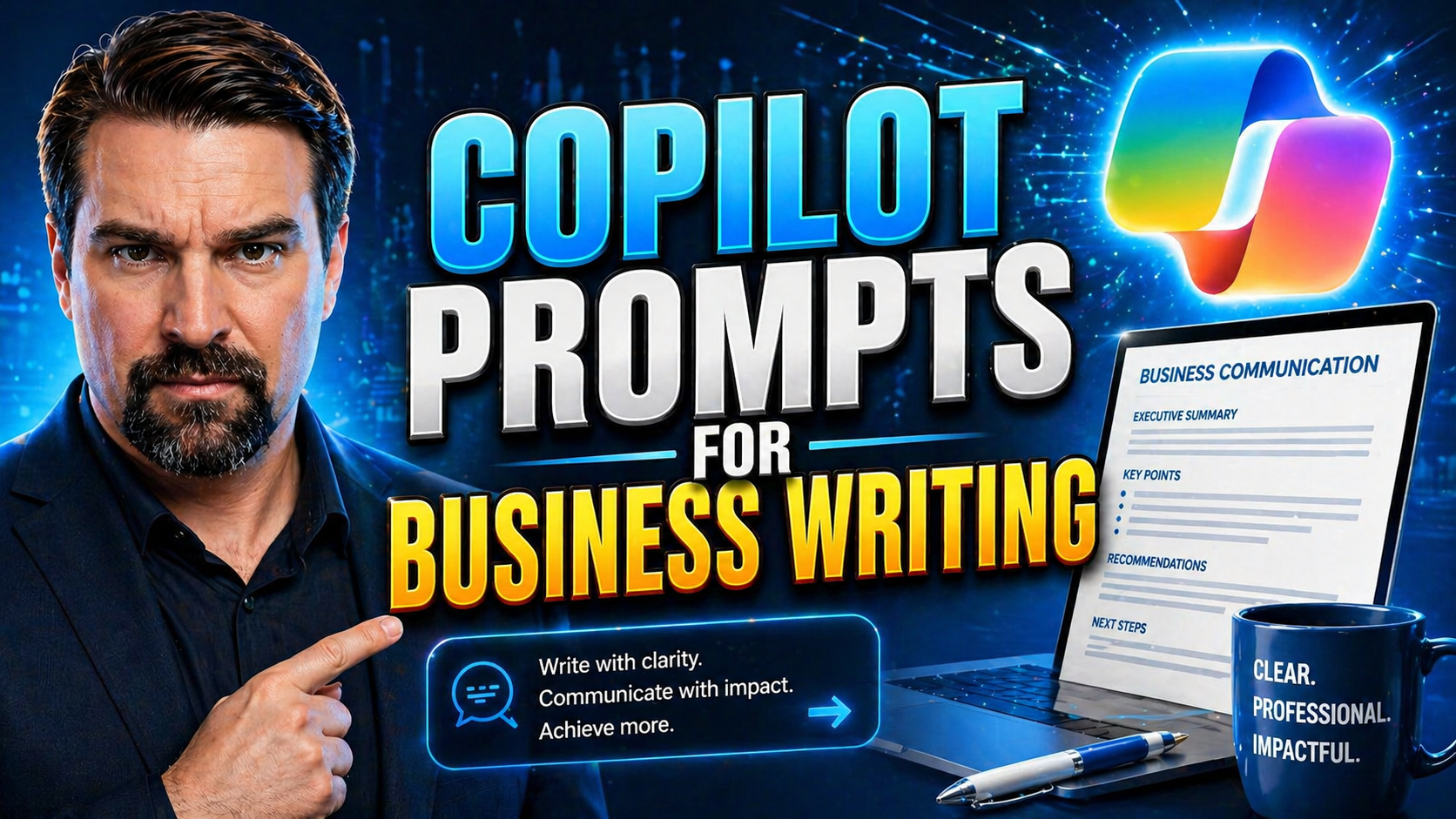
Microsoft Copilot Prompts For Business Writing Guide
This guide gives you the ins and outs on using Microsoft Copilot prompts to take your business writing to the next level across email, Word documents, and team messaging. Whether you’re dipping your toes into Copilot for the first time or looking to…
April 30, 2026
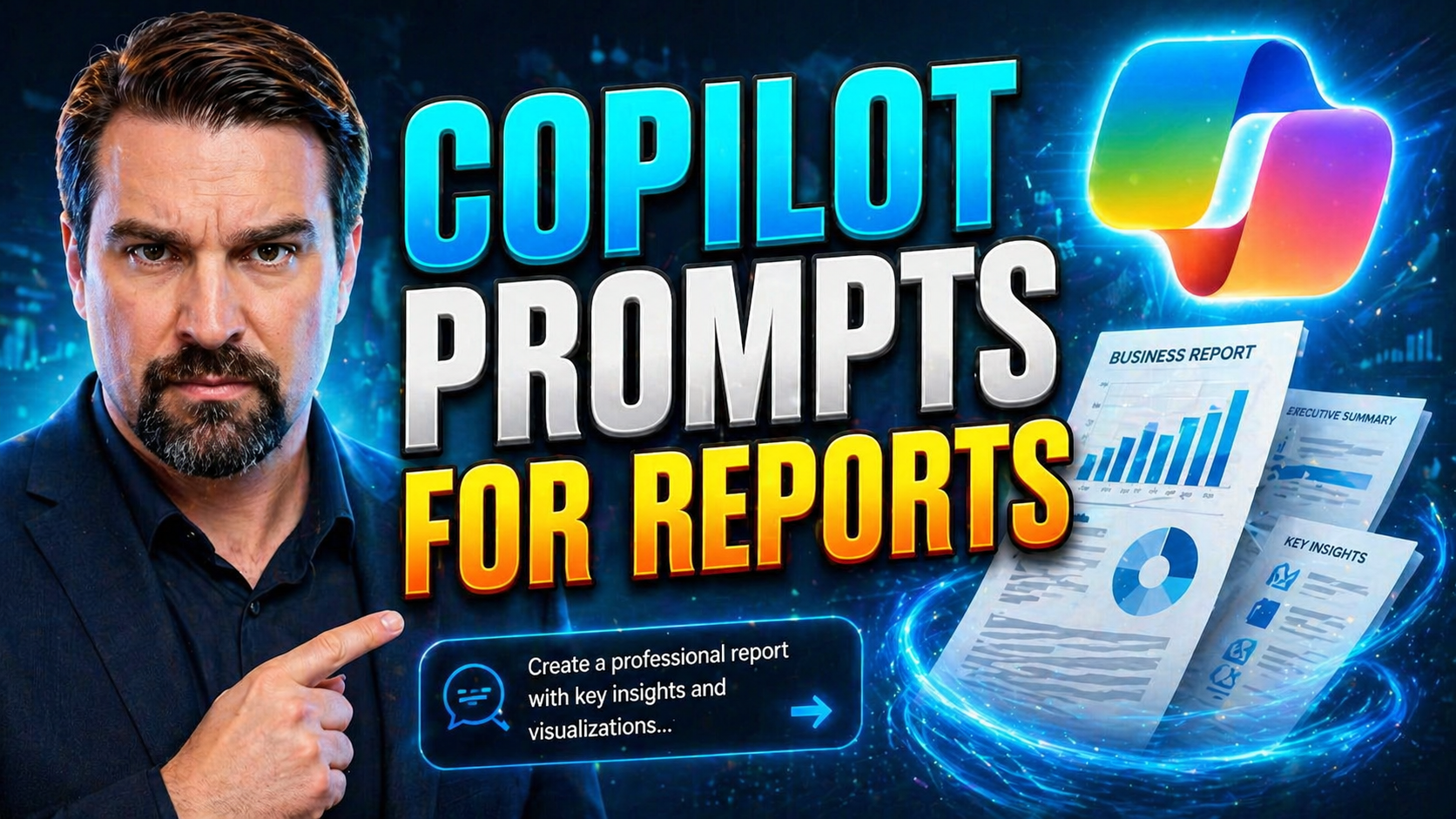
Microsoft Copilot Prompts For Reports Guide
If you're working with Microsoft 365, Power BI, or even just wrangling spreadsheets in Excel, you know reports come at you from all directions. Copilot prompts for reports are the secret sauce that turn that reporting grind into a smarter, smoother …