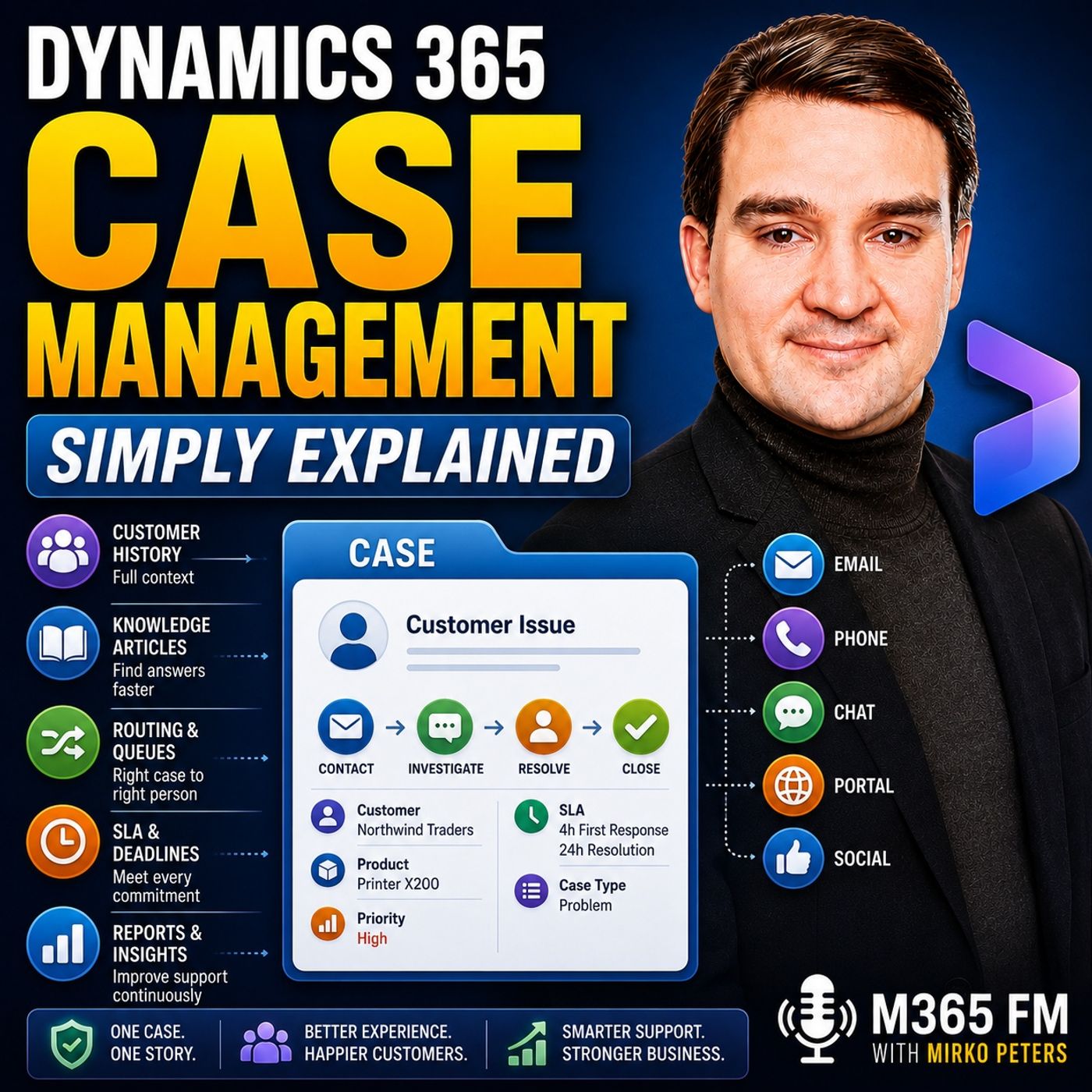
Configuring Dynamics 365 SLAs and Business Process Flows for Customer Service
Discover how configuring Service Level Agreements (SLAs) and Business Process Flows in Dynamics 365 customer service can eliminate guesswork, establish clear response timelines, and guide support agents through complex issue resolutions efficiently while meeting performance targets.
Key Takeaways
- SLAs attach automated, time-based countdown clocks to individual cases for first responses and final resolutions.
- Separate time targets ensure organizations account for quick initial acknowledgments alongside longer troubleshooting windows.
- Business Process Flows provide a standardized, multi-stage checklist within the case interface for support agents.
- Status reason transitions prevent agents from prematurely closing cases before required internal checks are completed.
- Tracking time spent across different process stages helps managers identify operational bottlenecks and improve workflows.
The Role of Service Level Agreements in Dynamics 365
Getting a support case assigned to the right queue is only half the battle. Customers expect organizations to acknowledge and resolve issues within a promised timeframe. In Dynamics 365, Service Level Agreements, commonly known as SLAs, introduce accountability by attaching rigid, time-based targets directly to active case records. Without an automated SLA system in place, support agents often rely on manual sorting, running the risk of addressing the oldest ticket in a generic list while a highly time-sensitive case quietly breaches its deadline.
An effective customer service strategy recognizes that a first-response deadline is entirely different from a final resolution target. For example, a client experiencing a complete service outage expects an immediate acknowledgment—often within minutes—confirming that the issue is recognized and under investigation. However, finding the root cause, testing a fix, and deploying the solution may require several business days. Dynamics 365 manages these expectations smoothly by tracking first response and resolution targets independently. High-priority cases, urgent outages, and premium customer tiers receive shorter, customized deadlines, ensuring service delivery remains fair and predictable.
Monitoring SLA Countdown Clocks and Escalations
Once an SLA is active, visual indicators appear right on the case screen. These indicators use color-coded countdowns to let agents know which promises require immediate attention. When a case approaches its deadline, the interface reflects building pressure, signaling that the support worker must prioritize this task over routine questions. Furthermore, organizations can configure automated alerts and escalation pathways. If an SLA is nearing breach or has already expired, supervisors are automatically notified so they can intervene before the customer has to chase down the support team for an update.
Guiding Support with Business Process Flows
While time targets enforce urgency, Business Process Flows dictate the actual steps required to solve an issue. These flows appear as structured, sequential stages at the top of the case record. A typical service flow moves through distinct phases such as intake, investigation, diagnosis, and final resolution. At each stage, the system prompts the agent to gather necessary data points—such as affected product lines, specific error codes, or customer impact levels—before allowing them to progress to the next step.
This guided approach drastically reduces onboarding time for newer support staff. Instead of guessing what details matter or forgetting crucial diagnostic questions during a busy shift, less experienced agents follow a proven organizational roadmap. Meanwhile, senior agents can move through the stages more quickly while still adhering to company compliance standards. Managers benefit immensely from this visibility, as they can easily identify which stage causes the most delays across the support lifecycle.
Controlling Status Transitions for Clean Data
To maintain absolute integrity in reporting, Dynamics 365 allows administrators to enforce status reason transitions. These rules restrict how and when an agent can change a case's state. For instance, the system can prevent an agent from prematurely marking an ongoing issue as resolved while it still waits for an internal quality assurance check. Similarly, cases cannot be instantly jumped from a new intake status straight to canceled without logging a valid reason. By forcing agents to place cases on hold when waiting for customer replies and requiring detailed resolution notes upon closure, teams maintain a pristine, auditable history.
Conclusion
Mastering Dynamics 365 case management goes far beyond setting up a digital inbox. By coupling strict, automated Service Level Agreements with intuitive Business Process Flows, support organizations can eliminate missed deadlines, streamline agent workflows, and deliver a consistently exceptional customer experience. To hear more expert insights on modern cloud solutions, be sure to Listen to the full episode and subscribe to the M365 FM Podcast for daily technical deep dives.
Frequently Asked Questions
What is the difference between a first-response SLA and a resolution SLA in Dynamics 365?
A first-response SLA measures how quickly your team acknowledges the customer after a case is created, whereas a resolution SLA tracks the total time allowed to fully investigate and fix the underlying issue.
How do Business Process Flows help new support agents?
Business Process Flows act as interactive checklists displayed inside the case record. They prompt new agents for essential information at every stage of the lifecycle, ensuring consistent troubleshooting without requiring years of prior experience.
What are status reason transitions?
Status reason transitions are administrative rules that control how cases move between active, on-hold, and resolved states, preventing agents from bypassing essential internal checks or closing tickets improperly.
Can different customers have different SLA targets?
Yes. Dynamics 365 allows you to apply entitlements and priority levels so that premium support accounts or high-priority outages receive shorter response and resolution deadlines than standard requests.