Dataverse Security Roles vs. Row-Level Security: Which Do You Need?
When architecting business solutions in Microsoft Dynamics 365 and Power Platform, controlling access to sensitive data is critical. Choosing between table-level Dataverse security roles and fine-grained row-level security prevents unauthorized data exposure while ensuring team members maintain the permissions necessary to perform their daily job functions efficiently.
Key Takeaways
- Dataverse security roles operate like a building reception desk, determining which tables (such as accounts or cases) a user can read, create, update, or delete.
- Row-level security restricts access to individual records within a table, ensuring sales representatives only view customer opportunities they personally own.
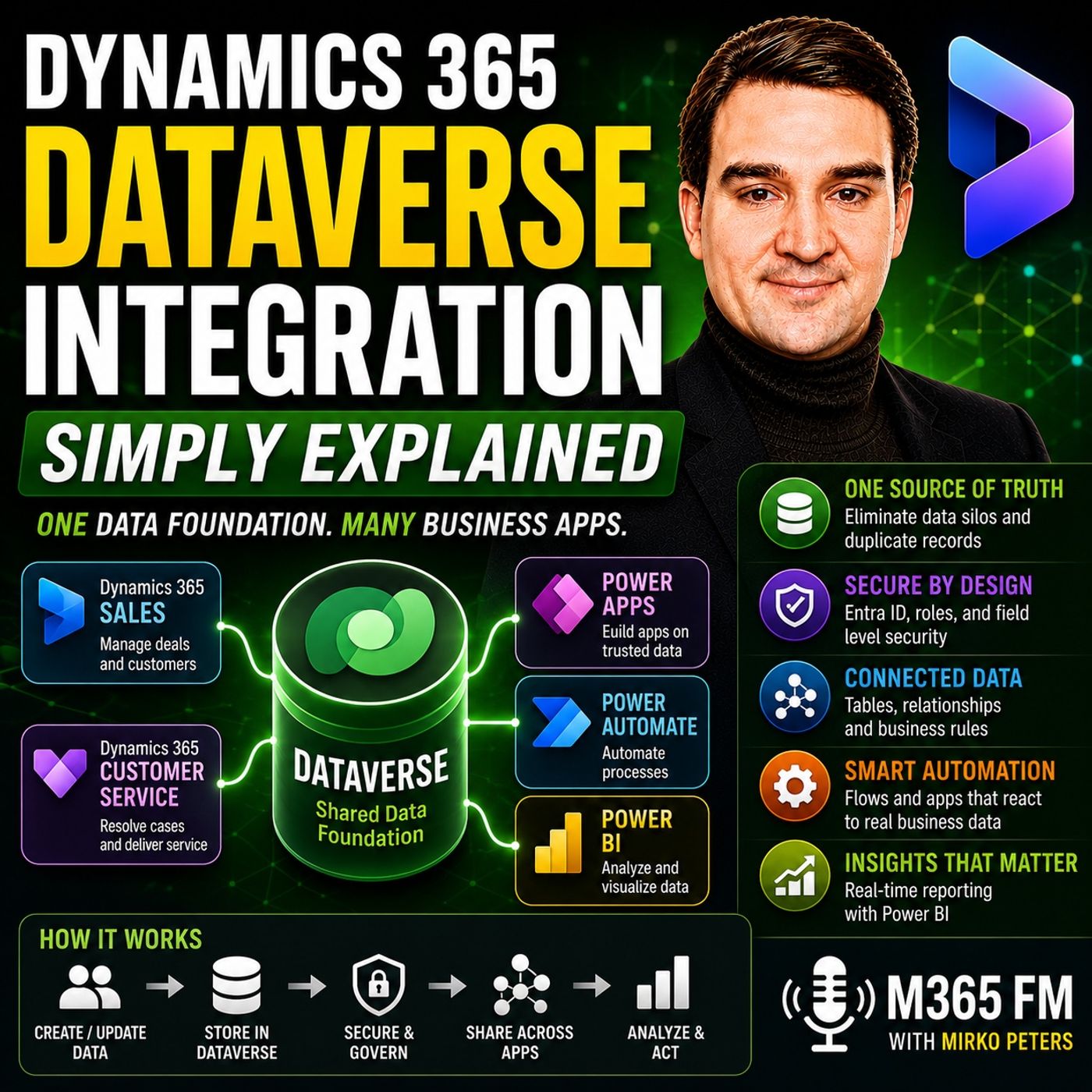
- Microsoft Entra ID verifies user identity at sign-in, while Dataverse enforces granular permissions and business rules against the underlying data model.
- Column-level security offers an extra protective layer for sensitive details, such as financial notes or salary information, within an otherwise accessible row.
- Combining table, row, and column permissions allows organizations to tailor data visibility precisely to operational needs without relying on scattered UI tweaks.
Understanding Dataverse Security Layers
Data security in Microsoft Dataverse is not a one-size-fits-all toggle. Instead, it operates on a multi-layered architectural model designed to balance operational efficiency with strict compliance. When organizations treat security as an afterthought—or rely solely on hiding user interface elements within individual Power Apps or Dynamics 365 modules—they inevitably open themselves up to data leaks and user friction. A robust security strategy requires understanding how identity, tables, rows, and columns intersect.
Think of your data environment as a secure corporate headquarters. Employees do not have free reign over every office, filing cabinet, and drawer. Security in Dataverse mirrors this reality by establishing clear boundaries at every level of the data structure. Before a user can interact with any business record, the system verifies their identity and evaluates their assigned responsibilities against the database architecture.
Table-Level Security Roles Explained
Security roles form the foundational layer of Dataverse permissions. A security role is essentially a bundled set of privileges associated with a specific job function or department, such as a sales representative, customer service agent, or department manager.
At the table level, these roles govern whether a user can perform standard Create, Read, Update, and Delete (CRUD) operations on entire categories of data. For example:
- Sales Representatives: Typically granted permissions to read, create, and update accounts, contacts, leads, and opportunities, but often restricted from deleting crucial historical records.
- Customer Service Agents: Configured to manage support cases and customer queues, but potentially locked out of altering sales pipeline stages or commercial opportunities.
- Department Managers: Given broader oversight privileges across multiple operational tables to generate cross-functional reports and monitor team performance.
Because these permissions are tied directly to the data foundation rather than individual app screens, the same guardrails remain active whether a user accesses the information through a customized canvas app, a model-driven app, or directly via connected Power Automate workflows.
Row-Level Security and Ownership
While table-level security dictates whether a user can open an account table at all, row-level security determines which specific company records they are allowed to see inside that table. Without row-level security, every user assigned the salesperson security role would have visibility into every single customer record in the database.
Row-level security relies heavily on record ownership and business units. In a standard sales configuration, a representative might only have access to account and contact rows where they are explicitly designated as the owner. Meanwhile, a sales manager belongs to a higher security scope, granting them visibility over all customer rows owned by the entire regional team.
This granular approach ensures that employees stay focused on their relevant tasks while preventing junior staff from browsing sensitive accounts managed by other divisions. It dramatically reduces the risk of accidental data exposure and keeps workspace clutter to a minimum.
Column-Level Security for Sensitive Data
Even when a user has legitimate access to an account or contact row, certain individual columns may contain sensitive details that require restricted viewing. Column-level security allows administrators to lock down specific fields—such as bank details, executive compensation figures, or confidential negotiation notes—while leaving the rest of the customer record fully accessible for normal operations.
When combined with business units, organizations can establish robust hierarchical boundaries that mirror complex corporate structures, regional subsidiaries, or distinct operational divisions. For a deeper dive into how these unified data structures operate behind the scenes, you can Listen to the full episode of the M365 FM Podcast.
Conclusion
Configuring your Microsoft Dataverse environment requires a deliberate strategy that aligns user permissions with actual business workflows. By layering Entra ID identity verification, table-level security roles, row-level ownership rules, and column-level protections, you create a secure, high-performance data foundation for Dynamics 365 and the Power Platform. Take the time to evaluate your organization's access requirements and design your security model around the data itself. Listen to the complete podcast episode for more hands-on strategies and expert insights on optimizing your Microsoft cloud environment.
Frequently Asked Questions
What is the difference between table-level and row-level security in Dataverse?
Table-level security controls whether a user can interact with an entire category of data, such as all accounts or support cases. Row-level security goes a step further by restricting access to specific records within that table based on ownership, team assignments, or business units.
How does Microsoft Entra ID interact with Dataverse security?
Microsoft Entra ID acts as the initial authentication layer (like a building reception desk) that verifies user identity upon sign-in. Dataverse then takes that identity and applies specific security roles and permissions to determine what the user can view and modify.
Can I restrict access to specific fields within a customer record?
Yes. Dataverse includes column-level security, which allows administrators to protect individual fields—such as financial data or private notes—within an otherwise accessible row, ensuring users only see the data relevant to their role.
Do security roles need to be configured separately for each Power App?
No. Because Dataverse serves as the shared data foundation for Dynamics 365 and Power Platform applications, security roles and business rules are enforced directly at the data layer, applying consistent guardrails across all connected apps automatically.