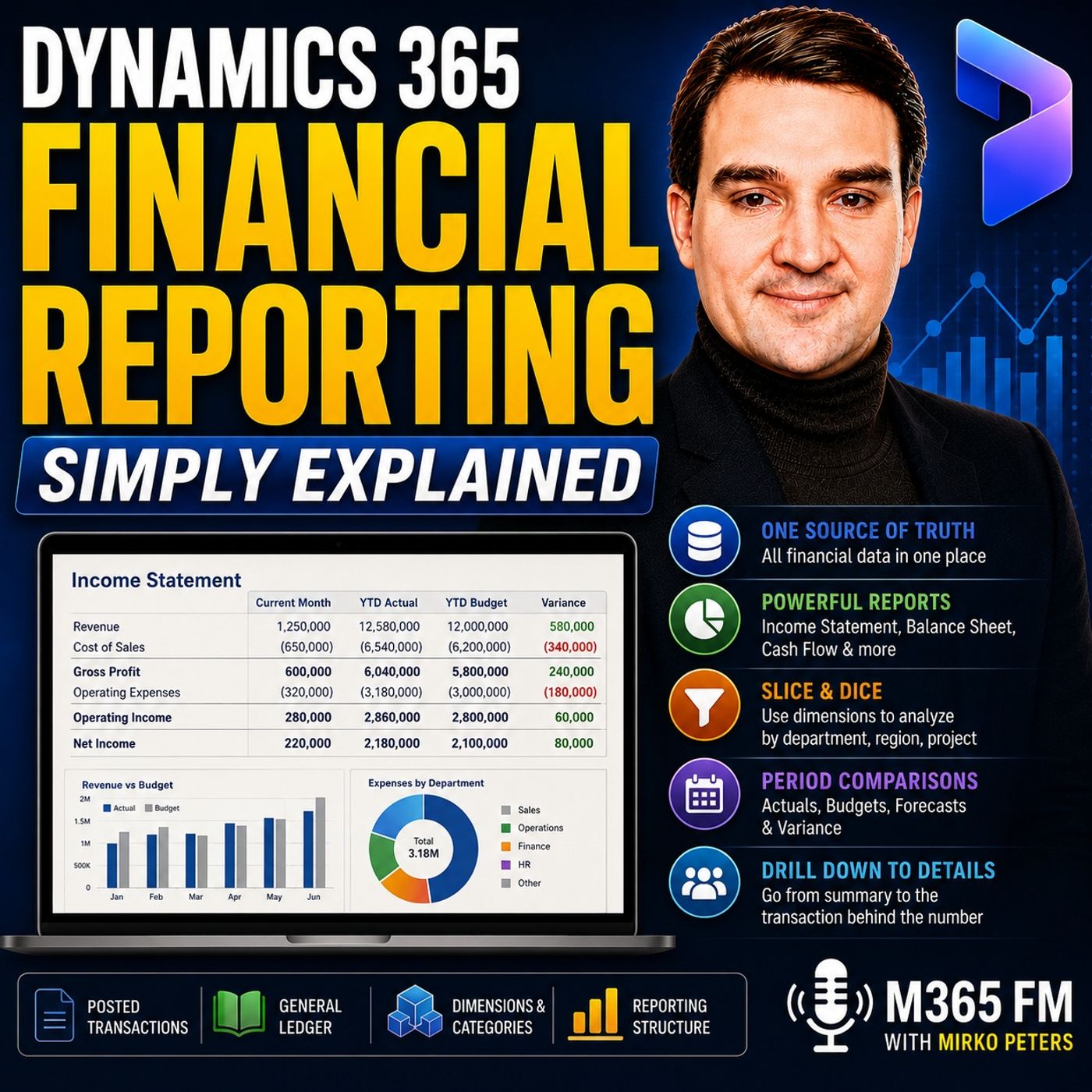
Financial Dimensions vs Financial Tags in Dynamics 365 Finance: Which Should You Use?
Choosing between financial dimensions and financial tags in Dynamics 365 Finance determines how cleanly your organization reports balances without cluttering the general ledger. This guide breaks down the structural differences, setup implications, and best practices for applying these transaction markers to optimize your reporting framework.
Key Takeaways
- Financial dimensions become part of the permanent chart of accounts structure and are validated by system rules.
- Financial tags provide lighter, flexible references for one-off data like invoice numbers without complicating reporting segments.
- Overusing dimensions for temporary tracking values creates thousands of unmanageable unique values.
- Financial reporting effortlessly reads established dimensions to summarize balances across departments, regions, and cost centers.
- Proper setup eliminates the need for manual spreadsheet workarounds during month-end closes.
Understanding the Structural Divide
When configuring Dynamics 365 Finance, administrators often face a fundamental design question: should a piece of transaction metadata become a financial dimension or a financial tag? Making the wrong choice early in your implementation can lead to severe performance degradation, reporting clutter, and frustrated finance teams who spend hours trying to reconcile mismatched totals.
To understand the difference, you must first look at how the general ledger handles data. The general ledger acts as the central filing cabinet where every transaction lands. While main accounts tell you what happened financially—such as rent expense or sales revenue—they rarely provide enough context for complex organizations. Leaders need to know who spent the money, which department incurred the cost, and which region generated the profit.
This is where additional attributes enter the equation. However, not all data points deserve the same treatment in your database architecture. Dimension-based tracking alters how the system validates and summarizes entries, whereas tagging mechanisms offer a lightweight alternative for supplementary data.
Financial Dimensions: Reusable Context for Core Reporting
Financial dimensions answer the recurring business questions leaders ask every single month. They represent segments of your organization that you expect to report against repeatedly over time. Common examples include departments, cost centers, business units, regions, locations, and specific projects.
Consider a standard rent expense account. Your enterprise might pay rent for a head office, a warehouse, and multiple retail storefronts. If every payment posts strictly to the rent expense account without dimensions, you only see a single consolidated total. By applying financial dimensions, the underlying accounting entry preserves its broader classification while capturing vital business context. One transaction becomes rent expense for the head office, another for the warehouse, and a third for retail north.
Because financial dimensions participate directly in the account structure, Dynamics 365 Finance enforces strict validation rules. You can configure the system to require specific dimensions based on the main account being used, or limit the allowable values to prevent users from creating variations like "North", "north", and "North-Region". This consistency is what allows financial reporting to effortlessly slice and dice balance sheets and income statements without exporting data into separate workbooks.
Financial Tags: Lightweight References for Transactional Detail
While financial dimensions excel at recurring structural reporting, they are entirely the wrong tool for high-cardinality, transient data references. Attempting to turn every unique invoice number, purchase order number, payment reference, or external system ID into a financial dimension will quickly overwhelm your system.
Creating a financial dimension for thousands of individual invoice numbers leaves you with an unusable chart of accounts that nobody wants to see on a formal financial statement. This is where financial tags step in to fill the architectural gap.
Financial tags store flexible references directly on the accounting entry for granular analysis and tracing without forcing those values into a permanent reporting segment. They label the transaction effectively without becoming part of the core account structure. They do not trigger system validation errors in the same strict manner as dimensions, and they keep your reporting views clean by excluding transient reference numbers from month-end financial statements.
Best Practices for Implementation and Setup
Designing a sustainable reporting framework in Dynamics 365 Finance requires strict governance over how you deploy dimensions and tags. Before building out your reporting trees and row definitions, establish clear naming conventions and ownership policies.
When deciding whether to implement a new dimension, apply this simple test: do you expect to budget for this attribute, review balances against it every month, and include it in your formal executive reporting packs? If the answer is yes, configure it as a financial dimension and apply appropriate account structure rules. If the answer is no—if you simply need to trace a specific document back to its source during an audit—rely on transaction details or financial tags instead.
Furthermore, pay close attention to the order of your dimensions on the financial reporting setup page. Consistency matters immensely. If your team builds reports using a predictable sequence—such as main account, department, cost center, and project—users learn where to look and make fewer analytical errors.
Conclusion
Mastering the distinction between financial dimensions and financial tags ensures your Dynamics 365 Finance environment remains performant, auditable, and easy for finance teams to navigate. By reserving dimensions for reusable, structural business segments and utilizing tags for transient references, you eliminate manual spreadsheet workarounds and build trust in your organization's financial numbers. To explore more strategies for optimizing your cloud environment, Listen to the full episode and discover how to transform raw transactions into reports your leadership team can truly rely on.
Frequently Asked Questions
What is the primary difference between a financial dimension and a financial tag in Dynamics 365 Finance?
Financial dimensions are core structural components of your chart of accounts used for recurring reporting, budgeting, and system-validated business segments like departments or regions. Financial tags are lightweight, flexible metadata fields used to store transient references like invoice or purchase order numbers without polluting your formal financial statements.
Can financial tags be used to generate formal income statements and balance sheets?
No. Financial tags are designed for detailed transaction labeling and analysis rather than formal financial statement construction. Formal statements rely on main accounts, account categories, and financial dimensions to summarize and present ledger balances.
What happens if I create too many financial dimensions in Dynamics 365 Finance?
Overusing financial dimensions for high-cardinality data—such as unique invoice or transaction IDs—creates thousands of unmanageable values, complicates data entry, triggers unnecessary system validation overhead, and clutters your reporting structures.
How do account structure rules help maintain financial data integrity?
Account structures in Dynamics 365 Finance allow administrators to enforce whether specific main accounts require certain financial dimensions, restrict allowable dimension values, and prevent users from entering fragmented or mistyped data that could distort reporting totals.