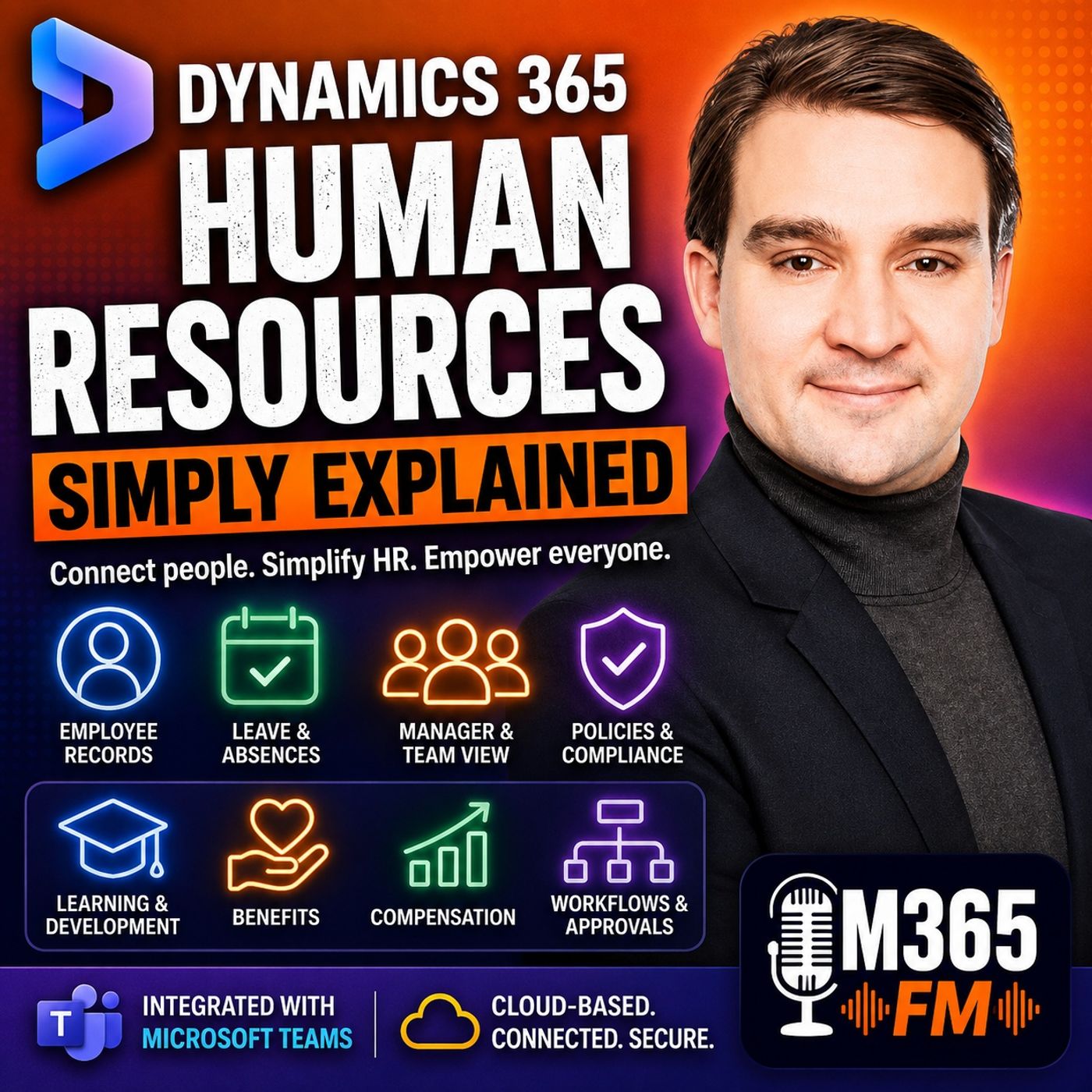
Dynamics 365 Human Resources Employee Self Service in Microsoft Teams
Discover how Dynamics 365 Human Resources Employee Self Service inside Microsoft Teams eliminates scattered spreadsheets and endless email chains. Learn how employees manage leave balances, update profiles, and submit requests without leaving their daily workspace, streamlining administrative tasks and modernizing workplace productivity.
Key Takeaways
- Employee Self Service brings routine HR actions directly into Microsoft Teams, reducing dependency on external portals and shared mailboxes.
- Workers can instantly view accurate time-off balances and submit leave requests without guessing company policies or remaining days.
- Managers receive and approve time-off requests inside standard workflows, avoiding lost emails and unrecorded approvals.
- Configured company leave rules automatically handle edge cases like public holidays falling during scheduled absences.
- Connected employee records ensure that self-service actions update the central database instantly rather than creating outdated local copies.
The Evolution of Employee Self Service in Modern Workplaces
For decades, human resources administration has relied on disconnected communications. When an employee wanted to check their vacation balance or update personal information, they drafted an email to HR or dug through outdated shared folders. This fragmented approach created constant friction. Employees never felt certain whether their request had reached the right desk, and HR teams spent hours acting as manual messengers for basic informational inquiries.
Modern cloud architecture changes this dynamic entirely. Instead of treating HR as a remote department residing behind closed doors, organizations now leverage tools that integrate directly into everyday operational environments. By combining core human resources data structures with familiar communication hubs, companies empower their workforce to take ownership of routine administrative duties safely and efficiently.
Why Email-Based HR Processes Fail
Relying on email for time-off requests, personal address updates, and benefit questions introduces critical operational vulnerabilities. When an employee asks via email, "How many vacation days do I have left?", the reply is a static snapshot in time. If that employee books a trip a month later, their balance may have changed, or a newly instituted policy shift may alter their eligibility.
Furthermore, manager approvals handled purely through email replies like "Approved - go ahead" leave zero reliable audit trails. If the manager forgets to forward that approval to HR, the employee's leave record remains unchanged, leading to scheduling conflicts and payroll discrepancies. Structured self-service applications replace these fragile communication loops with programmatic, repeatable workflows.
Bringing HR into Microsoft Teams
One of the most powerful strategies for driving adoption of modern HR platforms is meeting employees where they already work. For millions of organizations, Microsoft Teams serves as the central digital workspace where chats, video meetings, document collaborations, and project updates occur daily. Requiring workers to open a completely separate, dedicated HR web portal just to check a time-off balance creates an unnecessary barrier.
By embedding Dynamics 365 Human Resources self-service capabilities directly inside Microsoft Teams, organizations bridge the gap between communication and administration. An employee planning a family vacation can open their Teams application, check their precise available leave balance, select the exact calendar dates, and submit the request without ever switching browser windows or breaking their workflow concentration.
The Manager Experience in Teams
Managers face distinct administrative pressures. They need quick visibility into team capacity, upcoming absences, and pending approvals without digging through crowded inboxes. Through Teams integration, managerial self-service surfaces actionable insights cleanly.
When Maya submits a three-day leave request, her manager receives a structured notification within the collaboration platform. Instead of a buried email message, the manager views the request against team availability, checks dates, and approves or declines with a single click. This action instantly updates the central employee record and triggers the appropriate notification logs, maintaining total organizational transparency.
Automating Complex Company Leave Policies
Time-off management is rarely as simple as picking a few consecutive dates on a calendar. Every organization maintains unique business rules regarding working days, weekends, regional public holidays, accrual rates, and eligibility windows. Manual HR interpretation of these rules for every routine request wastes valuable human expertise.
Dynamics 365 Human Resources applies configured company rules automatically during the self-service submission process. For instance, if a national public holiday falls right in the middle of an employee's requested five-day absence, the system intelligently recognizes that specific date according to corporate policy, adjusting the deduction from the employee's vacation balance accordingly.
This automated policy enforcement removes ambiguity. Employees know exactly how their time will be calculated before they hit submit, and HR professionals are freed from arbitrating repetitive calendar disputes.
Balancing Self-Service with Human Expertise
While robust self-service technology significantly reduces administrative overhead, it is important to recognize what software cannot replace. Automated workflows and profile management tools handle routine tasks efficiently, but they cannot replace genuine human judgment during complex professional transitions, sensitive employee relations issues, or nuanced career development conversations.
By delegating repetitive data updates and leave approvals to self-service systems, human resources professionals gain the bandwidth to focus on strategic initiatives. They can dedicate time to workforce planning, employee well-being, and leadership development—areas that genuinely require human empathy and critical thinking.
Conclusion
Transitioning from fragmented spreadsheets and email chains to a connected employee self-service model transforms how organizations handle daily workplace operations. By empowering workers and managers with direct access to accurate data inside Microsoft Teams, companies build a transparent, responsive culture.
To dive deeper into how modern cloud infrastructure supports your workforce, Listen to the full episode and discover practical strategies for optimizing your Microsoft 365 environment.
Frequently Asked Questions
How do employees access self-service features in Dynamics 365 Human Resources?
Employees can access self-service features directly through dedicated web portals or via the integrated application experience inside Microsoft Teams, allowing them to manage profiles, check balances, and submit requests without changing apps.
Can managers approve leave requests directly inside Microsoft Teams?
Yes. Manager self-service integrates with Microsoft Teams to deliver structured approval notifications, allowing managers to review team leave calendars and approve or decline requests instantly.
How does the system handle public holidays during leave requests?
Dynamics 365 Human Resources applies pre-configured company leave rules automatically. When a public holiday falls within a requested absence period, the system adjusts the balance calculations according to organizational policy.
Does employee self-service replace the HR department entirely?
No. Self-service handles routine tasks like leave requests and profile updates, freeing HR professionals to focus on strategic initiatives, complex policy application, and sensitive employee relations.