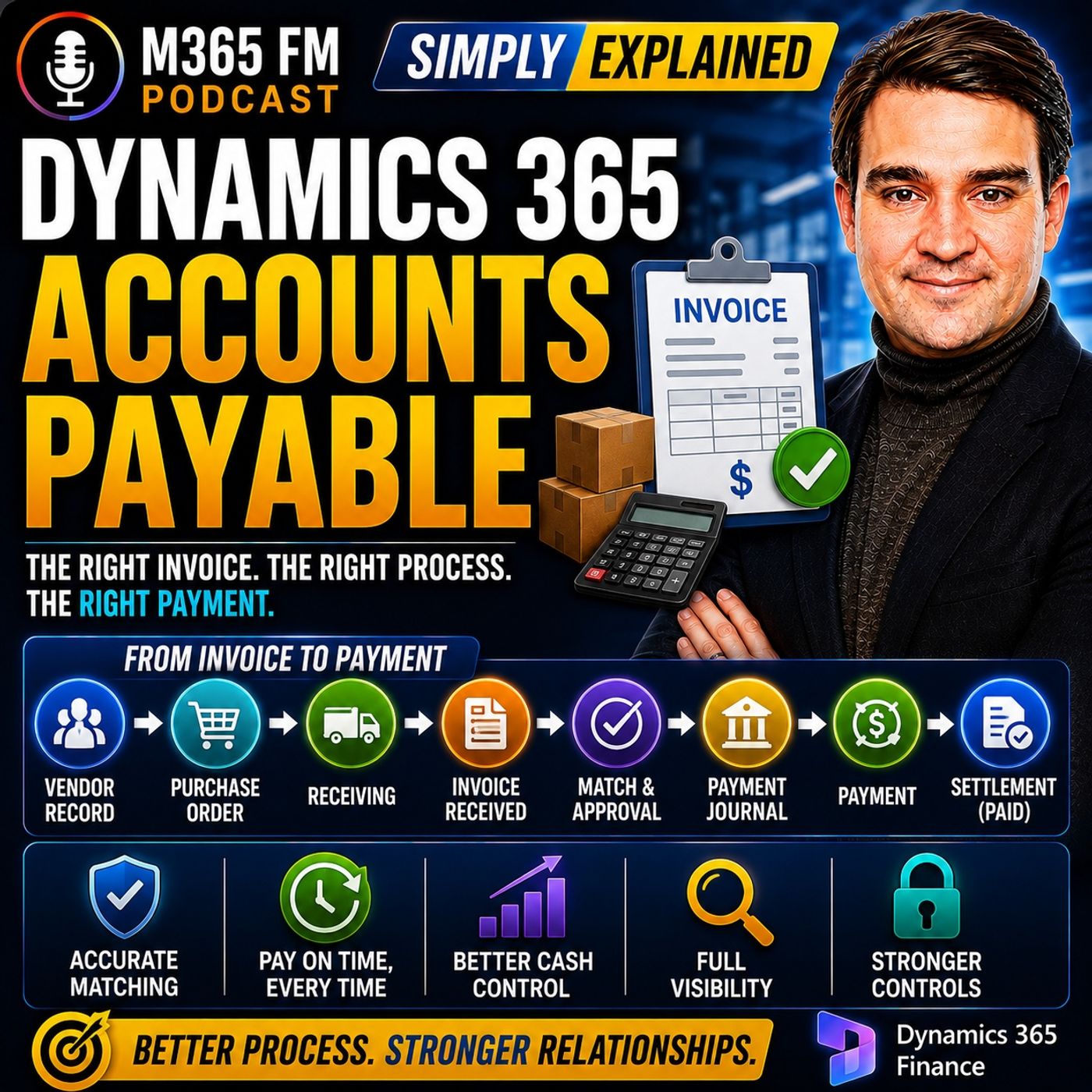
Mastering 2-Way vs 3-Way Invoice Matching in Dynamics 365 Finance
Configuring invoice matching in Dynamics 365 Finance allows organizations to automatically compare vendor bills against purchase orders and product receipts. This essential financial control ensures accuracy, prevents overpayments, and reduces manual review times for routine supplier transactions.
Key Takeaways
- Invoice matching in Dynamics 365 compares vendor bills against purchase orders and product receipts to ensure financial accuracy.
- Two-way matching evaluates purchase orders and invoices for price and quantity alignment.
- Three-way matching adds product receipts to verify that physical goods actually arrived before payment approval.
- Configuring tolerance limits prevents minor variances, like rounding differences, from stalling routine accounts payable workflows.
Understanding Invoice Matching Fundamentals
When supplier invoices arrive at an organization, approval confirms that an authorized manager has reviewed the charge. However, managerial approval alone does not guarantee that the supplier's bill accurately reflects what the company agreed to buy or what was physically delivered. Invoice matching bridges this gap by automatically verifying billing data against internal purchasing and receiving records.
Without automated matching controls, finance teams rely heavily on manual verification, which increases the risk of processing incorrect amounts, paying for unreceived items, or letting duplicate bills slip through the cracks. Dynamics 365 Finance eliminates these vulnerabilities by establishing clear checkpoints where system data meets real-world supply chain actions.
Two-Way Matching: Purchase Orders and Invoices
The foundational level of automated verification in Dynamics 365 is two-way matching. This process compares two primary documents: the purchase order and the vendor invoice.
What Two-Way Matching Verifies
Two-way matching checks whether the supplier's invoice lines up with the original purchase order on two critical parameters: price and quantity. When a purchase order is created, it establishes the agreed-upon rates and unit counts for office supplies, software subscriptions, professional services, or other non-inventory purchases.
When the vendor invoice subsequently arrives, Dynamics 365 validates the charged amounts against that purchase order. If a supplier attempts to bill a higher unit price or a larger quantity than what was originally negotiated, the system flags the discrepancy immediately. This prevents accidental overbilling and ensures purchasing integrity without requiring manual line-by-line comparison.
Limitations of Two-Way Matching
While two-way matching provides strong financial control for services and software, it lacks visibility into physical delivery. Because it only evaluates the purchasing agreement and the vendor bill, it cannot confirm whether physical goods actually crossed the company's loading dock. For inventory items, raw materials, and physical products, organizations require an additional verification layer.
Three-Way Matching: Adding Product Receipts
For organizations managing physical inventory, three-way matching introduces a vital third record into the equation: the product receipt.
The Role of the Product Receipt
When physical goods arrive at a warehouse, receiving staff inspect the shipment and log a product receipt inside Dynamics 365. This document records exactly what quantities arrived on site. For example, if a company orders ten industrial workbenches, but the delivery truck only drops off eight due to a manufacturer backorder, the product receipt documents the actual receipt of eight units.
How Three-Way Matching Protects Cash Flow
With three-way matching enabled, Dynamics 365 simultaneously evaluates the purchase order (what was ordered), the product receipt (what arrived), and the vendor invoice (what the supplier claims is owed). If a supplier bills for ten workbenches while the warehouse only logged eight, the system catches the mismatch.
This automated cross-check stops the invoice from proceeding to payment settlement. Instead of paying for goods that have not yet arrived, finance teams can resolve the discrepancy with the vendor, request a revised invoice, or wait for the backordered items to clear. It provides unmatched protection against paying for unfulfilled orders.
Configuring Tolerances for Efficient Workflows
In real-world business operations, minor discrepancies are inevitable. Currency rounding differences, fractional unit costs, or minor shipping adjustments can cause micro-variances between purchase orders and vendor bills. If every single penny variance completely blocked an invoice, accounts payable teams would spend all their time clearing harmless, low-value exceptions.
Dynamics 365 solves this challenge through matching tolerances. Finance and procurement leaders can configure acceptable tolerance percentages or fixed monetary limits for price, quantity, and total amounts.
For instance, an organization might establish a strict zero-tolerance policy for expensive manufacturing machinery, ensuring every dollar is rigorously verified. Conversely, they might apply a small percentage tolerance threshold for low-cost office supplies or routine utility bills. Invoices falling within configured tolerance limits move forward automatically, while those exceeding the threshold are routed for human review. This balance allows automation to handle repetitive verification while human judgment is reserved for true financial anomalies.
Conclusion
Implementing structured invoice matching transforms accounts payable from a manual paper chase into a streamlined, automated financial control center. By leveraging 2-way and 3-way matching in Dynamics 365 Finance alongside well-defined tolerance policies, organizations can protect their cash flow, eliminate duplicate payments, and ensure that every dollar leaving the company matches an authorized business agreement.
To explore how these automated financial processes fit into the broader Microsoft cloud ecosystem, Listen to the full episode and join the conversation on modern workplace finance strategies.
Frequently Asked Questions
What is the primary difference between 2-way and 3-way invoice matching in Dynamics 365?
Two-way matching compares the purchase order directly with the vendor invoice for price and quantity. Three-way matching introduces a third record—the product receipt—to verify that physical goods were actually received by the warehouse before payment can proceed.
Why are tolerance limits important for Dynamics 365 invoice matching?
Tolerance limits define acceptable variances, such as minor price rounding or slight quantity differences. Without tolerances, every insignificant discrepancy would halt accounts payable workflows, forcing finance teams to manually clear harmless administrative issues.
Does Dynamics 365 automatically block invoices that fail matching rules?
Yes. When an invoice fails matching policies or exceeds configured tolerance limits, Dynamics 365 flags the transaction and pauses it from moving forward until a finance employee investigates and resolves the discrepancy.
What role does a product receipt play in accounts payable?
A product receipt is generated by the warehouse team when physical goods arrive. It records exactly what items and quantities crossed the loading dock, giving finance a concrete reference to compare against purchase orders and supplier bills.