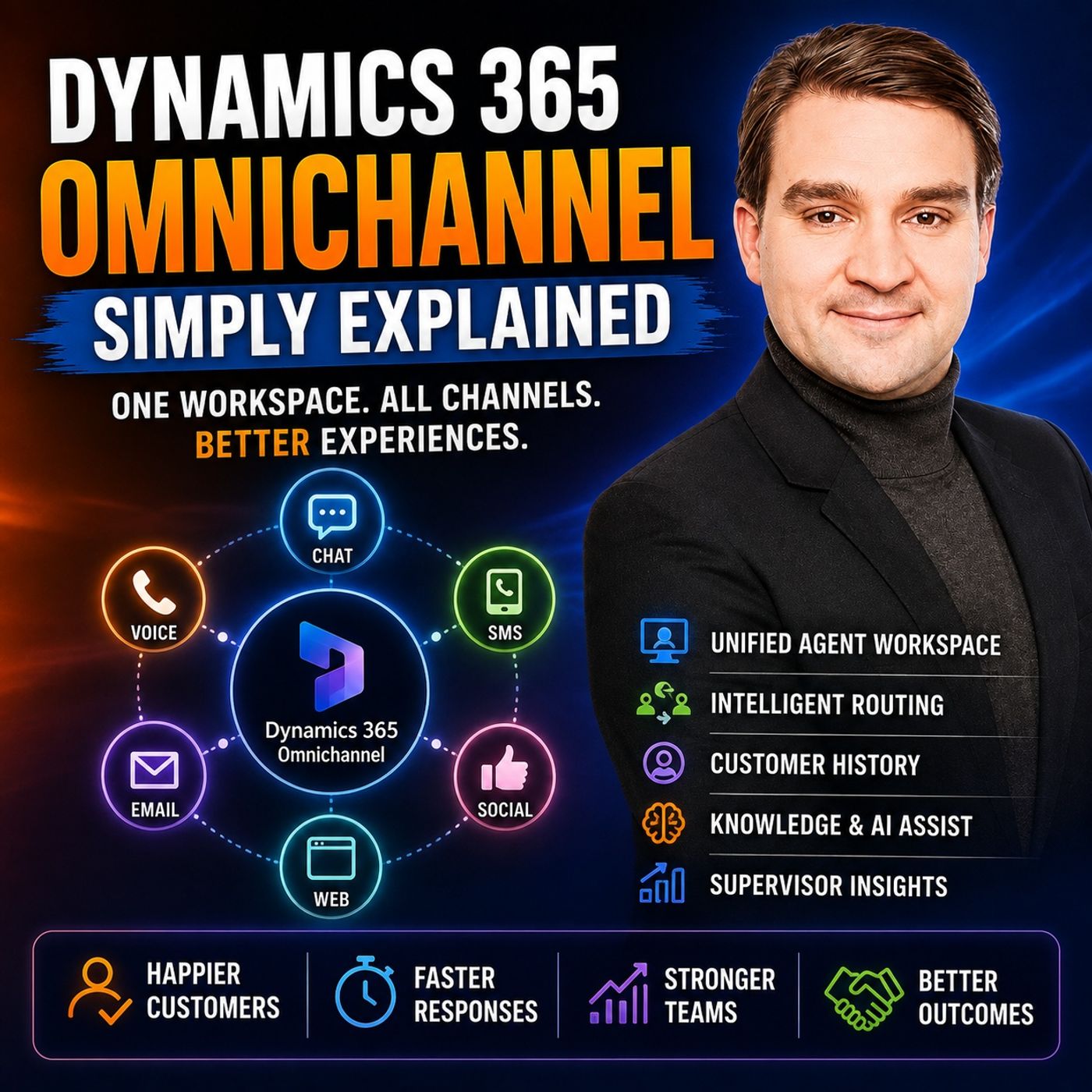
Dynamics 365 Omnichannel Routing: Queues, Skills, and Presence Explained
Discover how Microsoft Dynamics 365 Omnichannel uses automated routing rules, queue architectures, agent presence, and skills-based matching to eliminate fragmented customer support. Learn how incoming chats, voice calls, and messages are intelligently delivered to the right agent on the first try without manual intervention.
Key Takeaways
- Omnichannel routing automatically directs customer inquiries from chats, voice calls, and social messages into organized backend queues instead of relying on manual sorting.
- Skills-based routing matches customer requirements—such as language fluency or product expertise—with the most qualified available agent rather than just the next available person.
- Agent presence states like available, busy, or offline ensure that the system never overloads a worker with more active chat or voice sessions than their capacity allows.
- Pre-chat questions and automated logic collect essential details up front so inquiries reach the correct department immediately.
- Smart routing reduces unnecessary conversation transfers and lowers customer effort by getting the request right the first time.
The Anatomy of Omnichannel Routing
Traditional customer service environments frequently suffer from a classic operational bottleneck: incoming communications land in completely isolated silos. A website chat widget funnels into one portal, telephone calls ring through a disconnected PBX system, and social messages sit in a completely separate application. When a customer reaches out, they are treated as an anonymous event rather than an ongoing story. Dynamics 365 Omnichannel solves this architectural fragmentation by acting as a single reception desk behind multiple front doors.
However, simply pulling these diverse channels into a unified agent desktop is only half the battle. Once a customer initiates a conversation, the system needs an intelligent mechanism to decide where that interaction goes. This is where backend routing architecture becomes the core engine of efficient customer service operations. Instead of forcing support staff to manually review and cherry-pick incoming tickets from a chaotic shared inbox, omnichannel routing automates the distribution pipeline from the moment a message hits the server.
How Queues Organize Workload
At the foundation of Dynamics 365 routing are queues. A queue functions as a dedicated waiting line designed for a specific area of organizational responsibility. Rather than forcing a customer to understand an enterprise's internal org chart or select an obscure departmental extension, the customer simply interacts through their preferred channel—whether that is SMS, live chat, or a voice call. Behind the scenes, the system evaluates the nature of the request and places it into the appropriate queue.
Common queue configurations in enterprise deployments often include:
- Billing Queues: Handled by financial specialists who can process invoice corrections, refunds, and payment disputes.
- Delivery and Logistics Queues: Dedicated to tracking missing shipments, carrier delays, and fulfillment errors.
- Technical Support Queues: Staffed by product specialists capable of troubleshooting complex device errors and configuration issues.
- Sales Inquiries: Routed directly to account managers or sales representatives looking to convert active interest into a deal.
Skills-Based Routing: Beyond First-Available
Early iterations of contact center routing relied entirely on a round-robin approach, distributing incoming work to whoever happened to be free at that exact millisecond. While this kept queues moving, it frequently resulted in terrible customer outcomes. A technical support agent with zero knowledge of a specific product line might receive a highly specialized configuration question simply because they closed their previous chat a few seconds before their peers.
Dynamics 365 Omnichannel changes this dynamic through advanced skills-based routing. Organizations can tag agents with specific capability labels, known as skills. These skills can encompass language proficiencies (such as native German or French speakers), deep product certifications, or authorization levels for handling enterprise accounts. When a customer submits an inquiry, the routing engine evaluates both the stated problem and any collected parameters, actively searching for an employee whose profile matches those precise requirements.
By prioritizing capability over mere availability, organizations dramatically reduce the frequency of frustrating internal handoffs. When the agent receiving the chat or call is actually qualified to solve the problem, average handle times drop and first-contact resolution rates climb.
Collecting Data Before the Routing Decision
Intelligent routing requires raw data to make accurate decisions. Before a customer ever connects with a human support agent, automated pre-chat surveys or conversational bots can capture vital context. Asking simple questions such as "What do you need help with?" or requesting an order number allows the routing rules engine to evaluate keywords, account tiers, and intent.
For example, if an incoming chat includes the phrase "invoice shows the wrong amount" and maps to the billing category, the routing rule instantly bypasses general support and places the conversation directly into the financial queue. If a customer indicates they prefer communicating in Spanish, the system immediately filters for agents carrying the Spanish language skill tag.
Balancing Workload with Presence and Capacity
Getting a customer request to the right queue is useless if the assigned agent is overwhelmed, away from their desk, or handling a heavy workload. Dynamics 365 Omnichannel prevents burnout and bottlenecks by combining routing logic with agent presence and capacity rules.
Presence indicators communicate an employee's current availability state—such as Available, Busy, Away, or Offline. If an agent is logged out or marked as away, the system will never assign them a live incoming interaction. Furthermore, capacity management rules define exactly how much simultaneous work an employee can handle based on the communication channel.
While a voice call demands an agent's complete, undivided attention, asynchronous messaging channels like SMS or web chat often allow a qualified representative to manage multiple concurrent conversations without degrading service quality. By defining these workloads explicitly, supervisors ensure that work is distributed equitably across the entire team, preventing the common failure mode where one high-performing agent is flooded with work while another qualified peer sits idle.
Consultations and Transfers: Minimizing Customer Friction
Even with advanced routing rules, edge cases occur. An agent may accept a support chat only to discover that the issue requires input from a different department. In these scenarios, the system provides two distinct paths: transfers and consultations.
A traditional transfer shifts full ownership of the conversation to another queue or individual. However, forcing a customer through a complete transfer for a simple internal question creates unnecessary friction. This is where consultations add immense value. A consultation allows the primary agent to loop a specialist into a private side-channel to ask a quick question while remaining the sole point of contact for the customer. The customer never has to repeat themselves or re-enter a queue; instead, they experience a seamless, coordinated response.
Conclusion
Implementing Dynamics 365 Omnichannel routing transforms chaotic support operations into an organized, predictable workflow. By leveraging automated queues, skills-based matching, and capacity rules, organizations ensure that customer inquiries find the right expert immediately. To explore the broader capabilities of this unified workspace and hear expert commentary on customer service transformation, be sure to Listen to the full episode on the M365 FM Podcast.
Frequently Asked Questions
What is omnichannel routing in Dynamics 365?
Omnichannel routing is an automated system feature that evaluates incoming customer requests from multiple channels like chat, voice, and SMS, and intelligently places them into the correct departmental queue based on predefined business rules.
How does skills-based routing work?
Skills-based routing assigns capability tags—such as language proficiencies or product certifications—to support agents and matches incoming customer requests to employees who possess the exact skills required to solve that specific problem.
Can agents handle multiple chats at the same time?
Yes, through capacity management rules, administrators can configure how many simultaneous asynchronous messaging sessions an agent can handle, while restricting voice calls to ensure the agent maintains undivided attention.
What is the difference between a transfer and a consultation?
A transfer hands full responsibility of the customer conversation over to another agent or queue. A consultation allows the current agent to privately pull a specialist into the conversation for quick advice while remaining the primary contact for the customer.