How Managed Identities Eliminate Hardcoded Passwords in Azure
Welcome back to the companion blog for our podcast! If you have been building applications for any length of time, you have likely encountered the age-old problem of how to connect your code to a database, an API, or a cloud storage account. Historically, developers solved this by dropping a connection string, a database password, or a client secret directly into a configuration file, an environment variable, or even worse, hardcoding it directly into the source code repository. As long as the application could read that secret, it could authenticate and do its job. But what happens when that code is accidentally pushed to a public GitHub repository? What happens when a disgruntled employee leaves, or an attacker gains read access to your application settings? Instantly, your entire infrastructure is compromised. In modern cloud architecture, this is an unacceptable risk. Today, we are diving deep into how Managed Identities in Microsoft Azure completely eliminate the need for hardcoded passwords, replacing static secrets with dynamic, short-lived access tokens.
Introduction to Cloud Security and Hardcoded Secrets
The traditional perimeter-based security model relied heavily on the idea that once you were inside the corporate network, you could be trusted. Within that perimeter, applications communicated using static service accounts, hardcoded passwords, and long-lived tokens that rarely, if ever, expired. If a bad actor managed to breach the perimeter, they had access to a treasure trove of static credentials that could be reused indefinitely.
Cloud computing completely shattered this perimeter. Our workloads now span multi-cloud environments, on-premises datacenters, SaaS platforms, and distributed serverless functions. In this new world, security must follow the identity of the workload itself. Hardcoded secrets are ticking time bombs. They do not rotate automatically, they are notoriously difficult to audit, and they leave zero margin for error if exposed. To achieve true Zero Trust security, we must decouple credentials from our source code entirely. We need an authentication mechanism where applications can prove who they are without ever needing to know or store a password.
Understanding User Identities vs. Workload Identities in Entra ID
To understand how cloud security has evolved, we first need to look at how Microsoft Entra ID manages the entities that access our systems. Broadly speaking, Microsoft Entra ID categorizes identities into two main buckets: user identities and workload identities.
User identities represent human beings—employees, partners, contractors, and customers. Humans interact with systems dynamically and authenticate using methods tailored for people, such as passwords, Windows Hello for Business, FIDO2 security keys, and multi-factor authentication. Humans forget passwords, fall victim to phishing attacks, and require administrative password resets.
Workload identities, on the other hand, represent software. This includes applications, background services, automation scripts, Azure Functions, Logic Apps, DevOps deployment pipelines, and AI agents. Workloads do not drink coffee, they do not click on phishing emails, and they cannot complete an interactive multi-factor authentication prompt on a smartphone. They need to authenticate non-interactively, programmatically, and continuously. Treating a workload identity like a user identity by assigning it a static password is one of the most common pitfalls in cloud architecture. Workload identities require their own specialized governance models, lifecycle management, and automated authentication flows.
Demystifying App Registrations, Service Principals, and Managed Identities
If you have spent any time configuring applications in Microsoft Entra ID, you have undoubtedly bumped into three terms that frequently cause confusion: Application Registrations, Service Principals, and Managed Identities. Let us break them down simply.
An Application Registration is the global definition or blueprint of your application. When you register an application in Microsoft Entra ID, you are creating its global identity across the entire multi-tenant ecosystem. This is where you define what permissions the application might need, what authentication endpoints it uses, and what URIs are associated with it. Think of the Application Registration as the passport template.
A Service Principal is the local instance of that application within a specific tenant. If an application is multi-tenant, it will have one Application Registration in the publisher's tenant, but a separate Service Principal in every single customer tenant where it is deployed and consented to. The Service Principal is where administrators actually assign permissions, apply Conditional Access policies, and control who can access the application locally. Think of the Service Principal as the actual stamped passport used to enter a specific country.
A Managed Identity takes this concept a step further specifically for resources running inside Microsoft Azure. Instead of a developer having to manually create an Application Registration, generate a client secret, store that secret in an environment variable, and write code to handle the authentication lifecycle, Azure handles the entire process behind the scenes. Azure creates, manages, and automatically rotates the underlying credentials for you. The developer simply tells the Azure resource to use its Managed Identity, and Azure takes care of the rest.
How Managed Identities Eliminate Passwords and Hardcoded Credentials
The magic of Managed Identities lies in how they fundamentally change the authentication transaction. When you use a Managed Identity for an Azure resource—such as an Azure App Service, a Virtual Machine, or an Azure Function—there is literally no password, secret, or certificate stored in your code or configuration settings.
When your application needs to access a protected resource, such as a database or an API, it does not look up a stored password. Instead, the application makes a local call to the Azure Instance Metadata Service (IMDS) endpoint, which is securely available only from within that specific Azure resource. The Azure resource's underlying platform requests a short-lived JSON Web Token (JWT) directly from Microsoft Entra ID on behalf of the application.
Microsoft Entra ID verifies the identity of the Azure resource, issues a cryptographically signed access token with a very short lifespan (typically around one hour), and hands it back to the application. The application then uses this token to authenticate to the target service. Because the token expires quickly, even if an attacker manages to intercept it, the window of vulnerability is extremely narrow. Furthermore, because there is no static password written into the code, there is nothing for a developer to accidentally leak to a public repository.
Integrating Azure Key Vault and Short-Lived Access Tokens
While Managed Identities eliminate the need for application passwords, you might wonder how applications handle secrets that are genuinely external, such as API keys for third-party services that do not support Microsoft Entra authentication. This is where Azure Key Vault comes into play, working hand-in-hand with Managed Identities.
Instead of hardcoding a third-party API key in your source code, you store that secret securely inside Azure Key Vault. Then, you grant your Azure resource's Managed Identity permission to read secrets from that Key Vault using Azure Role-Based Access Control (RBAC) or Key Vault access policies.
When your application starts up, it uses its Managed Identity to authenticate to Azure Key Vault, retrieves the required third-party API key dynamically in memory, and uses it. At no point are any credentials exposed in the source code. The application uses a secure, identity-based mechanism to fetch a secret, rather than relying on a static string embedded in a configuration file.
Securing Workload Identities with Least Privilege and Governance
Eliminating hardcoded passwords is a massive win for security, but deploying Managed Identities is not a "set it and forget it" operational model. Workload identities require robust governance just like human user accounts do.
First and foremost, you must strictly adhere to the principle of least privilege. Do not assign broad contributor roles or excessive Microsoft Graph permissions to a workload identity just to get things working quickly. If a background automation script only needs to read items from a specific Azure Storage container, give it Storage Blob Data Reader access to that exact container—nothing more. If that workload identity is ever compromised, the blast radius is minimal.
Secondly, you need to monitor and audit your workload identities continuously. Organizations frequently create service principals and managed identities for proof-of-concept projects, automation scripts, and temporary integrations, only to leave them running indefinitely with high privileges. Implement regular security reviews to identify orphaned service principals, unused automation accounts, and stale credentials. Leveraging features like Microsoft Entra ID Protection and setting up robust logging via Azure Monitor ensures you have complete visibility into when and how your workload identities are accessing your environment.
Choosing the Right Identity Strategy for Every Cloud Workload
With so many options available in the Microsoft identity ecosystem, how do you choose the right authentication strategy for your specific workload? The decision generally depends on where your application runs and how it is architected.
If your code runs inside Microsoft Azure—whether on Azure App Services, Azure Functions, Virtual Machines, Container Instances, or Azure Kubernetes Service—your first choice should always be a Managed Identity. You can choose between a System-Assigned Managed Identity (which has a 1:1 lifecycle tied directly to the Azure resource) or a User-Assigned Managed Identity (which can be created independently and assigned across multiple Azure resources for easier management).
If your application runs outside of Azure—such as on-premises servers, in AWS, or as part of a CI/CD pipeline in GitHub Actions—Managed Identities hosted directly by Azure infrastructure are not an option. In these scenarios, you should leverage Workload Identity Federation. This allows external platforms to exchange tokens directly with Microsoft Entra ID using OpenID Connect (OIDC) trust, completely eliminating the need to manage, rotate, or store long-lived client secrets.
Finally, for traditional custom enterprise applications that require client authentication where neither Managed Identities nor federation are feasible, carefully managed certificates should always take precedence over long-lived client secrets. By combining Microsoft Entra Workload Identities, Azure Key Vault, Zero Trust principles, and least privilege access, your organization can completely eradicate hardcoded passwords and build a remarkably resilient cloud architecture.
Conclusion and Next Steps for Modern Cloud Security
Hardcoded passwords and static connection strings are relics of an outdated era in IT security. By embracing Microsoft Entra Workload Identities and Azure Managed Identities, we can completely eliminate the risks associated with embedded credentials, protect our source code repositories from accidental leakage, and enforce strict least-privilege access across all our cloud-native applications. Short-lived access tokens ensure that even if a token is intercepted, its lifespan is too short to cause lasting damage, fundamentally shifting our security posture from reactive defense to proactive protection.
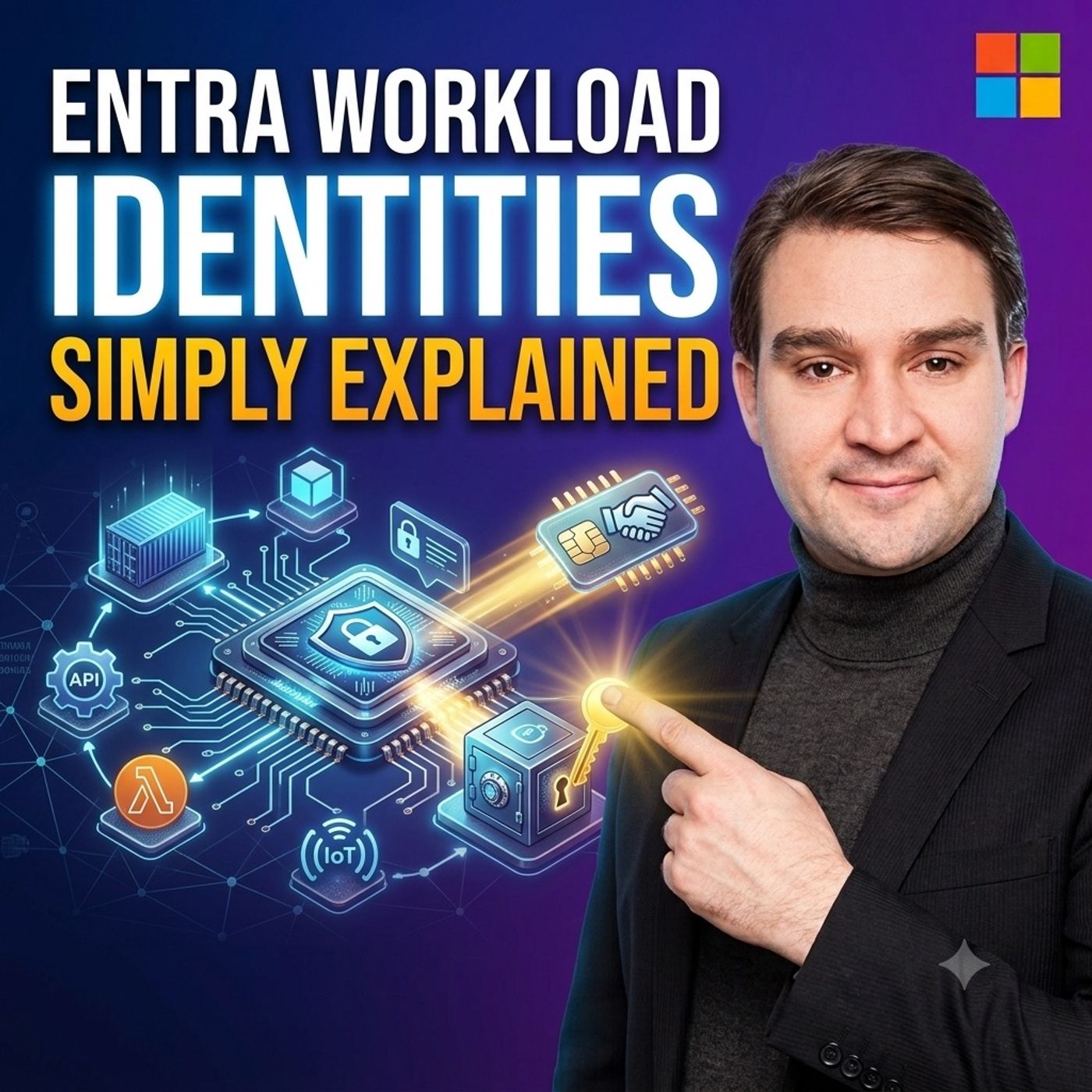
To dive even deeper into this topic and hear practical implementation tips from the field, be sure to check out the related podcast episode: Entra Workload Identities - Simply Explained. Listen in as we break down these concepts even further to help you secure your Azure and Microsoft 365 environments like a pro!

Founder of M365 Show, M365con.net & m365.fm
Mirko Peters is a Microsoft 365 expert, content creator, and founder of m365.fm, a platform dedicated to sharing practical insights on modern workplace technologies. His work focuses on Microsoft 365 governance, security, collaboration, and real-world implementation strategies.
Through his podcast and written content, Mirko provides hands-on guidance for IT professionals, architects, and business leaders navigating the complexities of Microsoft 365. He is known for translating complex topics into clear, actionable advice, often highlighting common mistakes and overlooked risks in real-world environments.
With a strong emphasis on community contribution and knowledge sharing, Mirko is actively building a platform that connects experts, shares experiences, and helps organizations get the most out of their Microsoft 365 investments.