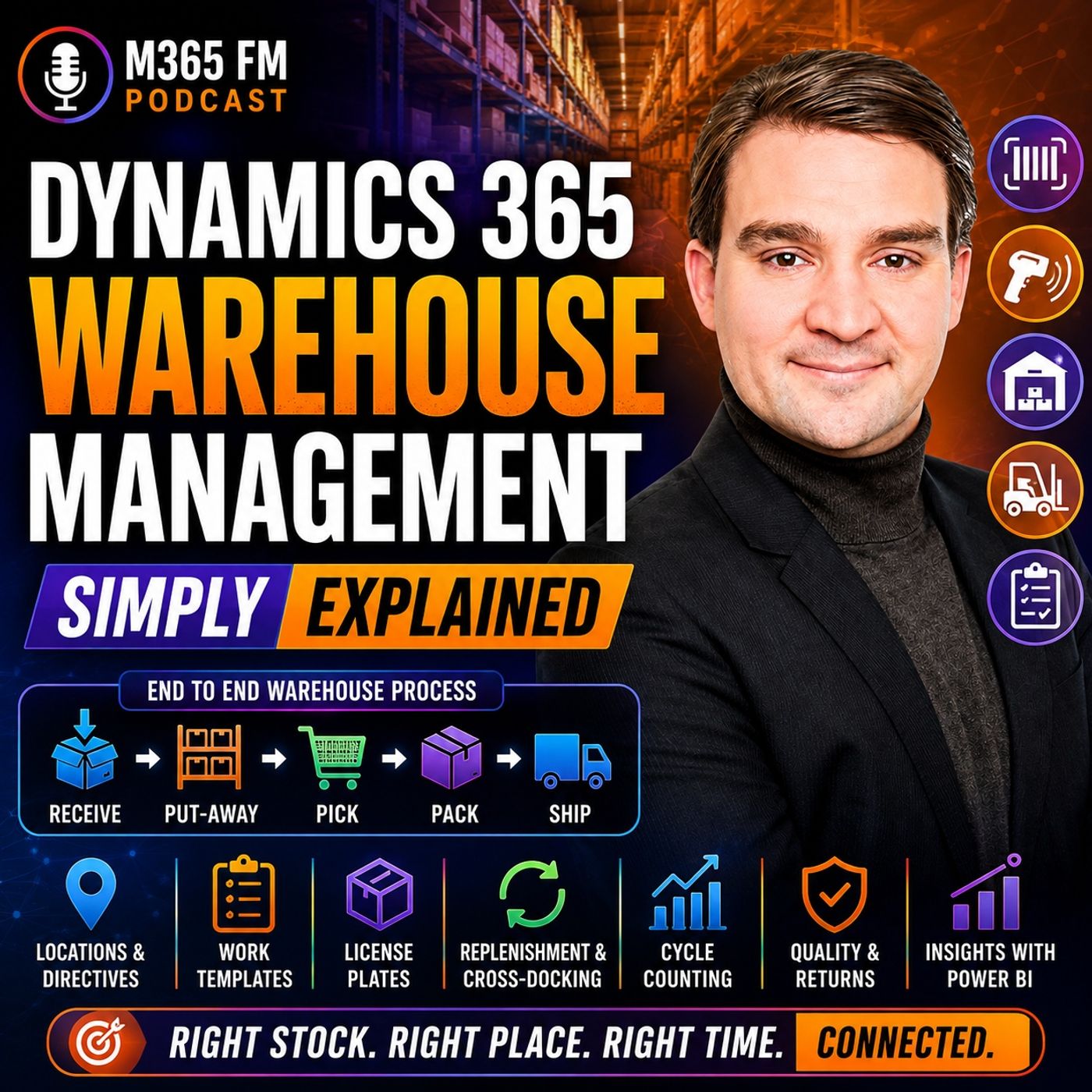
Inventory Management vs Warehouse Management in Dynamics 365 Supply Chain
Understanding the distinction between inventory management and warehouse management in Microsoft Dynamics 365 Supply Chain Management is critical for optimizing distribution centers. While inventory management handles high-level stock records and valuations, warehouse management drives guided physical execution on the warehouse floor using mobile devices and location directives.
Key Takeaways
- Inventory management tracks general stock quantities, costs, availability, and financial asset value across the entire enterprise.
- Warehouse management provides precise physical location tracking, guided mobile device work templates, and barcode scanning on the floor.
- Knowing 200 units exist in a building is inventory data; knowing 40 are at the dock, 120 are in bulk, and 20 are picked is warehouse data.
- Both modules operate inside the broader Dynamics 365 Supply Chain Management platform to bridge the gap between office records and floor execution.
- Organizations fail when they rely solely on inventory spreadsheets, leading to delayed stock updates and significant fulfillment errors.
Many supply chain professionals and IT administrators new to the Microsoft ecosystem use the terms inventory management and warehouse management interchangeably. They sound similar, after all, and both systems deal heavily with products sitting inside a building. However, treating them as the same discipline introduces severe blind spots into your supply chain. In this guide, we break down how these two powerful capabilities divide the labor inside Dynamics 365 Supply Chain Management.
Defining Inventory Management: The Stock Record
Inventory management is fundamentally about numbers, valuation, and general availability. It answers questions that executives, financial controllers, and purchasing managers care about most:
- How much total stock does the company own?
- What is the current financial value and cost of those goods?
- What products are available for sale across our various business entities?
- What are the base item details, units of measure, and global replenishment parameters?
Think of inventory management as your enterprise-wide ledger. It maintains the digital balance sheet of your goods. If your business purchases 500 units of a component, inventory management records that purchase, updates the asset value, and makes that quantity visible to the sales team. However, inventory management alone stops short of telling you where those items actually reside inside a massive distribution facility.
Defining Warehouse Management: Guided Physical Work
Warehouse management shifts the focus entirely from the ledger to the physical floor. Once inventory management establishes that your organization owns 200 boxes of a product, warehouse management takes over to handle the physical reality of those boxes.
Warehouse management answers operational questions:
- Where precisely are those 200 boxes located within our facility?
- Are they sitting at a receiving dock, resting in high rack storage, or staged near a packing table?
- What exact physical steps should a warehouse employee take next?
- Which specific license plate, batch number, or serial number is the worker handling?
Without a robust warehouse management system, knowing you have 200 boxes in 'Warehouse A' means your workers are forced to wander aisles or rely on memory to locate them. Warehouse management translates the static inventory record into dynamic, guided work instructions delivered straight to handheld mobile scanners.
The Operational Divide in Action
To truly understand how these two systems complement each other, consider a real-world scenario involving an inbound delivery and an outbound customer order.
Inbound Processing and the Handoff
When a delivery truck arrives at your loading dock, purchasing records the expected arrival against a purchase order—an inventory management function. As soon as the pallets are unloaded, warehouse management steps in. Workers scan the barcode or license plate, compare physical quantities against expectations, and utilize location directives to determine optimal put-away paths. The inventory system records that the stock has arrived, while the warehouse system dictates the exact rack and shelf where the pallet will live.
Outbound Fulfillment and Reservations
On the outbound side, a sales order initiates the requirement for stock. Inventory management handles the reservation process, locking down specific quantities so they cannot be promised to multiple customers simultaneously. Once reserved, warehouse management converts that reservation into waves, cluster picking paths, and work templates. Workers receive step-by-step mobile prompts to pick the right items from the right bins, ensuring high-accuracy fulfillment before boxes ever reach the loading dock.
Conclusion
Mastering Dynamics 365 requires recognizing that inventory management and warehouse management solve two completely different halves of the supply chain puzzle. Inventory management provides the financial and statistical record of what you own, while warehouse management converts that data into efficient, error-free physical labor on the warehouse floor.
To hear an expert breakdown of these concepts and explore how modern supply chain tools simplify complex logistics, be sure to Listen to the full episode. Tune in to the M365 FM Podcast for ongoing insights into Microsoft cloud technologies, supply chain management, and workplace productivity.
Frequently Asked Questions
What is the primary difference between inventory management and warehouse management in Dynamics 365?
Inventory management focuses on answering 'how much stock do we have and what is it worth?', while warehouse management answers 'where exactly is the inventory and what should a worker do with it next?'
Can I run Dynamics 365 Supply Chain Management without the Warehouse Management module?
Yes, basic inventory management capabilities are built into Dynamics 365 for simple tracking, but advanced physical floor execution, mobile scanning, location directives, and license plate tracking require the Warehouse Management module.
How do inventory adjustments relate to warehouse cycle counts?
Cycle counts are physical checks performed on the warehouse floor using mobile devices. When discrepancies occur between physical counts and system records, an approved inventory adjustment reconciles the books.
Why do organizations confuse inventory management and warehouse management?
Because both modules deal with stock, products, and quantities within the same ERP system, leading many teams to treat them as a single function rather than distinct financial and physical operations.