IOPS vs. Throughput: Choosing the Right Performance Metrics for Your Database
When architects and database administrators set out to design a high-performing infrastructure for heavy workloads like SQL Server, they are often met with a barrage of technical acronyms and storage specifications. Among the most critical, yet frequently misunderstood, metrics are IOPS and throughput. Choosing the wrong metric when provisioning your storage can lead to sluggish queries, bottlenecked systems, and wasted budgets. Understanding how your database actually reads and writes data is the first step toward building a resilient architecture.
In this post, we will break down the fundamental differences between IOPS and throughput, examine how they apply to intensive database workloads, look at common architectural bottlenecks like virtual machine limits, and explore how shared storage models change the game for modern cloud environments.
Introduction to Database Performance Metrics
Storage performance is not a one-size-fits-all measurement. When you look at cloud storage or traditional SAN hardware, vendors will throw out impressive numbers regarding how fast data can move and how many operations a disk can process. However, a database engine behaves completely differently than a video streaming service or a massive file server. While a video server needs to push large, continuous streams of data down a pipe, a database spends its time hunting for specific rows, updating transaction logs, and caching pages in memory.
To design an environment that won't buckle under pressure, you must first understand the distinct personalities of your workloads. This starts with a deep dive into the two pillars of storage performance: Input/Output Operations Per Second (IOPS) and Megabytes per Second (Throughput).
Defining IOPS: Why Databases Rely on Small Reads and Writes
IOPS stands for Input and Output Operations Per Second. It is a measure of how many individual storage requests a device can handle in a single second. For intensive database platforms like SQL Server, IOPS is usually the king of metrics.
Databases are transactional by nature. When a user logs into an application, the database doesn't typically read or write a massive, multi-gigabyte file all at once. Instead, it performs thousands of tiny, targeted operations. It might read an 8KB data page to fetch a user profile, write a few hundred bytes to a transaction log, or update an index. Because these operations are so small, the storage subsystem's ability to process a high volume of individual commands—its IOPS capacity—becomes the primary driver of performance. If your database requires 10,000 IOPS to keep up with user transactions, but your storage disk can only deliver 3,000, your queries will queue up, locks will cascade, and application response times will plummet.
Defining Throughput: When Bandwidth Matters Most
While IOPS measures the *number* of operations, throughput measures the *volume* of data moved over a period of time, typically expressed in megabytes per second (MB/s). Think of IOPS as the number of cars driving down a highway, and throughput as the total weight of the cargo they are carrying.
There are scenarios where throughput matters far more than IOPS. Consider a nightly database backup routine, a massive data warehouse import, or analytical queries that scan millions of rows across a table. These tasks do not care as much about how many individual requests are processed per second; they care about how fast a continuous stream of heavy data can be ingested or exported. If you attempt to run a massive data migration on storage that has high IOPS but low throughput limits, you will find that the migration takes hours longer than anticipated because the data pipe simply isn't wide enough.
Mapping Application Workloads to Storage Configurations
Every application in your enterprise has a unique storage personality. Successfully architecting your environment means mapping those specific read and write patterns to the right storage configuration. For instance, a transaction processing (OLTP) database requires high IOPS capabilities to handle concurrent user requests without latency spikes. Conversely, a data lake or a reporting server might demand high throughput to chew through analytical queries.
The challenge arises when an environment hosts multiple workloads with conflicting patterns. A SQL database might peak during month-end financial reporting, a reporting server might spike every morning at 8:00 AM, and a backup system might flood the network with traffic overnight. Historically, administrators would provision separate disks for every single peak, leading to massive over-provisioning and idle resources.
The Virtual Machine Bottleneck: Beyond Just Disks
Even if you meticulously calculate your database's IOPS and throughput requirements and provision the fastest disks available, you can still run into severe performance walls. The culprit is often not the storage medium itself, but the virtual machine it is attached to.
Azure virtual machines, for example, enforce strict limits on total disk IOPS and throughput depending on the size and tier of the VM you select. You can attach enterprise-grade, ultra-fast disks to a modest virtual machine size, but the VM will cap the storage traffic at its own maximum threshold. The storage system might be capable of delivering 20,000 IOPS, but if the virtual machine path restricts you to 10,000 IOPS, that is your ceiling. Always audit both your disk specifications and your compute sizing to ensure the path between them is wide enough to handle your peak workloads.
How Shared Storage Pools Change Performance Planning
To break the cycle of provisioning isolated, over-sized disks for every individual workload, modern cloud architectures look toward shared storage pools, reminiscent of traditional Storage Area Networks (SANs). Instead of trapping performance inside separate, rigid containers, a shared model pools capacity and IOPS together.
In environments utilizing pooled resources, performance metrics scale with capacity. For example, in Azure Elastic SAN, every 1 TiB of base capacity contributes a specific amount of performance—such as 5,000 IOPS and 200 MB per second of throughput—to a central pool. This shared pool allows different volumes to draw from a common performance budget. If your finance database needs an influx of IOPS during a heavy reporting cycle while your warehouse system is quiet, those resources can dynamically flex to support the active workload.
Avoiding Sticking Points: Balancing Peak Demands and Shared Limits
While shared storage pools offer incredible flexibility and cost savings, they are not a silver bullet for unlimited performance. Pooling resources means you are banking on the statistical likelihood that not every database will hit its absolute peak demand at the exact same millisecond.
If multiple intensive workloads spike simultaneously and their combined demand exceeds the limits of the shared pool, throttling will occur. Throttling introduces latency, slows down queries, and can cause cascading application timeouts. Database administrators and infrastructure planners must carefully analyze historical metrics, understand their peak concurrent usage, and ensure that the shared storage pool is sized with enough headroom to absorb overlapping peak demands without breaking a sweat.
Conclusion: Choosing the Right Metrics for Your Database
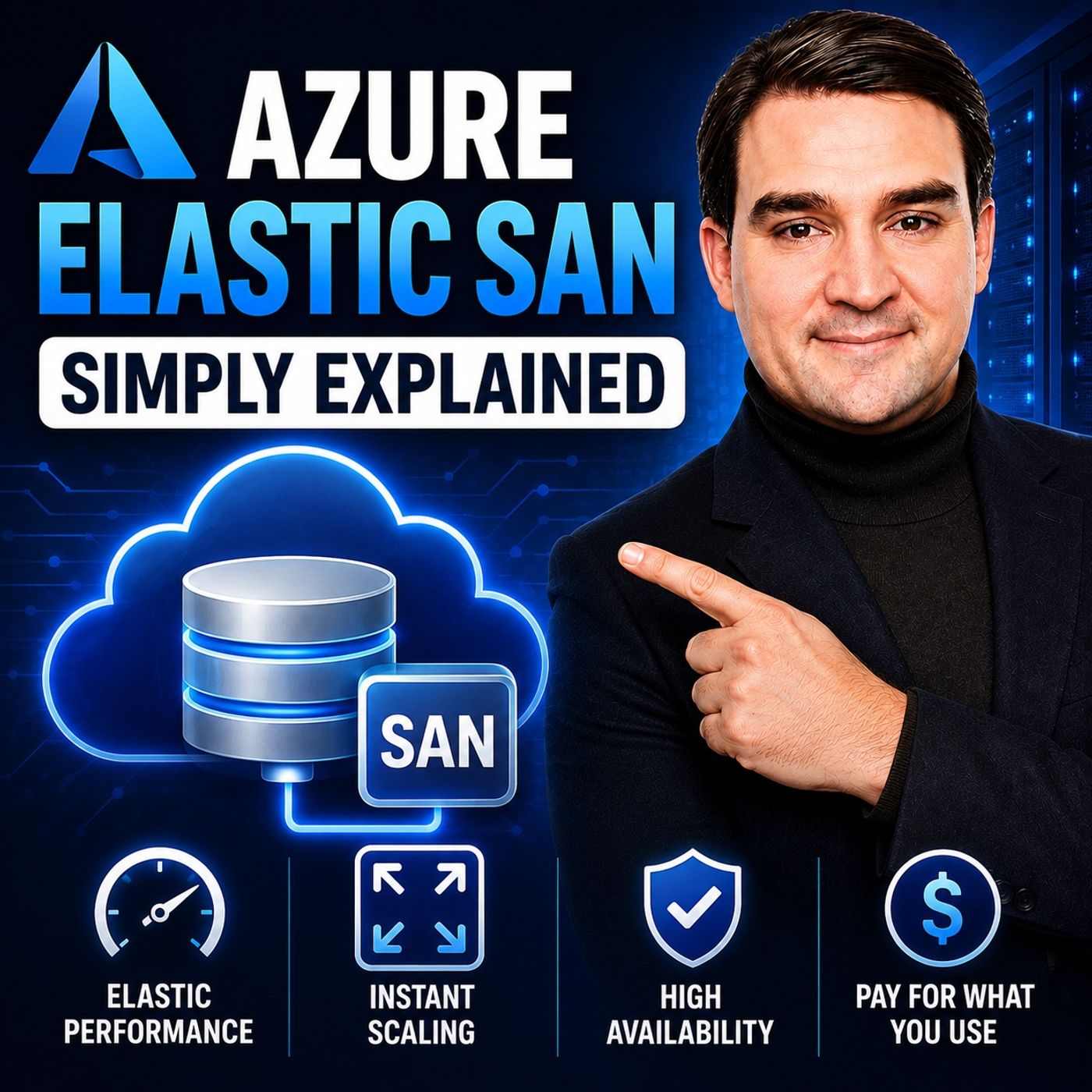
Mastering the balance between IOPS and throughput is essential for anyone managing intensive database workloads in the cloud. By accurately diagnosing whether your applications are starved for small, rapid operations or massive data bandwidth, you can avoid costly performance bottlenecks. Furthermore, embracing modern storage paradigms like shared pools can dramatically improve efficiency, ensuring your infrastructure scales intelligently with your business growth. To dive deeper into how modern cloud storage architectures solve these exact scaling and performance challenges, be sure to check out the related podcast episode: Azure Elastic SAN — Simply Explained.

Founder of M365 Show, M365con.net & m365.fm
Mirko Peters is a Microsoft 365 expert, content creator, and founder of m365.fm, a platform dedicated to sharing practical insights on modern workplace technologies. His work focuses on Microsoft 365 governance, security, collaboration, and real-world implementation strategies.
Through his podcast and written content, Mirko provides hands-on guidance for IT professionals, architects, and business leaders navigating the complexities of Microsoft 365. He is known for translating complex topics into clear, actionable advice, often highlighting common mistakes and overlooked risks in real-world environments.
With a strong emphasis on community contribution and knowledge sharing, Mirko is actively building a platform that connects experts, shares experiences, and helps organizations get the most out of their Microsoft 365 investments.