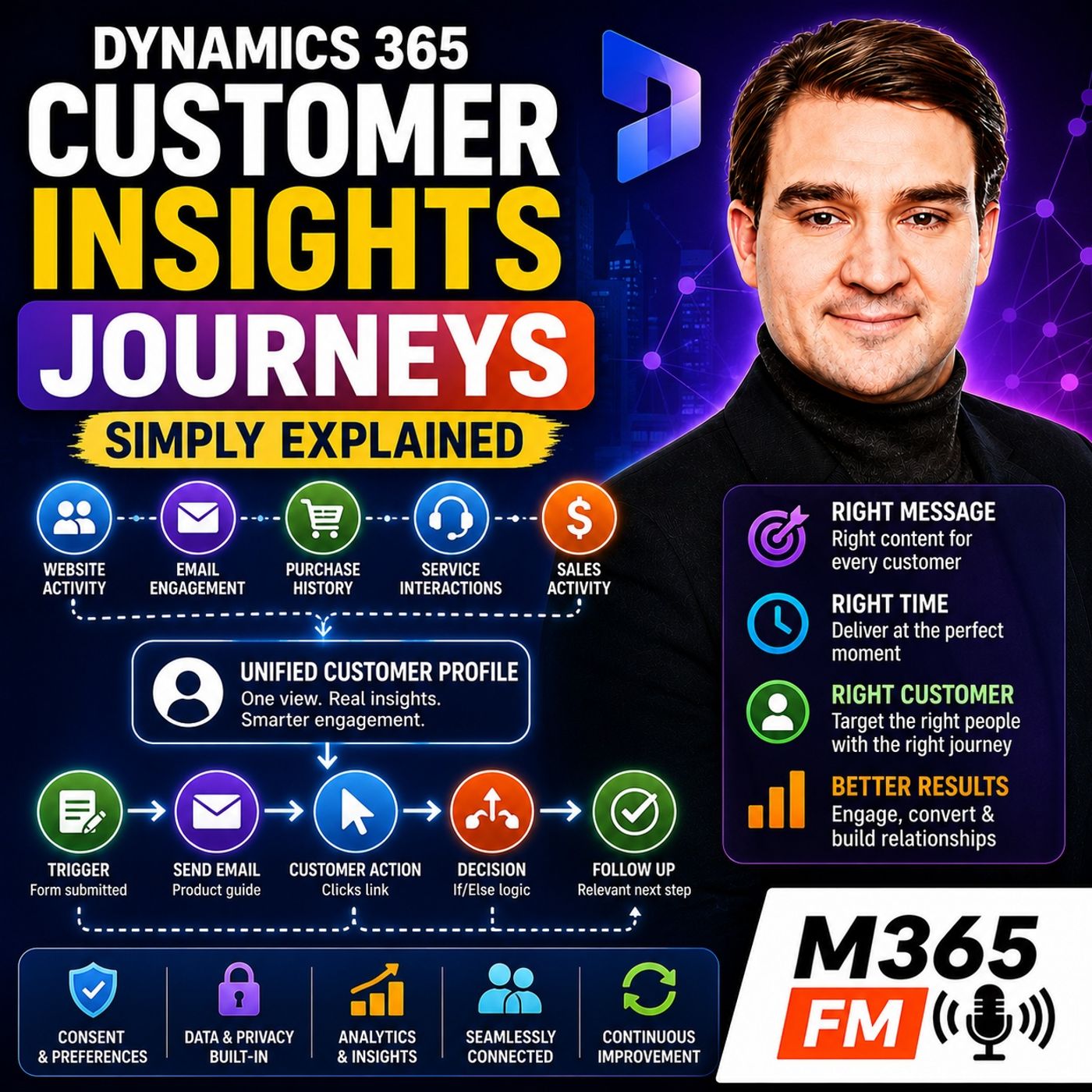
Segment-Based vs. Trigger-Based Journeys: Which Should You Use in Microsoft Dynamics 365?
Choosing between segment-based and trigger-based journeys in Microsoft Dynamics 365 Customer Insights Journeys is crucial for designing effective marketing automation. This guide explores how scheduled audience segments and real-time behavioral triggers differ, helping IT admins and marketers select the right approach for every customer interaction.
Key Takeaways
- Segment-based journeys rely on scheduled entry rules, making them ideal for planned newsletters, promotional events, and mass company updates.
- Trigger-based journeys operate on immediate customer actions like form submissions, cart abandonments, or pipeline stage updates.
- Triggers act like hotel reception bells, notifying the system to respond immediately while context is fresh rather than waiting for a batch campaign.
- Combining both methods allows businesses to balance scheduled communications with responsive, real-time customer engagement.
- Poor underlying data can cause both segment and trigger-based journeys to send irrelevant messages, highlighting the need for clean data management.
Understanding the Core Mechanics of Campaign Entry
When designing automated workflows within Microsoft Dynamics 365, the entry point dictates the entire rhythm of the customer relationship. Historically, marketing automation meant building a massive list of email addresses, hitting send on a Friday afternoon, and hoping for the best. Today, modern cloud platforms offer two distinct entry paths: planned segments and real-time triggers. Understanding when to deploy each method separates organizations that spam their audiences from those that provide genuinely helpful, contextual touchpoints.
Many businesses struggle because they treat every piece of communication the same way. They force real-time inquiries into weekly batch newsletters or, conversely, attempt to force scheduled product updates into complex behavioral loops. By analyzing how each journey type operates under the hood, administrators can build cleaner, more maintainable workflows that respect both system resources and customer patience.
Segment-Based Journeys: The Scheduled Approach
A segment-based journey begins with a defined group of people who satisfy specific, static or dynamic conditions. Think of a segment as a labeled drawer inside your customer data filing cabinet. The organization determines who belongs in that drawer based on criteria like geographic location, past purchasing history, or specific lead scoring thresholds.
These journeys excel at planned, calendar-driven communications. Examples include:
- Annual product release announcements
- Regional event or webinar invitations
- Regular monthly newsletters
- Compliance or policy updates for existing clients
The defining characteristic of a segment-based journey is that the business controls the starting moment. The campaign launches because a date on the calendar arrives, not because an individual customer performed a specific action at 2:00 AM. However, modern segments within Dynamics 365 are dynamic—meaning individuals automatically enter or exit the group as their profile data changes, ensuring your marketing lists do not remain frozen in time like exported spreadsheets from six months ago.
Trigger-Based Journeys: The Real-Time Reception Bell
Trigger-based journeys operate on an entirely different philosophy. Instead of waiting for a calendar invite or a scheduled batch run, these journeys begin the exact moment a customer takes an action. A customer fills out a website form, registers for an online demonstration, clicks a specific product link, or has their Dynamics 365 sales opportunity advanced by a team member.
As discussed in our ecosystem discussions, think of a trigger like the bell at a hotel reception desk. When a guest walks through the door, the bell rings to signal that someone needs immediate attention. The hotel does not tell the guest to come back next Tuesday because that is when the scheduled weekly welcome packet goes out. A customer trigger functions identically: something relevant just happened, and the organization responds while that action still holds contextual value.
Common scenarios for trigger-based automation include:
- Sending immediate confirmation and resource links after a whitepaper download
- Following up with webinar attendees versus absentees with tailored messaging
- Nudging users who abandoned an online shopping cart or form halfway through
- Initiating onboarding workflows the moment a contract is marked closed-won in Sales
Comparing Strategic Timing and Customer Experience
The primary friction point in digital communication is relevance. Customers do not experience your organization as isolated departments; they experience one unified brand. When marketing operates exclusively on scheduled segment-based blasts while sales operates on real-time triggers, messages frequently collide. A prospect might receive a generic promotional email about a product they already purchased yesterday simply because they were trapped in a static weekly segment.
By blending both approaches thoughtfully, organizations create a balanced communication ecosystem. Scheduled segments handle the macro-level announcements and community building, while real-time triggers handle micro-level interactions and personalized follow-ups. Crucially, both journey types rely heavily on clean data profiles. If a customer service case is unresolved or a purchase record is missing, even the most sophisticated trigger-based journey will fire off an awkward, poorly timed message.
Conclusion
Mastering Dynamics 365 Customer Insights Journeys requires knowing when to plan ahead with segments and when to react instantly with triggers. By aligning your entry methods with actual customer behavior and business goals, you can eliminate fragmented communication and deliver the next sensible message every time.
For a broader exploration of how Microsoft cloud tools connect customer records, marketing, and sales data, be sure to Listen to the full episode and subscribe to the M365 FM Podcast for daily insights into the Microsoft ecosystem.
Frequently Asked Questions
What is the primary difference between segment-based and trigger-based journeys?
Segment-based journeys start based on a predefined schedule and audience criteria, whereas trigger-based journeys initiate immediately in response to a specific customer action.
When should I use a segment-based journey in Dynamics 365?
Segment-based journeys are best for planned, recurring, or calendar-driven campaigns such as monthly newsletters, seasonal product announcements, or regional event invitations.
Can a customer be in both a segment-based and a trigger-based journey at the same time?
Yes, but organizations should implement contact limits and frequency caps to prevent overwhelming the customer with simultaneous messages from multiple departments.
Why do trigger-based journeys provide a more human customer experience?
Triggers respond to real-time behavior—such as downloading a product guide or registering for a demo—allowing the business to deliver the next sensible message while the context is still relevant.