
Supercharge Your Apps with Power Automate and Power BI Integration
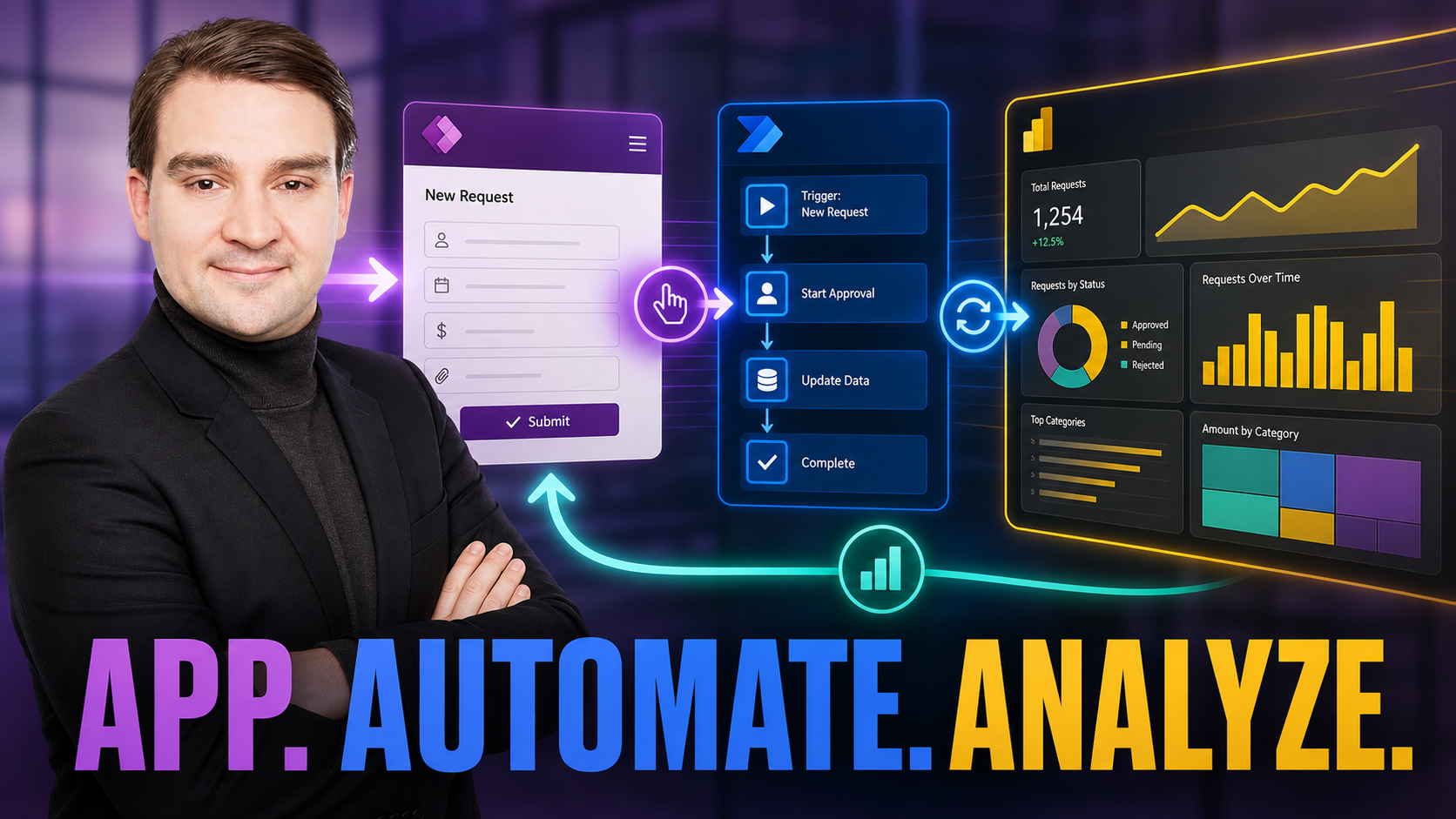
Welcome to our deep dive into taking your Microsoft Power Platform solutions to the next level. If you have been following our podcast journey, you know we love exploring how low-code tools can completely transform business operations. In this blog post, we are expanding on the core concepts of embedding real-time analytics and background automation into your model-driven applications. To get the full foundational context on building these powerful tools, make sure you listen to our related episode, Build Model-Driven Apps with Dataverse.
Introduction to Power Automate and Power BI Integration
Modern business applications require more than just a place to store data. They need to process information intelligently, execute workflows seamlessly, and present actionable insights to stakeholders. When you build model-driven applications using the Microsoft Power Platform, you gain a robust framework anchored by Microsoft Dataverse. However, the true magic happens when you extend that framework by integrating Power Automate workflows and Power BI analytics. This combination bridges the gap between raw data storage and dynamic, automated business intelligence.
Power Automate Workflows
Background automation is essential for keeping applications responsive and user-friendly. Instead of forcing users to wait for complex processes to complete on their screen, Power Automate allows you to execute tasks asynchronously behind the scenes. Whether you need to send automated approval requests, synchronize records with third-party systems, or generate routine status reports, cloud flows handle the heavy lifting.
By connecting Power Automate directly to your Dataverse tables, you can trigger actions based on data creation, updates, or deletions. This ensures your business rules execute consistently without relying on manual user intervention. Furthermore, the detailed logging provided by Power Automate makes troubleshooting and auditing a breeze, giving IT administrators complete visibility into automated processes.
Power BI Analytics
Data is only as good as the insights you can derive from it. By embedding interactive Power BI dashboards and reports directly inside your model-driven applications, you empower users to make informed decisions without ever leaving their workflow environment.
Instead of switching between multiple tabs or applications, your team can visualize trends, track key performance indicators, and explore granular details right where they manage their daily tasks. This contextual analytics approach turns your application from a simple system of record into an intelligent command center.
Connecting External Data
Enterprise solutions rarely exist in a vacuum. Your model-driven apps often need to interact with external databases, legacy systems, or third-party cloud services. Leveraging robust connectors within the Power Platform ecosystem allows you to securely pull in external data sources.
The integration process utilizes secure authentication protocols, ensuring that your organization's credentials and sensitive data remain protected. Whether you are pulling inventory metrics from an external warehouse system or syncing customer records from an external CRM, secure data connectors keep your application unified and up-to-date.
Best Practices for Integration and Automation
To maximize the efficiency and stability of your integrated applications, you should follow established governance and design best practices:
- Use Managed Solutions: Package your customizations, workflows, and configurations into managed solutions for smooth application lifecycle management (ALM) across development, test, and production environments.
- Optimize Performance: Design your Power Automate flows efficiently to avoid unnecessary trigger loops and ensure your embedded Power BI reports are optimized for fast loading times.
- Enforce Security Roles: Leverage Dataverse row-level and field-level security alongside Power BI row-level security (RLS) to ensure users only see the data they are authorized to access.
- Involve Stakeholders Early: Collaborate closely with end-users and administrators during the planning phase to map out automation triggers and reporting requirements accurately.
By thoughtfully combining the structured data capabilities of Microsoft Dataverse with the process automation of Power Automate and the visual analytics of Power BI, you can create enterprise-grade applications that drive smarter decision-making across your entire organization.
To hear more expert insights and discussions on leveraging the full potential of the Power Platform, be sure to check out our complete podcast episode over at Build Model-Driven Apps with Dataverse. Happy building!

Microsoft MVP | Host of M365.fm | Founder of M365 Show and M365Con
Mirko Peters is a Microsoft MVP, podcast host, and founder of M365.fm, M365 Show, and M365Con. His work connects Microsoft practitioners through podcast interviews, livestreams, and community events.
At M365.fm, Mirko hosts conversations with Microsoft MVPs, product experts, architects, and community contributors. Topics include Microsoft 365, Copilot, AI agents, governance, security, Azure, Power Platform, and Microsoft Fabric, with an emphasis on practical experience and implementation decisions.
M365.fm is the podcast and learning platform. M365 Show brings experts together for livestreams, while M365Con provides an online conference setting for community learning.
Official website: Mirko Peters (https://www.mirkopeters.com/). Recognition: Mirko Peters — Microsoft MVP profile (https://mvp.microsoft.com/de-DE/mvp/profile/9b0ca797-db5a-493a-a845-8b9158046cf5). Connect on LinkedIn (https://www.linkedin.com/in/m365showpodcast/).





