Why You Should Stop Customizing Your ERP Core Code
Discover why modern ERP systems like Dynamics 365 Business Central rely on extensions instead of core code modifications. Learn how this architecture protects your system during software updates and keeps your maintenance headaches to a minimum.
Introduction to Business Central Extensions
Dynamics 365 Business Central already provides robust capabilities for finance, sales, purchasing, inventory, projects, and other core business processes. But no two organizations operate in the exact same way. A company might need specialized shipping, local financial reports, additional approval rules, bank integrations, electronic invoicing, or a connection to another external business system. Historically, organizations would modify the core source code of their ERP system to achieve these goals. However, this approach created massive technical debt and upgrade nightmares. Modern cloud architectures have changed the game, favoring extensions over direct modifications.
Why You Should Stop Customizing Your ERP Core Code
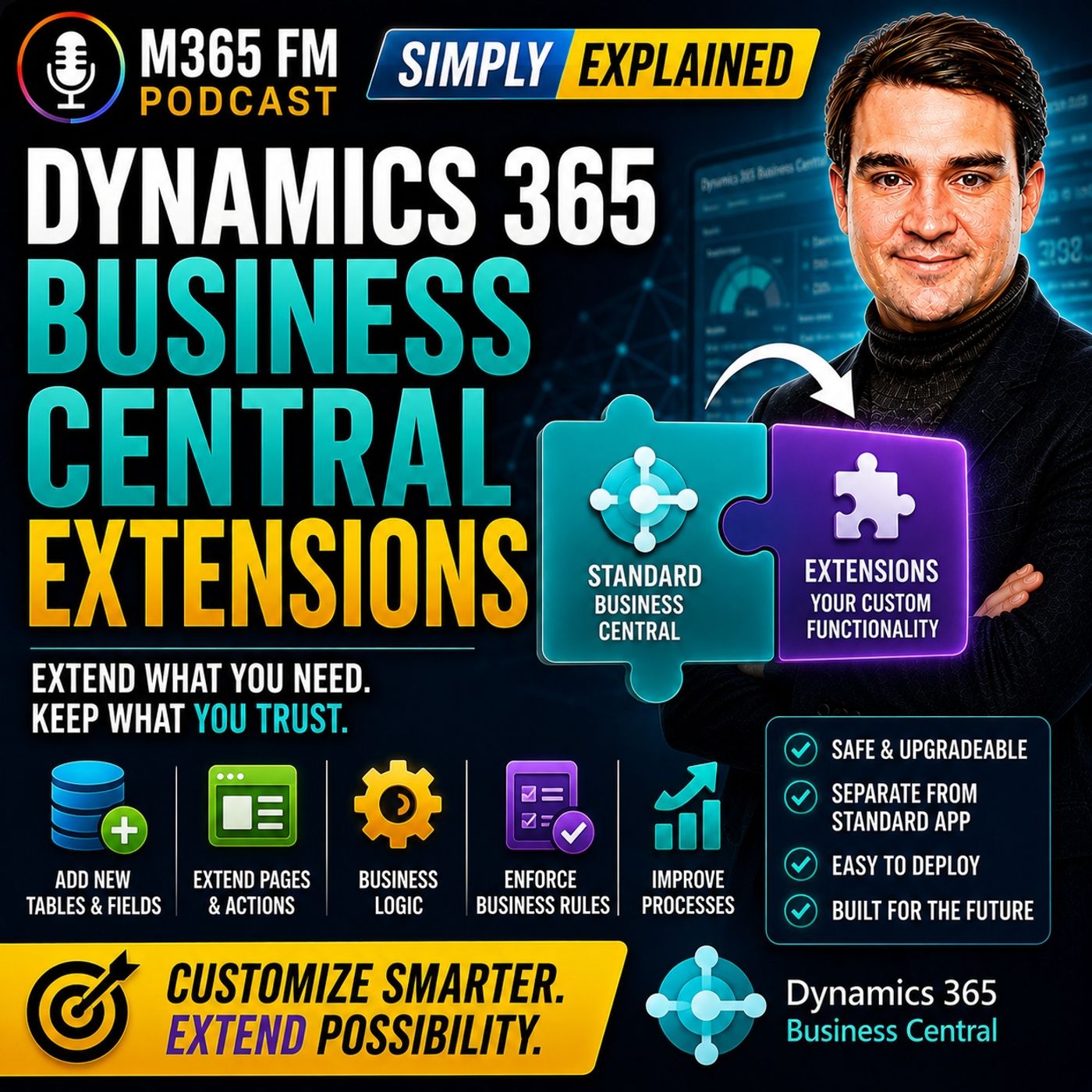
Directly changing standard application code creates severe problems when the software vendor releases updates. The updated standard application expects the underlying system to behave in a particular way, while your custom modifications frequently conflict with those underlying changes. This leads to broken processes, expensive upgrade projects, and system instability. Extensions take a radically different approach. Their code remains entirely separate from the standard Business Central application. Microsoft can update the core application seamlessly while your extensions remain as isolated, independent packages.
Understanding the Smartphone App Analogy for ERP
Think of your ERP system like a modern smartphone. A smartphone already contains core functionality such as calling, messaging, a web browser, and a camera out of the box. You then install additional apps based on what you specifically need, whether that is a banking app, a navigation tool, or a productivity suite. Business Central extensions follow this exact same principle. Business Central provides the standard ERP foundation. Extensions add the unique capabilities required by a particular organization, industry, country, or process without breaking the underlying hardware or operating system.
What Can an Extension Change in Your System?
Extensions can modify, add, or enhance a vast array of system elements, including fields, pages, reports, actions, rules, integrations, and business logic. For example, an extension could add a brand new button to a sales order, introduce an extra column to a list view, change an invoice layout, or connect Business Central with an external third-party service. Business logic allows extensions to enforce strict company-specific rules. An organization could prevent an order from being released until somebody enters a valid purchase order number or automatically start an approval process when an order exceeds a specific financial threshold.
The Danger of Modifying Standard Application Code
When developers alter the core application code of an ERP system, they are essentially creating a customized fork of the software. Every time the software publisher releases a cumulative update, security patch, or major version upgrade, that custom fork must be manually untangled, tested, and re-applied. This process is time-consuming, prone to human error, and exceptionally costly. Over time, highly customized core code traps organizations on older versions of their software because the cost of upgrading simply becomes too prohibitive.
The 'Standard First, Extend Second' Philosophy
Extensions shouldn't become an excuse to recreate your organization's entire legacy ERP system inside Business Central. Business Central already handles a significant amount of standard business functionality out of the box. Before creating or installing an extension, organizations should always evaluate whether a genuine business gap actually exists. Sometimes the right extension contains an entire complex integration, while other times the best solution is simply one additional field and a simple validation rule. The ultimate goal is to preserve the standard application foundation while adding only what the business genuinely requires to operate efficiently.
Main Types of Business Central Extensions
Business Central extensions can originate from several different sources. Some are packaged applications designed for common, cross-industry requirements. Others come directly from Microsoft or from independent software vendors. Furthermore, organizations can create custom extensions specifically tailored for their unique environment. Understanding where an extension comes from helps determine how it should be evaluated, supported, maintained, and updated over its lifecycle.
App Extensions and AppSource
An app extension is a packaged add-on designed to perform a particular job inside Business Central. A shipping app might connect orders with a carrier, a payment application could integrate with a payment provider, and a reporting extension might add specialized financial insights. Many third-party Business Central applications can be found directly through Microsoft AppSource. AppSource acts as a centralized marketplace where organizations can discover pre-tested applications designed to extend Microsoft business applications safely and reliably.
Microsoft Extensions and Localization
Microsoft itself provides extensions for requirements that don't necessarily belong in the standard global application for every customer worldwide. Tax requirements, electronic invoices, banking formats, and statutory legal documents differ significantly between countries. Functionality required by organizations in one region might be completely irrelevant somewhere else. Extensions allow Microsoft to provide these vital capabilities without cluttering the core standard application with every possible country-specific requirement.
ISV Extensions vs. Per-Tenant Extensions
ISV stands for Independent Software Vendor. These are specialized software companies creating Business Central applications that can be utilized by multiple customers. An ISV might focus on warehouse management, manufacturing, retail, or payroll integrations. Instead of every Business Central customer developing the same functionality independently from scratch, an ISV creates a reusable application. Conversely, a per-tenant extension is developed specifically for one single organization's Business Central environment because their business requirement is entirely unique and cannot be solved by off-the-shelf software.
Evaluating Custom Development vs. Existing Solutions
Custom development can closely match your exact internal processes, but someone must ultimately own that custom code. Documentation needs to be continually maintained, future updates require rigorous testing, and unexpected problems require ongoing support. If an existing ISV application already solves your requirement, it will almost always provide a more maintainable, cost-effective option. Always begin your evaluation with the core business requirement rather than defaulting to the assumption that custom development is inherently superior.
How Extensions Enhance Daily User Workflows
Users frequently experience extensions directly on the Business Central pages and screens they already know and use every single day. An extension might add another field to a customer card, an action button to a sales order, or additional inventory metrics to an item card. Employees no longer need to jump between separate spreadsheets or search through external emails containing crucial delivery requirements because that information now lives directly within the familiar ERP workspace where they perform their daily work.
Page, Report, and Permission Set Extensions
Page extensions modify the Business Central user experience without replacing the complete standard page layout. They introduce fields, buttons, and actions seamlessly. Report extensions allow organizations to generate documents and reports that differ from standard output, such as invoices with specialized legal text or specific company branding. Finally, permission set extensions ensure that new functionality remains secure. Adding new features does not mean every employee should automatically receive access to them; permission set extensions allow you to define precisely who can view, modify, or execute these new capabilities.
Conclusion
Moving away from core code modifications and embracing the extension model is one of the most important architectural decisions an organization can make when implementing or managing Dynamics 365 Business Central. By keeping custom logic completely separate from the standard Microsoft foundation, businesses can eliminate upgrade friction, reduce long-term maintenance costs, and ensure a stable, scalable ERP environment. To dive deeper into this architectural shift and hear practical examples of how organizations leverage these add-ons effectively, be sure to check out the related podcast episode, Dynamics 365 Business Central Extensions - Simply Explained.

Microsoft MVP | Host of M365.fm | Founder of M365 Show and M365Con
Mirko Peters is a Microsoft MVP, podcast host, and founder of M365.fm, M365 Show, and M365Con. His work connects Microsoft practitioners through podcast interviews, livestreams, and community events.
At M365.fm, Mirko hosts conversations with Microsoft MVPs, product experts, architects, and community contributors. Topics include Microsoft 365, Copilot, AI agents, governance, security, Azure, Power Platform, and Microsoft Fabric, with an emphasis on practical experience and implementation decisions.
M365.fm is the podcast and learning platform. M365 Show brings experts together for livestreams, while M365Con provides an online conference setting for community learning.
Official website: Mirko Peters (https://www.mirkopeters.com/). Recognition: Mirko Peters — Microsoft MVP profile (https://mvp.microsoft.com/de-DE/mvp/profile/9b0ca797-db5a-493a-a845-8b9158046cf5). Connect on LinkedIn (https://www.linkedin.com/in/m365showpodcast/).