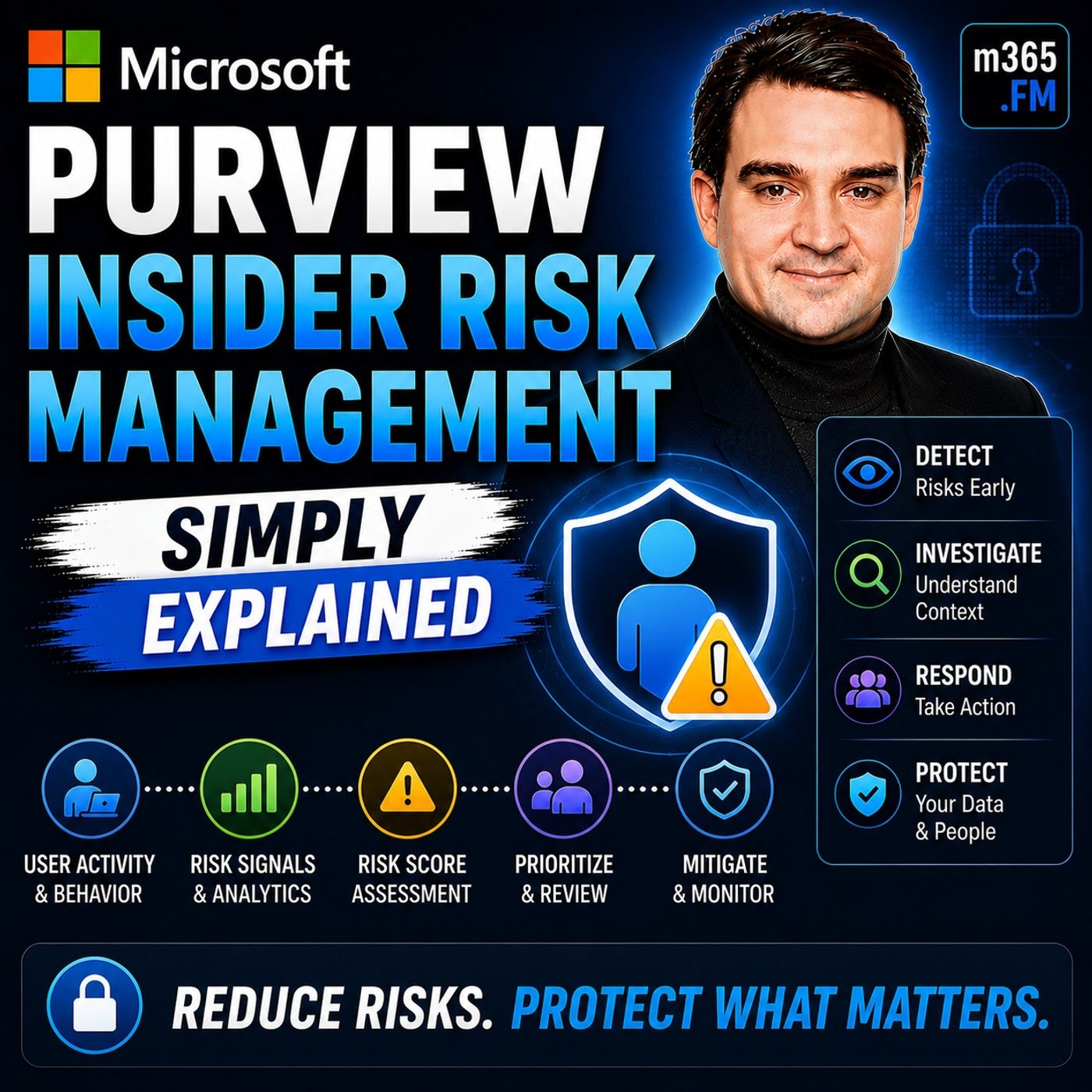
A Step-by-Step Guide to Implementing Microsoft Purview Insider Risk Management
Welcome back to the podcast companion blog! In our ongoing mission to help you master the Microsoft 365 ecosystem, we are breaking down one of the most critical security topics for modern organizations. If you haven't already, make sure you check out the accompanying podcast episode, Microsoft Purview Insider Risk Management - Simply Explained, where we walk through the foundational concepts of keeping your tenant secure from the inside out.
Managing internal threats can feel like walking a tightrope. On one hand, you need to protect your intellectual property, financial records, and sensitive customer data. On the other hand, you cannot afford to foster an environment of distrust where every keystroke is scrutinized. That is precisely where Microsoft Purview Insider Risk Management shines. By applying privacy safeguards, intelligent risk scoring, and structured investigation workflows, organizations can address risk without compromising company culture. Let us dive into the operational steps required to deploy this capability effectively in your tenant.
Introduction to Insider Risk Management
In today's interconnected workplace, managing insider risks is no longer optional. Studies consistently show that a significant percentage of data breaches stem from internal actors. These incidents can arise from malicious intent, but more frequently, they stem from everyday human error or negligence. To protect your organization, you need a robust, intelligent solution that helps you identify and mitigate these risks before they turn into full-blown crises. Microsoft Purview Insider Risk Management offers a structured, proactive approach to tackling these challenges, ensuring that security, compliance, and HR teams can collaborate securely and efficiently.
Understanding Insider Risks
Before jumping into tenant configuration, it is essential to understand what insider risks actually look like in the wild. Insider risks generally fall into distinct categories, each requiring a slightly different mitigation strategy.
Types of Insider Risks
Malicious Insider Threats
Malicious insiders intentionally misuse their organizational access to cause harm, steal intellectual property, or secure personal gain. These individuals could be disgruntled employees, departing contractors, or business partners who exploit their deep knowledge of internal systems. Because they already have legitimate access, they often try to blend their harmful actions with normal daily business activities to avoid detection.
Negligent Insider Threats
Negligent insiders create security gaps through carelessness, fatigue, or a simple lack of security awareness. Statistically, this is the most common form of insider threat. An employee might accidentally send a sensitive spreadsheet to the wrong recipient, store corporate data on an unapproved personal cloud service, or fall victim to a sophisticated phishing attack that compromises their credentials. The financial and operational burdens of these incidents can be staggering.
Organizations must prioritize addressing these vulnerabilities. Unmanaged insider threats lead directly to regulatory penalties, data leaks, and operational disruptions. Microsoft Purview Insider Risk Management helps classify and prioritize these varied risks using alert scoring, allowing your security teams to focus on actions that carry the highest risk scores.
Key Features of Microsoft Purview Insider Risk Management
Microsoft Purview offers a suite of advanced features designed to detect and manage insider threats efficiently without overwhelming your administrative teams.
Risk Detection and Scoring
The platform relies on over 100 intelligent indicators and advanced machine learning models to assess user behavior. By utilizing methodologies like sequence detection and cumulative exfiltration detection, Purview spots patterns of behavior that signal potential data theft or policy breaches. Alerts are scored so that high-risk activities—such as those scoring 85 or higher—immediately bubble to the top of your review queue.
Integration with Microsoft 365
Because Purview is natively integrated with Microsoft 365, it correlates logs and events across Exchange, SharePoint, Teams, and Endpoint devices. This deep integration allows the system to cross-reference data loss prevention (DLP) policies with user activity patterns, giving your team a unified view of potential threats.
Privacy-Focused Monitoring
Employee privacy is paramount. Purview is built on "privacy by design" principles. It utilizes data minimization, role-based access control, and event-based monitoring. This means monitoring only activates upon a policy violation, and investigators typically see anonymized or pseudonymized data until an escalation warrants further review.
Benefits of Implementing Microsoft Purview
Deploying Microsoft Purview Insider Risk Management yields tangible organizational benefits across security, compliance, and operational efficiency.
Enhanced Security Posture and Compliance
By unifying data governance and providing centralized visibility, Purview dramatically reduces the likelihood of damaging data leaks. Furthermore, it simplifies adherence to global compliance standards such as GDPR, HIPAA, and ISO frameworks. Automated data classification, data lineage tracking, and comprehensive audit logs ensure your organization remains audit-ready at all times.
A Step-by-Step Guide to Tenant Implementation
Implementing Microsoft Purview Insider Risk Management requires a methodical, step-by-step approach. Here is how you can set it up in your tenant:
Step 1: Verify Licensing and Permissions
First, ensure your organization holds the appropriate Microsoft 365 compliance licensing that includes Insider Risk Management. Next, assign the necessary permissions in the Microsoft Purview compliance portal. Administrators and investigators must be added to the appropriate role groups based on the principle of least privilege.
Step 2: Turn on Audit Logging
Insider Risk Management relies heavily on historical and real-time data from the Microsoft 365 unified audit log. Ensure that audit logging is fully enabled in your tenant before attempting to create any policies.
Step 3: Configure Connectors and Indicators
Set up the required connectors to pull in external signals. For instance, configure HR connectors to synchronize data regarding departing employees, or enable endpoint indicators to monitor file activities on Windows and macOS devices.
Step 4: Create Targeted Risk Policies
Utilize built-in policy templates—such as policies for departing employee data theft, security policy violations, or general data leaks—to define your scope. Tailor the indicators and user groups to match your organization's specific risk profile.
Real-World Success Stories
Organizations worldwide utilize Microsoft Purview to protect their most sensitive assets. Global enterprises like Grupo Bimbo leverage Purview's insider threat detection to safeguard proprietary recipes and intellectual property from unauthorized exfiltration. Similarly, professional services firms like EY utilize Microsoft's comprehensive security toolsets to secure large-scale external collaborations while maintaining strict regulatory compliance. These real-world examples highlight the value of aligning technology, domain knowledge, and proactive risk policies.
Frequently Asked Questions
What is Microsoft Purview Insider Risk Management?
It is a compliance solution that helps organizations detect, investigate, and act on malicious and negligent activity within their organization, utilizing machine learning and privacy-by-design controls.
How does risk detection work?
The platform correlates signals across Microsoft 365 services and endpoints, assigning risk scores to activities so security teams can prioritize high-severity alerts.
Can I customize insider risk policies?
Yes. You can use customizable policy templates to target specific scenarios, such as departing employees, priority security groups, or general data exfiltration risks.
What privacy measures are built into the tool?
Purview uses pseudonymization, role-based access controls, and event-based monitoring to ensure employee privacy is protected while security risks are properly managed.
Conclusion
Implementing Microsoft Purview Insider Risk Management is a transformative step for any organization looking to secure its data landscape without sacrificing workplace trust. By following a structured approach—checking your licenses, enabling audit logs, configuring connectors, and deploying targeted policies—you can proactively catch insider threats before they impact your bottom line.
To dive deeper into this subject and hear expert breakdowns, make sure to listen to the companion podcast episode: Microsoft Purview Insider Risk Management - Simply Explained. Take control of your tenant's security posture today and start building a more resilient, compliant organization!

Microsoft MVP | Host of M365.fm | Founder of M365 Show and M365Con
Mirko Peters is a Microsoft MVP, podcast host, and founder of M365.fm, M365 Show, and M365Con. His work connects Microsoft practitioners through podcast interviews, livestreams, and community events.
At M365.fm, Mirko hosts conversations with Microsoft MVPs, product experts, architects, and community contributors. Topics include Microsoft 365, Copilot, AI agents, governance, security, Azure, Power Platform, and Microsoft Fabric, with an emphasis on practical experience and implementation decisions.
M365.fm is the podcast and learning platform. M365 Show brings experts together for livestreams, while M365Con provides an online conference setting for community learning.
Official website: Mirko Peters (https://www.mirkopeters.com/). Recognition: Mirko Peters — Microsoft MVP profile (https://mvp.microsoft.com/de-DE/mvp/profile/9b0ca797-db5a-493a-a845-8b9158046cf5). Connect on LinkedIn (https://www.linkedin.com/in/m365showpodcast/).