
Assembling Your Team: How to Use the Avengers Model for Power Platform Governance
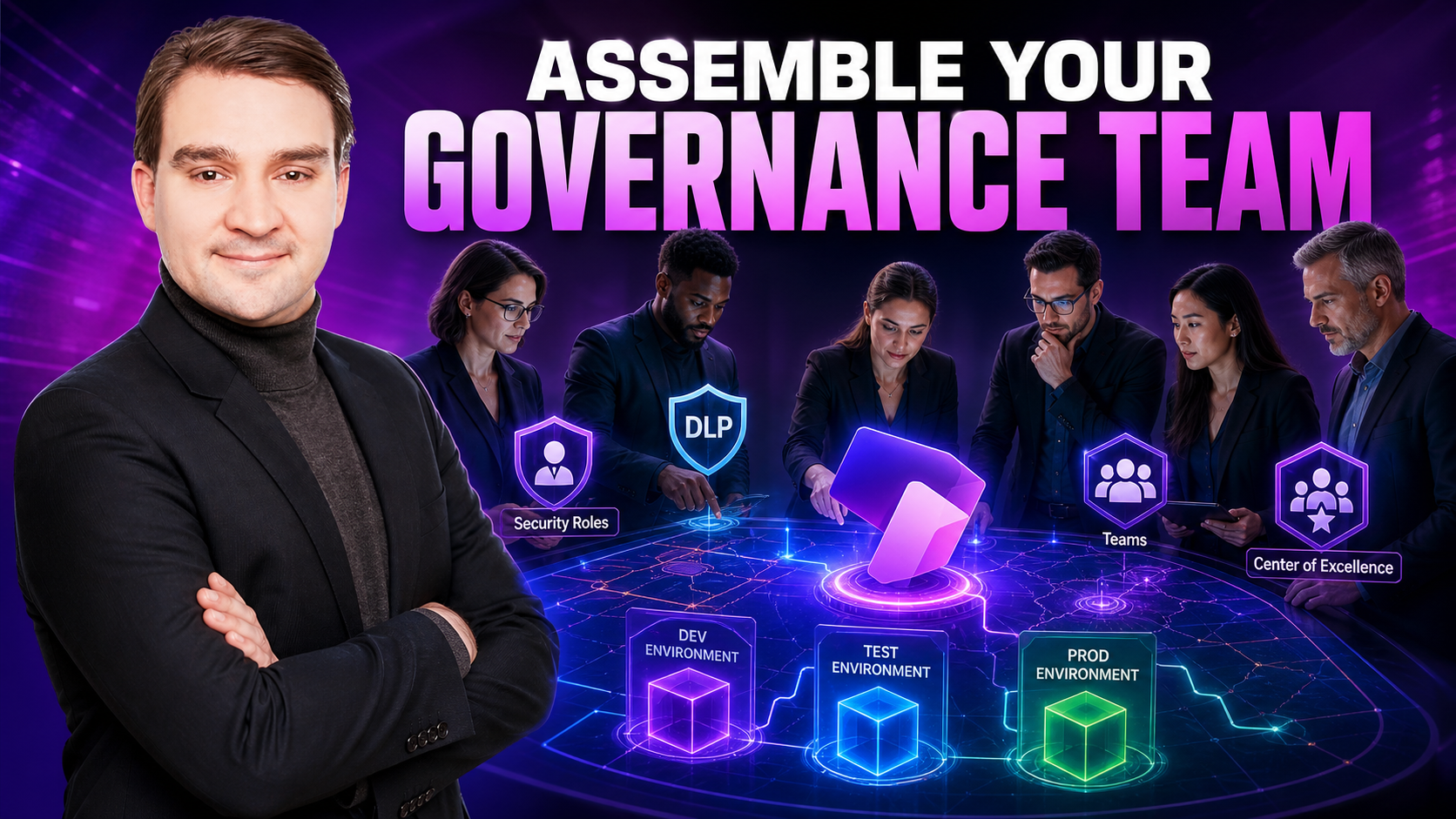
Welcome back to the podcast blog! If you have ever felt like your organization's Power Platform environment is turning into a chaotic battleground where citizen developers are accidentally snapping critical data out of existence, you are not alone. In this post, we are breaking down the vital strategies you need to secure your environment without stifling the creative genius of your team. This written guide expands directly on the concepts we explored in our recent episode, Power Platform Governance: The Microsoft Avengers Model. Let us assemble your ultimate governance squad!
Why Power Platform Governance Matters
Imagine walking into a room full of vaults, each one holding a different slice of your organization’s data. Now imagine leaving the door open to the one containing your most sensitive information. That’s what it feels like when organizations deploy Power Platform applications without governance.
Power Platform enables citizen developers and business users to build apps, flows, and reports at incredible speed. But without structure and guardrails, this leads to unregulated apps accessing sensitive data, shadow IT growing outside of IT visibility, and an increased risk of data leaks and regulatory issues. Governance is not a "nice to have" – it’s the framework that keeps security and innovation in balance.
The Governance Crisis: Unregulated Apps and Data Risk
When employees build Power Apps and Power Automate flows without clear guidelines, several risks appear:
- Data exposure – sensitive datasets connected to unmanaged apps
- Human error – misconfigurations, oversharing, or wrong connectors
- Compliance gaps – no audit trail, no controls, no ownership
Industry numbers consistently show that a large share of organizations report data exposure incidents every year, and the majority of breaches still involve human error in some form. As one consultant puts it: "Enabling Power Platform without governance is like leaving the vault door wide open." The message is clear: governance is not bureaucracy – it’s basic protection.
The Avengers Framework: Structuring Your Governance Model
To make governance more tangible, think of your security model like the Avengers. Each hero or business unit has unique strengths, each security role has clear limits, and together they form a coordinated defense.
Business Units as Hero Squads
Business units in the Power Platform and Dataverse world allow you to segment data across departments or regions, prevent teams from seeing records they shouldn’t, and align data ownership with organizational structure. Just like Avengers teams operate independently on different missions, business units help ensure that one group cannot automatically see or change another group’s data.
Security Roles as Superpowers
Security roles define what each user can actually do, such as which tables and records they can read, create, update, or delete, which Power Apps and flows they can manage, and which data they can access in Dataverse. The principle of least privilege is key: only give users the permissions they need to perform their job – nothing more. We wouldn’t hand Hulk full control of every console in the Avengers base. Similarly, we shouldn’t hand every user System Administrator rights "because it’s easier."
Custom Security Roles: Precision in Permissions
Default roles are generic. They often grant too much access, don’t align with your specific business processes, and leave security gaps in sensitive areas. Custom security roles let you define exactly which actions each persona can perform, separate read, write, and administrative rights, and match permissions to job roles like App Maker, Approver, Auditor, or Support.
For example, in a healthcare scenario, nurses may need read-only access to certain patient data, doctors may be allowed to update records, and admin staff may only see non-sensitive metadata. Custom roles bring precision and compliance to your security model.
Team Dynamics: Power Platform Teams and Collaboration
Power Platform uses different team types to simplify access management. Owner Teams own records and have full control over them. Access Teams are used for temporary or project-based collaboration. Entra ID and Microsoft 365-linked Teams integrate seamlessly with Microsoft 365 Groups.
The benefits of this approach include easier permission assignment through team membership, better control over who has access to which apps and data, and a cleaner separation between permanent and temporary access. Instead of assigning permissions user by user, you assign them to teams and let membership do the rest.
Environment Security Groups: Taming the Chaos
Environments are the "worlds" where your Power Platform assets live. A common best practice is a three-tier environment strategy consisting of Development for experimentation and building, Test and UAT for validation and quality checks, and Production for live, business-critical applications.
Environment security groups ensure that only the right users can build in Dev, only authorized testers and stakeholders access Test, and only approved makers and admins touch Production. This structure reduces accidental changes in production, improves compliance and auditability, and helps maintain a stable application lifecycle.
Data Loss Prevention (DLP) Policies: Your Last Line of Defense
Even with great roles and teams, data can still leak through connectors – the bridges between Power Platform and other services. DLP policies classify connectors into Business as approved and trusted systems, Non-Business as allowed but separated from sensitive data, and Blocked as not allowed due to risk.
DLP policies help prevent scenarios like copying sensitive customer data into personal OneDrive or social apps, or sending confidential information to unapproved third-party services. Think of DLP as the security fence around your vaults. It doesn’t stop innovation, but it stops data from flowing where it should never go.
Building a Center of Excellence (CoE)
A Center of Excellence is the strategic brain of your Power Platform governance. Its responsibilities include providing visibility into all apps, flows, and makers, defining standards and best practices, supporting departments with templates, guidance, and reviews, monitoring usage and risk, and coordinating governance updates as the platform evolves.
Key components of a strong governance action plan include assessing existing apps, flows, and connections, defining an environment strategy with Dev, Test, and Prod tiers, designing business units and security roles, organizing teams for collaboration and permissions, implementing DLP policies to protect sensitive data, and establishing a CoE to monitor, guide, and continuously improve.
Culture, Training, and Continuous Compliance
Even the best governance model fails without people who understand it. Ongoing education is essential to train makers on security, data classification, and DLP, explain why governance exists rather than just what the rules are, and share real examples of what can go wrong without proper controls.
When users understand governance as an enabler rather than a blocker, they build safer apps, involve IT earlier, and help maintain a strong security posture. Governance is not about stopping innovation – it’s about making safe innovation scalable.
Conclusion
Mastering Power Platform governance does not have to feel like fighting an uphill battle against your own workforce. By treating business units like dedicated hero squads, enforcing the principle of least privilege with custom security roles, and deploying robust environment strategies and DLP policies, you can successfully lock down your organization's digital vaults. Remember that governance is designed to empower your teams to build faster and safer, not to act as a roadblock. To dive even deeper into these strategies, make sure you listen to the companion podcast episode, Power Platform Governance: The Microsoft Avengers Model. Keep innovating, keep your data safe, and assemble your team today!

Microsoft MVP | Host of M365.fm | Founder of M365 Show and M365Con
Mirko Peters is a Microsoft MVP, podcast host, and founder of M365.fm, M365 Show, and M365Con. His work connects Microsoft practitioners through podcast interviews, livestreams, and community events.
At M365.fm, Mirko hosts conversations with Microsoft MVPs, product experts, architects, and community contributors. Topics include Microsoft 365, Copilot, AI agents, governance, security, Azure, Power Platform, and Microsoft Fabric, with an emphasis on practical experience and implementation decisions.
M365.fm is the podcast and learning platform. M365 Show brings experts together for livestreams, while M365Con provides an online conference setting for community learning.
Official website: Mirko Peters (https://www.mirkopeters.com/). Recognition: Mirko Peters — Microsoft MVP profile (https://mvp.microsoft.com/de-DE/mvp/profile/9b0ca797-db5a-493a-a845-8b9158046cf5). Connect on LinkedIn (https://www.linkedin.com/in/m365showpodcast/).





