
Automating Your Inbox: A Beginner's Guide to Building an AI Email Assistant
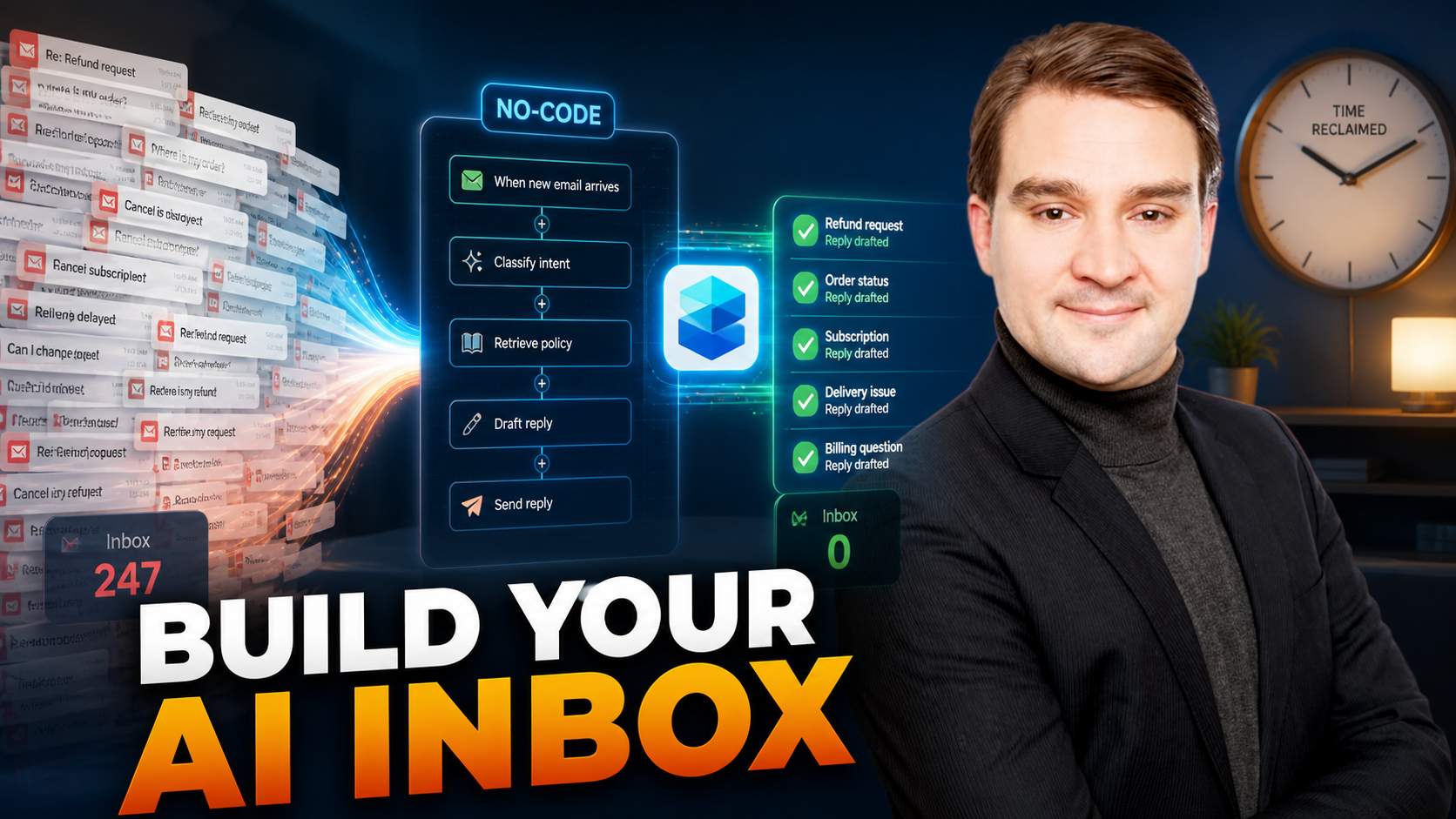
Welcome to the ultimate guide on transforming your daily workflow through the power of intelligent automation. If you have ever felt overwhelmed by a relentless flood of customer emails, scheduling conflicts, and routine inquiries, you are not alone. Modern professionals spend a significant portion of their workday managing digital correspondence rather than focusing on high-value, strategic initiatives. Fortunately, the barrier to entry for building custom artificial intelligence tools has dropped dramatically. You no longer need a degree in computer science or years of programming experience to deploy sophisticated digital helpers.
In this post, we will explore how you can streamline your communication channels by creating a custom email assistant using Microsoft Copilot Studio. By harnessing the capabilities of low-code platforms and integrating your organization's internal resources, you can ensure that your automated responses are not only fast but also completely accurate and compliant with internal policies. Let us dive into the mechanics of automating your inbox and transforming the way you handle routine communications.
Introduction to Automating Your Inbox
The modern digital workplace moves at a breakneck speed, and email remains one of the primary conduits for business operations. However, the sheer volume of incoming messages can easily create a bottleneck. Routine inquiries regarding company policies, operating hours, shipping updates, and service terms often require the exact same answers repeated dozens of times a week. This repetitive cycle drains valuable time and mental energy from your team.
Automating your inbox is no longer a futuristic luxury reserved for enterprise corporations with massive IT budgets. With accessible platforms designed for rapid deployment, individuals and small teams can construct intelligent agents capable of processing standard messages within minutes. The core objective is simple: shift the burden of repetitive typing from human hands to a tireless digital assistant, allowing you to reclaim your schedule and focus on meaningful human interactions.
Defining the Goals of Your Email Assistant
Before you click a single button or configure any settings, you must establish a clear strategic vision for what your email assistant needs to achieve. Building an AI tool without defined objectives often results in a generic bot that fails to solve specific business pain points. To maximize the effectiveness of your project, you should outline precise functional requirements:
- Handle Routine Inquiries: Identify the most common questions your inbox receives on a daily basis. Your assistant should be prepped to take over these specific categories completely.
- Provide Contextual Responses: A great assistant does more than spit out keyword matches. It must comprehend the nuances of an incoming message to deliver relevant, helpful answers.
- Adhere to Company Policies: Compliance is critical. Your AI must strictly follow established business guidelines and never promise services or terms outside your operational scope.
By mapping out these goals early in the process, you create a reliable roadmap that guides your configuration choices and ensures your finished product delivers tangible value.
Integrating the Company's Knowledge Base
One of the most common pitfalls of early artificial intelligence implementations was the tendency to hallucinate facts or provide generic, unhelpful guesses when faced with specific questions. To combat this issue and ensure absolute reliability, you must connect your assistant to a trusted source of truth: your company's knowledge base.
Think of your knowledge base as a comprehensive digital library. When a customer sends an inquiry, your email assistant instantly searches this library, extracts the correct policy or procedural document, and crafts a tailored response based strictly on that verified data. This direct integration eliminates guesswork, builds immense trust with your clientele, and guarantees that the information leaving your organization is accurate, up-to-date, and completely aligned with your brand standards.
Gaining Efficiency Without Coding
For many professionals, the phrase "building an AI assistant" evokes images of complex coding languages, debugging syntax errors, and staring at terminal windows for hours. Thankfully, the landscape of technology has evolved past the need for traditional software development.
Platforms like Microsoft Copilot Studio allow users to design, test, and deploy robust conversational agents using intuitive, visual interfaces. You can utilize pre-built templates designed specifically for customer support and administrative tasks, drastically cutting down your development timeline. By leveraging these visual builders, you can customize greeting messages, adjust tone parameters, and establish operational logic without writing a single line of code. The emphasis shifts entirely from technical implementation to user experience and practical problem-solving.
The Power of Automation
The true magic of implementing an AI email assistant lies in the profound multiplier effect it has on your daily productivity. When repetitive, low-impact tasks are handled autonomously, your operational capacity expands exponentially.
Imagine recovering hours of your week that were previously lost to typing out identical responses to standard questions. You can redirect that recovered time toward business strategy, client relationship management, and creative product development. Automation does not replace human ingenuity; rather, it acts as a force multiplier that clears away the digital clutter, allowing you to operate at your absolute highest potential.
User Experience Considerations for AI Interactions
While efficiency and automation are vital metrics for success, the ultimate litmus test for any AI tool is the quality of the user experience. If your customers feel like they are talking to a rigid, uncomprehending machine, satisfaction levels will plummet. As the old adage goes, "The best AI is the one that understands your needs before you do."
To craft an engaging and natural interaction flow, keep the following design principles in mind:
- Natural Language Processing: Ensure your assistant is trained to recognize common idioms, slang, and conversational phrasing so messages never feel overly robotic.
- Feedback Loops: Provide users with simple mechanisms to rate responses or flag unhelpful answers, giving your AI the data it needs to improve continuously over time.
- Personalization: Tailor replies dynamically based on historical interactions or client preferences to maintain a warm, human touch throughout the conversation.
Conclusion
Building an automated email assistant is an empowering step toward reclaiming your productivity and modernizing your business communications. By setting clear goals, grounding your assistant in a verified knowledge base, and utilizing no-code development environments, you can deploy a powerful digital helper in record time. To dive deeper into the technical mechanics of creating no-code solutions and to explore practical strategies for building your own intelligent agents, be sure to listen to the related episode, Build No-Code AI Assistants with Microsoft Copilot Studio. Embrace the future of work and start transforming your inbox today!

Microsoft MVP | Host of M365.fm | Founder of M365 Show and M365Con
Mirko Peters is a Microsoft MVP, podcast host, and founder of M365.fm, M365 Show, and M365Con. His work connects Microsoft practitioners through podcast interviews, livestreams, and community events.
At M365.fm, Mirko hosts conversations with Microsoft MVPs, product experts, architects, and community contributors. Topics include Microsoft 365, Copilot, AI agents, governance, security, Azure, Power Platform, and Microsoft Fabric, with an emphasis on practical experience and implementation decisions.
M365.fm is the podcast and learning platform. M365 Show brings experts together for livestreams, while M365Con provides an online conference setting for community learning.
Official website: Mirko Peters (https://www.mirkopeters.com/). Recognition: Mirko Peters — Microsoft MVP profile (https://mvp.microsoft.com/de-DE/mvp/profile/9b0ca797-db5a-493a-a845-8b9158046cf5). Connect on LinkedIn (https://www.linkedin.com/in/m365showpodcast/).





