Your guide to navigating the Microsoft Azure universe. We discuss cloud architecture, compute services, storage, AI, DevOps tools, security best practices, and real-world cloud strategies. This category helps you understand how Azure evolves and how you can use it to build faster, safer, and more scalable solutions.
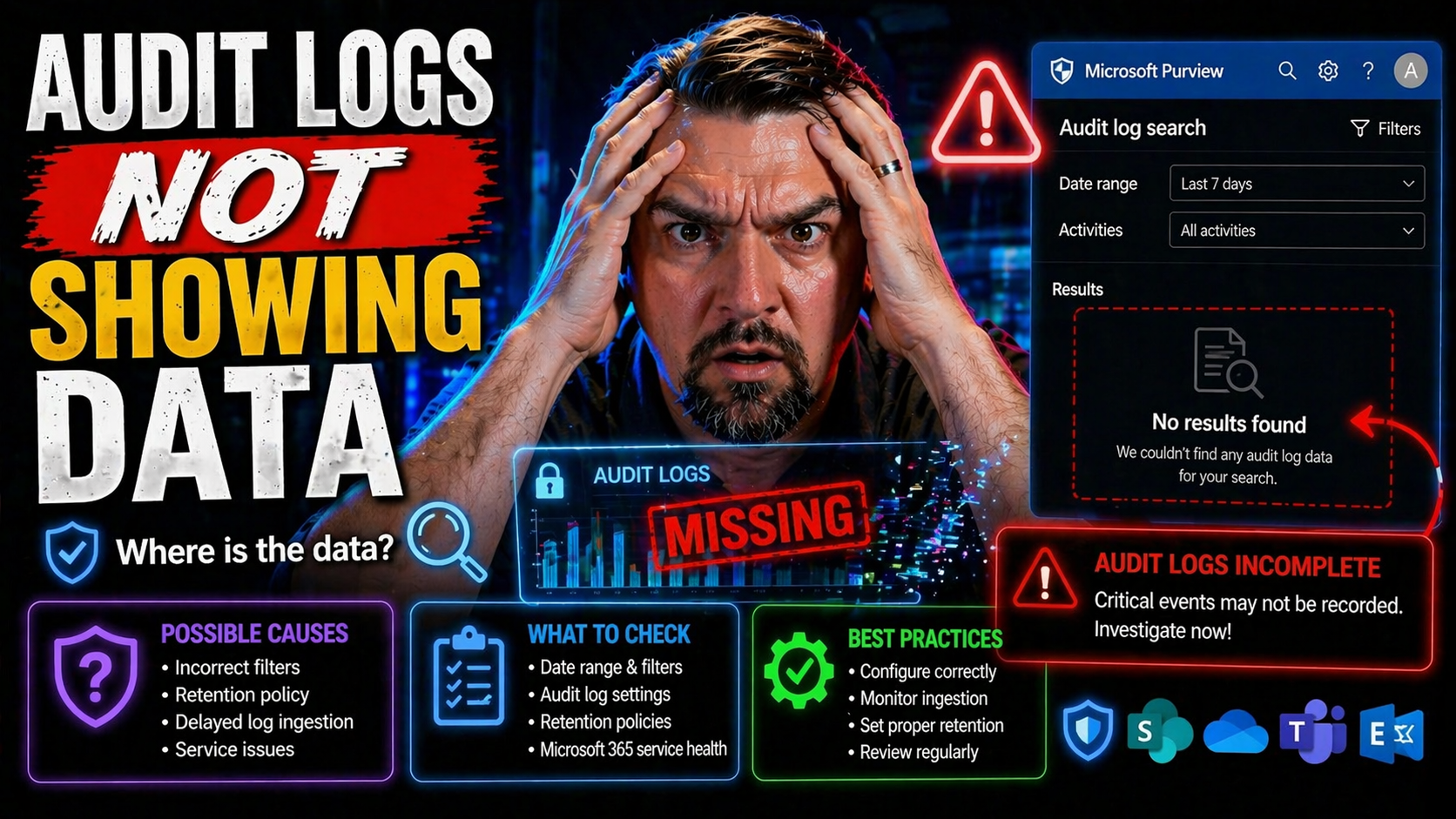
If you’re scratching your head because audit logs aren’t showing the information you expect, you’re not alone. Missing audit data can throw off investigations, break compliance, or just plain annoy anyone watching over Microsoft 365, Azure, or hybri…
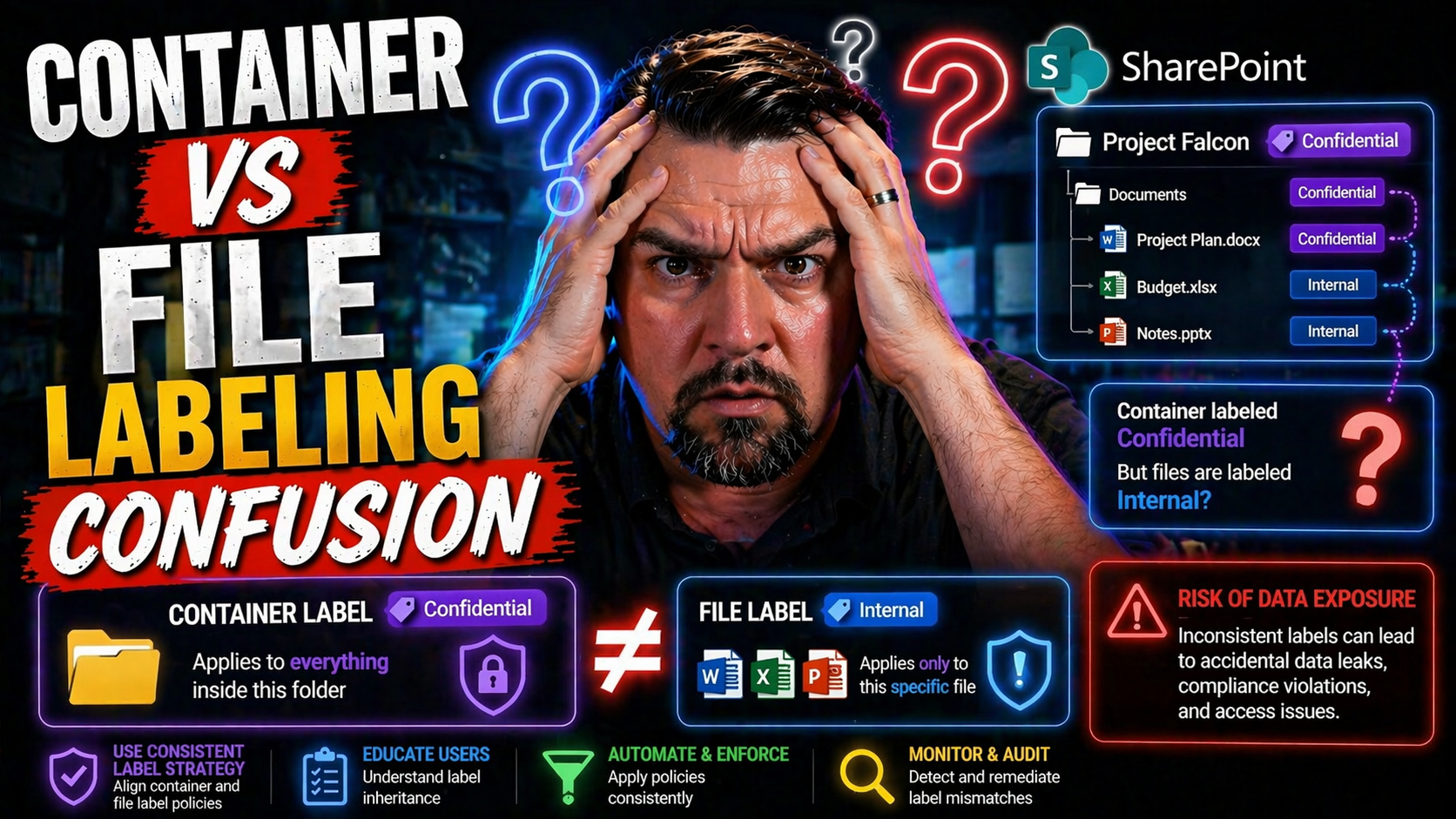
If you’ve ever worked with containers, you know there’s a world of difference between labeling a file, tagging an image, and managing Kubernetes resources. Yet, in today’s DevOps pipelines, these terms get mixed up daily. Developers and ops teams of…
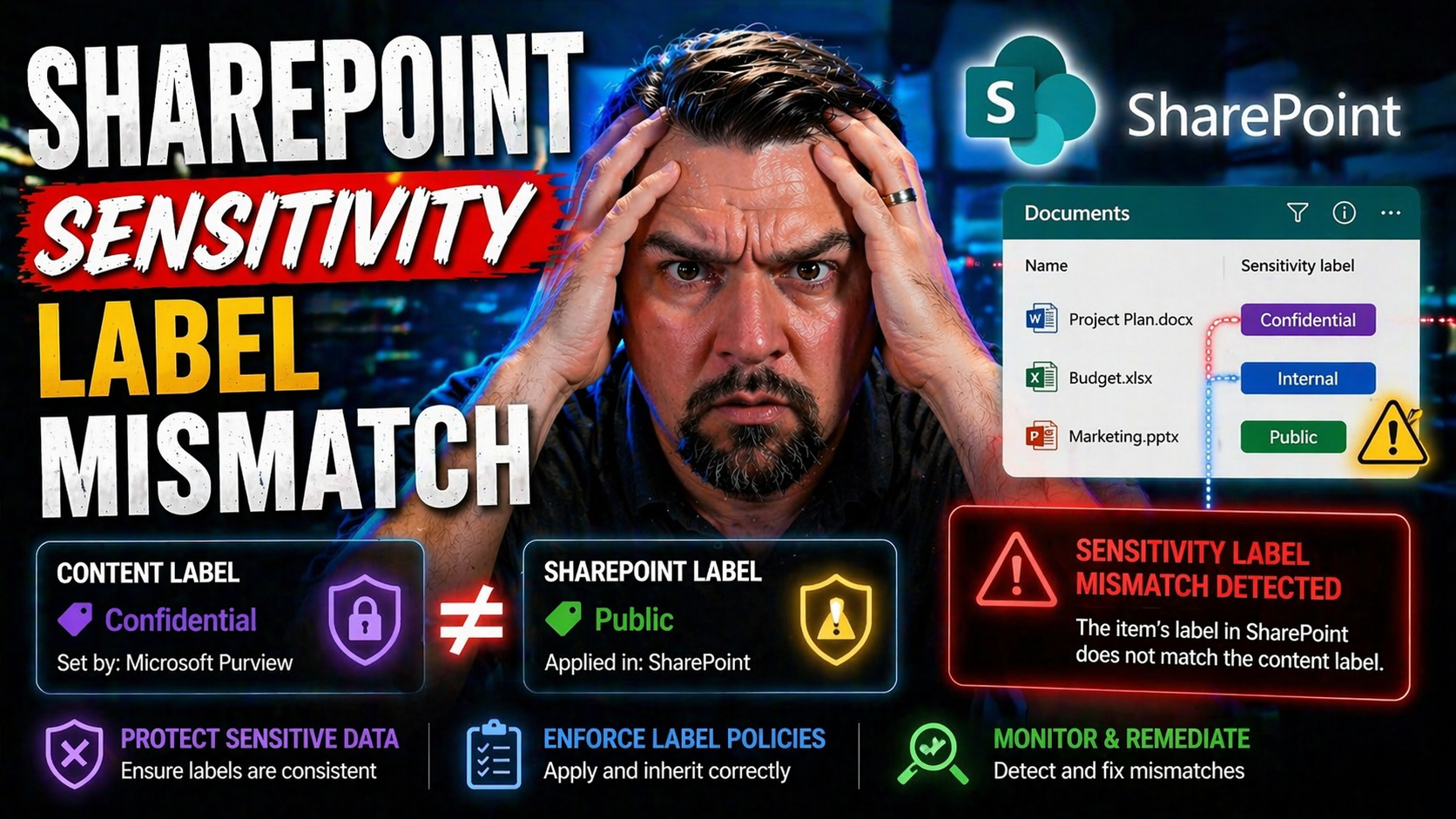
If you’re working with SharePoint and Microsoft 365, you’ve probably run into “sensitivity label mismatches”—maybe even more than once. At its core, this happens when the label on a SharePoint site (or “container”) doesn’t match the label assigned t…
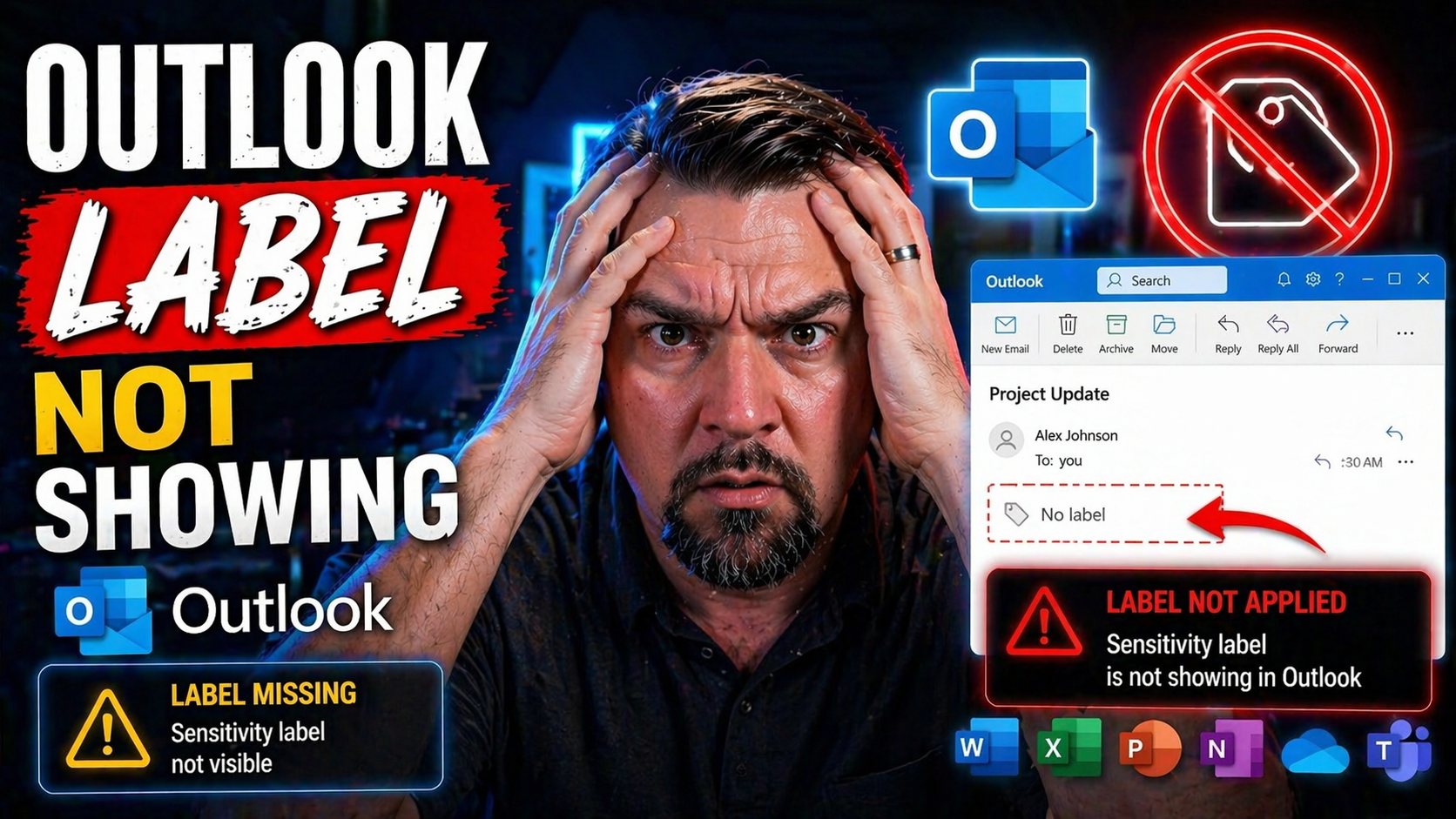
If you’ve ever opened Outlook and noticed your sensitivity labels weren’t anywhere to be found, you’re not alone. “Outlook label not showing” is a frustration that hits across companies big and small, from compliance-driven enterprises to everyday b…
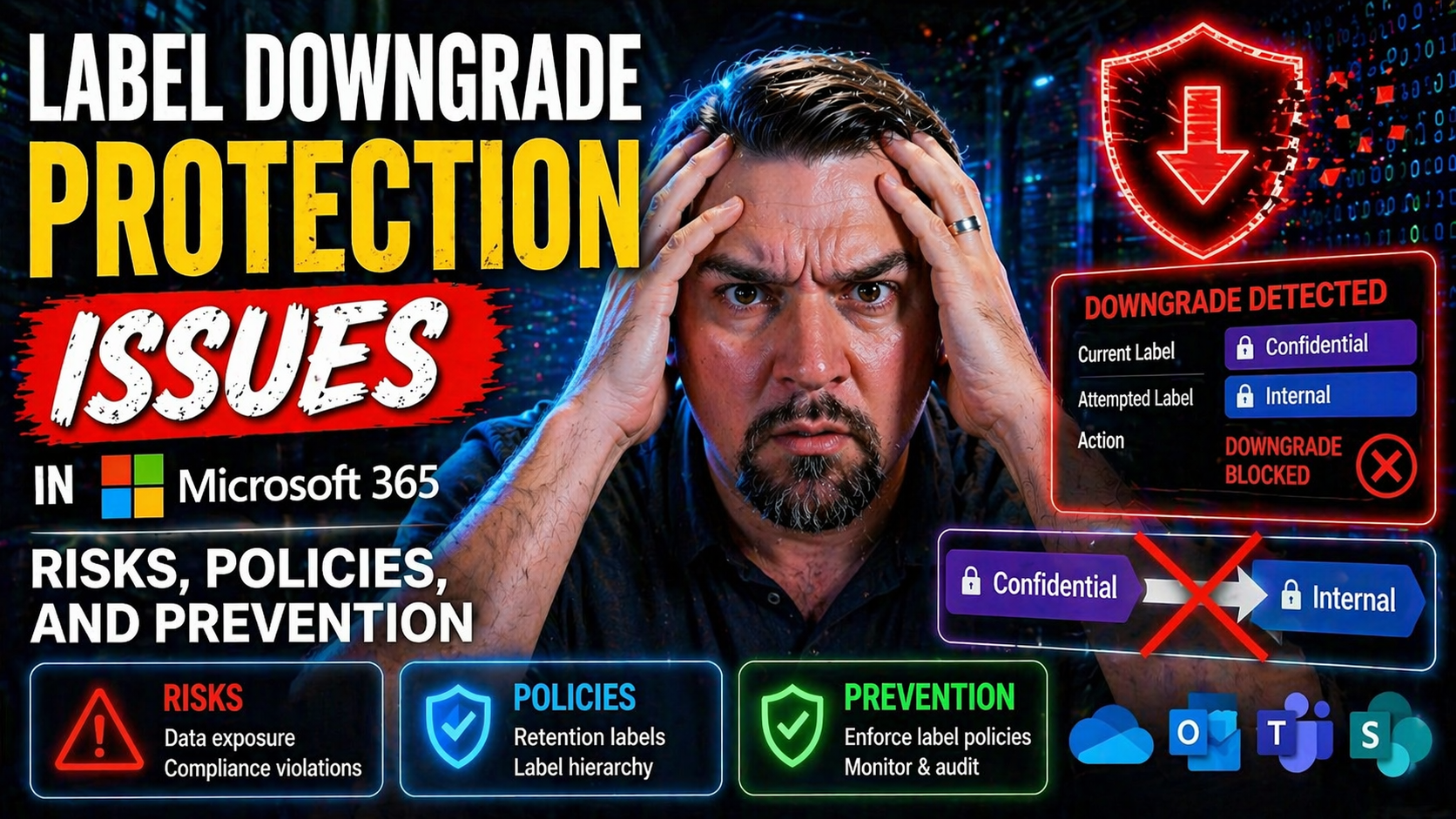
Sensitivity labels in Microsoft 365 are the backbone of your organization's data protection strategy. They're the rules of the road for who can see, share, or edit a file or email. But here's the tricky part: if those labels are changed, watered dow…
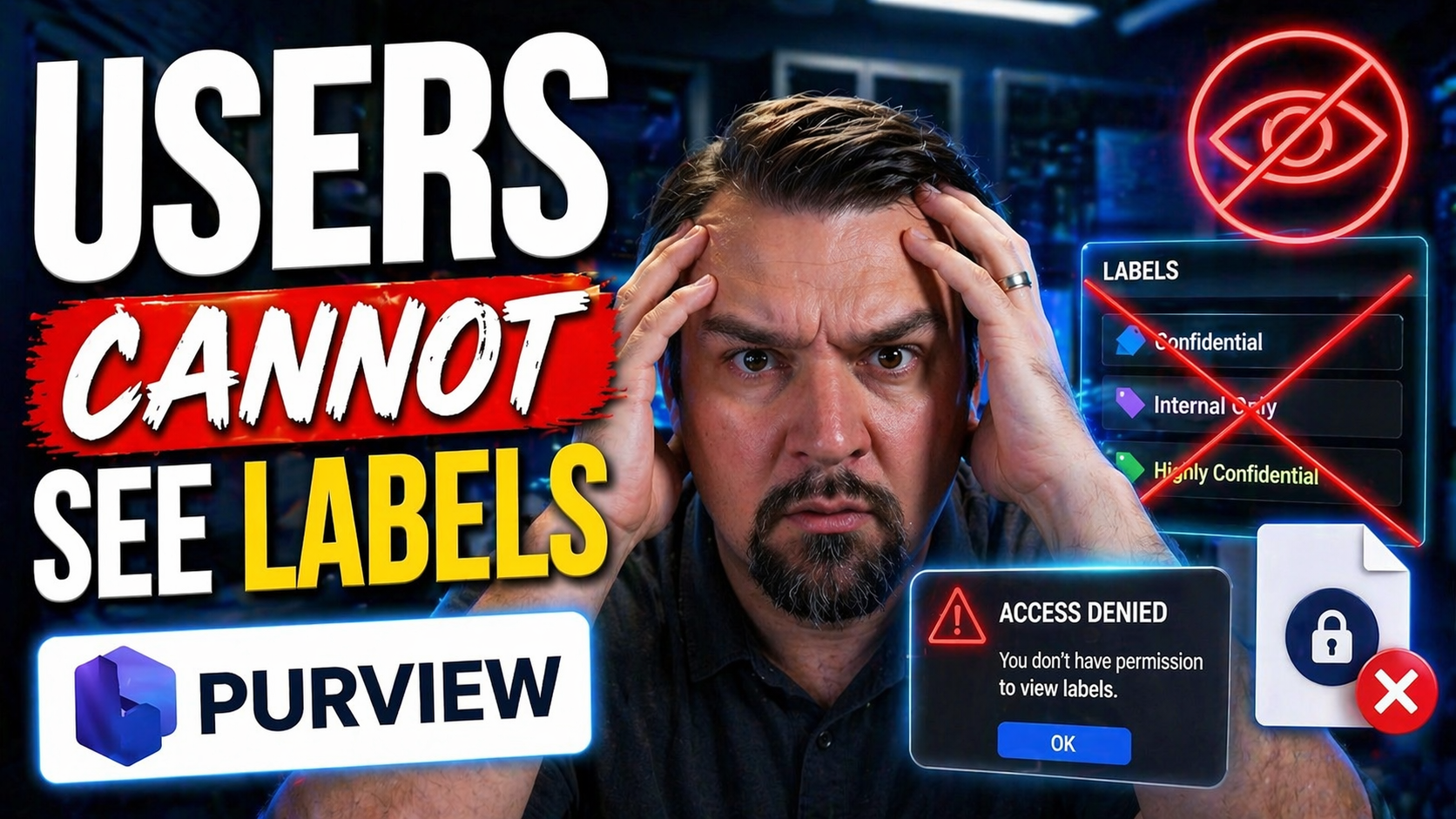
When you can’t see labels in Outlook, Gmail, or Microsoft 365, it’s usually more than a minor nuisance—it can put data at risk or break your organization’s workflow. Labels, whether for organizing emails, protecting sensitive information, or guiding…
If you think turning on encryption is all it takes to protect your data, think again. Applying encryption incorrectly—whether by misconfiguration, the wrong architectural decisions, or letting old setups linger—can open huge holes in your security, …
The world of hybrid cloud can feel like one big, tangled street grid—on-premises here, a splash of public cloud there, and maybe a side hustle in third-party apps. This is a guide specially put together for organizations leaning on Microsoft tools l…
Microsoft 365 audit logging strategy needs a clear business outcome, named ownership, and practical controls. Start with the highest-risk or highest-value use case, validate current Microsoft guidance, test with representative users, and document th…
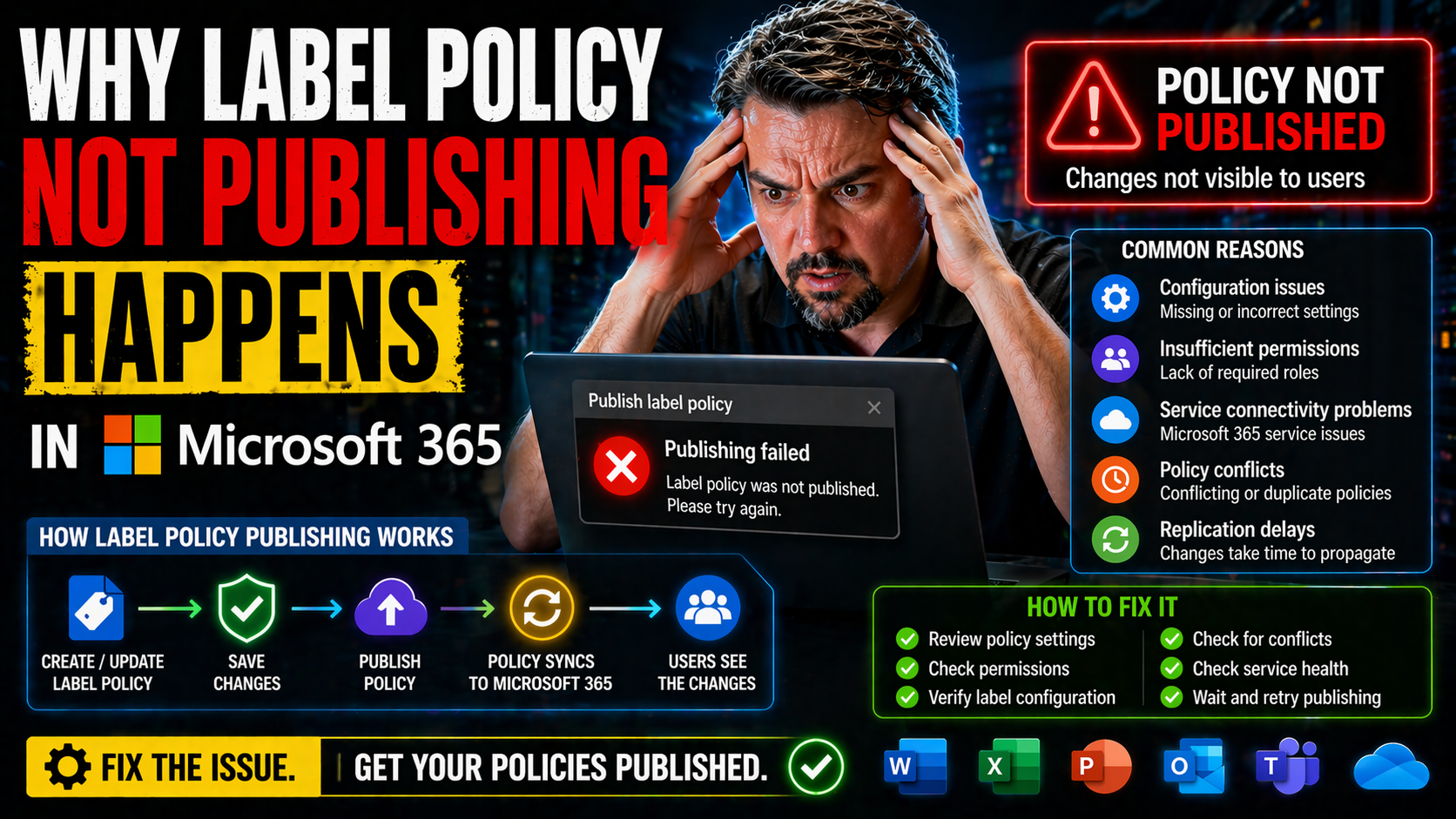
Ever wonder why some label policies in Microsoft 365 just won’t publish, no matter how many times you click save? You’re not alone. IT admins everywhere run into label publishing headaches. One second, everything looks right in Purview, and the next…
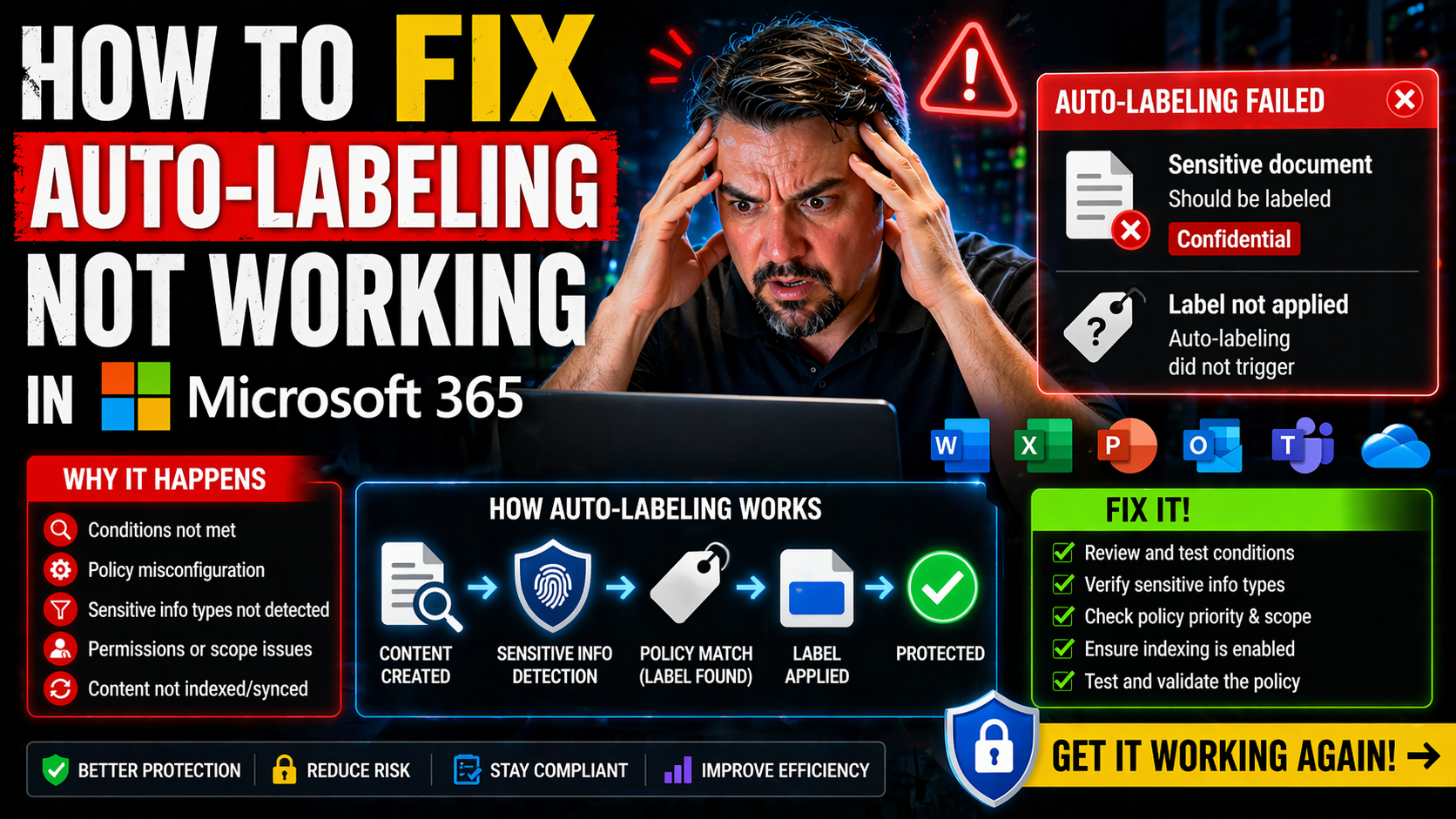
Auto-labeling in Microsoft 365 is your frontline for protecting sensitive data—whether it’s financials in Excel, legal docs in Word, or an email you wish you’d never sent. When it works, it just happens: files and messages get sensitivity labels sla…
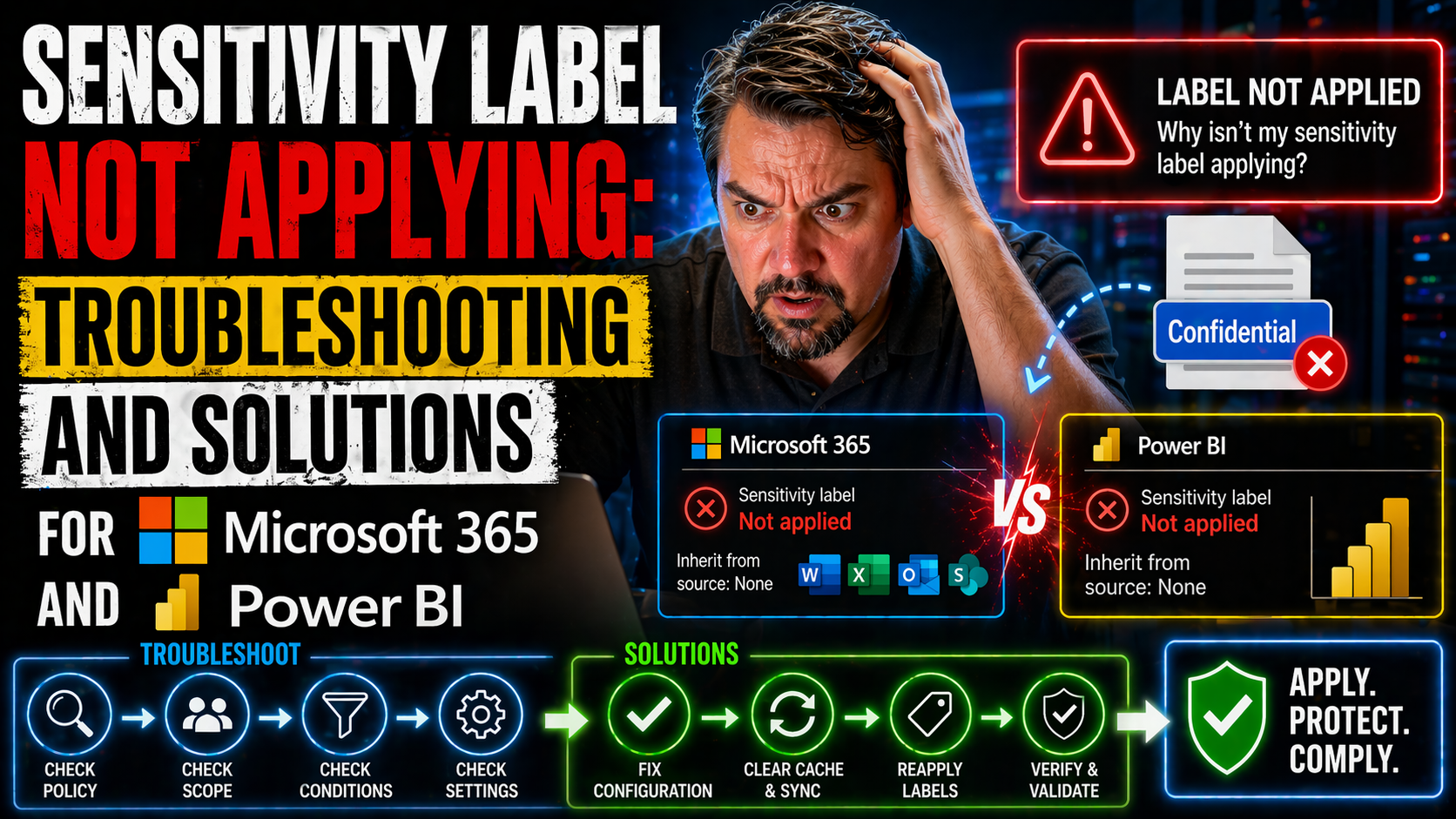
This article dives deep into why sensitivity labels might not apply the way you expect in Microsoft 365, Power BI, and related apps. If you’re puzzling over missing label options, failed automatic labeling, or stubborn configuration issues, you’re i…
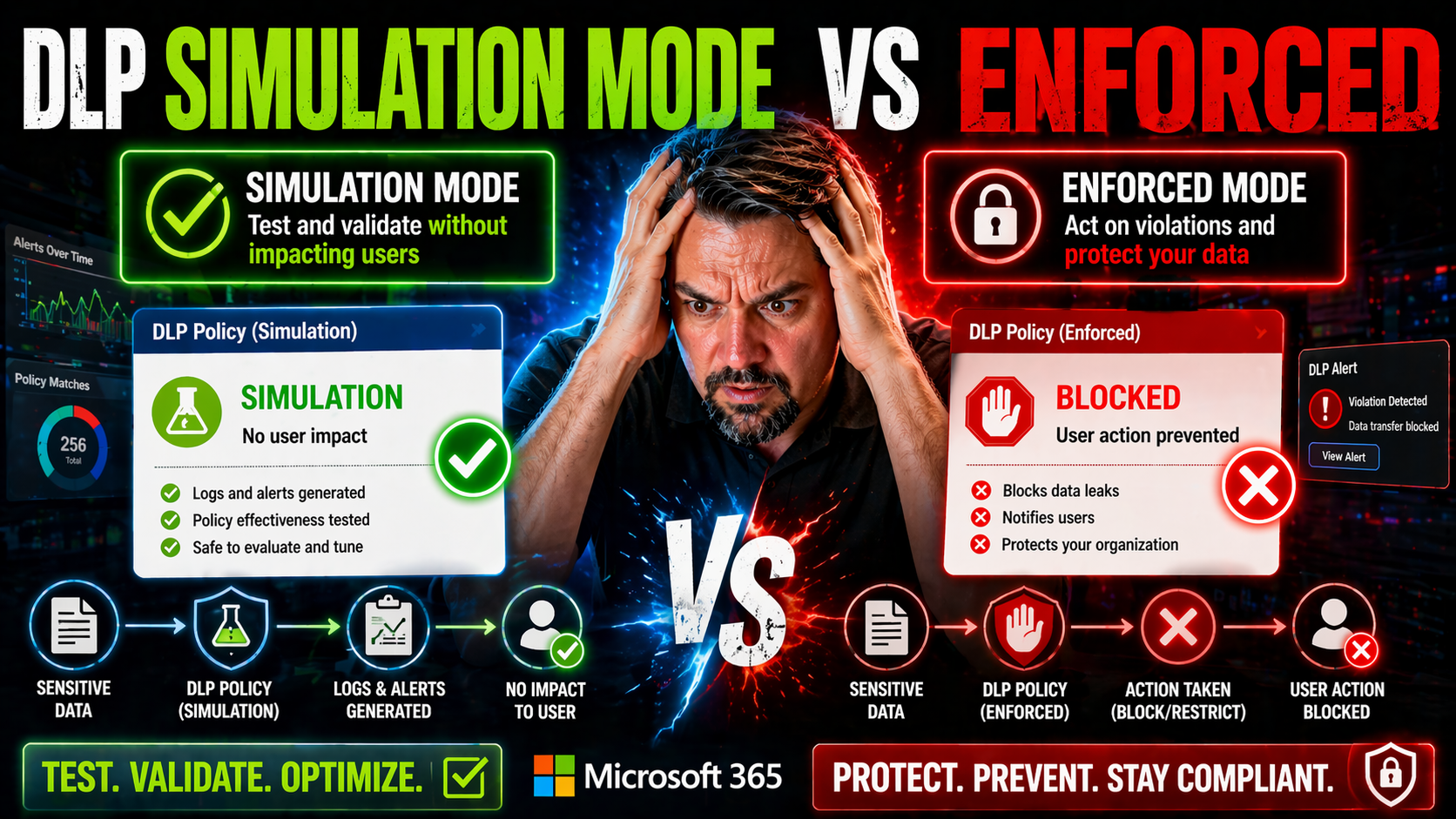
Let’s be real—turning on data loss prevention (DLP) across your business isn’t a flip-the-switch moment. Microsoft 365 gives you a choice between DLP simulation mode and enforced mode, and knowing when to use each is the difference between proactive…
DLP policy priority in Microsoft 365 refers to the order in which your data loss prevention rules are checked and enforced. If you set up DLP without paying close attention to priority, you might accidentally let sensitive data slip through—or wind …
If you’re here, you’re probably frustrated about why the Data Loss Prevention (DLP) override just isn’t working as it should in Microsoft 365. DLP override features let users bypass certain policy restrictions under specific, controlled circumstance…
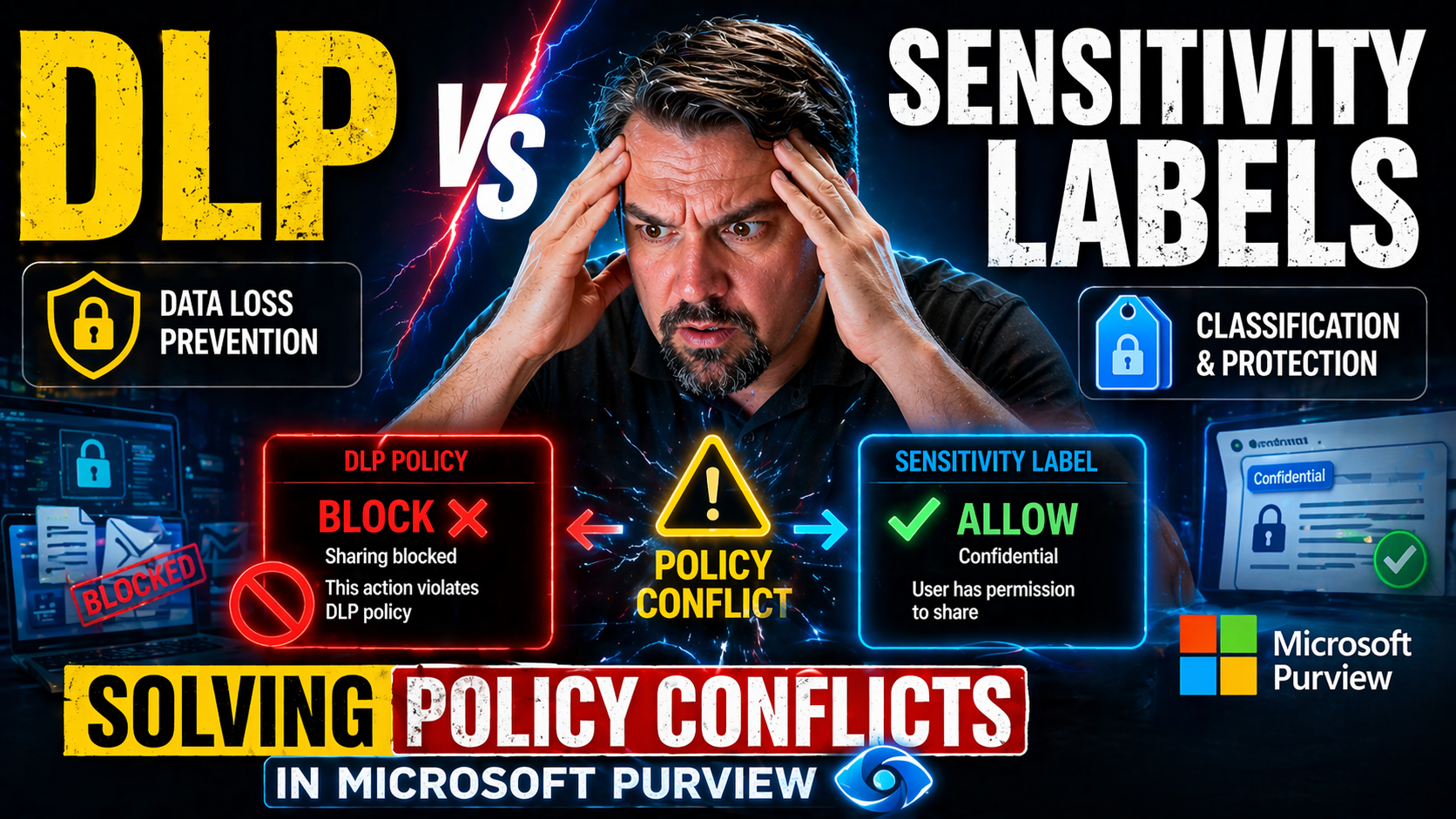
Quick Answer: DLP vs sensitivity labels is not an either-or choice: sensitivity labels classify and can protect information, while Data Loss Prevention helps detect and prevent risky sharing or movement. Design both around a common data-classificati…
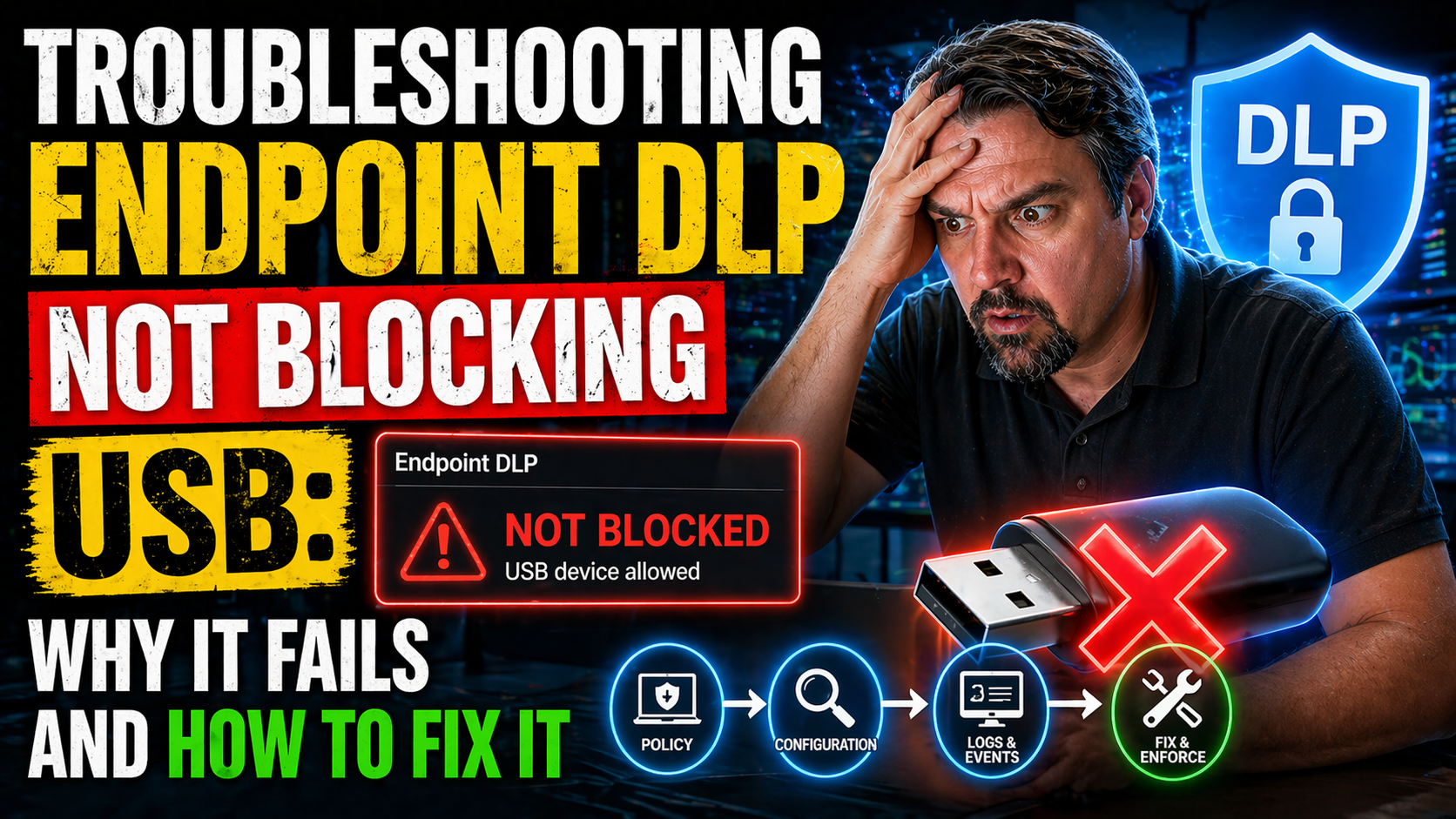
If you’ve ever set up endpoint Data Loss Prevention (DLP) and found that users can still copy data to USB drives, you’re not alone. This is an all-too-common headache for IT teams working with Microsoft security tools and cloud-managed environments.…
When trainable classifiers in Microsoft 365 don’t trigger, it’s usually not just a single glitch—it’s a combination of technical setup, data quality, and real-world quirks that get in the way. Whether you’re combing through SharePoint or OneDrive, y…
If you’re finding that Exact Data Match (EDM) in Microsoft 365 isn’t working, you’re definitely not alone. This guide is here to help you break down why EDM-based data loss prevention (DLP) doesn’t always line up with your expectations. You’ll get s…
Nobody likes hitting a brick wall with authentication errors, but the AADSTS900144 missing parameter error in Azure AD is one of those classic roadblocks that frustrate everyone from app developers to IT admins. This article tells you exactly what’s…
The AADSTS7000222 error means Microsoft Entra ID (formerly Azure AD) has rejected your authentication attempt due to invalid client credentials. In simple terms, the details your app or service uses to prove its identity—like a client secret or cert…
If you're bumping into the AADSTS700025 error—otherwise known as the dreaded “invalid JWT” message—during Azure Active Directory authentication, you’re not alone. This issue spells trouble for sign-ins and API access, halting logins when tokens don’…
The AADSTS700027 “client assertion failed” error is a real troublemaker for anyone using Azure Active Directory (Azure AD) authentication—especially if you’re working with Microsoft 365, Microsoft Graph, or building secure integrations in the cloud.…
Ever bumped into the AADSTS700054 error and wondered, “What did I mess up this time?” You’re not alone. This error is notorious for appearing right when you try to authenticate an app using Azure Active Directory, especially with Microsoft 365, Dyna…