
Records Management in Microsoft 365
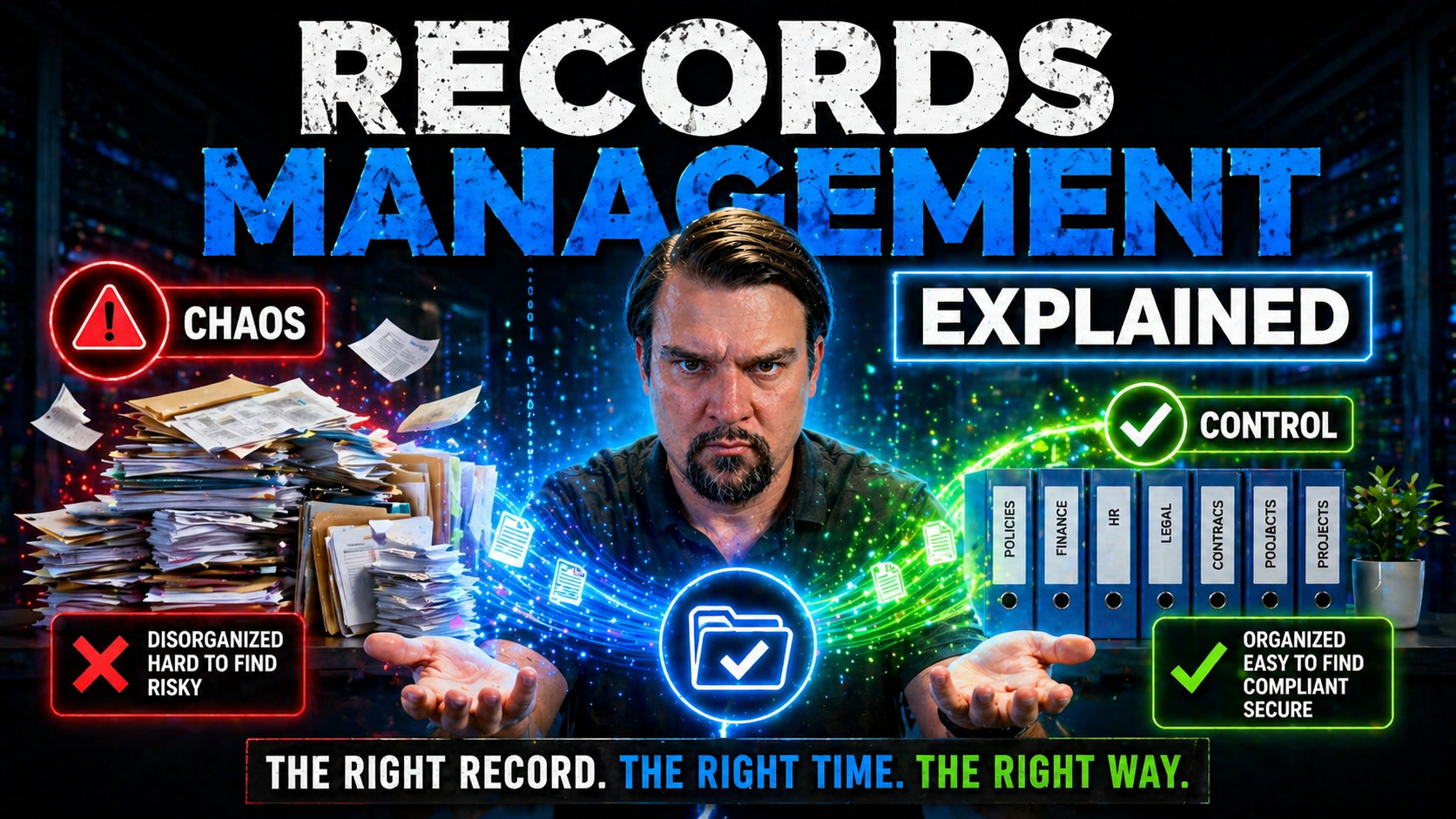
Records management isn’t just about tossing old paperwork or scanning files into the cloud. It’s the art—and sometimes headache—of making sure that the right information is captured, stored, protected, found when you need it, and safely destroyed when you don’t. In today’s digital world, the way you handle records can make or break your compliance stance, your operational efficiency, and your peace of mind during an audit.
This guide lays out the nuts and bolts of records management, blending the foundational principles with real-world strategies for organizations using Microsoft 365 or managing hybrid environments. You’ll discover what makes records management vital regardless of your industry, how modern tools fit in, and how smart recordkeeping can shield your organization from risk. Whether you’re drowning in paperwork or wrangling emails and chats, you’re about to get some practical, honest insights on making records work for you—instead of the other way around.
What Is Records Management? Effective Frameworks for Success
If you’ve ever wondered what really counts as a “record” or why your organization needs a formal way to wrangle files, you’re not alone. Records management is the structured process for controlling all information—paper, digital, or anything in between—that tracks business activities, decisions, and obligations. It means more than putting papers in a fireproof cabinet or uploading documents to SharePoint. It’s about managing information throughout its entire life: from creation and active use to long-term preservation or final disposal.
Why does this matter? Because records aren’t just for nostalgia—they’re core evidence of how your business operates and stays in line with legal, financial, and operational standards. Good records management gives you the power to respond if the taxman calls, a client disputes a contract, or the regulators demand proof. Without systematic control, important data can disappear, compliance can slip, and you might find yourself in hot water—or just plain chaos.
Responsibility for records management stretches from leadership, who set the tone and policy, to the employees handling files day in and day out. Having an effective framework in place ensures you keep what’s needed, ditch what isn’t, and can always show your work. In the next sections, you’ll see why understanding what counts as a record, and having a solid records management process, is the bedrock for every modern organization.
Understanding the Basics: What Is an Organizational Record?
Every organization creates loads of information, but not every file, message, or note is an official record. An organizational record is any information—regardless of format—that documents a business activity or transaction and must be kept for legal, operational, or historical reasons. These records prove what your organization did, decided, or delivered, and can show compliance with laws or contracts when it counts.
Records come in all shapes and sizes, from signed contracts and HR files to invoices, meeting minutes, and even certain emails or text messages. If it supports an audit, shows compliance, or captures a business agreement, chances are it’s a record. On the other hand, drafts, sticky notes, and casual chat messages (unless they document a business decision) usually don’t make the cut as official records.
The key difference between an ordinary document and a record is the need to retain it to prove your activities or fulfill legal requirements. Records must remain accurate and trustworthy for as long as they’re needed—which can mean years beyond their usefulness for day-to-day work. Whether stored on paper, in an email inbox, or a digital log in a business system, records form the official memory of your organization. Knowing what qualifies as a record is the first step toward managing your information with purpose and confidence.
Core Concepts and Strategies for Effective Records Management
- Classification: Organize records by type, function, or subject to ensure quick retrieval and consistent control.
- Retention: Set clear timelines for how long to keep each record type, grounded in legal, regulatory, and business needs.
- Access Control: Secure records by defining who can view, edit, or dispose of them, protecting sensitive data and ensuring privacy.
- Lifecycle Management: Oversee every record from its creation to final disposition, including safe disposal or archiving.
- Strategic Drivers: Boost compliance, transparency, and process efficiency, while supporting digital transformation across the organization.
The Records Management Lifecycle From Creation to Secure Disposal
Every organizational record has a life story, and handling it right from start to finish is where real records management muscle shows up. This means tracking each record as it moves through predictable phases—from creation or arrival, through everyday use, right up to the day it’s safely destroyed or archived for the long term. Managing this journey isn’t just bureaucratic busywork—it’s a proven approach that helps organizations reduce risk, prove compliance, and make sure nothing valuable falls through the cracks.
The lifecycle model breaks management into clear steps, making it easier to ensure that records are accessible when needed and are not kept a second longer than required. It also lays the groundwork for handling sensitive data, supporting audits, and navigating ever-changing regulations.
Coming up, we’ll break down each of these stages—what to focus on at every turn, and how clear policies keep your records organized, protected, and lawful from day one to their final goodbye. Whether you’re a records veteran or just starting out, getting comfy with the lifecycle is a foundational move for any records management program worth its salt.
Stages of the Records Lifecycle Every Organization Should Know
- Creation or Receipt: The record comes to life—be it a new contract, an incoming invoice, or an email documenting a key decision. It’s officially captured as part of your business process.
- Classification: The record is sorted and cataloged, usually by type, department, or function, so it’s easy to find and track. This helps lay the groundwork for policies about access and retention.
- Active Use: The record is accessed, shared, or updated as business needs demand. Active management during this phase means proper version control and access security.
- Retention: The record is held for a defined period, based on compliance, operational, or legal reasons. It’s set aside, but not yet destroyed. Retention schedules kick in here.
- Disposition (Archival or Destruction): Records reach the end of their required life. They’re either archived for long-term preservation or securely destroyed—ensuring nothing is held longer than necessary.
Records Retention Policies and Compliance Requirements
- Retention Schedules: Organizations create and maintain retention schedules outlining how long each record type must be kept, based on laws, regulations, or business needs. For example, tax records may need to be kept for seven years, while client contracts might have a different clock.
- Defining Retention Periods: Determining how long to keep records can involve HR, legal, and compliance teams working together. Industry rules, government mandates, and corporate risk tolerance all play a part. Policies should be adaptable to changes in regulation or business practice.
- Destruction Rules: Once the retention clock runs out, organizations set clear protocols for defensible destruction. This means securely deleting digital files or shredding paper, leaving an audit trail in case you ever need to prove your process was above-board.
- Documentation and Enforcement: Keep meticulous records of what was destroyed, when, and by whom. Document compliance measures and do regular audits to avoid nasty surprises—especially with modern collaboration tools like Microsoft 365, which can compress or erase history faster than you think. For insight into hidden challenges, check out this episode exploring Microsoft 365 retention policies and a discussion on audit readiness using Microsoft Purview.
- Alignment With Business and Legal Needs: Effective retention is not about keeping everything “just in case.” It’s about balancing business utility, regulatory obligations, and privacy expectations—so you keep what you must, and nothing more.
Managing Physical and Digital Records Across Formats
Not every organization is all-digital, and plenty still have file cabinets stuffed full of paper, even while moving fast in the cloud with email, IMs, and shared drives. Managing records across formats—physical and digital—means juggling old-school paperwork with flashy new tools and making sure nothing gets overlooked or mishandled along the way.
The key challenge is this: physical and digital records each come with their own headaches. Paper can get lost or damaged, but digital files bring version chaos and security issues. Hybrid environments are the norm now, and your strategy needs to keep both types in line with your broader compliance ambitions, whether you’re working in a law firm, a school, or a lean nonprofit.
Coming up, we’ll walk you through proven best practices for handling physical records safely and securely, plus how to set up electronic systems that take care of classification, access, and secure deletion—especially critical as organizations embrace Microsoft 365 and modernize their legacy processes. The bottom line: bridging the old and new takes more than good intentions. It takes planning, discipline, and a toolkit that works for your unique mix of analog and digital business.
Best Practices for Physical Records and Offsite Storage
- Secure Onsite Storage: Use locked cabinets or controlled-access rooms to protect sensitive paper records from unauthorized eyes or mishaps.
- Catalog and Track: Keep an up-to-date inventory. Use barcodes or logbooks to track movement, making sure you can always locate a record if needed.
- Use Offsite Commercial Record Centers: For documents that must be retained (but not accessed often), store them in professionally managed offsite centers with advanced security, fire protection, and disaster recovery protocols.
- Strict Access Policies: Define who can retrieve or review physical records, using sign-out sheets or digital check-ins to maintain a clear chain of custody.
Digital Records Management and Electronic Systems
Digital records management is all about using technology to automate the capture, classification, storage, and eventual destruction of electronic files—whether it’s financial spreadsheets, meeting recordings, or emails in Outlook. Electronic Records Management Systems (ERMS) do the heavy lifting for you, making it possible to securely manage huge volumes of information with minimal manual oversight. This means you can tag files, set retention periods, and apply policies across SharePoint, Teams, or other platforms in just a few clicks.
One of the biggest gains from digital transformation is real-time access and rapid search. Need a contract fast? Search by keyword, date, or even metadata instead of flipping through manila folders. But with great power comes great responsibility: you have to manage version control, prevent accidental deletions, and integrate governance policies that actually stick, not just look good on paper.
Organizations using Microsoft 365 must pay special attention to information governance and integration between tools. Reckless use of custom SharePoint lists, for example, can cause problems with data sprawl and weak security controls. For deep dives on data backbone choices, see the governance pitfalls of SharePoint vs. Dataverse and practical protocols for SharePoint governance and automation workflows. Making these systems work together and follow strict compliance rules is at the heart of modern digital records management.
Choosing a Records Management System That Fits Your Needs
The biggest tech mistake in records management? Picking a flashy system that’s a beast to run or doesn’t play nice with your existing tools. Whether you’re a massive corporation on Azure or a small group using Microsoft 365, your records management solution should fit you—not the other way around. It’s about meeting legal and operational needs without swamping users with frustration.
Key factors to consider include scalability (can your system keep up as you grow?), robust security features, and, perhaps most crucially for Microsoft-centered shops, seamless integration with platforms you already rely on—from SharePoint and Teams to Power Platform. A good fit means you get automation and compliance without reinventing the wheel or starting rows with IT every other week.
As you move forward, you’ll see why evaluating not just features, but also workflows and user experience, makes all the difference. With so many choices out there, especially turnkey solutions and cloud-native add-ons, selecting a system that actually makes records management easier—rather than another headache—puts your team on firm ground for accountability and compliance.
Integration of Records Management with Document and Content Control
Records management isn’t a solo act—it works best as part of a broader document and content management strategy. This means having unified rules that cover everything from how files are saved in SharePoint, to how messages get retained in Teams, to who reviews content for compliance on the Power Platform. When policies stretch across collaboration and storage, your organization gets better control, clearer ownership, and fewer nasty surprises.
If you want to see how this synergy supports compliance and data security, look at how Microsoft Purview and SharePoint can work together to prevent document chaos and how sustainable data access and ownership governance in Microsoft 365 helps close the gaps. Put simply, integrating records management with document controls strengthens audit readiness and keeps your digital house in order.
Records Management Compliance, Security, and Risk Reduction
Compliance, security, and risk—three words no organization can afford to ignore, especially with constantly changing regulations and the ever-present threat of data breaches. Effective records management isn’t just about keeping regulators off your back. It also shields sensitive information, prevents accidental leaks, and builds trust with clients and regulators alike.
When you manage records according to the rules, it’s much easier to respond to audits, demonstrate due diligence, and spot holes in your own system before the wrong person does. Plus, cloud-native tools in Microsoft 365 let you enforce robust controls with features like sensitivity labels, role-based permissions, and automated monitoring for suspicious activity.
Your strategy should reflect a risk-aware mindset, matching legal requirements with technical enforcement. For practical advice on staying audit-ready, see how governing Microsoft Copilot with Entra ID role groups and Purview Audit keeps AI-driven content in check. If you want to plug access control gaps in your own environment, this deep dive on Microsoft 365 Conditional Access policies is a solid starting point. Setting the scene for the strategies and controls that follow, it’s clear that compliance isn’t just best practice—it’s your best defense.
Protecting Records: Access Controls and Secure Disposal
- Granular Permissions Management: Limit access to records with role-based controls and permissions, especially in Microsoft 365. This helps enforce “need to know” rules and cut down on the risk of unauthorized access.
- Continuous Monitoring: Use audit logs and analytics to track who views, edits, or deletes records. Spot unusual activity quickly to prevent leaks—regular reviews tighten your defenses.
- Secure Shredding and Disposal: Don’t just toss records in the trash—use cross-cut shredders for paper and digital wiping tools for files. Adopt strict disposal protocols with receipts for destroyed records.
- State-of-the-Art Storage Solutions: Leverage secure cloud environments and on-premises solutions that support encryption, automatic backups, and disaster recovery.
- Zero Trust Principles: Design access policies around the assumption that threats could come from anywhere, using continuous verification and adaptive controls. For more on this approach, check out practical M365 security settings and Zero Trust strategy in Microsoft 365.
How to Get Started Building a Records Management Program
Ready to kick off or upgrade your records management program? The good news: you don’t need a PhD or a huge budget to get going. Start with clear, written policies that spell out what counts as a record, who’s responsible, and how long each type stays in the system. Identify your key players—IT, HR, legal, compliance officers, and regular users—because getting buy-in across the board beats brute-force enforcement every time.
Pick technology that fits your needs, but remember: culture eats technology for breakfast. Invest in training and awareness so everyone knows why records management matters and how to do it right day-to-day. That means onboarding new hires, running refresher sessions, and making compliance a team effort, not a bureaucratic burden.
If you want to keep your program on track and avoid chaos, align with proven frameworks and tap into certification standards. For more on building audit-ready processes using Microsoft tools, see this episode on using Microsoft Purview and SharePoint for document management and compliance. A solid start and ongoing ownership are your best bets for a resilient, effective records management culture, no matter where you’re at today.
Records Management Standards and Certification Options
- ISO 15489: The gold standard for international records management, setting requirements for policies and procedures that ensure accountability and compliance.
- Certified Records Manager (CRM): A widely-recognized professional certification demonstrating expertise in records and information governance.
- Third-Party Vendors: Service providers offer expertise, managed solutions, and support on compliance—ideal for organizations with limited in-house resources or complex needs.
- Other Standards: Look for region or industry-specific benchmarks, like DoD 5015.2 for government, or ISO 27001 for security-focused records handling.
Affordable Records Management Solutions for Small Businesses
Running a small business means keeping records tight without breaking the bank. You might not have a huge IT team or endless cash for trendy software, but that doesn’t mean you have to let records chaos rule the show. Here are some tried-and-true ways to get organized without the enterprise price tag.
- Leverage Free or Low-Cost Digital Tools: You don’t need world-class systems to get started. Tools like Google Workspace, Microsoft 365, or Dropbox give you cloud storage, sharing, and basic version control. Even a well-labeled folder structure works wonders as a first step. Set up simple naming conventions and train your team to stick with them—consistency is the secret sauce.
- Smart Physical Record Storage: For paper files, don’t splurge on fancy cabinets. Tough plastic bins or simple filing boxes sorted by date or type, then stacked out of the way, keep things both accessible and affordable. For must-keep archives, a local commercial records center can store boxes securely for just a few bucks a month.
- Hybrid Manual-Digital Transition Plan: If you’re moving old paper online, start small. Use a scanner app on your phone, save as PDF, and upload files into your chosen cloud tool. Don’t try to digitize everything at once—prioritize what matters most for current business and compliance reasons.
- Create Practical Retention Guidelines: Write down—on a single sheet if needed—how long to keep your main types of records and when to toss or securely shred. No fancy policies, just enough rules so everyone knows what stays, what goes, and where things live.
Keep it simple, focus on what you really need, and pick tools that match your current resources. With a little creativity, you can run a tight ship without a big budget or IT department.
You Should Also Listen To
If you are researching records management in Microsoft 365, these episodes add practical context that helps connect governance, security, compliance, and AI concepts to real Microsoft environments.
- Microsoft Purview – Simply Explained — Clarify how classification, retention, compliance, and data governance fit together across Microsoft 365.
- Microsoft Defender XDR – Simply Explained — See how data-risk signals connect with detection, investigation, and coordinated response.
- Conditional Access – Simply Explained — Understand how identity, device, and risk context strengthens protection around sensitive data.
- Microsoft Teams Governance – Simply Explained — Explore the governance operating model needed to turn policies into consistent user behavior.
They are useful next steps when you want to move from a definition or framework to implementation decisions.

Microsoft MVP | Host of M365.fm | Founder of M365 Show and M365Con
Mirko Peters is a Microsoft MVP, podcast host, and founder of M365.fm, M365 Show, and M365Con. His work connects Microsoft practitioners through podcast interviews, livestreams, and community events.
At M365.fm, Mirko hosts conversations with Microsoft MVPs, product experts, architects, and community contributors. Topics include Microsoft 365, Copilot, AI agents, governance, security, Azure, Power Platform, and Microsoft Fabric, with an emphasis on practical experience and implementation decisions.
M365.fm is the podcast and learning platform. M365 Show brings experts together for livestreams, while M365Con provides an online conference setting for community learning.
Official website: Mirko Peters (https://www.mirkopeters.com/). Recognition: Mirko Peters — Microsoft MVP profile (https://mvp.microsoft.com/de-DE/mvp/profile/9b0ca797-db5a-493a-a845-8b9158046cf5). Connect on LinkedIn (https://www.linkedin.com/in/m365showpodcast/).





