
Token Lifetime vs Conditional Access in Modern Identity Platforms
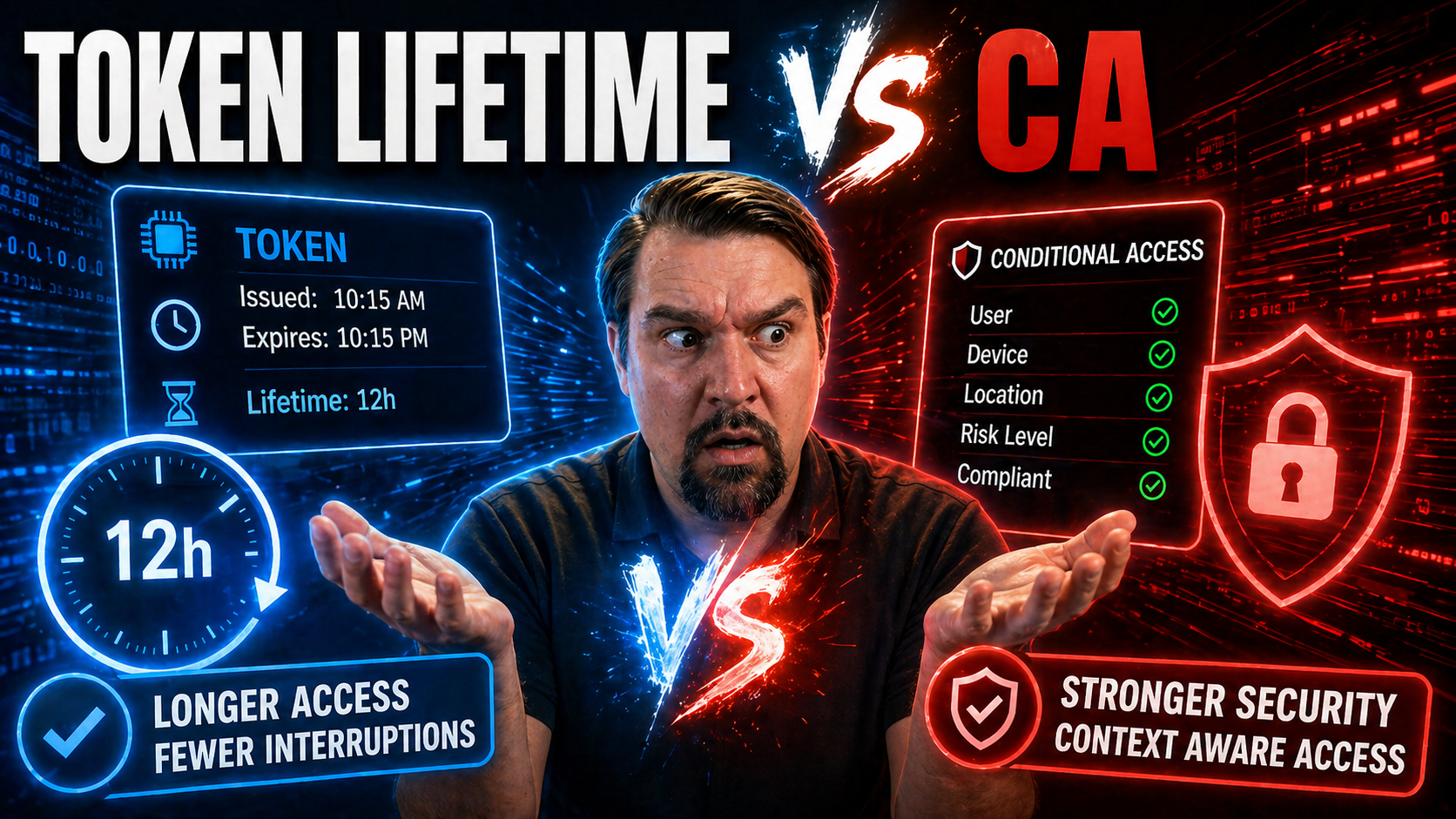
When you’re talking about identity security these days, two concepts run the show: token lifetime and conditional access. Token lifetime determines how long a ticket lasts before it punches out. Conditional access, on the other hand, is more like a security guard that checks credentials and decides who gets in—every single time.
This article untangles how these two work across Microsoft Entra ID, Azure Active Directory, AWS, and other platforms. You’ll see what makes each approach tick and where they overlap, run side-by-side, or even argue like old cousins at a family gathering. Real-world tips and clear examples aim to help you govern access smarter and close up risky gaps. The goal: practical knowledge you can actually deploy, whether you prefer a steady old clock or a security camera with all the bells and whistles.
Understanding Entra ID Tokens and Azure Active Directory Token Lifetimes
Diving into Microsoft Entra ID and Azure Active Directory, tokens are at the heart of how users prove their identity and get access to resources. There are several types of tokens—access tokens, ID tokens, and refresh tokens—all playing unique roles within the identity system. Think of access tokens as your entry ticket, ID tokens as your badge, and refresh tokens as your pass to get new tickets without lining up again.
Each of these tokens comes with a built-in timer—its lifetime—that dictates how long you can do what you need before having to re-authenticate. These lifetimes aren’t just arbitrary numbers; they’re tuned to strike a balance between convenience and security. Get them wrong, and users either get locked out too often or sessions last so long even hackers feel at home. Organizations need to understand the why behind these lifetimes to protect sensitive resources without frustrating everyone in the process.
But it doesn’t stop at the defaults. Azure AD lets you tweak these settings with policies to fit your environment—whether you’re managing a bustling organization with hundreds of remote workers, or tight compliance needs. Before we roll up our sleeves and get into the technical nitty-gritty, let’s look at how these ideas set the groundwork for safe, smooth access in today’s cloud-connected world.
Token Lifetimes Defaults and Custom Options in Azure Active Directory
- Default Token Expirations: Access tokens generally last for one hour by default in Azure AD, while refresh tokens stick around for 90 days. ID tokens typically match the access token lifespan—about one hour.
- Token Lifetime Policies: Administrators can override these defaults by applying custom token lifetime policies using PowerShell or the Azure portal. These let you shorten or extend token validity, ideal for compliance or high-risk scenarios.
- Policy Scope and Limitations: Not all applications support every token policy. Some preview features let you target specific apps, resource types, or user groups for granular control, but be sure to check what’s supported before rolling out new settings.
- Practical Use Cases: Common scenarios include shortening token lifespan for sensitive finance apps, or extending tokens for trusted internal services to minimize sign-in prompts.
Conditional Access Policies and Their Impact on Token Issuance
Conditional Access policies take identity protection to the next level. Instead of just going by the book with static rules, they dynamically decide whether someone should be granted access—and what hoops to jump through—based on things like device status, user risk, and real-time context. In the Microsoft world, these policies work directly with Entra ID to shape every sign-in experience.
What’s really unique about Conditional Access is the way it steps in before, during, and after token issuance. If your risk goes up, it can prompt you for a fresh MFA or block access entirely. It can also enforce device compliance—say, making sure you’re not logging in from a jailbroken phone. For administrators, this means you can craft policies that don’t just expire tickets, but adaptively tighten or loosen controls on the fly.
This responsive approach ensures organizations don’t have to settle for static security or endless user prompts. It also highlights the shift toward smarter and more context-aware controls, helping maintain balance between strong oversight and a productive end-user experience. If you want a deeper strategy—including steps to avoid exceptions and security holes—check out this podcast episode on governing Conditional Access policies or guidance on solving trust issues in policy design.
Conditional Access Policy Enforcement and MFA Authentication Correlation
Conditional Access policies evaluate each sign-in by checking factors like user risk, device health, location, and application sensitivity. If a policy triggers, users may be required to complete multi-factor authentication (MFA) or prove device compliance before a token is issued or renewed. This pre-issuance check is crucial in risk-based authentication, as it blocks or allows access based on policy outcomes.
When policies identify elevated risk, they can force users to re-authenticate—even during an existing session. Technically, these checks happen at the authentication pipeline—right before tokens are granted—which keeps both users and resources safer from unwanted access attempts.
Session Management and Dynamic Enforcement in Conditional Access
Advanced Conditional Access features, like Continuous Access Evaluation (CAE), provide real-time monitoring of sessions and can revoke access instantly when risks are detected. Unlike traditional, static token expiration—where sessions linger until a set timer runs out—CAE can cut access short the second a risky event occurs. This adaptive model improves security response time without creating constant friction for the user.
Dynamic enforcement means that threat signals, user status changes, or location shifts are recognized immediately. Admins can now move beyond “set it and forget it” policies, fine-tuning session controls alongside data protection tools like Microsoft Defender for Office 365 and Microsoft Purview, as explained on this guide to securing Microsoft 365.
Revocation and Static Token Expiration Compared to Real-Time Access Control
There’s an ongoing debate in identity management: Is it better to let tokens expire naturally, or should you pull the plug in real-time when something suspicious happens? Static expiration is easy to predict—tokens die after a set time, and the user must sign in again. It’s reliable, but if a hacker gets a token, they keep the keys until that timer is up.
Real-time access control, typically delivered through Conditional Access features, breaks this mold. If risk spikes—say, a user logs in from an unexpected country—policies can cut off access by revoking tokens instantly. This approach lets organizations respond faster to active attacks or policy violations, closing the window for bad actors.
Of course, real-time controls can add complexity. You need robust risk signals to avoid accidentally booting out your users during legit sessions. Balancing this is crucial: too short a static token lifetime and your helpdesk will be swamped. Too little real-time awareness, and you’re leaving the barn door open. Effective strategies usually blend both methods, giving you the reliability of expiration and the agility of instant response whenever the situation demands it.
Organizations need to weigh factors like compliance requirements, user experience expectations, and the specific risks they face. In cloud environments, where users and attackers move fast, having a foot in both camps can mean the difference between a quick save and a costly breach.
Securing Resource Application Access in Microsoft 365 Using Token and Policy Controls
Microsoft 365 and Office 365 are treasure troves of company data, and securing access to these resources requires a mix of token lifetime management and Conditional Access policies. Tokens get your users inside, but you need policies to make sure only the right hands hold them, and only for as long as you’re comfortable.
Administrators are now expected to blend these tools for both everyday productivity and ironclad security. Set token lifetimes too long, and you’re vulnerable to session hijacks. Set them too short, and you’ll hear about it from users who can’t get through a meeting without re-authenticating. With Conditional Access in the mix, you get to apply context-aware policies, requiring extra authentication when risk signals appear or limiting access based on device compliance.
Best practices revolve around knowing your environment—who needs what access, from where, and under what conditions. There’s also a big focus now on governance and ownership, as highlighted in this breakdown of Microsoft 365 data access and governance, where managing permissions, reviews, and content sensitivity helps avoid both data leaks and accidental lockouts.
Don’t forget, with Power Platform and tools like DLP, you’re dealing with complex sharing scenarios. Effective security builds on adaptive token policies and robust Conditional Access rules, along with governance mindsets described in this deep dive on environment and connector governance.
Cloud Identity Brokers, AWS Access, and Cross-Platform Token Handling
Cloud identity brokers act as the go-between when you need to connect apps across platforms like Microsoft Azure, AWS IAM, and Google Cloud. These brokers translate and mediate authentication requests, issuing tokens that are valid in the target platform’s language.
While Azure emphasizes token expiration and Conditional Access, AWS leans on session policies with its own expiration controls and attribute-based access rules. Federated systems handle token hand-offs and validations differently, and integrating Conditional Access-like features requires mapping security policies between environments. In hybrid and multi-cloud scenarios, admins must watch for session bridging issues and ensure policy synchronization to avoid security gaps or inconsistent access experiences.
Microsoft Entra ID, AWS IAM, and IdentityServer Duende Comparison
Comparing Microsoft Entra ID, AWS IAM, and IdentityServer Duende reveals just how diverse the identity management world is. Entra ID leads with configurable token lifetimes, rich Conditional Access policies, and near real-time risk assessments. AWS IAM, on the other hand, provides strong session management through roles, short-lived credentials, and granular access policies. They both deal with tokens, but their approaches to policy enforcement and session revocation have different flavors.
Where Entra ID shines is its tight integration between token and Conditional Access, enabling dynamic controls for every user and device context. AWS IAM emphasizes minimum necessary access, with frequent session refresh and heavy use of attribute-based controls. IdentityServer Duende—often used by organizations building their own solution—delivers OpenID Connect and OAuth standards, with customizable token policies but requiring you to stitch together everything around risk-based controls and revocation logic yourself.
The bottom line is, platform choice shapes your management strategy. Microsoft and AWS both have real-time capabilities, but their defaults and architectures are quite distinct. Duende gives you flexibility but expects you to fill the gaps. If you need cross-platform integration, focus on how tokens are handled at boundaries and where each platform expects session and policy signals to flow. Your solution should always fit both your current IT landscape and the security threats you expect to face tomorrow.
Training, Webcasts, and Reference Materials for IAM Professionals
- Improving Conditional Access Policy Trust: In-depth strategies for avoiding exclusions, addressing device compliance, and ongoing monitoring.
- Understanding OAuth Consent Attacks: Critical for grasping persistence risks and advanced control techniques in Entra ID.
- Microsoft Docs and Learn Portal: Regularly updated whitepapers and step-by-step labs on token management and Conditional Access.
- Identity-focused YouTube channels and Microsoft Virtual Events: Webcasts providing hands-on demos and policy walkthroughs.
- LinkedIn Learning: Courses on modern identity architecture, cloud IAM, and session management best practices for teams and individuals.
Background, Challenges, and Solutions for Modern IAM
Back in the day, static token expiration was all you had. Admins would set a standard token lifetime—sometimes days, weeks, or even months—and users could breeze right into critical apps for as long as that token lasted. It seemed simple, but those open-ended sessions left plenty of opportunities for attacks like token replay or session hijacking. As attackers got bolder and cloud adoption soared, these legacy approaches quickly showed their cracks.
Organizations soon realized that just waiting for tokens to expire wasn’t good enough—especially when risky activities might go undetected for hours. Static policies could frustrate users, forcing them to re-enter credentials constantly or leaving gaps when real threats emerged between expiration intervals. Add the rise of mobile, remote, and hybrid workers, and things only got more complicated when synchronizing token settings across on-prem and cloud systems.
The push for modernization brought in more agile solutions: configurable token lifetimes, adaptive Conditional Access, and real-time risk assessment. Now, platforms like Microsoft Entra ID deliver controls that combine the predictability of expiration timers with dynamic, context-aware policies. This allows you to strike a balance between user productivity and airtight security—even as the threat landscape keeps shifting. As you move into a future-proof IAM strategy, be ready to embrace these tools and align them closely with both your business needs and compliance demands.
Effective IAM Solutions Integrating Token and Conditional Access Policies
- Assess the Environment: Identify all application dependencies, legacy token challenges, and hybrid scenarios to set your baseline. This helps direct policy priorities and integration points.
- Configure Token Policies: Set default token lifetimes that balance security and usability. Use preview features and scoping to fine-tune policies for high-risk or high-value apps.
- Deploy Adaptive Conditional Access: Implement layered Conditional Access policies that respond to risk signals, with real-time session management using features like CAE and device compliance checks.
- Monitor and Tune Policies: Leverage sign-in and audit logs, compliance analytics, and policy diagnostics to detect conflicts or anomalies—essential for continuous improvement and regulatory requirements.
- Modernize Non-Human Access: Replace traditional service accounts with solutions like Microsoft Entra Workload Identities for better governance, lifecycle control, and reduced long-lived credential exposure.

Microsoft MVP | Host of M365.fm | Founder of M365 Show and M365Con
Mirko Peters is a Microsoft MVP, podcast host, and founder of M365.fm, M365 Show, and M365Con. His work connects Microsoft practitioners through podcast interviews, livestreams, and community events.
At M365.fm, Mirko hosts conversations with Microsoft MVPs, product experts, architects, and community contributors. Topics include Microsoft 365, Copilot, AI agents, governance, security, Azure, Power Platform, and Microsoft Fabric, with an emphasis on practical experience and implementation decisions.
M365.fm is the podcast and learning platform. M365 Show brings experts together for livestreams, while M365Con provides an online conference setting for community learning.
Official website: Mirko Peters (https://www.mirkopeters.com/). Recognition: Mirko Peters — Microsoft MVP profile (https://mvp.microsoft.com/de-DE/mvp/profile/9b0ca797-db5a-493a-a845-8b9158046cf5). Connect on LinkedIn (https://www.linkedin.com/in/m365showpodcast/).




