M365con.net Microsoft Community Conference 2027
M365 FM Podcast
April 21, 2026

Sensitivity Label Not Applying: Troubleshooting and Solutions for Microsoft 365 and Power BI
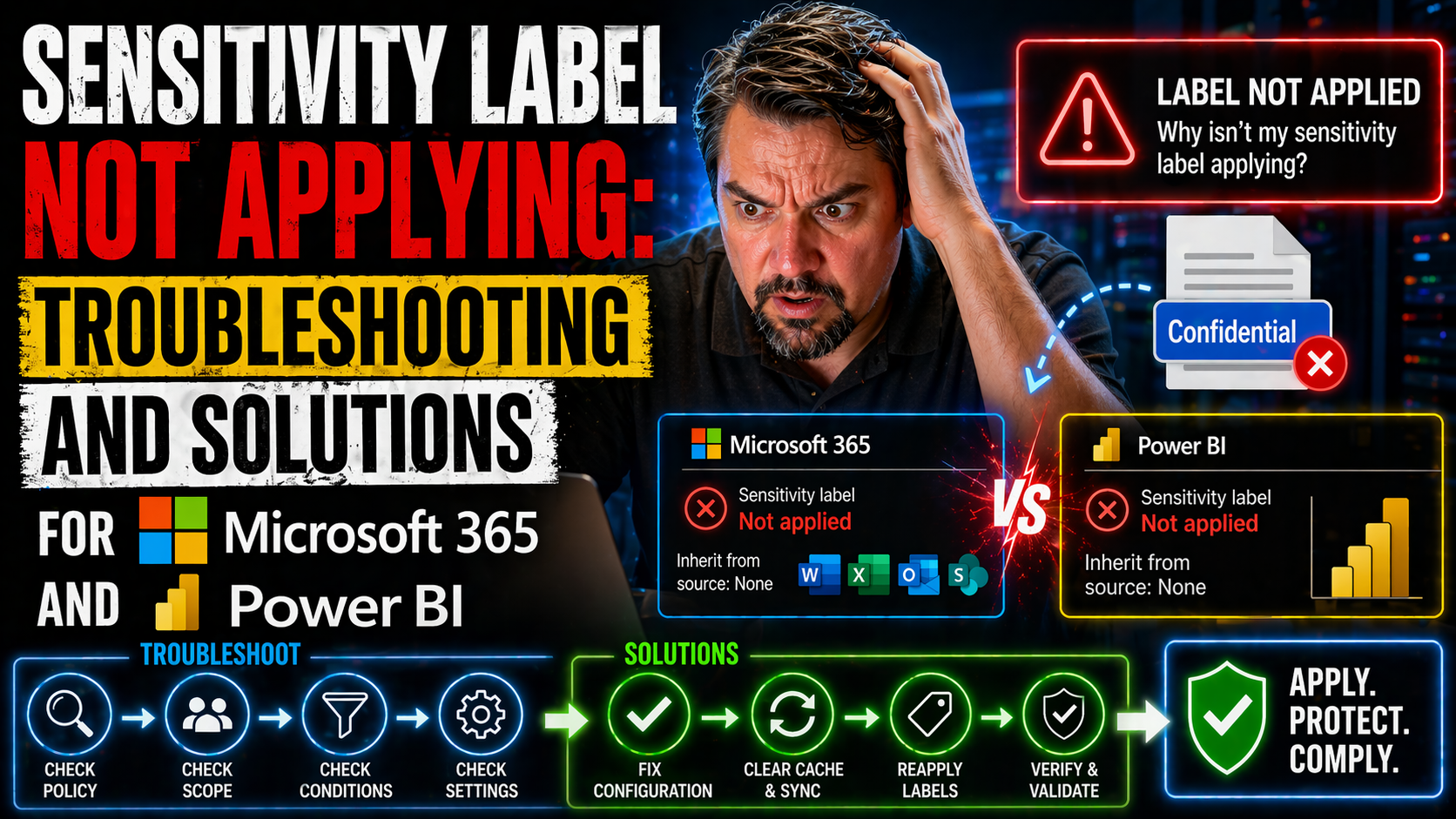
This article dives deep into why sensitivity labels might not apply the way you expect in Microsoft 365, Power BI, and related apps. If you’re puzzling over missing label options, failed automatic labeling, or stubborn configuration issues, you’re i…


View more
April 21, 2026

DLP Simulation Mode vs Enforced: How to Transition Microsoft 365 DLP Without Disrupting Your Business

Let’s be real—turning on data loss prevention (DLP) across your business isn’t a flip-the-switch moment. Microsoft 365 gives you a choice between DLP simulation mode and enforced mode, and knowing when to use each is the difference between proactive…

View more
April 21, 2026

DLP Policy Priority Issues in Microsoft 365: Troubleshooting and Best Practices

DLP policy priority in Microsoft 365 refers to the order in which your data loss prevention rules are checked and enforced. If you set up DLP without paying close attention to priority, you might accidentally let sensitive data slip through—or wind …

View more
April 21, 2026

Why DLP Override Is Not Working in Microsoft 365

If you’re here, you’re probably frustrated about why the Data Loss Prevention (DLP) override just isn’t working as it should in Microsoft 365. DLP override features let users bypass certain policy restrictions under specific, controlled circumstance…

View more
April 21, 2026

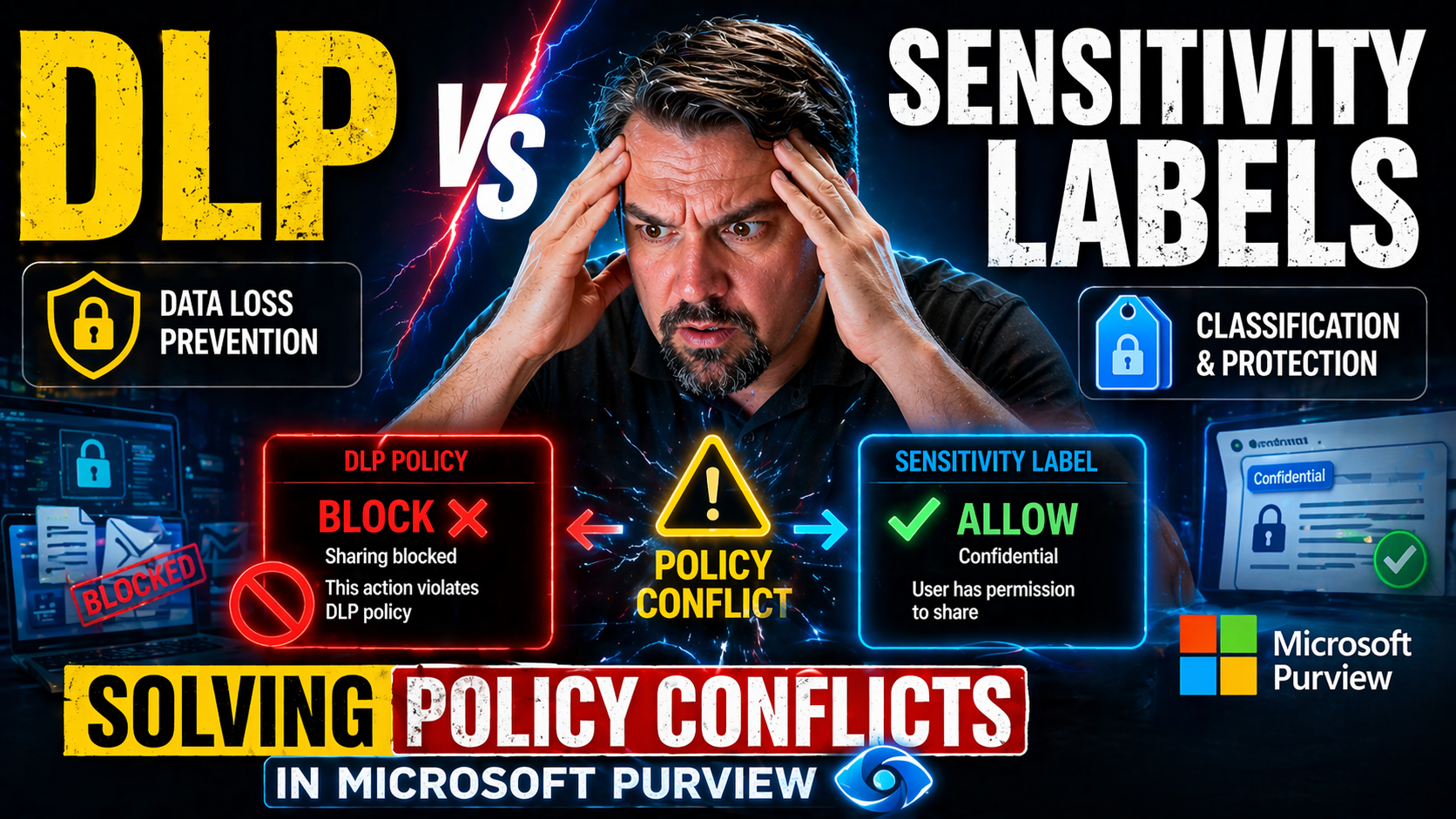
DLP vs Sensitivity Labels: Solving Policy Conflicts in Microsoft Purview

Quick Answer: DLP vs sensitivity labels is not an either-or choice: sensitivity labels classify and can protect information, while Data Loss Prevention helps detect and prevent risky sharing or movement. Design both around a common data-classificati…

View more
April 21, 2026

Troubleshooting Endpoint DLP Not Blocking USB: Why It Fails and How to Fix It

If you’ve ever set up endpoint Data Loss Prevention (DLP) and found that users can still copy data to USB drives, you’re not alone. This is an all-too-common headache for IT teams working with Microsoft security tools and cloud-managed environments.…

View more
April 21, 2026

Why Trainable Classifiers Are Not Triggering in Microsoft 365

When trainable classifiers in Microsoft 365 don’t trigger, it’s usually not just a single glitch—it’s a combination of technical setup, data quality, and real-world quirks that get in the way. Whether you’re combing through SharePoint or OneDrive, y…

View more
April 21, 2026

Exact Data Match Not Working: A Complete Microsoft 365 Troubleshooting Guide

If you’re finding that Exact Data Match (EDM) in Microsoft 365 isn’t working, you’re definitely not alone. This guide is here to help you break down why EDM-based data loss prevention (DLP) doesn’t always line up with your expectations. You’ll get s…

View more
April 21, 2026

Resolving the AADSTS900144 Missing Parameter Error in Azure AD

Nobody likes hitting a brick wall with authentication errors, but the AADSTS900144 missing parameter error in Azure AD is one of those classic roadblocks that frustrate everyone from app developers to IT admins. This article tells you exactly what’s…

View more
April 21, 2026

Understanding the AADSTS7000222 Invalid Client Credentials Error in Microsoft Entra ID

The AADSTS7000222 error means Microsoft Entra ID (formerly Azure AD) has rejected your authentication attempt due to invalid client credentials. In simple terms, the details your app or service uses to prove its identity—like a client secret or cert…

View more
April 21, 2026

Fixing AADSTS700025 Invalid JWT Errors in Azure AD

If you're bumping into the AADSTS700025 error—otherwise known as the dreaded “invalid JWT” message—during Azure Active Directory authentication, you’re not alone. This issue spells trouble for sign-ins and API access, halting logins when tokens don’…

View more
April 21, 2026

AADSTS700027 Client Assertion Failed Error: Troubleshooting and Solutions for Microsoft Cloud

The AADSTS700027 “client assertion failed” error is a real troublemaker for anyone using Azure Active Directory (Azure AD) authentication—especially if you’re working with Microsoft 365, Microsoft Graph, or building secure integrations in the cloud.…

View more
April 21, 2026

Solving the AADSTS700054 Response Type Not Enabled Problem in Azure AD Apps

Ever bumped into the AADSTS700054 error and wondered, “What did I mess up this time?” You’re not alone. This error is notorious for appearing right when you try to authenticate an app using Azure Active Directory, especially with Microsoft 365, Dyna…

View more
April 21, 2026

Understanding the AADSTS70000 Invalid Grant Error in Microsoft Azure and M365

The AADSTS70000 “invalid grant” error is a common headache for admins and developers who work with Azure Active Directory and Microsoft 365 services. You’ll often see this error when connecting systems or automations through Power Platform, Outlook …

View more
April 21, 2026

How to Fix the AADSTS50126 Invalid Username or Password Error in Microsoft 365

The AADSTS50126 error in Microsoft 365 pops up when you try to sign in and the system thinks your username or password isn’t right. You might see this code during login attempts, which feels like hitting a locked door even when you’re sure you have …

View more
April 21, 2026

AADSTS50057 User Disabled: Understanding and Fixing Azure Sign-In Error 50057

If you’re running into the AADSTS50057 “user disabled” error when trying to sign in to Azure, Microsoft 365, or Entra ID, you’re not alone. This code pops up whenever a user’s account is disabled—meaning access to company resources and email is cut …

View more
April 21, 2026

How to Fix Error AADSTS50034: User Does Not Exist in Microsoft Azure AD

Error AADSTS50034 in Microsoft Azure AD simply means, “user does not exist.” When someone tries to sign in to Microsoft 365, Azure, or related cloud services and gets this code, Azure Active Directory can't find an account matching the username they…

View more
April 21, 2026

How to Fix AADSTS50020 User Account Not Found in Tenant

If you’ve ever been stonewalled by the “AADSTS50020: User account not found in tenant” error while trying to log into Microsoft 365, Azure, or any app using Microsoft Entra ID (formerly Azure AD), you’re not alone. This pesky error is a common heada…

View more
April 20, 2026

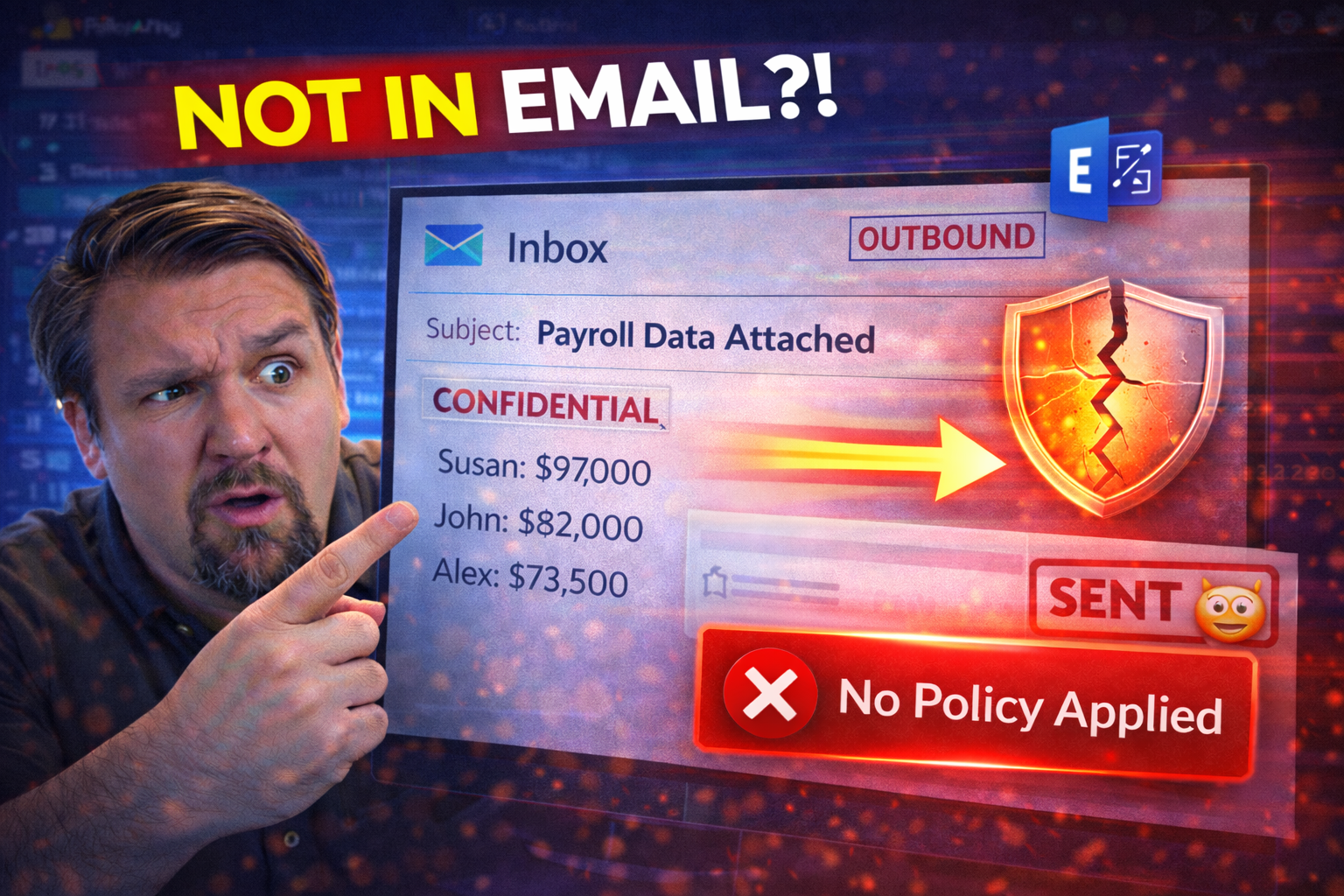
DLP Not Working in Exchange: Causes and Solutions

If you’ve landed here, you already know the struggle of keeping sensitive data on lockdown in Microsoft Exchange Online. Data Loss Prevention (DLP) is supposed to be your automated safety net—catching leaks before your users hit send. But what happe…

View more
April 20, 2026

DLP Not Working in OneDrive: Troubleshooting Policy Issues and Solutions

If you’re managing sensitive information in OneDrive and Microsoft 365, Data Loss Prevention (DLP) is your safety net—but when those policies don’t kick in like you expect, things get stressful fast. This comprehensive guide gets you through the cha…

View more
April 20, 2026

DLP Not Working in SharePoint: Complete Troubleshooting Guide

This guide takes you through every angle of why Data Loss Prevention (DLP) might not work as you'd expect in SharePoint. We’re talking about the common pitfalls—technical glitches, policy missteps, client quirks, and all the in-between. You’ll find …

View more
April 20, 2026

DLP Not Applying to Teams: Troubleshooting and Solutions

If you’re scratching your head because your Data Loss Prevention (DLP) policies aren’t kicking in on Microsoft Teams, you’re not alone. Plenty of IT folks run into this problem and it’s no small thing—after all, DLP is the main line of defense stopp…

View more
April 20, 2026

Troubleshooting DLP Policy Delay Issues in Microsoft 365: Causes, Impacts, and Solutions

DLP policy delay issues in Microsoft 365 are more than just a technical headache—they can quickly snowball into critical compliance and productivity problems if left unchecked. This guide is designed to walk you through what really causes these dela…

View more
April 20, 2026

Best Ways to Collaborate with SharePoint

If you want to bring teams together, manage documents like a pro, or just get more done across your business, SharePoint is one of the best tools in the Microsoft lineup. In this article, you'll dive deep into tried-and-true strategies for boosting …

View more