M365con.net Microsoft Community Conference 2027
M365 FM Podcast
April 21, 2026

Microsoft Teams Beginner Guide: Start Using Teams With Confidence
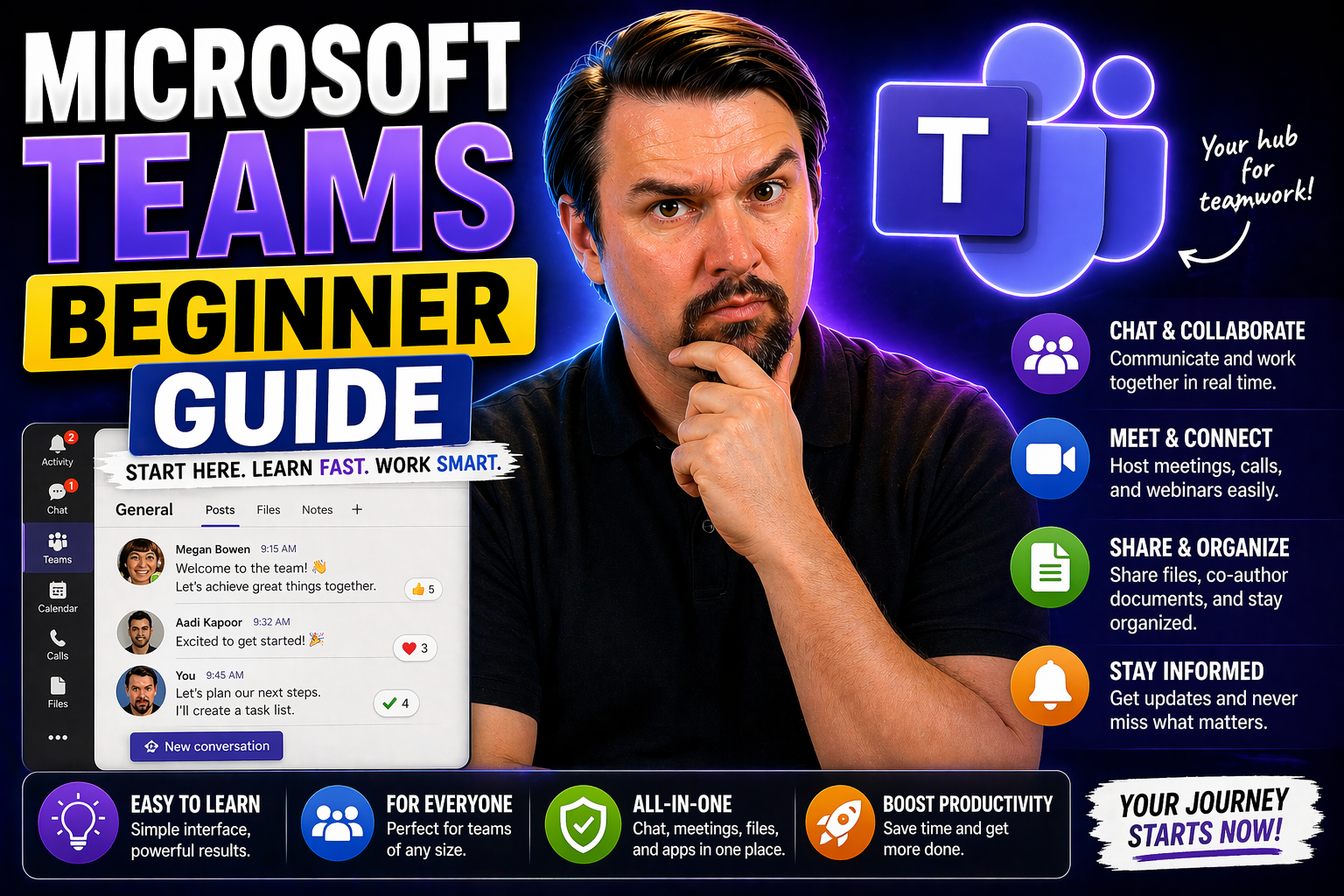
Microsoft Teams is your new digital headquarters—a hub for teamwork, messaging, meetings, file sharing, and classroom work, all in one place. If you’re new to Teams, don’t worry. This guide is built for regular folks and anyone switching from other …
View more
April 21, 2026

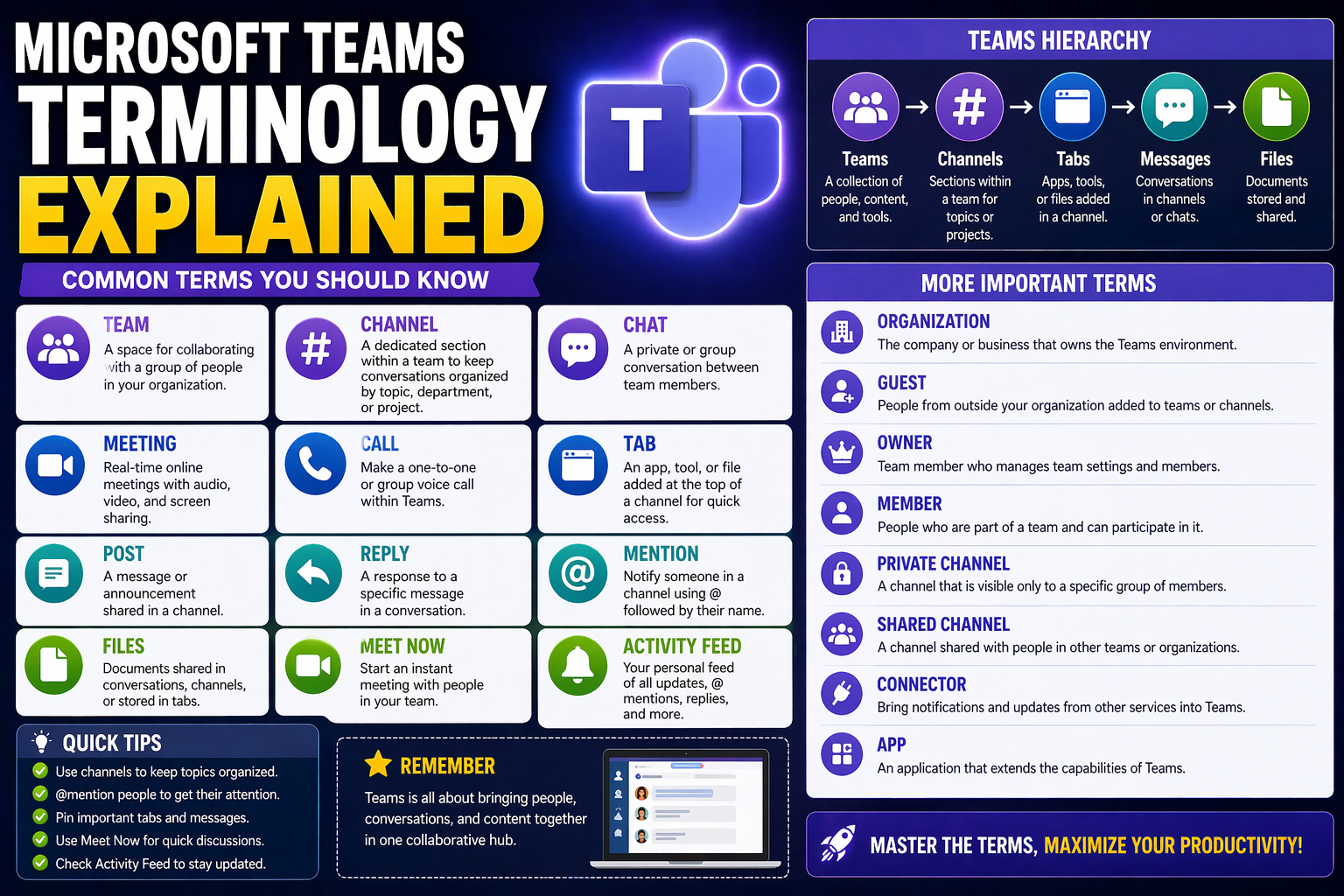
Microsoft Teams Terminology Explained: The Ultimate Glossary and User Guide

This is your no-nonsense, straight-talking guide to Microsoft Teams terminology. Here, you’ll get practical definitions and examples that actually make sense, whether you’re brand new to Teams, wrestling with permissions, or you’re the go-to expert …

View more
April 21, 2026

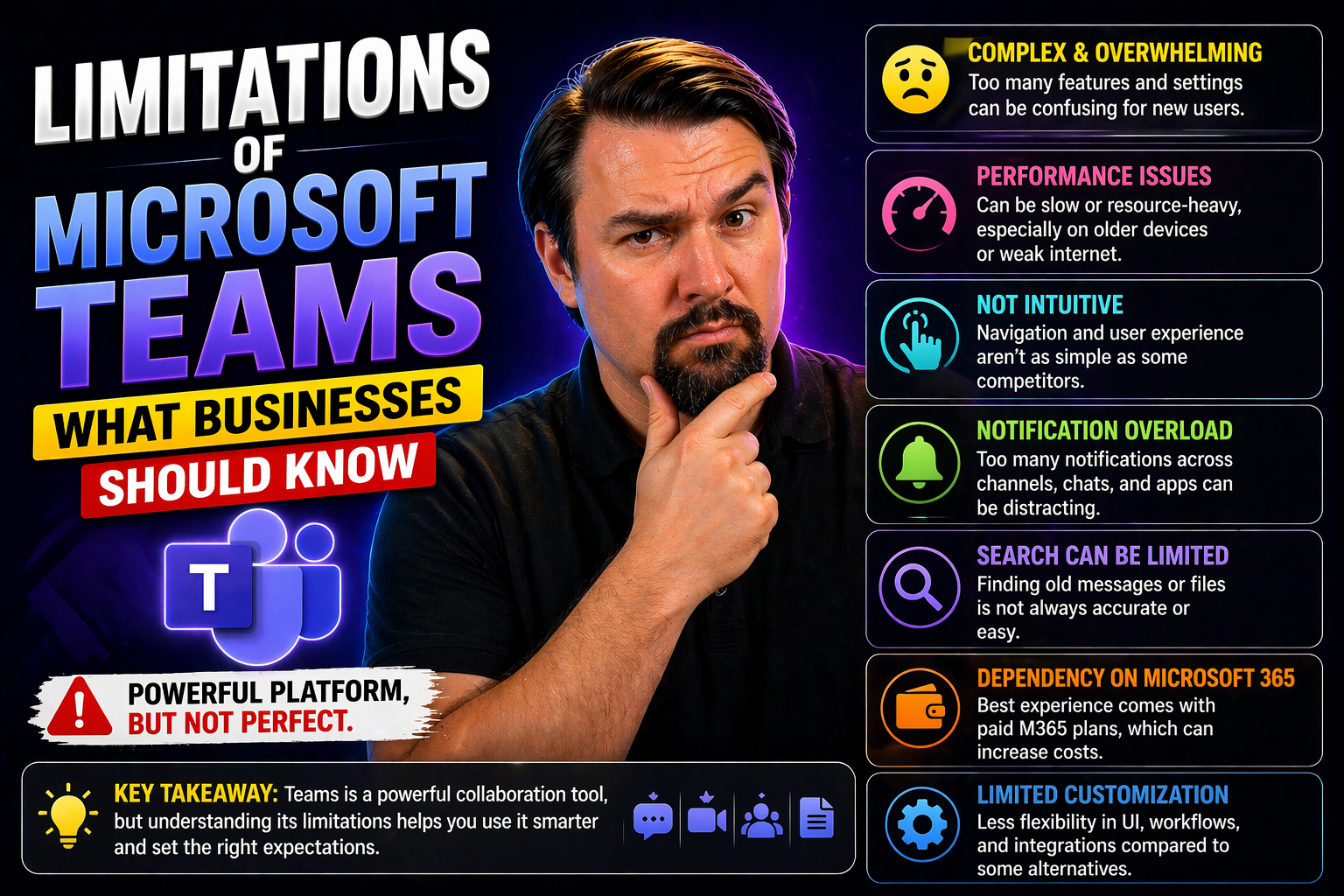
Limitations of Microsoft Teams: What Every Organization Should Know

This article gives you a thorough look at where Microsoft Teams can stumble, even in the hands of seasoned IT pros. If you’re trying to maximize workplace productivity while staying on top of compliance and governance, you need to know where the roa…

View more
April 21, 2026

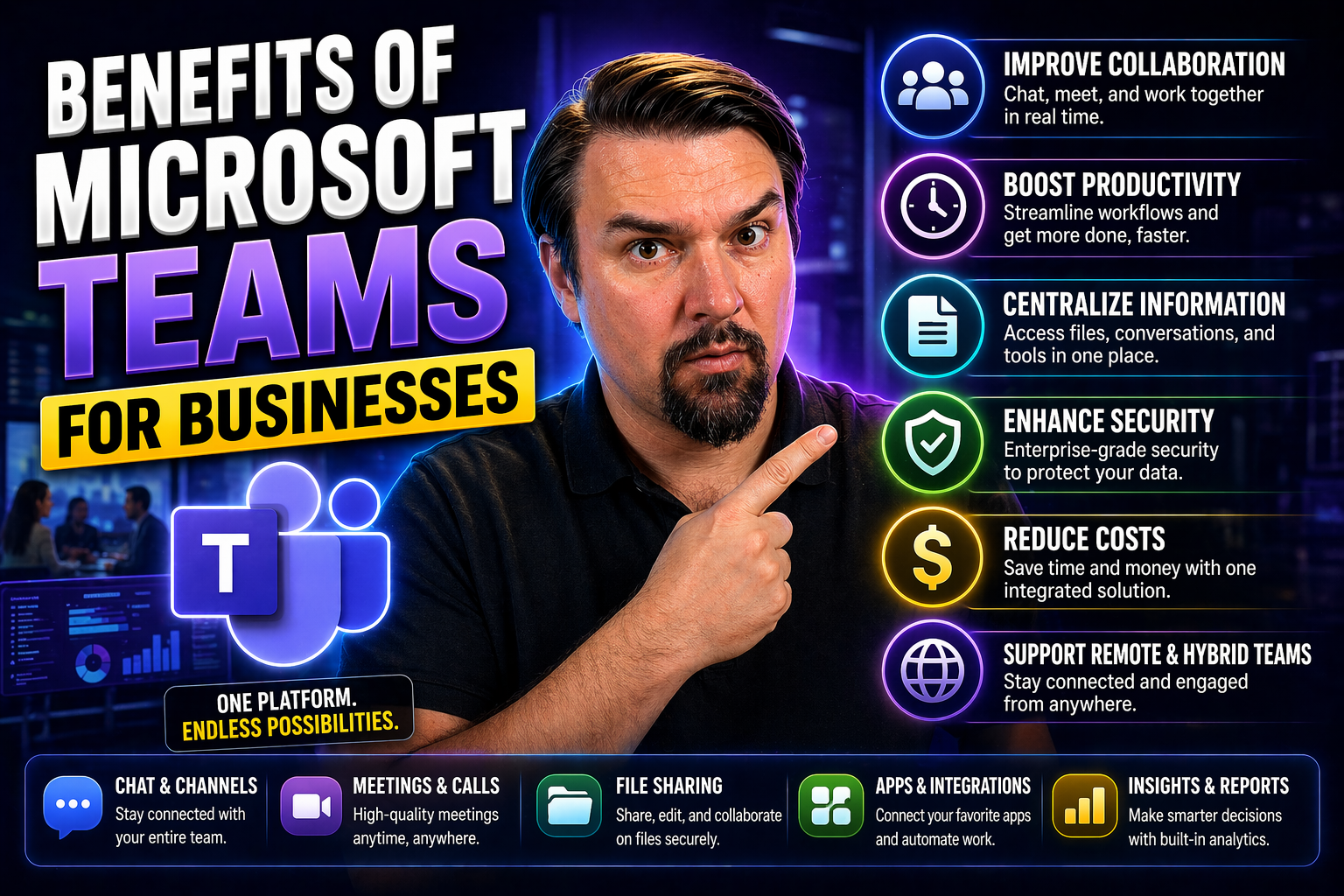
Top Benefits of Microsoft Teams for Businesses

If you’re looking to boost your business’s collaboration game, Microsoft Teams has become the go-to solution for thousands of organizations worldwide. Teams isn’t just chat and video calls—it’s an all-in-one hub for communication, collaboration, pro…

View more
April 21, 2026

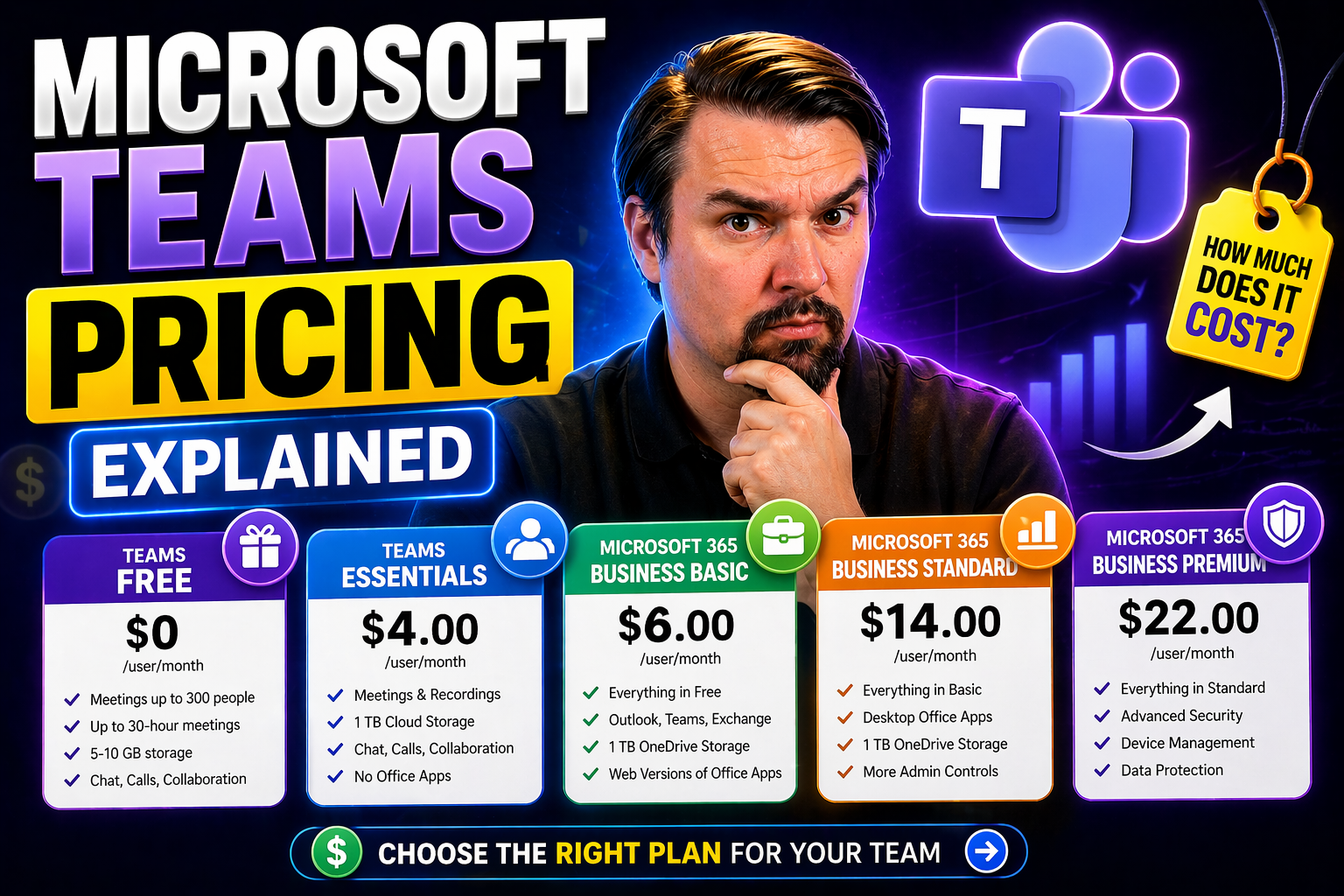
Microsoft Teams Pricing Explained for Every Organization

Microsoft Teams pricing needs a clear business scenario, supported Microsoft 365 configuration, and accountable ownership. Start with the user outcome, verify current Microsoft guidance, test the approach with representative users, and document the …

View more
April 21, 2026

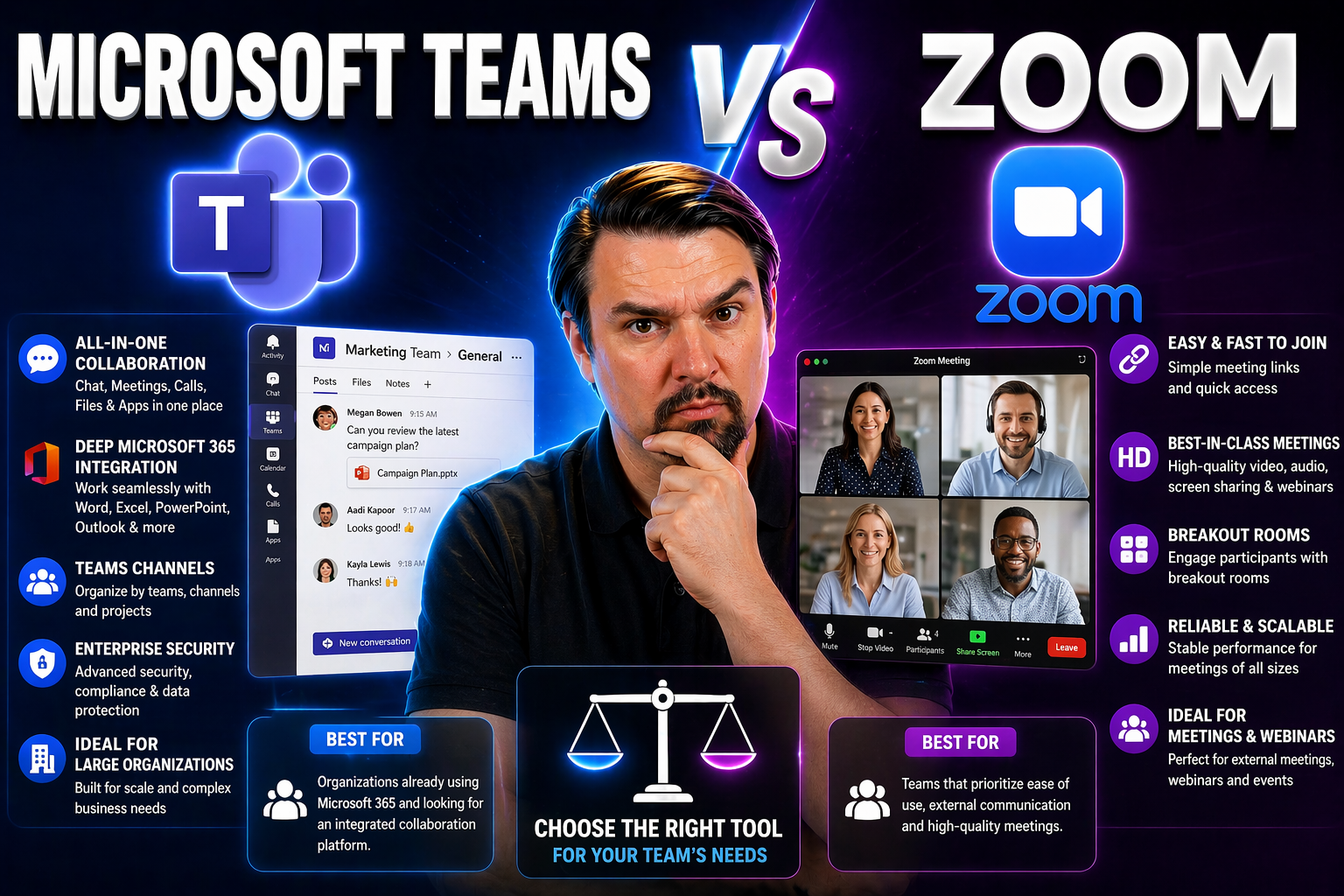
Microsoft Teams vs Zoom: Which Tool Should You Choose in 2026?

Picking a collaboration tool isn’t just ticking a box—it’s about shaping how your people work, talk, and move projects forward every single day. For most organizations, the big decision boils down to Microsoft Teams or Zoom. Both have grown far beyo…

View more
April 21, 2026

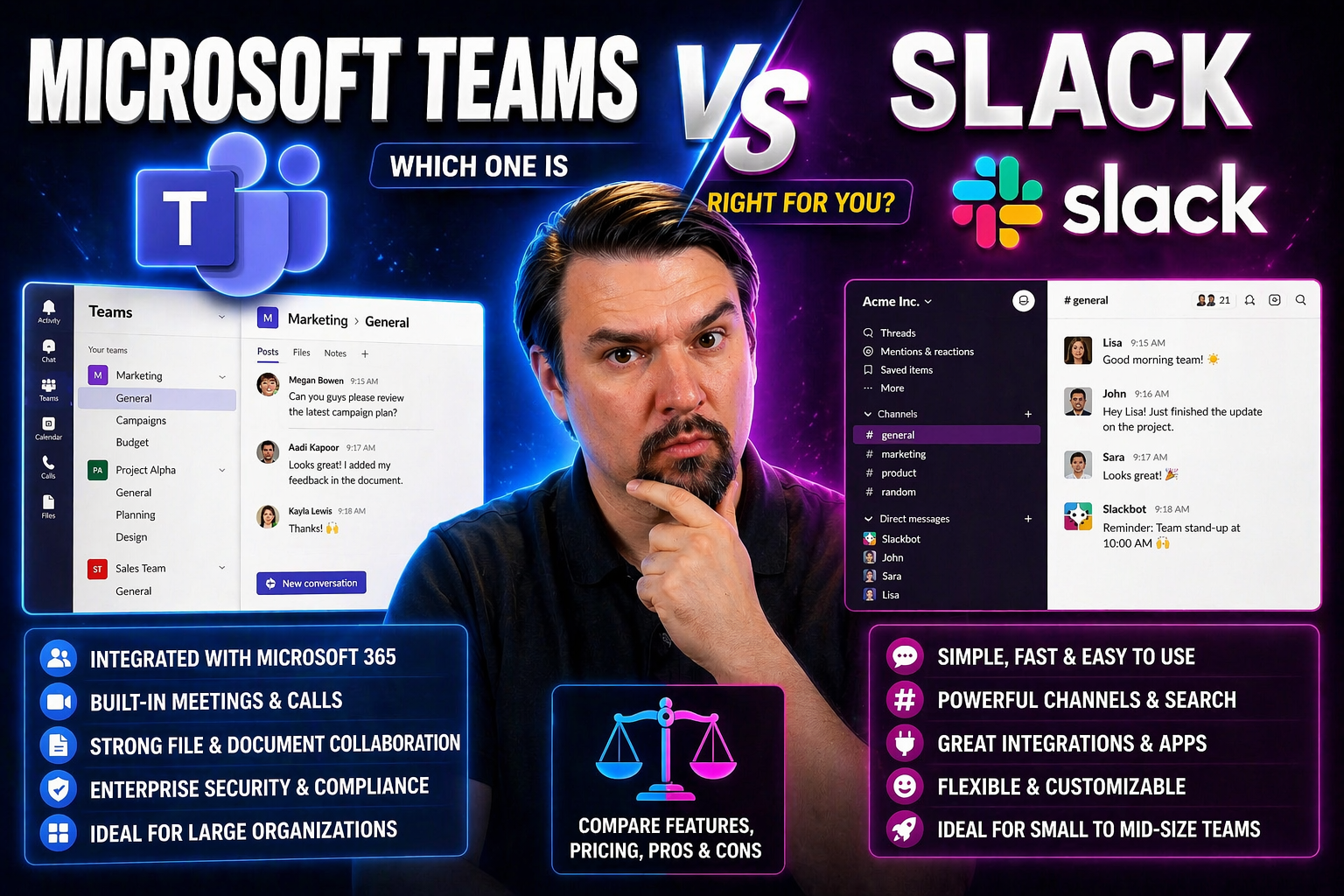
Microsoft Teams vs Slack Full Comparison: Which Platform Reigns Supreme?

Let’s face it—choosing the right communication platform for your organization is like picking the backbone of your workday. Microsoft Teams and Slack are at the top of the game, setting the standard for digital collaboration in today’s offices, remo…

View more
April 21, 2026

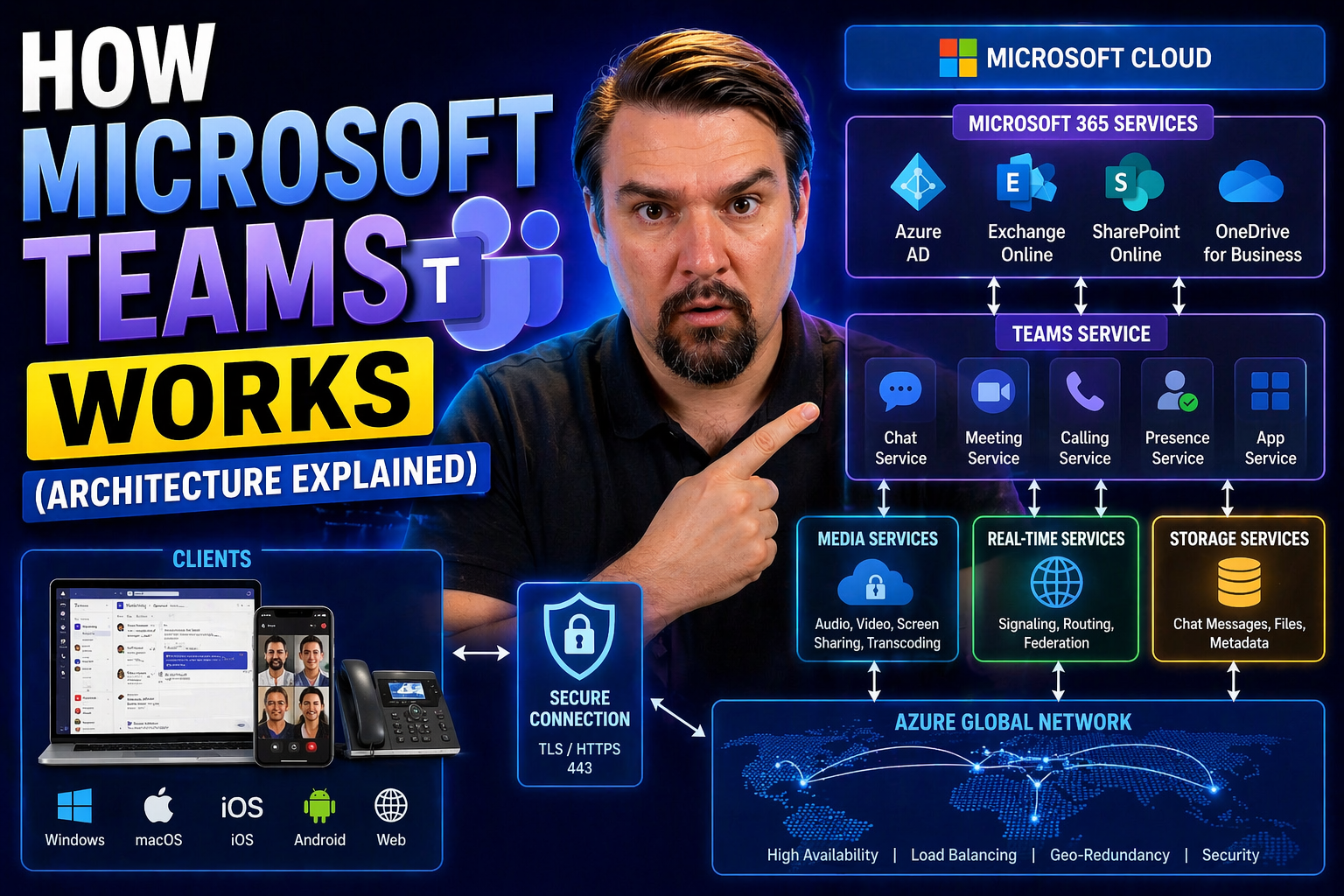
How Microsoft Teams Works: Architecture Explained

Quick Answer: Microsoft Teams architecture combines the Teams client and service with Microsoft 365 identity, meetings, chat, calling, files, SharePoint, OneDrive, and compliance capabilities. A practical design starts with the collaboration scenari…

View more
April 21, 2026

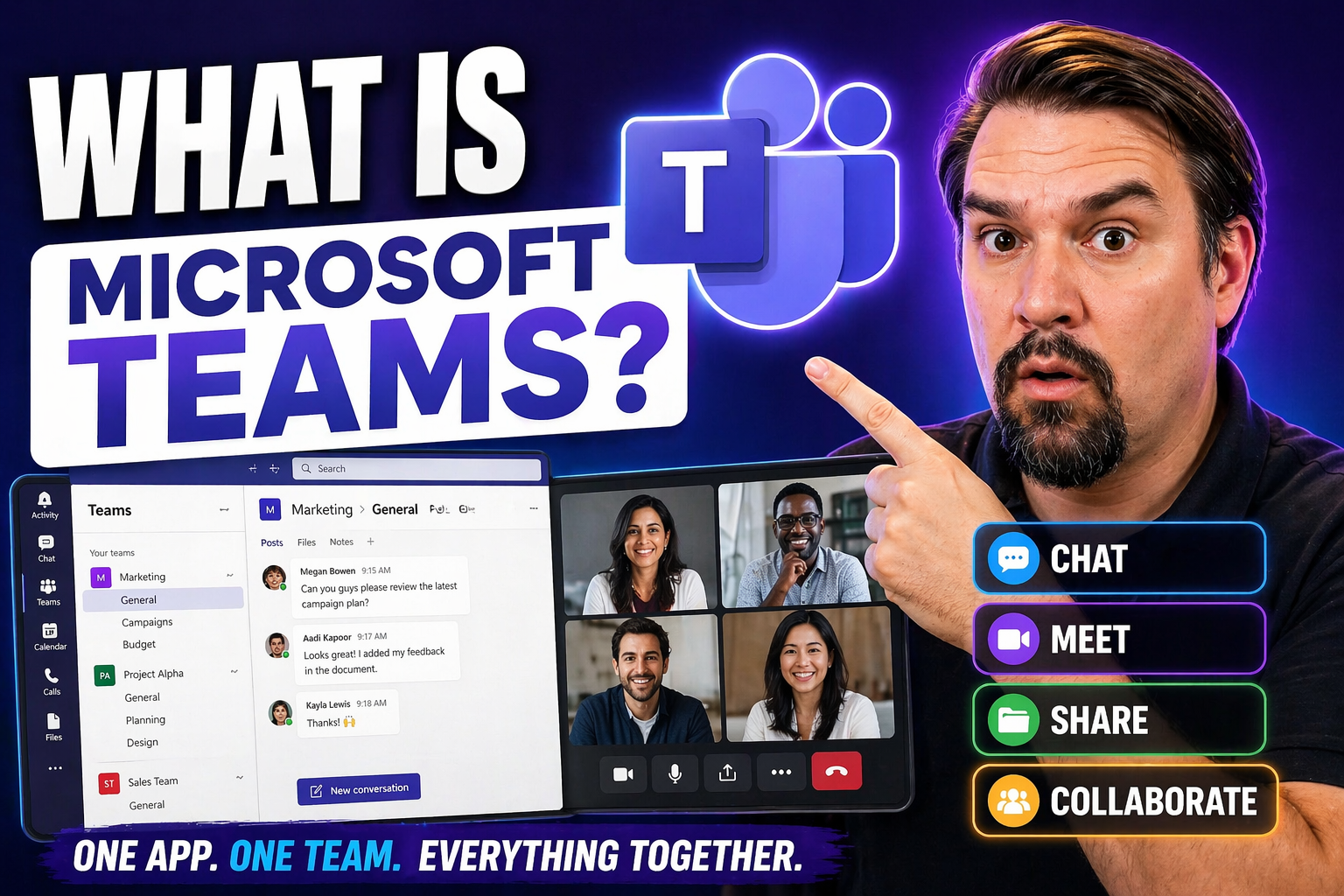
What Is Microsoft Teams? Complete Guide

Quick Answer: Microsoft Teams is the collaboration hub in Microsoft 365 for chat, channels, meetings, calls, files, apps, and shared work. It helps teams communicate in context, but its value depends on clear workspace design, access controls, and p…

View more
April 21, 2026

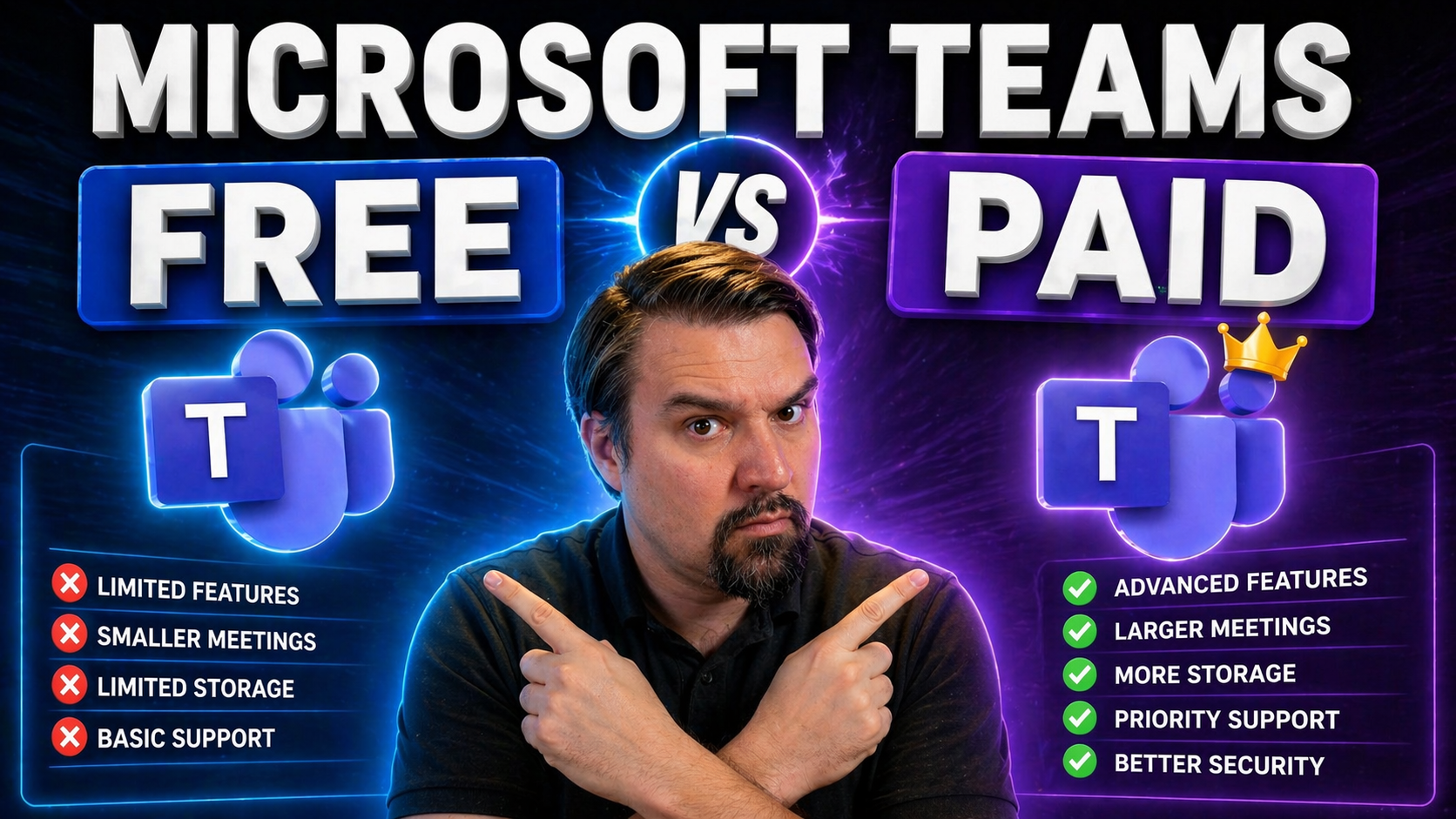
Microsoft Teams Free vs Paid: What’s the Real Difference?

Quick Answer: Microsoft Teams free vs paid is primarily a decision about the collaboration, administration, security, storage, meeting, and compliance capabilities your organisation needs. Start with the business scenario and required controls, then…

View more
April 21, 2026

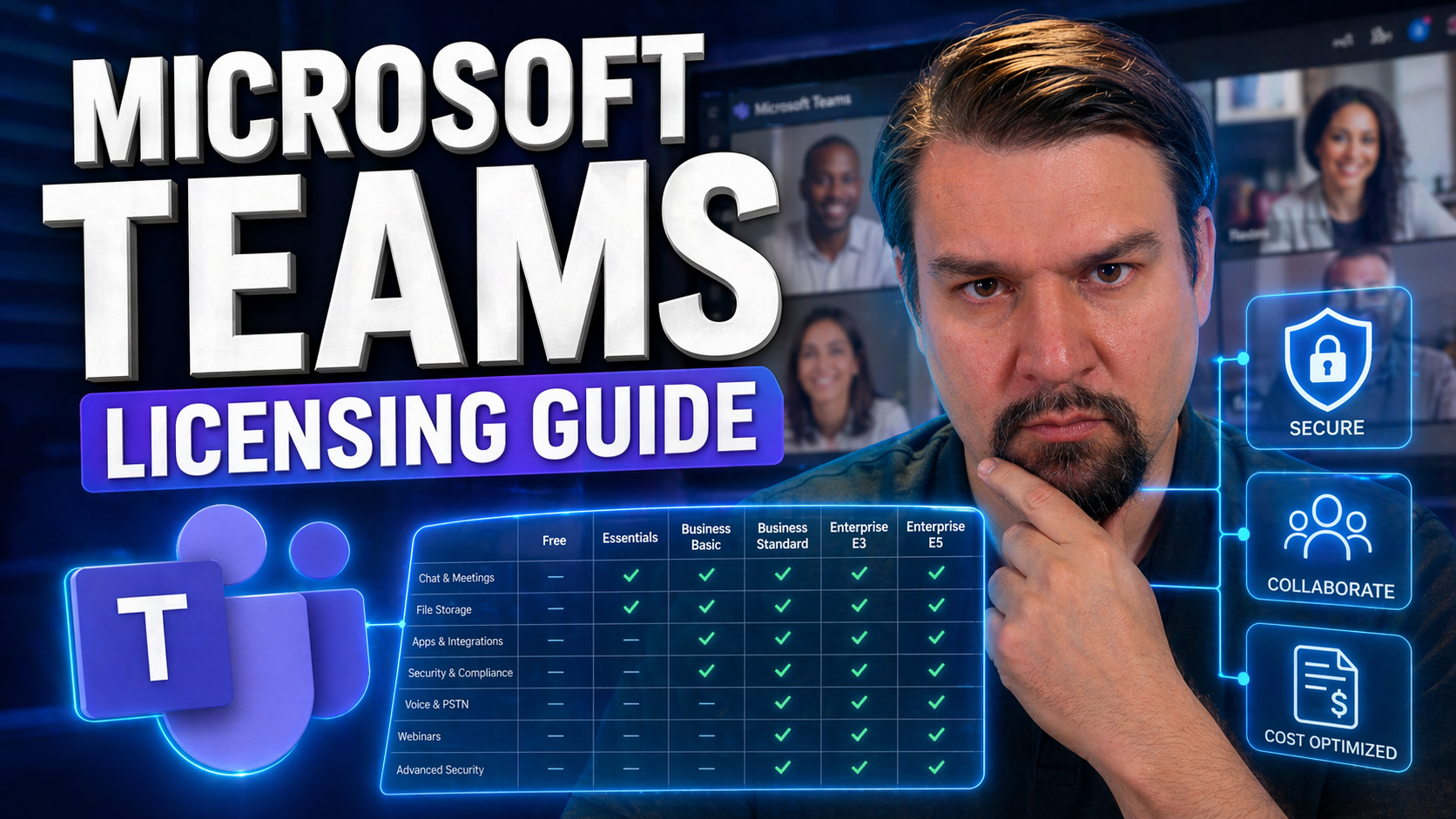
Microsoft Teams Licensing Guide for Microsoft 365 Plans

his guide gives you a clear, practical overview of how Microsoft Teams licensing is structured within the broader Microsoft 365 landscape. Whether you’re managing a handful of users or a large enterprise, you’ll find what you need to select, assign,…

View more
April 21, 2026

Copilot SharePoint Security Risks: What Every Admin Needs to Know

When Microsoft Copilot teams up with SharePoint, it brings a new world of productivity—but also fresh security headaches for IT admins and security pros. As Copilot pulls documents, lists, and organizational knowledge from SharePoint, it operates at…

View more
April 21, 2026

Copilot Not Responding: Troubleshooting Guide for Microsoft Users

If Microsoft Copilot is not responding, first check your connection, account and licence, service health, and whether the feature is available in the current app and tenant. Then retry with a simple prompt, capture any error message, and ask IT to r…

View more
April 21, 2026

Copilot and SharePoint Permissions Explained

Copilot and SharePoint permissions should be designed around the business outcome, approved data access, and human accountability. Start with the smallest useful scenario, validate permissions and policy boundaries, test with representative users, a…

View more
April 21, 2026

Copilot Prompts for Productivity: The Complete Guide

Welcome to your go-to guide for maximizing productivity with Microsoft Copilot prompts inside Microsoft 365. With AI now running alongside your favorite tools, you can seriously up your efficiency game. This guide dives into real-life ways Copilot m…

View more
April 21, 2026

Hybrid Cloud Governance Model: A Complete Guide

The world of hybrid cloud can feel like one big, tangled street grid—on-premises here, a splash of public cloud there, and maybe a side hustle in third-party apps. This is a guide specially put together for organizations leaning on Microsoft tools l…

View more
April 21, 2026

Microsoft 365 Audit Logging Strategy: A Practical Governance Guide

Microsoft 365 audit logging strategy needs a clear business outcome, named ownership, and practical controls. Start with the highest-risk or highest-value use case, validate current Microsoft guidance, test with representative users, and document th…

View more
April 21, 2026

Best Copilot Prompts for Documentation

If you’re aiming to make documentation less of a headache and more of a breeze, Copilot prompts are your new secret weapon. This guide is your one-stop shop for mastering those prompts—helping you get the most out of Microsoft Copilot across Word, S…

View more
April 21, 2026

Copilot Prompts for Developers: Unleashing the Power of AI Assistance

Copilot prompts are quickly becoming a core part of how modern developers get work done, especially if you're in the Microsoft ecosystem. By telling Copilot exactly what you need—whether it’s writing code, troubleshooting, or explaining concepts—you…

View more
April 21, 2026

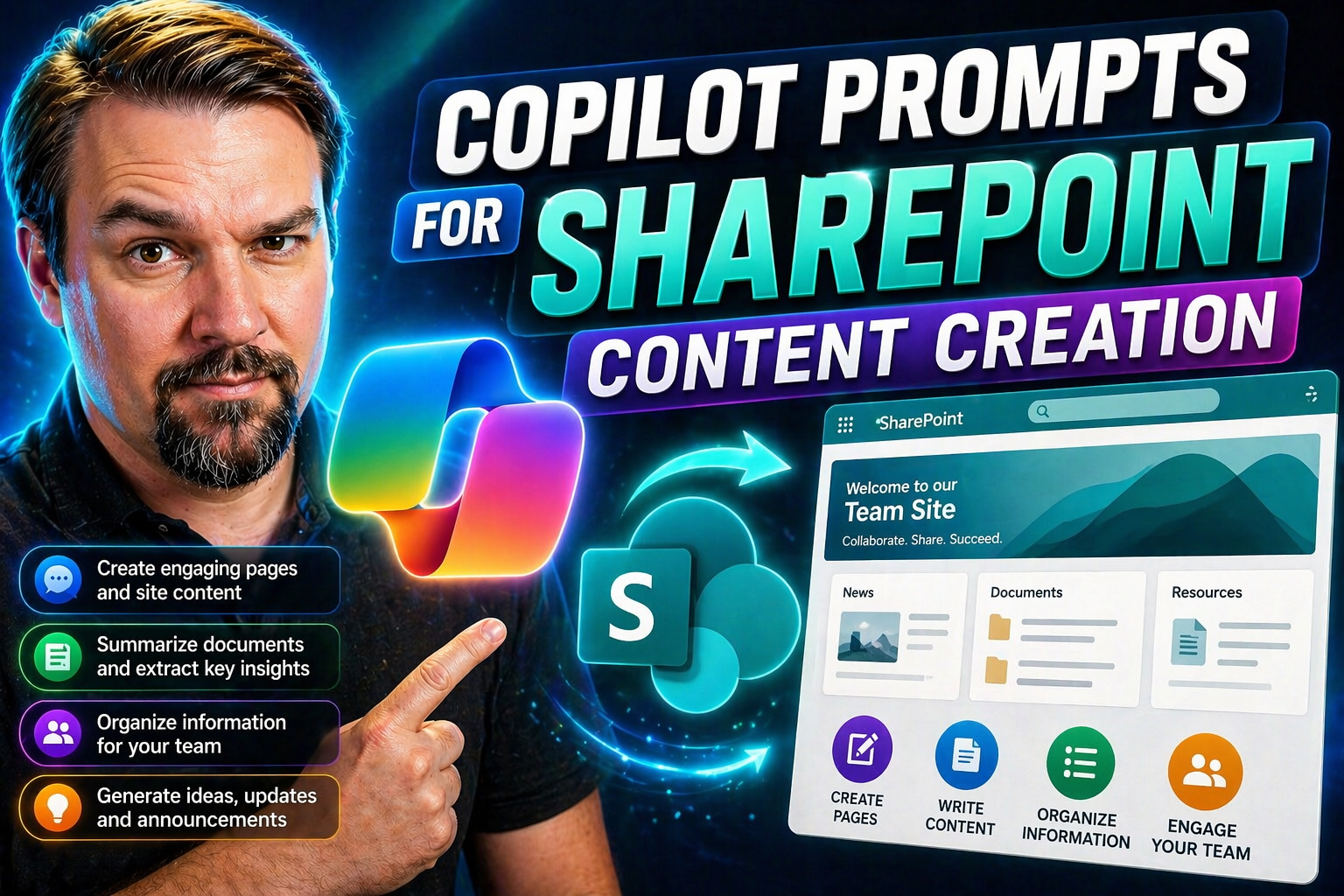
Copilot Prompts for SharePoint Content Creation

Copilot prompts in SharePoint change the way you create, organize, and update content across your sites and pages. These AI-powered prompts let you use simple language—just like talking to a person—to instruct Copilot to draft, revise, and enhance e…

View more
April 21, 2026

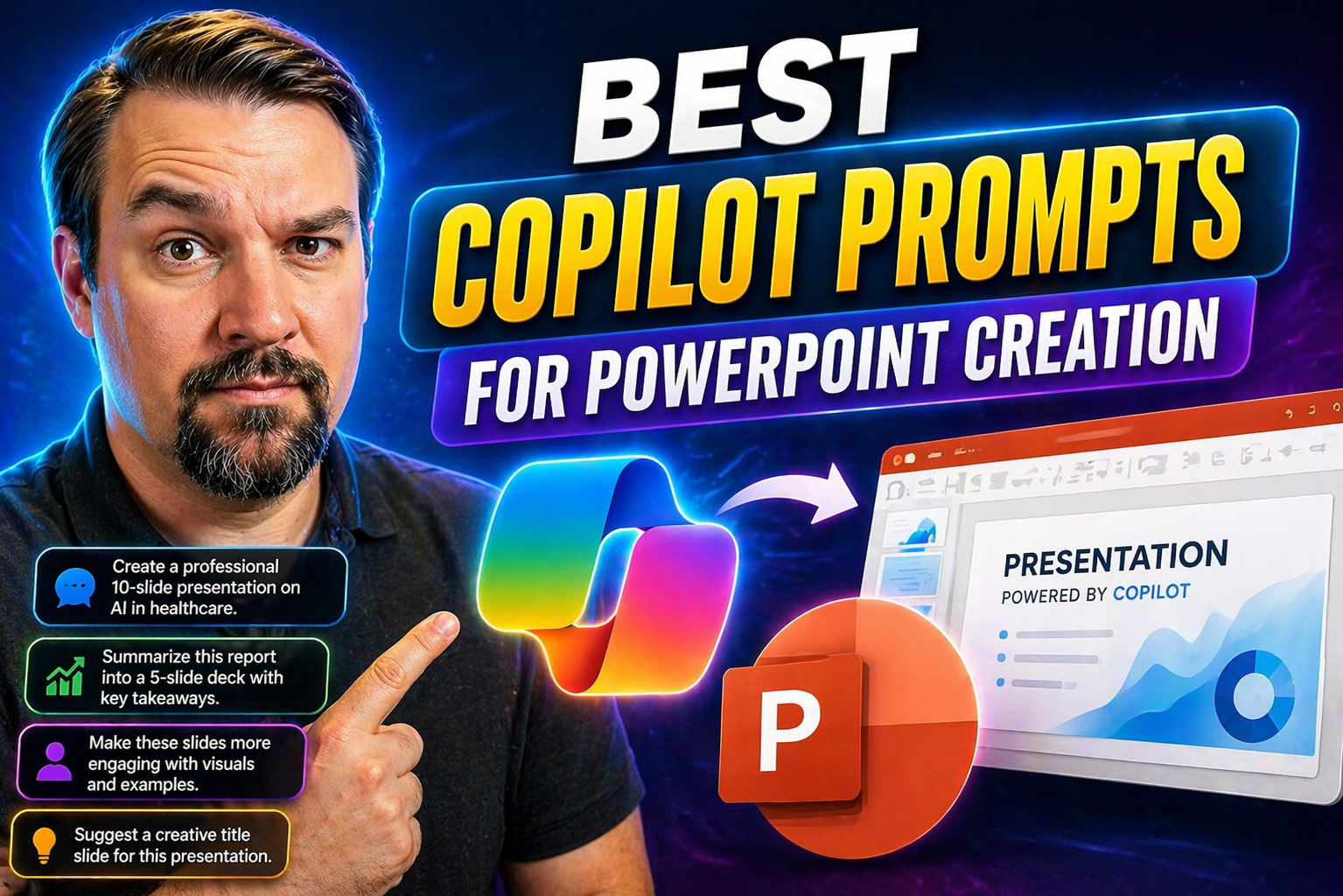
Best Copilot Prompts for PowerPoint Creation

If you’re ready to step up your PowerPoint game, this guide is your one-stop shop for unlocking the full potential of Microsoft Copilot with just the right prompts. Here, users will find real-world examples, prompt strategies, and proven best practi…

View more
April 21, 2026

How to Enable Microsoft 365 Copilot

Quick Answer: To enable Microsoft 365 Copilot, confirm the required licensing and tenant readiness, assign licences to the intended users, verify identity and content permissions, and introduce it through a controlled pilot. Validate the experience …

View more
April 21, 2026

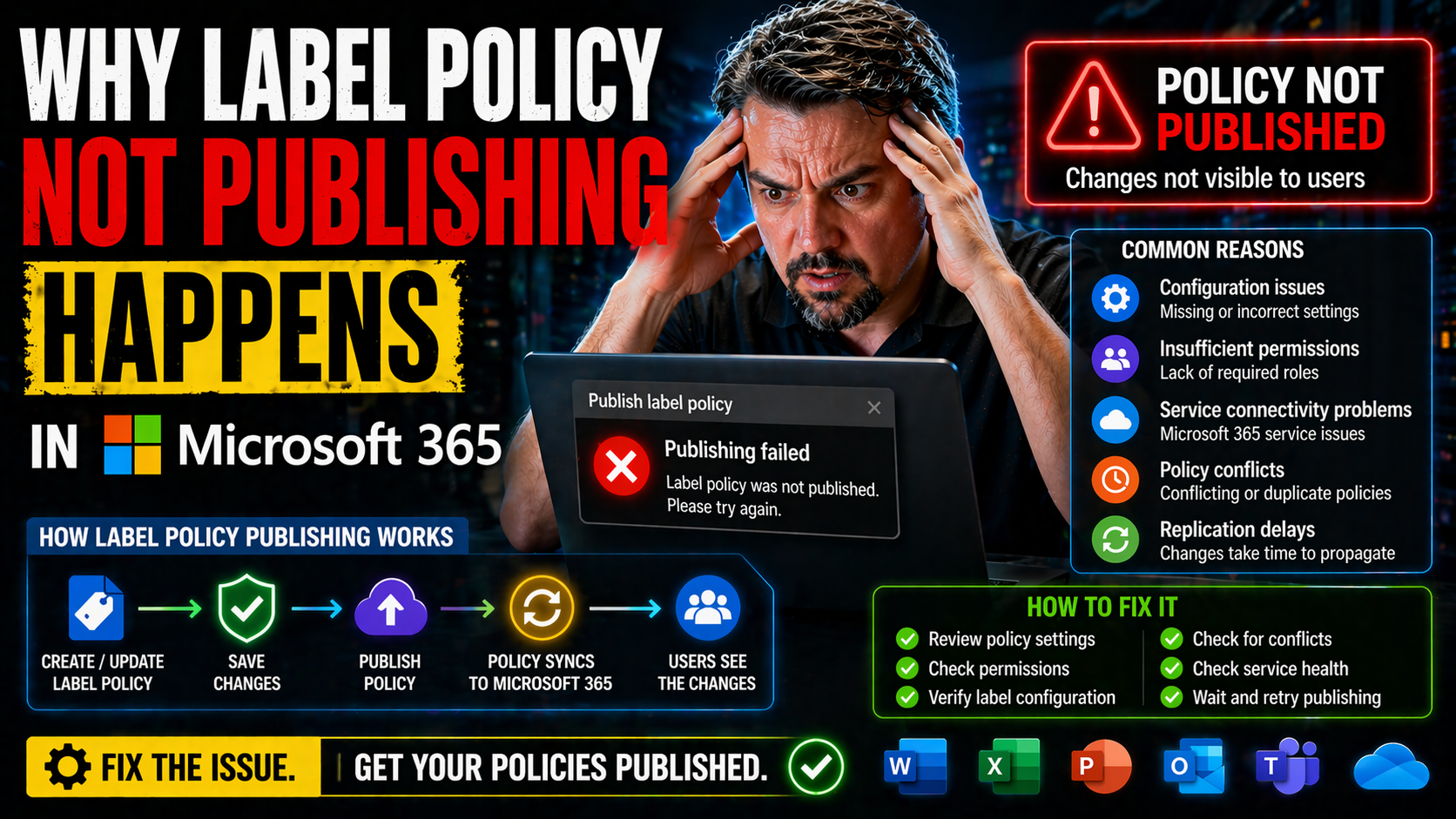
Why Label Policy Not Publishing Happens in Microsoft 365

Ever wonder why some label policies in Microsoft 365 just won’t publish, no matter how many times you click save? You’re not alone. IT admins everywhere run into label publishing headaches. One second, everything looks right in Purview, and the next…

View more
April 21, 2026

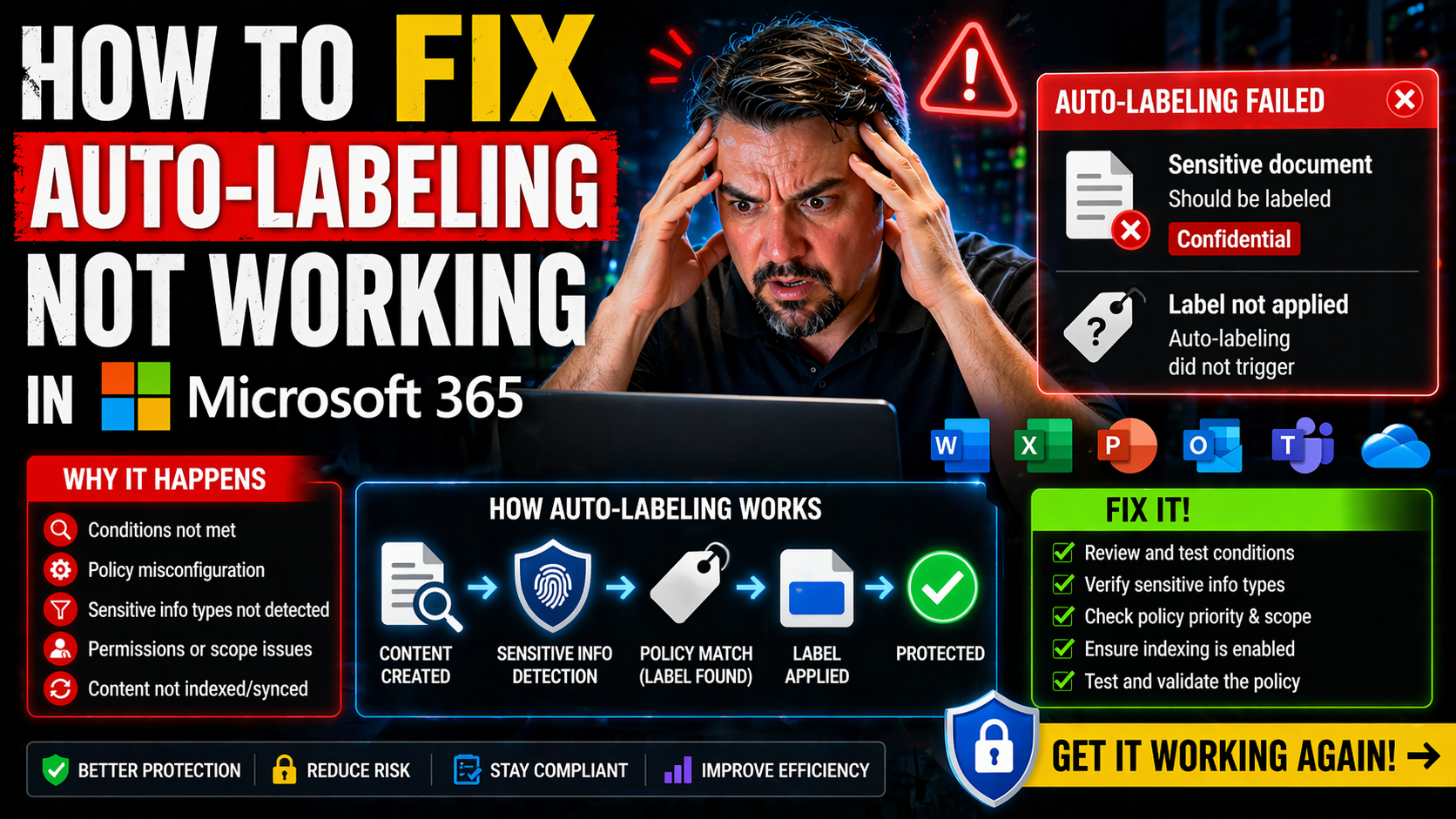
How to Fix Auto-Labeling Not Working in Microsoft 365

Auto-labeling in Microsoft 365 is your frontline for protecting sensitive data—whether it’s financials in Excel, legal docs in Word, or an email you wish you’d never sent. When it works, it just happens: files and messages get sensitivity labels sla…

View more