Teams Chat Productivity Guide
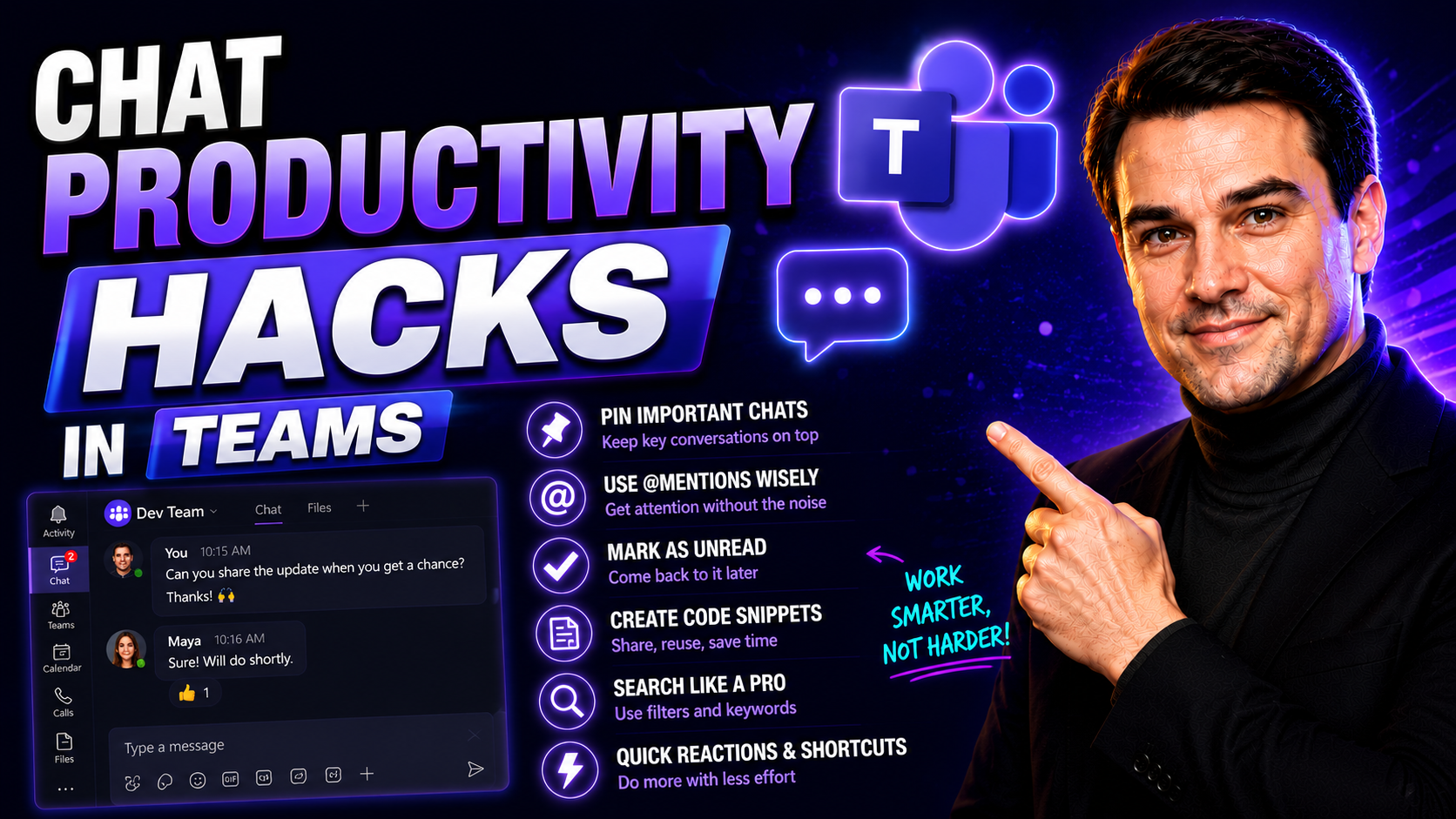
Today’s teams are juggling dozens of conversations, projects, and tasks at once. Chat-based AI tools like ChatGPT are stepping in to lighten the load and help organizations move fast without letting things slip through the cracks. These aren’t just fancy robots spewing random text—they’re real productivity partners changing how work gets done.
With smart chat productivity hacks, you can shave hours off your weekly workload, boost the quality of your team’s output, and even inject a little sanity back into your workday. Especially if you’re using Microsoft Teams, the right hacks and strategies will help you automate the repetitive stuff, keep everyone in sync, and free up your brain for the decisions that matter. Let’s explore how these tools are reshaping teamwork for the better.
What Is ChatGPT and How Does It Improve Productivity?
ChatGPT is an artificial intelligence chatbot built by OpenAI. It’s a “generative pre-trained transformer,” which means it digests huge amounts of text data to predict what words should come next in conversation. In plain English: you type in a question or task, and ChatGPT spits out organized, human-like responses in seconds.
So, how does ChatGPT fit into the modern workplace? Basically, it acts like a digital assistant for knowledge work. Instead of starting from scratch when you need to draft an email, summarize a research document, or brainstorm fresh ideas, you plug the prompt into ChatGPT and let it generate content or insights immediately. This means you spend less time stuck on low-value tasks and more time making decisions.
Its biggest productivity boost comes from speed, accuracy, and the ability to juggle endless requests. Modern organizations integrate ChatGPT to automate communication, data analysis, scheduling, and even content creation right inside their workflows. The result? Teams move faster, make fewer mistakes, and collaborate efficiently—even across remote offices or busy departments. With AI like ChatGPT in your corner, you get to focus on what humans do best: creative thinking and real problem-solving.
Top Productivity ChatGPT Hacks That Save Time At Work
When you want to work smarter, not harder, ChatGPT has your back. Modern professionals aren’t just using AI for fun—they’re automating routine tasks and cutting down the time wasted on admin and communication bottlenecks. The right ChatGPT hacks can deliver a serious productivity edge for office workers at every level.
With solid strategies, you can tap into ChatGPT for faster responses, sharper insights, and cleaner written communication, all without breaking a sweat. People are turning to these tools to handle meeting summaries, streamline customer inquiries, organize to-do lists, and so much more. These hacks aren’t just about saving a few minutes—they can overhaul the way your team works together day in and day out.
Ready to unlock serious time savings and work with less stress? The next section dives into the most effective ways to use ChatGPT for everyday tasks like emails, research, and keeping your team on the same page. Get set for a toolkit of hacks you’ll wish you had sooner.
ChatGPT Efficiency Hacks for Email, Research, and More
- Draft emails in seconds: Skip writer’s block by having ChatGPT generate email drafts for client updates, follow-ups, or introductions. Share the main points, and the AI will turn your bullet list into a professional, friendly note. Always review and personalize, but let ChatGPT do the heavy lifting.
- Summarize reports and articles: Reading dense reports or industry news? Paste the text into ChatGPT and ask for a summary of key findings or action items. This saves you from sifting through pages of info, letting you zero in on what matters most.
- Create action lists and agendas: Feeding ChatGPT a meeting transcript or project brief can give you a clean, prioritized to-do list. Use prompts like, “What are the next steps based on this meeting?” for instant organization.
- Research and compare quickly: Instead of endless web searches, ask ChatGPT to distill pros and cons, summarize differences between tools, or even draft comparison tables. This way you get quick, readable insights—instead of getting lost in Google rabbit holes.
- Polish and rephrase communication: Worried your message sounds too blunt, too formal, or not clear enough? Paste it into ChatGPT with a prompt like, “Make this friendlier and clearer,” or “Rephrase for senior leadership.” Instantly improve tone and professionalism.
- Schedule and reminder automation: Have ChatGPT draft calendar invites, scheduling suggestions, or structured reminders for meetings and deadlines. It’s like having a virtual assistant who never forgets to remind you of that all-hands call.
Advanced Prompt Engineering for Better ChatGPT Results
Getting the best from ChatGPT is about more than just asking questions. The magic happens when you craft prompts that the AI truly understands—giving you results that are not just accurate, but actually useful for your work. This is where prompt engineering comes into play, and it’s a game-changer for anyone serious about productivity.
Good prompt engineering means shaping your request so the AI knows exactly what you’re after. With well-structured prompts, ChatGPT can consistently generate the right code snippet, a perfect email draft, or a list of deep insights, rather than something generic. Effective prompt design removes ambiguity and ensures the AI delivers contextually spot-on answers, even for complex or creative tasks.
As more teams bring AI into daily workflow, mastering prompt engineering is quickly becoming a must-have skill. By understanding what goes into a good prompt—and how to refine your approach with feedback—you can harness ChatGPT to its full potential. Up next, you’ll find actionable tips on making prompts that consistently deliver top-shelf results across all your work scenarios.
ChatGPT Prompt Engineering Tips for Consistent Output
- Be clear and specific: Vague prompts lead to vague answers. Lay out the subject, required format, and desired tone. For example, instead of “Write a summary,” try “Summarize this report for a busy marketing manager in three bullet points.”
- Provide context and examples: Give ChatGPT enough backstory or reference so it “knows” what you want. Attach a short sample or clear background—like “Respond to this customer complaint with empathy and offer a 10% discount code.” For even more tips, see this guide on effective prompt crafting with Copilot.
- Set structure upfront: Tell the AI what output format you want. Use prompts like “List three advantages and three disadvantages in table form” or “Reply in two paragraphs.” This leads to cleaner, more organized responses on the first try.
- Build iteratively—ask, review, refine: If you don’t get the answer you want, tweak your prompt, adding details or clarifying requests. Think of ChatGPT as a collaborator—iteration makes output stronger each round.
- Use sequenced, bullet-point guidance: For complex tasks, break down your request into steps or provide a sequence. For example, “First, summarize the scenario in two lines. Next, recommend two solutions. Then, explain pros and cons for each.” This helps prevent the AI from going on tangents.
The more you practice, the better your prompts—and results—get. Consider tailoring your prompts according to where you’re working, whether it’s Microsoft Teams, Word, or another tool, to maximize automation and productivity gains within your daily workflow.
Boost Team Productivity with ChatGPT in Microsoft Teams
Collaboration gets complicated when your team is scattered across meetings, messages, and endless email threads. Embedding ChatGPT directly into Microsoft Teams helps teams keep everyone in the loop and projects moving forward—without drowning in admin tasks.
Integrating ChatGPT lets you automate meeting summaries, answer common questions, brainstorm ideas, and generate content—all right inside the Teams environment. Workers can access AI-powered help without switching between apps, saving time and driving smoother collaboration.
Bringing AI into Teams isn’t just about convenience—it’s about supercharging decision-making and freeing up people’s time for work that matters. Curious about real-world examples? Check out how Copilot is reshaping productivity inside Teams and discover practical ways to set up and use these AI-driven workflows. The next section breaks down hands-on methods to embed ChatGPT in your own Teams channels.
Practical Ways to Embed ChatGPT Workflows in Teams
- Add ChatGPT-powered bots: Set up a custom bot inside Teams that pulls in ChatGPT’s brainpower for tasks like answering FAQs, summarizing chat threads, or generating project briefs within your channels. Use Microsoft’s Bot Framework for robust deployment—a process detailed in the guide on building Teams bots and message extensions.
- Leverage message extensions: Use Teams message extensions so users can pull AI-generated content (ideas, drafts, summaries) straight into chats or files without switching apps. These underused features let you search, generate, and insert AI responses directly, which can have a major impact on productivity.
- Automate meeting summaries: After a Teams meeting, use a ChatGPT integration or connector to draft concise summaries, identify action items, and assign follow-ups, saving everyone time and ensuring nothing is missed. For advanced integrations, learn more about extending meetings with custom apps and bots in Teams.
- Brainstorm and content creation: Run team brainstorming sessions with ChatGPT available in a dedicated tab, collecting ideas, instant feedback, and even first-draft content—all within Teams. This approach fosters collaboration and reduces the time spent wrangling ideas into shareable form.
- Policy and permissions management: Set up role-based access and data permissions for your ChatGPT integrations inside Teams. This guards sensitive info and ensures your AI agents are only pulling what users are actually allowed to see, keeping you compliant and secure.
Automate Content Creation and Technical Tasks with ChatGPT
AI isn’t just for chit-chat—it’s a powerful workhorse for automating some of the hardest and most time-consuming tasks at the office. Whether you’re writing code, fixing scripts, or battling through content drafts, ChatGPT steps in as a digital assistant, offering speedy, reliable help on everything from tech to text.
From IT teams to marketing departments, automating with ChatGPT means fewer headaches and faster turnaround on work that used to require hours of deep focus. You can shift routine coding, troubleshooting, or writing from your heavy to-do list straight into an AI workflow, reclaiming time for strategic thinking and hands-on collaboration.
The following sections spotlight specific ways ChatGPT kicks productivity into high gear: rapid code generation and troubleshooting, plus lightning-fast content and email drafting—with practical tips to avoid common pitfalls and get the most out of your new AI co-pilot.
Generate, Debug, and Explain Code Using ChatGPT
- Write new code faster: Share your project requirements or problem statement, and ChatGPT will output sample Python, JavaScript, or other code snippets instantly. Great for quick prototypes or learning new syntax.
- Debug tricky scripts: Paste in error messages or broken code, and ChatGPT suggests fixes, pinpoints bugs, or offers alternative approaches to get you working again.
- Understand unfamiliar code: If you inherit messy or legacy code, ask ChatGPT to explain functions line by line, so you can troubleshoot or upgrade with confidence.
- Validate outputs: Always double check AI-generated code—run tests and peer reviews to avoid hidden errors or logic flaws before deploying anything critical.
Draft Emails and Content Fast with ChatGPT
- Instant business email drafts: Feed ChatGPT your key points, and it returns a finished, professional message you can personalize and send—no more starting from scratch.
- First-pass blog posts and reports: Outline your topic, tone, and audience, then watch ChatGPT generate rough drafts in minutes, saving you the longest part of writing.
- Content rephrasing and style tweaks: Need something friendlier or more formal? ChatGPT will rewrite content to match your target audience or required tone.
- Review before publishing: Always proofread AI drafts for clarity, accuracy, and company style. A quick check makes sure your writing stays sharp—and truly yours.
Key Considerations for Using ChatGPT at Work
Bringing ChatGPT into the workplace isn’t just a tech upgrade—it’s a strategic decision that requires careful attention to data privacy, accuracy, and ethical risks. While AI tools can drive massive productivity, organizations must balance innovation with responsibility and establish best practices from day one.
First, review how sensitive data is handled in your ChatGPT workflows. Avoid sharing confidential or regulated information in prompts, and use enterprise solutions that offer role-based access controls. Platforms like Microsoft Copilot implement privacy-by-design frameworks and keep business data securely inside 365 and Azure—see how Copilot maintains privacy for more details.
Next, evaluate the accuracy and reliability of AI outputs. Always check important responses, code, or content before taking action. Teams should adopt a verification process and establish workflows where AI is used as a support tool—not the sole decision-maker.
Finally, manage dependency risks and keep your AI use compliant with regulations like GDPR or HIPAA. Set up governance strategies, like those explained in this governance best practices guide, to protect both user data and organizational trust. With strong safeguards, ChatGPT-driven productivity becomes a sustainable advantage—not a liability.
Build on DigitalOcean’s Gradient and Extend ChatGPT
If you’re looking to take ChatGPT from a handy sidekick to a full-blown team player, platforms like DigitalOcean’s Gradient offer the next step. Gradient allows businesses to host, fine-tune, and scale custom AI agents based on ChatGPT models. This gives teams the flexibility to tailor AI workflows for their unique needs—no more one-size-fits-all solutions.
With Gradient, you can securely deploy AI agents that automate repetitive tasks, provide knowledge support, or even monitor real-time data streams. Its cloud infrastructure is designed for scalability, so whether you’ve got ten users or ten thousand, your workflows run smoothly and reliably. That means IT leaders and developers can focus on building value—not on wrestling with infrastructure headaches.
Advanced teams use Gradient to integrate ChatGPT with third-party tools, set up exclusive data access, and orchestrate multi-step processes across departments. By building your AI workflows on this platform, you’re better equipped for enterprise scenarios, compliance requirements, and real-world production demands. In short, Gradient helps you turn smart chat tools into a true engine for business automation.
Managing Sensitive Data and AI Security in Chat Productivity
Security isn’t just an afterthought when you use chat-based AI at work. AI tools like ChatGPT handle all kinds of data, so protecting what’s private—your business secrets, client info, and regulated data—should always come first. Strong guardrails, compliance checks, and prompt safety practices keep your organization’s reputation and data intact.
The most secure workflows avoid putting confidential or regulated info directly into open AI models. When you work with platforms tightly integrated into your stack—such as Microsoft Copilot—you benefit from enforced data boundaries and tenant isolation, plus detailed permissions and ongoing monitoring. These features align with privacy regulations like GDPR and HIPAA, helping you sleep easier at night.
Smart organizations double down with governance strategies: set strict roles and policies, use encrypted access, and monitor user behavior. Clear Teams governance frameworks reduce risks and confusion, so people know what's safe—and what’s strictly off-limits—inside their chat productivity tools. When in doubt, build AI workflows side-by-side with IT and compliance experts. This way, your productivity boost doesn’t come at the expense of ethics or security.
Final Thoughts on Chat Productivity Hacks
AI-powered chat productivity hacks aren’t just trendy—they’re proving their worth in real businesses every day. According to industry data, teams leveraging chat-based AI tools report up to 40% faster turnaround on emails and meeting notes, plus measurable improvement in output quality and coordination.
Experts stress the importance of combining ChatGPT’s automation power with strong ethical guidelines, ongoing training, and transparent governance. When you approach adoption thoughtfully, these hacks can help your team not just survive, but truly thrive in a fast-paced digital world. Smart use of these tools brings out the best in both your team—and your technology.
Start Using Chat Productivity Hacks Today
Getting started with chat productivity hacks is easier than ever. Your next step is to pick a workflow—whether it’s email drafting, meeting summaries, or code automation—and experiment with integrating ChatGPT or similar AI tools. Set simple goals, measure your time saved, and iterate from there.
To go deeper, check out real-world examples in these top Microsoft Copilot use cases and explore guides for integrating AI into Microsoft Teams and 365 apps. Regular training, reviewing best practices, and investing in governance resources ensure not only quick results, but also safe, long-term productivity gains for your whole organization.
You Should Also Listen To
If you are researching Teams chat productivity, these episodes add practical context on collaboration, meeting operations, security, and governance:
- Recording, Transcription, and Breakout Rooms — Learn how meeting capture and breakout features turn discussions into action.
- Microsoft Teams Governance – The Illusion of Control — Connect meeting choices with policy, ownership, lifecycle, and governance.
- Microsoft AI Agent Harness – Simply Explained — Understand how AI orchestration can support meeting workflows and guardrails.
- Microsoft Defender XDR – Simply Explained — Add security monitoring and response to meeting operations.

Microsoft MVP | Host of M365.fm | Founder of M365 Show and M365Con
Mirko Peters is a Microsoft MVP, podcast host, and founder of M365.fm, M365 Show, and M365Con. His work connects Microsoft practitioners through podcast interviews, livestreams, and community events.
At M365.fm, Mirko hosts conversations with Microsoft MVPs, product experts, architects, and community contributors. Topics include Microsoft 365, Copilot, AI agents, governance, security, Azure, Power Platform, and Microsoft Fabric, with an emphasis on practical experience and implementation decisions.
M365.fm is the podcast and learning platform. M365 Show brings experts together for livestreams, while M365Con provides an online conference setting for community learning.
Official website: Mirko Peters (https://www.mirkopeters.com/). Recognition: Mirko Peters — Microsoft MVP profile (https://mvp.microsoft.com/de-DE/mvp/profile/9b0ca797-db5a-493a-a845-8b9158046cf5). Connect on LinkedIn (https://www.linkedin.com/in/m365showpodcast/).