
Microsoft Entra Cross-Tenant Trust Guide
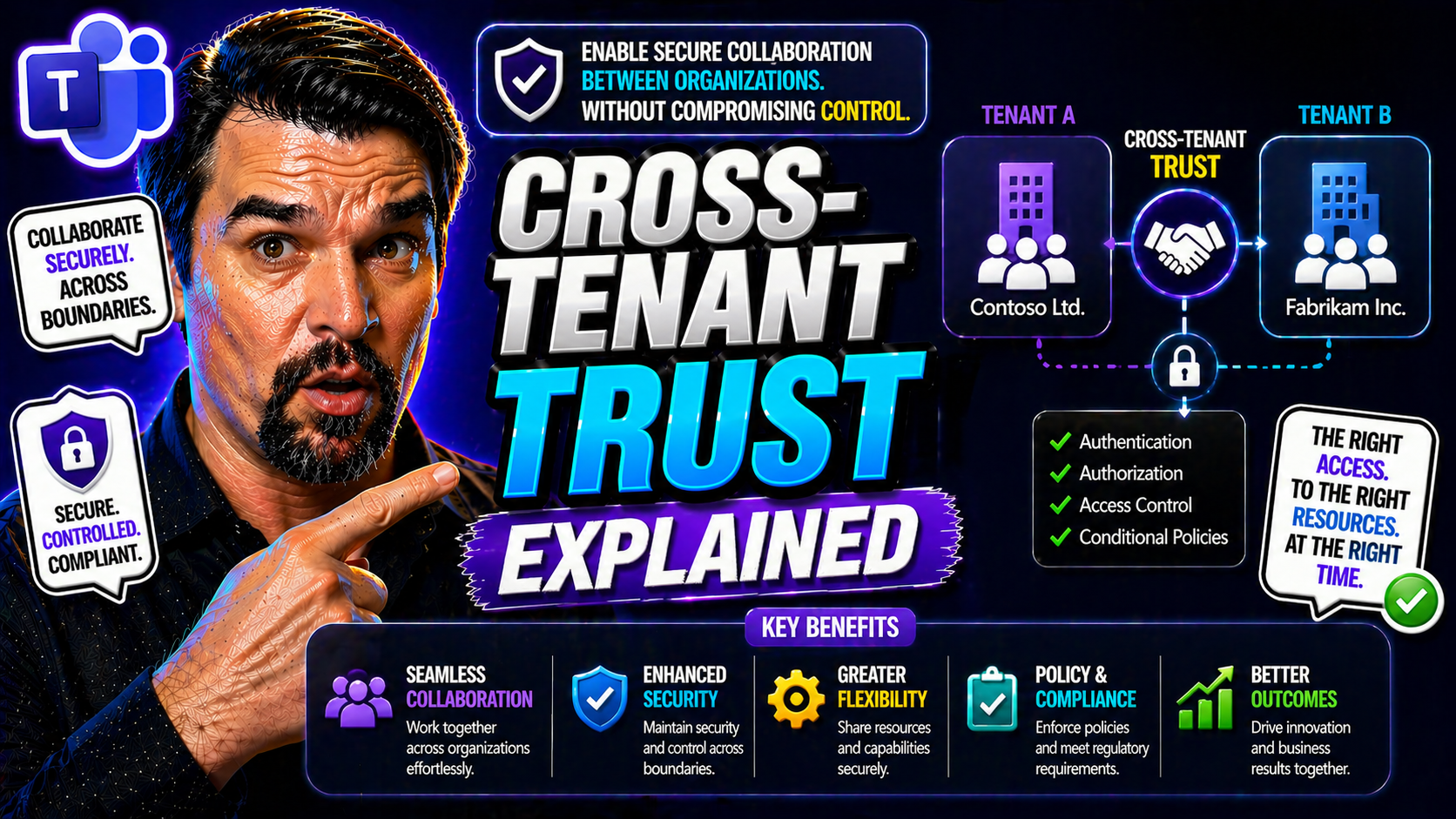
In today’s cloud-first world, companies rarely operate in isolation. Employees, partners, and vendors all need to work together, even if they're from different organizations. That’s where cross-tenant trust in Microsoft Entra ID steps in—it’s like giving a trusted neighbor a key, so people can come and go securely without lowering any fences.
This guide is here to demystify cross-tenant trust. You'll see how it works in Microsoft Entra ID, why it's essential for collaboration across Azure tenants, and what makes it such a game-changer for secure, flexible business operations. From use cases to setup, compliance, and rollout strategies, you’ll get a practical look at everything required to implement secure cross-tenant access using the best of what Microsoft Entra offers.
Introduction to Cross Tenant Access and Why It Matters
Cross-tenant access in Microsoft Entra ID is the new normal for organizations that must work hand-in-hand beyond their own boundaries. Instead of each company building its own fortress and requiring guests to knock for special admission every time, cross-tenant trust lets you open up the right doors without having to build extra walls.
At its core, cross-tenant trust is a security arrangement between two or more Azure AD (now part of Microsoft Entra ID) tenants. A “tenant” in Microsoft Entra ID is simply a dedicated cloud directory instance for a particular organization. Cross-tenant access means these organizations can share resources, authenticate users, and apply policies across boundaries—all while maintaining strong security and control.
This isn’t just technical wizardry; it carries real business value. Secure external collaboration is a must for hybrid work, bringing in contractors, managing global partners, or even folding in new teams after a merger or acquisition. Cross-tenant trust eliminates headaches like repeated sign-ins, inconsistent security checks, and the chaos of “shadow IT.”
With more companies operating in a hybrid and cloud-connected way, cross-tenant setups are no longer just “nice to have”—they’re essential for agility, compliance, and scaling secure collaboration. As businesses face new challenges with regulatory demands, partner ecosystems, and remote work, the ability to manage and govern trusted connections directly in Microsoft Entra ID is quickly becoming a critical piece of modern IT strategy.
How Microsoft Entra ID Powers Azure Cross-Tenant Access
Microsoft Entra ID (formerly Azure Active Directory) is not just an identity store—it’s the engine handling how users are verified and allowed to access cloud resources, even when those users are from “outside” organizations. It’s the backbone of trust, connecting different Azure tenants while still keeping guardrails in place.
When two organizations form a cross-tenant trust, Microsoft Entra ID manages the handshake. It looks after user identities, device health, and even enforces security rules like multi-factor authentication (MFA) between tenants. You don’t just open gates for guests; you make sure they’re dressed right and not bringing in anything risky.
Entra ID lets admins build policies so users from other trusted tenants can use their organization’s credentials to access apps and data without extra roadblocks. These conditional access policies can ensure compliance by requiring MFA, checking device compliance, or honoring specific security rules. If you want tips on tightening those policies, check out this podcast on conditional access security loops or real-world trust issues with conditional access policies—both are full of practical strategies.
Whether the need is for routine B2B collaboration, startup-style partnerships, or large-scale enterprise M&A activity, Microsoft Entra ID brings consistent identity and access management across Azure. It empowers organizations to share—without oversharing—and strike the right balance between accessibility and tight security controls.
Key Use Cases: Unlocking the Value of Cross-Tenant Access
So, why bother with cross-tenant trust at all? In a world where hybrid work, strategic partnerships, and fast-moving projects are the new normal, letting teams collaborate seamlessly—even across business boundaries—is the holy grail of productivity and security. Cross-tenant access in Microsoft Entra ID is designed exactly for these moments.
Organizations that enable cross-tenant trust are better prepared for real-world scenarios where boundaries don’t line up so neatly. Maybe you’re merging with another company, working regularly with outside partners, or simply want to reduce how much your users have to juggle multiple accounts and sign-ins. Each challenge is a chance to streamline both the end-user experience and behind-the-scenes governance.
With the flexibility of cross-tenant policies, you don’t have to sacrifice security for ease of use. In fact, you get precise control over who can do what, when, and from where—all while making life smoother for your users. The following sections will walk through some of the top use cases, starting with how to stop authentication headaches using MFA trust, then moving to centralized compliance and governance, especially in complex hybrid AD environments.
Multiple Tenants Stopping Authentication Friction: Configure MFA Trust
Cross-tenant trust radically improves authentication for users hopping between organizations. Instead of hitting a brick wall and having to re-authenticate every time, trusted MFA claims mean that a user’s “proof” of identity in one tenant is accepted by others. It’s like getting a hand stamp at a club—no need to go through security all over again.
With Microsoft Entra ID, admins can configure policies to accept MFA signals from partner tenants. This lets users move smoothly between companies in a trusted relationship, reducing friction while keeping security standards high. The result? Less login fatigue and greater productivity, without opening the door to weak spots.
Centralized Compliance for Hybrid AD and Governance Cases
In complex organizations where multiple Azure AD (Entra ID) tenants need to play together, cross-tenant access brings much-needed order. With centralized governance, you can apply consistent compliance demands, security baselines, and audit trails across every linked tenant.
This unification is key when facing regulatory audits or handling sensitive data. Cross-tenant trust enables organizations to align policies for device management, access, and activity tracking in a way that’s provable and scalable. For those architecting robust governance in Azure, the discussion at Azure enterprise governance strategy offers deep insights. If you need granular auditing across tenants, auditing with Microsoft Purview is a go-to resource for ensuring compliance and proactive threat detection in multi-tenant environments.
Configuring Cross-Tenant Access: Step-by-Step Setup Essentials
Getting cross-tenant trust up and running in Microsoft Entra ID isn’t as daunting as it sounds. The platform breaks it down into bite-sized steps, helping you start with safe defaults and then tune settings to fit your unique business relationships. Whether you’re opening doors for a handful of trusted partners or managing a sprawling, merger-happy organization, having a plan makes all the difference.
This practical walkthrough begins with reviewing your existing cross-tenant policies, then dives into establishing trust with external tenants. Along the way, you’ll see how to tighten the screws with MFA and device compliance checks and get hands-on with access controls for both inbound and outbound scenarios. For those seeking next-level polish, Entra also offers features like automatic redemption for guests and deep Teams integration via B2B Direct Connect.
Think of this as your roadmap: start from the basics, configure policies, set up the rules of engagement, and then bake in the extras for a truly seamless and secure collaboration experience. The detailed steps and key choices will follow in the next sections, giving you actionable advice for both quick wins and long-term success.
Default Organization-Specific Policies and Trusted Partners
- Review default cross-tenant access settings in Entra ID to establish your security baseline and evaluate current policies applied to all external organizations.
- Create organization-specific overrides for key external partners. Custom rules allow for tighter or more flexible collaboration where needed, addressing unique business or compliance needs.
- Regularly audit and update trusted tenant relationships by specifying tenant IDs or domain names and confirming ongoing business relevance.
- Document policy exceptions and use the Microsoft Entra admin center to maintain a consistent and up-to-date catalog of trusted partners and their policy settings.
Configure MFA Trust and Device Compliance for Secure Collaboration
- Enable trusted MFA so that users from external organizations don’t need to undergo redundant MFA challenges when accessing your apps and resources.
- Require device compliance integration so only managed and secure devices are granted access, leveraging your partner’s device state claims.
- Set up conditional access policies to specify when to accept MFA or device compliance signals from partner tenants (learn how to avoid identity debt and policy sprawl).
- Monitor enforcement outcomes to ensure policies are honored and update configurations as organizational relationships evolve.
Access Controls for Inbound and Outbound Collaboration
- Configure inbound access controls to define which users from which external tenants can reach your resources, specifying granular application or data access.
- Set outbound access controls to govern the resources your users can access in external tenants, ensuring that only approved collaborations happen.
- Align access controls with compliance policies, utilizing role assignments and attributes for least-privilege enforcement and regular auditing.
- Review and maintain the access control settings periodically to address new threats or business changes.
Enable Automatic Redemption and Configure B2B Direct Connect
- Turn on automatic redemption for seamless guest onboarding, letting invited users automatically redeem their invitations upon sign-in without manual steps.
- Configure B2B Direct Connect to integrate collaboration tools like Microsoft Teams, enabling richer, real-time cross-organization teamwork without switching tenants.
- Offer tailored collaboration experiences by combining direct connect with existing security and compliance controls, keeping sensitive data secure.
- Evaluate these features regularly to enhance the onboarding and collaboration journey for all trusted partners and external guests.
Security and Compliance: Protecting Data in Cross-Tenant Collaboration
Security and compliance aren’t optional when you’re letting outsiders into your digital backyard. Cross-tenant collaboration, if not managed carefully, can create opportunities for data leaks, compliance gaps, or permissions sprawl that you never see coming until there’s a problem.
That’s why smart organizations focus on more than just making things easy to use—they also deploy layered conditional access, continuous monitoring, and frequent audits of all cross-tenant activity. You have to know who can get in, what they can see, and how those boundaries change over time—or regulators and security teams will be knocking.
Modern tools make this easier than ever. Features like tenant-wide auditing, risk-based conditional access, and policy enforcement let organizations spot risky behavior as soon as it happens. For a hands-on look at auditing in the multi-tenant world, see auditing user activity with Microsoft Purview; for end-to-end security, Zero Trust by Design in Microsoft 365 is an eye-opener. If your business lives in the Power Platform world, Power Platform security governance best practices can plug any lingering holes.
The big idea: Entra-powered cross-tenant setups need a risk-conscious approach, not just open access. Building the right policies and using tools to track, limit, and report on cross-tenant interactions ensures every collaboration stays safe, complies with regulations, and extends trust—without inviting unnecessary risk.
Best Practices for Cross-Tenant Governance and Risk Management
- Conduct regular audits of cross-tenant access and guest activity using built-in reporting and extended tools like Microsoft Purview and Sentinel for enhance monitoring (get actionable insights here).
- Enforce least-privilege access by assigning roles thoughtfully, limiting permissions, and periodically reviewing user and guest assignments—reduce privilege creep wherever you spot it.
- Set up threat detection alerts and continuous monitoring policies to flag anomalous behavior or policy violations across tenant boundaries.
- Schedule regular policy reviews to ensure that conditional access rules, governance measures, and compliance standards evolve as the business and its external relationships grow.
Implementation Blueprint: Practice and Configuration for Enterprise Rollout
Rolling out cross-tenant trust at the enterprise level isn’t a flip-the-switch project—it takes careful planning, practical testing, and buy-in across IT, security, and business units. A solid blueprint aligns both technical requirements and people’s expectations.
Start with identifying all stakeholders, including IT admins, InfoSec, compliance teams, and business leaders. Define the collaboration scenarios and regulatory triggers that drive your need for cross-tenant access. Outline the “who, what, and why” before jumping into the how-to.
Move on to technical pilots. Test cross-tenant access with a slice of users and partners. Validate MFA trust, device compliance, access controls, and auditing in safe conditions first. Once proof points are in, document every step—this makes scaling and troubleshooting smoother for everyone involved.
Finally, adopt an incremental rollout strategy. Use automated configuration, policy templates, and centralized controls to avoid policy drift and governance gaps. For deep dives into scalable governance, Azure enterprise governance strategy outlines how to maintain enforcement and prevent clutter from creeping in. The payoff? Secure, modern collaboration with none of the wild-west chaos you want to avoid.
Summary: Cross-Tenant Trust Benefits and Setup Recap
- Smoother Collaboration: Users can work with external partners without jumping through hoops or duplicate sign-ins.
- Centralized Security: Consistent compliance, device, and access policies are applied, even across multiple tenants.
- Stepwise Setup: Start with reviewing defaults, then establish trusted partners, configure MFA/device rules, and polish with advanced features.
- Robust Governance: Ongoing auditing, threat detection, and least-privilege enforcement keep cross-tenant access secure and compliant.
Wrapping Kudos: Microsoft’s Secure Collaboration Innovation
Microsoft has taken a leadership role in advancing secure, flexible collaboration with Entra ID’s cross-tenant capabilities. These features don’t just enable smarter technical setups—they empower organizations to build lasting, secure relationships with partners and teams anywhere, at any scale.
The investment in cross-tenant trust, combined with policy-driven governance and real-time auditing, proves Microsoft is serious about both security and agility. By leveraging these innovations, enterprises can embrace future-ready collaboration and confidently invite others into their digital ecosystem—on their own terms, with their own rules.
You Should Also Listen To
If you are researching Microsoft Entra cross-tenant trust, these episodes add practical context on identity security, governance, access control, and Microsoft 365 operations:
- Privileged Identity Management – Simply Explained — Understand just-in-time privilege, approvals, and access reviews.
- Conditional Access – Simply Explained — Learn how context-aware policies protect users and devices.
- Microsoft Defender XDR – Simply Explained — Connect identity signals with detection, investigation, and response.
- Microsoft Teams Governance – The Illusion of Control — See how governance creates ownership and repeatable controls.

Microsoft MVP | Host of M365.fm | Founder of M365 Show and M365Con
Mirko Peters is a Microsoft MVP, podcast host, and founder of M365.fm, M365 Show, and M365Con. His work connects Microsoft practitioners through podcast interviews, livestreams, and community events.
At M365.fm, Mirko hosts conversations with Microsoft MVPs, product experts, architects, and community contributors. Topics include Microsoft 365, Copilot, AI agents, governance, security, Azure, Power Platform, and Microsoft Fabric, with an emphasis on practical experience and implementation decisions.
M365.fm is the podcast and learning platform. M365 Show brings experts together for livestreams, while M365Con provides an online conference setting for community learning.
Official website: Mirko Peters (https://www.mirkopeters.com/). Recognition: Mirko Peters — Microsoft MVP profile (https://mvp.microsoft.com/de-DE/mvp/profile/9b0ca797-db5a-493a-a845-8b9158046cf5). Connect on LinkedIn (https://www.linkedin.com/in/m365showpodcast/).





