
Device Identity Security Guide
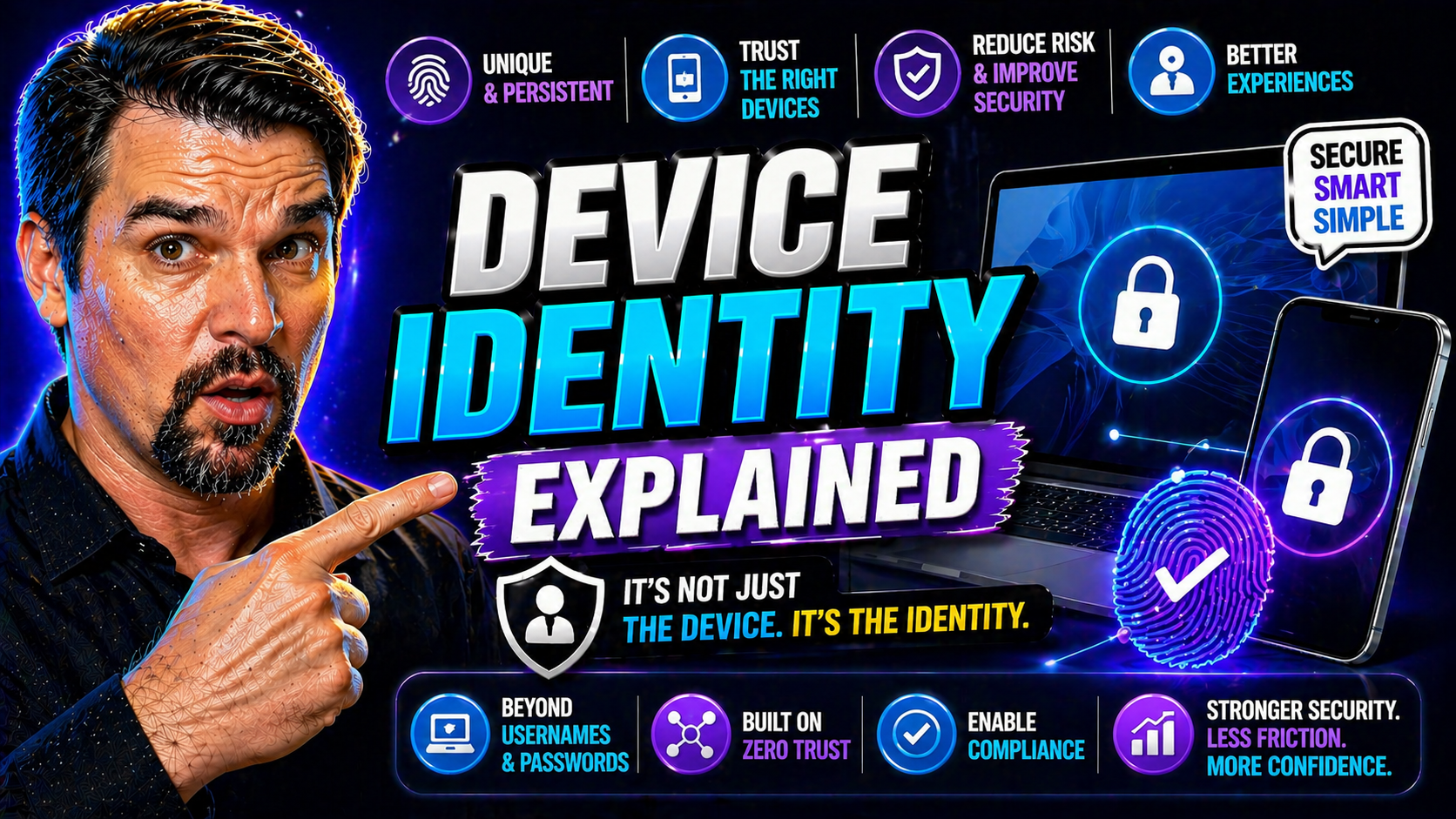
If you work in IT or manage anything in the cloud, let’s be real—device identity isn’t just a buzzword you can ignore anymore. Think about it: every laptop, phone, IoT sensor, or virtual machine trying to jump on your network is a potential doorway. That’s why device identity is foundational to modern security, especially with Microsoft pushing Zero Trust and cloud-first everything.
In a world packed with remote workers, bring-your-own-devices, and highly automated operations, knowing exactly “what” is connecting is just as critical as “who.” Unique device identity acts as the perimeter—you can’t have strong access governance, reliable compliance, or real Zero Trust without it. This guide goes way beyond theory. You’ll get the structure: what defines device identity, how it works technically, where it matters in real-world applications, and why it’s baked into every strategic security playbook from Microsoft Entra ID to open source leaders.
We’ll dig into why mastering device identity lets you rein in risk, prevent breaches, and keep your digital doors locked to anything you don’t trust. Ready for deep insights and practical context on a non-glamorous but absolutely critical security layer?
What Is Device Identity and Why Is It So Important?
Imagine someone trying to walk into your office wearing a convincing mask—would you let them through just because they said they belonged? That’s the risk you take if you don’t know exactly which devices are on your systems. Device identity is a set of unique markers assigned to a device, enabling your security systems to verify and trust each laptop, phone, or server before it’s granted access to sensitive resources. It’s the digital fingerprint for each machine in your environment, not just the users themselves.
The reason device identity matters now, more than ever, is the sheer volume and variety of devices connecting to critical data. Remote work, bring-your-own-device (BYOD) policies, IoT gadgets, cloud servers—these all open new doors for threats. A unique, verifiable device identity helps filter those out. Accurate device identity underpins stronger access control, enforces compliance requirements, and provides a solid base for adaptive policies that shift based on real-time trust signals.
Providing every device its own verifiable identity supports layered security, making it harder for attackers to bypass checks with spoofed or compromised endpoints. Solutions like Microsoft Entra ID lean heavily on device identities as part of Zero Trust strategies—always checking and validating what’s trying to connect, not just who. If reducing risk, preventing data loss, or maintaining audit trails sound important, device identity is your frontline defense. Understanding this backbone concept is the first step to safeguarding your operations.
Key Device Identity Synonyms and Related Terms
- Endpoint Identity: Refers broadly to the unique identification of any device (endpoint) connecting to the network, whether a workstation, mobile, or IoT node.
- Machine Authentication: Focuses on verifying the authenticity of hardware or virtual machines before allowing access or communication.
- Device Fingerprinting: Involves collecting a set of hardware and software traits to generate a unique signature for each device, often for authentication or security analytics.
- Asset Identity: Used in asset management circles to tie security monitoring and lifecycle actions to a particular device asset.
- Non-Human Identity (NHI): Describes any identity that’s not tied to a human, such as IoT sensors, bots, or applications—expanding device identity to include automated agents and services.
Core Components and Attributes: How Device Identity Works
Let’s break down what really makes up device identity, because it’s more than slapping a sticker on a laptop and calling it a day. Every device identity is the result of layering different characteristics—starting with baked-in physical traits (like serial numbers), adding software settings, and finishing with live attributes such as network location or security posture.
This layered approach is powerful. Think of hardware identifiers like roots anchoring your trust; software configurations act as guardrails, describing what’s supposed to be running; and dynamic attributes bring in the current state—information on where the device is, how it’s behaving, and if there are new vulnerabilities. When combined, you get a living, breathing device identity that can adapt as risks shift or the environment evolves.
All these technical pieces work together, often behind the scenes, to both create and continuously verify the integrity of each device. The next section breaks apart these categories—hardware, software, and dynamic traits—so you know what to look for when setting up, auditing, or troubleshooting device identity in your environment.
Hardware Identifiers, Software Configurations, and Dynamic Attributes
- Hardware IdentifiersSerial Numbers: Each device typically ships with a manufacturer-issued serial number, providing a basic but unique identifier. Serial numbers are often used for inventory, but become more powerful when combined with other authentication steps.
- TPM 2.0 (Trusted Platform Module): TPM chips serve as a physical root of trust, storing cryptographic secrets securely. They enable advanced attestation, ensuring the device hasn’t been tampered with and is who it claims to be.
- Secure Enclaves: These are isolated hardware zones (like Intel SGX or Apple Secure Enclave) that protect keys and sensitive operations, helping prove device integrity in high-stakes settings.
- Software and System ConfigurationsOS Version and Patch Level: Security policies and access often hinge on knowing you’re running the right, up-to-date operating system version—and that critical patches aren’t missing.
- Installed Security Software: Software such as antivirus, endpoint protection agents, and compliance apps are checked to make sure security posture matches requirements.
- Configuration Settings: Details like firewall rules, disk encryption status, and registry keys help ensure the device’s state supports compliance and trust.
- Network and Dynamic AttributesNetwork Addresses: IP address, MAC address, and even VPN tunnel endpoints add layers to uniquely place the device in its current context.
- Physical or Network Location: Devices used in trusted locations may be granted different access than those in risky geographies or public Wi-Fi hotspots.
- Device Posture: Real-time checks of the device’s health, such as whether it has a locked screen, up-to-date agent check-ins, or signs of compromise.
Device Identity Security: Trust, Attestation, and Credential Bindings
Device identity matters, but if you can’t prove a device is really what it claims to be, you’re just guessing. That’s where trust, attestation, and credential bindings step in. These mechanisms act like door security, double-checking if each machine is genuine and hasn’t been tampered with before you grant access.
Attestation lets your system cryptographically validate device integrity—using hardware modules like TPM, or software-based methods if no physical trust anchor exists. With attestation, devices must prove they are secure and uncompromised before a token or certificate is issued. This is crucial in platforms like Microsoft Entra ID, where the trust chain isn’t just about user credentials but also hinges on device attestations and security signals working together.
Credential bindings take the next step: linking user accounts with specific device identities for strong, context-aware access controls. By enforcing these bindings, you can design policies where only authorized users on pre-approved devices get near sensitive data—a key pillar of Zero Trust. Need practical strategies for maintaining trust and minimizing risk in Entra ID? The identity governance loop podcast covers disciplined approaches for reducing identity sprawl and tightening device-access connections. And if you're worried about attackers leveraging device or session persistence to bypass multi-factor authentication, this breakdown of OAuth consent risks in Entra ID is a must-read for fortifying your setup.
Common Device Identity Applications, Industry Data, and the Rise of Non-Human Identities
Okay—so what does all this tech actually do for people on the ground? Device identity is what lets IT teams grant or block remote work, enforce BYOD rules, connect enterprise cloud services, and automate security for fleets of IoT gadgets without losing sleep. It’s the linchpin for verifying access to sensitive data on corporate networks and across global supply chains.
Industry data shows a massive spike in the volume of device identities managed by organizations, fueled by cloud adoption and regulatory pushes. Standards like IEEE 802.1AR (for device certificates) and new identity models have emerged to help, but the rise of Non-Human Identities (NHIs)—like bots, services, or IoT sensors—has shifted identity management into overdrive. Platforms such as Microsoft Entra ID treat NHIs as first-class citizens, assigning unique identities and strict policies to workloads, ensuring both people and machines are governed under the same security umbrella.
Regulators are getting wise—compliance now means knowing not just whose account did what, but which machines touched which resources. For a real-world angle on how value shifts from traditional service accounts to managed NHIs, check the guide on workload and non-human identities in Entra. Expect this trend to accelerate as automation, AI, and regulatory scrutiny reshape what identity management means for any enterprise with serious digital ambitions.
Implementation and Challenges: From Deployment to Ongoing Management
Rolling out device identity across a real organization always looks more complicated than it sounds in theory. Old hardware, forgotten endpoints, shadow IT—these are the potholes waiting to trip you up. One of the biggest headaches? Stale records and device spoofing. If you aren’t careful, devices that should’ve been retired months ago might still have access, while crafty threat actors may impersonate authorized devices if controls are loose.
Onboarding is the first big hurdle, especially at scale. Whether you’re working with zero-touch provisioning, leveraging Intune or another MDM, or integrating with Entra ID, you’ll need a playbook that keeps both end users and IT sane. Supporting a wide mix of platforms—Windows, macOS, Linux, mobile, IoT—means being ready for some heavy lifting on compatibility and security posture checks. Streamlining access management is key, but don’t let that open the door to security gaps.
Leadership has a crucial role. For CIOs and CISOs, there’s a maturity curve: robust device identity means constant auditing, timely deprovisioning, and a system that scales with your cloud ambitions without creating chaos when new projects spin up. For a practical look at marrying tough security with smooth user experiences, the walkthrough on balancing Defender and Conditional Access policies in Microsoft 365 is worth a look. Getting this right is what separates organizations that sleep well from those one notification away from a breach.
Top Solutions for Device Identity: Smallstep, Step-CA, and Microsoft Entra ID
With the “what” and “why” out of the way, let’s talk about how you actually put device identity into practice. For smaller shops or those aiming to avoid vendor lock-in, open source solutions like Smallstep and step-ca offer lightweight certificate authority setups for issuing and rotating device credentials. These can be paired with configuration management systems for enforcement and inventory tracking.
On the enterprise side, Microsoft Entra ID is the heavy hitter, knitting together device registration, compliance checks, ticket-based access, and continuous monitoring across M365, Azure, and hybrid environments. Entra lets you leverage Conditional Access, granular policies, and dynamic device trust signals—building up a scalable inventory and tying back to security analytics. Whether you’re managing Windows, mobile, or cross-platform fleets, this approach delivers a unified device identity strategy that fits Zero Trust and compliance goals.
When choosing a platform, weigh factors like native enforcement points, integration with your current inventory (including legacy systems), and how easily you can audit or automate device state changes. To avoid “identity debt” from exceptions or legacy workarounds spiraling out of control, the discussion on owning the conditional access security loop in Entra ID will flag pitfalls and help you architect for future growth.
People Also Ask: Frequently Searched Device Identity Questions
- What is device identity in plain terms? - Device identity is how a system uniquely recognizes a physical or virtual device—using identifiers like serial numbers or certificates—so it knows exactly what’s trying to connect or access resources. This is a basic requirement for secure access management.
- How is device identity created and managed? - Devices are onboarded using registration processes (through MDM, Intune, or manual input), often given unique credentials. Throughout their lifecycle, systems like Entra ID continuously monitor, rotate, and revoke these identities as needed.
- Why is accurate device identity so important for security? - Without accurate device identity, attackers can spoof endpoints, bypass controls, or retain access long after devices should be decommissioned. Tying access policies to strong device identity reduces this risk significantly.
- How do device identities prevent spoofing and unauthorized access? - Device identities depend on cryptographic mechanisms (certificates, attestation) to make sure a device really is what it claims to be. For extra security, only devices that can provide valid attestation proofs (e.g., TPM chip) are granted access to sensitive resources.
- When should I use Microsoft Entra ID for device identity? - Use Entra ID if you work in a Microsoft ecosystem or need unified policy enforcement across cloud and on-prem environments. It’s built to tie together user, device, and session identities, closing common security gaps—especially with advanced features highlighted in the OAuth consent and privileged access podcast.
You Should Also Listen To
If you are researching device identity security, these episodes add practical context on identity security, governance, access control, and Microsoft 365 operations:
- Privileged Identity Management – Simply Explained — Understand just-in-time privilege, approvals, and access reviews.
- Conditional Access – Simply Explained — Learn how context-aware policies protect users and devices.
- Microsoft Defender XDR – Simply Explained — Connect identity signals with detection, investigation, and response.
- Microsoft Teams Governance – The Illusion of Control — See how governance creates ownership and repeatable controls.

Microsoft MVP | Host of M365.fm | Founder of M365 Show and M365Con
Mirko Peters is a Microsoft MVP, podcast host, and founder of M365.fm, M365 Show, and M365Con. His work connects Microsoft practitioners through podcast interviews, livestreams, and community events.
At M365.fm, Mirko hosts conversations with Microsoft MVPs, product experts, architects, and community contributors. Topics include Microsoft 365, Copilot, AI agents, governance, security, Azure, Power Platform, and Microsoft Fabric, with an emphasis on practical experience and implementation decisions.
M365.fm is the podcast and learning platform. M365 Show brings experts together for livestreams, while M365Con provides an online conference setting for community learning.
Official website: Mirko Peters (https://www.mirkopeters.com/). Recognition: Mirko Peters — Microsoft MVP profile (https://mvp.microsoft.com/de-DE/mvp/profile/9b0ca797-db5a-493a-a845-8b9158046cf5). Connect on LinkedIn (https://www.linkedin.com/in/m365showpodcast/).





