
From Zero to MVP: Building Your First AI Builder App in Minutes
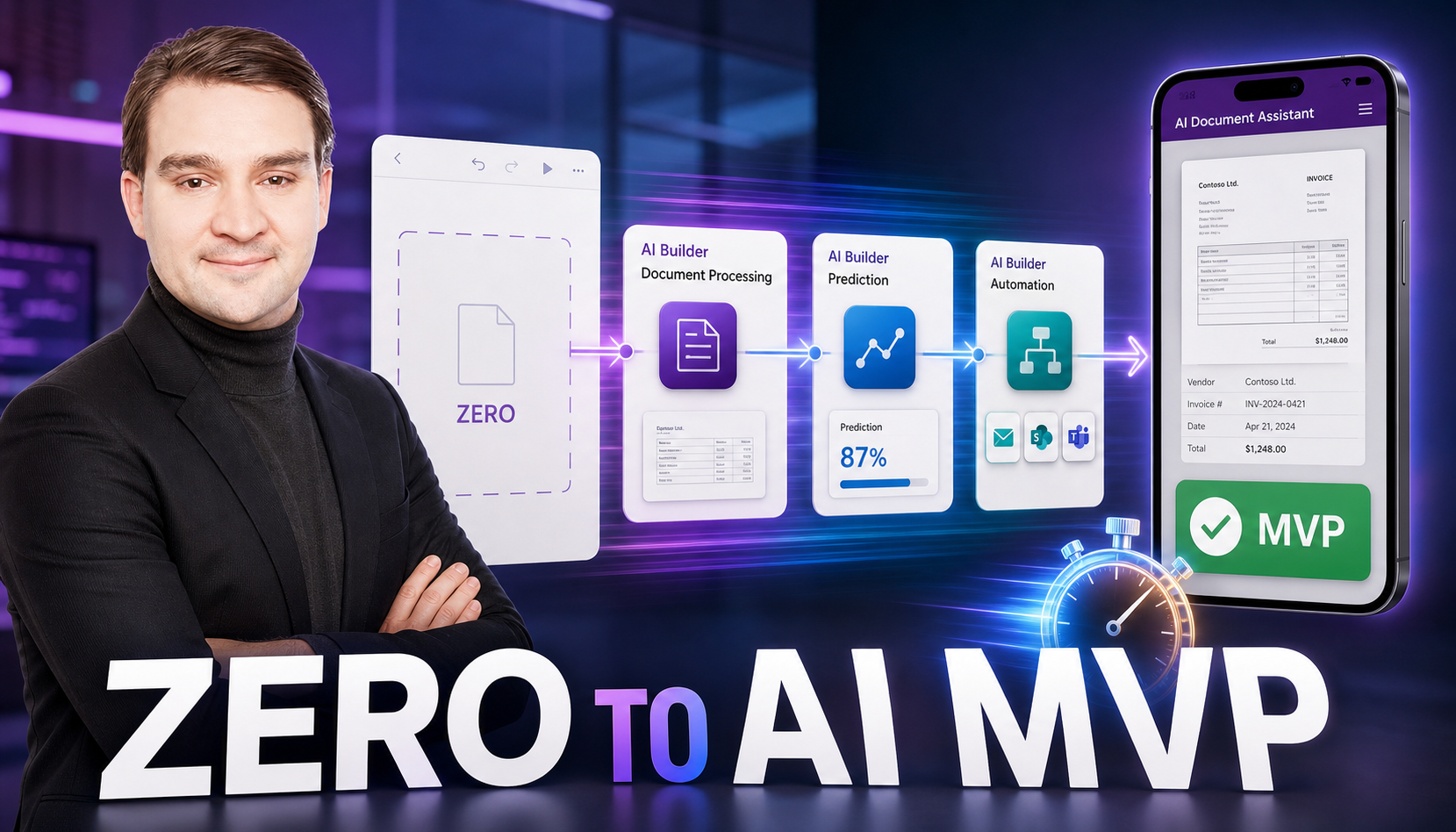
Welcome back to the podcast companion blog! If you have ever felt trapped behind a massive data science backlog while your business units beg for smart automation, you are certainly not alone. Today, we are breaking down how you can bypass those traditional development bottlenecks and start building intelligent applications in a matter of minutes. Whether you are a seasoned Power Platform maker, an app owner looking to scale up efficiency, or an IT leader tasked with expanding operational intelligence, leveraging low-code AI tooling can completely change how your organization delivers value. To dive even deeper into this topic and hear our full audio breakdown, make sure to check out the related episode Build Intelligent Power Apps with AI Builder.
Introduction to AI Builder and the Power Platform
The modern enterprise moves at lightning speed, yet software delivery timelines often crawl. Business units identify bottlenecks daily—manual invoice data entry, customer service ticket sorting, inventory audits—and they need intelligent solutions immediately. Traditionally, addressing these challenges meant writing custom Python scripts, standing up machine learning pipelines, and waiting months for a data science team to clear their backlog. Enter AI Builder and the Microsoft Power Platform. By bringing practical, enterprise-grade AI directly into a low-code environment, makers can rapidly prototype and ship applications that think, read, see, and predict without needing a PhD in artificial intelligence.
What AI Builder Is (and Isn't)
To use any tool effectively, you first need to understand its boundaries. AI Builder is a turnkey capability built natively into the Power Platform that lets you add intelligence to your apps and flows. It provides both prebuilt models that work out of the box and custom models that you can train using your organization's proprietary data. It is seamlessly integrated with Power Apps, Power Automate, and Dataverse, ensuring enterprise security from day one.
However, AI Builder is not a blank-canvas framework for training massive foundational large language models from scratch, nor is it a replacement for advanced data engineering teams tackling hyper-specialized deep learning research. Instead, it is an acceleration layer meant to democratize AI, letting citizen developers and professional makers alike solve 80 percent of everyday business automation challenges with minimal friction.
Core Models and Feature Snapshot
Understanding the core models available in AI Builder helps you match your business problem to the right technical solution. The feature ecosystem is broad and continuously expanding, covering several specialized domains:
- Model Types: Form processing, object detection, prediction, text classification, entity extraction, and business card reader capabilities give you a robust toolkit for document automation, visual identification, and data categorization.
- Integrations: Because it lives inside the Power Platform, you can hook your models directly into Power Apps, Power Automate, and Dataverse. You also gain access to hundreds of built-in connectors linking to Microsoft 365, SQL Server, SharePoint, and external REST APIs or SAP endpoints.
- Ops & MLOps Lite: Built-in evaluation screens, versioning controls, retraining workflows, and detailed usage analytics take the heavy lifting out of model maintenance.
- Security: Granular role-based access control (RBAC), field and table-level security within Dataverse, data loss prevention (DLP) policies, encryption in transit and at rest, and comprehensive audit trails keep your workloads safe.
Quick Implementation Blueprint
When you are ready to build your first minimum viable product, following a structured blueprint prevents scope creep and ensures you deliver measurable results quickly. Here is a step-by-step path to shipping your MVP:
- Define the win: Pick a single, highly measurable outcome. For example, aim to cut manual invoice entry time by 50 percent or auto-route 80 percent of incoming support tickets.
- Choose a model: Select a prebuilt model for standard tasks like form processing, or set up a custom prediction or classification model if your data is entirely unique.
- Prep data: Clean and label your sample data, and store it safely in Dataverse, SharePoint, or SQL. Always retain a separate hold-out set for unbiased testing.
- Train & evaluate: Use the built-in training user interface. Review your accuracy, precision, and recall metrics closely. Remember that improving the quality of your labels is almost always more effective than simply adding raw volume.
- Integrate: Drop the model into your application or workflow. In Power Apps, call your model directly from UI controls using formula logic such as
Set(result, AIModel.Run(...)). In Power Automate, simply drag and drop the AI Builder action block into your flow and map the output variables. - Secure & govern: Apply Dataverse security roles, configure environment-level DLP policies, establish connection references, and turn on auditing for sensitive data tables.
- Monitor & retrain: Track operational drift and model confidence scores over time. Schedule regular retraining cadence reviews on a monthly or quarterly basis, or whenever your underlying data structure changes significantly.
High-Impact Use Cases Across Industries
AI Builder shines brightest when applied to repetitive, data-heavy processes. Here are some of the most successful use cases across various industries:
- Finance: Invoice and receipt data extraction combined with automated posting to your ERP, complete with built-in anomaly flags for human review.
- Customer Service: Intelligent ticket classification, automated routing, suggested agent responses, and real-time sentiment triage.
- Retail/Field Operations: Object detection capabilities used for shelf audits, rapid asset counting, and physical damage identification.
- Sales/RevOps: Lead scoring, churn prediction models, and next-best-action recommendations embedded directly into model-driven apps.
- Legal/Compliance: Automated entity extraction from lengthy contracts and rapid policy form digitization.
- Healthcare: Document digitization and patient referral intake workflows, routing protected health information (PHI) safely with governed access.
Common Pitfalls and How to Fix Them
Even with low-code tools, early projects can hit snags if you are not careful. Watch out for these common missteps:
- Messy training data: Fix this by creating a clear labeling guide, de-duplicating records, balancing your data classes, and maintaining a proper validation split.
- One-and-done models: Avoid treating AI as a set-and-forget project. Establish a retraining cadence and actively monitor performance drift and confidence scores.
- Over-permissive access: Enforce the principle of least privilege by strictly utilizing Dataverse security roles and environment-level DLP settings.
- Shadow copies for BI: Read directly from Dataverse or native connectors rather than spinning up disconnected reporting silos, and align row-level security accordingly.
- Launching without pilots: Always run a "shadow mode" pilot with a small user group first, comparing their performance metrics directly against your baseline KPIs.
Metrics That Matter for Your MVP
Proving the value of your MVP requires tracking the right operational and business metrics. Keep a close eye on:
- Automation rate, tracking the percentage of items successfully handled by AI without human intervention.
- Detailed accuracy, precision, and recall breakdowns per class.
- Mean Time to Resolution (MTTR) and data entry time deltas.
- Exception rates and overall human review throughput.
- Model drift indicators, including confidence trends and error frequencies.
- Core business impact metrics, such as direct cost savings, time saved, and SLA adherence improvements.
Security and Governance Checklist
Before you promote your shiny new MVP from your development environment to production, run through this final checklist to ensure your solution is fully locked down and enterprise-ready:
- ☐ Role-based access configured for both models and underlying data via Dataverse security roles.
- ☐ Data Loss Prevention (DLP) policies established by environment to separate business-critical connectors from blocked services.
- ☐ Auditing enabled on critical entities and fields, with data retention policies clearly defined.
- ☐ Application secrets managed securely via connection references or Azure Key Vault rather than hard-coding values.
- ☐ A formal change log maintained for model versions, with explicit approvals required before promoting updates to production.
- ☐ A comprehensive privacy review conducted for any personally identifiable information (PII) or PHI, including Microsoft Purview labeling where required.
Building your first intelligent application no longer requires a massive engineering budget or months of waiting. By combining the accessibility of low-code tools with the robust capabilities of AI Builder, you can rapidly prototype, validate, and ship MVPs that drive real business transformation. To hear more about setting up these workflows and avoiding common implementation traps, be sure to listen to the complete discussion on Build Intelligent Power Apps with AI Builder!

Microsoft MVP | Host of M365.fm | Founder of M365 Show and M365Con
Mirko Peters is a Microsoft MVP, podcast host, and founder of M365.fm, M365 Show, and M365Con. His work connects Microsoft practitioners through podcast interviews, livestreams, and community events.
At M365.fm, Mirko hosts conversations with Microsoft MVPs, product experts, architects, and community contributors. Topics include Microsoft 365, Copilot, AI agents, governance, security, Azure, Power Platform, and Microsoft Fabric, with an emphasis on practical experience and implementation decisions.
M365.fm is the podcast and learning platform. M365 Show brings experts together for livestreams, while M365Con provides an online conference setting for community learning.
Official website: Mirko Peters (https://www.mirkopeters.com/). Recognition: Mirko Peters — Microsoft MVP profile (https://mvp.microsoft.com/de-DE/mvp/profile/9b0ca797-db5a-493a-a845-8b9158046cf5). Connect on LinkedIn (https://www.linkedin.com/in/m365showpodcast/).





