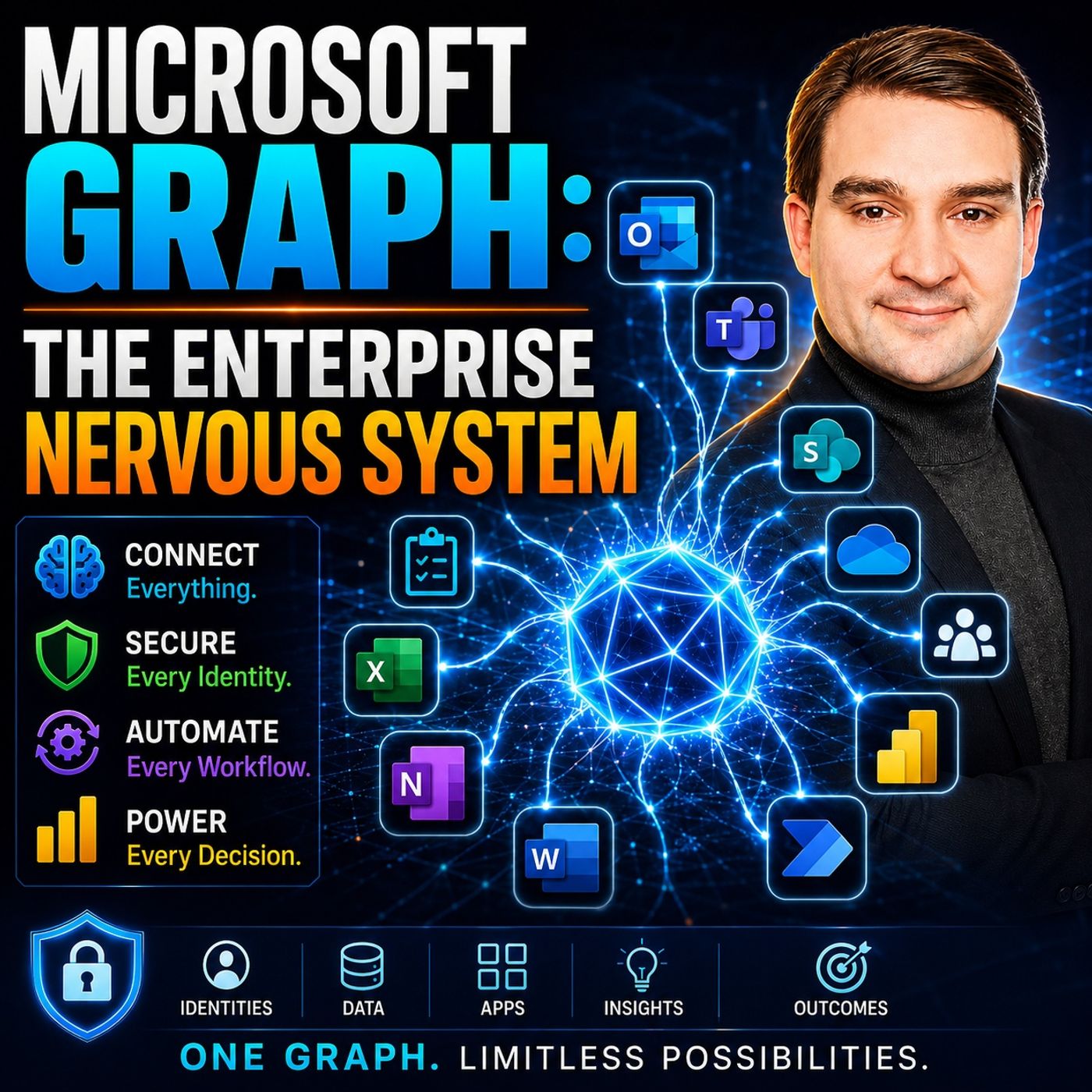
Microsoft Graph: The Enterprise Nervous System Explained
Welcome back to the blog! Today, we are expanding on a topic that is reshaping how modern organizations operate, build, and secure their digital workspaces. If you have ever wondered how different services in the Microsoft cloud talk to each other so seamlessly, or how artificial intelligence agents suddenly seem to know everything about your organizational file structure, the answer usually comes down to one powerful core technology. In this post, we are diving deep into the concepts covered in our recent podcast episode, Microsoft Graph: The Enterprise Nervous System. We will explore how this unified API acts as the digital nervous system for modern enterprises, integrating data across Microsoft 365, Azure, and third-party platforms to supercharge operational intelligence and decision-making.
In today's fast-paced digital landscape, modern organizations face a constant deluge of data scattered across hundreds of applications, chat logs, cloud storage drives, and identity providers. Transitioning to an intelligent ecosystem is no longer just a luxury; it is a fundamental requirement for survival. Let us break down how Microsoft Graph makes this possible, examining its core architecture, its ability to weave data together, and how it empowers your organization to respond swiftly to enterprise changes and challenges.
What is Microsoft Graph?
At its core, Microsoft Graph acts as a unified API for Microsoft services, providing a single access point for a vast array of cloud applications and data streams. With Microsoft Graph, you can connect to multiple services, including Microsoft 365, Windows, and Enterprise Mobility + Security. This consolidation dramatically simplifies your application development and administrative processes by allowing you to access a wealth of people-centric data and operational insights across the entire Microsoft cloud through one primary endpoint: https://graph.microsoft.com.
Key Features of Microsoft Graph
Microsoft Graph offers several key features designed to enhance your enterprise's productivity, visibility, and collaboration standards. Some of the most notable features include:
- Data Connectivity: Microsoft Graph safely bridges various Microsoft 365 services, enabling seamless, authorized access to organizational data.
- Enhanced Context for AI: It provides rich user data, relationship signals, and organizational files, giving AI agents and copilots the precise context required to make intelligent, business-aligned decisions.
- Security and Compliance: Microsoft Graph is built with enterprise-grade security baked right into its foundations, ensuring that your custom integrations and automated workflows meet the most rigorous regulatory standards.
| Feature | Description |
|---|---|
| Users | Access and manipulate user resources directly. |
| Groups | Enable fluid user collaboration and resource integration across multiple cloud services. |
| Identity and Access Management | Use advanced Microsoft Entra methods to manage identity access and securely authenticate users. |
| Security | Connect Microsoft security products, services, and ecosystem partners to streamline security operations centers. |
| Microsoft Teams | Explore chat-based collaboration, live meetings, calling workflows, and enterprise voice features. |
| Outlook Calendar and Mail | Control calendars, create appointments, and manage messages and mail data programmatically. |
| Microsoft 365 Copilot Connectors | Explore, configure, and build custom connectors tailored for Microsoft Copilot integration. |
| Microsoft Graph Data Connect | Build high-scale analytical applications using secure Microsoft Graph Data Connect datasets. |
Ultimately, Microsoft Graph serves as a central intelligence layer that enhances productivity and collaboration by binding data across traditionally isolated systems. This deep integration allows you to automate repetitive tasks and streamline complex operations, leading to vastly improved decision-making and continuous innovation.
Microsoft Graph API Overview
The Microsoft Graph API enables developers and IT administrators to access multiple Microsoft workloads through a single endpoint. This means you can retrieve, query, and manipulate data from services like Azure Active Directory (Microsoft Entra ID), Exchange Online, SharePoint, and OneDrive all from one unified framework. This consolidated approach eliminates the need to manage dozens of disparate APIs, reducing maintenance overhead and accelerating time-to-market for enterprise solutions.
Data Integration and Connectivity

Microsoft Graph plays an irreplaceable role in connecting disparate Microsoft services, effectively forming the structural backbone of your enterprise neural network. This integration allows your applications to access and utilize data from multiple sources seamlessly, fostering better cross-departmental collaboration.
Integrating with Microsoft 365
When you combine Microsoft Graph with Microsoft 365, you unlock a massive treasure trove of enterprise data that can drive your strategic business decisions. The following datasets exemplify the types of granular data you can safely access:
| Dataset Name | Description |
|---|---|
| OutlookContactActivity_v0 | Provides insights into employees' communication activity with their contacts in Outlook. |
| OutlookMailActivity_v0 | Provides metrics regarding employees' email habits and volumes in Outlook. |
| OutlookMeetingActivity_v0 | Tracks employee engagement and time spent across calendar meetings in Outlook. |
| TeamsChannelActivity_v0 | Measures employee activity levels within specific channels in Microsoft Teams. |
| TeamsConversationActivity_v0 | Summarizes employee participation across team chats and group conversations. |
| TeamsCallRecords_v1 | Provides detailed activity records and telemetry from Teams voice calls and virtual meetings. |
| TeamsChannelDetails_v0 | Generates a comprehensive inventory list of active Microsoft Teams channels. |
| Contact_v0 | Provides raw contact details available from individual user address books. |
| Contact_v1 | Provides structured, up-to-date contact details available from each user's address book. |
| VivaInsightsDataset_Report_v1 | Contains specialized workplace metrics generated by custom queries authored in Viva Insights. |
Third-Party API Connections
Beyond native Microsoft services, Microsoft Graph also supports powerful connections to third-party APIs, vastly expanding your enterprise integration capabilities. Some of the standout benefits of leveraging these connectors include:
- Custom connectors in Power Automate enable direct linkages to external third-party APIs,supercharging enterprise automation.
- You can easily integrate internal legacy APIs, facilitating the inclusion of proprietary on-premises systems into modern cloud workflows.
- Define custom triggers and granular actions, giving your engineers absolute control over complex, multi-system automation processes.
- Robust support for various enterprise-grade authentication standards ensures all external connections remain strictly secure.
- The Graph API acts as a singular, unified gateway, preventing developers from having to learn dozens of distinct external service protocols.
Enhancing Enterprise Intelligence
Microsoft Graph significantly enhances your enterprise's decision-making capabilities by feeding advanced analytics engines with real-time behavioral signals. By leveraging intelligence generated from daily communications, document collaborations, and identity logs, leadership teams can steer the organization forward with confidence:
- Workplace Analytics: This capability provides deep insights into group collaboration, helping management understand how cross-functional teams truly work together.
- MyAnalytics: This feature offers personal productivity insights, providing individual users with smart reminders for one-on-one meetings and actionable tips for managing email overload.
- Collaboration Patterns: Analytical roll-ups analyze how time is spent, allowing organizations to spot meeting fatigue and optimize overall corporate efficiency.
Real-Time Monitoring and Anomaly Detection
Real-time monitoring is critical for maintaining an airtight security posture. Microsoft Graph enables security teams to continuously observe tenant activity, ensuring they stay informed about administrative changes and user anomalies the moment they occur. This proactive approach allows organizations to automatically spot suspicious behavioral shifts, evaluate real-time policy compliance, and enforce corrective guardrails instantly.
Automation and Governance
Maintaining regulatory compliance and clean tenant governance is a massive challenge for modern IT departments. Microsoft Graph facilitates a crucial operational shift from reactive, manual governance to proactive, automated solutions. Automating compliance workflows reduces administrative overhead, minimizes human error, and locks down enterprise security.
| Benefit | Description |
|---|---|
| Improved Operational Efficiency | Automation drives faster access provisioning and eliminates tedious manual data entry tasks. |
| Reduced Manual Errors | Standardized management templates eliminate configuration mistakes caused by human fatigue. |
| Enhanced Security Posture | Consistent application of identity and access baselines hardens the entire tenant environment. |
| Lifecycle Governance | Reliable automation handles complex user onboarding, offboarding, and role transitions smoothly. |
| Better Auditability | Automated trails provide comprehensive evidence logs for internal and external auditors. |
By leveraging Microsoft Graph, administrators can capture the exact baseline state of their tenant and continuously monitor for unauthorized changes. This snapshot and drift detection capability ensures that if a misconfiguration occurs, automated runbooks can instantly revert settings back to the organization's approved gold standard.
Preparing for the Future
Adopting Microsoft Graph prepares your enterprise for the inevitable hurdles of tomorrow by hardcoding agility and responsiveness into your IT DNA. As artificial intelligence, hybrid work models, and security threats continue to evolve at breakneck speeds, relying on manual management portals is no longer viable. By utilizing the Microsoft Graph API, PowerShell SDKs, and automated governance runbooks, your engineering teams can scale operations effortlessly without expanding headcount.
Microsoft Graph serves as the beating heart of modern enterprise technology, transforming how you connect, analyze, and govern your corporate data assets. By breaking down organizational silos and unifying access across workloads, it supercharges accessibility and enterprise knowledge management. To catch all the nuances and expert discussions on this vital topic, be sure to listen to our full companion episode, Microsoft Graph: The Enterprise Nervous System.
FAQ
What is Microsoft Graph used for?
Microsoft Graph acts as a single endpoint to connect, query, and manage data across Microsoft 365, Azure, and external platforms, streamlining application development and enhancing enterprise productivity.
How does Microsoft Graph improve security?
It automates compliance routines, continuously monitors tenant activity, detects configuration drift, and instantly enforces security policies to mitigate unauthorized access risks.
Can I integrate third-party applications with Microsoft Graph?
Yes, custom connectors and third-party API integrations allow you to blend external cloud services and proprietary legacy applications into cohesive Microsoft-powered workflows.
What types of data can I access through Microsoft Graph?
You can securely access user profiles, Exchange mailboxes, Outlook calendars, Teams conversations, SharePoint files, and device management insights from one unified API.
How can I get started with Microsoft Graph?
You can begin exploring API references, authentication tutorials, and code samples by reviewing the official Microsoft Graph Documentation.
🎧 Listen to this episode
Want a practical, no-nonsense explanation of Microsoft Graph? This podcast episode breaks down the architecture in clear language and demonstrates why it is vital for your Microsoft 365, Azure, security, and AI strategies.
Listen to this episode if you want to:
- Understand the core architectural concepts behind Microsoft Graph
- See how it fits into the broader Microsoft technology ecosystem
- Learn where it can unlock immediate practical value for your organization
You may also enjoy these related M365 FM episodes:
- Graph-Powered AI Agents: An Enterprise Architecture Guide
- Microsoft Graph and PowerShell for Enterprise Automation
- Microsoft Graph API Discovery for Enterprise Semantic Search
- Microsoft Graph Connectors for Enterprise AI and Copilot
- Microsoft 365 as an Enterprise Operating System
Discover more practical Microsoft conversations on M365 FM.
Last reviewed: July 2026.
Who Should Listen
This episode is essential listening for Microsoft practitioners, enterprise architects, developers, security professionals, and IT leaders evaluating modern cloud architecture in a real-world environment.
🎧 You Should Also Listen To
- Microsoft Graph API — A relevant next step that adds practical context to this topic.
- Microsoft Graph Data Connect — A relevant next step that adds practical context to this topic.
- Model Context Protocol — A relevant next step that adds practical context to this topic.

Microsoft MVP | Host of M365.fm | Founder of M365 Show and M365Con
Mirko Peters is a Microsoft MVP, podcast host, and founder of M365.fm, M365 Show, and M365Con. His work connects Microsoft practitioners through podcast interviews, livestreams, and community events.
At M365.fm, Mirko hosts conversations with Microsoft MVPs, product experts, architects, and community contributors. Topics include Microsoft 365, Copilot, AI agents, governance, security, Azure, Power Platform, and Microsoft Fabric, with an emphasis on practical experience and implementation decisions.
M365.fm is the podcast and learning platform. M365 Show brings experts together for livestreams, while M365Con provides an online conference setting for community learning.
Official website: Mirko Peters (https://www.mirkopeters.com/). Recognition: Mirko Peters — Microsoft MVP profile (https://mvp.microsoft.com/de-DE/mvp/profile/9b0ca797-db5a-493a-a845-8b9158046cf5). Connect on LinkedIn (https://www.linkedin.com/in/m365showpodcast/).