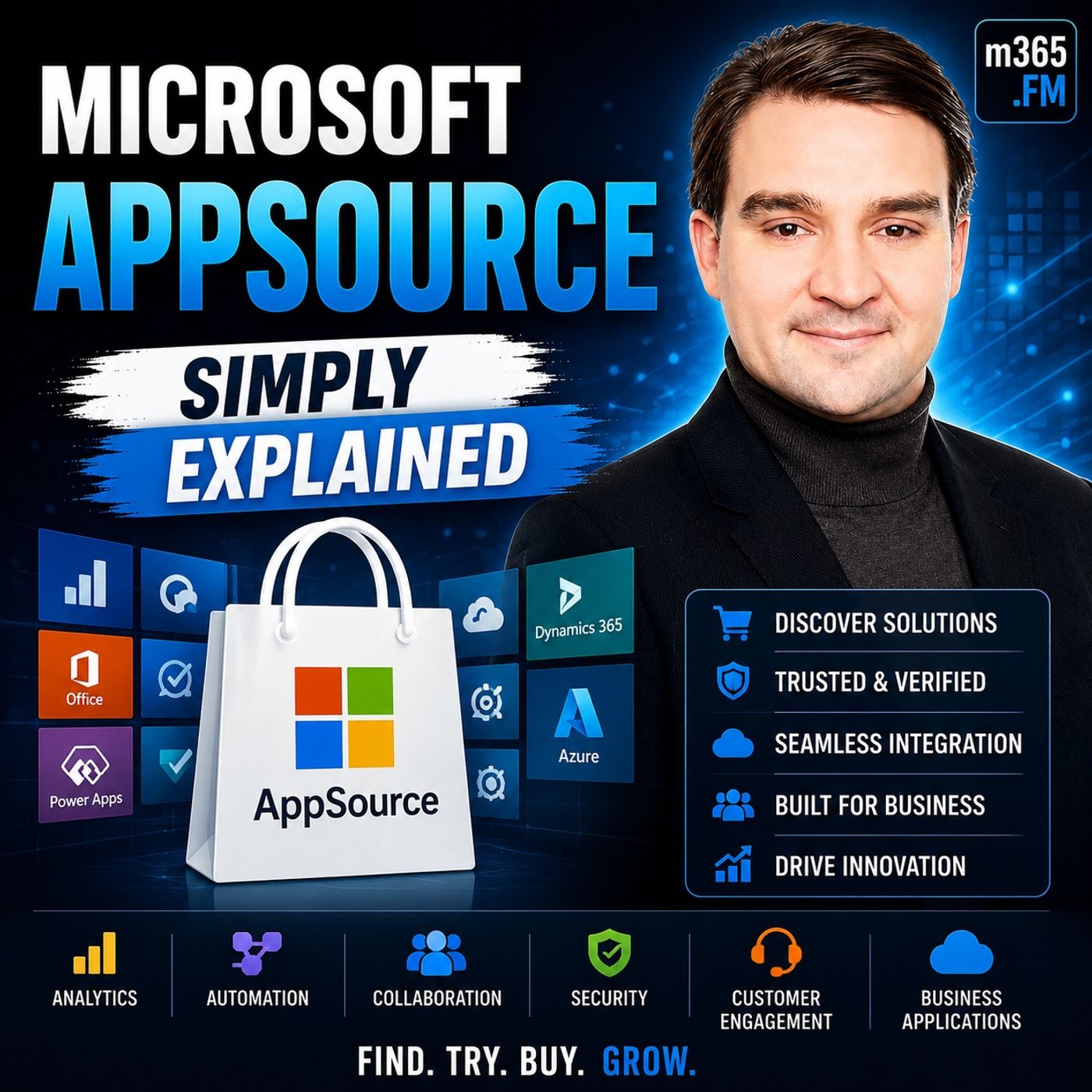
Navigating Microsoft AppSource: A Guide for Business Leaders
Welcome back to the blog! If you are managing a modern digital workplace, you already know that your technology stack needs to do more than just function—it needs to drive real operational value, align with your technical decisions, and ensure safe implementation across your organization. In our latest podcast episode, we took a deep dive into the digital aisles of the Microsoft ecosystem to break down how businesses can leverage the marketplace effectively. If you haven't had a chance to listen yet, make sure to check out the episode Microsoft AppSource - Simply Explained for a fantastic primer that complements everything we are discussing today.
In this comprehensive guide, we are going to expand on those exact topics. We will explore how to search, filter, and install business applications that integrate seamlessly with your existing Microsoft 365 ecosystem. Whether you are an administrator looking to secure your tenant, an architect building scalable solutions, or a business stakeholder trying to solve a niche industry challenge, understanding how to navigate Microsoft AppSource is essential for modern business success.
What Is Microsoft AppSource?
Microsoft AppSource serves as a dedicated marketplace for business applications. Its primary purpose is to provide organizations with solutions that enhance productivity and address specific business challenges. You can find a wide range of applications, consulting services, and industry-specific solutions that integrate seamlessly with Microsoft products.
Purpose and Features
The features of Microsoft AppSource distinguish it from other business application marketplaces. Here is a quick overview of its key features:
| Feature | Description |
|---|---|
| Focus on Business Solutions | AppSource is designed entirely for organizations, offering solutions that address specific business problems. |
| Unified Marketplace | AppSource and Azure Marketplace are combined into a single platform, simplifying the search for applications and services. |
| Variety of Offerings | It includes applications, consulting services, templates, and industry-specific solutions. |
| Integration with Microsoft 365 | Solutions are designed to work seamlessly with Microsoft 365 applications, enhancing their functionality. |
This unified experience allows you to search for both business applications and technical infrastructure in one place. You can easily find what you need without navigating multiple platforms.
Benefits for Businesses
Using Microsoft AppSource provides numerous benefits for businesses. Here are some key advantages:
- Enhanced Efficiency: By integrating various applications, you can streamline your operations and reduce manual tasks.
- Access to Expertise: You can hire Microsoft partners directly for consulting services, ensuring you receive expert guidance during implementation.
- Cost Savings: Many applications offer free trials, allowing you to test solutions before committing to a purchase. This approach helps you make informed decisions without financial risk.
- Industry-Specific Solutions: With over 3,000 Business Central-specific apps available, you can find solutions tailored to your industry needs. For example, a Belgian industrial company reduced production downtime by ten times after integrating their systems into Microsoft Dynamics 365 Business Central.
Additionally, the integration of Power BI with Dynamics 365 Business Central allows you to visualize and analyze your data seamlessly. You can quickly set up powerful dashboards using standard templates available on AppSource. This feature makes it accessible even for those with limited experience in data reporting.
Microsoft AppSource Overview
User Interface
The user interface of Microsoft AppSource is designed to enhance your experience. It features several key components that make navigation simple and intuitive. Here is a breakdown of the main elements:
| Key Component | Description |
|---|---|
| Navigation Features | Includes a Search box for specific apps and a category search with filters for subjects like Marketing, Sales, or Customer Service. |
| App Information Page | Provides detailed information about the app, including descriptions, reviews, compatibility options, and demo links. |
| Other Apps Dropdown | Links to additional apps within the Office 365 environment, enhancing accessibility and integration. |
This layout allows you to find the right solutions quickly, ensuring a smooth browsing experience.
Search and Filter Options
Finding the right applications on Microsoft AppSource is efficient thanks to its robust search and filter options. You can enter specific search terms to locate relevant applications quickly. The platform allows you to filter results by app type, consulting service, or partner. This feature enhances the relevance of your search results. The intuitive navigation ensures you can easily find what you need without confusion.
Integration with Microsoft Products
One of the standout features of Microsoft AppSource is its seamless integration with core Microsoft products. This integration allows you to leverage existing tools while enhancing your business processes. Here are some examples of how various apps integrate with Microsoft products:
- Power Apps integrates with Microsoft 365, SharePoint, Excel, and Microsoft Dynamics 365.
- Centralized data management ensures that your project data remains accessible and up-to-date.
- Automation of workflows enhances project efficiency.
Additionally, BrightWork 365 connects with:
- Power BI for reporting
- Power Automate for workflow automation
- SharePoint Online for document management
- Outlook for communication and alerts
These integrations allow you to create a cohesive ecosystem that supports your business needs. By utilizing apps that are fully integrated into Microsoft Dynamics 365, you can streamline operations and improve productivity.
Types of Apps on Microsoft AppSource
Microsoft AppSource offers a diverse range of applications tailored to meet various business needs. You can explore three main categories: Business Applications, Industry Solutions, and Consulting Services.
Business Applications
In the realm of business applications, Microsoft AppSource provides a variety of solutions designed to enhance productivity and streamline operations. Here is a quick overview of the types of apps you can find:
| Category | Description |
|---|---|
| Apps and Extensions | Complete SaaS applications, Dynamics 365 extensions, Power Platform add-ins, and Outlook integrations. |
| Consulting Services | Services offered by Microsoft partners, including implementation workshops and training engagements. |
| Templates and Data Services | Pre-built industry templates and enriched business information services for various sectors. |
These business apps empower you to automate tasks, manage projects, and analyze data effectively. By integrating these solutions with Microsoft Dynamics 365, you can create a cohesive workflow that enhances your overall efficiency.
Industry Solutions
Industry-specific solutions are another highlight of Microsoft AppSource. These applications cater to unique challenges faced by different sectors. Whether you operate in healthcare, finance, retail, or manufacturing, you can find tailored solutions that address your specific needs.
For example, a healthcare provider might use an app that integrates patient management with Microsoft Dynamics 365. This integration can streamline patient data access and improve service delivery. Similarly, a retail business can leverage inventory management solutions to optimize stock levels and enhance customer satisfaction.
Consulting Services
Consulting services on Microsoft AppSource provide businesses with expert guidance and support. These services can significantly benefit your organization by offering tailored solutions. Here is a breakdown of some common consulting services available:
| Consulting Service | Benefits |
|---|---|
| Custom app development | Provides tailored applications for specific business needs, enhancing functionality. |
| Integration and automation | Connects various platforms, streamlining workflows and improving efficiency. |
| Business intelligence and analytics | Offers insights through data visualization, aiding in informed decision-making. |
| User experience modernization | Enhances user interaction with modern design principles, improving usability. |
| Training and enablement | Empowers teams with knowledge and skills to effectively use PowerApps, fostering innovation. |
By utilizing these consulting services, you can ensure a smooth transition to new technologies and maximize the value of your Microsoft solutions.
Using Microsoft AppSource
Creating an Account
To access Microsoft AppSource, you first need to create an account. Follow these simple steps:
- Visit the Microsoft AppSource website: Go to the official Microsoft AppSource page.
- Sign in with your Microsoft account: If you already have a Microsoft account, enter your credentials. If not, click on "Create one!" to set up a new account.
- Complete the registration process: Fill in the required information, including your name, email address, and password. Follow the prompts to verify your account.
Once you complete these steps, you gain access to a wide range of applications and services tailored to enhance your business operations.
Browsing and Installing Apps
After creating your account, you can start browsing for apps. Here is how to navigate through Microsoft AppSource effectively:
- Use the Search Bar: Type keywords related to the app you need. This feature helps you find specific solutions quickly.
- Explore Categories: Browse through various categories such as Business Applications, Industry Solutions, and Consulting Services. This method allows you to discover new tools that may benefit your organization.
- Read App Details: Click on an app to view its details. You will find descriptions, user reviews, and compatibility information. This insight helps you make informed decisions.
To install an app, follow these steps:
- Select the app you want: Click on the app's icon to open its detail page.
- Click on the "Get it now" button: This action initiates the installation process.
- Follow the prompts: Depending on the app, you may need to configure settings or grant permissions.
By following these steps, you can easily enhance your Microsoft ecosystem with powerful applications.
Managing Your Apps
Managing your installed apps is crucial for maintaining an efficient workflow. You can control your apps through the Microsoft 365 admin center and Teams admin center. Here are some methods to manage your apps effectively:
- Block AppSource for all users: Adjust settings in the Microsoft 365 admin center to restrict access to AppSource for your organization.
- Restrict AppSource for specific users: Modify user licenses in the Microsoft 365 admin center to limit access based on roles.
- Control app availability in Teams: Use org-wide app settings or app-centric management for specific users to determine who can access certain apps.
To manage apps in Teams, follow these steps:
- Sign in to the Teams admin center.
- Navigate to Teams apps > Built-in Teams agents.
- Select agents and choose Edit availability: This option allows you to control who can use the apps.
By utilizing these management tools, you can ensure that your organization uses the right apps effectively, enhancing productivity and collaboration.
Best Practices for Developing Apps for Microsoft AppSource
Evaluating Applications
When you develop an application for Microsoft AppSource, you must evaluate it thoroughly before submission. Microsoft partners should review specific criteria to ensure quality and compliance. Here are some key points to consider:
- Review the app criteria before publishing.
- Submit a pre-approval request as part of the application process.
- Stay updated on any changes to app criteria to ensure customer safety and partner success.
Following these steps helps you create a robust application that meets Microsoft's standards.
Leveraging User Reviews
User reviews play a crucial role in the success of your application on Microsoft AppSource. They significantly enhance visibility by improving your app's ranking in search results. Higher rankings lead to greater discoverability for potential users. Additionally, user feedback highlights areas for improvement, which can boost user satisfaction and retention.
To maximize the impact of user reviews:
- Encourage users to leave feedback after using your app.
- Respond to reviews promptly to show that you value user input.
- Use feedback to make necessary updates and improvements to your app.
Staying Updated with New Releases
The technology landscape evolves rapidly, and staying updated with new releases is essential for maintaining your app's relevance. Microsoft AppSource frequently introduces new features and updates that can enhance your application. Here are some best practices to keep in mind:
- Use application development best practices: Follow recommended processes for publishing apps to AppSource.
- Understand the process of bringing an app to AppSource: Familiarize yourself with technical and marketing validation procedures.
- Implement SaaSification techniques: Focus on building user-friendly interfaces and enhancing user experience.
- Prepare for an easy application upgrade experience: Ensure efficient installation and upgrade procedures.
- Learn about application performance and monitoring: Write performant code and monitor your app's performance regularly.
- Implement test automation techniques: Use test automation to streamline your development process.
By adhering to these practices, you can drive more leads to your application and ensure it remains competitive in the marketplace.
Microsoft AppSource stands as a vital resource for businesses seeking tailored solutions. You can access a variety of applications designed to enhance productivity and streamline operations. Here are some key benefits of using Microsoft AppSource:
- Find solutions that integrate easily with existing Microsoft products.
- Explore cost-effective options, including free trials.
- Automate repetitive tasks to improve data accuracy.
As you consider how Microsoft AppSource can meet your specific needs, remember that it supports scalability for growing businesses. By leveraging the platform, you can enhance your operations and drive success. Explore Microsoft AppSource today and discover the tools that can transform your business. Be sure to listen back to the accompanying podcast episode Microsoft AppSource - Simply Explained to deepen your technical understanding and empower your organizational strategy!
FAQ
What is Microsoft AppSource?
Microsoft AppSource is an online marketplace for business applications. It offers solutions that integrate with Microsoft products, helping organizations enhance productivity and address specific challenges.
How do I create an account on Microsoft AppSource?
To create an account, visit the Microsoft AppSource website. Sign in with your Microsoft account or create a new one by providing your name, email, and password.
Can I try apps before purchasing?
Yes! Many applications on Microsoft AppSource offer free trials. You can test these solutions to see if they meet your business needs before making a purchase.
How do I find specific apps on Microsoft AppSource?
Use the search bar to enter keywords related to the app you need. You can also browse categories and apply filters to narrow down your options.
Are there consulting services available on Microsoft AppSource?
Yes, Microsoft AppSource features consulting services from Microsoft partners. These services include implementation, training, and support to help you maximize your use of Microsoft solutions.
How can I manage my installed apps?
You can manage your apps through the Microsoft 365 admin center. This allows you to control access, block apps, and adjust settings for specific users.
What types of apps can I find on Microsoft AppSource?
You can find various types of apps, including business applications, industry solutions, and consulting services. These apps cater to different business needs and sectors.
How often does Microsoft AppSource update its offerings?
Microsoft AppSource regularly updates its offerings. New applications and features are added frequently, so check back often to discover the latest solutions.
🎧 You Should Also Listen To
- Microsoft Marketplace – Simply Explained provides the next practical learning step and adds useful context for this topic.
- Microsoft Cloud Solution Provider (CSP) – Simply Explained provides the next practical learning step and adds useful context for this topic.
- Microsoft Partner Center – Simply Explained provides the next practical learning step and adds useful context for this topic.
Last reviewed: July 2026.

Founder of M365 Show, M365con.net & m365.fm
Mirko Peters is a Microsoft 365 expert, content creator, and founder of m365.fm, a platform dedicated to sharing practical insights on modern workplace technologies. His work focuses on Microsoft 365 governance, security, collaboration, and real-world implementation strategies.
Through his podcast and written content, Mirko provides hands-on guidance for IT professionals, architects, and business leaders navigating the complexities of Microsoft 365. He is known for translating complex topics into clear, actionable advice, often highlighting common mistakes and overlooked risks in real-world environments.
With a strong emphasis on community contribution and knowledge sharing, Mirko is actively building a platform that connects experts, shares experiences, and helps organizations get the most out of their Microsoft 365 investments.