
Reduce Microsoft Teams Chat Overload Guide
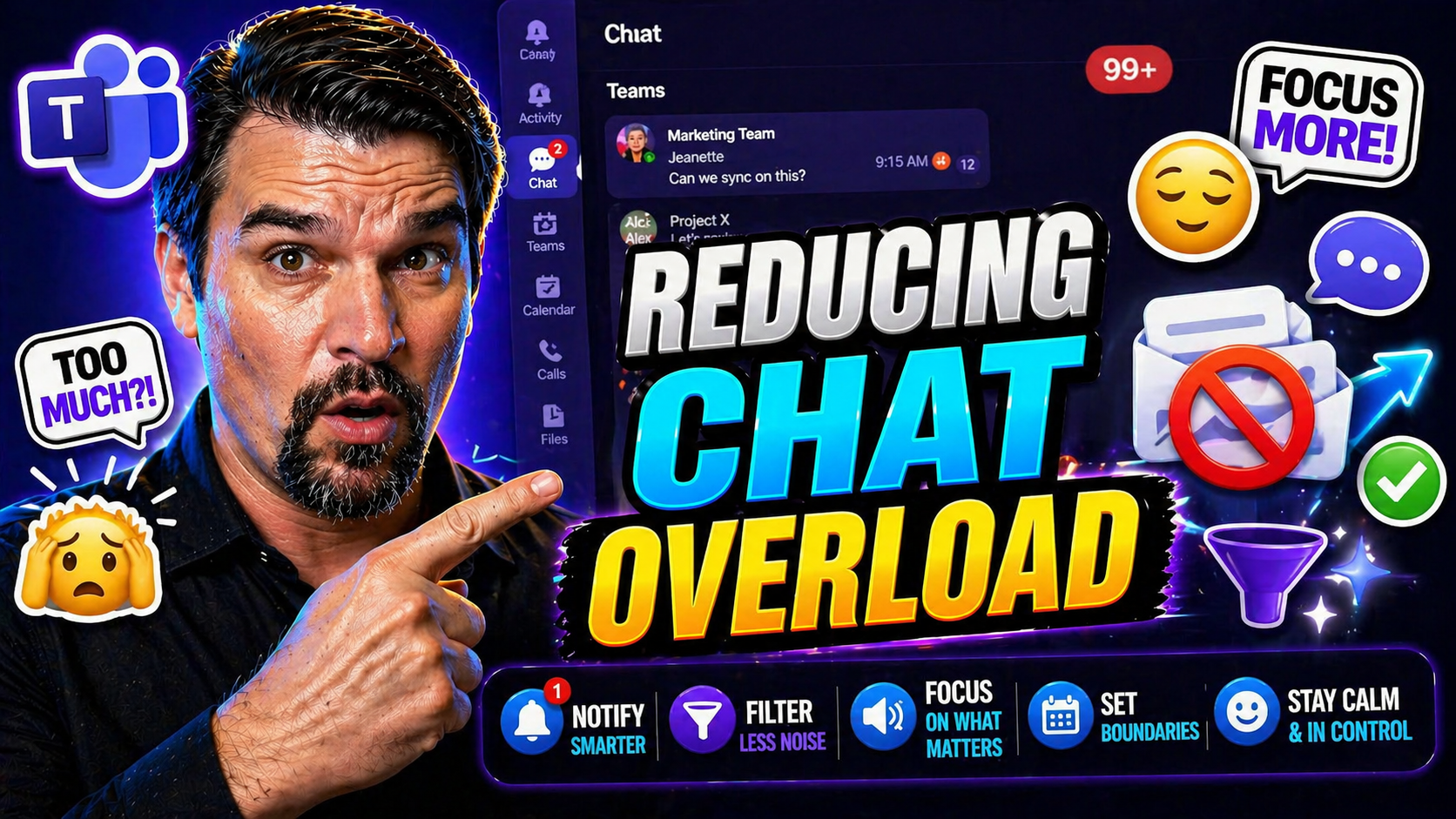
Let’s face it—between Microsoft Teams pings, Slack buzzes, and the never-ending stream of emails, today’s digital workplace can feel like a 24/7 group chat you never asked to join. Businesses rely on constant digital communication, but too much messaging can wear down even the most organized professionals. Without the right strategies, you’re caught in a cycle of interruptions, missed messages, and mounting stress.
That’s why reducing chat overload is more than a nice-to-have—it’s essential for your team’s productivity, mental clarity, and overall success. Especially if your organization uses tools like Microsoft Teams and SharePoint, efficient communication isn’t just about being faster, but being smarter. This guide will walk you through what messenger overload actually is, why it matters, and the proven strategies to cut down on unnecessary noise. You’ll get practical advice for streamlining digital communication, boosting focus, and building healthier team habits for the long haul.
Understanding Messenger Overload and Its Impact
You’ve probably heard the phrase “communication is key,” but when every message demands your attention, the key turns into a lock. Messenger overload is what happens when the sheer volume and pace of digital conversations start to work against you instead of for you. In workplaces thriving on Microsoft Teams, Slack, or email, this overload can creep in fast—one channel after another piling up with chats, alerts, and endless notifications.
Why does this matter? Because when everyone is trying to stay “plugged in,” it quickly tips into distraction and disruption. It’s not just the number of messages—it’s the expectation to answer at all hours, sift the important from the noise, and keep up with fast-moving discussion threads. The impact ripples through your focus, mood, and even sleep.
Understanding message overload isn’t just a technical task. It’s about naming what’s holding back your team’s best work. The following sections will break down exactly how overload looks in Microsoft Teams, why you should care, and how unchecked messaging actually hurts both people and business. Once you spot the warning signs, you’ll understand why building real solutions here pays back with reclaimed focus and better collaboration for everyone.
Defining Message Overload in the Digital Workplace
Message overload happens when the volume of digital communications—think Teams chats, Slack messages, and emails—exceeds what individuals can realistically process in a workday. This overload is triggered by a flood of new messages, non-stop notifications, and unclear channel guidelines. In Microsoft Teams, it can show up as overlapping chats, too many channels, or people being tagged in every discussion.
Not all messages are bad, of course. But when the balance tips from necessary updates to constant interruptions, it turns productive chatter into chaos. If you’re noticing employees losing track, missing key updates, or feeling spread thin by the platform meant to help them, you’re likely facing message overload. Streamlining these systems isn’t just about less talk—it’s about making every message count. For more on how good governance can restore order, take a look at how Teams governance strategies help bring back confident collaboration.
Negative Effects Communication Has on Employees and Organizations
Research consistently links communication overload with higher rates of stress, burnout, and even physical health issues among employees. According to the Harvard Business Review, knowledge workers spend up to 85% of their week on email, chat, and meetings—leaving little time for focused, value-added work. The more your teams are forced to multitask, the more mistakes creep in and actual productivity drops.
Surveys show that teams bombarded with excessive messages report lower morale, higher turnover intentions, and declining work-life balance. In fact, Gartner found that 40% of workers see always-on messaging as a major source of anxiety. For organizations, these hidden costs mean less innovation and more time chasing updates instead of driving results. Prioritizing healthier communication habits isn’t just about being nice—it’s a competitive advantage.
Strategies to Reduce Messaging Overload in Teams
After realizing how easy it is for digital chatter to spiral out of control, the next question is—what can you do about it? You don’t need to go back to landlines and watercooler chats. The answer is building intentional communication habits that make Microsoft Teams and other platforms work for you, not against you.
This section is all about practical change. Whether you manage a small team or a company-wide rollout, you’ll see approaches that can be tailored to your environment. Expect guidelines for cleaning up noisy channels, tips to keep messaging short, and advice on setting healthy meeting ground rules. There’s also a close look at automation and AI tools that cut busywork and let your people focus where it matters most. By tackling chat overload head-on, you’ll pave the way for more productive, less stressful, and genuinely connected digital collaboration.
Ensuring Effective Communication Channels While Reducing Noise
- Audit current channels. Regularly review which Teams channels, Slack groups, or email lists your team actually uses, archiving any unused or redundant options.
- Consolidate overlapping tools. Stick with one primary platform for collaboration—like Microsoft Teams—and phase out side apps that duplicate functions.
- Use the right channel for the right message. Move sensitive or department-specific conversations to private channels, and share cross-team info in open/shared ones. Not sure when to use each? Compare private vs shared channels in Microsoft Teams for a practical decision guide.
- Clarify naming conventions. Give channels clear, descriptive names and keep channel purposes obvious—good organization means less confusion and frustration. (Get guidance on naming and organizing Teams channels here.)
Short, Direct Messaging and Setting Rules for Meetings
- Keep messages concise. Encourage everyone to write short, purposeful updates instead of long-winded paragraphs that get skimmed or ignored.
- Set reply expectations. Define when responses are truly urgent versus when an answer can wait until the next workday, taking pressure off around-the-clock replies.
- Have meeting ground rules. Only schedule meetings when chat can’t do the trick, and keep agendas clear and time-boxed to avoid overrun.
- Discourage chatter for the sake of it. Reserve casual conversations for designated spaces so work-focused channels don’t get overwhelmed.
Leverage Automation and Balance Human Input
- Use AI to summarize chat threads. Tools like Microsoft Copilot can surface key points from lengthy conversations, so nobody gets lost scrolling (learn more about how Copilot orchestrates Teams workflows).
- Deploy bots for routine notifications. Automate reminders, approvals, and check-ins, freeing up people for bigger thinking.
- Filter non-urgent messages. Set up rules or use apps that defer low-priority chats for later, so focus time isn't interrupted needlessly.
- Balance automation and personal touch. AI helps with the grunt work, but leave complex conversations—like feedback or mentoring—to real people. For tips on writing prompts that get results, check out best practices for Copilot prompt engineering.
Building a Culture That Promotes Concentration and Focus
Even with the best tools in place, the way your team communicates day-to-day comes down to culture. The constant buzz of incoming messages doesn’t just happen by accident—it’s fueled by habits, leadership expectations, and workplace norms that push speed over substance. If you want fewer distractions, you’ll need to shift how everyone approaches digital interruptions and deep work.
This section dives into how organizations can foster a true environment of concentration. From leadership setting the right example to building a culture where uninterrupted focus is respected, it all adds up. You’ll see why the healthiest teams reward quality contribution rather than constant availability. Whether you’re thinking about individual work patterns or broader company traditions, changing the culture doesn’t happen overnight—but it starts with a few deliberate steps that stick.
Promoting Culture of Concentration by Fostering Focus
- Model deep work. Leaders should block out times on their calendar for focused work—and communicate that availability to their teams.
- Recognize and reward focus. Let employees know when they handle distractions well, finish projects in sprints, or show disciplined communication.
- Discourage the “always-on” mindset. Reassure people that stepping away from chat to focus isn’t just allowed—it’s encouraged.
- Keep communication purposeful. Promote sending messages only when necessary, not simply to show activity or presence.
Setting Boundaries, Expectations, and Indicating Focused Time
- Use status tags in Teams. Make the most of “Busy” or “Do Not Disturb” status tags so others know when not to interrupt important work.
- Set team norms. Agree on when it’s okay to expect immediate replies and when people can safely ignore notifications to concentrate.
- Communicate calendar blocks. Have employees mark focus hours directly in Teams or Outlook, so meetings aren't scheduled during prime productivity.
- Customize notification settings. Adjust chat and alert preferences so only the most critical messages break through—get more tips on fixing Teams notifications using adaptive cards here.
Optimizing Microsoft Teams and Other Tools for Better Collaboration
Digital tools are supposed to bring us together—but if you don’t configure and manage them properly, they quickly become part of the overload problem. Microsoft Teams, SharePoint, and other collaboration platforms are powerful, but too many channels, alerts, and overlapping apps can scatter your attention and bury important updates.
This section takes a hard look at how Teams and similar platforms contribute to messaging fatigue and what to do about it. You’ll explore practical approaches—like governance policies, tighter integrations, and workflow cleanup—that IT admins, team leads, and everyday users can implement for smoother collaboration. Reducing notification fatigue and combating “tool sprawl” isn’t just a technical fix; it requires ongoing vigilance and thoughtful setup. The payoff? Cleaner chats, less confusion, more meaningful connection, and a far better workday.
Addressing Frustrations with Traditional Chat Platforms
- Notification overload: Many Teams and Slack users get dozens of alerts every hour, making it tough to spot the truly urgent messages. Customizing notifications and reducing unnecessary pings is key to sanity.
- Poor chat organization: Without proper channel naming or guidelines, conversations sprawl, vital info gets buried, and no one can find what matters. Implementing clear governance—like in this guide on Teams governance—creates structure and trust.
- Loss of conversation context: Rapid-fire threads make it easy to lose the big picture. Summarize conversations and keep files/documents connected to their relevant channels for clarity.
- Lack of messaging guidelines: Without rules, etiquette drops. Every team should outline who gets tagged, which topics go where, and how to use channels responsibly.
Reducing Context Switching and Tool Fragmentation
- Integrate key apps. Use tools like Microsoft Loop to embed live data and files across Teams, Power BI, and CRM for fewer workflow jumps (see how Loop solves data silos here).
- Align dashboards to the right workspace. Place Power BI dashboards in Teams for real-time operations, or SharePoint for polished executive views (learn about dashboard optimization).
- Reduce redundant applications. Consolidate overlapping project management, chat, or document tools so users can focus in one unified digital workspace.
Rethink Communication Altogether to Cut Clutter and Boost Connection
- Embrace asynchronous workflows. Set up processes where updates, approvals, or reviews can happen over time—ending the need for instant replies or constant meetings. Automation from tools like Copilot helps here. (See examples of Copilot orchestrating async collaboration.)
- Classify messages by urgency. Not everything is a fire drill—by clearly labeling urgent, standard, or informational messages, you let people unplug and respond with less pressure.
- Document over discuss. Move away from chat for recurring updates by creating living documents or dashboards tracked by everyone.
Empowering Employees and Measuring Sustainable Communication
Turning down the volume on digital noise doesn’t work unless you give employees real control over their tools—and hold leaders and teams accountable for the communication culture they create. Sustainable change means making employees feel confident adjusting notification settings, choosing when they’re available, and giving honest feedback about what works (and what doesn’t).
This final section spotlights leadership’s role in supporting healthy habits, empowering employees, and measuring whether all those chat “fixes” are delivering value. Effective communication isn’t just something you do more of. It’s something you do wisely—and you need real metrics to make sure it’s working. Expect actionable ideas to empower teams, frameworks for measuring impact, and the leadership nudges needed to keep your workplace running smoothly for the long term.
Prioritizing Employee Wellness by Empowering Teams
- Flexible notification control: Allow employees to customize alerts, reducing interruptions and making it easier to focus on what matters most. Microsoft Teams offers robust notification options to tailor the experience for different roles and preferences.
- Clear communication norms: Involve teams in setting the rules for when to message, how to escalate urgent issues, and when it’s okay to be “offline.” Empowered employees are less likely to feel overwhelmed and more likely to take healthy breaks.
- Protected focus time: Support staff in scheduling uninterrupted work blocks—and defending those hours—from chat or meeting creep. Governance frameworks can formalize this across teams (explore more on how Teams governance drives success).
- Well-being checks and feedback: Make space for regular pulse surveys or quick check-ins on messaging fatigue and work-life balance, adapting strategy based on real-world experience.
Improving Communication Effectiveness and Leadership's Role
- Set measurable KPIs. Track message volume per employee, response times, and after-hours messaging to spot overload patterns (see productivity metrics in action here).
- Use regular feedback loops. Pulse surveys and direct reporting lines help measure what’s actually working (or not) in your communication culture.
- Leadership models healthy habits. When business leaders step up and block out focus time or limit after-hours messaging, it sets the tone for everyone else.
- Link communication effectiveness to reviews. Recognize those who contribute thoughtfully rather than just frequently, rewarding real productivity over mere presence.
You Should Also Listen To
If you are researching reduce Microsoft Teams chat overload, these episodes add practical context on collaboration, governance, security, and Microsoft 365 operations:
- Microsoft Teams Governance – The Illusion of Control — Learn how structure, ownership, and lifecycle controls reduce collaboration chaos.
- Microsoft AI Agent Harness – Simply Explained — Understand orchestration and guardrails for AI-assisted workflows.
- Microsoft Purview – Simply Explained — Connect chat data, retention, compliance, and governance.
- Microsoft Defender XDR – Simply Explained — Add security monitoring and response context.

Microsoft MVP | Host of M365.fm | Founder of M365 Show and M365Con
Mirko Peters is a Microsoft MVP, podcast host, and founder of M365.fm, M365 Show, and M365Con. His work connects Microsoft practitioners through podcast interviews, livestreams, and community events.
At M365.fm, Mirko hosts conversations with Microsoft MVPs, product experts, architects, and community contributors. Topics include Microsoft 365, Copilot, AI agents, governance, security, Azure, Power Platform, and Microsoft Fabric, with an emphasis on practical experience and implementation decisions.
M365.fm is the podcast and learning platform. M365 Show brings experts together for livestreams, while M365Con provides an online conference setting for community learning.
Official website: Mirko Peters (https://www.mirkopeters.com/). Recognition: Mirko Peters — Microsoft MVP profile (https://mvp.microsoft.com/de-DE/mvp/profile/9b0ca797-db5a-493a-a845-8b9158046cf5). Connect on LinkedIn (https://www.linkedin.com/in/m365showpodcast/).





