Top Configuration Mistakes That Weaken Exchange Online Protection
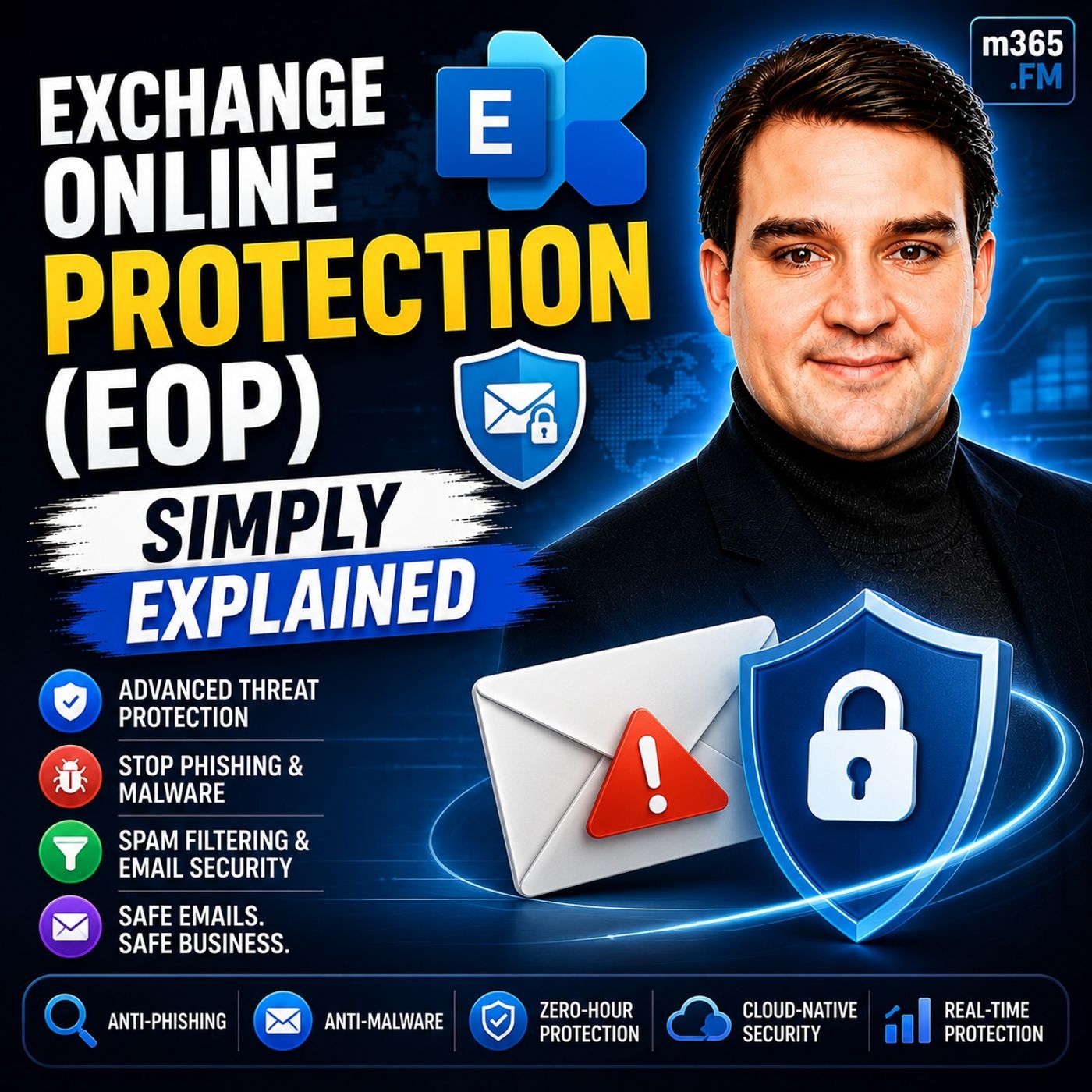
Welcome back to the blog! When it comes to securing your organization's digital workspace, email remains one of the primary attack vectors for cybercriminals. In our recent podcast episode, Exchange Online Protection (EOP) - Simply Explained, we broke down how this foundational cloud email security service protects Microsoft 365 environments. However, having a robust security tool is only half the battle. How you configure it dictates whether your defenses stand strong or accidentally let sophisticated threats slide right through.
Today, we are expanding on that conversation by looking closely at the administrative missteps that can inadvertently weaken your Exchange Online Protection setup. From overly generous allow-lists to neglected quarantine queues, let's explore the common pitfalls and how you can keep your EOP configuration airtight.
Introduction to Exchange Online Protection Configuration
Exchange Online Protection serves as the baseline cloud email security layer for Microsoft 365. It automatically filters out spam, malware, and common phishing attempts using Microsoft's globally scaled cloud infrastructure. Because EOP requires virtually no upfront hardware deployment and starts protecting your mailboxes out of the box, it is easy for IT administrators to take a "set-it-and-forget-it" approach.
Unfortunately, email security is not a static destination. Threat actors continuously evolve their tactics—using domain rotation, sophisticated business email compromise, and OAuth-based attacks. When administrators fail to actively manage their EOP settings, default configurations can fall short against modern threat landscapes. Proper tuning, continuous monitoring, and a disciplined approach to policy management are required to transform EOP from a basic safety net into a proactive shield.
The Danger of Overly Broad Allow-Lists
One of the most frequent and dangerous configuration mistakes administrators make is creating overly broad allow-lists. In an effort to resolve false positives—such as an important vendor email accidentally landing in the junk folder—it is tempting to whitelist an entire domain, a broad IP range, or a partner organization completely.
While this immediately solves the user complaint, it introduces a massive security blind spot. When you add a domain to your allow-list, you essentially tell EOP to bypass its standard anti-spam, anti-phishing, and malware checks for any incoming message claiming to be from that domain. Cybercriminals actively exploit this weakness through domain spoofing and email account takeovers. If a trusted partner's email account is compromised, attackers can leverage your own permissive allow-lists to deliver malicious payloads straight to your employees' inboxes without resistance.
To avoid this trap, keep allow-lists as granular as possible. Instead of whitelisting an entire domain, authenticate specific sender addresses and require strict SPF, DKIM, and DMARC alignment. Rely on EOP's built-in intelligence and user feedback loops rather than blanket exemptions.
Neglecting Regular Policy Reviews and Updates
Another major vulnerability stems from static policies. Many organizations configure their anti-spam, anti-malware, and connection filter policies during the initial Microsoft 365 onboarding process and never look at them again. Over months and years, organizational needs change, business relationships evolve, and Microsoft introduces new security features and detection capabilities.
Failing to review your policies regularly means missing out on enhanced protection features. For example, Microsoft frequently rolls out new machine learning capabilities and zero-hour auto purge (ZAP) enhancements designed to pull malicious emails out of mailboxes even after delivery. If your custom policies are outdated or if you rely solely on legacy settings, you may miss out on these cutting-edge defenses.
Establish a cadence—such as a quarterly or semi-annual review—to audit your anti-spam and anti-malware configurations. Ensure that high-risk users, like executives and finance personnel, have tailored, stricter policies applied to them, while standard users operate under secure default baselines.
Mismanaging Quarantined Messages
When EOP does its job and intercepts a suspicious email, it often places it in quarantine. However, having a quarantine folder is only effective if someone is actively managing it. A common operational failure is leaving quarantine management unassigned or unattended.
When end-users are bombarded with notifications about quarantined messages—or worse, when legitimate emails sit indefinitely in a forgotten queue—productivity stalls, and frustration mounts. Even more critically, if administrators do not periodically review quarantined items, they miss valuable telemetry. Analyzing what is being caught helps security teams understand current attack trends, identify false positives, and fine-tune filtering sensitivity.
Designate clear responsibilities for quarantine review. Utilize role-based access control (RBAC) to empower specific IT staff or security analysts to review quarantined mail, and educate end-users on how to safely request the release of legitimate messages through proper administrative channels.
Actionable Steps to Keep Your EOP Configuration Airtight
Securing your email environment doesn't require a complete overhaul overnight, but it does require disciplined configuration management. Here are several actionable steps you can take today to harden your EOP setup:
- Audit Existing Allow-Lists: Review your tenant for any wildcard or broad domain allow-lists. Narrow them down to specific sender addresses or remove them entirely in favor of strict DMARC and authentication enforcement.
- Leverage Message Trace and Reports: Routinely check message trace logs and security dashboards in the Microsoft 365 admin center. Monitoring these reports helps you spot anomalous traffic patterns, delivery delays, and unexpected filtering behaviors.
- Implement Tiered Policies: Do not apply a one-size-fits-all rule to your entire organization. Keep robust default policies for general users, but create custom, high-protection policies for executives, finance teams, and other high-value targets.
- Stay Informed on New Features: Keep up to date with Microsoft 365 roadmap updates. As Microsoft adds advanced capabilities to EOP and broader suites like Microsoft Defender for Office 365, evaluate how they integrate into your current architecture.
By avoiding these common configuration mistakes and committing to regular administrative oversight, you can significantly reduce your organization's exposure to email-borne threats.
In conclusion, Exchange Online Protection is an exceptional baseline tool that secures millions of mailboxes around the globe, but its true effectiveness relies heavily on how it is configured and maintained. By keeping your allow-lists tight, reviewing your policies consistently, managing your quarantines proactively, and staying informed, you build a resilient defense against today's cyber threats.
To dive deeper into how this foundational service operates and how it fits into the broader Microsoft security ecosystem, be sure to listen to our full episode, Exchange Online Protection (EOP) - Simply Explained. Until next time, stay secure and keep optimizing your M365 environment!

Microsoft MVP | Host of M365.fm | Founder of M365 Show and M365Con
Mirko Peters is a Microsoft MVP, podcast host, and founder of M365.fm, M365 Show, and M365Con. His work connects Microsoft practitioners through podcast interviews, livestreams, and community events.
At M365.fm, Mirko hosts conversations with Microsoft MVPs, product experts, architects, and community contributors. Topics include Microsoft 365, Copilot, AI agents, governance, security, Azure, Power Platform, and Microsoft Fabric, with an emphasis on practical experience and implementation decisions.
M365.fm is the podcast and learning platform. M365 Show brings experts together for livestreams, while M365Con provides an online conference setting for community learning.
Official website: Mirko Peters (https://www.mirkopeters.com/). Recognition: Mirko Peters — Microsoft MVP profile (https://mvp.microsoft.com/de-DE/mvp/profile/9b0ca797-db5a-493a-a845-8b9158046cf5). Connect on LinkedIn (https://www.linkedin.com/in/m365showpodcast/).