
What Is Hybrid Identity Guide
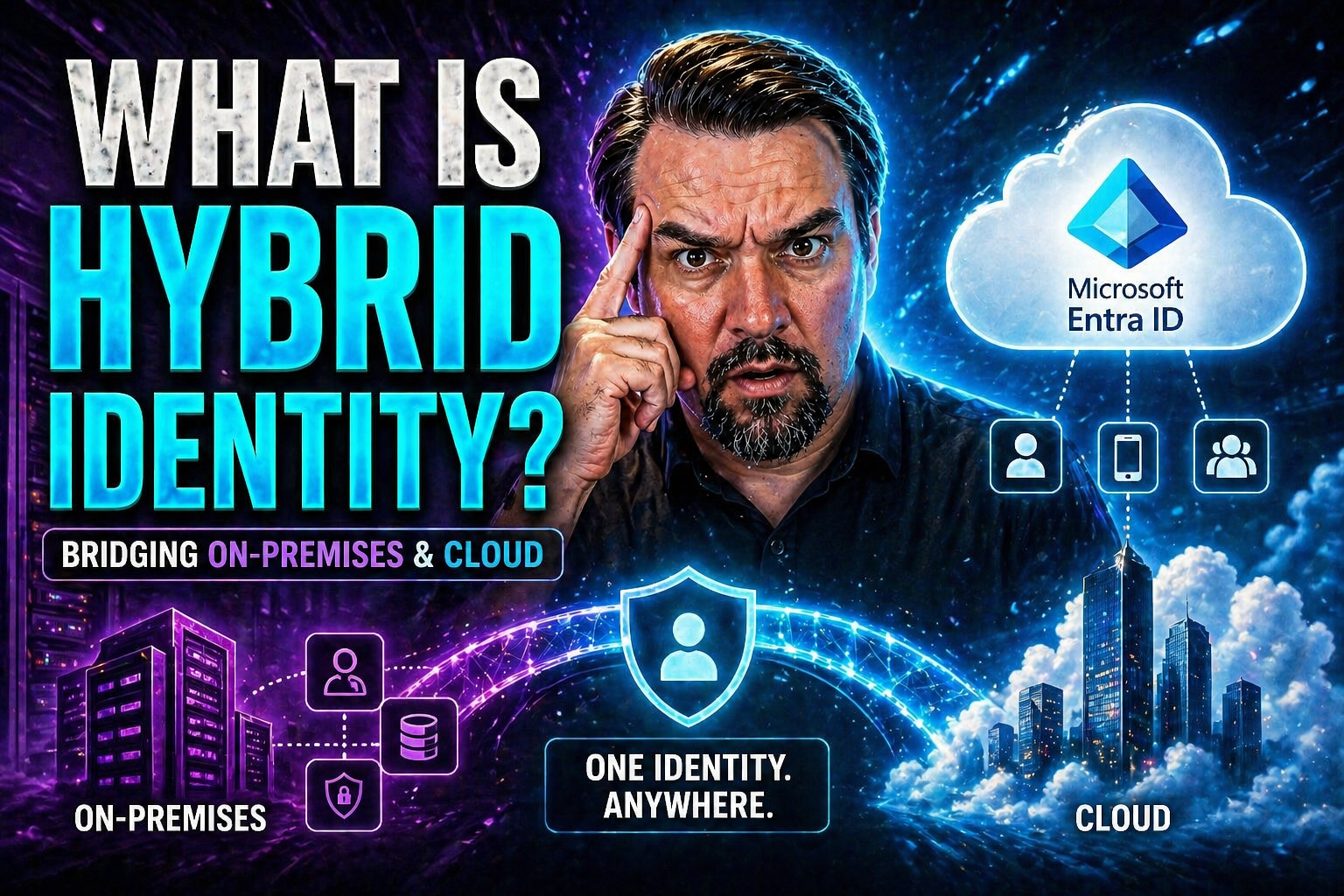
Hybrid identity is the modern approach to identity and access management that bridges your traditional on-premises identity systems, like Microsoft Active Directory, with newer cloud services such as Microsoft Entra ID. As organizations move toward cloud-based solutions, hybrid identity becomes essential for securely connecting users to resources, no matter where those resources live—on-premises, in the cloud, or both.
In a nutshell, hybrid identity means users have a single, unified digital identity to access everything they need, whether that's older business apps or new cloud services. Microsoft positions Entra ID (formerly Azure AD) at the heart of this transformation, making it the go-to solution for securely managing identities across all environments. If you’re looking to simplify access, boost security, and keep your organization agile during digital transformation, understanding the ins and outs of hybrid identity is a must.
Understanding Hybrid Identity Management and Core Concepts
Hybrid identity management lets you unify identity and access controls across your on-premises infrastructure and cloud services. It’s about making sure users—whether staff, contractors, or partners—can log in once and securely access the apps and data they need, no matter where those resources are hosted.
At the core of hybrid identity are a few key concepts. First is directory synchronization, which keeps user accounts, passwords, and group memberships in sync between your old-school Active Directory (running in your server room) and powerful cloud platforms like Microsoft Entra ID. Next is identity federation, which allows users to use their on-premises credentials to authenticate to cloud resources—think single sign-on, but supercharged. Single sign-on (SSO) itself is one of the biggest benefits, cutting down password fatigue and boosting productivity.
With Microsoft’s hybrid identity solutions, especially Entra ID, you get automated synchronization, secure authentication methods, and governance features that make managing users and their access more consistent and less risky. These unified systems are foundational for protecting today’s IT environments—lock down potential entry points for attackers, simplify operations, and support compliance needs, all while making life easier for your users.
From On-Premises Challenges to Digital Transformation Journeys
Back in the day, organizations built everything around on-premises Active Directory. But as cloud adoption took off, limitations quickly became clear. On-premises setups struggle to support remote users, modern SaaS apps, and the speed businesses expect from new tech.
Digital transformation projects pushed IT teams to rethink their identity strategies. Hybrid identity models emerged as the answer, offering flexibility, scalability, and seamless user experiences across both legacy and cloud systems. Modern hybrid approaches help businesses overcome security gaps, integration headaches, and the growing pains of shifting workloads into the cloud—all while keeping control of sensitive identity data.
How Microsoft Entra Hybrid Identity Management Works
Microsoft's Entra ecosystem is built to enable hybrid identity by linking what happens on your local network to all your cloud services. This connection is more than just about access—it's about ensuring users can sign in with one set of credentials, get the same experience everywhere, and that IT can keep tabs on who’s doing what.
At a high level, the process involves synchronizing identities between your on-premises Active Directory and Microsoft Entra ID. This means details like usernames, passwords, and group memberships are regularly synced, so nothing slips through the cracks. Authentication methods can be tailored: you decide if passwords are kept in the cloud, passed through on-premises, or checked by a federation service.
User provisioning and deprovisioning are also automated, so when someone's role changes or they leave, their access updates instantly across all your environments. This hybrid approach offers robust governance, letting you set policies, enforce security controls, and keep audit trails for compliance. If you’re navigating a hybrid deployment, understanding how each building block fits lets you craft an efficient, locked-down identity architecture without unnecessary complexity.
Microsoft Entra ID Overview and Identity Synchronization
Microsoft Entra ID (formerly Azure AD) is the backbone of Microsoft’s cloud identity. To connect your existing on-premises users to Entra ID, tools like Microsoft Entra Connect come into play. Entra Connect synchronizes your local Active Directory accounts, passwords (if you choose), and group information to the cloud efficiently and on a schedule you control.
For distributed or lightweight environments, Microsoft Entra Cloud Sync offers an agent-based sync method with less management hassle. Both solutions ensure that updates made in your on-premises directory—like adding a user or disabling an account—are quickly reflected in Entra ID. With consistent user identities across platforms, IT administrators get a unified view and users see a seamless experience, no matter where they log in.
Hybrid Authentication Methods for Secure Access
- Password Hash Synchronization (PHS): This approach syncs password hashes (not the actual passwords) from your on-premises Active Directory to Entra ID. It’s simple to set up, low maintenance, and provides fast authentication in the cloud. Users can log in directly to cloud services with the same password they use on-premises. Security remains strong since only password hashes are transferred, not the real thing.
- Pass-Through Authentication (PTA): With PTA, authentication requests are passed from the cloud back to your local domain controllers. This means passwords never leave your on-premises environment. It’s a good fit if you need stricter compliance or can’t store hashes outside your internal systems. PTA integrates with on-premises policies and can be paired with security features like account lockout.
- Federated Authentication: Federation lets you use third-party identity providers (like AD FS, Okta, or Ping Identity) to validate credentials. It's the most flexible option but also the most complex. Federation supports advanced scenarios, including single sign-on across multiple domains or non-Microsoft apps, and enables real-time policy enforcement. It’s ideal for large organizations or those with specific regulatory needs.
Choosing the right authentication model depends on your technical requirements, risk profile, and the user experience you want to provide. Many organizations start with password hash sync for simplicity, and move to PTA or federation as complexity or compliance demands grow.
Implementing Hybrid Identity with Microsoft Tools and Best Practices
Rolling out hybrid identity in your organization starts with thorough planning. First, map out your current directory landscape and identify which users and groups need to sync with Entra ID. Next, choose the synchronization method—Entra Connect for most setups or Entra Cloud Sync for lightweight or distributed environments.
Pay close attention to attribute filtering, so only necessary user details move to the cloud—this tightens privacy and limits exposure. Test your synchronization and authentication models in a pilot before broad rollout. Make sure to enable auditing and robust logging from day one for visibility and troubleshooting.
Microsoft’s tools also let you automate lifecycle management—automated onboarding, role changes, and offboarding help slash admin headaches and boost security. To avoid common pitfalls, standardize your identity architecture, monitor for sync errors, and regularly review configuration. Stick to best practices, like keeping directory data clean and well-scoped, and you’ll set the foundation for a scalable, secure hybrid identity environment.
Advanced Security and Governance for Hybrid Identity
As organizations stitch together on-premises systems and the cloud, security and governance become top priorities. Hybrid identity plays a central role in building a strong security posture, making it harder for attackers to exploit gaps and easier for IT to enforce consistent access policies across every environment.
One of the standout advantages of hybrid identity—especially with Microsoft Entra ID—is its support for advanced security controls like conditional access and multi-factor authentication. Together, these tools ensure only the right people, on the right devices, at the right time, get into protected resources. Governance features take it further, letting you automate identity lifecycles, manage privileged roles, and maintain tight control over sensitive data, no matter where it lives.
AI-driven analytics and monitoring now infuse identity management as well, giving you predictive insights into risky behavior, suspicious logins, and policy violations before they cause real trouble. If you want to know more about tightening conditional access and preventing policy sprawl, check out resources like this M365.fm security guide or tips for strengthening conditional access policies. Dive deeper into Copilot and Power Platform governance with advanced strategies found here and here.
Enhanced Security with Conditional Access and Advanced Authentication
- Conditional Access Policies: Enforce automated checks on user location, device, and risk level before granting access. This minimizes the risk of stolen credentials being used in the wild. See practical strategies at this M365.fm episode.
- Multi-Factor Authentication (MFA): Require users to provide a second verification, such as an SMS code or app notification, dramatically reducing the risk of successful phishing attacks.
- Safe Rollout and Baseline Policies: Start with a small set of inclusive, clearly documented policies and expand with ongoing monitoring, as recommended by these M365.fm policy trust tips.
- Adaptive Controls: Leverage risk-based authentication and policy enforcement that adapts to changing threat levels for dynamic, context-aware security.
Privileged Access Governance and AI-Driven Security Built-In
- Lifecycle Management: Automatically onboard, modify, or offboard user and admin accounts as roles change, ensuring access rights stay current and orphaned accounts don’t linger.
- Privileged Access Policies: Enforce strict controls on high-risk roles using just-in-time access and role scoping, as well as separation of duties.
- Continuous Monitoring: Benefit from AI-powered analytics to catch unusual behavior, unauthorized changes, or compliance violations early—before they become incidents.
- Advanced Governance: Deploy tools like Microsoft Purview and categorize data and connectors to prevent information leaks, as detailed in this guide to Copilot governance.
Business Benefits of Hybrid Identity and Digital Transformation
- Operational Efficiency: Hybrid identity slashes manual user administration and automates everyday access tasks. This frees your IT team to focus on higher-value work and keeps things running smoother even with limited staffing.
- Simplified Management: Unify on-premises and cloud identity operations with centralized tools. This reduces errors, removes information silos, and allows consistent policy enforcement everywhere.
- Enhanced User Experience: Employees get single sign-on (SSO), using one ID and password to access all their apps—cloud or legacy—leading to fewer password reset headaches and higher productivity.
- Cost Savings: Hybrid identity models help optimize software licenses, reduce helpdesk calls for password issues, and phase out aging infrastructure at your own pace, protecting your IT budget.
- Agility and Scalability: Organizations can quickly adopt new cloud services, scale access for remote or hybrid workers, and support growth—all while maintaining control over security and compliance.
- Support for Digital Transformation: Hybrid identity is the linchpin for secure, flexible digital transformation, ensuring your migration to the cloud doesn’t leave any security gaps behind.
FAQs, Common Mistakes, and Reference Architecture for Hybrid Identity
Hybrid identity often sparks questions and confusion—so let’s clear things up. First off, you don’t need to be a mega-enterprise or have a massive IT crew to benefit from hybrid identity. Tools like Microsoft Entra Connect and Cloud Sync were built with ease of use and automation in mind, making them a fit even for mid-sized businesses with tight resources. Don’t worry if your tech stack isn't pure Microsoft either—federated identity models and standards like SCIM mean you can stitch in other cloud platforms or non-AD directories as needed.
One big mistake is ignoring proper lifecycle management. Orphaned accounts—users who’ve left but still have access—can quickly become a security hole. Automated provisioning and deprovisioning should be priorities. Similarly, don't fall into the trap of having hundreds of conditional access exceptions or letting legacy policies pile up; that’s “identity debt,” and it leads to unpredictable and fragile security policies. For more on shrinking identity debt, visit this M365.fm podcast.
Another misconception: hybrid identity has to be all or nothing. You can roll out in phases, syncing only key attributes and users as you get comfortable. Reference architectures from Microsoft suggest starting with a minimal, secured core—linking only essential on-premises systems and gradually expanding to the cloud as your organization transitions. Diagram your user flows, establish a baseline set of conditional access policies, and keep privilege assignments lean and well-audited.
Ready to start or improve your own hybrid identity journey? Lean on best practices: keep things simple at first, automate wherever possible, monitor for drift or unused accounts, and stay up-to-date with both vendor and community resources. With a thoughtful architecture and attention to ongoing governance, you’ll unlock the full value—and security—of hybrid identity in your digital transformation.
You Should Also Listen To
If you are researching what is hybrid identity, these episodes add practical context on architecture, security, governance, and implementation:
- Microsoft AI Agent Harness – Simply Explained — Understand orchestration, guardrails, evaluation, and reliable AI workflows.
- Microsoft Defender XDR – Simply Explained — Connect identity and AI decisions with security monitoring and response.
- Microsoft Teams Governance – The Illusion of Control — Learn how governance, ownership, and policy reduce operational risk.
- Azure Virtual Network – Simply Explained — Understand the architecture context behind cloud connectivity.

Microsoft MVP | Host of M365.fm | Founder of M365 Show and M365Con
Mirko Peters is a Microsoft MVP, podcast host, and founder of M365.fm, M365 Show, and M365Con. His work connects Microsoft practitioners through podcast interviews, livestreams, and community events.
At M365.fm, Mirko hosts conversations with Microsoft MVPs, product experts, architects, and community contributors. Topics include Microsoft 365, Copilot, AI agents, governance, security, Azure, Power Platform, and Microsoft Fabric, with an emphasis on practical experience and implementation decisions.
M365.fm is the podcast and learning platform. M365 Show brings experts together for livestreams, while M365Con provides an online conference setting for community learning.
Official website: Mirko Peters (https://www.mirkopeters.com/). Recognition: Mirko Peters — Microsoft MVP profile (https://mvp.microsoft.com/de-DE/mvp/profile/9b0ca797-db5a-493a-a845-8b9158046cf5). Connect on LinkedIn (https://www.linkedin.com/in/m365showpodcast/).





