Why Your Organization Needs Data Loss Prevention Now
Welcome back to the podcast companion blog! In today's digital landscape, protecting sensitive information is no longer just a technical checkbox—it is a core business necessity. As organizations increasingly migrate to cloud environments, collaborate across borders, and adopt artificial intelligence tools like Copilot, the surface area for potential data exposure grows exponentially. Recent statistics reveal that the average cost of a data breach has climbed to a staggering $4.88 million, while 72% of organizations have experienced an increase in data breach incidents over the past two years. If your business handles intellectual property, financial records, or personally identifiable information (PII), understanding and deploying a robust Data Loss Prevention (DLP) strategy is paramount.
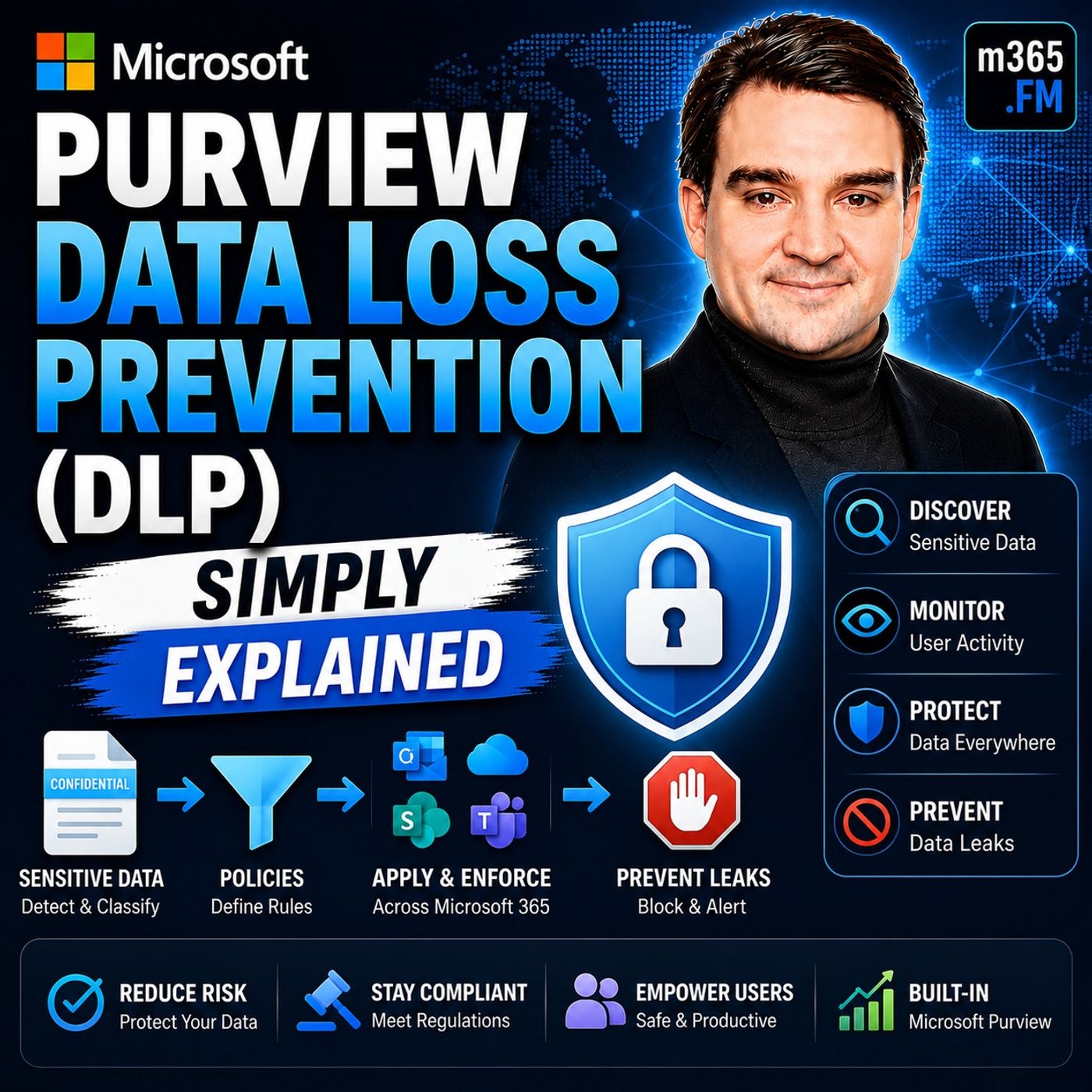
To dive deep into how you can operationalize these concepts within your own environment, be sure to listen to our related episode, Microsoft Purview Data Loss Prevention (DLP) - Simply Explained, where we break down the practical steps to securing your enterprise information assets.
Understanding Data Loss Prevention
What is DLP?
Data Loss Prevention (DLP) is a comprehensive set of strategies, tools, and processes designed to identify, monitor, and safeguard sensitive data from unauthorized access, leakage, or loss. By establishing clear boundaries and rules around how information flows within and outside your organization, DLP acts as a digital guardrail, ensuring your most valuable corporate and customer assets remain strictly confidential and secure.
Importance of DLP
Implementing effective DLP strategies is essential for multiple reasons, chief among them being the avoidance of catastrophic data loss. Data loss can stem from a variety of sources:
- Accidental Deletion: Unintended erasure of critical files by everyday users.
- Hardware Failure: Physical breakdown of storage media and local servers.
- Software Corruption: System errors and bugs that render data files unreadable.
- Cyberattacks and Malware: Ransomware and malicious exfiltration activities targeting data integrity.
- Natural Disasters: Environmental events causing physical damage to local data centers.
- Insider Threats: Intentional or unintentional data theft and leakage from within the organization.
Beyond the operational headache of recovering lost files, the financial and reputational impacts of a breach are immense. Organizations face direct remediation costs, regulatory fines, legal fees, and potential business interruptions. Customers and partners naturally expect businesses to protect their data; when that trust is broken through a public breach, rebuilding brand reputation requires substantial time, effort, and financial capital.
Overview of Microsoft Purview
What is Microsoft Purview?
Microsoft Purview is a comprehensive data governance, compliance, and risk management solution designed to help organizations map, protect, and manage their data estate effectively. It plays a central role in modern data loss prevention by supplying centralized tools that protect sensitive information across multi-cloud, on-premises, and software-as-a-service (SaaS) environments. With Microsoft Purview, security administrators can easily define what constitutes sensitive data and implement automated policies to intercept unauthorized attempts to share or exfiltrate that data.
Core Capabilities
Microsoft Purview equips security teams with a robust suite of technical capabilities to ensure comprehensive data protection:
- Content Detection: Goes beyond basic keyword matching to deeply inspect files and emails for contextual relevance.
- Policy Actions: Automatically blocks risky sharing, sends warning notifications, or encrypts items on the fly.
- Sensitive Information Types (SITs): Utilizes pre-built or custom pattern-based detectors for structured data like credit card numbers and national identifier numbers.
- Trainable Classifiers: Leverages machine learning to recognize unstructured business content based on sample documents.
- Exact Data Match (EDM): Matches data against secure, approved enterprise datasets to dramatically reduce false positive alerts.
- Document Fingerprinting: Identifies modified iterations of known sensitive forms and templates.
- Policy Tips: Delivers real-time educational notifications directly inside user applications when a policy violation is imminent.
Creating DLP Policies
Identifying Sensitive Data
Before you can construct effective DLP policies, you must first discover and classify what constitutes sensitive data within your unique corporate ecosystem. Microsoft Purview streamlines this discovery phase through content analysis, built-in sensitive information types, trainable classifiers, and exact data matching capabilities. Knowing precisely where your sensitive data lives—whether in SharePoint sites, Exchange mailboxes, or local endpoints—is the foundation of any successful security posture.
Configuring DLP Policies
Once your data assets are classified, you can begin authoring your DLP policies. To ensure a smooth rollout, follow this structured approach:
- Design your policies: Clearly define your compliance objectives, outlining precisely which data streams need protection and what actions should trigger upon a violation.
- Implement policy in simulation mode: Run your new policies without enforcement active to observe how they interact with daily employee workflows and to gauge the volume of potential alerts.
- Monitor outcomes and fine-tune: Review simulation logs to adjust detection thresholds, eliminate noise, and ensure legitimate business processes aren't disrupted.
- Enable the control: Officially activate policy enforcement while maintaining an ongoing review cycle to adapt to evolving organizational requirements.
Application Areas for DLP
DLP in Microsoft 365
Data Loss Prevention within Microsoft 365 is deeply woven into the applications your teams use every day. You can enforce robust DLP controls across a wide array of workloads:
- Exchange Online: Monitors outgoing email communications and attachments for sensitive strings or regulatory data.
- SharePoint and OneDrive: Secures stored documentation and manages external sharing permissions dynamically.
- Microsoft Teams: Intercepts sensitive data shared in chat threads, private messages, and channel discussions.
- Office Applications: Protects Word, Excel, and PowerPoint files locally and in the cloud.
- Windows and macOS Endpoints: Restricts copy-pasting, printing, and unauthorized cloud uploading directly on client machines.
- Microsoft Fabric and Power BI: Protects analytical dashboards and corporate intelligence workspaces from accidental leakage.
- Microsoft 365 Copilot: Governs AI interactions to ensure generative prompts and outputs do not inadvertently expose protected corporate assets.
DLP for Endpoints
Endpoint DLP is indispensable in a modern hybrid work era. By extending data protection policies straight to user laptops and desktops, organizations maintain strict visibility and control even when devices are offline or operating outside the traditional corporate network. Continuous monitoring of user activities on endpoints helps security teams catch and neutralize exfiltration attempts before data ever leaves the device.
Monitoring DLP Events
Setting Up Alerts
Visibility is the backbone of incident response. Microsoft Purview allows administrators to configure automated alerts triggered whenever user actions violate defined DLP rules. These alerts can be aggregated across custom time windows and reviewed directly within the compliance dashboard or routed to the Microsoft Defender portal for unified security operations management.
Analyzing DLP Reports
Regularly reviewing analytical reports and leveraging tools like Activity Explorer ensures your security posture remains dynamic and resilient. By evaluating metrics such as incident response times, policy violation frequencies, false positive ratios, and data leakage rates, security leaders can continually optimize their configurations and adjust user training initiatives to plug recurring vulnerabilities.
Best Practices for DLP Implementation
Training Employees
Technology alone cannot secure an enterprise; the human element remains vital. Organizations must invest in engaging, scenario-based employee training that covers phishing prevention, password management, insider threat awareness, and proper data handling practices. Transform abstract compliance rules into practical, real-world examples to foster an organic culture of security awareness across all departments.
Regular Policy Reviews
Business operations, regulatory landscapes, and internal job roles change constantly. Consequently, organizations should audit and review their DLP policies at least on a quarterly basis. Analyzing past alerts, incorporating feedback from department heads, and updating rules to address emerging threat vectors guarantees that your data protection framework scales appropriately alongside corporate growth.
Challenges and Solutions
Resistance to Change
Introducing strict security guardrails often invites pushback from employees accustomed to frictionless file sharing. Usability friction, fear of the unknown, and poor internal communication can cause staff members to seek unauthorized workarounds. Overcoming this requires transparent communication about *why* these policies exist, framing data protection as a shared responsibility that safeguards the entire organization's livelihood.
Balancing Security and Usability
Achieving the right equilibrium between tight security and unhindered productivity is a delicate balancing act. Starting your DLP deployment in monitoring-only mode allows you to understand true baseline workflows and tune out false positives before enforcing blocking actions. Gradual enforcement combined with clear policy tips ensures employees learn secure habits organically without experiencing workflow paralysis.
In summary, implementing Microsoft Purview Data Loss Prevention is a mandatory step for any modern organization looking to safeguard its intellectual property, financial standing, and customer trust. By combining intelligent content detection, broad ecosystem coverage across Microsoft 365 and endpoints, and proactive employee training, you can build a resilient digital workplace.
To deepen your understanding of these concepts and hear expert insights on configuring your own environment, make sure to listen to our dedicated podcast episode, Microsoft Purview Data Loss Prevention (DLP) - Simply Explained.
FAQ
What is Data Loss Prevention (DLP)?
Data Loss Prevention refers to a combination of policies, tools, and technical strategies designed to detect, monitor, and protect sensitive information from unauthorized access, leakage, or loss.
How does Microsoft Purview enhance DLP?
Microsoft Purview offers deep content inspection, trainable machine learning classifiers, automated policy actions, and real-time alerts across multi-cloud environments, endpoints, and productivity applications.
Can DLP policies be customized?
Yes, administrators can fully customize DLP policies in Microsoft Purview to target specific sensitive information types, apply tailored rules, and enforce custom enforcement behaviors.
What types of sensitive data can DLP protect?
DLP can protect an extensive array of sensitive data categories, including financial account details, health records, intellectual property, and personally identifiable information (PII).
How often should I review DLP policies?
Organizations should review and audit their DLP policies at least on a quarterly basis to ensure alignment with changing business requirements, emerging threats, and new regulatory standards.
What happens if a DLP policy is violated?
Depending on configuration, Microsoft Purview can generate user policy tips, block the sharing action entirely, encrypt the item, or alert security operations administrators.
Is employee training necessary for DLP success?
Absolutely. Cultivating security awareness through continuous employee training reduces accidental data leaks and encourages safe day-to-day data handling habits.
Can DLP be applied to third-party applications?
Yes, Microsoft Purview extends DLP monitoring and protection capabilities beyond native Microsoft tools into supported third-party cloud apps and external endpoints.
🎧 You Should Also Listen To
- Microsoft Purview Information Protection – Simply Explained explains the labels and classifications that DLP policies often rely upon.
- Microsoft Purview Insider Risk Management – Simply Explained adds crucial context for investigating and responding to suspicious user activities.
- Exchange Online Protection (EOP) – Simply Explained helps distinguish email-threat security controls from data-protection policies.
Last reviewed: July 2026.

Microsoft MVP | Host of M365.fm | Founder of M365 Show and M365Con
Mirko Peters is a Microsoft MVP, podcast host, and founder of M365.fm, M365 Show, and M365Con. His work connects Microsoft practitioners through podcast interviews, livestreams, and community events.
At M365.fm, Mirko hosts conversations with Microsoft MVPs, product experts, architects, and community contributors. Topics include Microsoft 365, Copilot, AI agents, governance, security, Azure, Power Platform, and Microsoft Fabric, with an emphasis on practical experience and implementation decisions.
M365.fm is the podcast and learning platform. M365 Show brings experts together for livestreams, while M365Con provides an online conference setting for community learning.
Official website: Mirko Peters (https://www.mirkopeters.com/). Recognition: Mirko Peters — Microsoft MVP profile (https://mvp.microsoft.com/de-DE/mvp/profile/9b0ca797-db5a-493a-a845-8b9158046cf5). Connect on LinkedIn (https://www.linkedin.com/in/m365showpodcast/).